
$45.90
Free delivery · 7–14 days
SanDisk SD Memory Card 80MB/s UHS-I Class 10 Camera


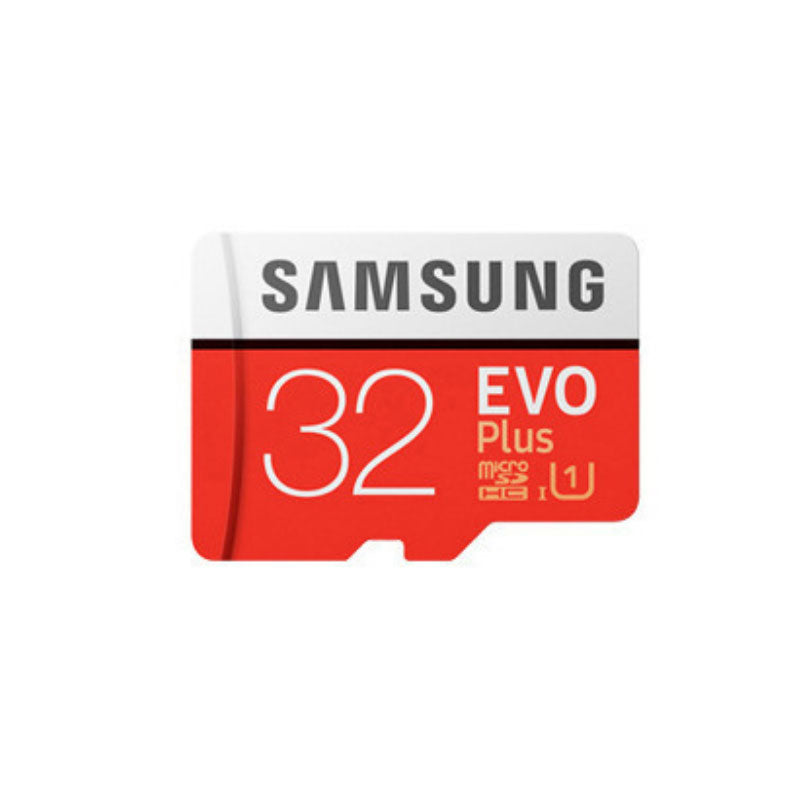


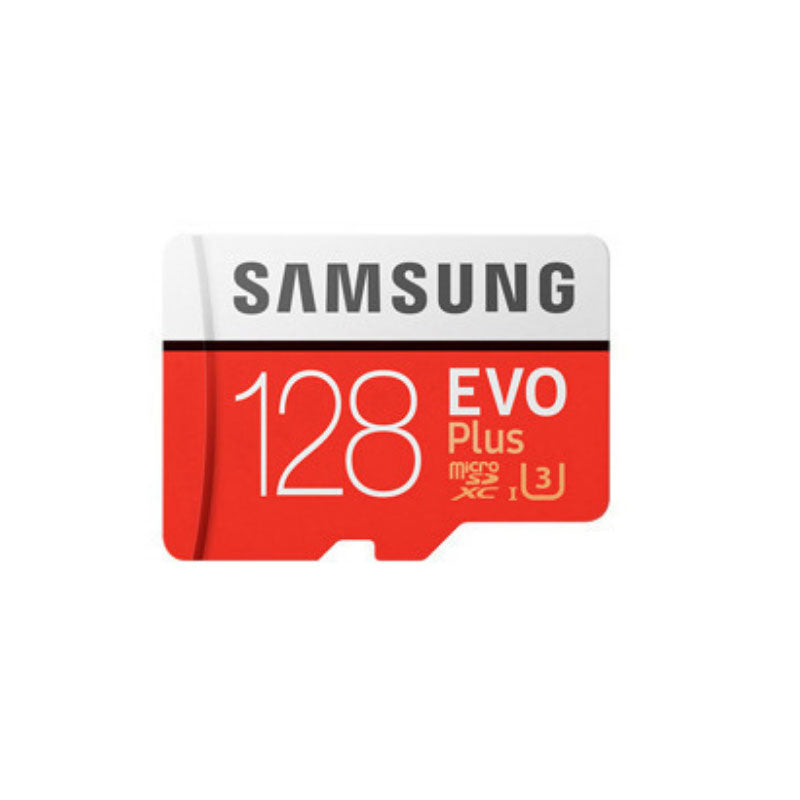

Keep recording without deleting your favourite clips. This 32GB Samsung EVO+ microSD card gives phones, cameras and drones room to shoot, with a clear Class 10 UHS-I rating printed on the pack.
Read the full descriptionKeep recording without deleting your favourite clips. This 32GB Samsung EVO+ microSD card gives phones, cameras and drones room to shoot, with a clear Class 10 UHS-I rating printed on the pack.
Samsung EVO+ microSD card for fast, reliable storage in phones, cameras and drones
Stop deleting clips to free space. A 32GB Samsung EVO+ microSD gives your phone, camera or drone room for the moments that matter.

Class 10 and UHS-I set a sustained write baseline that suits HD video from a phone, dashcam or drone. The retail pack lists read speeds up to 100MB/s and write speeds up to 90MB/s, so you know what the card is rated for before it goes in the slot.

At 32GB you get space for a full set of photos and several days of HD clips without deleting anything. The same EVO Plus line also comes in 64GB, 128GB and 256GB if your library grows, so you can step up without switching brands. Browse the micro sd cards range to compare.
Remove the card from the clear blister. The glossy white and red laminate carries the Samsung EVO+ branding and the speed callouts printed on the pack.
Check the notched contact end, then slide the card into your phone, camera or drone slot until it clicks. Power the device off first if it has no hot-swap slot.
Open the storage settings on the device you plan to use, format the card there, and confirm the 32GB capacity shows. Cards formatted inside the same device tend to record more reliably.
If your device takes a microSD card and supports microSDHC, it will read this one. The card is a microSDHC format at 32GB. Check your device manual for the supported capacity and format before you order, since a few older devices only accept microSDHC up to a set size.
32GB suits a phone that you clear every few weeks, or a camera you offload after each trip. If you shoot 4K or record dashcam footage all day, the 64GB or 128GB EVO Plus cards hold more hours before you need to swap.
A card with a Class 10 and UHS-I rating is built for HD recording. Slow cards are the usual cause of dropped frames, so the rating on the label is the thing to check first.
A generic card with vague speed claims can stall in the middle of a clip, and that footage is gone. The Samsung EVO+ carries a named brand and a clear Class 10 UHS-I rating, which is the cheaper option when a lost trip costs more than the card.
A 32GB card is microSDHC. Devices that only read microSDHC will accept it, and most newer phones and cameras read both formats. If your device is limited to microSDHC, this card fits. For capacities above 32GB, look for microSDXC.


 32GB microSD Card Class 10 UHS-I for Phone Storage