$35.90
Free delivery · 7–14 days
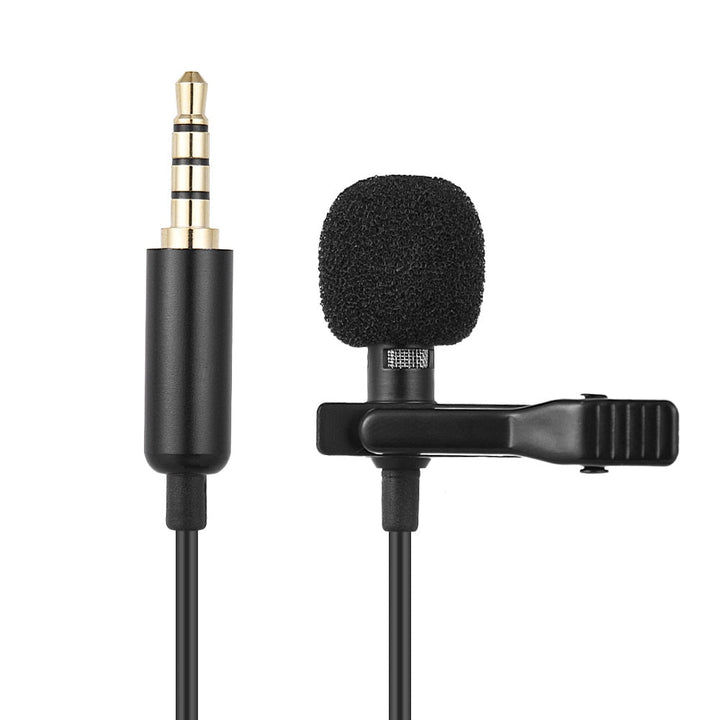
Clip‑On Lavalier Mic for iPhone & DSLR — Crystal‑Clear Audio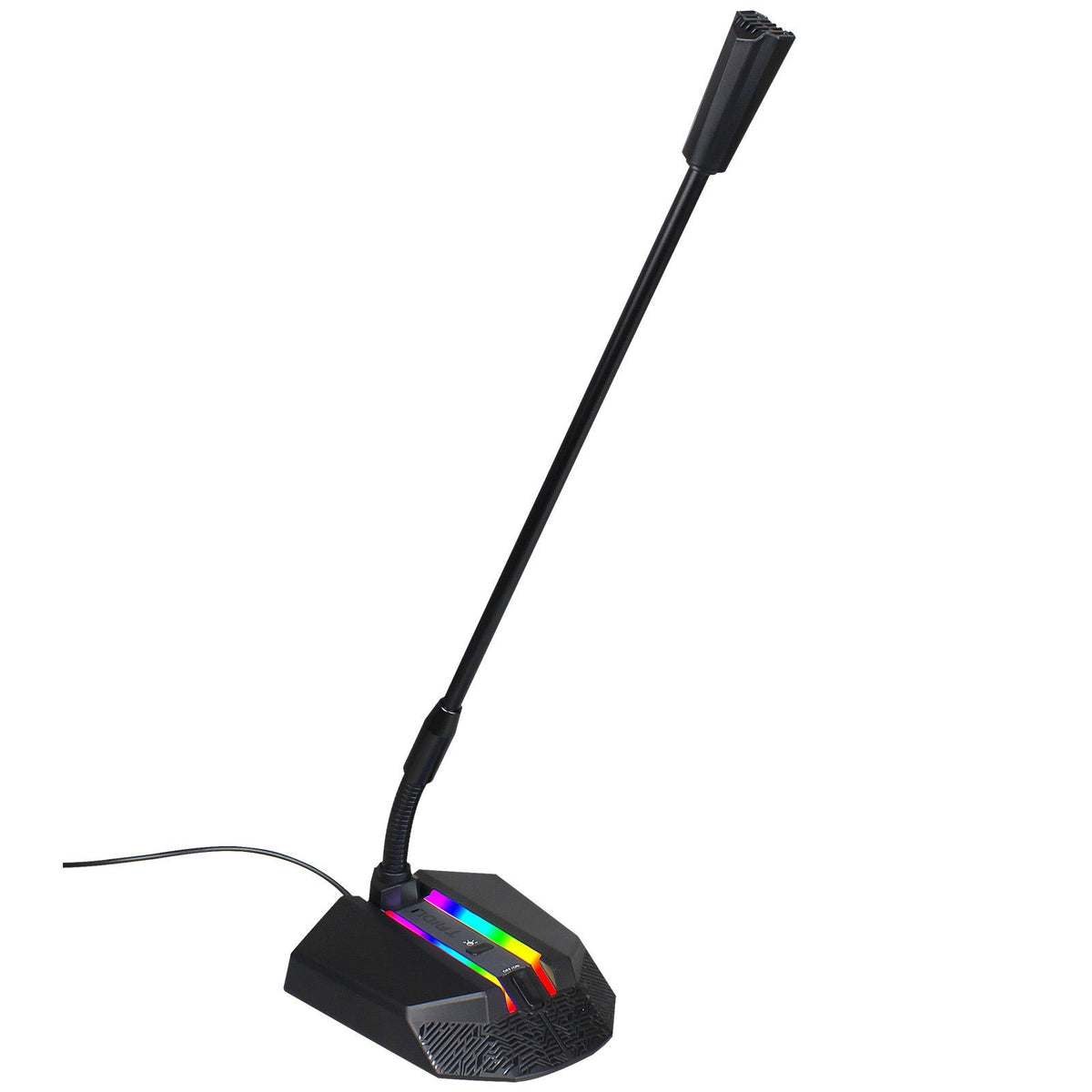
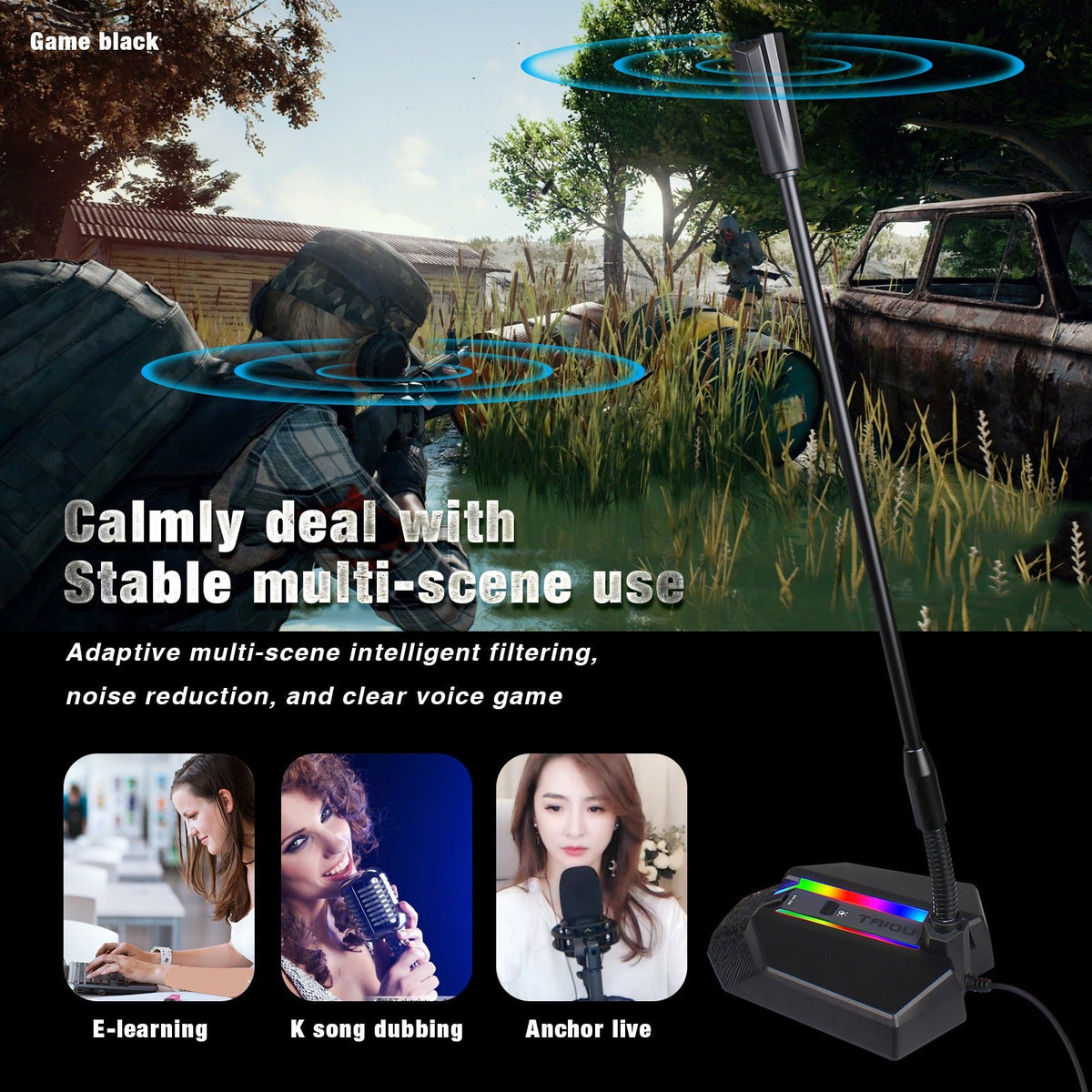
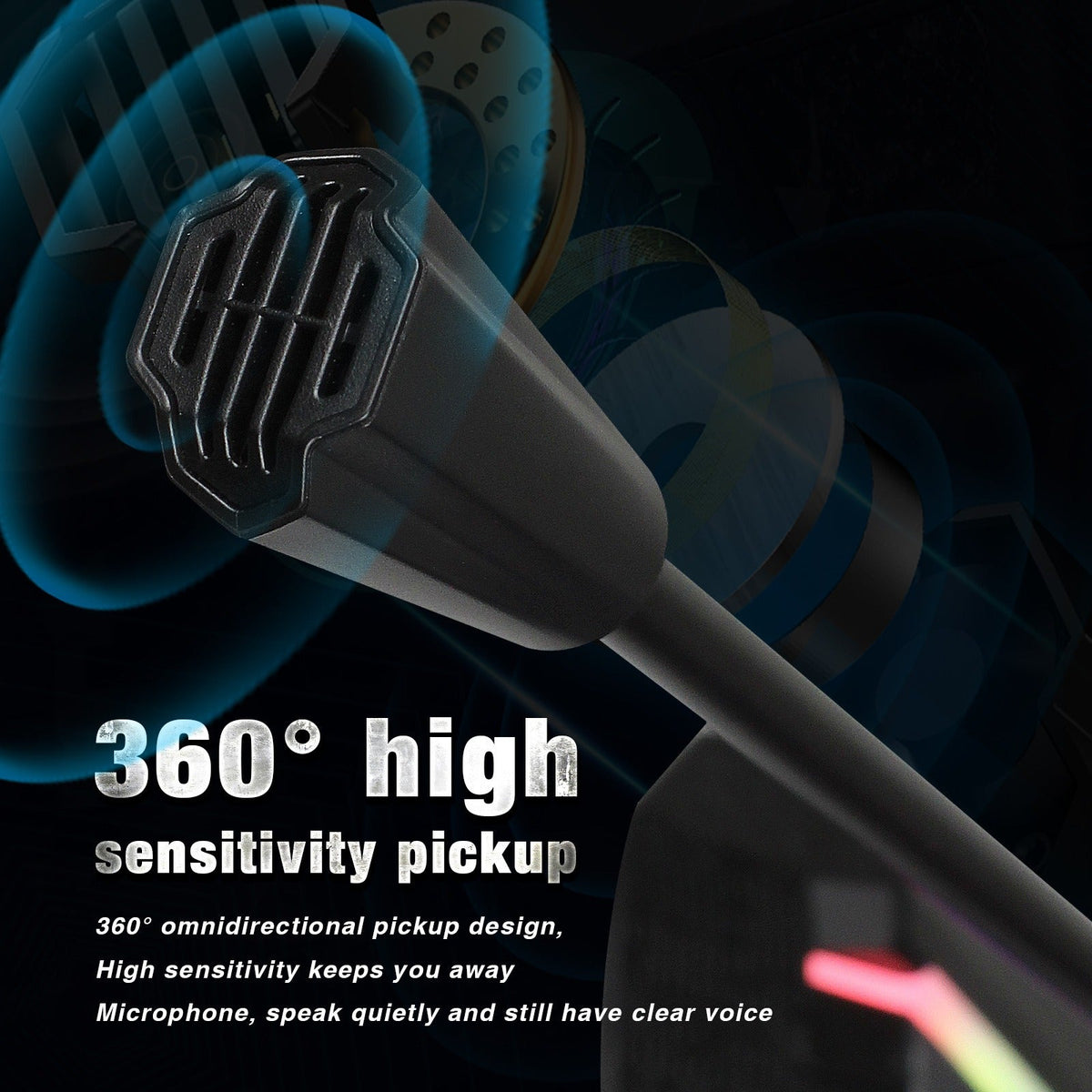
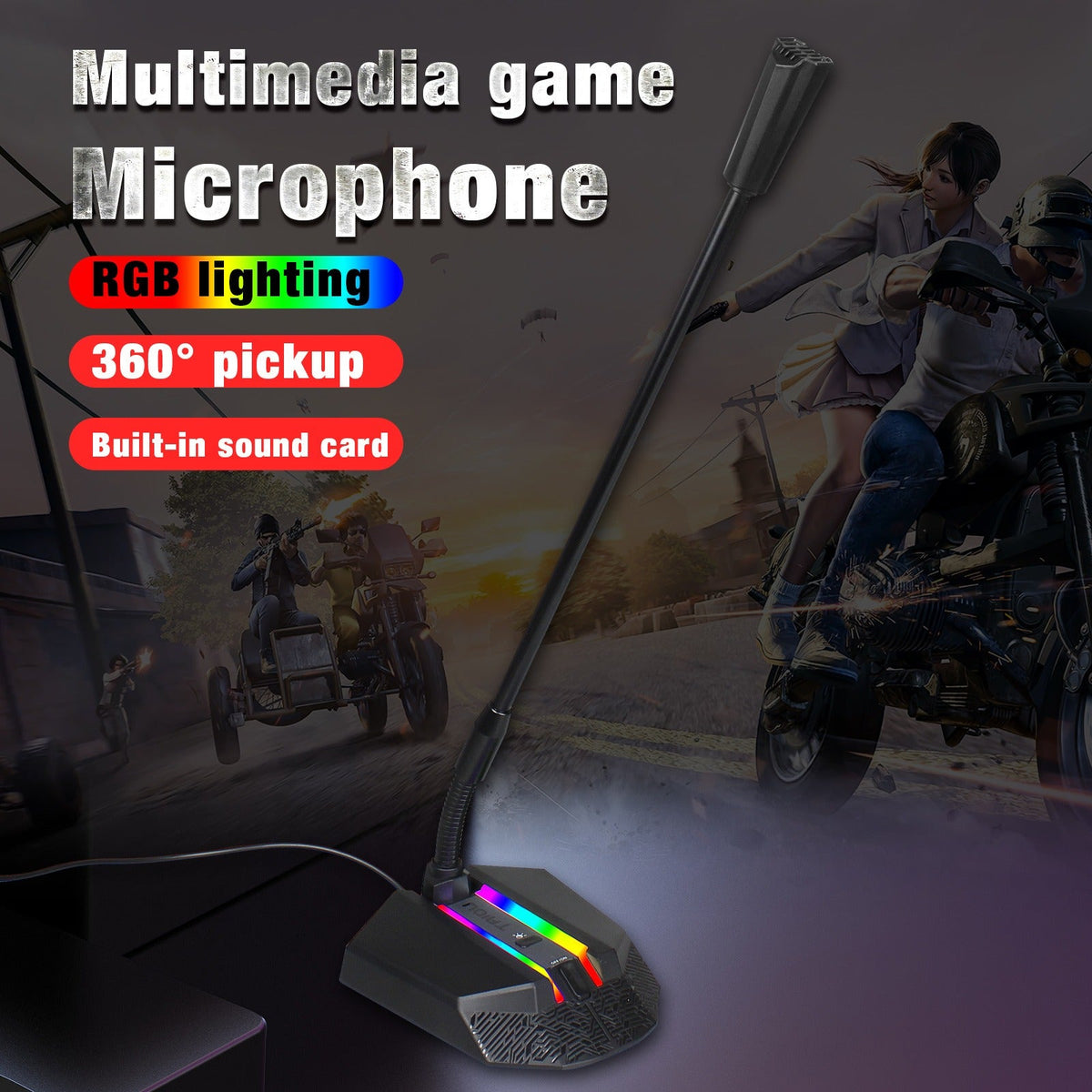
Crystal‑clear voice capture meets immersive RGB visuals — this desktop condenser mic transforms your gaming setup into a pro streaming station.
Read the full descriptionCrystal‑clear voice capture meets immersive RGB visuals — this desktop condenser mic transforms your gaming setup into a pro streaming station.
RGB gaming microphone with adaptive noise reduction for immersive streaming and gameplay
This RGB condenser microphone brings adaptive noise reduction and intelligent scene filtering to your desktop, so your voice cuts through the chaos — whether you're live on Twitch, recording a podcast, or belting K‑pop.

The built‑in DSP chip analyzes your environment and strips out keyboard clicks, fan hum, and background chat. Your voice stays front and center, whether you’re sweating a 1v5 or narrating a tutorial.

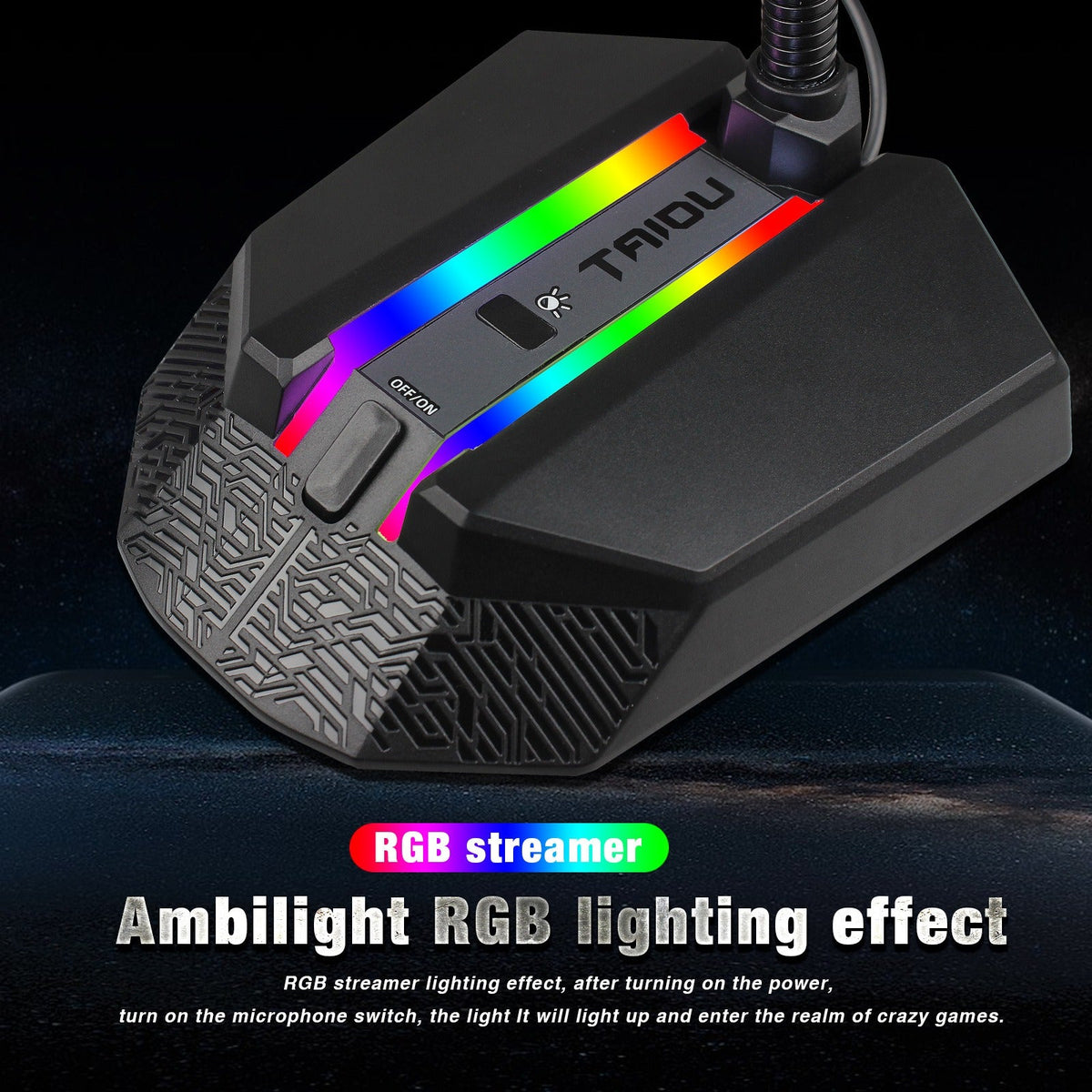
An animated LED bar syncs with your voice or game intensity. Switch between vibrant rainbow waves, solid colors, or pure gaming ambiance — it’s a showstopper on any desk.
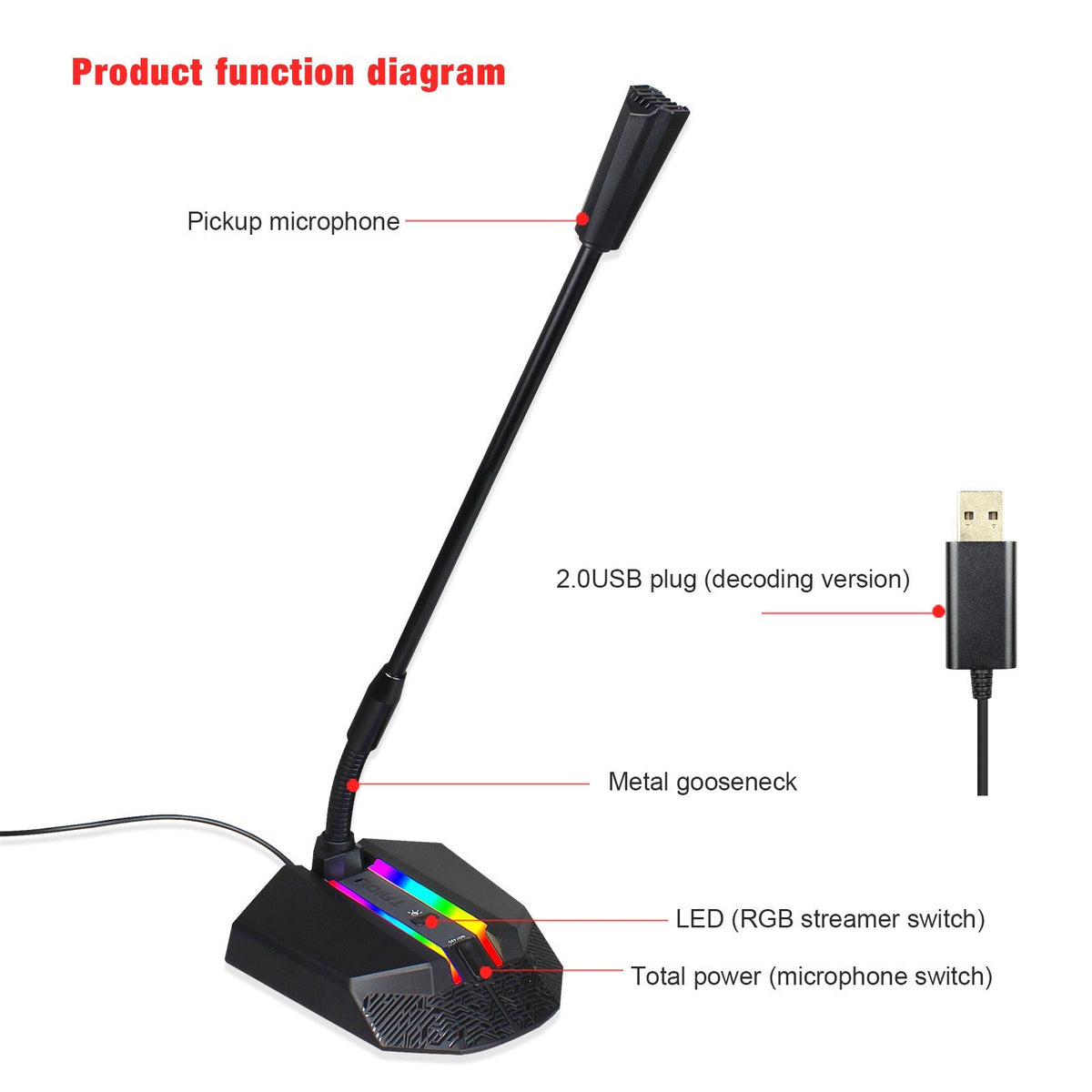
The sturdy metal gooseneck bends and holds any angle — no droop, no drift. Find the sweet spot and lock it in, so you can focus on your craft, not your mic stand.
Screw the microphone onto the included desktop stand. The base is weighted and non‑slip, so it stays put even during intense gaming.
Plug the supplied USB cable into the mic and your PC, Mac, or console. No extra drivers are needed — it’s instantly recognized as a high‑quality input device.
Bend the metal gooseneck to bring the capsule close to your mouth, about 6–10 inches away. It holds any angle without drooping.
Flip the microphone power switch to ON, then use the RGB mode switch to cycle through lighting effects or turn the lights off.
with built‑in metal gooseneck
1.8m length, shielded
weighted, non‑slip
Your built‑in laptop mic picks up every click of your mechanical keyboard and every whir of your PC fan. Discord friends complain about echo, and your stream sounds like you’re broadcasting from a wind tunnel. You’ve tried noise‑suppression software, but it warps your voice — and your gaming setup still looks flat and forgettable.

This condenser mic doesn’t just hear your voice — it understands your space. Adaptive DSP filtering isolates your speech in real time, muting the mechanical keyboard and background air conditioner. Meanwhile, the RGB light bar dances to your gameplay or voice, turning your desk into a centerpiece. Plug it in, bend the gooseneck into position, and your audience hears you like you’re in the same room.
| This Mic | Laptop Built‑in | |
|---|---|---|
| Noise filtering | Adaptive DSP | None |
| Audio clarity | Rich, detailed | Tinny, hollow |
| RGB lighting | Full spectrum | No |
| Gooseneck positioning | Yes, metal | Fixed |
| Setup effort | Plug and play | Plug and play |
It connects via USB 2.0 and is plug‑and‑play with any device that supports standard USB audio — that includes gaming consoles like PS5, Xbox Series X|S, and Switch dock. Some games may require you to select the mic as the input device in the system settings.
The cable is roughly 6 feet (1.8 meters) long, which is enough for most desk setups. If you need more reach, any standard USB extension cable will work.
Yes, the dedicated RGB mode switch lets you cycle through patterns or turn the lights off entirely. You can go full stealth mode for late‑night recordings without losing great audio.
Headset mics are built for communication, not broadcast quality. This condenser capsule captures a fuller, richer tone, and the adaptive noise reduction is leagues ahead. For streaming, podcasting, or any content you publish, it’s a night‑and‑day difference. Plus, RGB lighting adds a visual pop that a headset never will.


 RGB Desktop Microphone — Adaptive Noise Reduction & RGB