
$43.90
Free delivery · 7–14 days
NES620 Retro Game Console With 620 Built-In Games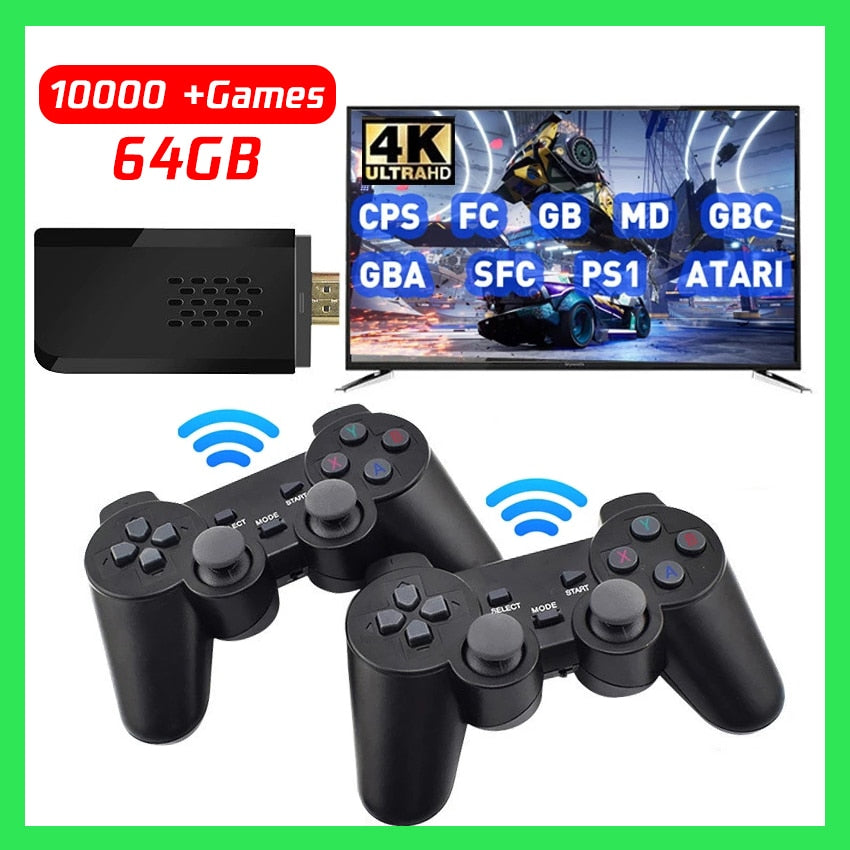
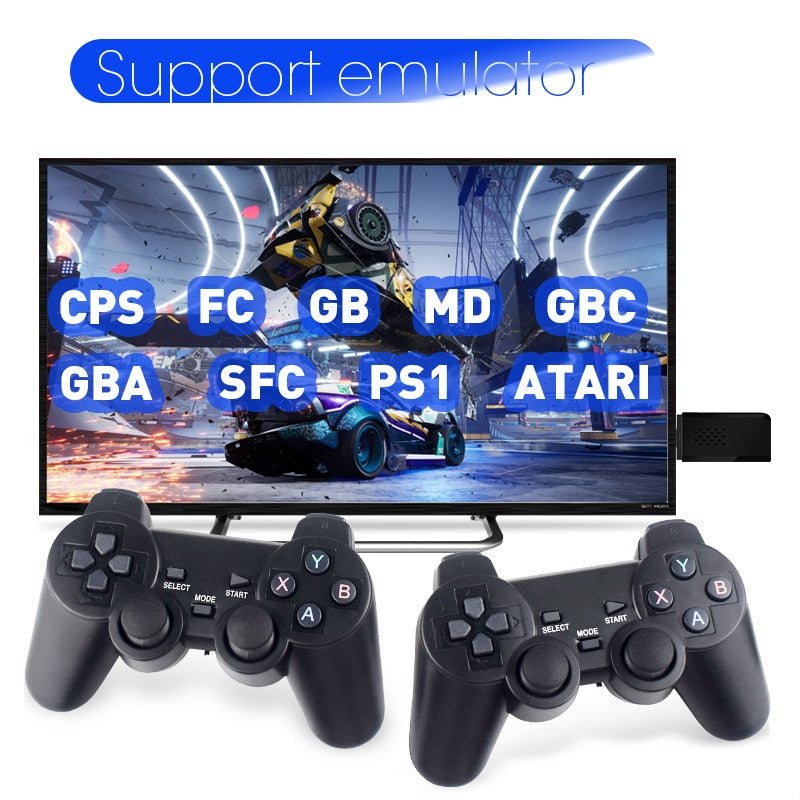
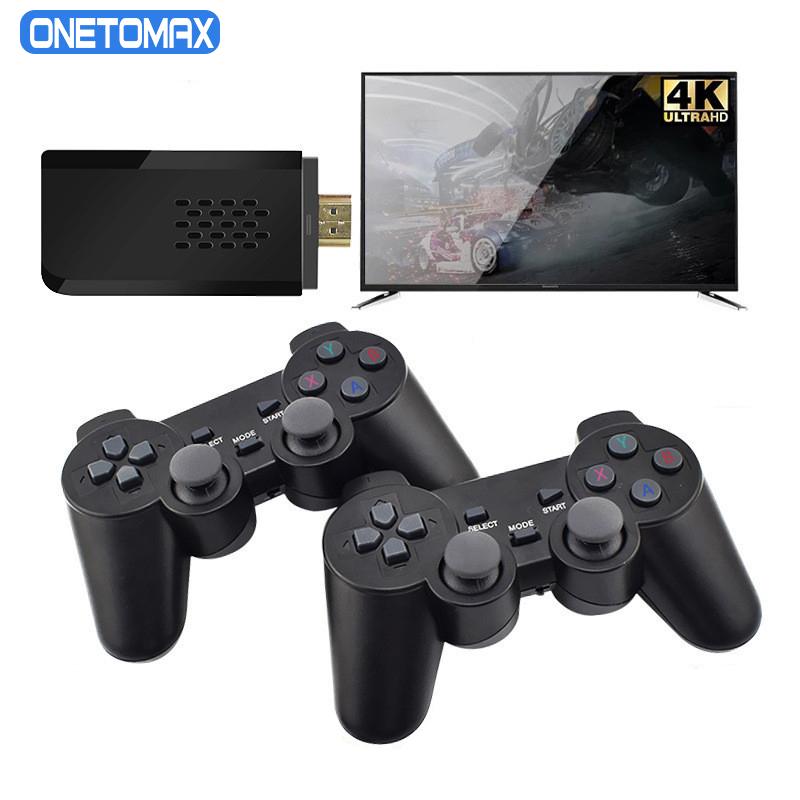
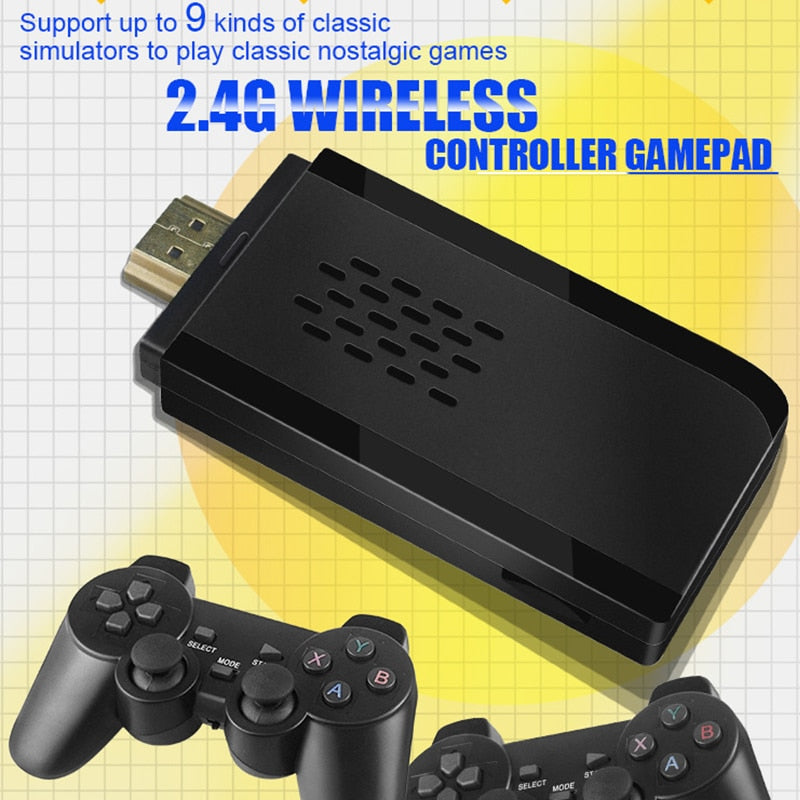
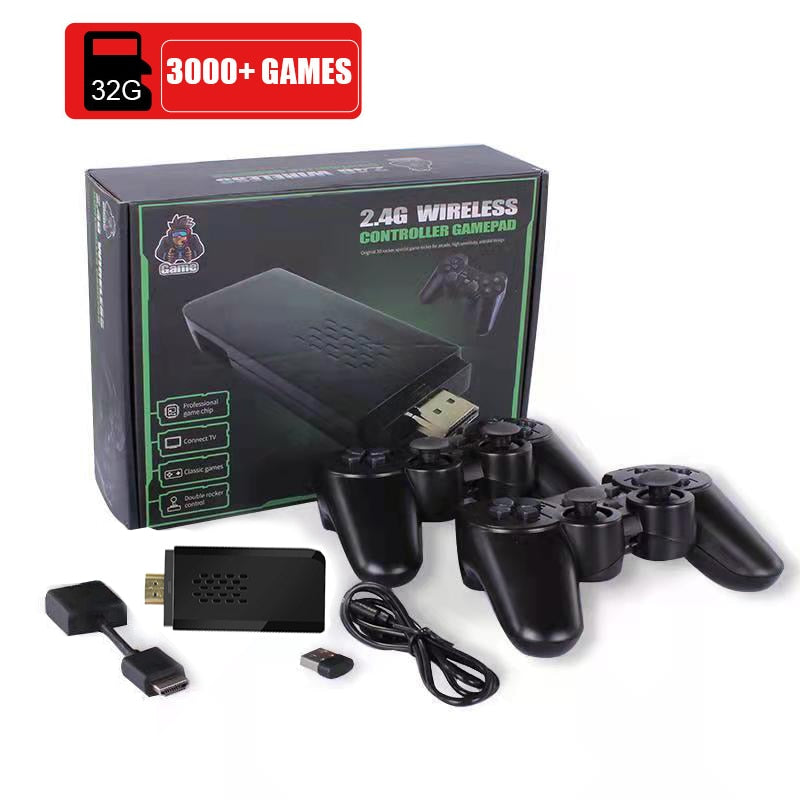
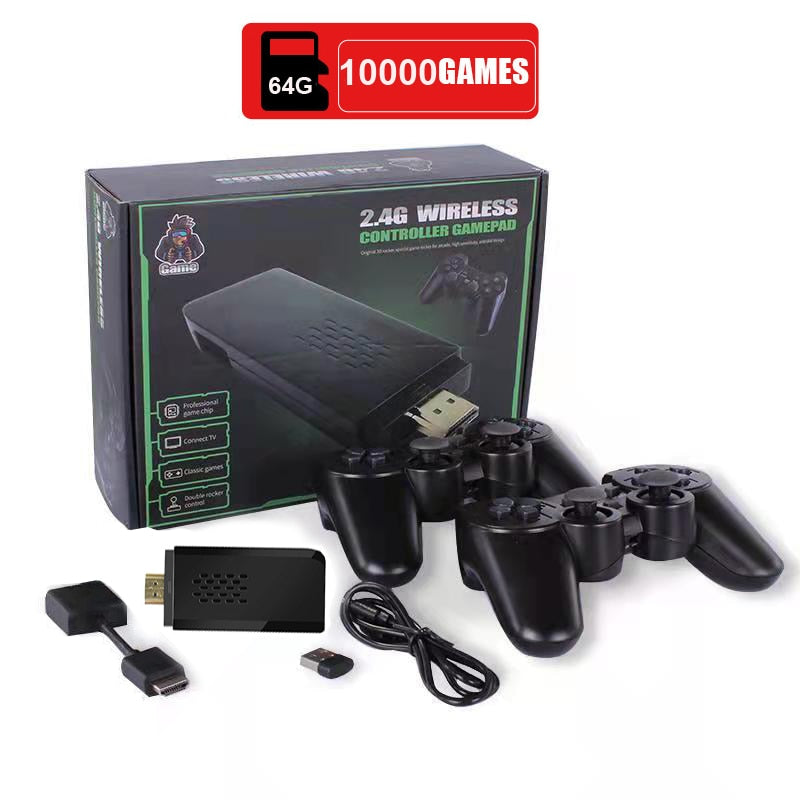
Bring back easy, shared game nights with a compact HDMI stick, a large classic game library claim, and two wireless controllers.
Read the full descriptionBring back easy, shared game nights with a compact HDMI stick, a large classic game library claim, and two wireless controllers.
Thousands of classic games in a compact 4K HDMI game stick with two wireless controllers
Skip the tangled setup and missing controllers. Plug the compact game stick into your TV and turn ordinary evenings into easy, nostalgic multiplayer sessions.

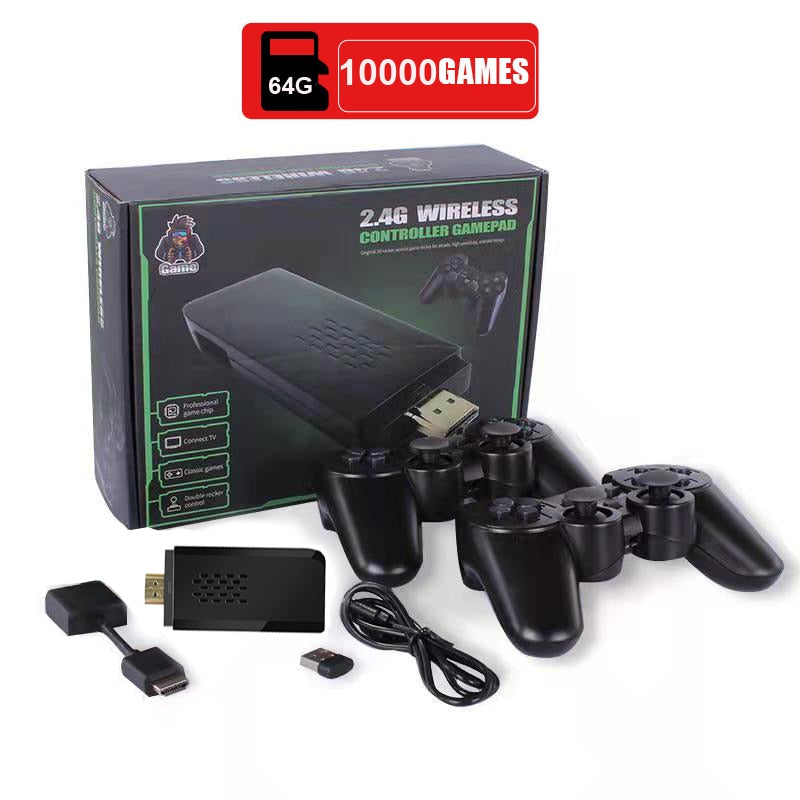
The packaging claims 10000+ classic games, giving you a broad starting point for nostalgic browsing without collecting individual cartridges. Exact titles and catalog organization can vary, so think of it as a large retro-style library rather than a promise of one specific favorite.

P1 and P2 controllers are included, so player two does not need to bring a gamepad or wait for a separate purchase. The familiar layout makes it easy to hand over a controller and get straight into a couch challenge. Browse more game controllers pc for other multiplayer setups.

The HDMI stick and controller receiver keep the core hardware small. That means less shelf space, fewer loose pieces, and a cleaner path from the TV port to the first game. It is a tidy alternative to rebuilding an entire retro console collection.
Dual analog sticks, a directional pad, and four face buttons give players recognizable inputs across supported retro-style games. The matte black controllers are straightforward and comfortable for casual sessions, with a budget-grade plastic feel rather than premium console hardware.
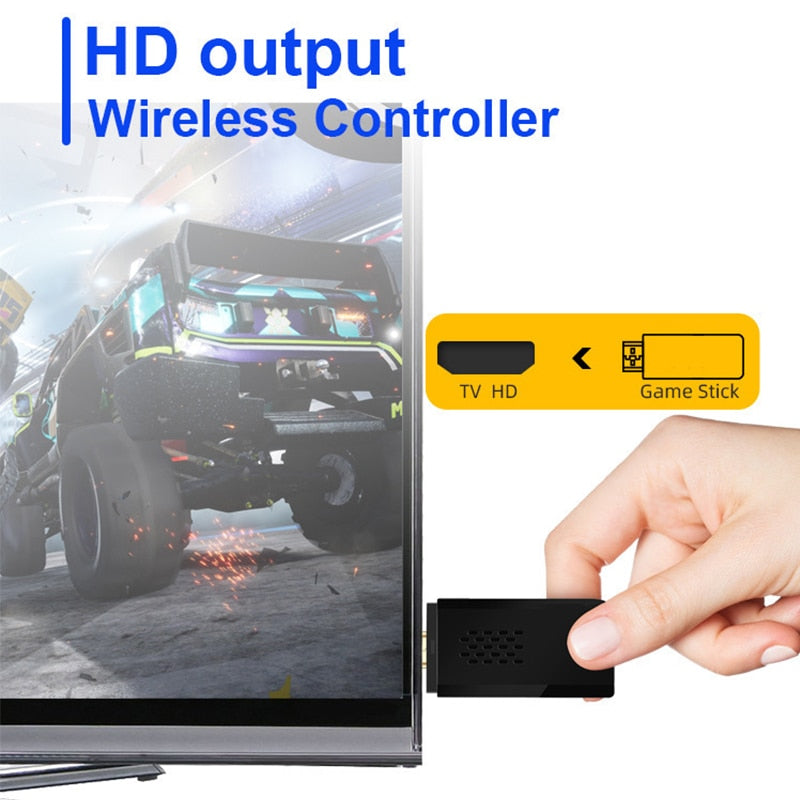
Plug the game stick into an available HDMI port on a compatible TV.
Attach the controller receiver and keep it visible near the TV rather than buried behind dense equipment.
Turn on the P1 and P2 controllers and confirm their 2.4G wireless connection.
Open the game menu, browse the supported emulator library, and choose a familiar-style game for solo or shared play.
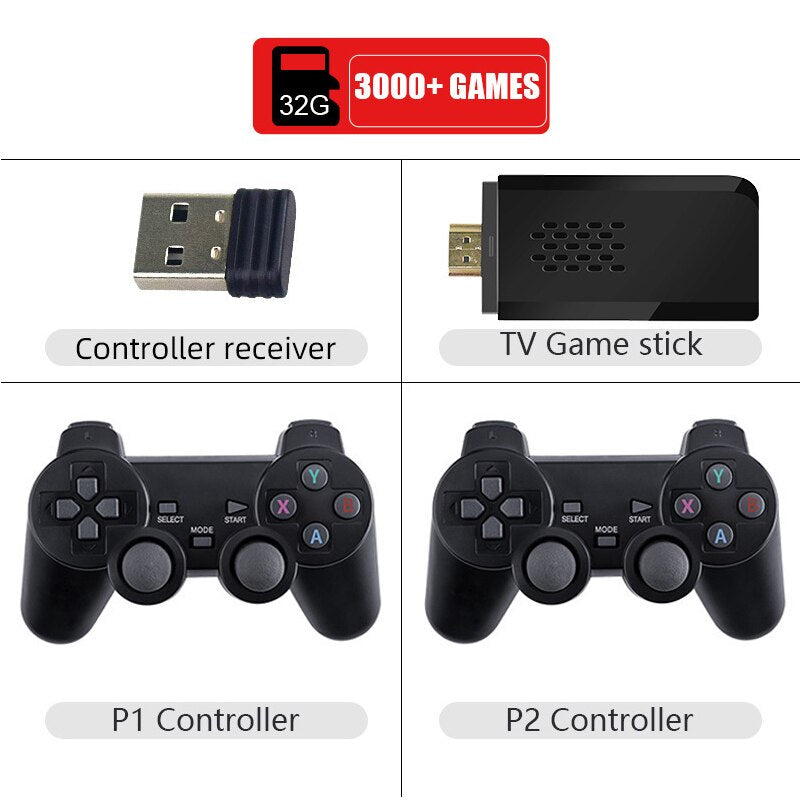
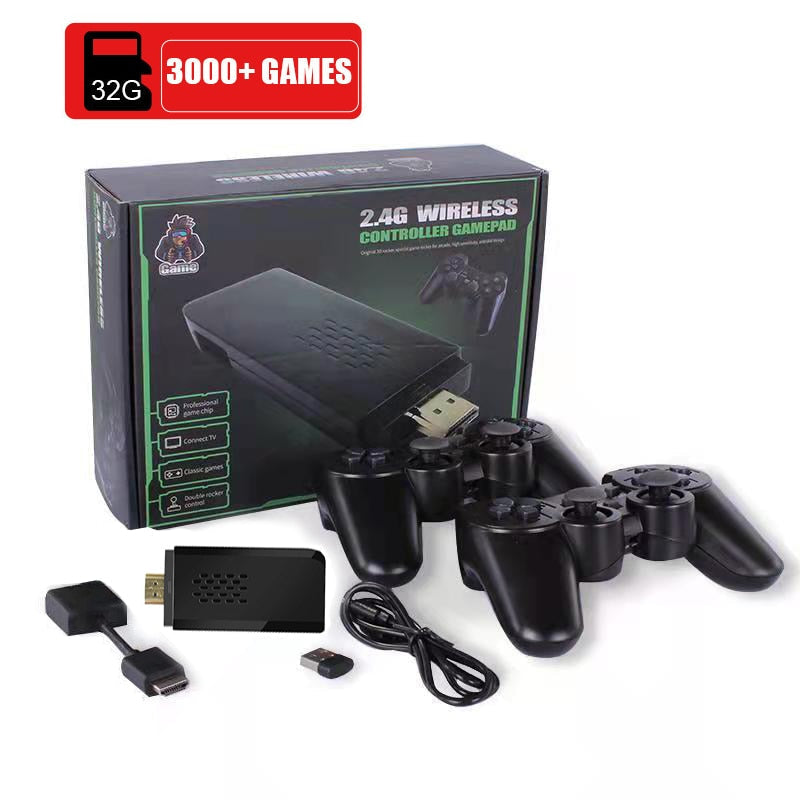
Compact HDMI console
Connects the wireless controllers
Wireless player-one controller
Wireless player-two controller
There are games you still talk about years later, even after the original console disappeared into a closet, a basement, or someone else's attic. The memory stays vivid. Finding a simple way back is the hard part.
A missing cable, one controller, or a maze of emulator menus can quietly kill the impulse to play. Collectors chase original cartridges, while DIY setups ask you to become the technician before you become the player.
This compact HDMI game stick cuts through the fuss. Connect it to a compatible TV, attach the receiver, pair both controllers, and browse the available classic-style library from the sofa.
The whole setup is compact enough to store near the TV instead of taking over a shelf. Keep the receiver and controllers together, and the next solo break, family challenge, or friend visit is easy to start.
| Game Stick | Original Collection | DIY Emulator | |
|---|---|---|---|
| Compact TV connection | Yes | No | Partial |
| Two controllers included | Yes | Partial | No |
| Large classic game library claim | Yes | No | Partial |
| Technical setup required | Low | Medium | High |
| Physical collection clutter | Low | High | Low |
| Value for casual multiplayer | Strong | Depends on collection | Depends on configuration |
The game stick needs a compatible TV with an available HDMI port. Check the display before ordering, especially if you are using an older television.
No specific title is guaranteed by the 10000+ game claim. The library is presented as a broad collection of classic-style games, and catalog organization or regional versions can vary.
The packaging claims 4K Ultra HD support. That describes the supported output capability, not a promise that every older game is rendered in native 4K.
The P1 and P2 controllers connect through the included controller receiver using a 2.4G wireless connection. Keep the receiver in a visible position near the TV.
The basic set includes the TV game stick, one controller receiver, a P1 controller, and a P2 controller.
A DIY setup gives you more control but asks for more technical work and separate controller planning. This stick trades that flexibility for a compact, ready-to-share format with two controllers included, which is better value for casual multiplayer.


 Retro Game Console Stick With 10,000+ Classic Games