
$179.90
Free delivery · 7–14 days
Mechanical Gaming Keyboard, Red Backlight, Anti-Ghosting


Every key registers when you mash three at once, and the lit board handles ranked matches and spreadsheets with the same ease. You get a full-size mechanical layout with purple Keyclick switches, 12 programmable G-keys, and a Win-lock key that keeps the Windows key from ending your game.
Read the full descriptionEvery key registers when you mash three at once, and the lit board handles ranked matches and spreadsheets with the same ease. You get a full-size mechanical layout with purple Keyclick switches, 12 programmable G-keys, and a Win-lock key that keeps the Windows key from ending your game.
Full-color backlit mechanical gaming keyboard with 104 keys and tactile purple switches
Stop losing rounds to dropped keys and accidental Windows-key crashes. Level up to a full-color, 104-key mechanical board that answers every press.

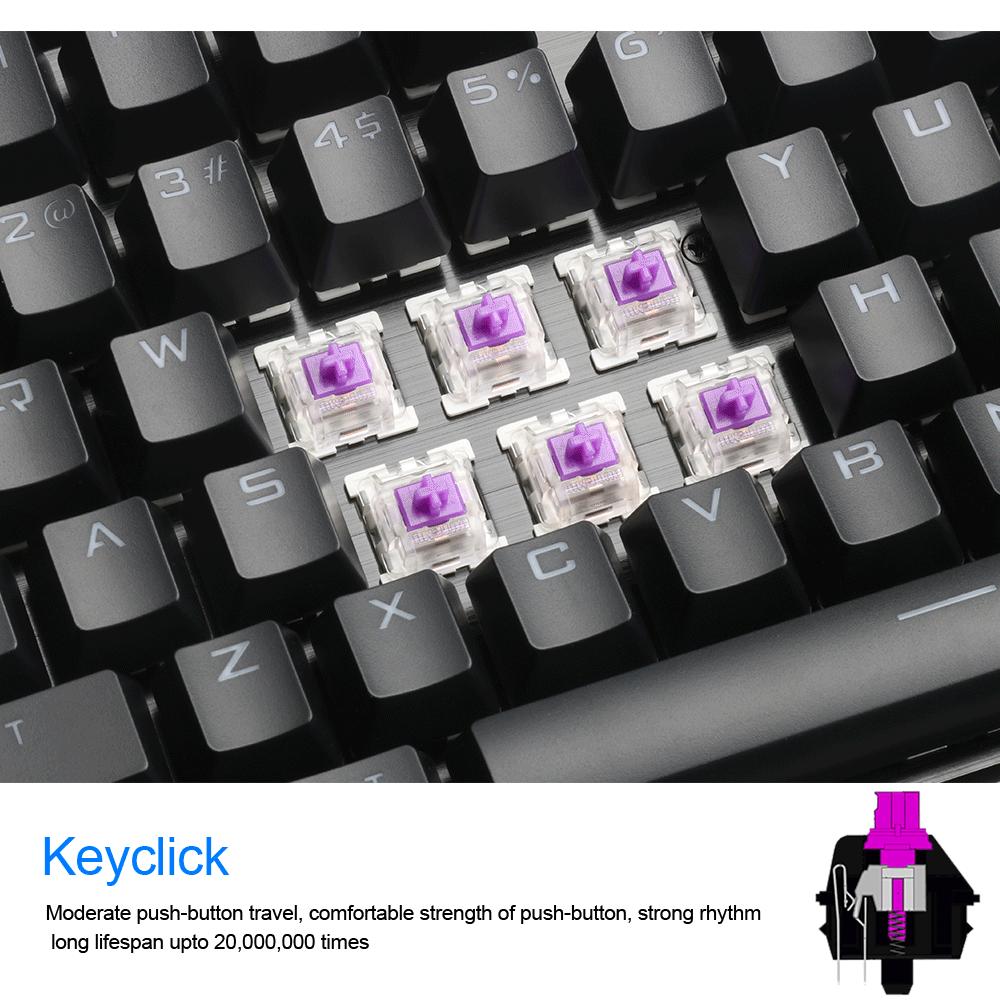
Full anti-ghosting means every key in a combo registers together. Hit three keys at once in a fight and each one lands. The purple Keyclick switches are rated for up to 20,000,000 presses, so the response stays sharp long after the first month.

Every key is backlit in full RGB across 18 lighting modes. Rainbow mode runs the whole board, and eight single-color settings sit alongside it, so the glow can match your room or your team colors.

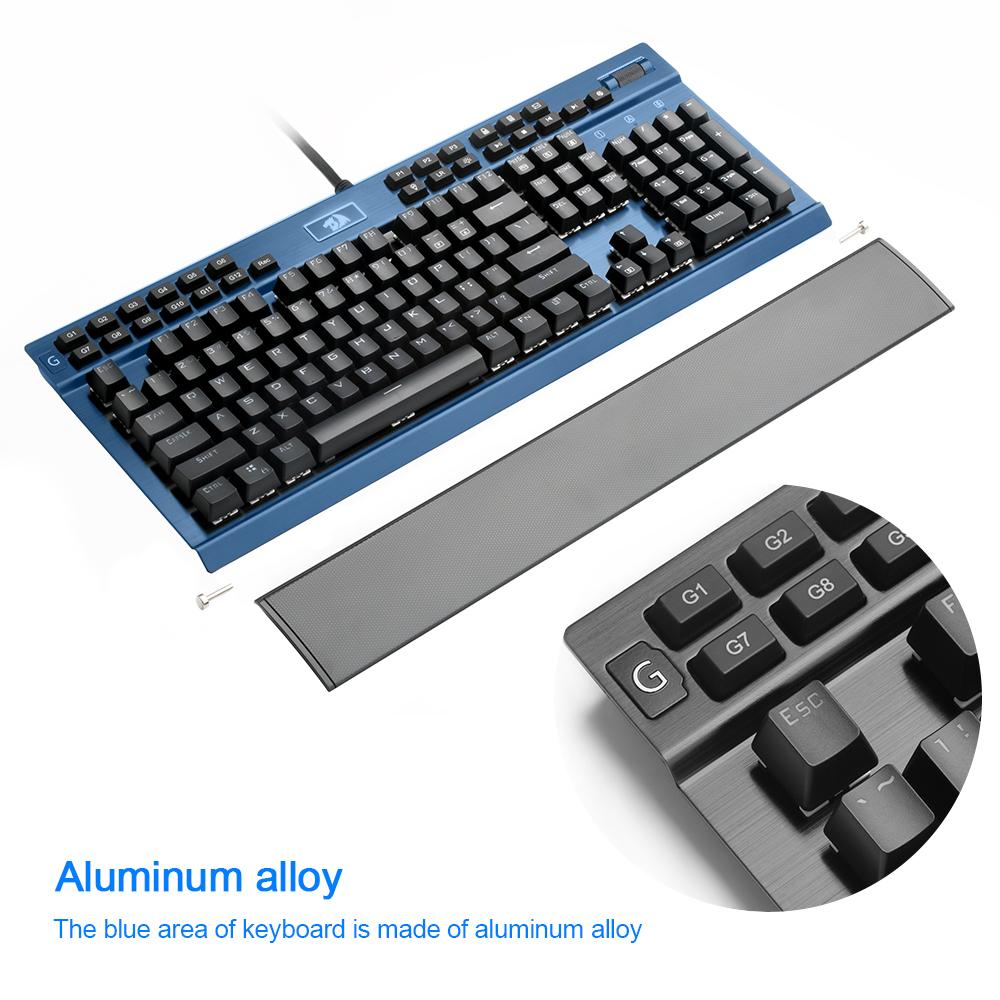
Twelve programmable G-keys sit where your hand already expects them. Store macros or app shortcuts on them, then use the dedicated media controls and volume roller for quick changes without leaving the game.
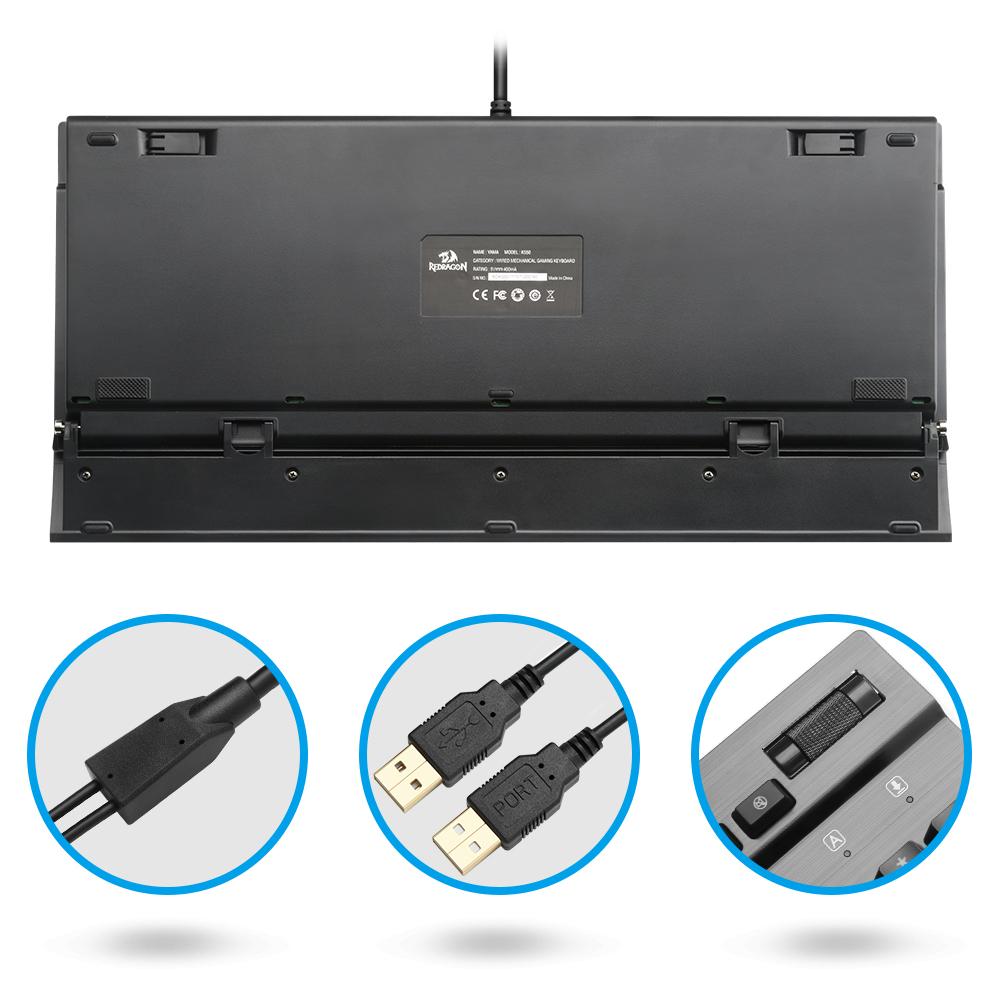
Connect the gold-plated USB end to your PC. The full-color backlight comes on as soon as the board has power.
Cycle through the 18 lighting modes until you find the one that suits your setup, from full rainbow to a single color.
Press the Win-lock key before you launch a game so the Windows key stops responding during play.
Load your most-used macros or app shortcuts onto the 12 programmable keys so they sit one press away.
104 keys with full-color backlight
Gold-plated connectors
For swapping or cleaning keycaps

You are three keys deep into a fight and the cheap board registers two of them. The third drops, your character stalls, and the round is gone. Membrane boards blur multi-key presses like this, and it always happens when the match matters most.

Full anti-ghosting means each key in a combo registers on its own. Purple Keyclick switches give a clear tactile bump with moderate travel, so you feel every press land. The brushed metal top plate keeps the board planted while your fingers work the keys.
After the match, the same board handles spreadsheets and long documents. The media controls and volume roller sit within easy reach, and Win-lock keeps stray Windows-key presses out of your games. A wired mouse computer setup pairs well with it on the same desk.
| This keyboard | Basic membrane board | |
|---|---|---|
| Switch type | Mechanical purple Keyclick | Rubber dome membrane |
| Anti-ghosting | ✓ Full key | ✗ Limited on multi-key presses |
| Win-lock key | — | |
| Programmable G-keys | ✓ 12 keys | — |
| Metal top plate | ✓ Brushed black metal | ✗ Plastic |
| Full-color backlight | ✓ 18 modes | ✗ Often none |
A membrane board that drops inputs on three-key combos costs you rounds every session. This one brings mechanical switches, full anti-ghosting, 12 programmable keys, a Win-lock key and a metal top plate for a budget price. The switches are rated for up to 20,000,000 presses, so you are buying hardware that lasts far longer than the board it replaces.
They have moderate travel and a clear tactile bump. Expect a firmer press than a membrane gives you at first. Most people settle into the rhythm within a few days of typing and gaming, and the tactile feedback is what lets you feel each key land.
Yes. Press the Win-lock key and the Windows key stops responding, so a stray thumb cannot drop you to the desktop in the middle of a match. Turn it off the same way when you want the Start menu back.
It works well for both. The full-size layout gives you a numpad for spreadsheets, the media controls and volume roller handle quick adjustments, and the metal top plate feels solid under long typing sessions.
Yes. The wrist rest comes off the board, so you can keep it on for long typing sessions or remove it when you want the keyboard to sit flat.


 Full-Color Backlit Mechanical Gaming Keyboard 104 Keys