
$219.90
Free delivery · 7–14 days
Full-Color Backlit Mechanical Gaming Keyboard 104 Keys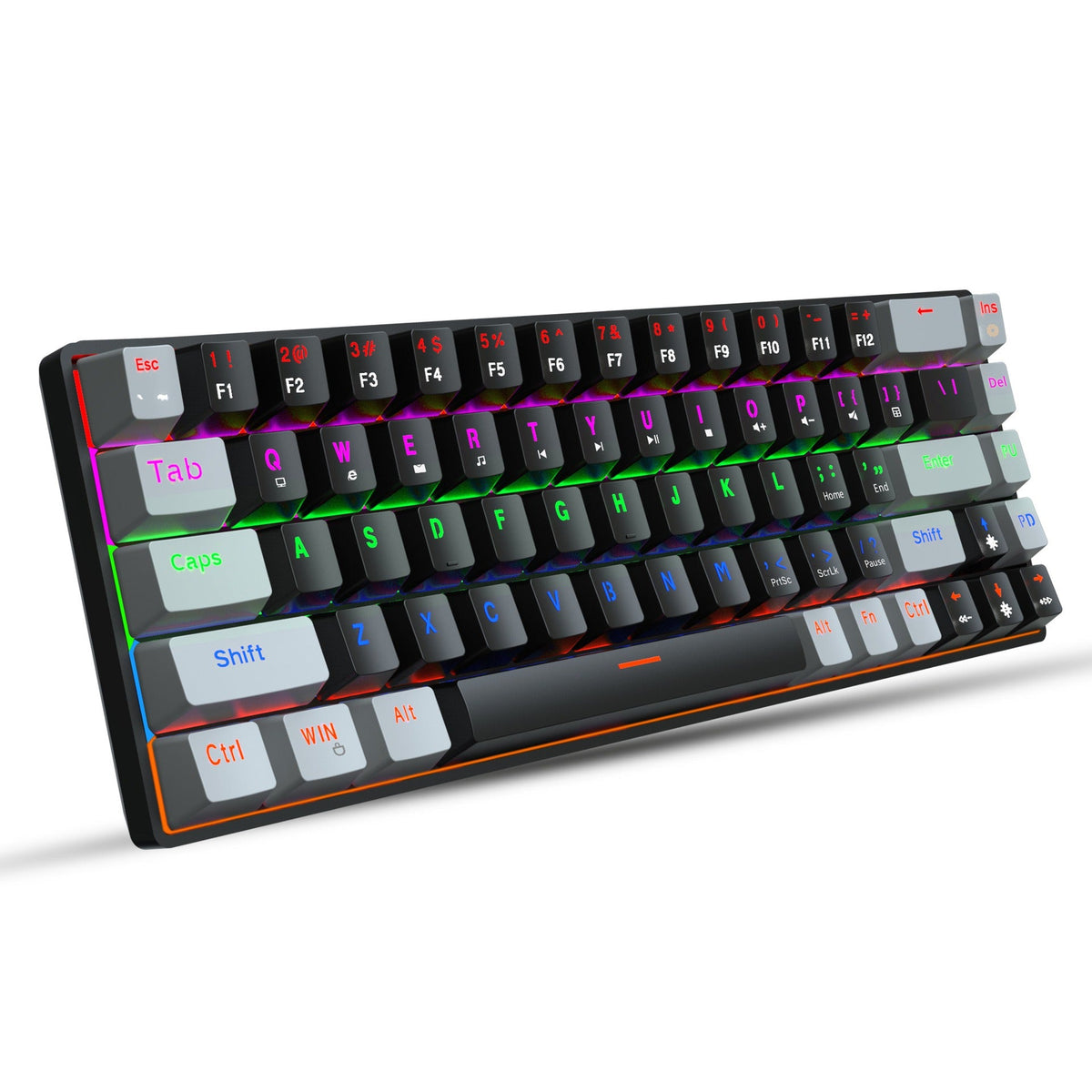
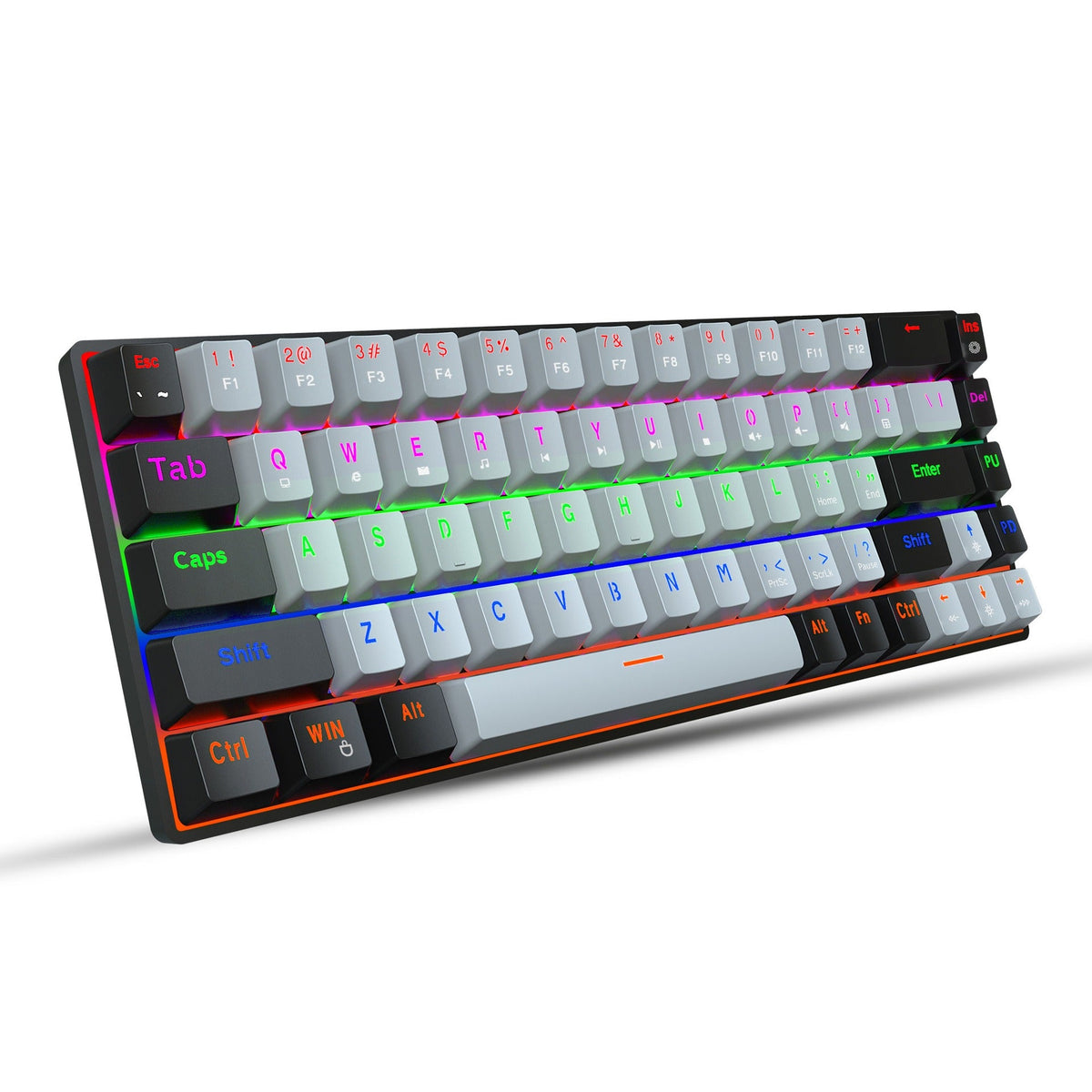


Less desk clutter, more glow. This 68-key 60% board puts per-key RGB, 20 lighting effects and mechanical switches on a footprint small enough to leave room for the mouse. The arrow keys and FN media shortcuts stay within reach for late-night sessions.
Read the full descriptionLess desk clutter, more glow. This 68-key 60% board puts per-key RGB, 20 lighting effects and mechanical switches on a footprint small enough to leave room for the mouse. The arrow keys and FN media shortcuts stay within reach for late-night sessions.
Compact 68-key RGB mechanical gaming keyboard with 20 lighting effects
Before: a bulky board eating your desk and a mouse with nowhere to go. After: a compact RGB mechanical keyboard that frees space and lights up your setup.

Every key has its own RGB light, and the 20 lighting effects run across the keys and the orange-edged underglow. Cycle until the desk matches your mood. The glow is the first thing anyone notices when they sit down.

The 60% layout drops the numpad and the dead space around it, so the mouse finally has room to move. Arrow keys and FN media shortcuts stay reachable, so you give up very little for a smaller board. Pairs well with a mechanical mice setup.

The switches are rated for 50 million keystrokes, and the two-color injection-molded keycaps are the kind of build that holds up to nightly play. Double foot support lifts the rear edge for a steadier typing angle.
Clip the detachable Type-C cable into the board and the other end into your laptop or Mac. The board lights up as soon as it powers on.
Check the FN layer for the lighting keys. Each press steps you through the 20 effects, so you can settle on one in a minute.
Hold FN and press the shortcut keys for volume, music, browser and lock. Practice a few times before your first match.
Flip out the double foot support to raise the rear edge. Fold the feet back down for a flatter profile on a crowded desk.
Most players adjust within a few days. Arrow keys and media controls sit on FN combinations, so your hands stay near WASD. If your work depends on typing long number columns, a full-size board is the better fit.
Yes, mechanical switches make more sound than membrane keys. If you share a room with someone who sleeps, expect audible typing during late sessions. Solo desks and gaming rooms are where this board is at home.
Yes. It connects through a detachable Type-C cable, so it suits laptops and Macs with a Type-C port. If your machine only has USB-A, a Type-C to USB-A adapter will do the job.
Find the lighting controls on the FN layer, then step through the 20 effects until you land on one you like. Lower the brightness for dark rooms and keep a calmer effect for long sessions.
A full-size board gives you a numpad you may never use and a lot of desk space it takes up. This 68-key board keeps the keys you press every match and leaves room for the mouse. Per-key RGB and mechanical switches are included without paying for the extra keys.
Cheap membrane boards feel mushy and rarely offer real per-key control. You are paying for mechanical switches rated for 50M keystrokes and two-color injection-molded keycaps. Spread over daily sessions, that build costs less per use than replacing a board that feels worn after a season. Shop the good mechanical keyboard range if you want to compare.


 68-Key RGB Mechanical Gaming Keyboard, Compact 60% Layout