
$37.90
Free delivery · 7–14 days
Wired USB Optical Mouse for Office, Home and School Use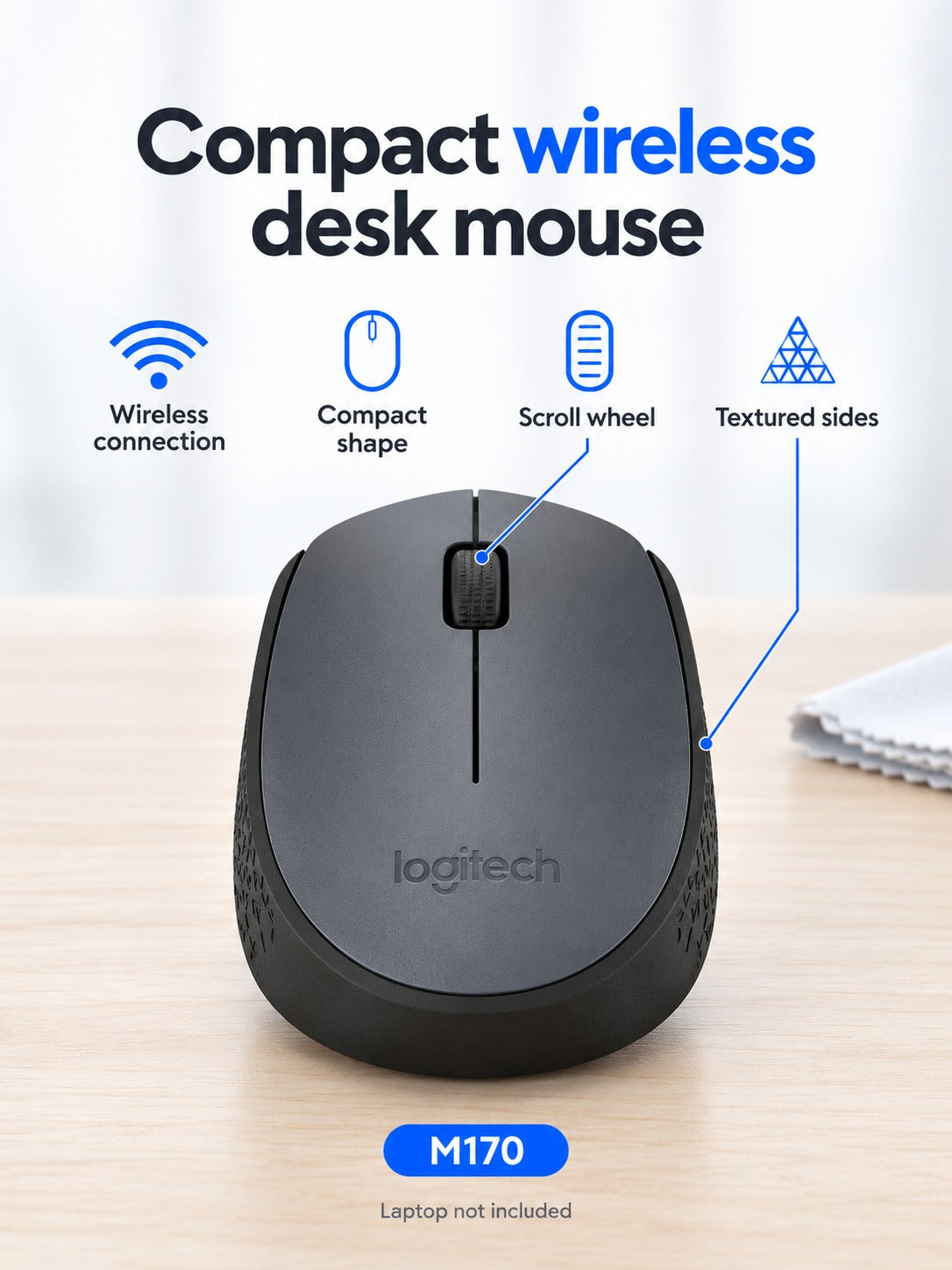
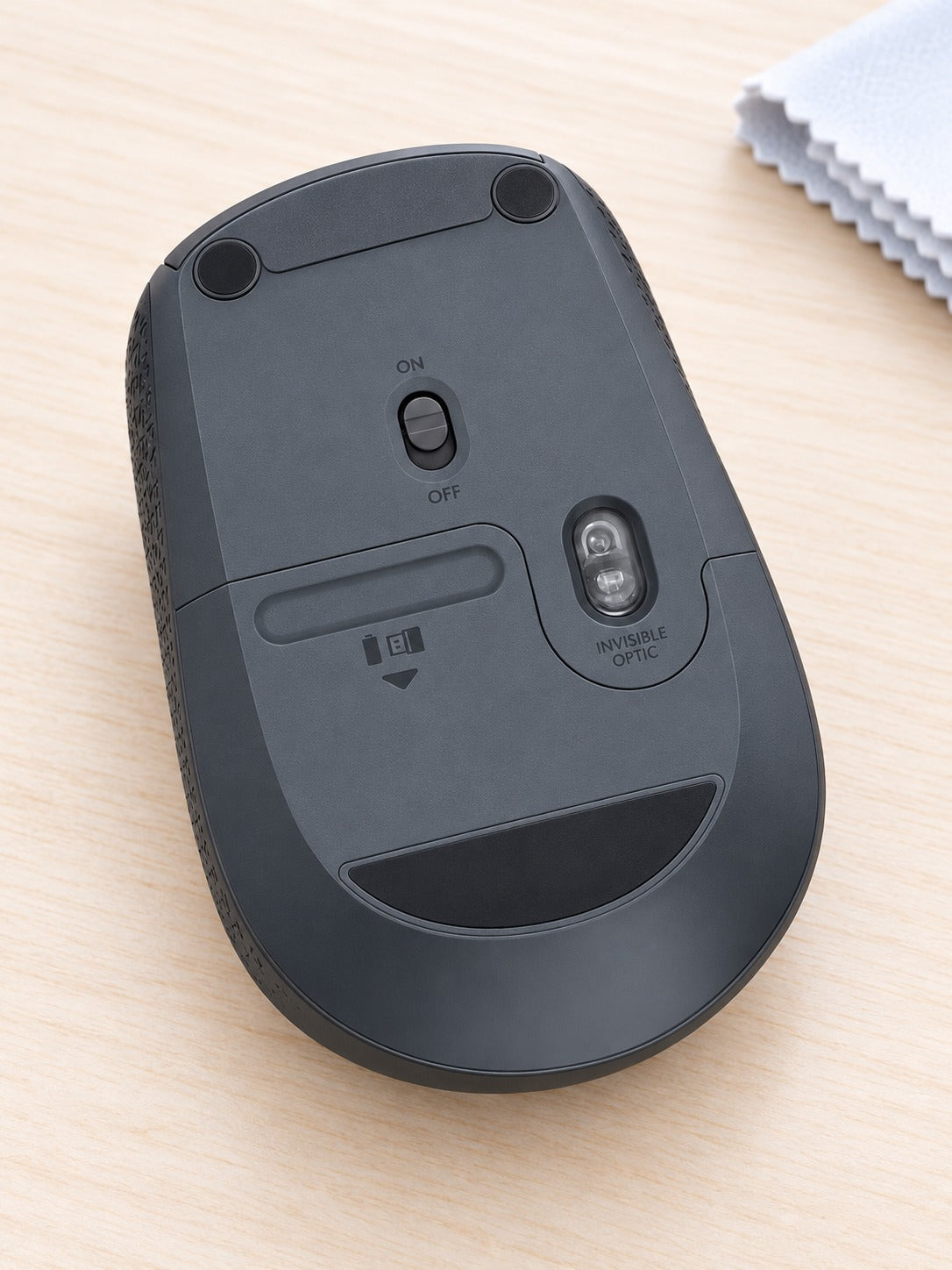
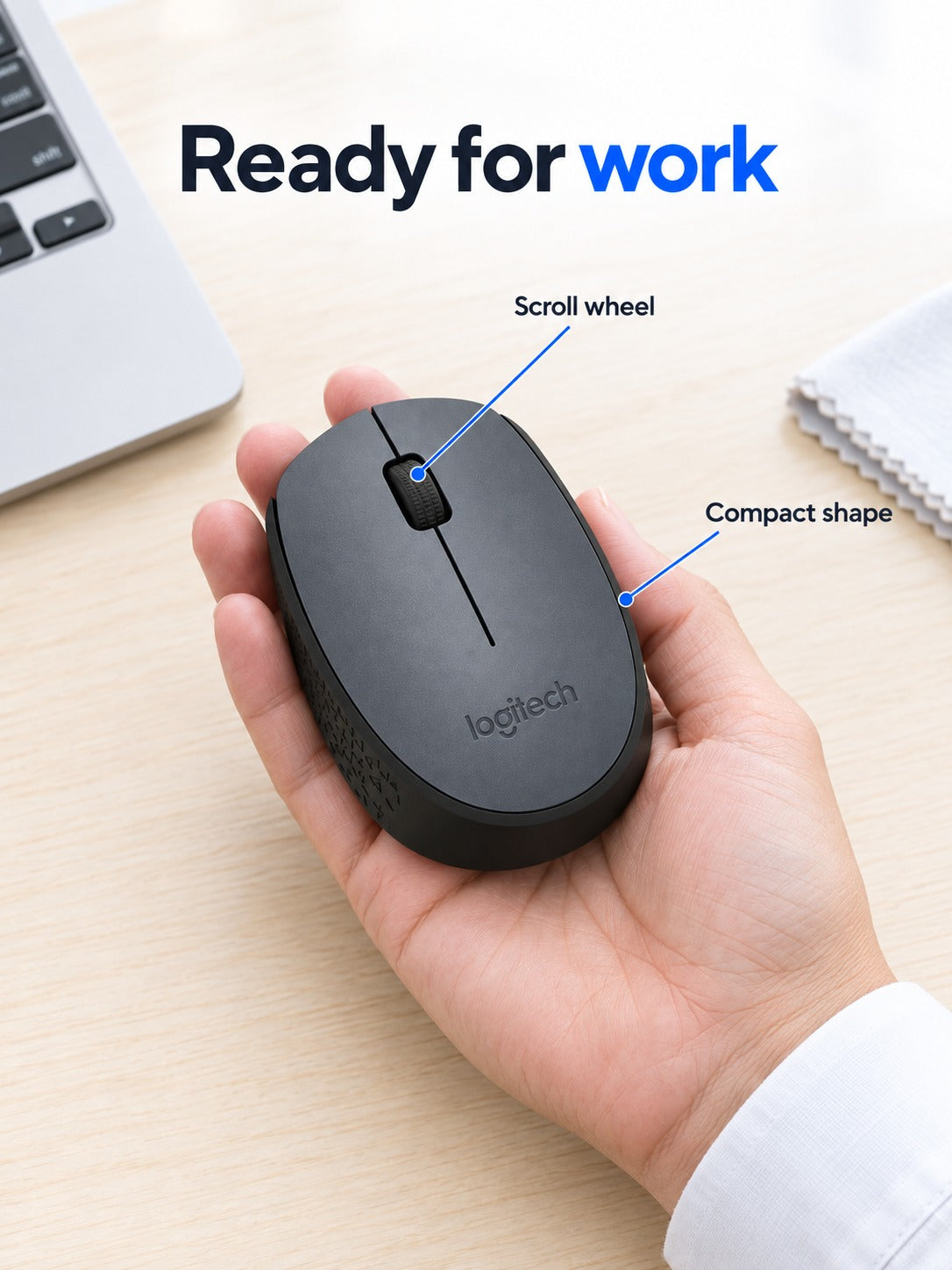
Your desk stays clear when the mouse is this small. The M170 is a compact 2.4G wireless mouse with a symmetrical body, a textured side grip and an Invisible Optic sensor. One receiver plugs in and the work starts.
Read the full descriptionYour desk stays clear when the mouse is this small. The M170 is a compact 2.4G wireless mouse with a symmetrical body, a textured side grip and an Invisible Optic sensor. One receiver plugs in and the work starts.
Compact, reliable 2.4G wireless mouse for everyday office and laptop work
Bulky wired or oversized mice make every workday feel cramped and fiddly. This compact 2.4G wireless mouse sits comfortably in hand and leaves your desk clear for work.

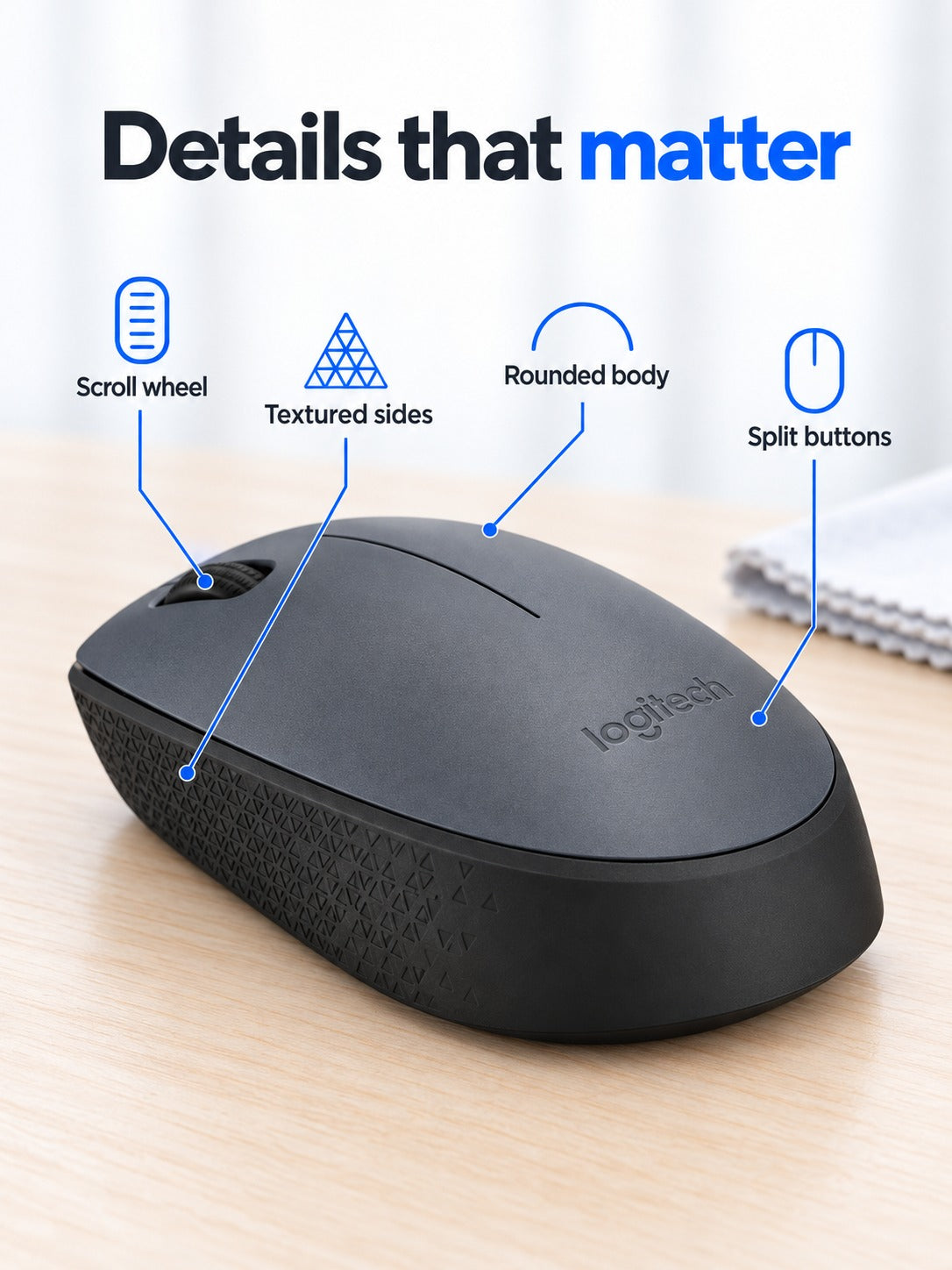
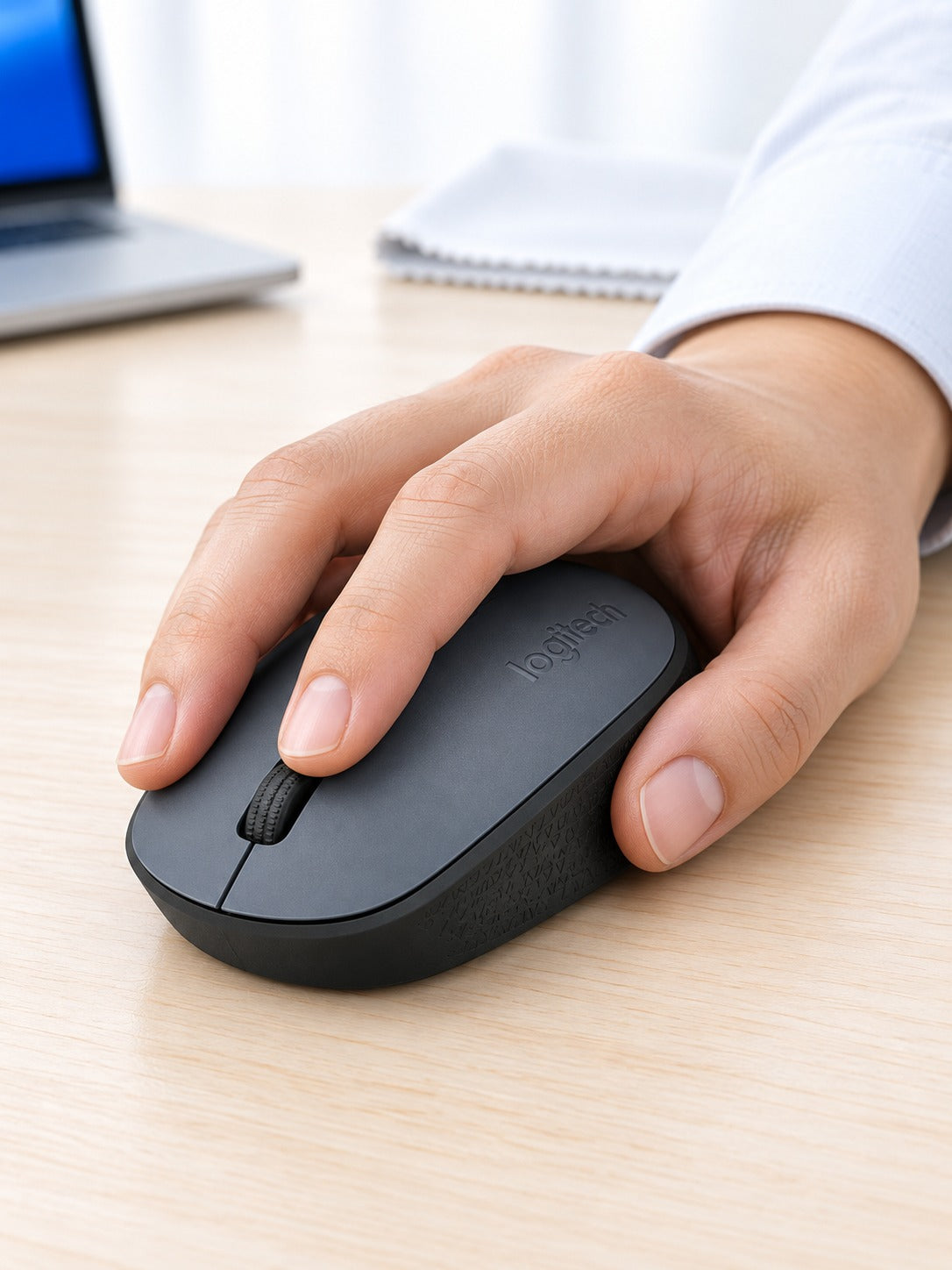
The body is symmetrical, so it works the same for left and right hands. The textured side grip gives your thumb a steady place to rest, and the matte finish keeps your palm from slipping during long sessions. Smaller and medium hands get the most out of it. Large palms may feel cramped by the end of the day.

A 2.4G link runs from one small receiver to the mouse, so the cable disappears from your desk. Plug the receiver into a free port and the cursor responds. Nothing else needs to be connected, which makes it a simple swap for a tangled wired mouse.

The Invisible Optic sensor sits on the underside, where it tracks the desk surface for steady cursor control. The ON/OFF switch is next to it, so you can power the mouse down in seconds when you pack it away.
Insert the small 2.4G receiver into a free port on your laptop or desktop. Nothing else needs connecting.
Turn the ON/OFF switch on the underside to ON. The cursor should respond straight away.
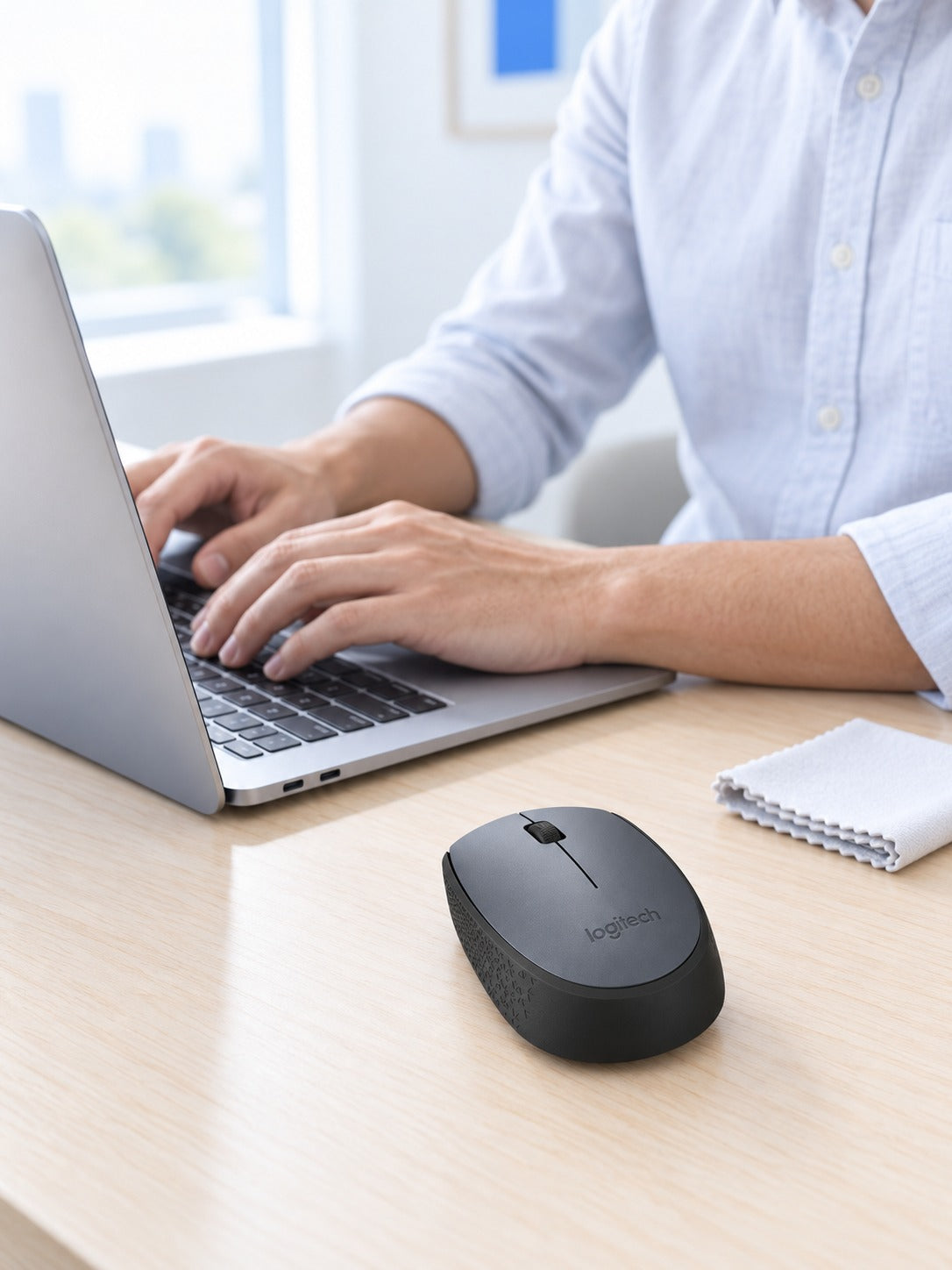
Set the mouse on the right side of your keyboard and get going. Slide the switch to OFF when you pack it away.
Symmetrical compact body in charcoal grey with a textured side grip
Small enough to stay in the port while you carry the mouse
Yes. The receiver is a small plug-and-play dongle. Insert it into a free port on your laptop or desktop and the mouse is ready to use, with no extra software needed to get started.
It is built for all-day desk use. The body is symmetrical, the side grip is textured and the matte finish holds the hand well. It suits smaller and medium hands best. If your palm is wide, pick a larger mouse.
The ON/OFF switch sits on the underside. Slide it to OFF whenever you pack the mouse away or stop work for the day, so it does not drain between uses.
The optical sensor is built for everyday desk surfaces and gives steady cursor control on them. On a very glossy or glass desk, a mouse pad is the safer choice.
You get a recognised brand, a single receiver and a simple setup for the price of a basic mouse. Cheap unbranded wireless mice are where the unreliable connections usually come from, and one solid mouse outlasts several of them.
Yes. It is light and small enough to sit in a backpack or laptop bag, so it works in lectures, the library, hotels and coffee shops without taking up room.


 Compact Wireless Office Mouse for Laptop and Desk Work