
$159.90
Free delivery · 7–14 days
USB-C Docking Station Dual DP HDMI 4K60Hz Triple Screen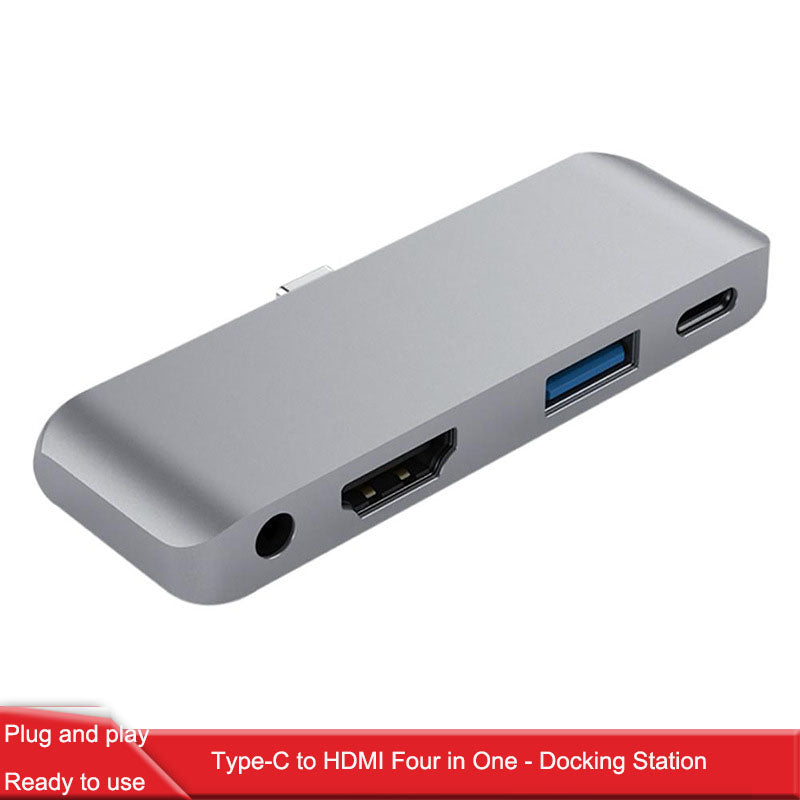


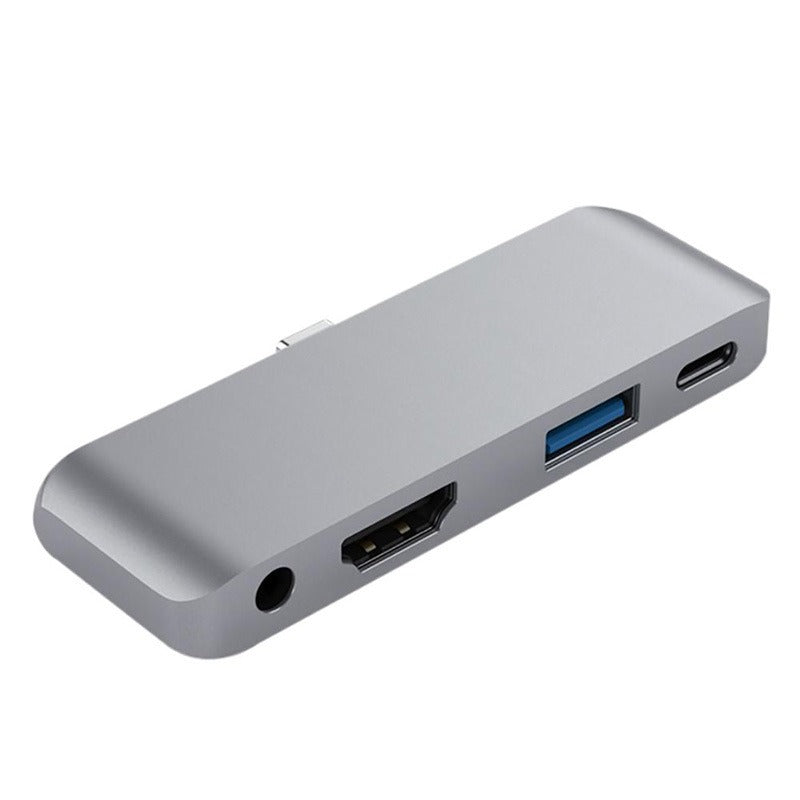
One slim aluminium hub turns the iPad Pro into a working desk. HDMI, USB 3.0, USB-C charging and a 3.5mm audio jack sit on one fixed connection, so the projector, the drive, the headset and the charger all run at once. No driver, no dongles.
Read the full descriptionOne slim aluminium hub turns the iPad Pro into a working desk. HDMI, USB 3.0, USB-C charging and a 3.5mm audio jack sit on one fixed connection, so the projector, the drive, the headset and the charger all run at once. No driver, no dongles.
Four ports in one slim aluminium hub: HDMI, USB 3.0, USB-C PD and 3.5mm audio for iPad Pro
Stop juggling adapters for every slide and headset. Plug one slim aluminium hub into your iPad Pro and get HDMI, USB, charging and audio at once.
Send the iPad display to a projector, a lecture hall screen or a TV. The HDMI port sits on the hub, so the cable runs straight from the desk to the display. Nothing needs installing on the iPad first.
The USB-C power delivery port passes power through, so the iPad can charge while the screen, drive and headset stay connected. The packaging does not print a wattage, so check the listing if you plan around a specific charge rate.
The blue USB 3.0 port takes a flash drive, a mouse or another wired USB device. The 3.5mm jack takes a wired headset. Both sit beside the video and power ports, so a drive and a headset stay connected while the projector runs.
The hub is a slim brushed space grey aluminium unit with rounded edges and a black inset base.
HDMI, a blue USB 3.0 port, a USB-C power delivery port and a 3.5mm audio jack face you on the hub.
The USB-C connector on the underside stays in place, so there is no loose cable to tangle or catch on a bag.
Slide the hub onto your iPad Pro connector. No driver or app is needed. Plug in the projector, drive or headset and start.

Before the hub, every class started with a choice. Charge the iPad and lose the projector, or plug in the projector and watch the battery drain mid-slide. A flash drive with the lesson files had to wait until the screen was already off. The iPad has everything a presenter needs except the ports to use it all at once.
The hub sits on the iPad Pro connector with its plug fixed in place, so there is no loose cable hanging off the tablet. HDMI runs to the screen, the USB-C port keeps the battery topped up, and the blue USB 3.0 port and 3.5mm jack take the drive and headset. One aluminium unit covers video, power, USB and audio, and the desk stays clear.
| This hub | Loose USB-C dongles | Multiport adapter | |
|---|---|---|---|
| Single unit, no stacked adapters | Yes | No | No |
| Fixed plug on the iPad connector | Yes | No | Partial |
| HDMI video output | Yes | Yes | Yes |
| USB-C power delivery pass-through | Yes | Partial | Partial |
| 3.5mm audio jack | Yes | No | Yes |
| Aluminium housing | Yes | No | No |
The hub is built around the iPad Pro USB-C connector, and its plug is fixed on the underside. Check the listing for your iPad Pro model before you order. A thick case can push the hub out of line, so take the case off or use a slimmer one before you connect.
Yes. The power delivery port passes power through, so the iPad charges while the screen, drive and headset stay connected. The packaging does not print a wattage, so check the listing if you need a specific charge rate. Heavy-draw devices such as external drives can slow charging, so give them their own power source where you can.
No. The hub is plug and play. Connect it and the ports work without a driver download or an app.
You get four ports in one brushed aluminium unit with a fixed connection, so the iPad has one thing attached instead of a chain of adapters. Buying a new dongle every time one drops signal costs more over time than one solid hub. Keep the desk tidy with cable organizers if you run several cables.
The housing is solid brushed aluminium and measures 9.5 cm by 3 cm, so it slides into a bag pocket beside the iPad. Keep it in a pocket rather than letting it knock around loose, since the fixed plug takes the stress.


 iPad Pro USB-C Hub: HDMI, USB 3.0, PD Charging & Audio