
$149.90
Free delivery · 7–14 days
AI Smart Glasses With 5MP Camera and Voice Assistant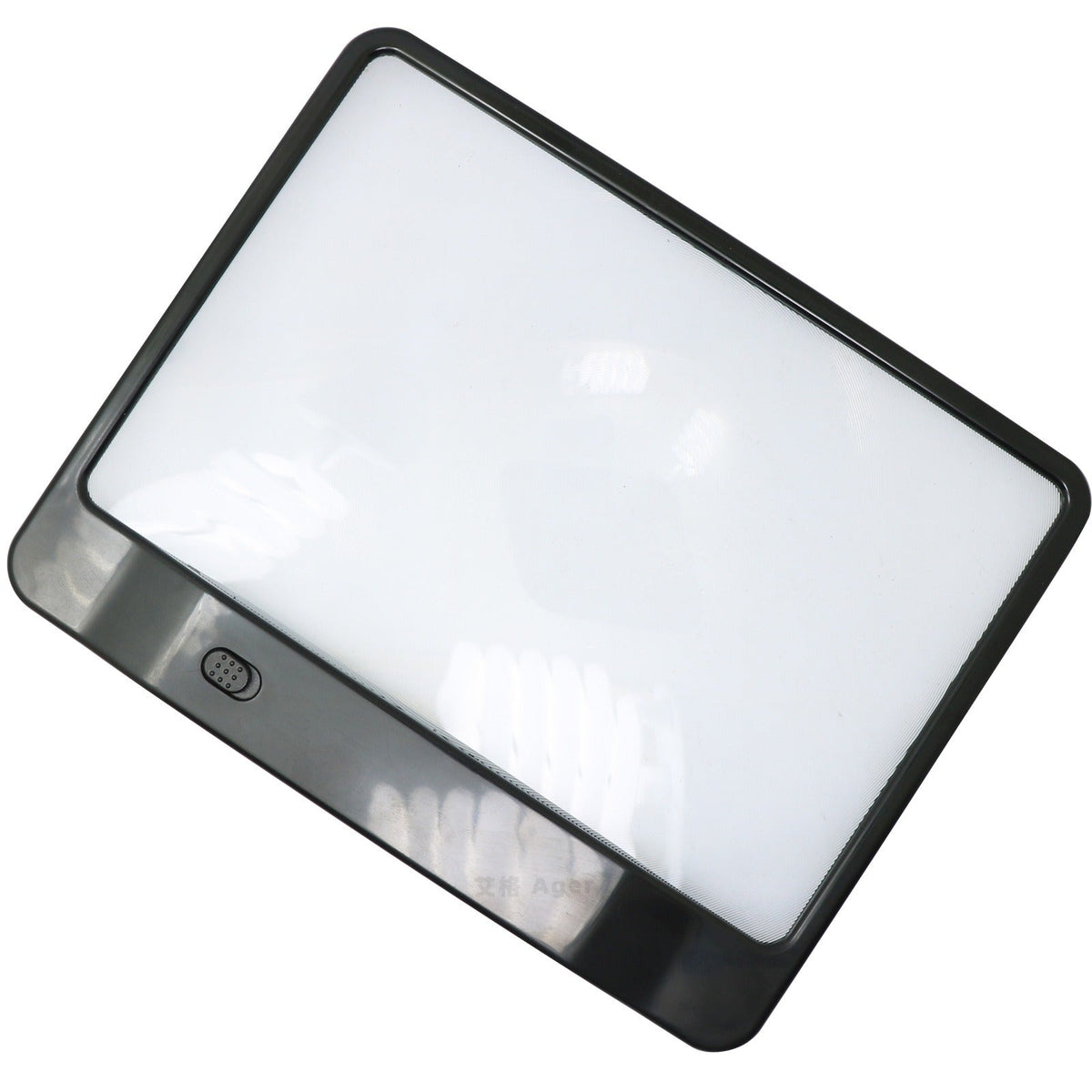

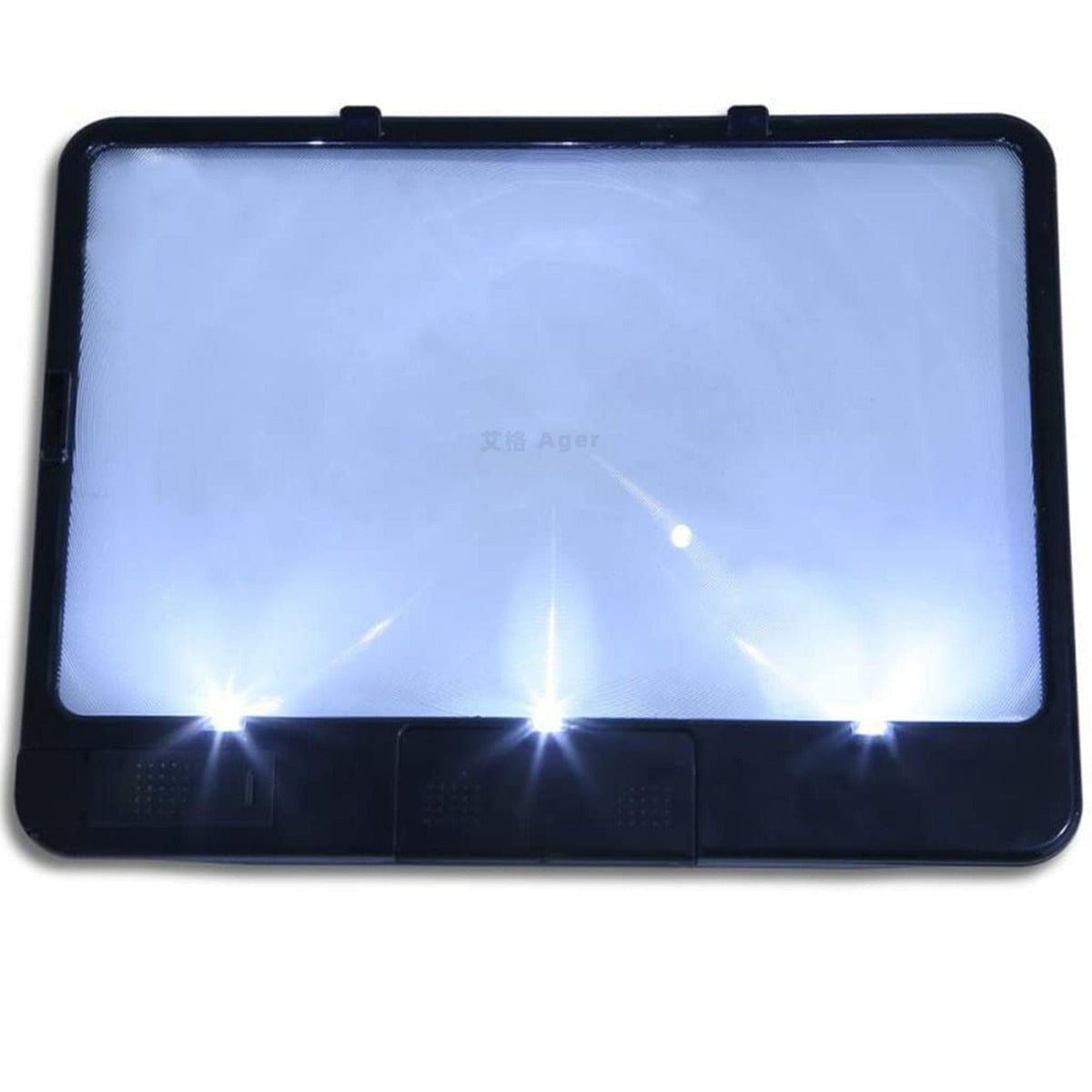


Read the newspaper, the menu and the bill without leaning in. A full-page lens with three built-in LEDs lights the whole sheet at once, and one push button switches it on. Matte black or off-white, it props on its rear tabs or lies flat on the table.
Read the full descriptionRead the newspaper, the menu and the bill without leaning in. A full-page lens with three built-in LEDs lights the whole sheet at once, and one push button switches it on. Matte black or off-white, it props on its rear tabs or lies flat on the table.
Full-page magnification with 3 LED lights for easier reading
Small print blurs and dim corners make reading tiring. This full-page magnifier with three LED lights lets you read newspapers, menus and tables comfortably, at home or in bed.

The flat lens takes in a full newspaper spread at once. In the lifestyle shot, a column of sports results sits enlarged and clear under the glass, so you move from line to line without tilting the paper toward the window.

Three built-in LEDs sit along the lower edge and light the lens when you press the button. The light spreads across the page, so the corners stay readable instead of sinking into shadow under a weak lamp.

A single push button switches the lights on and off. The flat frame lies on the page or stands on its rear tabs, so you can prop it on the table and read with both hands free, or pick it up for a quick check of a label.
Place your thumb on the battery cover on the back, slide it down, then lift it open.
Insert the batteries as shown inside the compartment, then close the lid until it sits flat.
One press switches on the three LEDs. Press again to turn them off between reading sessions.
Lay the frame over the article or prop it on its rear tabs beside a menu. Move it until the text is sharp, and keep it off the paper so the surface stays clean.
Use a soft dry microfiber cloth. Rough material scratches the clear lens and blurs the magnified text.
Paper towels and harsh cleaners can leave a film on the glass. Keep the surface dry and clean.
A closed lid protects the battery contacts from dust and keeps the compartment tidy.
The lens is flat and clear, so letters keep their shape across the page. Sharpness is best when the frame sits at the distance it was built for, so move it until the line snaps into focus. Keep the line you need near the middle of the lens for the cleanest view.
Three LEDs sit along the lower edge and spread white light across the lens. The corners stay evenly lit instead of falling into shadow, which is the job the lights are there to do. In a dim room, the frame does the work a lamp would otherwise have to do.
Place your thumb on the battery cover on the back, slide it down, then open it upward. Fit the batteries as shown inside, close the lid and press the button to check the lights.
Both. The frame is a flat, tray-style shape, so it lies right on the page or stands on its rear tabs. Lift it into one hand for a quick check of a pill label or a bill.
It is a one-time purchase with no refills, and it works alongside the glasses you already wear. A lamp alone leaves the corners dim, and a small loupe covers one line at a time. For daily newspaper, menu and bill reading, one lit full-page lens does the job every day without re-aiming.
It is made for reading printed text such as newspapers, menus and forms, including for presbyopia and everyday low vision. It does not treat eye conditions and is not a substitute for an eye exam. If reading has become very hard, ask an eye doctor which aids suit your condition.


 Full Page Reading Magnifier with LED Light for Print