

$36.90
Free delivery · 7–14 days
Marble Contact Paper for Desks & Furniture Makeover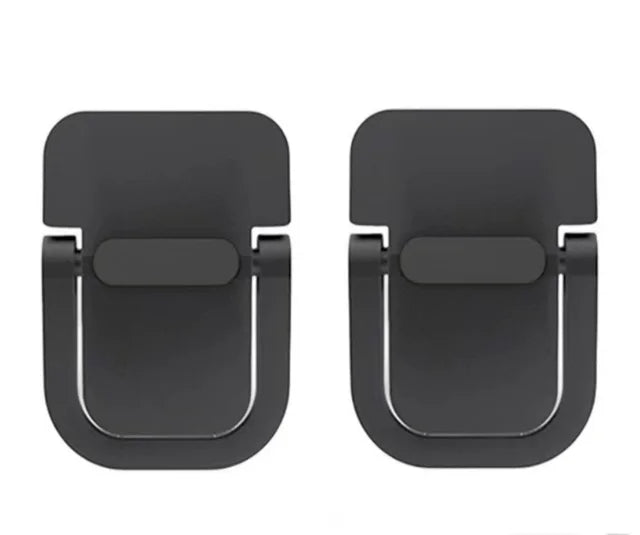
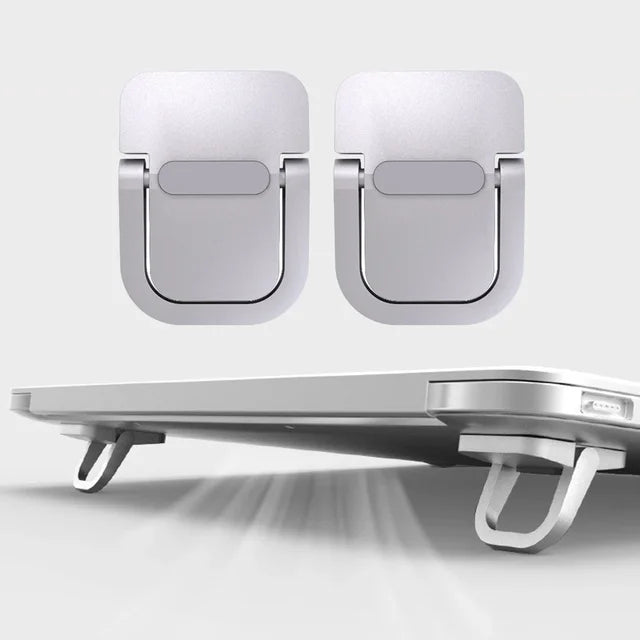
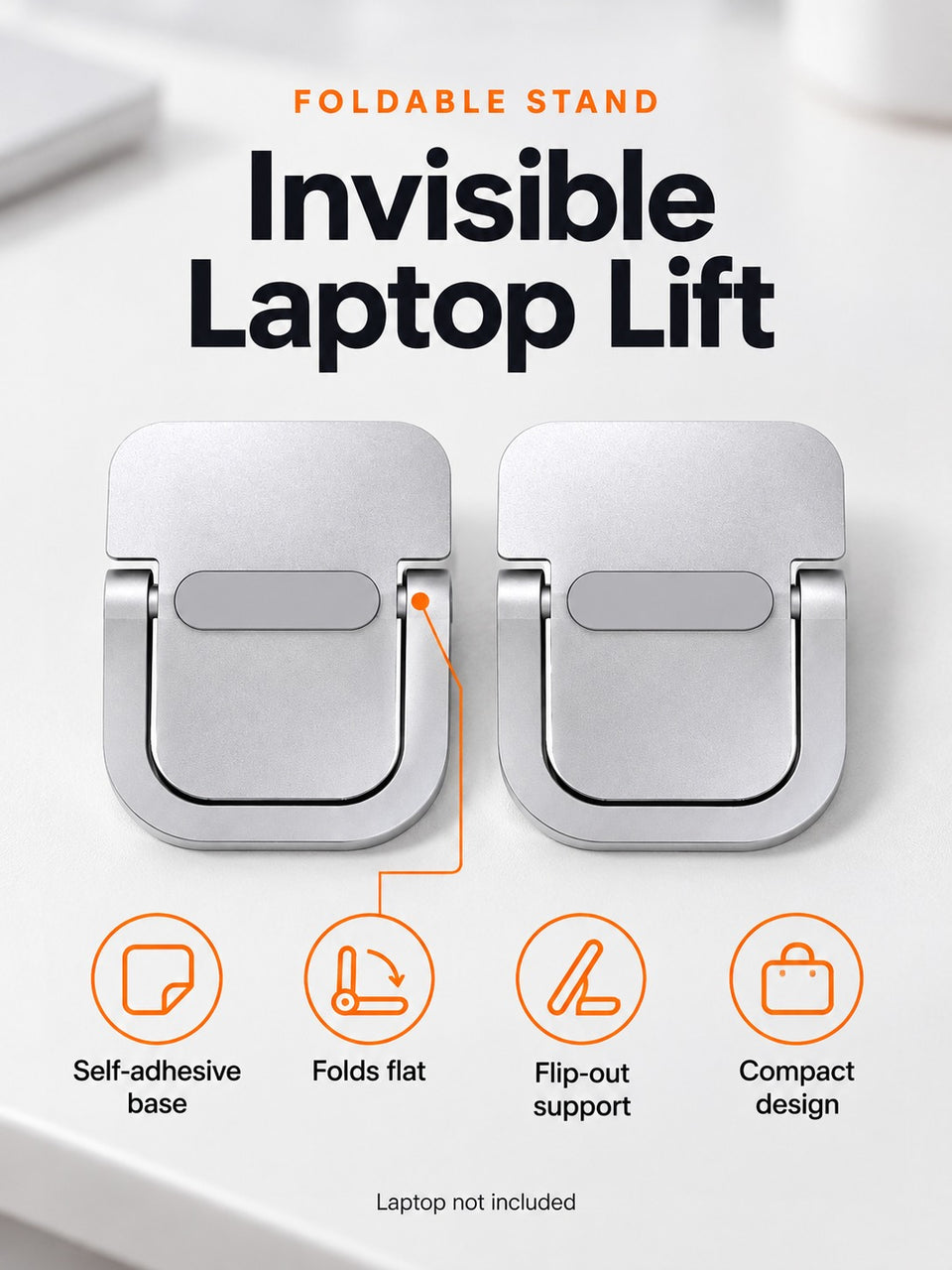
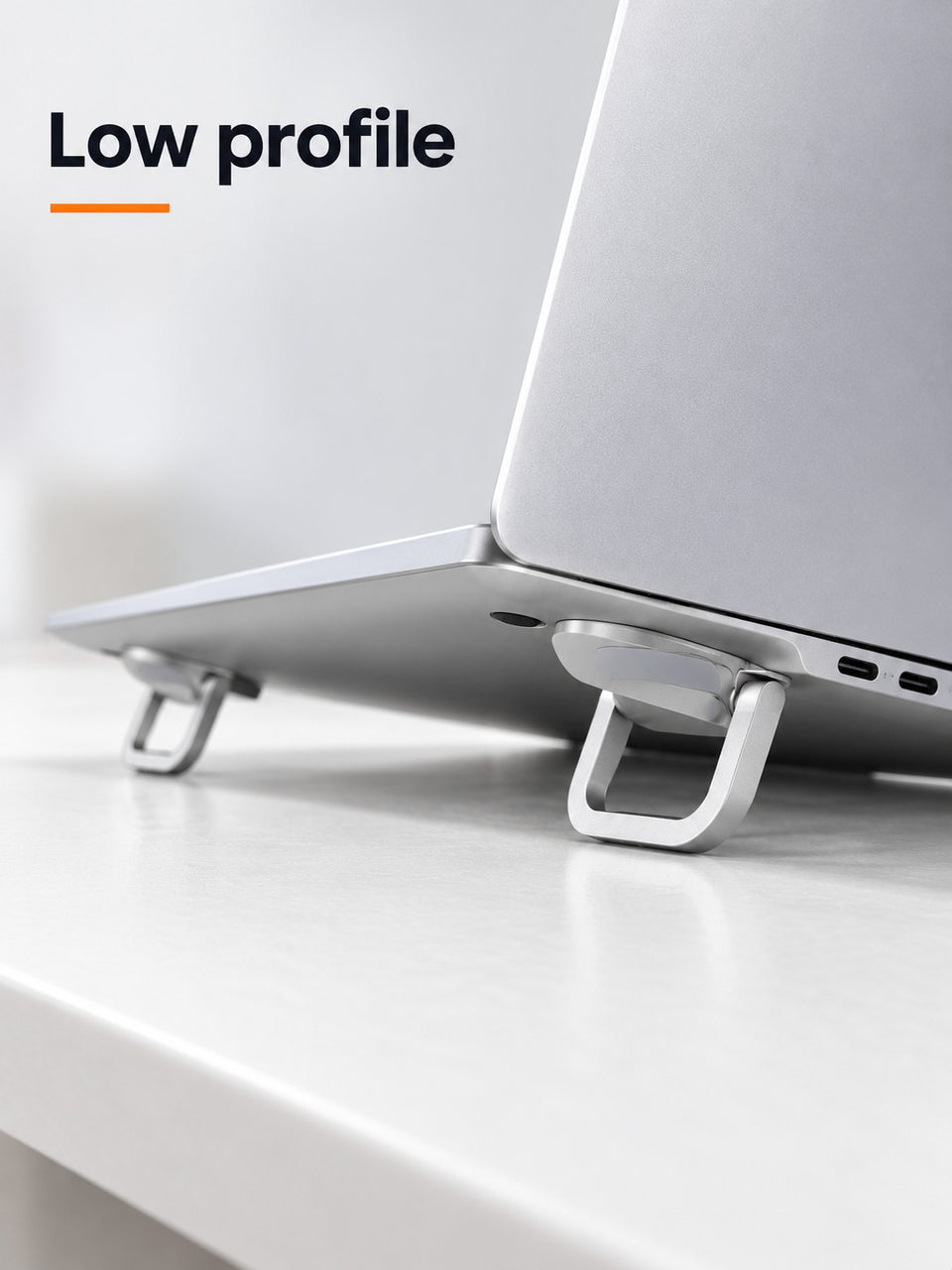
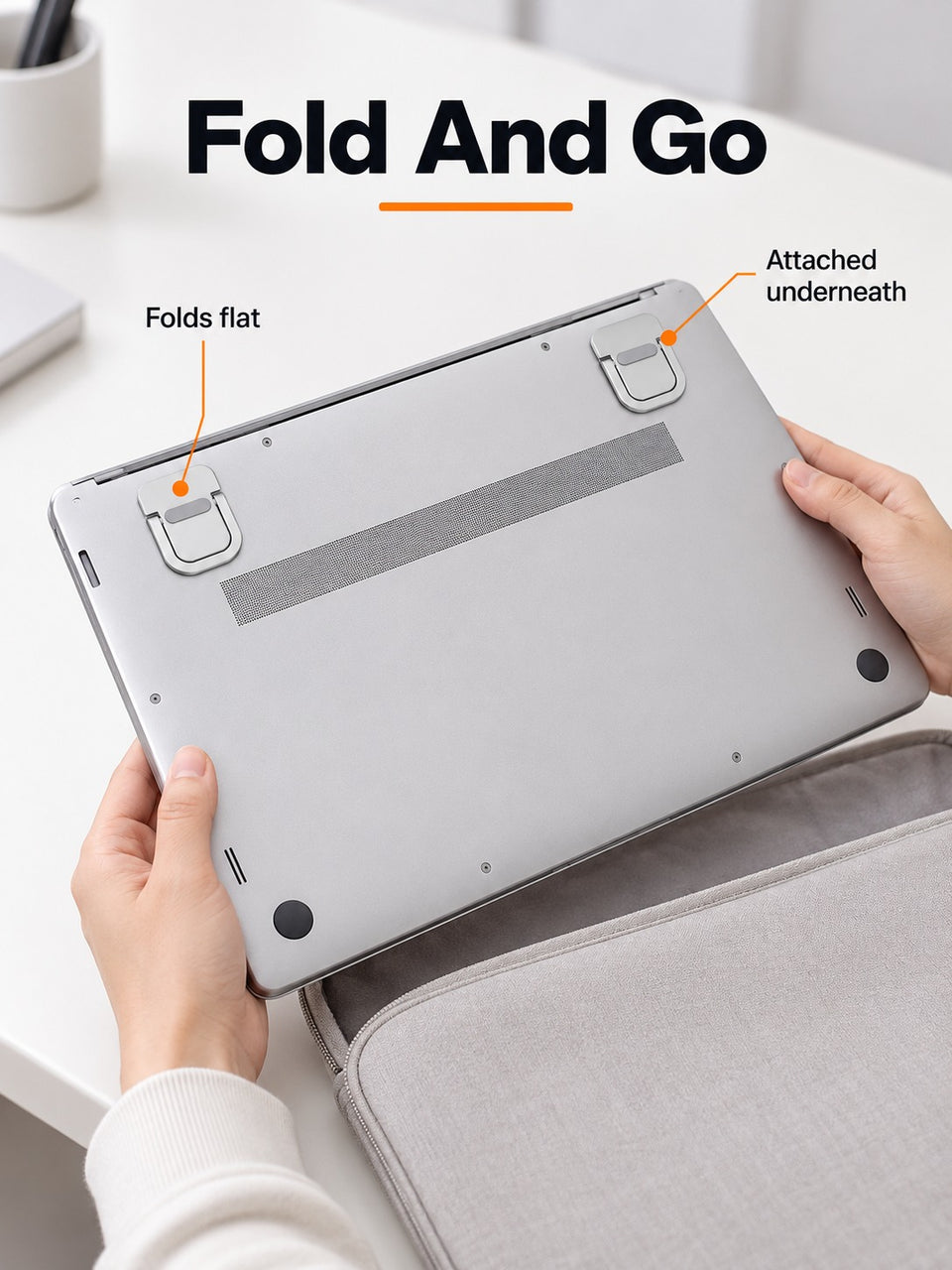
Your screen rises toward eye level and the afternoon neck ache has less to work with. The brushed aluminum stand sticks invisibly to the underside of your laptop, lifts it 3° to 15°, and folds flat when you are done.
Read the full descriptionYour screen rises toward eye level and the afternoon neck ache has less to work with. The brushed aluminum stand sticks invisibly to the underside of your laptop, lifts it 3° to 15°, and folds flat when you are done.
Invisible, self-adhesive laptop stand that improves posture by lifting your laptop to a healthier angle
Hours of looking down at a flat laptop leave your neck tight and your desk cluttered. This brushed aluminum stand sticks to your desk, lifts your screen 3° to 15°, and folds flush out of sight.

The base sits on the underside of your laptop, so there are no clamps or screws to fuss with. Press it down once and it holds the stand in place while you work. Pop the tab and the stand rises in one motion.

Folded, the stand lies flat against the laptop and adds no visible bulk. It slides into a bag pocket without catching on sleeves, and it leaves your desk looking the way it did before.

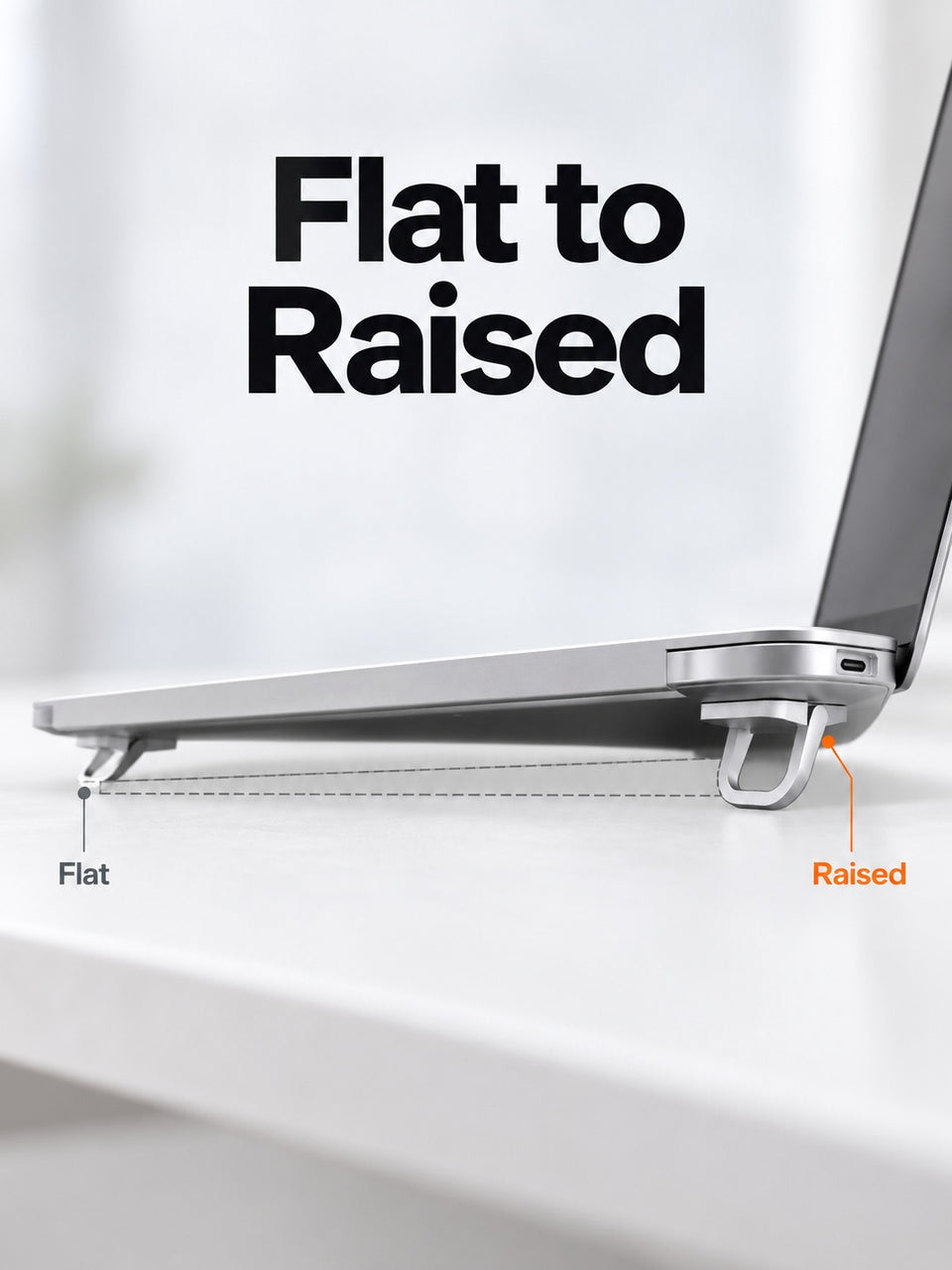
Pick a tilt between 3° and 15° and raise the screen a modest amount. A small lift brings the screen closer to eye level, so you look down less. If you also use a handset, an adjustable phone stand does the same job for your phone.
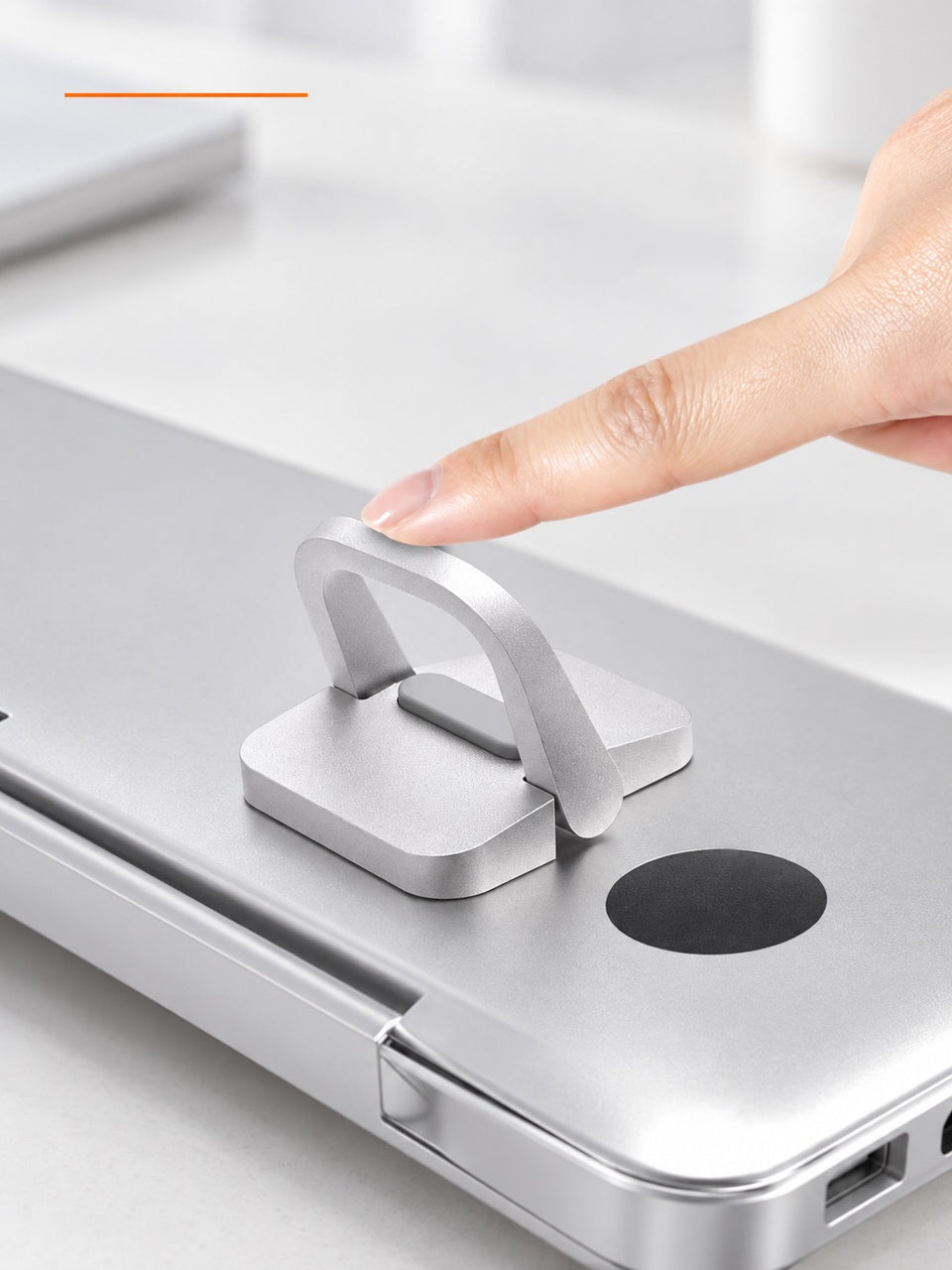
Remove the protective liner from the self-adhesive base and press it onto the underside of your laptop. Start with a clean, dry surface.
Lift the small aluminum tab along the edge and the U-shaped stand rises in one motion.
Let the laptop settle at the angle that feels right for your neck, anywhere between 3° and 15°.
Residue depends on the surface and how long the base stays put. Test on a small area first, press the base firmly, and peel it slowly when you move the stand.
It is a modest, adjustable lift. The low end suits a small change in angle, and the higher end gives a steeper screen angle. If you want a dramatic tilt, a bulkier riser is the better buy.
Yes. It folds flat so it fits a bag pocket, and you can open it on any table where you set the laptop down.
You are paying for a brushed aluminum build that folds flush and disappears when you are done. Spread over years of desk work, the cost per workday is small, and the stand takes no permanent desk space.



 Foldable Laptop Stand: Invisible Self-Adhesive Lift