
$59.90
Free delivery · 7–14 days
USB 3.0 SATA Adapter Cable for 2.5-Inch SSD & HDD Drives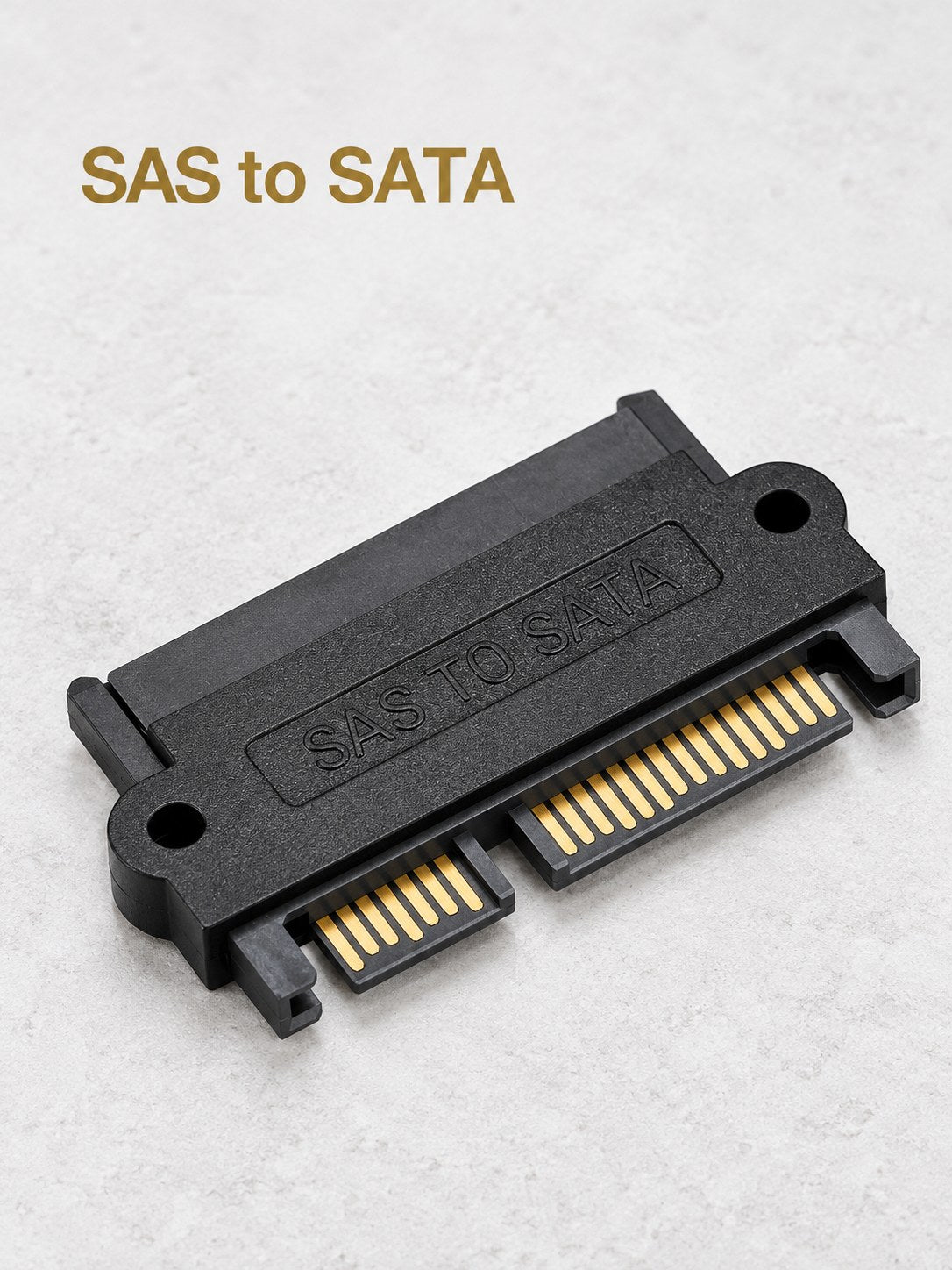
Reusing an enterprise SAS drive should not mean a drawer full of cables and guesswork. This compact plug-in adapter seats the drive on a SATA-based board, with gold-plated contacts, latching clips and screw holes at both ends. Confirm the SATA logo and SAS port protocol, and the drive is ready for your next build.
Read the full descriptionReusing an enterprise SAS drive should not mean a drawer full of cables and guesswork. This compact plug-in adapter seats the drive on a SATA-based board, with gold-plated contacts, latching clips and screw holes at both ends. Confirm the SATA logo and SAS port protocol, and the drive is ready for your next build.
Connects a SAS hard drive to a SATA port with a compact plug-in adapter
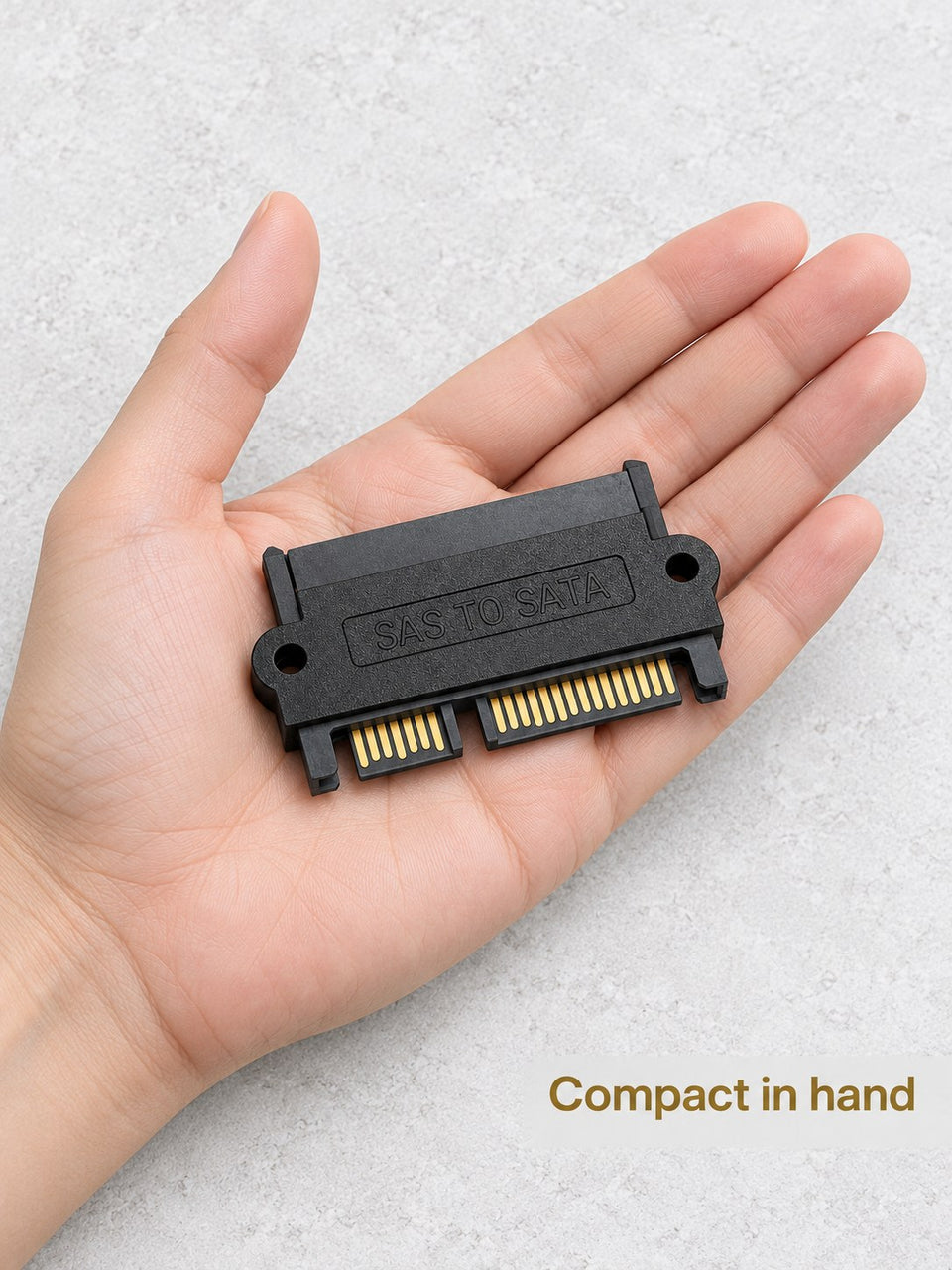
Stop letting a good enterprise drive gather dust. This compact adapter seats it securely in your SATA-based build.

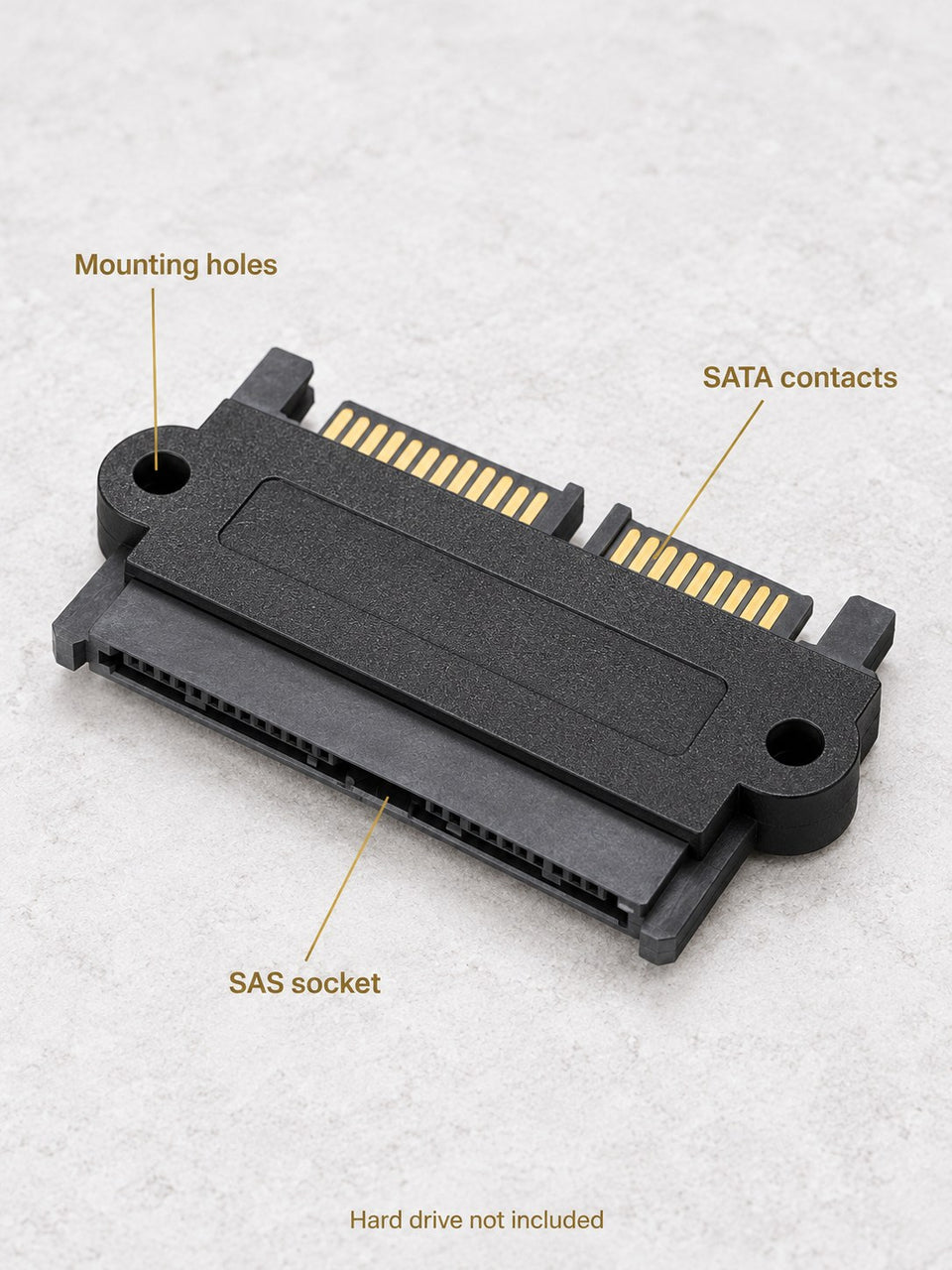
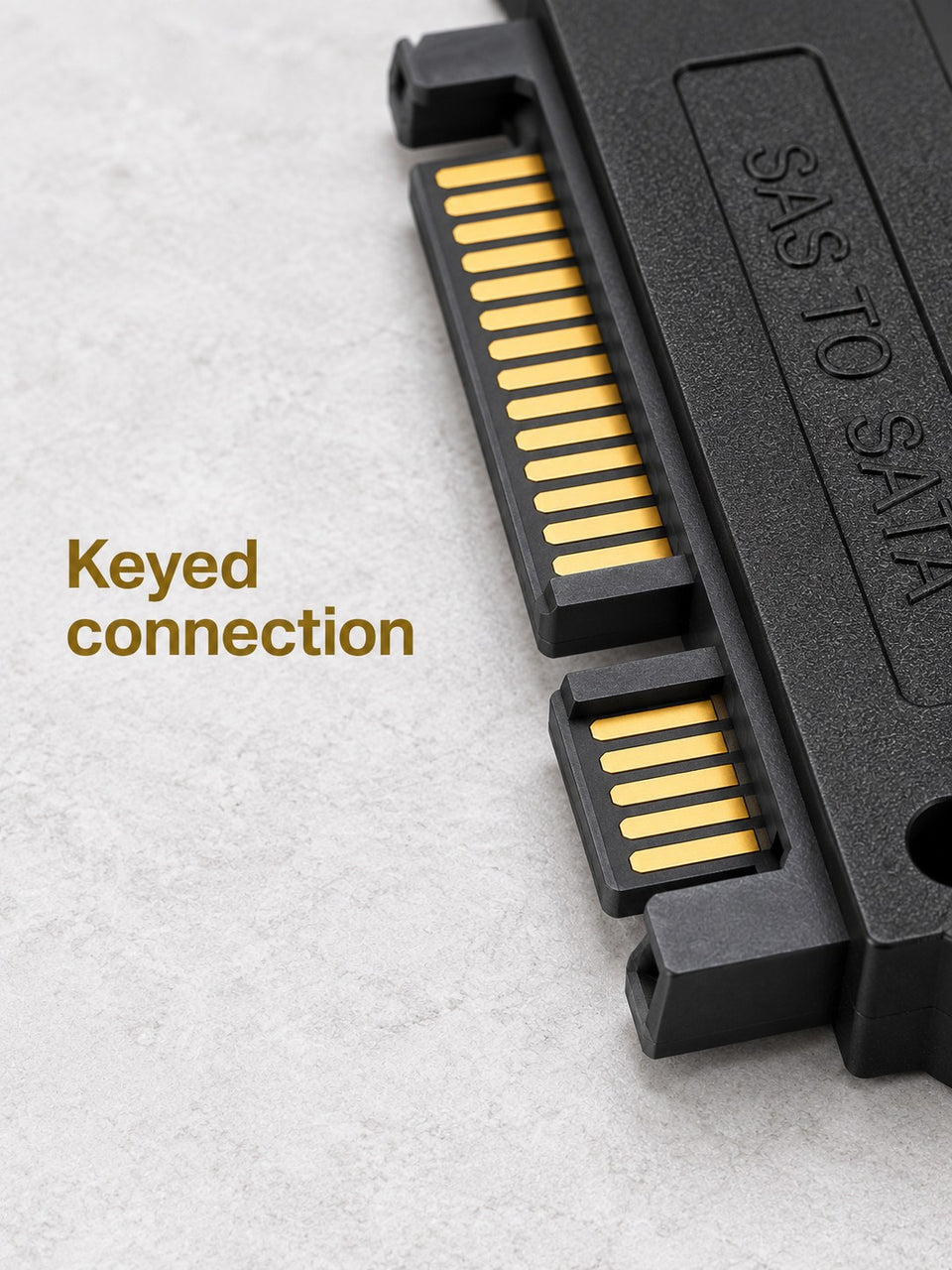
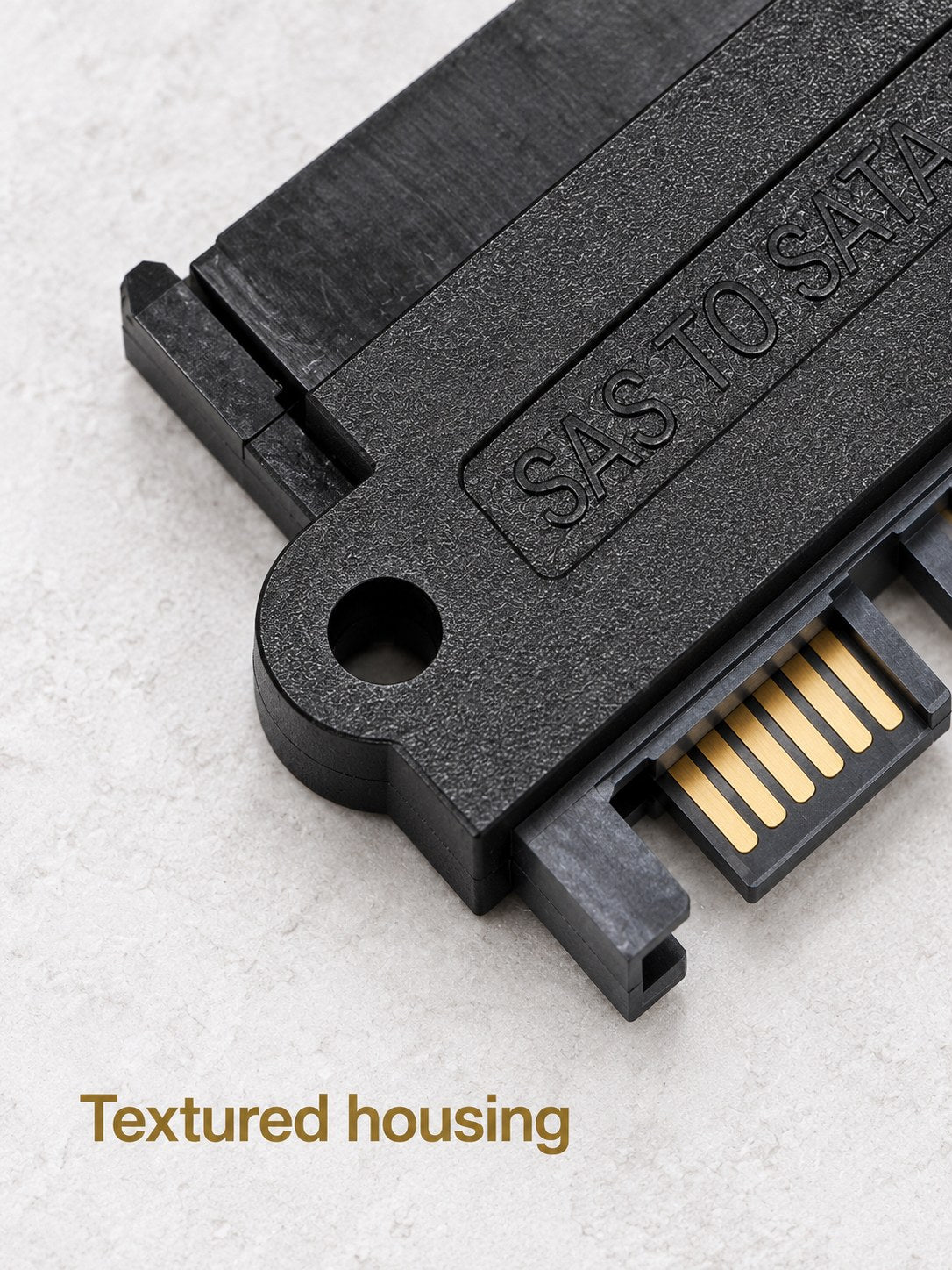
Gold-plated pins line both connector ends. Gold resists corrosion, so the contact surface stays clean through repeated seat and unseat cycles.

Mounting holes sit on both ends, so the drive screws down instead of shifting around the case. A secured drive stays put when you move the machine.

Latching clips run along the sides and keep the connector seated. Release the clips to pull the drive out, rather than yanking the housing.
Check the SATA logo on the drive and the SAS protocol on the motherboard port. Skip this and the drive will not show up.
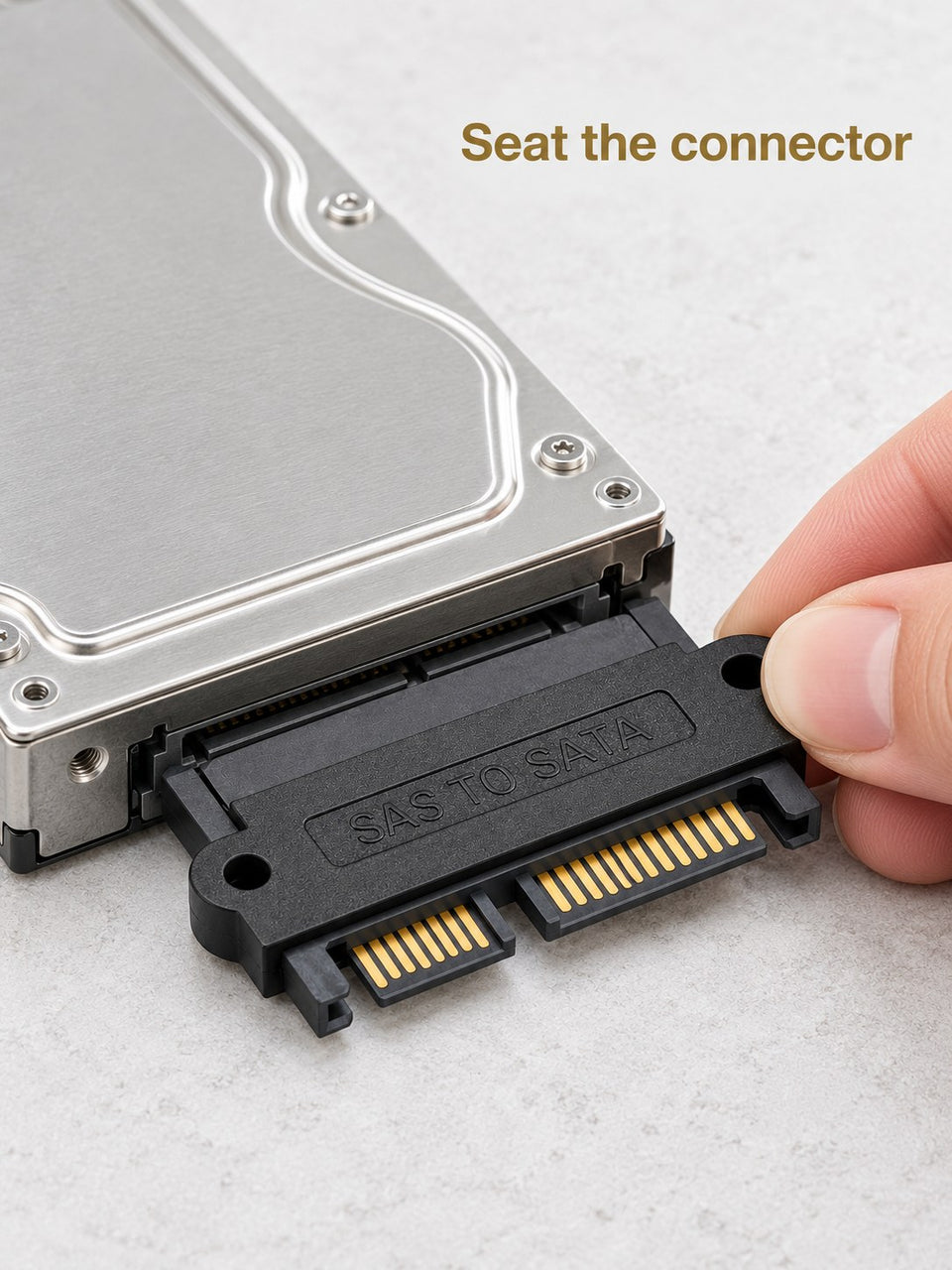
Align the stepped 22-pin profile with the port and press evenly until the connector sits flush. Do not force it.
Engage the side latching clips, then use the mounting holes at both ends to screw the drive into its bay.

You pulled a SAS drive from a server or a lot purchase, plugged it into the SATA port, and nothing happened. The drive is fine. The port simply cannot see it, so the drive ends up in a drawer.

A small plug-in adapter with a stepped 22-pin profile bridges the two connectors. Gold-plated contacts and latching clips hold the connection, so you are not taping cables down or forcing a connector that does not line up.
Screw holes at both ends lock the drive into its bay. Confirm the SATA logo on the drive and the SAS protocol on the port, and the reused drive runs in your desktop, server or NAS build.
It will if your motherboard SATA port runs SAS protocol and the drive carries a SATA logo. The adapter only bridges the connectors. The pairing decides whether the drive is detected.
Yes. The SAS hard disk must have a SATA logo for this adapter to match it. Check the drive label before you order.
Use it only with a matching pairing. Seat the connector straight and press evenly. If the port does not match, the drive will not be recognized, and forcing the connector risks bent pins.
No extra cables are needed. The adapter plugs straight into the port and the drive mounts to the case. If you want the rest of the build tidy, a set of cable organizers keeps the remaining runs neat.
The mounting holes at both ends line up with standard drive bays, so you can screw the drive in. Reusing a drive you already own skips a new purchase, so the adapter is the only cost on top of the drive you have.


 Compact SAS to SATA Adapter with Mounting Screw Holes