
$54.90
Free delivery · 7–14 days
Wireless Charger for iPhone and Samsung, 15W Fast Pad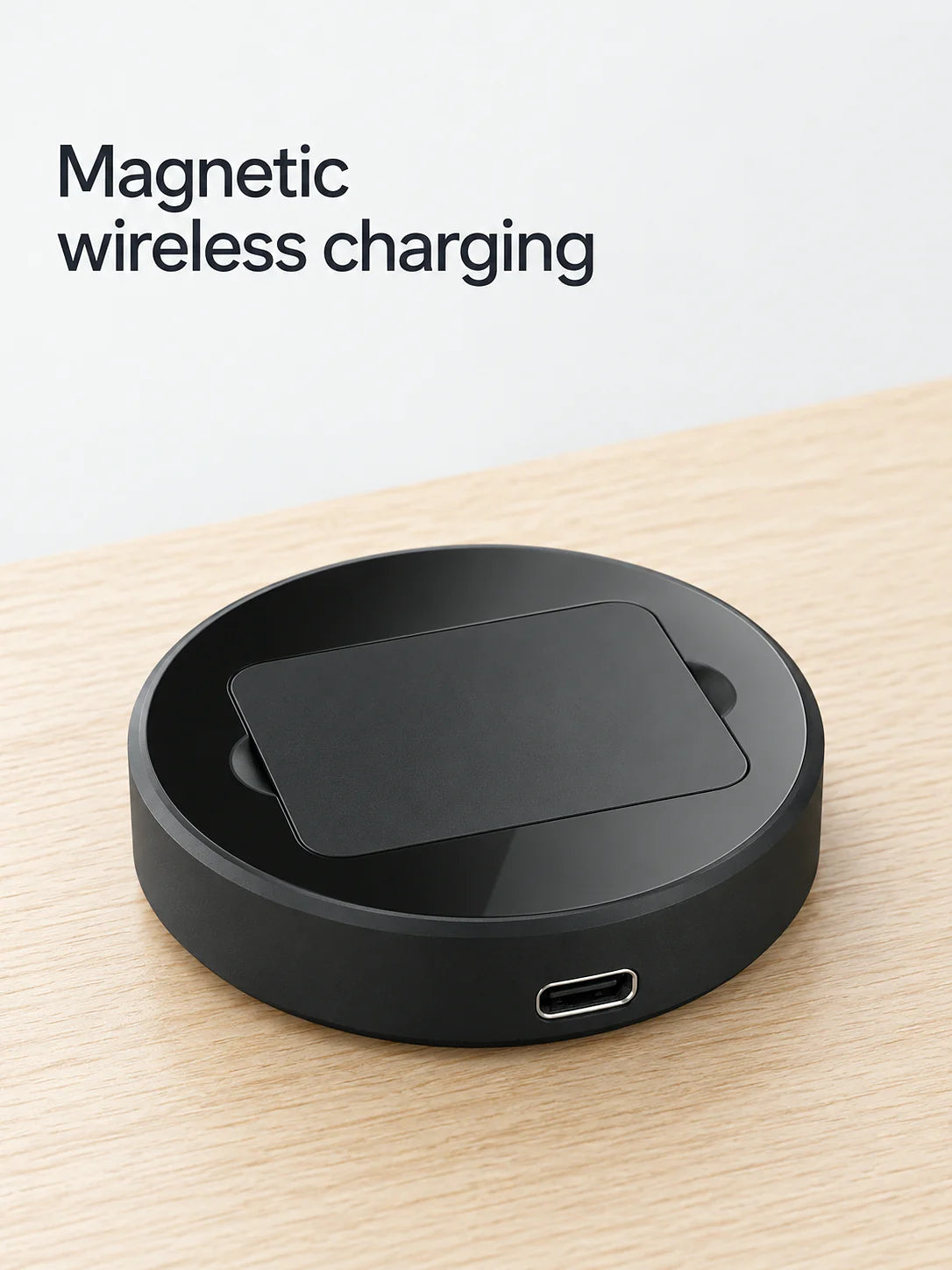
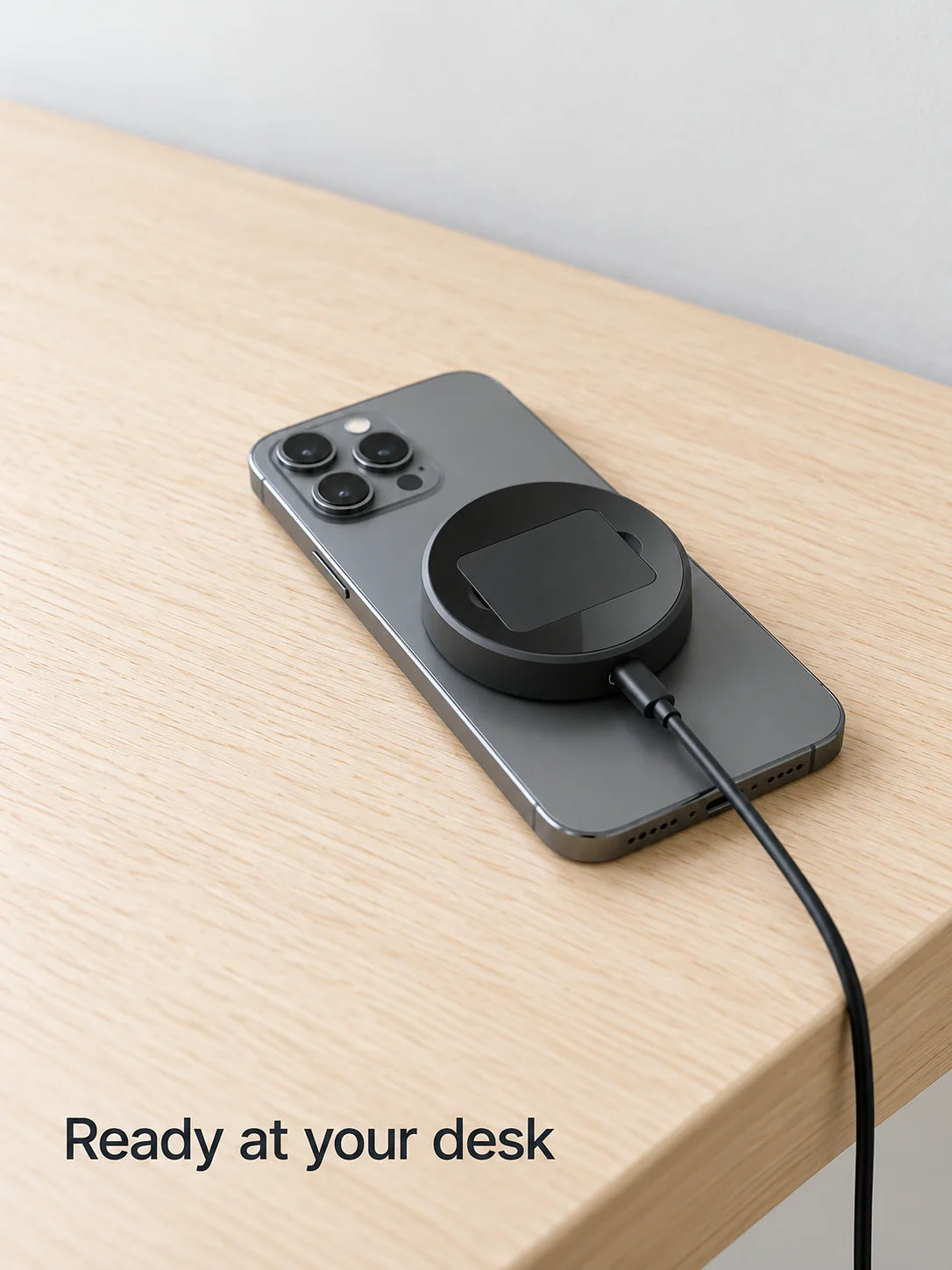
Set the phone down and it locks onto the puck, charges at 15W, and stands upright when you need it. No nudging until a light comes on, no tangled cable across the desk, and no mug propping up a video call.
Read the full descriptionSet the phone down and it locks onto the puck, charges at 15W, and stands upright when you need it. No nudging until a light comes on, no tangled cable across the desk, and no mug propping up a video call.
Snap-on 15W magnetic wireless charging that lines up automatically
Stop nudging your phone until the light comes on. This 15W magnetic puck locks your phone into place and gives you a hands-free stand at your desk or bedside.

The magnets pull the phone onto the coil, so you stop sliding it around until the indicator lights. The puck sits flat under the phone, and the cable leaves from the side. If you want a spot to keep the cable tidy, a charging cables set keeps the rest of the desk in order.

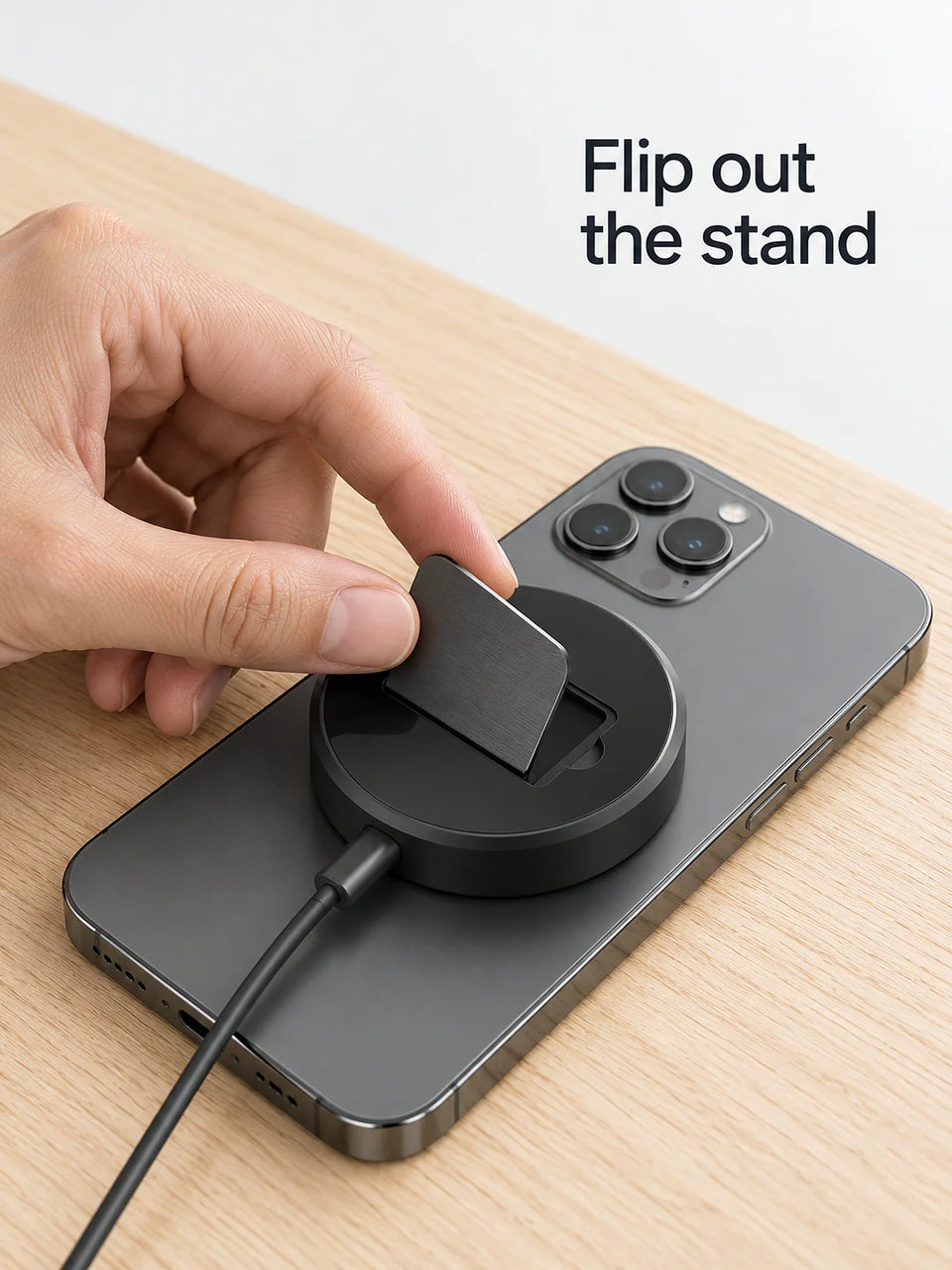
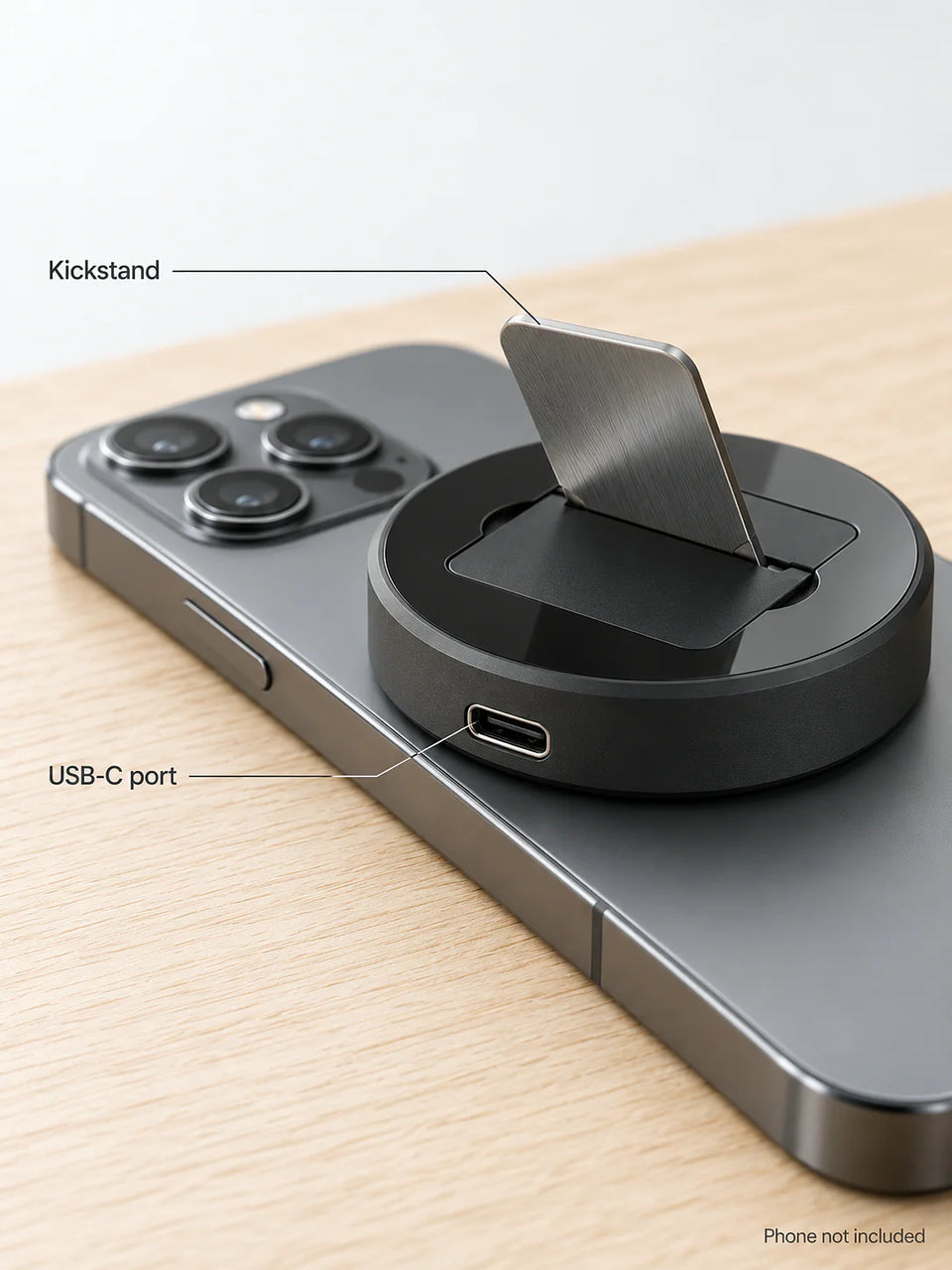
Fold the kickstand out from the back of the puck and the phone stands at a steady angle for video, recipes or a call. You keep the charger and the stand in one object, so there is no second accessory to carry or find.

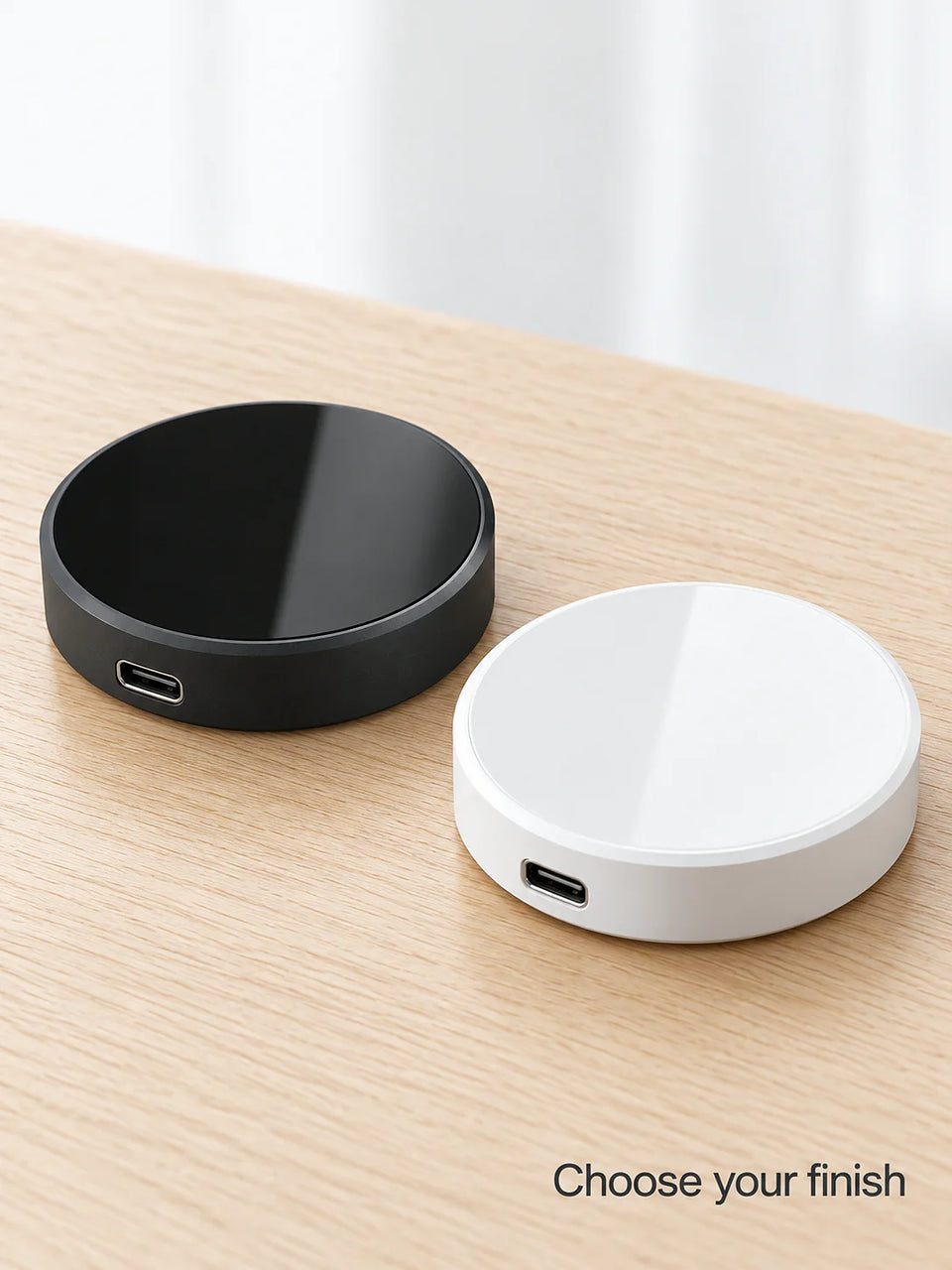
The USB-C input sits on the side of the puck, so the cable runs off the edge of the desk instead of across the middle of it. The matte soft-touch body and glossy centre pad come in black or white, so the puck fits either setup.
Plug the USB-C cable into the port on the side of the puck so the cable runs off the edge of the surface.
Connect the other end to a fast-charging USB-C adapter. The adapter is not in the box, so use one you already own or add one.
Set the phone on the puck and let the magnets pull it into place. Open the kickstand fully if you want the phone upright for video.
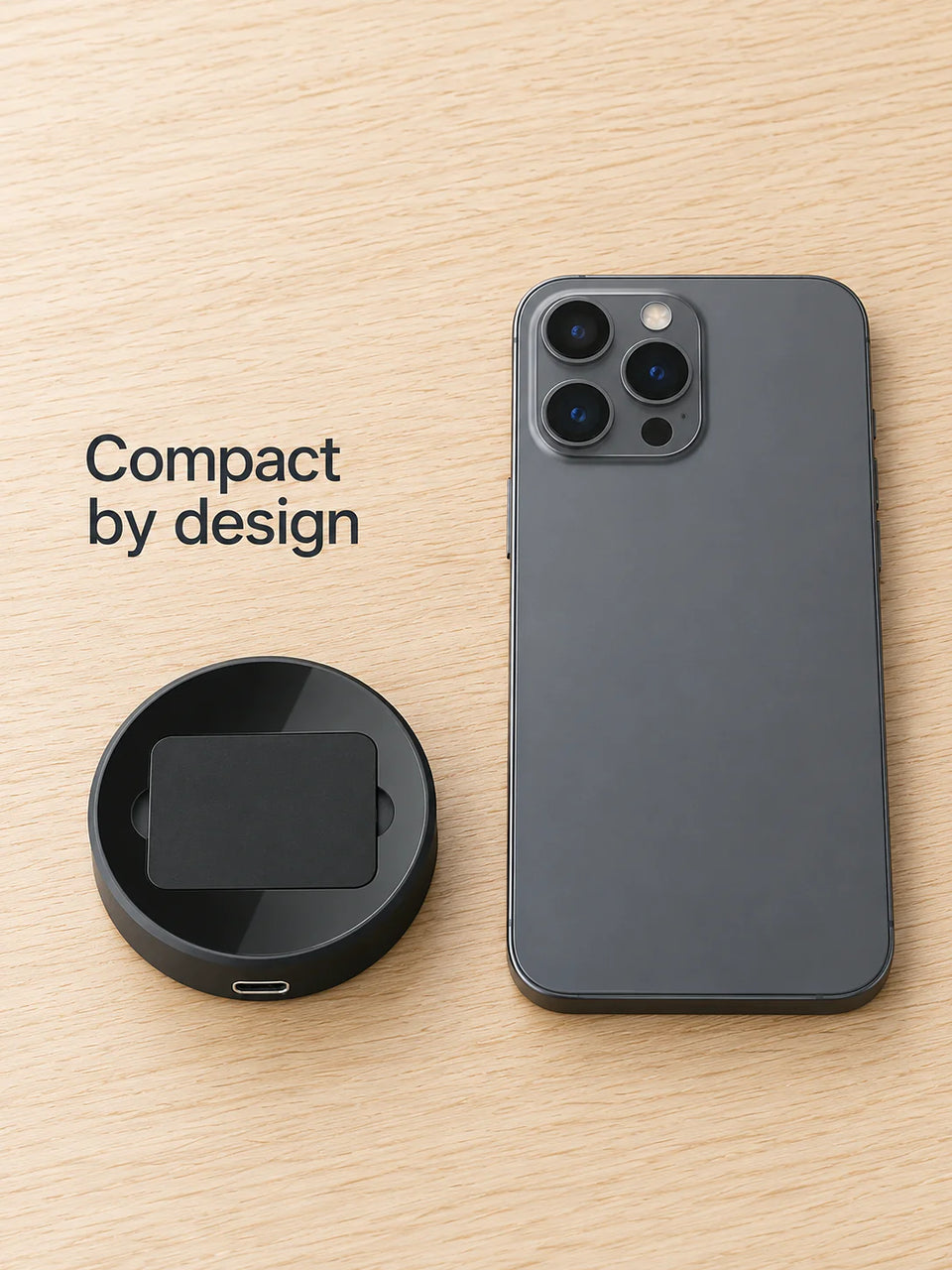
Round, low-profile, with a metal kickstand. Available in matte black or white.
Connects the puck to a USB-C power adapter, sold separately.
Yes. The box includes the puck and a USB-C cable, but not the wall adapter. Use a fast-charging USB-C adapter, because a weak power source caps how fast the puck can charge. Many people already have one from a laptop or phone, and it is the same plug you use for the cable.
It works with MagSafe-compatible phones and cases, and with phones that have a rear magnet. Thin, non-metal cases are fine. Thick cases, metal plates and card wallets block the magnetic connection, so take them off before you set the phone down.
The puck is rated at 15W. Your real speed depends on your phone and your adapter. The gain you will notice is consistency: the magnets put the coil in the same spot every time, so the phone charges on every drop instead of stalling on a flat pad that was off by a few millimetres.
A flat pad and a stand cost you two accessories, and the stand does not charge the phone. This puck covers both jobs with one cable. If you already own a charger that works, you are paying for the kickstand and the alignment, and both get used every day at a desk or by the bed.
No. Keep it folded flat when you only need to charge. Open it when you want the phone upright for a video or a call. Set the phone centred on the puck first, then open the stand fully so it sits steady.


 15W Magnetic Wireless Charger with Fold-Out Kickstand