Skip to content

Qi Wireless Chargers for iPhone & Android Phones

7 products

Wireless chargers make it easy to power compatible phones and everyday devices without plugging a cable into the phone each time. This category includes Qi wireless chargers for iPhone and Android phones, receiver adapters for phones without built-in Qi support, and multi-device stations for phones, watches, earbuds, and other accessories.

How to choose a wireless charger for iPhone or Android

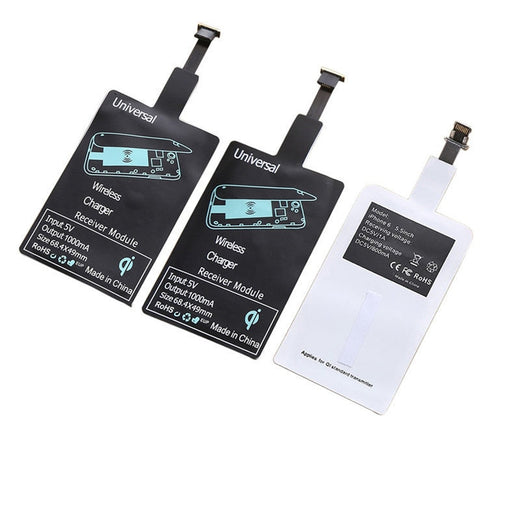
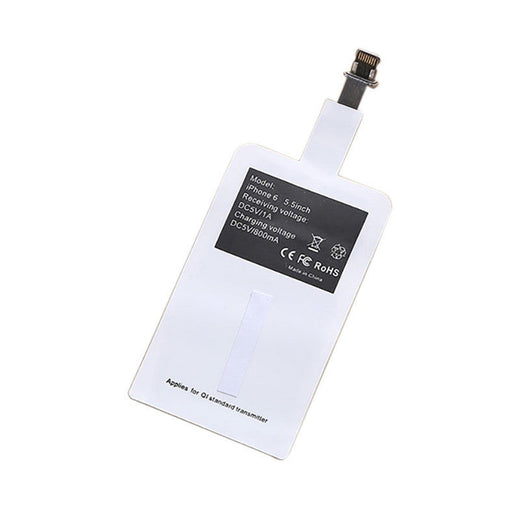
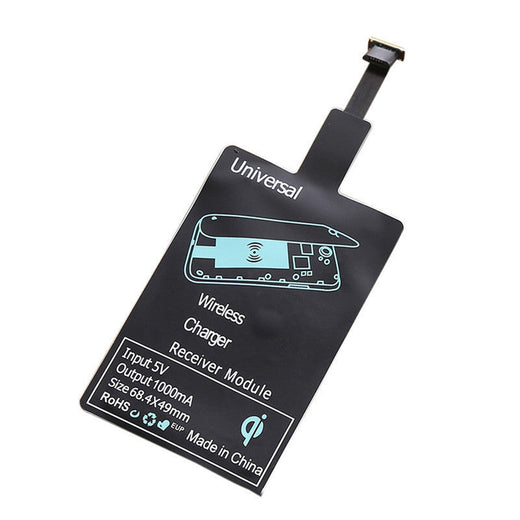
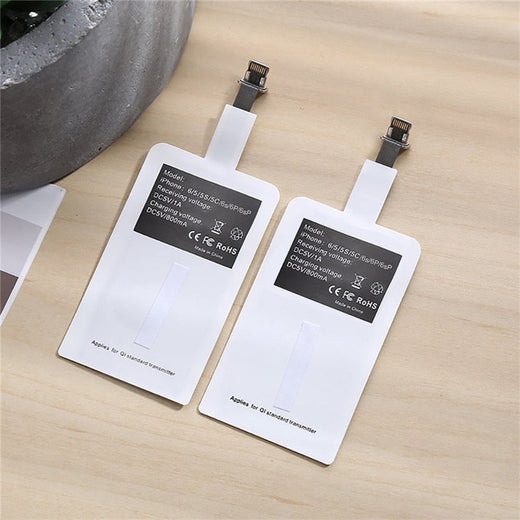
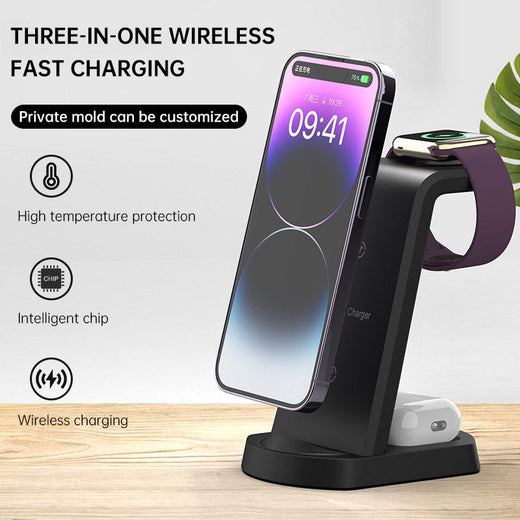
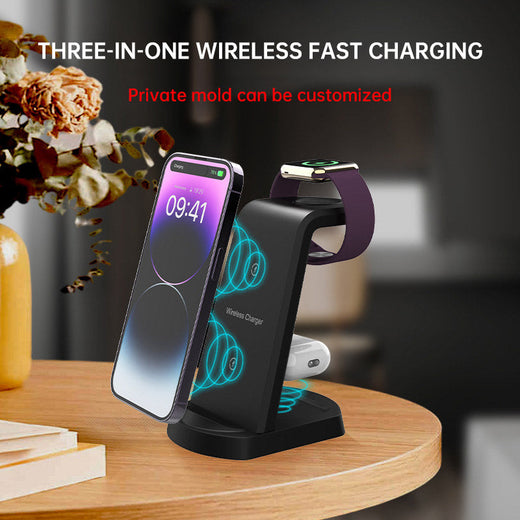
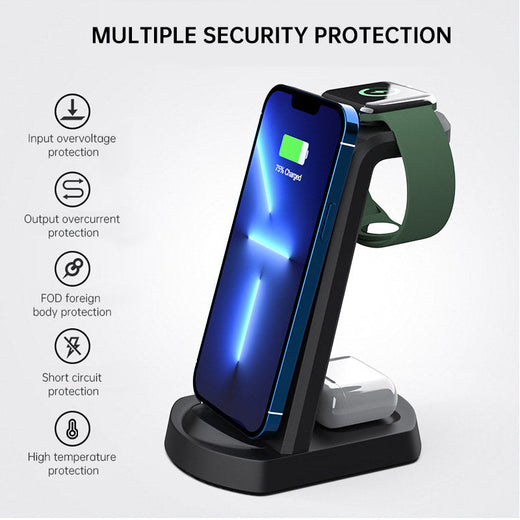
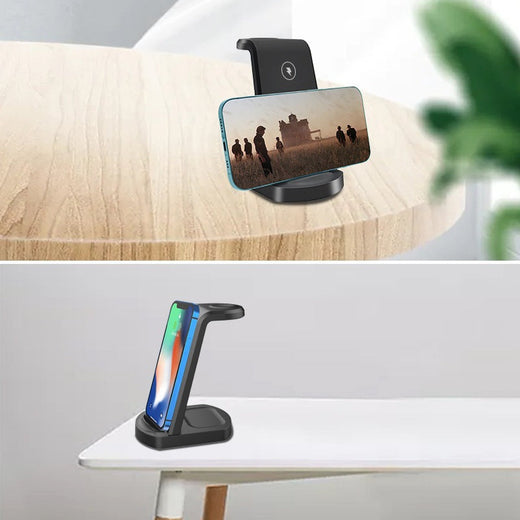
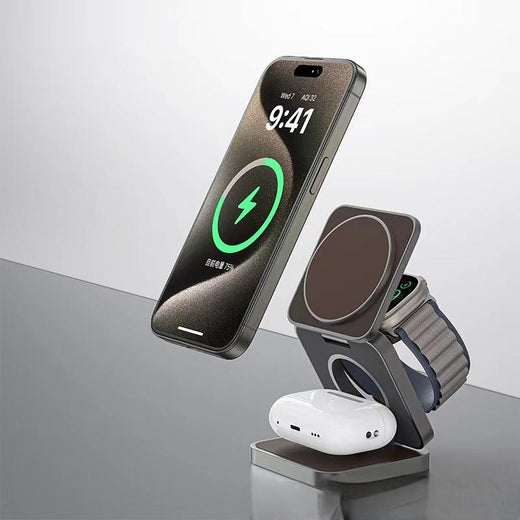
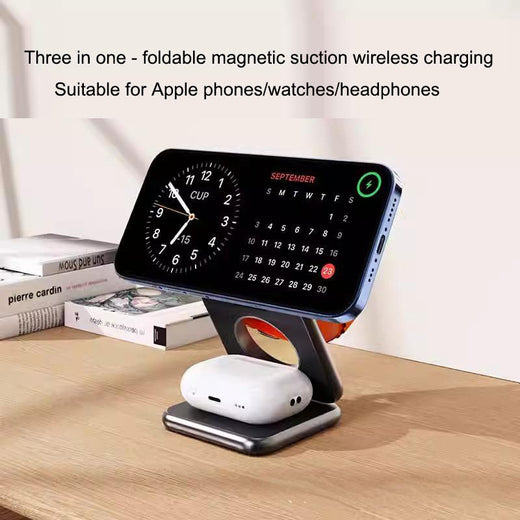
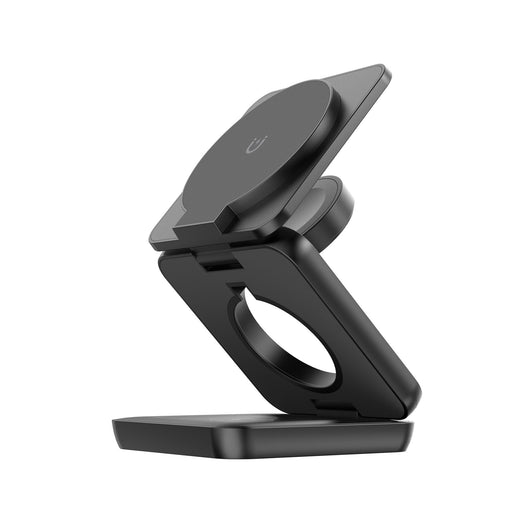
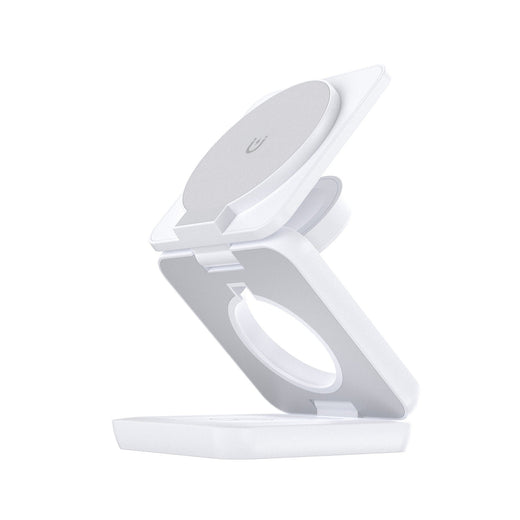
Start by checking whether your phone supports Qi wireless charging. Many newer iPhone, Samsung, and other Android models do, while some older or entry-level phones may need a Qi Wireless Charger Receiver — Upgrade Any Phone. Next, decide what you want to charge: a single phone, or several devices together. A basic Qi pad suits a bedside table or desk, while the 3-in-1 Apple chargers are designed for an iPhone, Apple Watch, and AirPods-style charging case. For mixed households, choose a station with a phone charging area that matches your device and confirm watch or earbud compatibility before ordering. Also consider your phone case, available desk space, viewing angle, and whether you prefer a flat pad, upright dock, clock, lamp, or decorative design.

What types of wireless chargers are available?

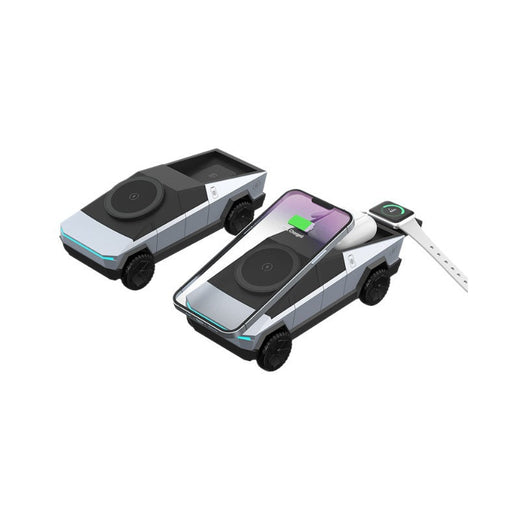
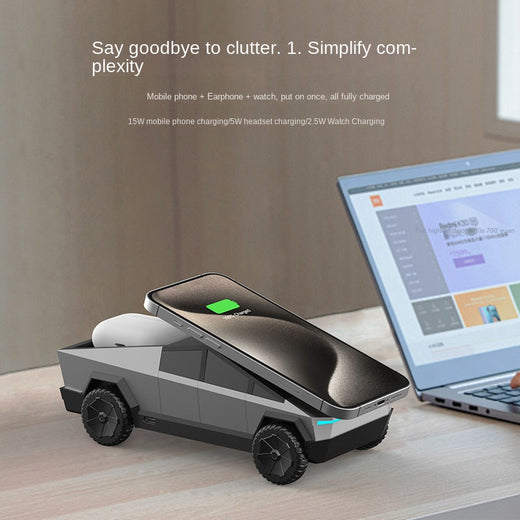
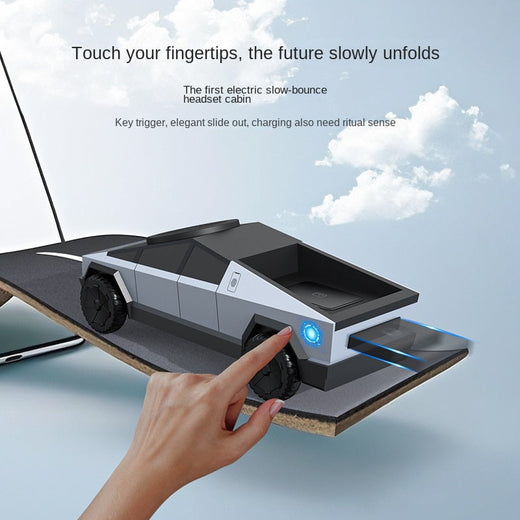
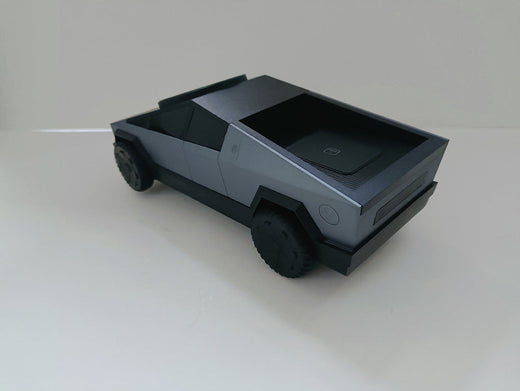
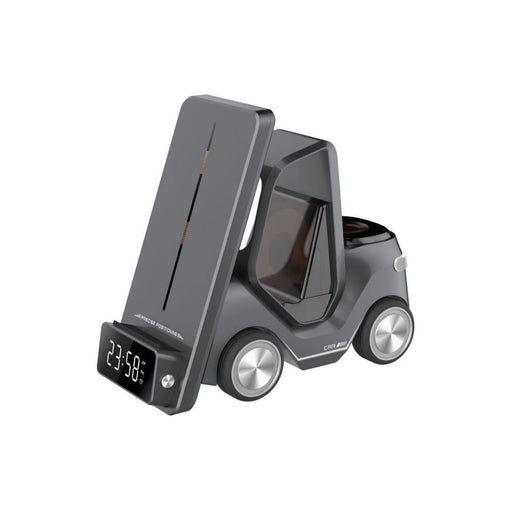
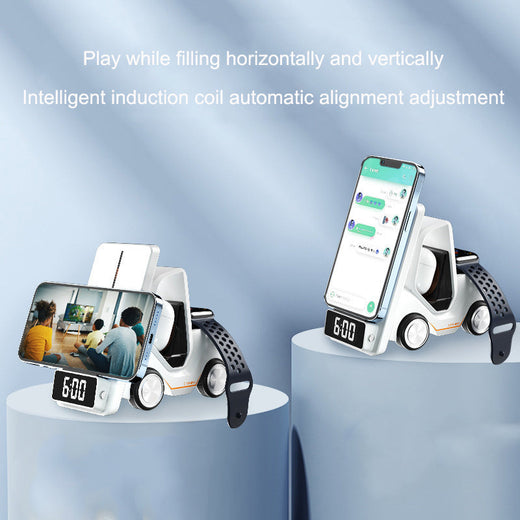
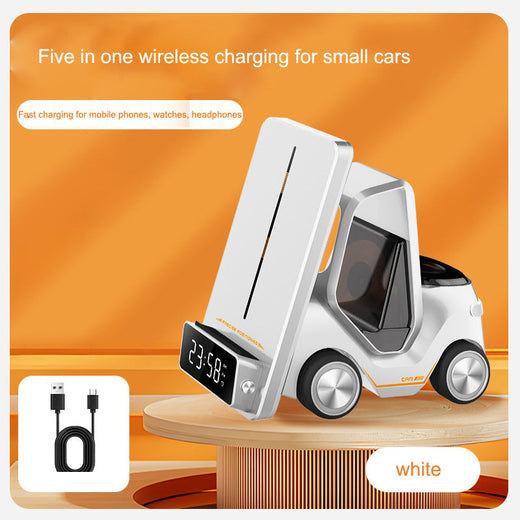
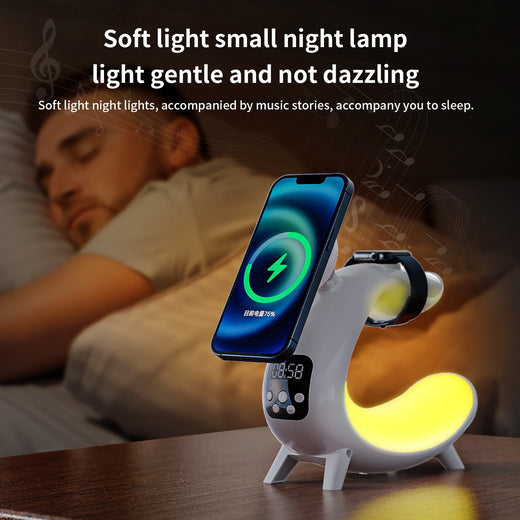
A single Qi charger is the simplest option for one compatible phone and usually takes less space than a multi-device dock. A receiver adapter adds Qi charging to a phone that lacks built-in wireless charging, but it remains attached to the phone and may affect case fit. The 3-in-1 Wireless Charger Dock, 3-in-1 Wireless Charger Station, and Apple-focused 3-in-1 Charger can organize a phone, watch, and earbuds in one place. The Cybertruck Design model adds a motorized drawer for a more distinctive setup. For a bedside or desk, the 5-in-1 station combines charging with a clock, while the 6-in-1 station adds an RGB lamp. Choose the type that matches your devices rather than paying for charging positions you will not use.

What to look for in a wireless fast charger

Look for a charger that supports the Qi standard and is suitable for your phone model. Charging speed depends on the phone, charger, power adapter, cable, alignment, and case thickness, so a product described as a wireless fast charger for Android may not deliver the same speed to every handset. Check whether the required wall adapter is included and review the product specifications before buying. A stable base, clear charging alignment, and an unobstructed charging surface help prevent interruptions. If you keep your phone in a thick, metal-backed, magnetic, or wallet-style case, check compatibility carefully. For a shared home, a universal wireless phone charger with a phone pad can be practical, while a dedicated multi-device station is better when several Apple accessories need a regular charging spot.

How to use a wireless charger correctly

Place the wireless charger on a stable, dry surface and connect it to the recommended power source. Put the phone or compatible device on the charging area, centered so its internal charging coil lines up with the charger. If charging does not begin, remove the case temporarily, reposition the phone, and check the cable and power adapter. Keep cards, coins, keys, and other objects away from the charging surface. Do not place a credit card between the phone and charger, because wireless charging can interfere with cards that use magnetic strips or other sensitive components. For a receiver adapter, install it according to its instructions, keep the connector seated, and confirm that the phone case does not press against the adapter. Use the charger on a clear surface with ventilation around it.

What are common wireless charging mistakes?

A frequent mistake is assuming every phone supports wireless charging. Check the exact model first, or choose the Qi Wireless Charger Receiver if the phone is compatible with that type of adapter. Another mistake is buying a 3-in-1 Apple station for a non-Apple watch without checking watch support; the phone charging area may work while the watch section does not. Thick cases, metal plates, wallet cases, and misalignment can also stop charging or make it inconsistent. Do not judge performance only by the charger label: the phone, power supply, cable, and charging standard all matter. Avoid covering the charger with clothing or placing it near loose metal objects. Finally, do not use the charger as a card holder, and keep payment cards away from the charging area.

Who should buy a wireless charger?

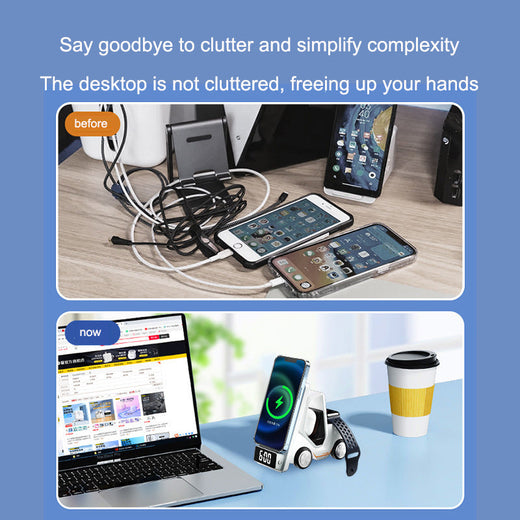
Wireless chargers suit people who want a convenient charging place at a desk, bedside table, kitchen counter, or home office. They are especially useful for iPhone owners with AirPods and Apple Watch, since a 3-in-1 station can reduce cable clutter. Android users can choose a Qi-compatible phone charger or look for a wireless fast charger for Android that matches their phone's specifications. A receiver adapter is useful when replacing the phone is not practical but wireless charging is desired. Multi-device stations are also helpful in shared spaces, provided each device is supported. Wireless charging may be less suitable if you need the fastest possible charging, use a thick or metal case, or regularly hold the phone while it charges. In those situations, a wired charger can remain the better everyday option.

Frequently asked questions

What is the downside of wireless charging?

Wireless charging can be slower or less consistent than wired charging, depending on the phone, charger, power adapter, alignment, and case. The phone also needs to remain positioned on the charging surface, and some thick, metal, magnetic, or wallet-style cases can interfere.

What is the best wireless charger for your phone?

The best choice is one that supports your phone's wireless charging standard and fits your routine. Choose a single Qi pad for one phone, a receiver adapter for a compatible phone without built-in Qi support, or a 3-in-1 station if you also charge a watch and earbuds.

Do wireless chargers work on any phone?

No. The phone must have built-in Qi wireless charging or use a suitable Qi receiver adapter. Check the exact iPhone, Samsung, or Android model before buying, and remember that a charger may support the phone while its watch or earbud charging area has different compatibility requirements.

Is it worth buying a wireless charger?

It can be worthwhile if you value easy drop-and-charge use, fewer cable connections, or one station for several devices. A wired charger may be preferable when maximum charging speed, portability, or uninterrupted phone use while charging is more important.

Is it bad to leave a phone on a wireless charger all day?

Use the phone and charger according to their instructions and place them on a clear, stable surface. Charging behavior varies by phone, so check the phone manufacturer's guidance for long-term charging. Remove obstructions such as thick cases or objects that could affect alignment and heat dissipation.

Can I use a wireless charger with my credit card?

Do not place a credit card between the phone and the wireless charger. Wireless charging may interfere with cards that use magnetic strips or other sensitive components, so keep payment cards away from the charging surface while it is in use.