
$39.90
Free delivery · 7–14 days
Keyboard Wrist Rest with Memory Foam Cloud Support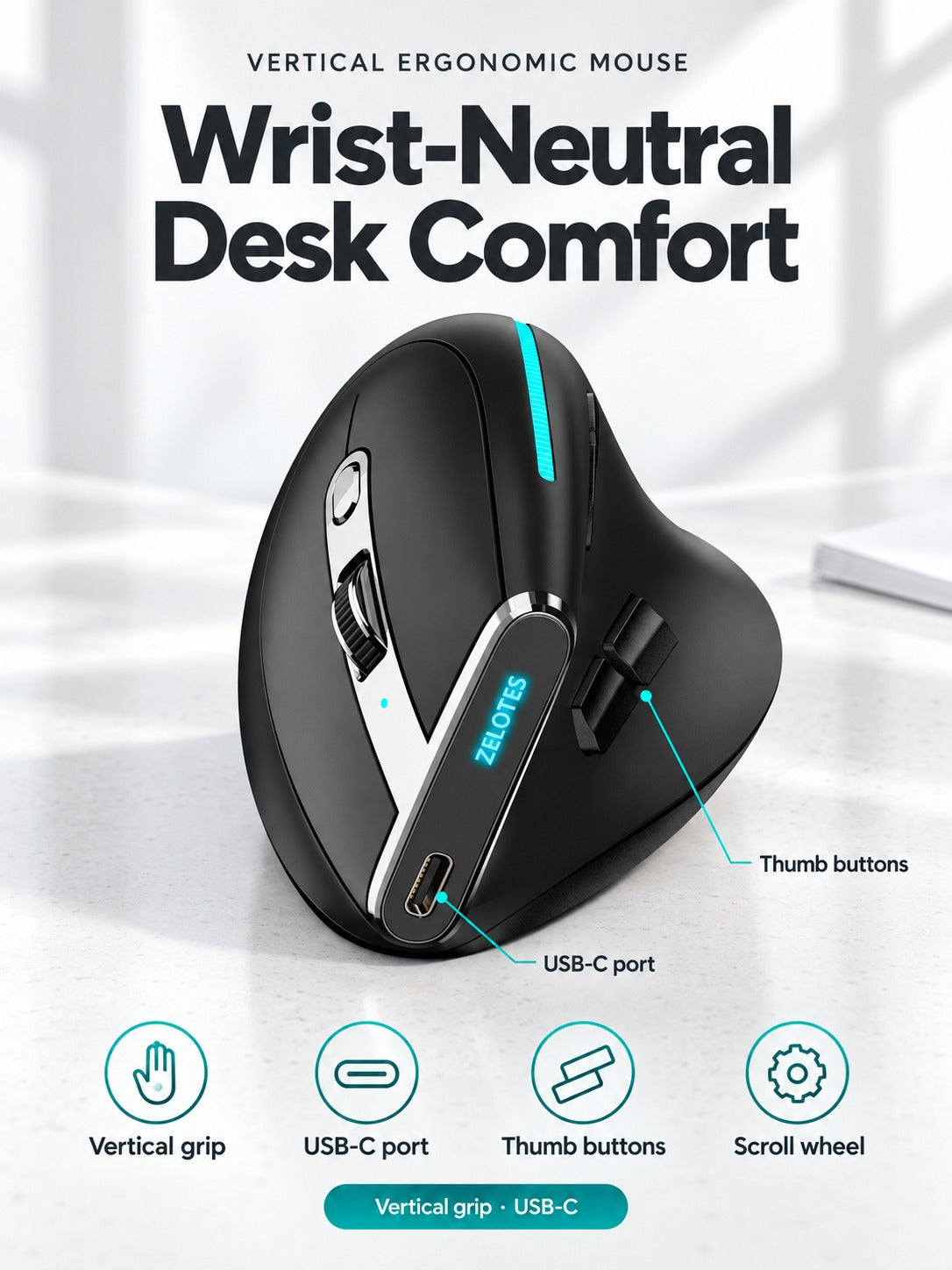
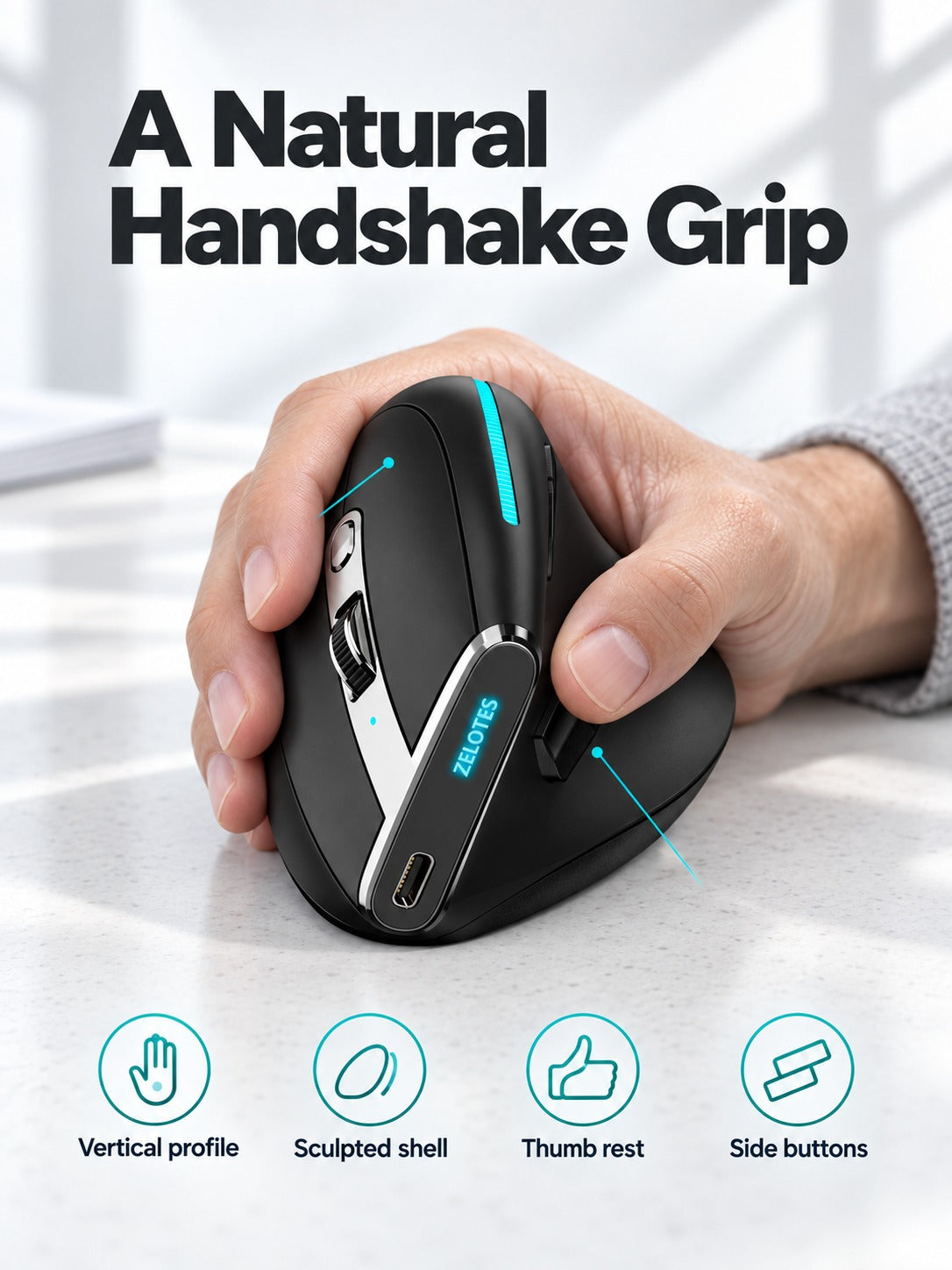


Your hand rests in a handshake position and the afternoon ache has less to build on. The ZELOTES F36 keeps your forearm neutral through long desk sessions, with a matte soft-touch shell, thumb controls and an illuminated scroll wheel. Charge it over USB-C and keep working.
Read the full descriptionYour hand rests in a handshake position and the afternoon ache has less to build on. The ZELOTES F36 keeps your forearm neutral through long desk sessions, with a matte soft-touch shell, thumb controls and an illuminated scroll wheel. Charge it over USB-C and keep working.
Vertical ergonomic grip that keeps your wrist in a natural handshake position
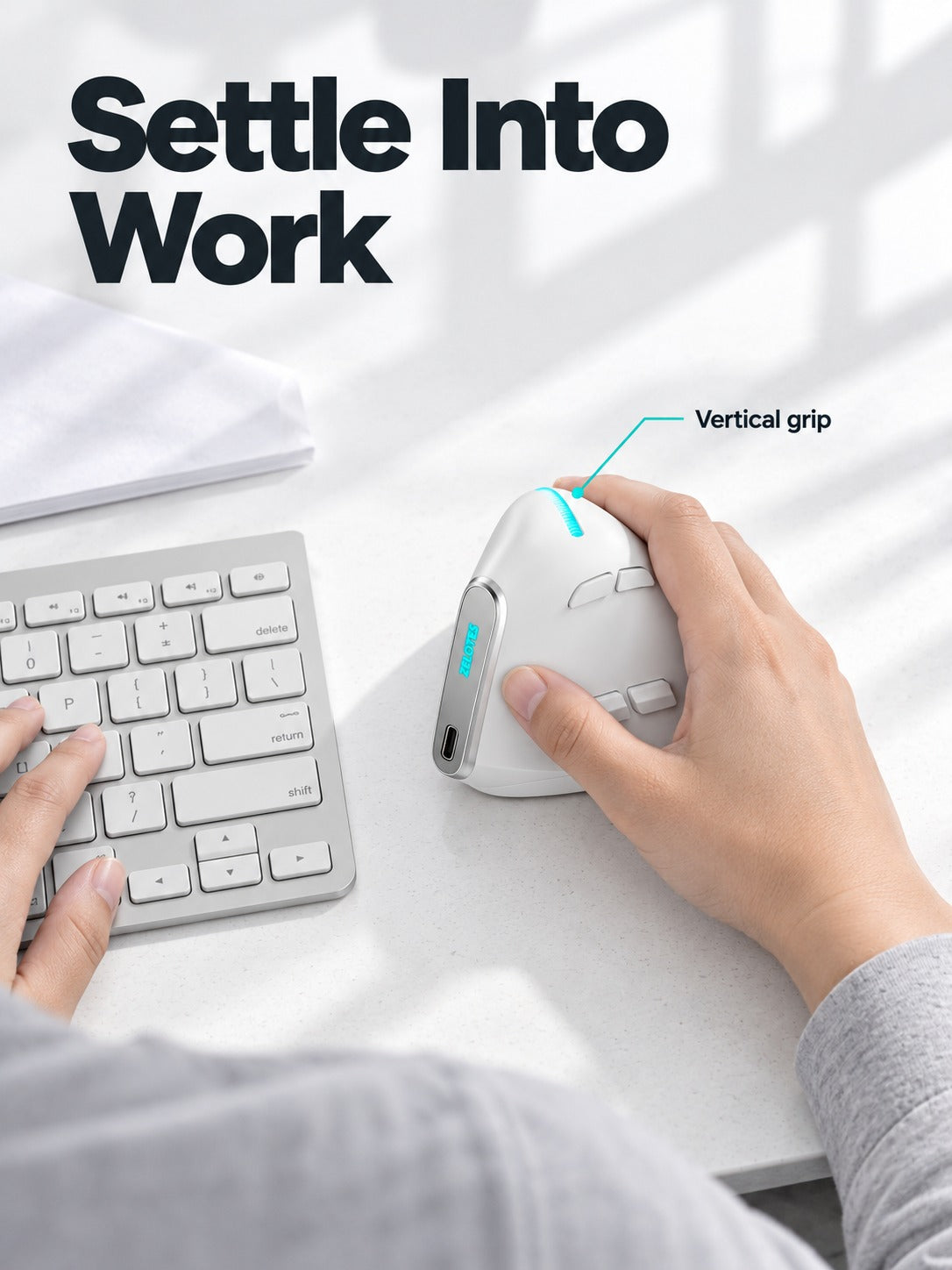
Flat mice keep your hand twisted from the first email to the last report. The ZELOTES F36 holds your hand upright so your wrist can rest and your desk day feels lighter.

The shell sits at a steep angle, so your palm faces the side instead of rolling down onto the desk. Your forearm stays in a handshake position, which is the core difference from a standard mouse. Your hand does the work of gripping less, and the strain that builds up over a long afternoon has less to build on.

A USB-C port sits on the side of the body, so you charge from a standard cable instead of swapping batteries. The status LED shows the charge state at a glance. Plug it in over lunch or overnight and it is ready for the next morning.

A thumb-side navigation button and two side buttons sit on the thumb rest. You switch pages and navigate without lifting your hand off the grip. The illuminated scroll wheel sits within easy reach of your index finger.
Switching back after ten minutes is the most common reason people decide a vertical mouse feels wrong. Give it a complete day before you judge the fit.
Let your palm settle into the shell and let your fingers guide the buttons lightly. A tight grip pulls tension into the forearm and works against the handshake position.
Plug it in during lunch or overnight so the battery is full when you start the next day. The status LED confirms the charge.
Expect a few days of adjustment. Your hand is holding a shape it has not held before, so the first hour can feel odd. Most people settle in within a week when they use it as their main mouse for full workdays.
You pay for the materials: a matte soft-touch shell, a silver chrome side strip and an integrated USB-C port. Compare it with what you already spend on wrist rests and pads that never change your hand angle. A mouse you use for six or more hours a day is the tool you touch most, so the comfort gain carries the value.
It works as a standard pointing device for everyday desk tasks on laptops and desktops. Check the product listing for the connection details that match your computer before you order.
Charge it through the USB-C port overnight or during lunch so it starts the day full. The status LED shows the charge state, so you know where you stand before a long session.
The listing does not state a left-hand version. Check the grip shape in the product photos before you order if you are left-handed.


 Vertical Ergonomic Mouse for Wrist-Neutral Office Comfort