
$49.90
Free delivery · 7–14 days
Wireless Gaming Earbuds with LED Battery Display Case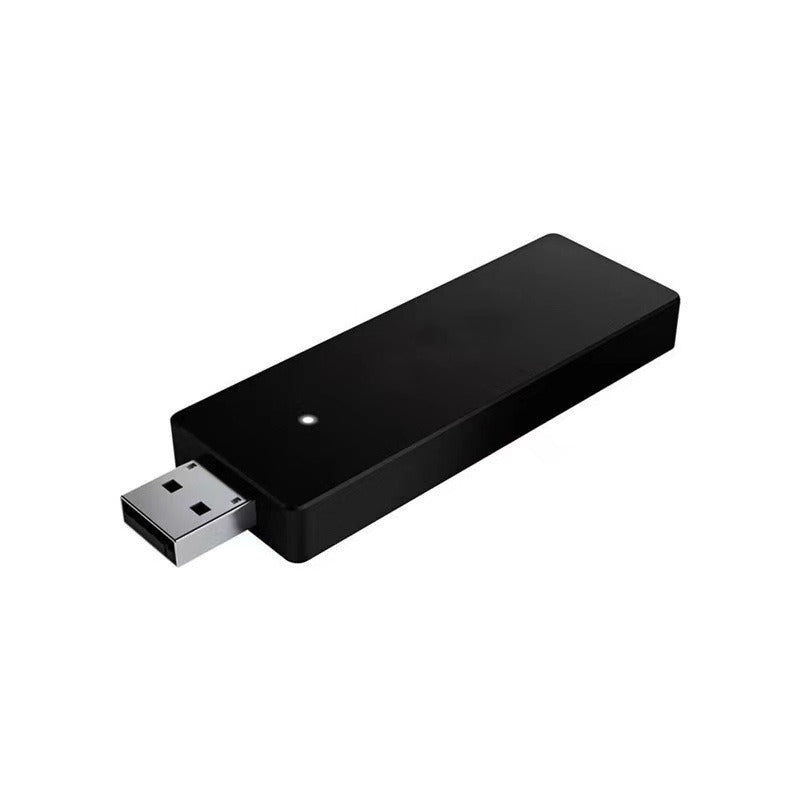
Pull the controller cable off your desk for good. This small USB-A receiver links a compatible wireless controller to your Xbox One or PC, with a metal plug, a sync button and a white LED that confirms the connection. Your desk stays clear and your hands stay on the controller.
Read the full descriptionPull the controller cable off your desk for good. This small USB-A receiver links a compatible wireless controller to your Xbox One or PC, with a metal plug, a sync button and a white LED that confirms the connection. Your desk stays clear and your hands stay on the controller.
Plug-in wireless receiver for Xbox One and PC controller connection
Tired of a controller cord snagging your desk mid-match? Plug this compact receiver into your Xbox One or PC and play wirelessly from your seat.
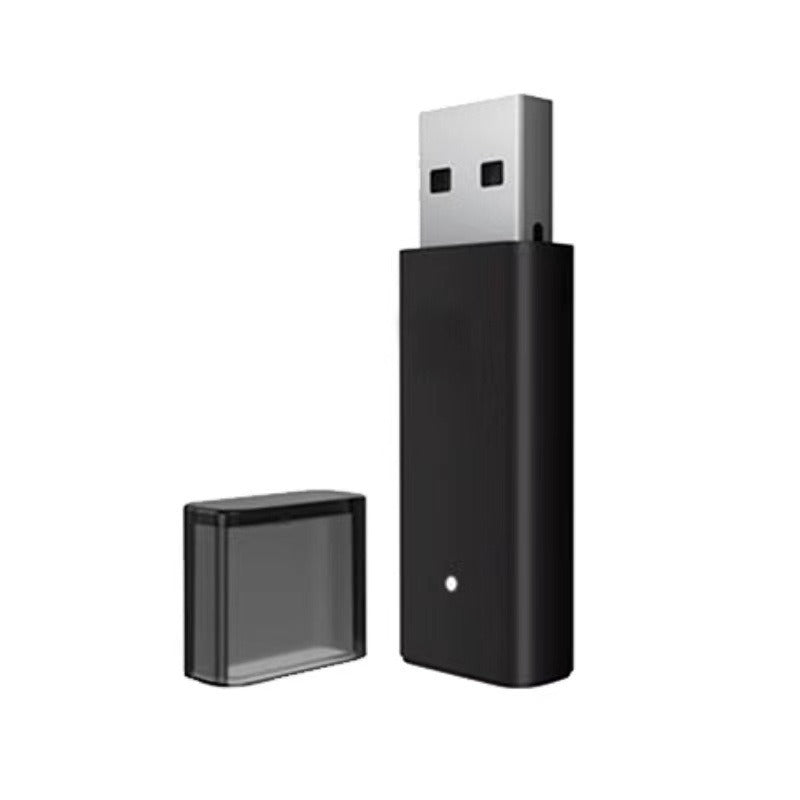
The USB-A plug is metal, so it holds its shape when you push it into a busy rear port. The shell is matte black plastic with a clean, minimal profile that sits flat against the desk. Nothing about it looks cheap, and it stays neat next to your console or PC.
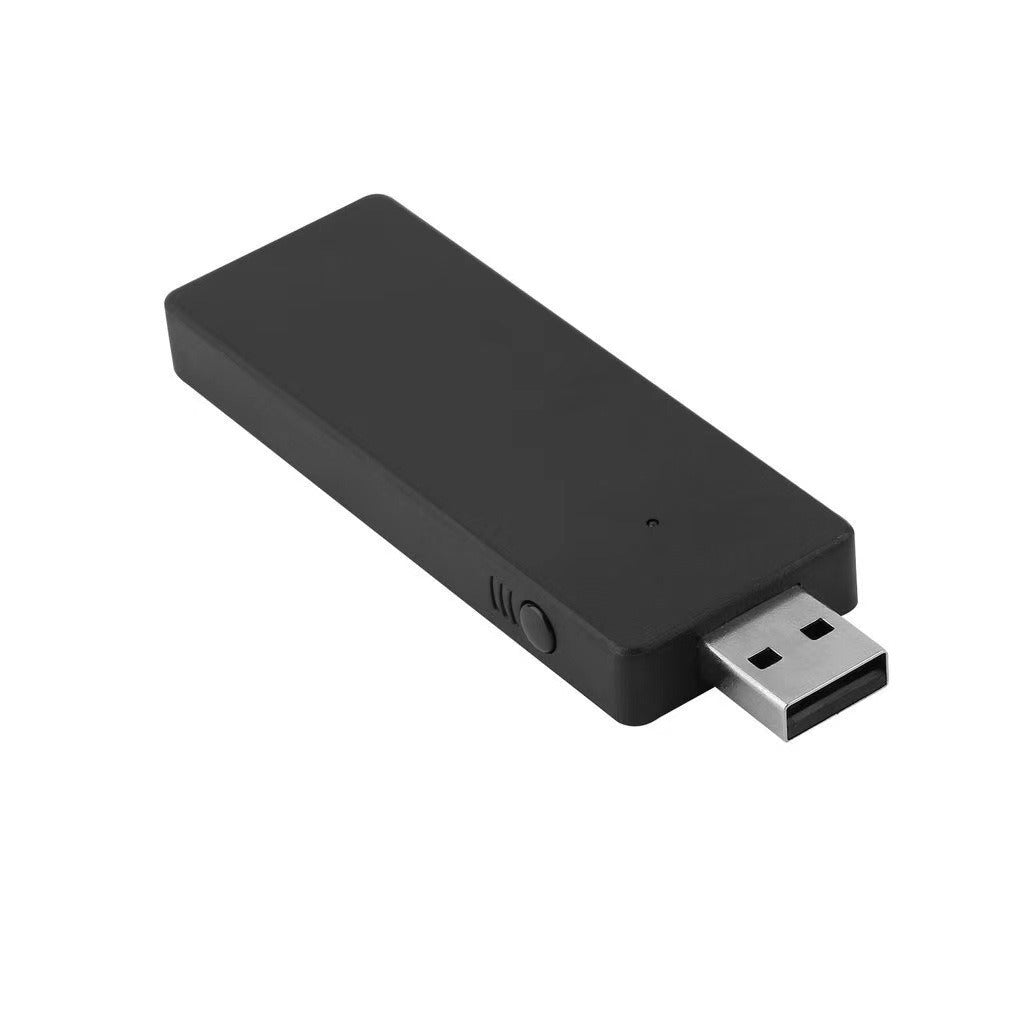
The sync button sits on the side of the shell and carries a wireless signal icon, so you find it without reading the box. Press it, then watch the white status LED confirm the link. You know the controller is connected before you pick it up.
Push the metal USB-A plug into a free USB-A port on your Xbox One or PC. Use a direct port on the console or computer for the steadiest link.
Press the sync button with the wireless signal icon on the side of the receiver. Then follow your controller's pairing step.
When the white status LED lights and stays on, the controller is linked. Unplug the receiver any time you are done, and slide the cap over the plug.
Matte black shell, silver USB-A plug, white status LED and sync button.
Smoky transparent cap that covers the plug when the receiver is out of use.
It is built for compatible wireless controllers on Xbox One and PC. Controller support depends on the model, so check the compatibility notes on this page against the controller you own. If you already have a compatible pad, you do not need to buy a new one.
Yes. The same USB-A receiver plugs into either system. Unplug it from one, cap the plug, and move it to the other. Press sync again if the controller does not reconnect on the new system.
Plug the receiver into a USB-A port, press the sync button on its side, then start the pairing step on your controller. The white status LED lights when the link is set.
The plug is metal and the shell is matte plastic, which keeps the receiver sturdy when it stays in a port for weeks. For the cost of one small receiver, you keep the controller you already own instead of paying for a new wireless pad with a fresh setup.
You can. The receiver is small and sits flat in the port. If you use the USB port for something else, or travel with the setup, slide the cap over the plug so the connector stays clean. Browse game controllers pc if you are comparing options.


 Xbox One & PC Wireless USB Receiver for Controllers