
$54.90
Free delivery · 7–14 days
Wireless Gaming Earbuds with LED Battery Display Case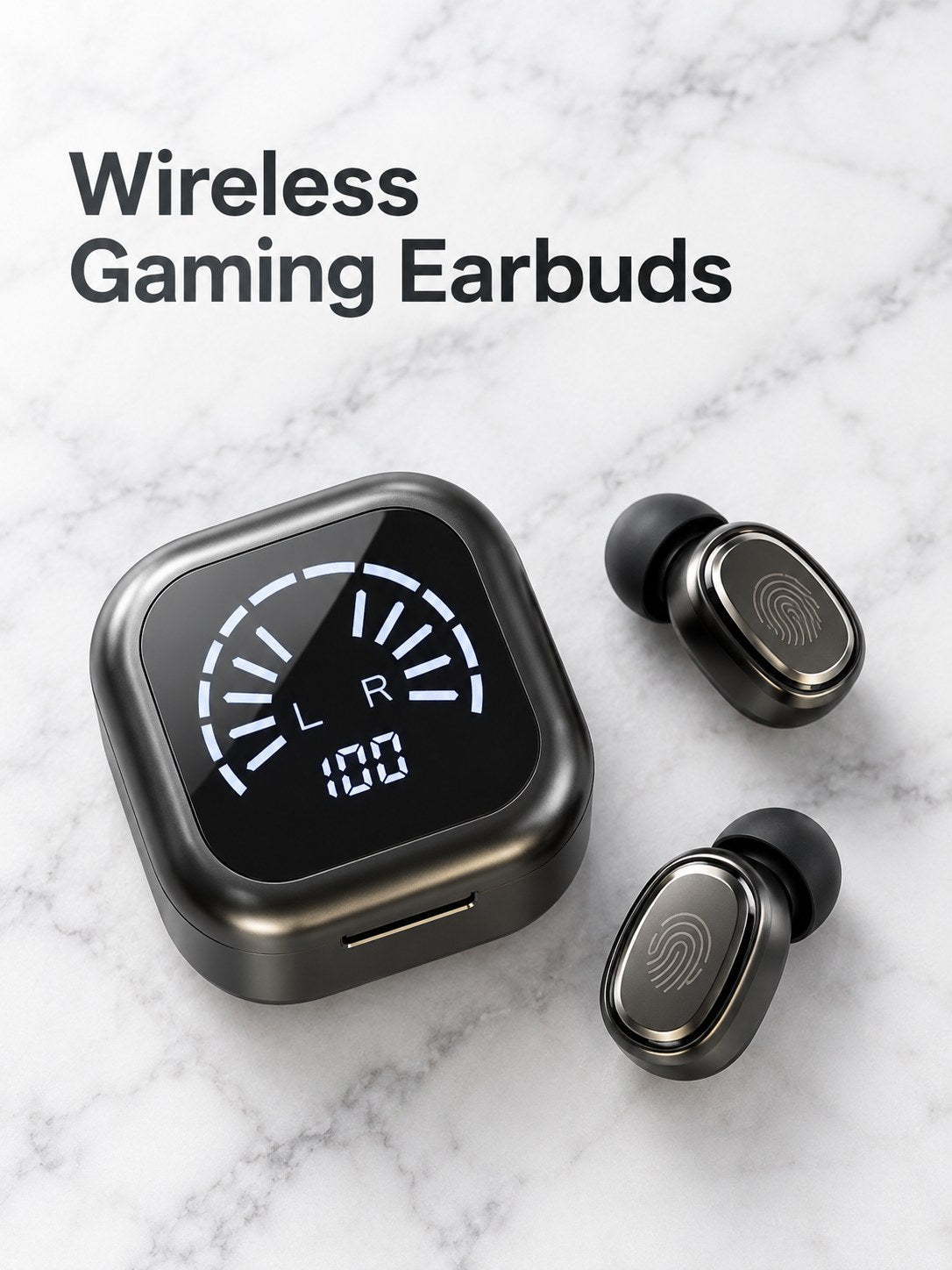
The Q7 shows the charge in each earbud and the case on small LEDs, so you know what is ready before you start. The buds snap into the case by magnetic pull, and pairing takes a few taps. A straightforward true wireless set for gaming, commutes and calls.
Read the full descriptionThe Q7 shows the charge in each earbud and the case on small LEDs, so you know what is ready before you start. The buds snap into the case by magnetic pull, and pairing takes a few taps. A straightforward true wireless set for gaming, commutes and calls.
True wireless earbuds with LED battery display and magnetic case for easy, always-ready use
Stop guessing which bud is dying and digging through your bag for the lost one. Glance at the LEDs, drop the earbuds in the case, and start every session ready.

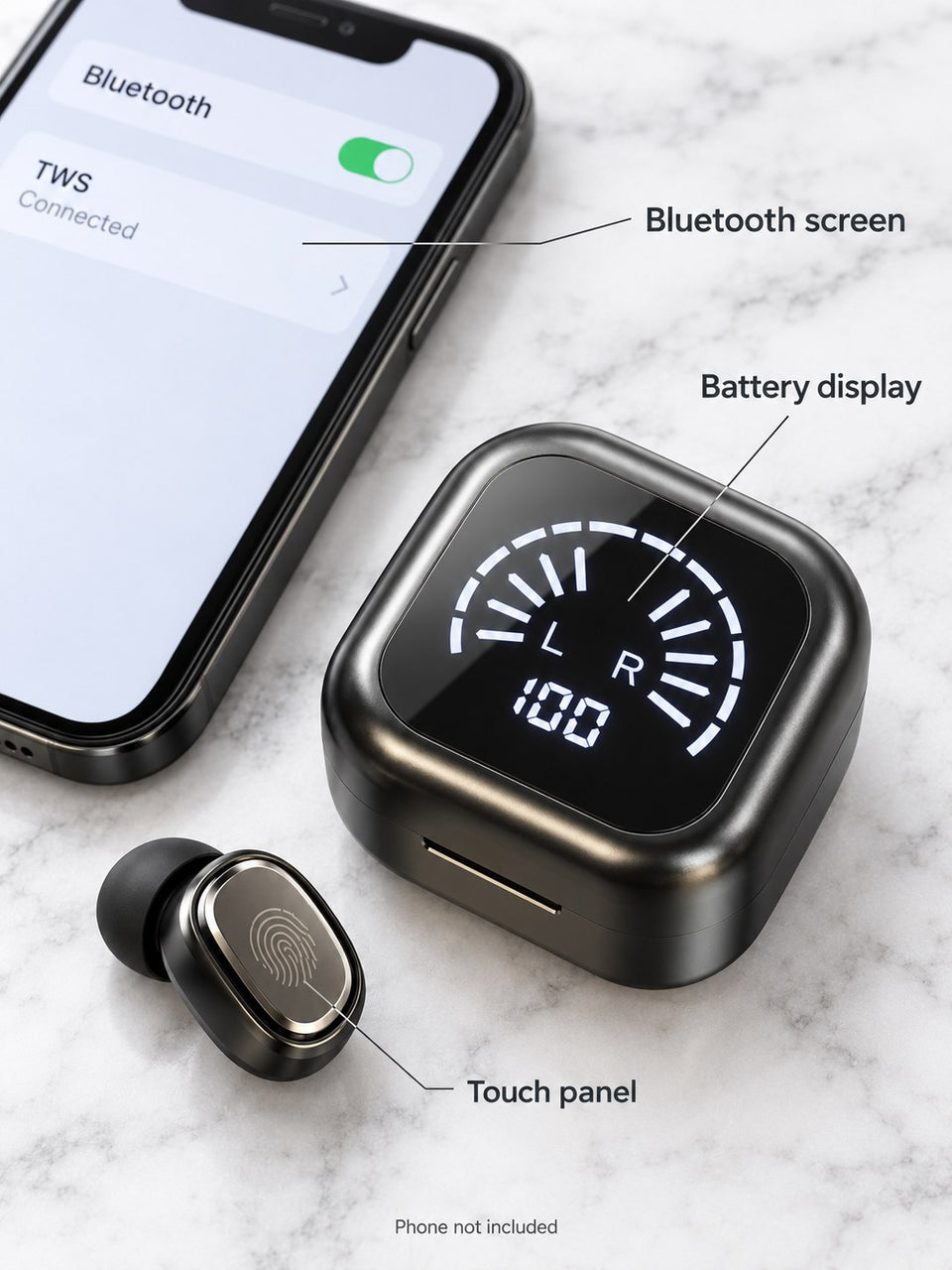
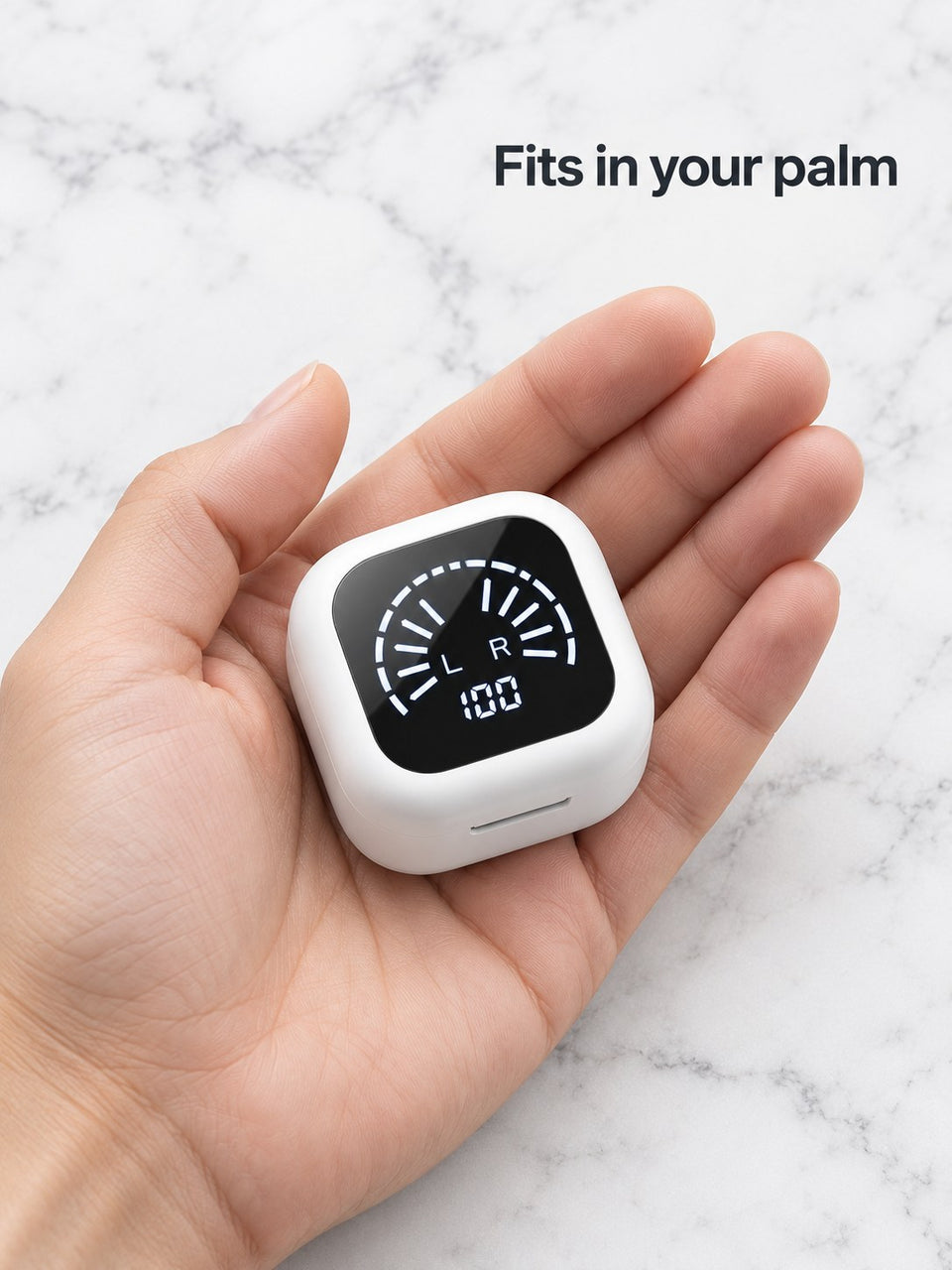
The LEDs show the left earbud, the right earbud and the case as separate readings. You see which bud is low before you put it in, not after the first dropout. It is the one feature cheap pairs skip, and it changes how you start a session.

Magnetic suction draws each earbud into its cradle, so you do not have to line up the contacts by feel. The buds stay snapped in during a bag toss or a fast commute, and they start charging without a second try.

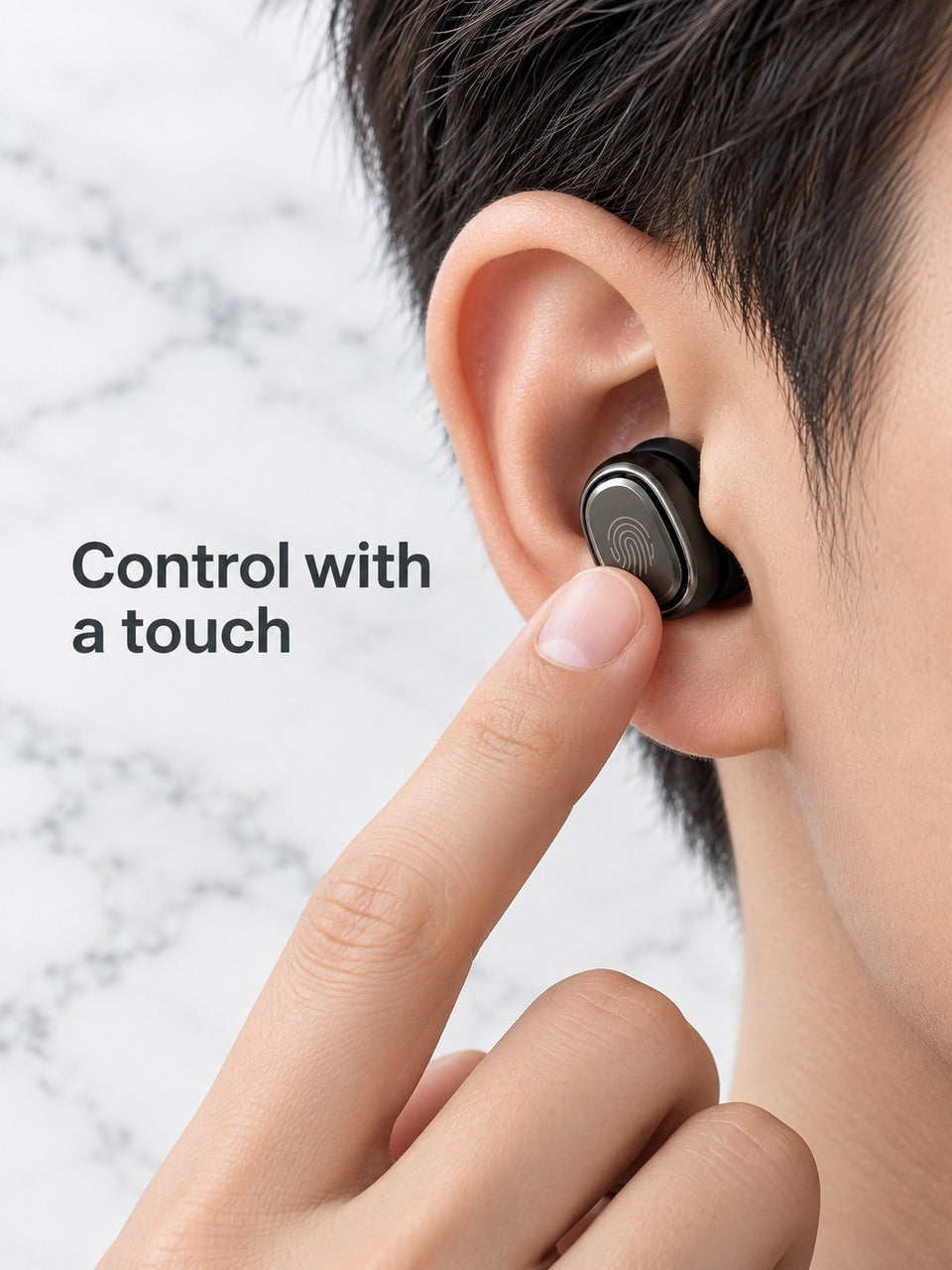
Bluetooth quick match gets the Q7 onto your phone in a few taps from the Bluetooth menu. The fingerprint-style touch panels take calls and music controls, so you answer a call from the earbud without reaching for the screen. Pair it with your wireless earbuds setup in the same session.
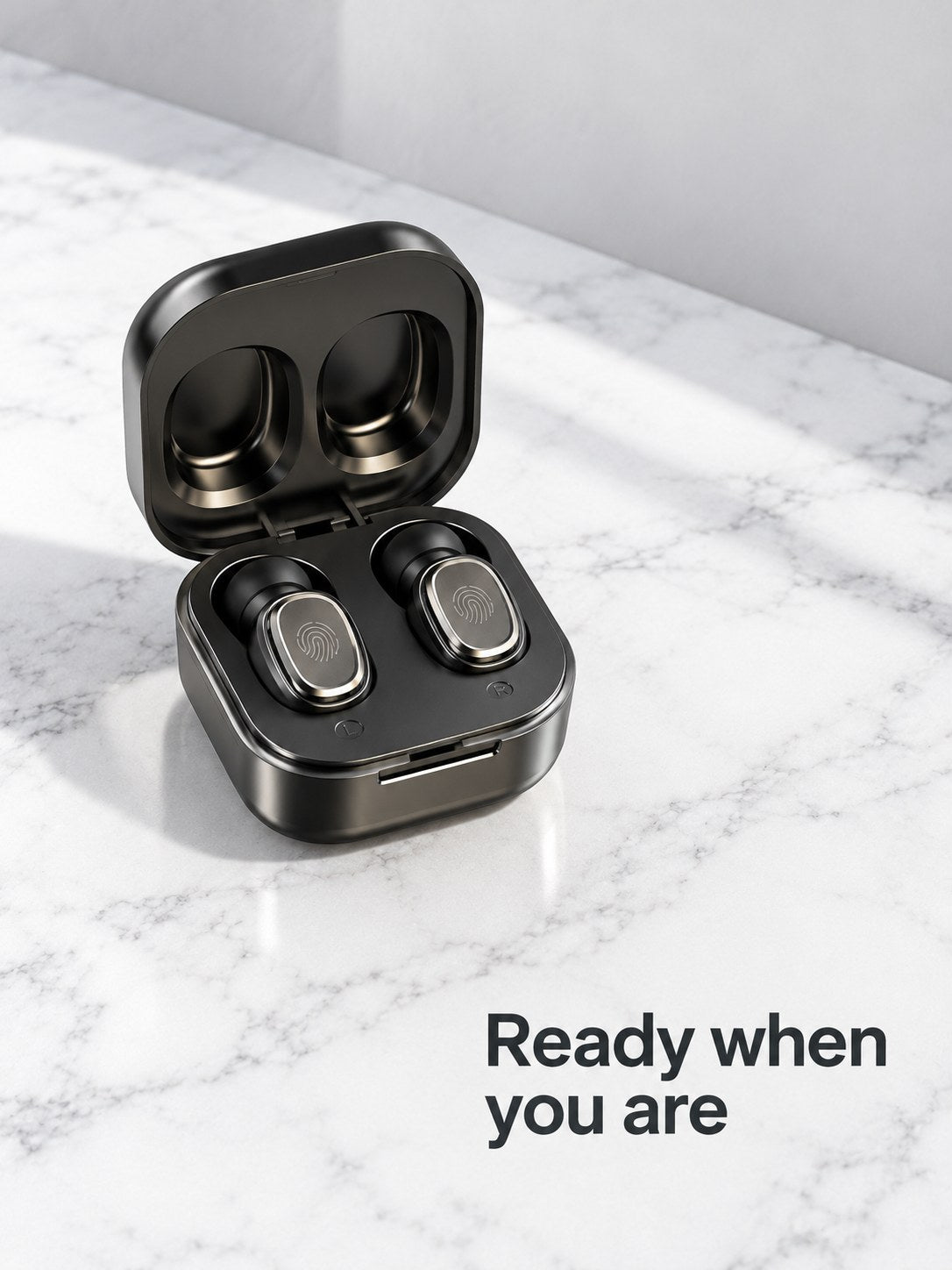
The lid lifts to reveal the two earbud cradles. The LEDs light up and show the current levels.
Open the Bluetooth menu on your phone, select the Q7, and confirm the connection. Quick match handles the rest.
Use light, dry taps on the touch panels to answer calls and control music. Drop the buds back in the case when you finish, and the magnets seat them for charging.
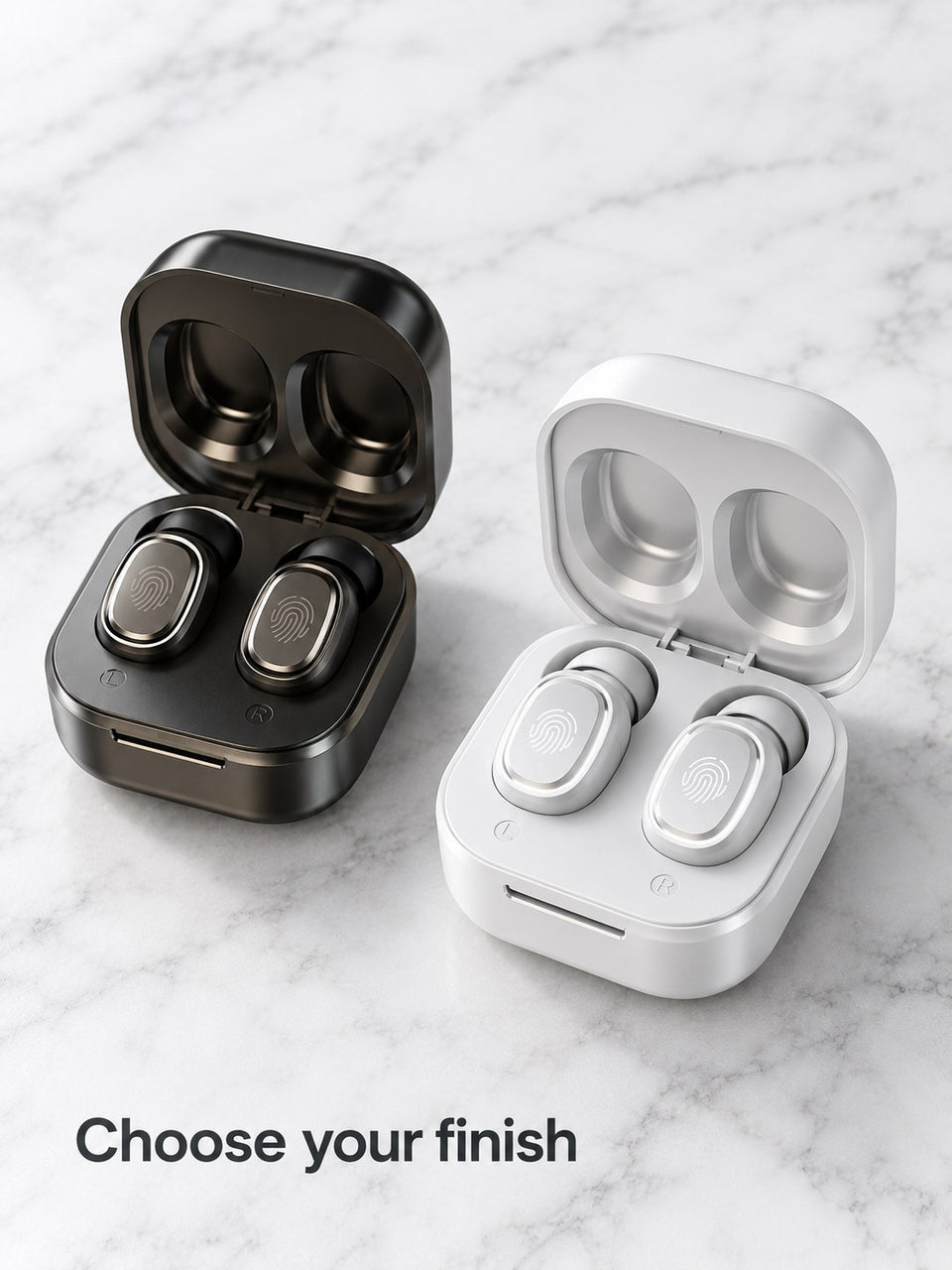
A left and right pair with fingerprint-style touch panels.
Open-lid case with LED power display and a charging port.

You reach for your earbuds five minutes before the queue pops. One side is silent. You pull the bud out, shake it, and check the phone, but nothing tells you how much charge is left. The lobby starts without you.

The Q7 puts an LED readout on the case that shows the left bud, the right bud and the case itself. One look tells you which bud needs a top-up and which one is fine. No app, no guessing, no digging through the bag to test each side.

The buds pull toward the cradles with magnetic suction, so they seat themselves and stay put. Close the lid, and the set is charging. Open it again before your next session and you know exactly where you stand.
| Q7 | Unlabeled budget TWS | App-tracked premium TWS | |
|---|---|---|---|
| Battery status on the case | — | Partial | |
| Left and right levels shown separately | — | ||
| Magnetic earbud docking | — | Partial | |
| Battery check without a phone app | — | — |
Yes. The display reports the left earbud, the right earbud and the case as separate levels, so you can see which one needs charging before you start. Read it before every session and top up the case when it runs low.
The Q7 pairs over standard Bluetooth, and pairing is quick from the phone Bluetooth menu. Latency is not published for this model, so test it in your own game before a ranked session. It is built for wireless convenience at a budget price.
The body is plastic with a glossy metallic finish, and the lid has a firm snap. It feels light in the hand and handles pocket and bag carry. Keep the touch panels and the case clean and dry, and the magnetic seat keeps working well.
Each earbud has a fingerprint-style touch panel. Use light, dry taps to answer or end calls and to control music. Wipe off sweat first, since moisture can cause missed or accidental touches.
Yes, if you want true wireless with visible battery status. Pricier pairs often hide battery levels inside an app. The Q7 puts the LEDs on the case, so you get the status information without paying for features you may never open.


 Wireless Gaming Earbuds with LED Battery Display Case