
$179.90
Free delivery · 7–14 days
WiFi Digital Photo Frame: Send Family Photos RemotelyYour family's photos reach the shelf without a cable. Send pictures and videos from the family app over WiFi, and the 10-inch IPS screen plays them on a loop so your parents see new moments every week.
Read the full descriptionYour family's photos reach the shelf without a cable. Send pictures and videos from the family app over WiFi, and the 10-inch IPS screen plays them on a loop so your parents see new moments every week.
Share family photos and videos from your phone to the frame over WiFi, no cables needed
Stop letting the best moments stay on your phone. Send photos and videos from the family app over WiFi and watch them appear on a 10-inch IPS screen.
Photos and videos go from your phone to the frame over WiFi. Pick the picture, send it from the family app, and it shows up on the screen. Nobody copies files onto a card or walks a USB stick across the room.
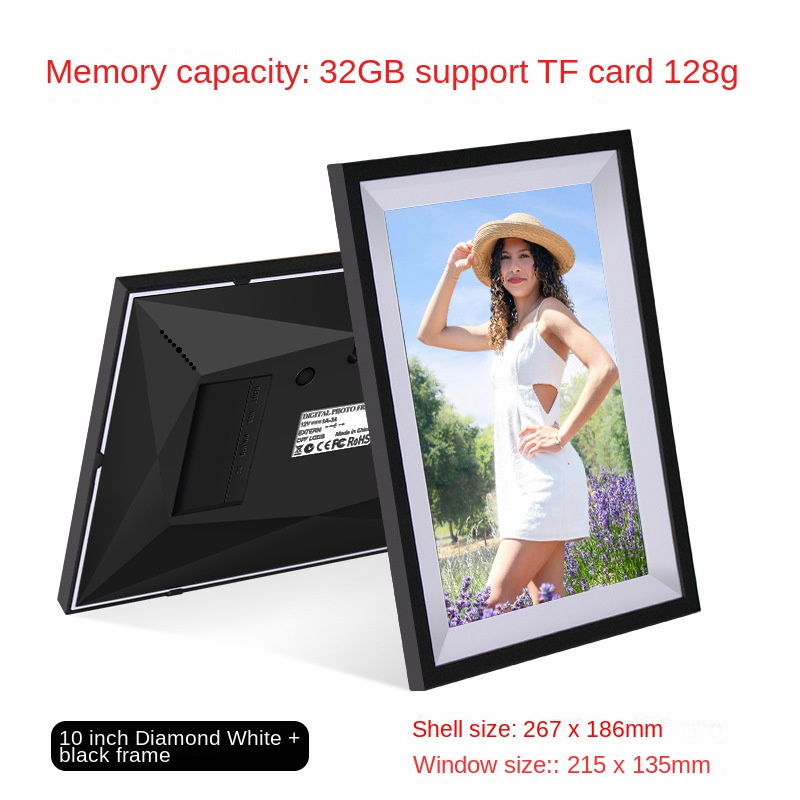
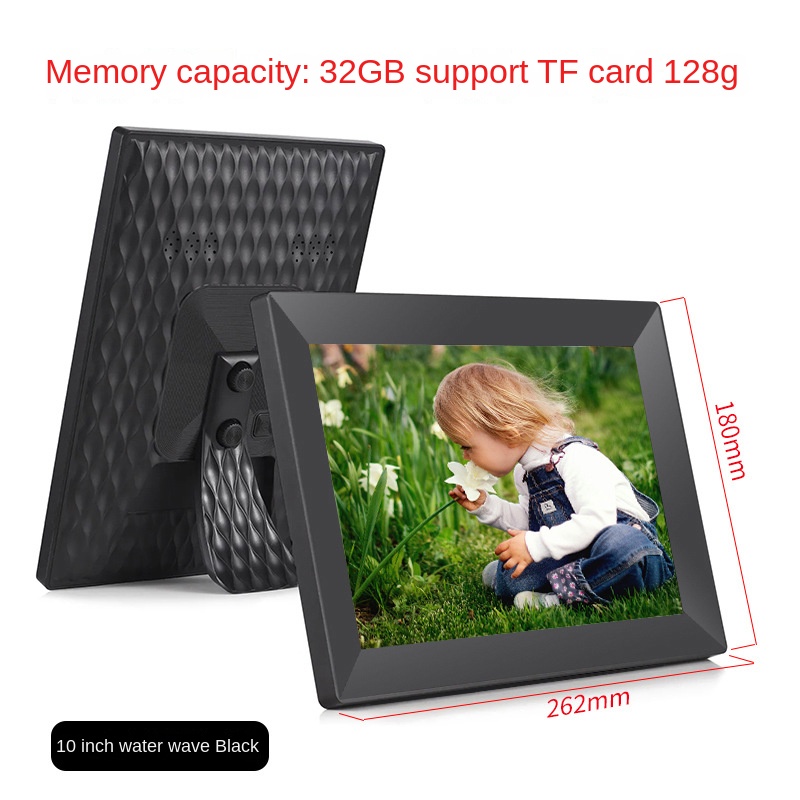
The 10-inch IPS panel runs edge to edge under a glossy black, faceted bezel. Colours stay true and the picture is not distorted, so the photo on the shelf looks like the one you took.
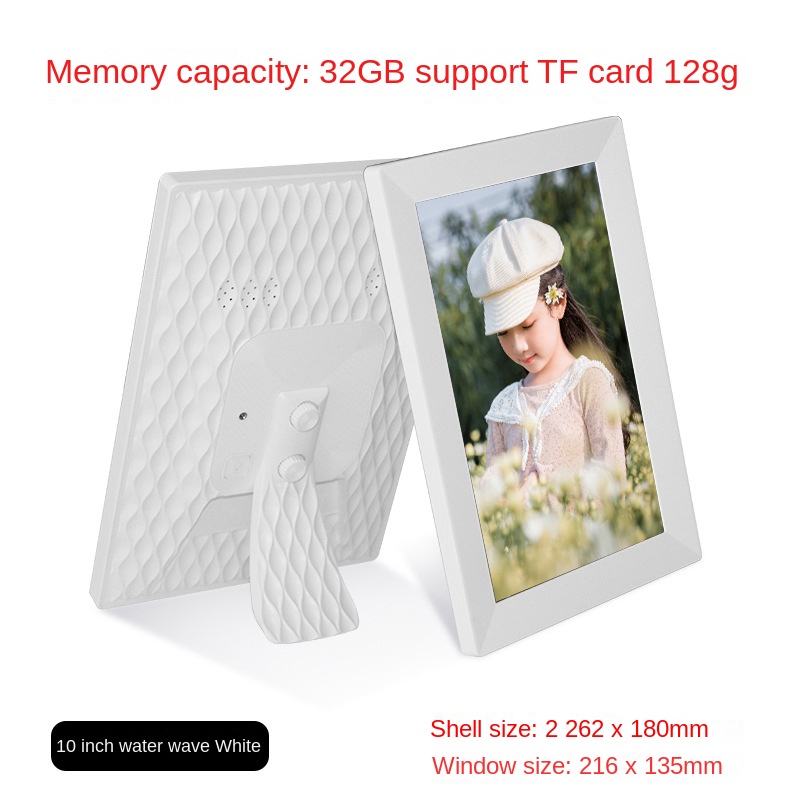
The frame holds 32GB of photos and videos on board, which is a solid starting library. When you want more room, a TF card up to 128GB slides into the card slot and adds space without replacing the frame.
Connect the DC 5V power cable to the rear input and plug the adapter into a wall outlet. The screen starts up on its own.
Download the family app on your phone, create one account, and join the frame to your home WiFi. You only do this once.
Choose a photo or video in the app and send it. It appears in the frame's rotation over WiFi, and the slideshow keeps going from there.
Your phone holds the grandkids, the holiday table and the first snow of the year. The frame on your parents' shelf still shows the picture it had last spring. Month after month, those moments stay in a camera roll while the people who would love them most never see them.
Pair the frame with your home WiFi one time through the app. After that, sending a picture is one tap from your phone, and it reaches the screen over the network. No cable to run, no USB stick to carry across the house.
New faces appear on the shelf every week. Your parents do not need to learn anything. The frame plays its slideshow on the 10-inch IPS screen, and each upload joins the rotation, so the shelf keeps changing without anyone touching it.
| This frame | USB-only frame | Subscription cloud frame | |
|---|---|---|---|
| Send photos from your phone over WiFi | Yes | No | Yes |
| Copy files by USB or card each update | No | Yes | No |
| Subscription needed for sharing | No | No | Yes |
| Videos can be sent from the app | Yes | No | Partial |
Yes. Setup is the part you handle, once, on your phone. After that the frame runs its slideshow on its own, and your parents only need to look at it. Most of the uploading happens on your side in the app, so they never have to learn a menu.
32GB is built-in storage, and the frame has a TF card slot that accepts cards up to 128GB. Start with what you have, then add a card when the library grows. Compared with buying a new frame, a card costs far less and keeps the same screen on the shelf.
The frame keeps its 32GB built-in memory, so photos already loaded on the device stay there. New uploads need a WiFi connection to reach the frame, so a slow or dropped signal only delays new pictures.
Yes. The app uploads both photos and videos from your phone to the frame over WiFi.
The frame pairs through the family app on your phone. Check the app store listing for the phone versions the app supports before you set it up.
Printing a batch of photos every month adds up quickly, and prints take days to arrive. This frame is a one-time purchase with no subscription for sharing, so the same screen keeps showing new photos without a recurring cost.

