
$49.90
Free delivery · 7–14 days
Secure GoPro Handlebar Mount for Bikes & Motorcycles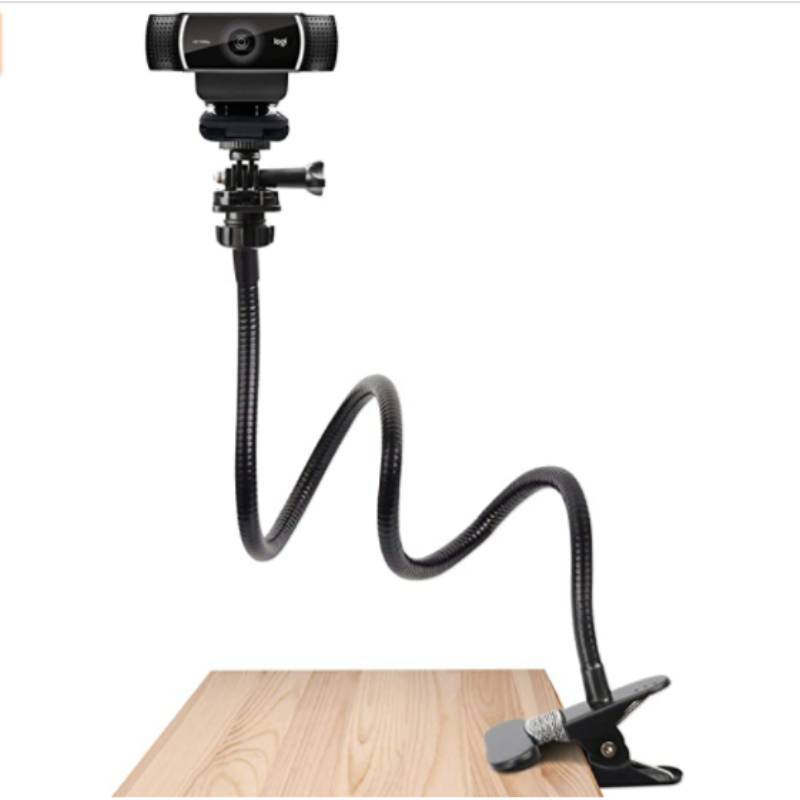



Set the angle once and the camera stays there. This flexible metal gooseneck clamps to a desk edge and holds a Logitech webcam or GoPro at the frame you chose, call after call. Four parts, one kit, no stacked books.
Read the full descriptionSet the angle once and the camera stays there. This flexible metal gooseneck clamps to a desk edge and holds a Logitech webcam or GoPro at the frame you chose, call after call. Four parts, one kit, no stacked books.
Flexible universal mount for webcams and GoPro cameras
Tired of a webcam that tilts mid-call and a frame that drifts every time you bump the desk? Clamp a flexible metal mount on, set the angle once, and show up framed right every time.

The matte black flexible metal gooseneck keeps the position you give it. Bend it to eye level once and the webcam or GoPro stays there through the whole call, without sagging back toward the keyboard.

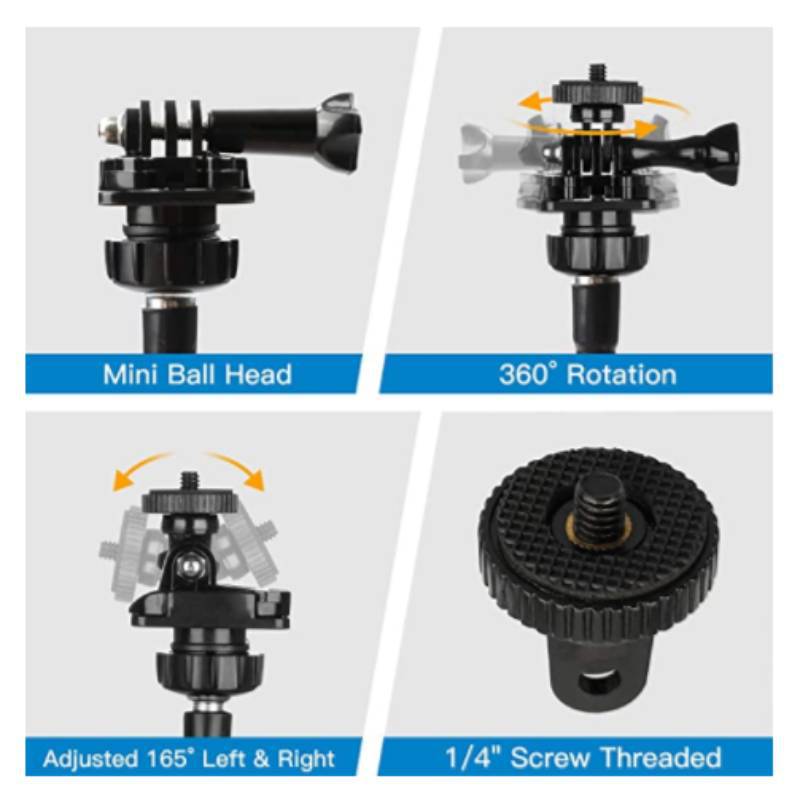
Knurled knobs set the 165° left and right tilt and the 360° rotation of the ball head. Tighten by hand until the frame holds, then stop. No tools, no tape, and no second adjustment before the meeting starts.

The 1/4" screw and the GoPro-style mount cover most Logitech C920, C922, C925e and Brio webcams, along with action cameras. Swap the head between a webcam and a GoPro without buying a second arm.
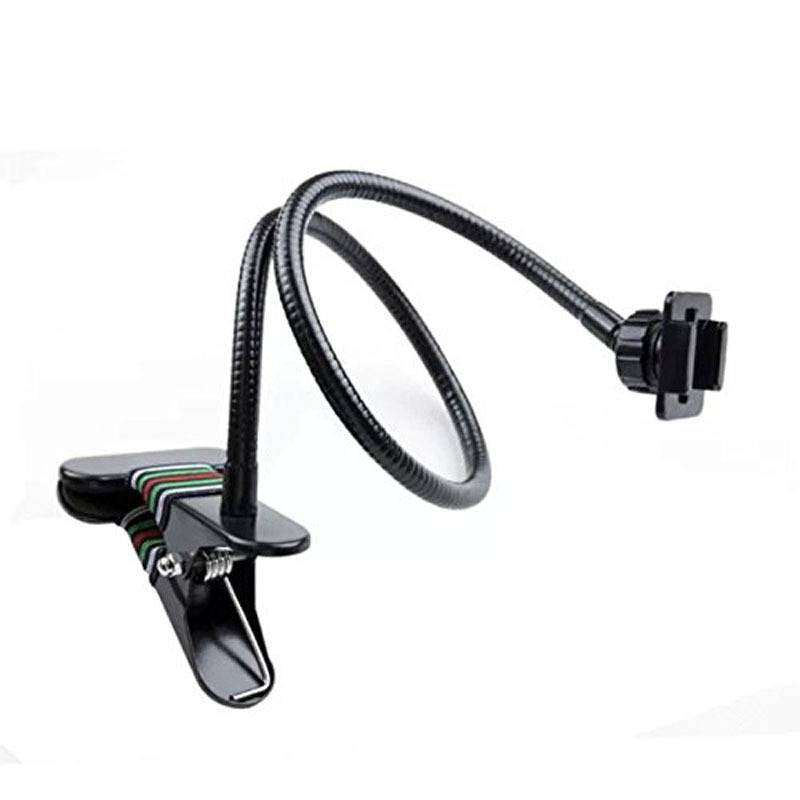
Open the spring clamp and set it on a solid wood or metal desk edge, a shelf or a thick monitor arm rail. Avoid thin glass or acrylic.
Shape the gooseneck so the lens sits at your eye line. Light pressure is enough, and the arm holds its shape once you let go.
Screw the 1/4" adapter into your Logitech webcam or fit the GoPro-style mount onto a GoPro, then seat it on the ball head.
Tighten the knurled knobs until the frame holds under light pressure, then stop. Check the frame once and you are ready for the call.
Matte black metal with knurled mounts
Clamps to a desk edge or shelf
360° rotation and 165° left and right tilt
Threads into standard webcam and accessory mounts
It grips a standard desk edge, shelf or thick monitor arm rail. Skip thin glass or acrylic tops, since the spring pressure can crack them. A solid wood or metal edge is the right fit.
Yes. The 1/4" screw thread fits the C925e and most Logitech C920, C922 and Brio webcams. Screw it into the camera base and the ball head takes it from there.
Once you tighten the knurled knobs, the arm holds the angle you set. Bend it into place, lock the head and check the frame once. The metal arm holds its shape rather than sagging under the camera.
Both. Remote workers use it for steady video calls at eye level, and streamers use it to frame a webcam or GoPro for the whole session. The same arm moves between a call and a shoot.
Stacked books slide and need re-balancing before every call. A tripod eats desk space and can block your view. This mount clamps to the edge, so the desk stays clear and the angle stays put. If you already own a tripod, the vlogging kits collection has options for other setups.
A cheap clip holds the camera in one spot and slips when the desk shifts. A metal arm holds the angle you pick and keeps it. Four parts in one kit, one purchase, and no re-framing before every call.


 Flexible Webcam Mount Gooseneck for C925e and GoPro