
$69.90
Free delivery · 7–14 days
4-in-1 Wireless Charging Station for iPhone & Apple Watch
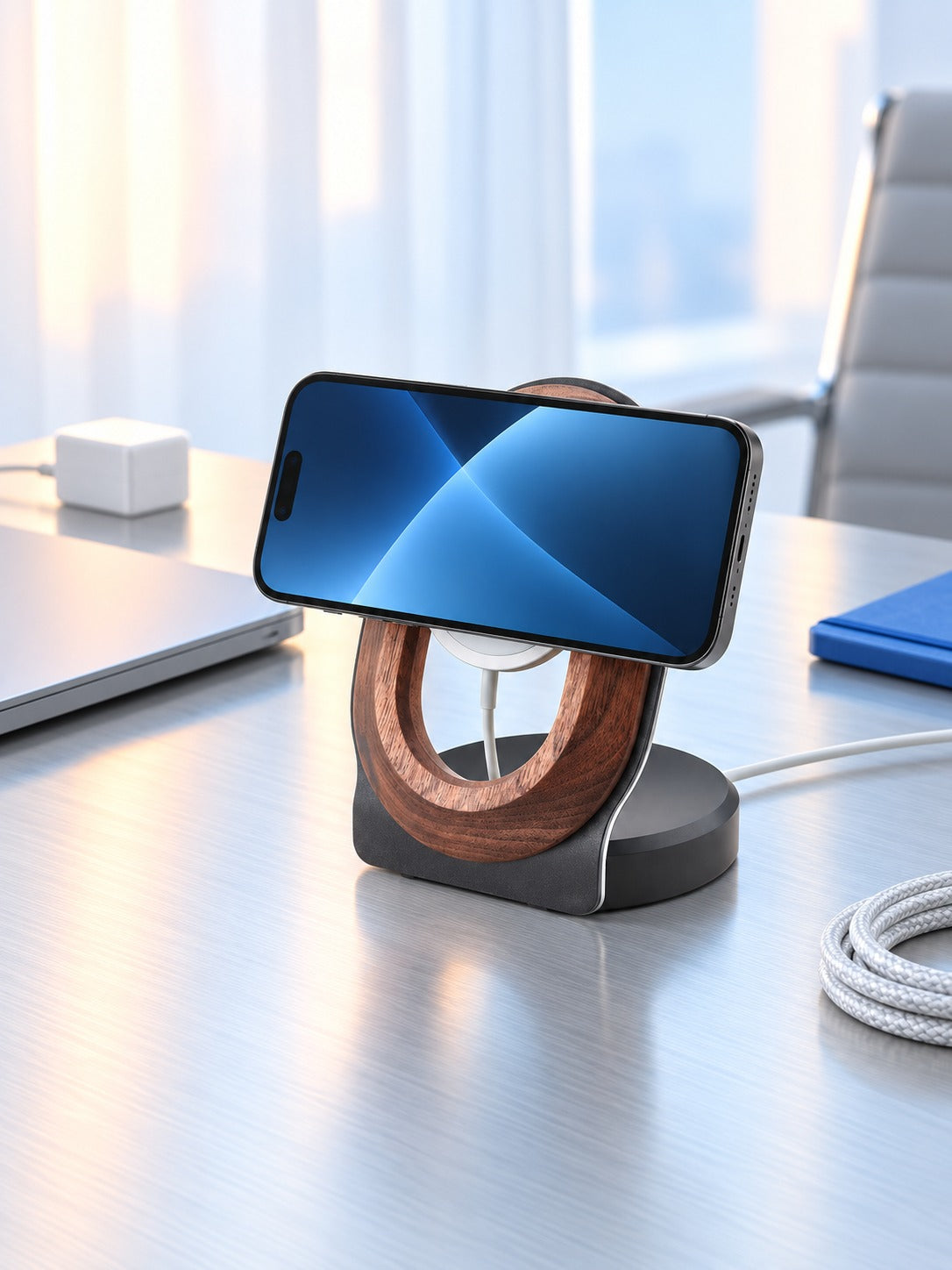
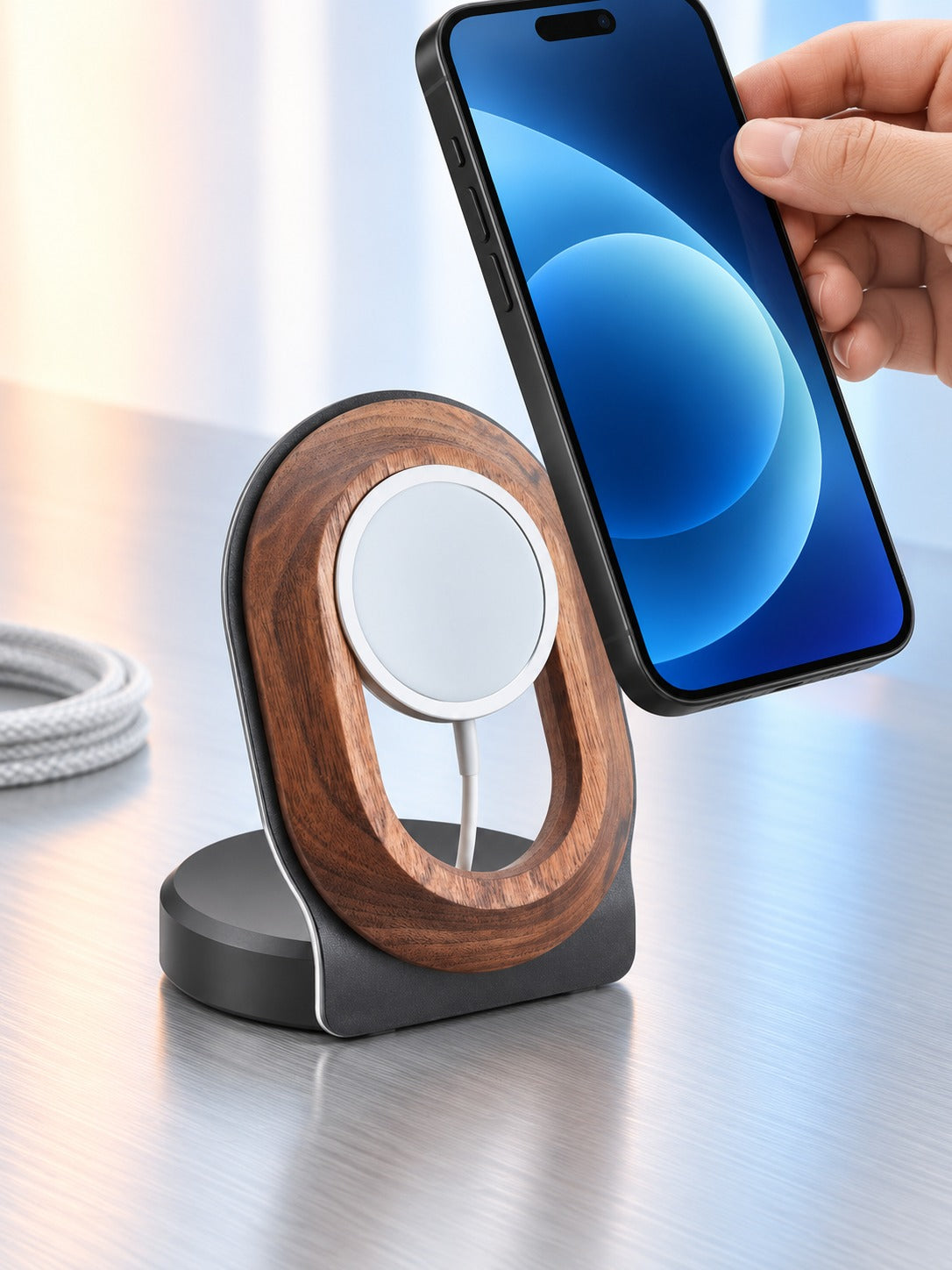


Your iPhone stands upright on solid walnut and charges hands-free while you work. The black base is heavy enough to stay put, and the cable exits out the back so the desk stays clear. A qi charger in desk setup that looks like part of the room.
Read the full descriptionYour iPhone stands upright on solid walnut and charges hands-free while you work. The black base is heavy enough to stay put, and the cable exits out the back so the desk stays clear. A qi charger in desk setup that looks like part of the room.
Natural walnut stand that charges a MagSafe iPhone hands-free on your desk
Tired of a phone lying face-down, buzzing unseen beside a nest of cables? This walnut stand holds your MagSafe iPhone upright, charging quietly while your desk stays clean.

The walnut ring holds the iPhone upright so the screen stays readable while it charges. Calls and messages are visible from across the desk, in landscape for a video call or portrait for everything else.

The ring is solid walnut and the base is matte black with a brushed silver edge. The weight is what keeps the stand from wobbling when you tap the screen or pick the phone up, so the charging connection holds.

The cable route in the base lets the charging cable leave from the back, so nothing crosses the desk surface. If you already run a magnetic charging cable, it threads through the same hole.
The oval ring feels solid and warm in the hand, with visible grain and a polished finish.
Set the matte black base on a flat surface. It has enough heft to sit planted before you plug anything in.
The round puck sits in the centre of the ring and lines up with the magnets in your iPhone.
Thread the charging cable through the hole in the base so it exits out the back and stays out of sight.
Solid walnut ring on a weighted matte black base
Sits in the centre of the walnut ring
Routes through the base hole and out the back

A phone left face-down on the desk is easy to ignore. Calls come in, the screen lights up under a stack of papers, and you only notice after the buzzing stops. The cable underneath pulls the phone around, and the whole corner looks like a tangle you keep meaning to fix.

Flat pads hide the screen, and cheap plastic stands wobble and look out of place next to real furniture. This walnut ring lifts the phone upright in either orientation, so the screen faces you. The black base has real heft, and the wood ties the stand to the rest of the room. If you want a stand that tilts more, an adjustable phone stand is a separate purchase, but this one is built to sit still.

The cable runs through the hole in the base and out the back, so the surface in front of you stays open. Set the stand beside the keyboard for work or on the nightstand for bedtime. Your phone charges while you use it, and the desk looks like you planned it.
Place your MagSafe iPhone on the ring and it charges upright, with the screen visible from across the desk in landscape or portrait.
Routing the cable through the base becomes the routine, so the desk surface stays clearer and you stop reaching for loose cords.
The walnut picks up a little character with daily handling, and the stand becomes a settled part of the workspace rather than a gadget.
| This walnut stand | Flat wireless pad | Plastic phone stand | |
|---|---|---|---|
| Phone stays upright | — | ||
| Screen visible while charging | — | ||
| Weighted base | — | — | |
| Cable routed out the back | — | — | |
| Solid wood finish | — | — |
Yes, with a slim MagSafe-compatible case. Thick cases and cards with metal plates sit between the phone and the puck and can slow charging or stop it. Line the centre of the phone up with the puck and it will hold.
The puck is MagSafe, so it is built around iPhones with MagSafe. Phones without the magnet ring will not lock onto the puck, which is why this stand is made for that group.
The ring is solid walnut with a polished grain. Wipe it with a dry cloth, keep it away from standing water, and avoid leaving it in direct sun for long stretches.
Yes. The black base has real heft, so tapping the screen or pulling the cable does not tip it. Keep the stand on a flat, firm surface like a desk or nightstand top.
Yes. The ring holds the phone upright in either orientation, so you can switch from a video call view to a photo view without moving the stand.
A flat pad hides the screen and slides around. This stand lifts the phone upright so you can read notifications while it charges, and the cable exits out the back.


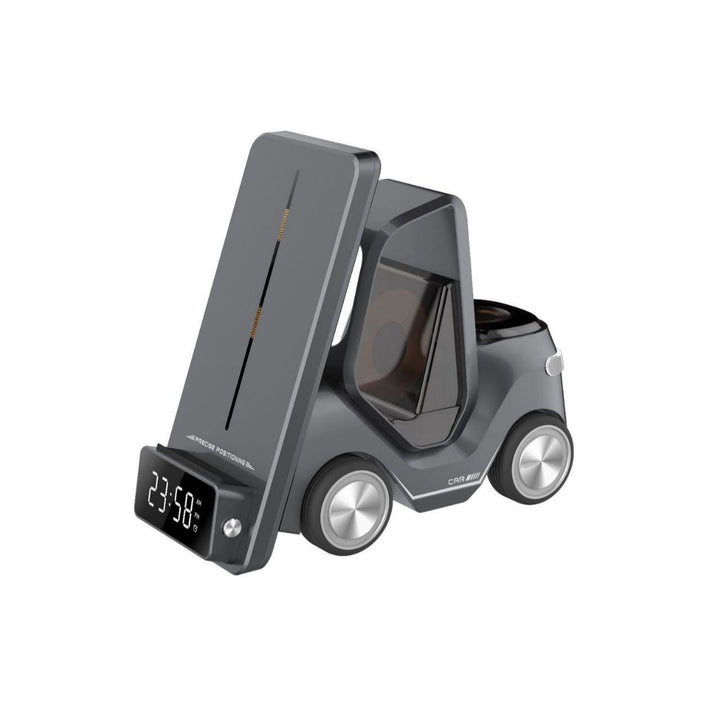
 Walnut Wood MagSafe Desk Charging Stand, Hands-Free