
$64.90
Free delivery · 7–14 days
Bone Conduction Headphones for Running and Workouts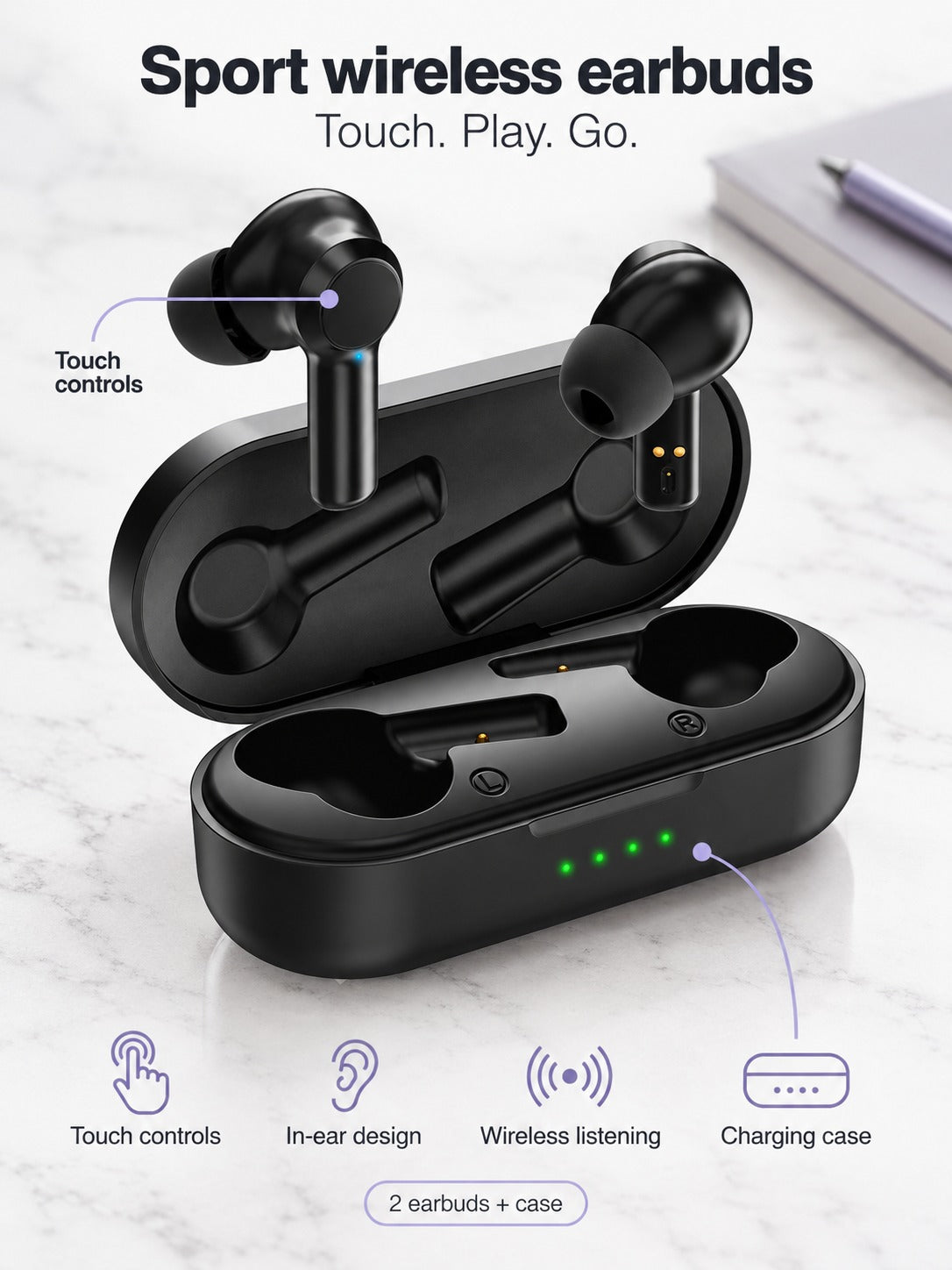
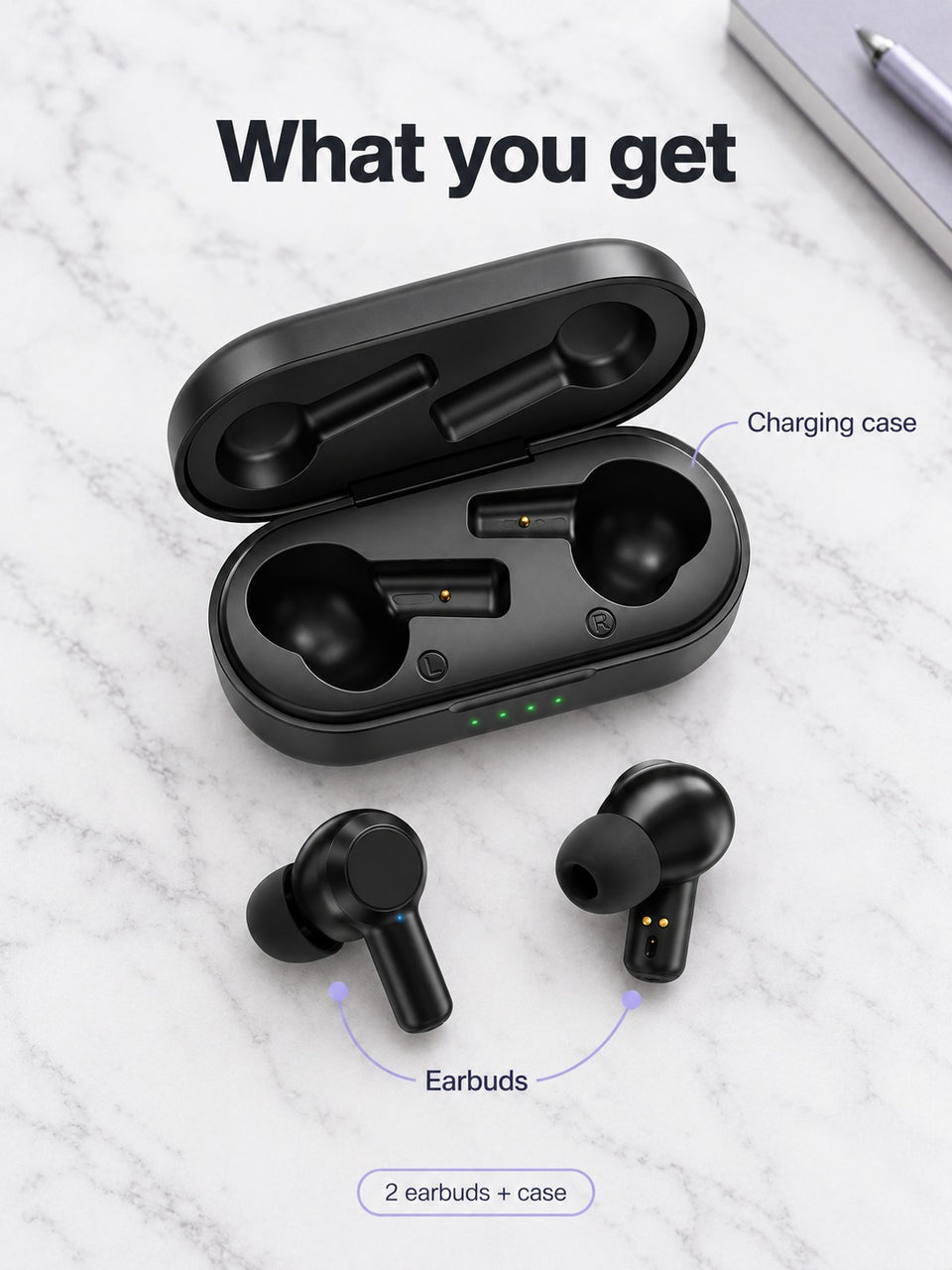
Your run should not stop because an earbud slid out. The W20 sits on a 40° angle with soft silicone tips, carries a sweat-proof build and puts play, skip, volume and calls on the stem. Two earbuds and a charging case make a set you can take from the first mile to the last train.
Read the full descriptionYour run should not stop because an earbud slid out. The W20 sits on a 40° angle with soft silicone tips, carries a sweat-proof build and puts play, skip, volume and calls on the stem. Two earbuds and a charging case make a set you can take from the first mile to the last train.
Waterproof, sweat-proof true wireless earbuds with touch controls and a secure 40° fit
Tired of earbuds that slide out or short out mid-run? The W20 sits secure on a 40° angle with a sweat-proof build, so you keep your focus and your playlist.

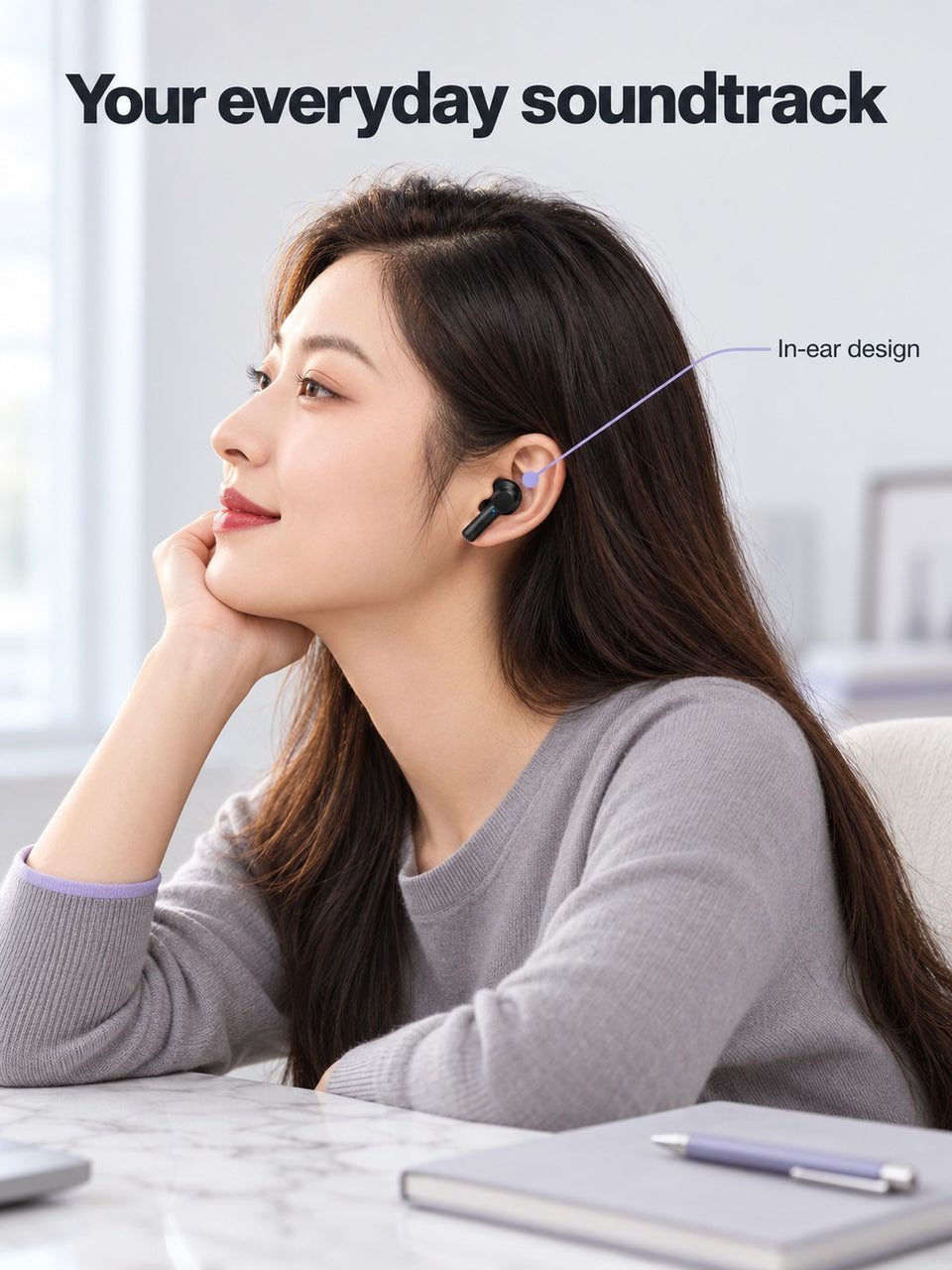
The 40° ear angle and soft silicone tips keep each earbud seated while you run, jump or lift. You stop nudging it back in between sets, and the set stays put through intervals.

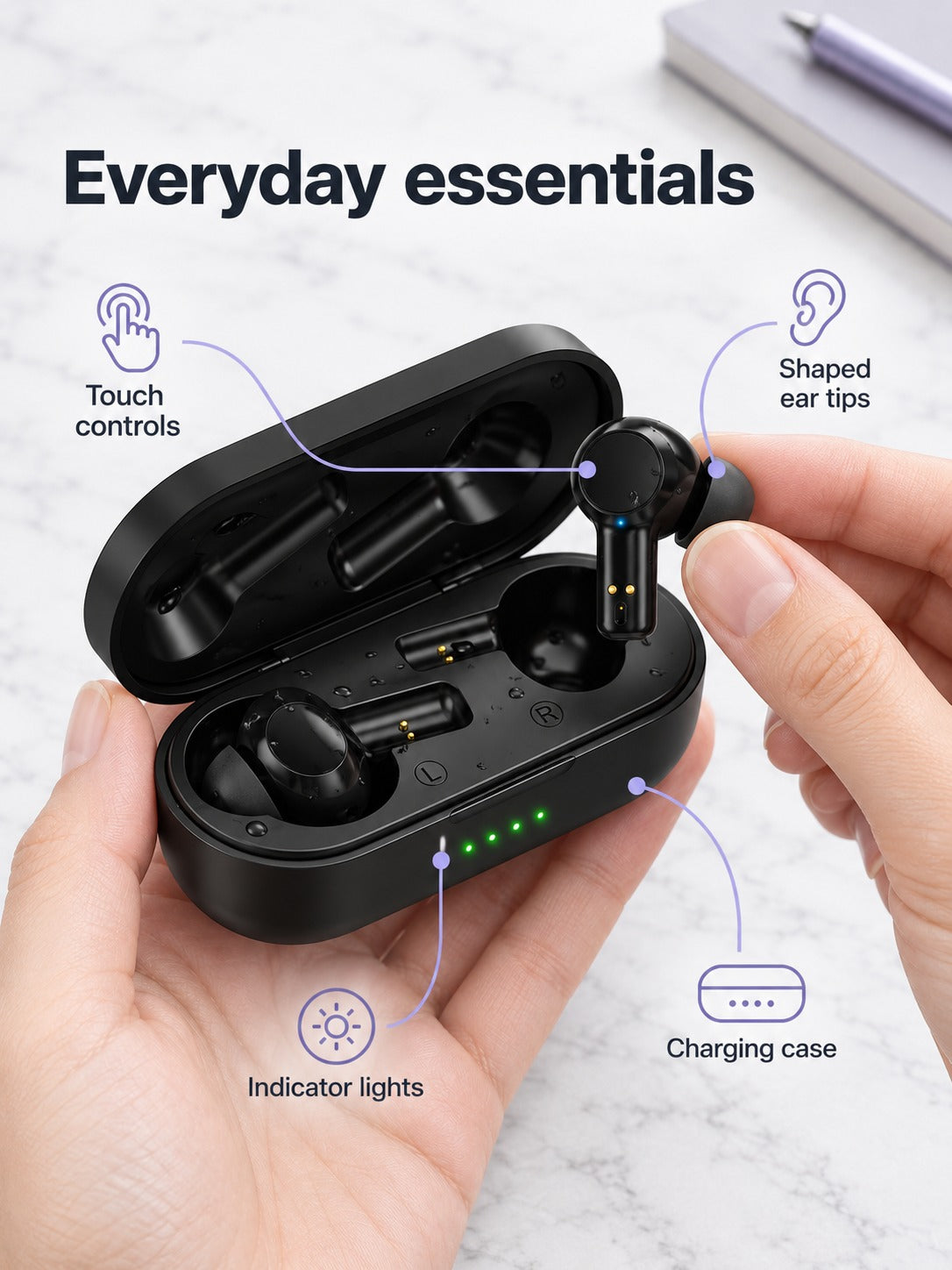
The packaging calls the W20 waterproof and sweat-proof, which covers sweat, workouts and rain. Droplets beading on the case and phone show the finish. Wipe the stems after a hard session and they are ready for the next one.

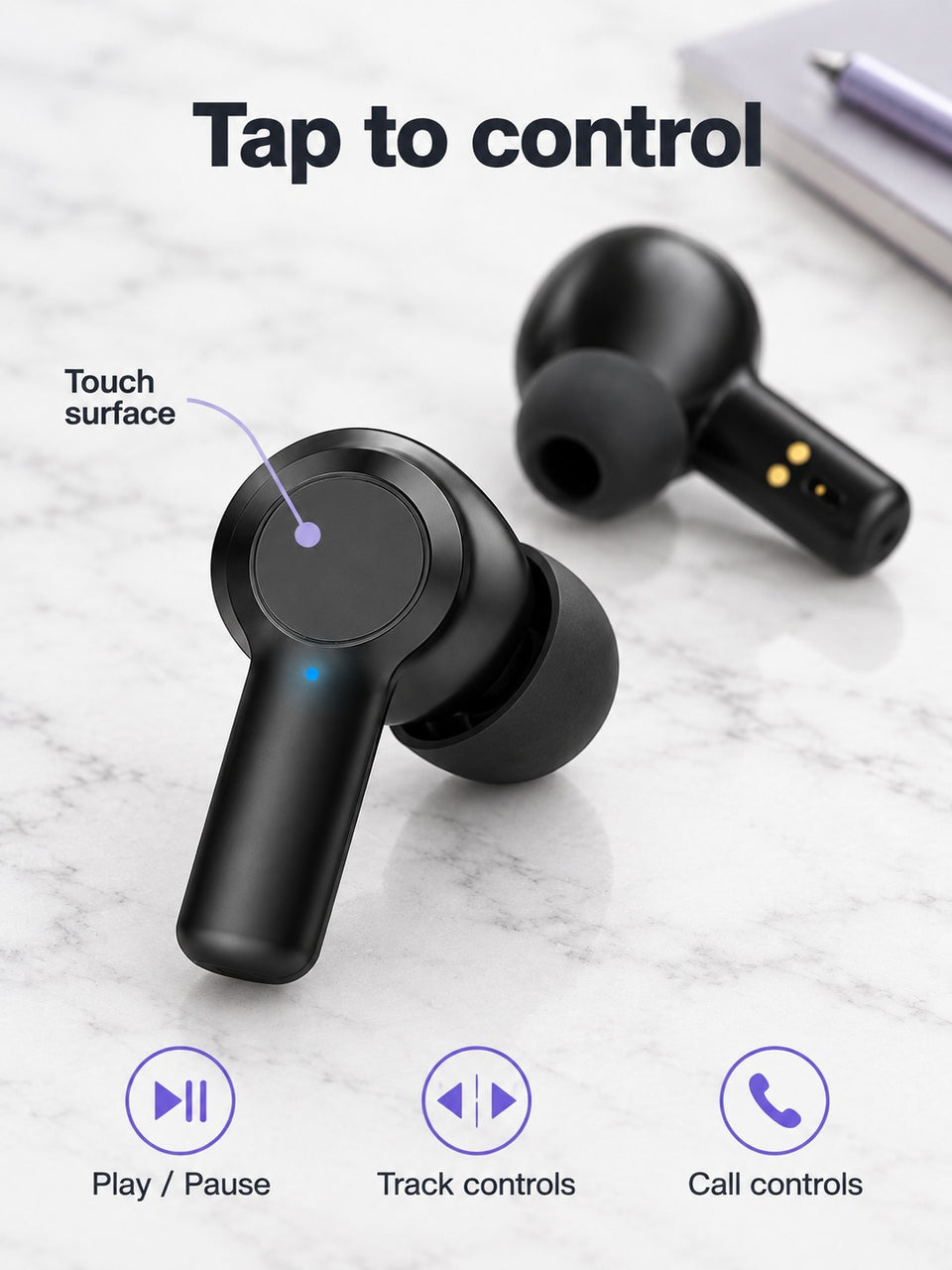
Play, pause, track skip, volume and call answer all run from the stems. A double tap on the right earbud skips forward, and a two-second touch on the right stem raises the volume.
Touch the key on either stem once to start or pause playback.
Double-click the right earbud to move to the next track.
Double-click the left earbud to return to the previous track.
Touch the right earbud for two seconds to turn the volume up.
Touch the left earbud for two seconds to turn the volume down.
Double tap the touch key to answer or hang up. To refuse a call, double tap and hold.

You are four songs into a hard interval when the left bud slides down and the music cuts out. You stop, dig it back in, wipe your palm on your shorts and start again. Sweat makes cheap buds slip, and every restart costs the pace you were chasing.

Plenty of bluetooth headset options slide out at the first real push. The W20 sits on a 40° angle with soft silicone tips, so the earbud follows the ear instead of hanging off it. You can jump, lift and sprint without reaching up to re-seat anything.

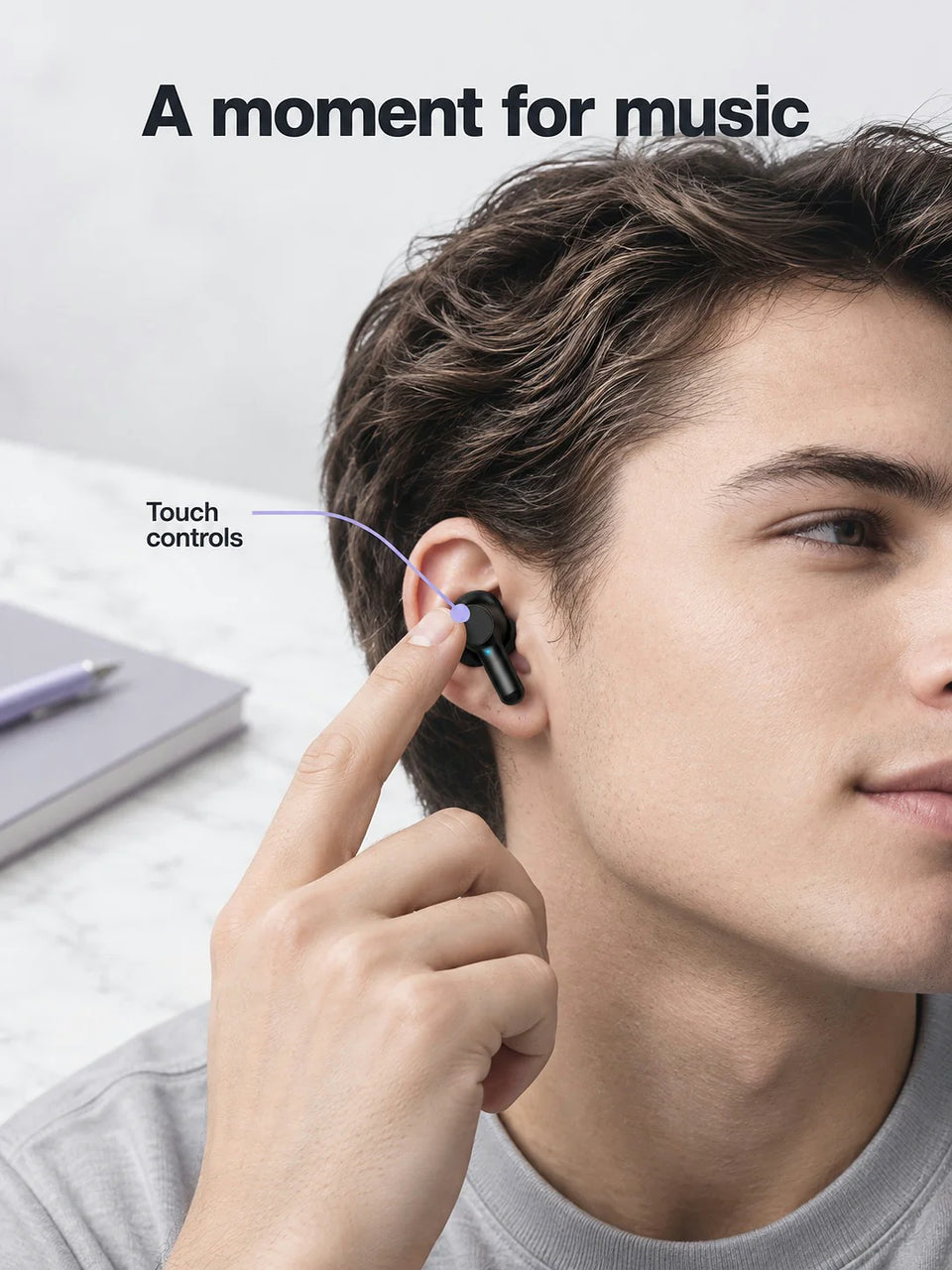
A single tap on the stem pauses the track, and a double tap skips forward without unlocking the phone. Hold the right stem for two seconds to turn the volume up. The music keeps going and so do you.
The packaging calls the W20 waterproof and sweat-proof, and that is the rating we can stand behind. No IP number is printed, so it is built for sweat, workouts and rain, not swimming or submersion.
The 40° angle follows the shape of the ear, and the soft silicone tips add grip through a jog. Ear shapes differ, so check the seal with a few jumps before a hard session, and swap the tip if it feels loose.
The product title lists noise-cancelling, but the packaging does not give a level or a mode. Treat the seal from the silicone tips as the main isolation. It will block more outside noise than open clip-on buds, and it is a good pick for a loud gym or a commute.
Single touch on the key plays or pauses. Double-click the right earbud for next track and the left for previous. Touch the right earbud for two seconds to raise volume and the left for two seconds to lower it. A double tap on the key answers or hangs up a call.
Plug USB-C into the case. The four LEDs on the case show charging in green, and each earbud has a blue status LED. Wipe the magnetic contacts dry before you dock the earbuds.
If a cheap pair slips out or dies in the rain, you buy again. The W20 is built around fit and sweat resistance, so one purchase covers the sessions that would otherwise cost you another pair.


 Waterproof Sport Wireless Earbuds with Touch Controls