
$64.90
Free delivery · 7–14 days
True Wireless Stereo Earbuds with Pocket Charging Case


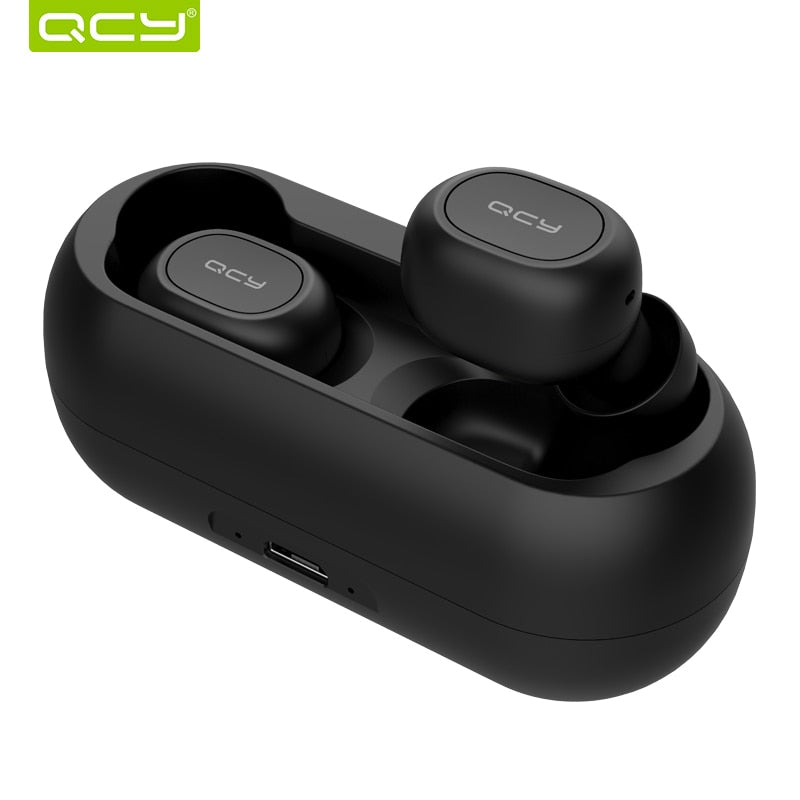


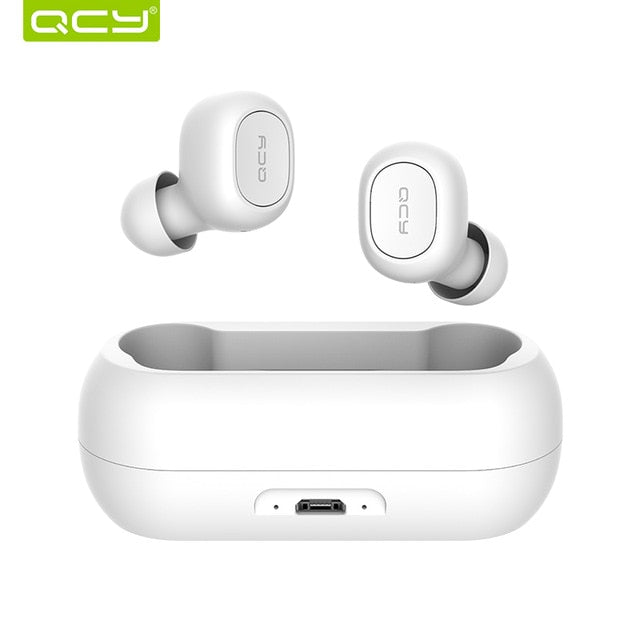
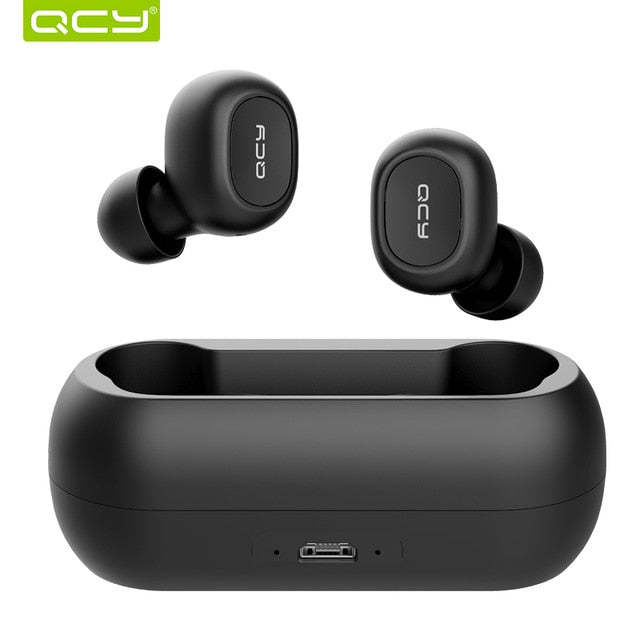
Cordless 3D stereo sound that fits the commute, the gym bag, and the pocket. The QS1 pairs over TWS 5.0 Bluetooth, handles hands-free calls with a dual microphone, and charges in a compact case that goes wherever you do.
Read the full descriptionCordless 3D stereo sound that fits the commute, the gym bag, and the pocket. The QS1 pairs over TWS 5.0 Bluetooth, handles hands-free calls with a dual microphone, and charges in a compact case that goes wherever you do.
Wireless 3D stereo sound in truly cordless compact earbuds
Stop untangling cables and fighting bulky headsets. Pocket compact TWS 5.0 earbuds with 3D stereo sound and a dual mic, and walk out the door ready.

TWS 5.0 Bluetooth links the two buds to each other and to your phone, so there is no cable to catch on a bag strap, a train door, or a gym machine. Pair once, then pick up the left or right bud and go. The 3D stereo sound keeps the mix wide enough for music and podcasts without a wire pulling at your collar.

A dual microphone handles hands-free calls, so you can answer on the platform or between errands without holding the phone to your face. Tap the bud to answer and speak at a normal volume. For long calls in heavy wind or traffic, step into a quieter corner, since no earbud mic beats a still room.

The case has a USB port for charging and LED indicator dots that show the charge status at a glance. It is light enough to sit in a jacket pocket or a small gym bag. Keep it topped up and the buds are ready whenever you walk out the door.
The case lifts open with a light click. Both buds sit in their cradles, and the LED dots show the charge status.
Lift the buds out and turn on Bluetooth on your phone. Select QCY QS1 from the list. Once connected, play a track to confirm both sides are working.
Plug the USB port into a charger and wait until the LED dots confirm the case is powering up. Charge before the first long commute.
Matte black with silicone ear tip and QCY logo
Matte black with silicone ear tip and QCY logo
Soft-touch finish with USB port and LED indicator dots
Every morning the cable finds a way into the bottom of the bag and comes out knotted. You end up standing at the stop with one earbud in and the other dangling, trying to shake the wire straight before the bus arrives. A bulky headset is no better, since it sits on your neck and takes up the room your bag needs.
Each bud is small and matte black, with a silicone ear tip and a QCY logo on the outside. There is no wire between them, so nothing hangs down your front on the way to class. The case slides into a jacket pocket and keeps the buds charged between rides, and the 3D stereo sound carries the podcast or playlist you were already listening to.
You do not need premium-brand money to get cordless audio that works on a commute. The set includes both buds and the charging case, so there is nothing else to buy before your first call. Use them on the bus, between lectures, and on the treadmill, then keep them in the pocket when you are done.
Pair the earbuds with your phone over TWS 5.0 Bluetooth. Once connected, play your usual music or podcast and check the fit with the silicone tips.
Use them on your daily route to see how they feel in your ears and how calls sound with the dual microphone in busy places.
After regular use, they become the default for commutes and workouts. Keep the case charged and the ear tips clean to keep them performing well.
Dry the buds with a soft cloth after sweaty sessions. The matte finish shows fewer marks when kept dry.
Remove the silicone tips and rinse them, then let them dry fully before fitting them again.
Let the case air out before closing it, and avoid leaving it in a damp bag.
| QCY QS1 | Wired earphones | Bulky over-ear headphones | |
|---|---|---|---|
| Cable-free listening | — | Partial | |
| Tangle-free carry | — | Partial | |
| Pocket-sized case | Partial | — | |
| Built-in mic for calls | Partial | Partial |
The silicone ear tips seat inside the ear canal and hold well during a treadmill session or a light circuit. Try the tip sizes to find the one that sits snug without pressure, then do a quick shake test before you start. A loose tip is the most common reason an earbud slips.
No. The QS1 is not waterproof, so wipe off sweat after a workout and keep the buds out of damp gym bags. A dry towel and an hour with the case open is enough to keep them in good shape.
It is built for hands-free calls on the move, so the person on the other end hears you clearly in ordinary street conditions. Heavy wind and loud traffic are hard for any earbud mic, so step into a quieter spot for long calls.
Wired earphones stay tangled in a bag and pull on your collar. The QS1 has no cable, adds a dual mic for calls, and charges in a case small enough for a pocket. The trade-off is that the buds need to be charged, so keep the case topped up.
Yes. The set includes both buds and the charging case, so there is nothing extra to buy before your first lecture or library call. Compared with premium true wireless pairs, you keep the cordless convenience and spend far less per month on a daily-use accessory.
You get a left earbud, a right earbud, and the charging case with its USB port. Silicone ear tips come fitted to the buds, so you can start pairing as soon as the case is charged.


 Wireless Earbuds with 3D Stereo Sound and Dual Mic