
$49.90
Free delivery · 7–14 days
USB Desktop Microphone with 360° Adjustable Gooseneck


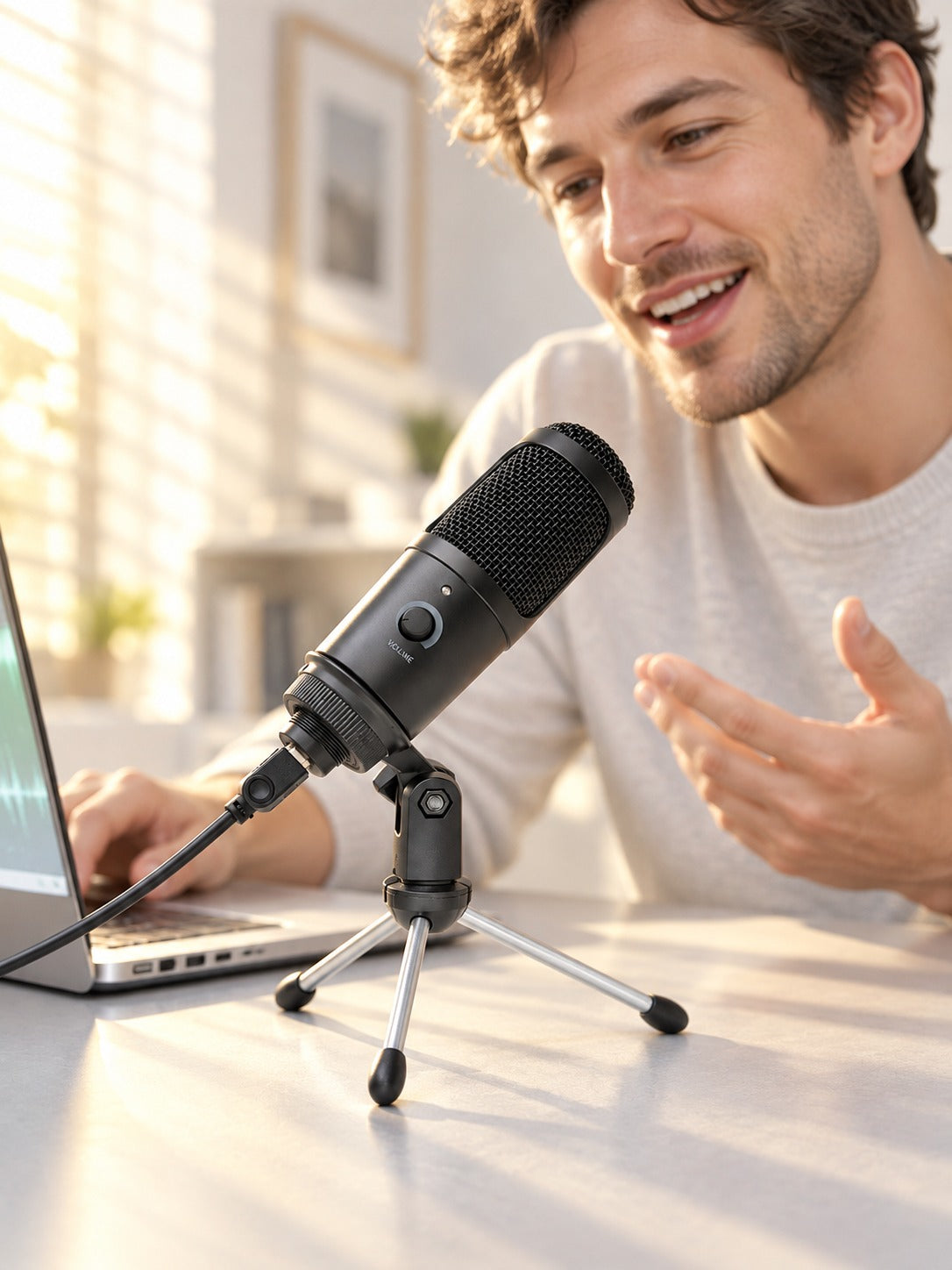



Your voice deserves better than a laptop mic. This metal condenser mic plugs into one USB port, sits on its own tripod stand, and picks up your voice with clarity for streams, recordings and karaoke nights. Setup takes minutes and nothing else needs buying.
Read the full descriptionYour voice deserves better than a laptop mic. This metal condenser mic plugs into one USB port, sits on its own tripod stand, and picks up your voice with clarity for streams, recordings and karaoke nights. Setup takes minutes and nothing else needs buying.
Plug-and-play USB condenser mic that delivers clear voice for streaming, recording and karaoke on Windows, Mac and PS4
Tinny, distant laptop audio makes every stream and song feel like a long-distance call. This plug-and-play condenser mic with its own tripod stand turns your desk into a clear, full-voiced setup in minutes.

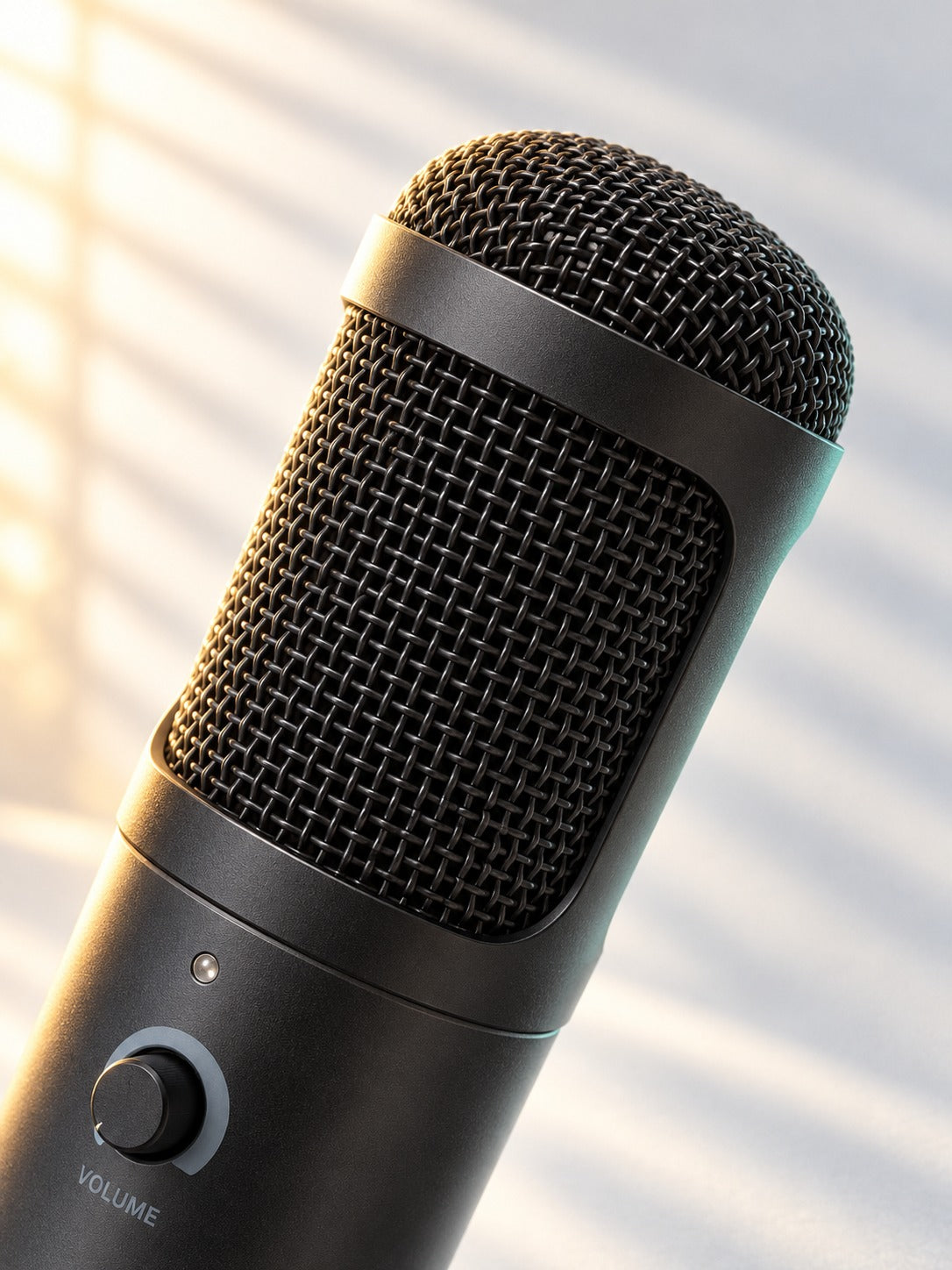
The body is solid metal in matte black or silver, and the woven mesh grille guards a condenser capsule that catches more detail than a laptop mic. Fan hum and room echo get less of a say, so your words come through fuller and closer.

Turn the knob on the front to set your level while you talk, with no trip into system settings. The indicator LED lights up when the mic is powered, so you know it is ready before you hit record.

The tripod folds flat for storage and the swivel joint lets you aim the capsule at your mouth. The mic sits at mouth height and clear of the keyboard, so the desk stays tidy during long sessions.
Open the chrome legs, set the stand on your desk, and angle the swivel joint so the capsule faces your mouth.
Run the long cable from the mic to a USB port on your Windows or Mac laptop. The front LED lights up when the mic is powered.
In your sound settings or streaming app, choose the USB microphone as the input device.
Start with the front knob at a middle setting, say a line at your normal volume, and turn it up or down until the level sits comfortably.
Metal body, woven mesh grille, front volume knob with indicator LED
Foldable chrome legs with an adjustable swivel joint
Long cable that runs from the mic to your laptop
Yes to Windows, Mac and PS4. No to Xbox: the packaging lists compatibility with Windows, Mac and PS4 only, so an Xbox setup will not recognize it. Check your device before you buy.
No. Plug the USB cable into your laptop, pick the mic as the input device, and you are talking. No interface, no extra box, nothing to install.
For voice, yes. The condenser capsule and woven mesh grille capture more detail than a laptop mic, and the stand keeps the mic at mouth height instead of aimed at the screen. Start with the knob at a middle setting and record a short test clip.
Yes. The legs fold for storage and the swivel joint lets you aim the capsule at your mouth. Keep the mic a hand's width or more from the keyboard so key clicks stay out of your recordings.
The body is solid metal with a matte black or silver finish, and it sits steady on the desk. Fold the stand flat when you pack up and keep the cable clear of foot traffic.
You get the mic, stand and cable in one box. An interface setup adds a second box, drivers and extra cables, and a laptop mic costs you clarity on every stream. One usb condenser microphone covers streaming, recording and karaoke from the same desk.


 USB Condenser Mic for Streaming, Recording and Karaoke