
$879.90
Free delivery · 7–14 days
Space-Saving Full-Size Loft Bed with Desk & Shelves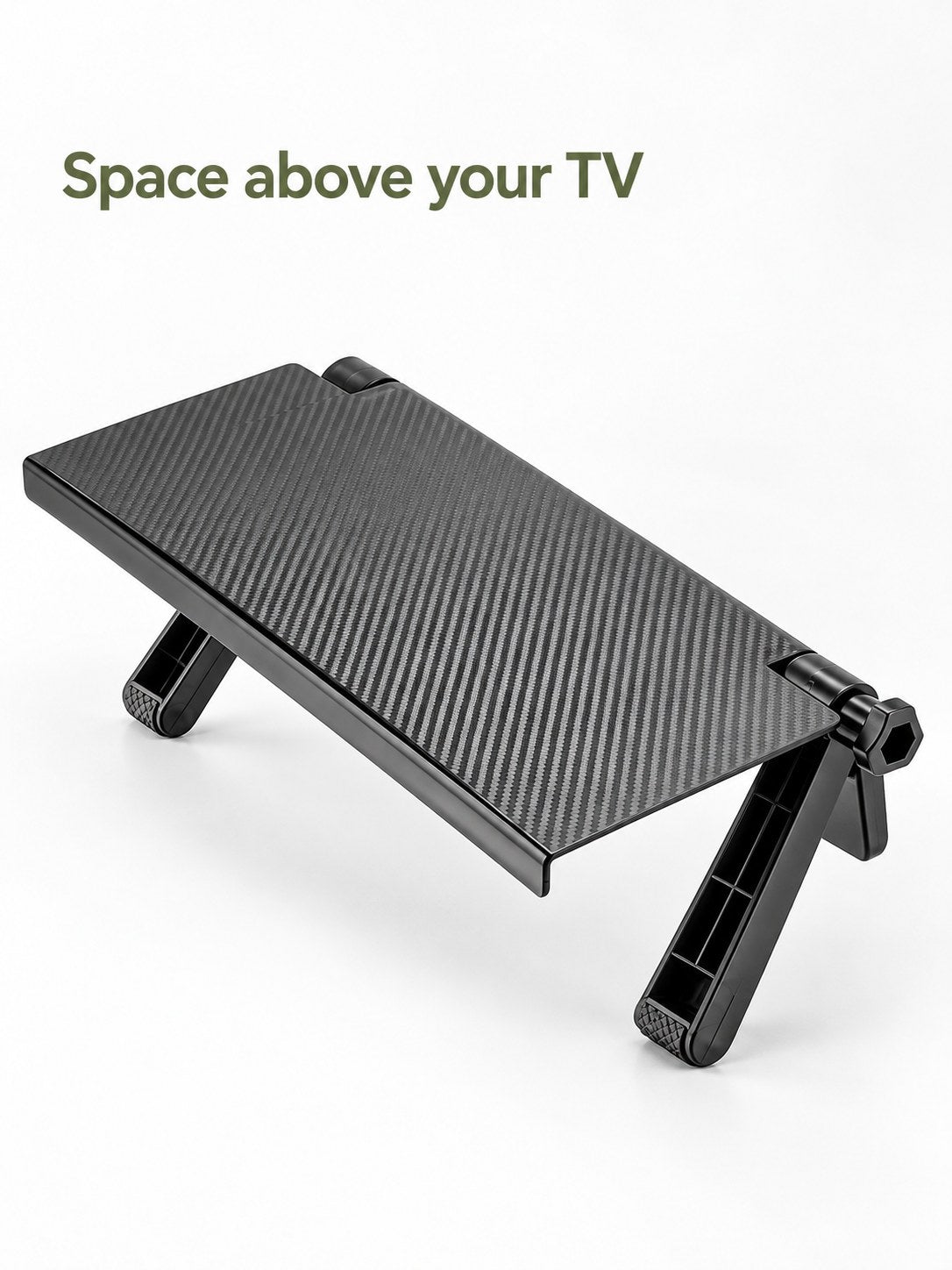

Your remote, phone and drive finally get a spot that is always in reach. This matte carbon-look shelf clips over the top edge of a TV or monitor, so nothing needs drilling or adhesive. Adjust the legs and the angle by hand, and the desk stays clear.
Read the full descriptionYour remote, phone and drive finally get a spot that is always in reach. This matte carbon-look shelf clips over the top edge of a TV or monitor, so nothing needs drilling or adhesive. Adjust the legs and the angle by hand, and the desk stays clear.
Turn the top of your TV or monitor into a handy shelf without drilling or adhesives
Stop losing your remote between the cushions and your drive under the paperwork. Clip one matte shelf over the top of your TV or monitor and keep essentials in reach.

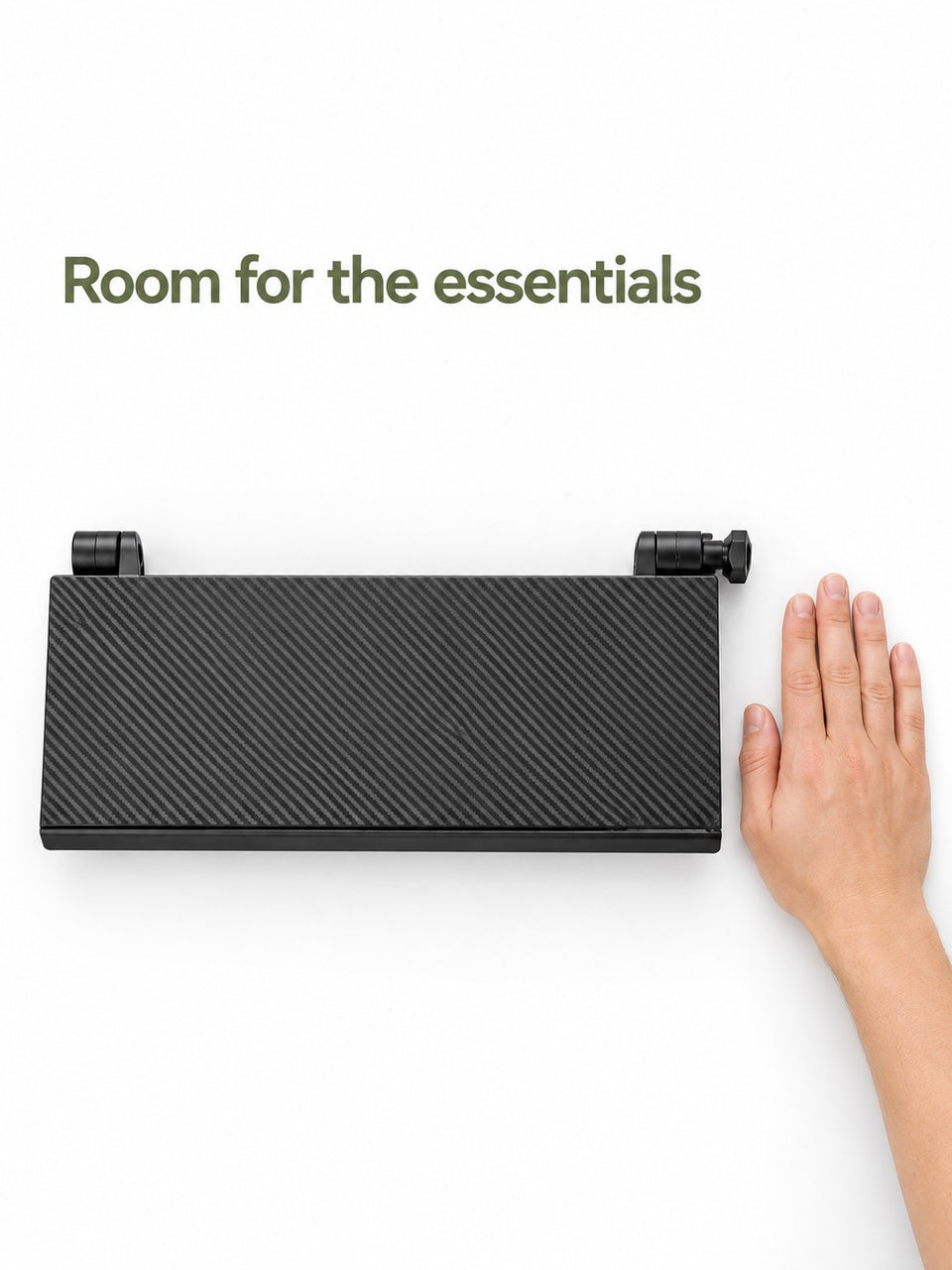
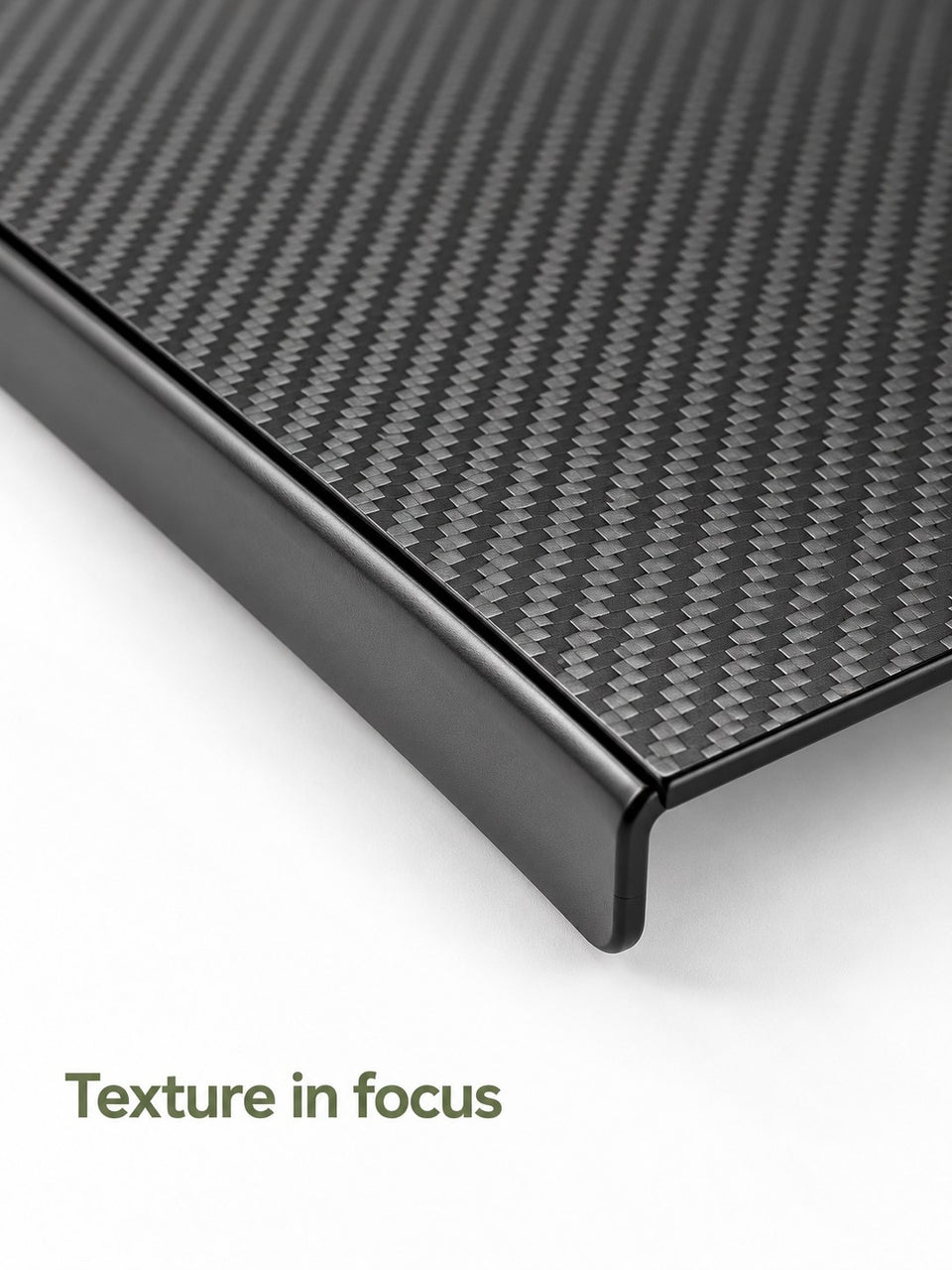
The top is a matte carbon-fiber textured surface, so a remote or phone sits flat and does not skate around when you pick it up. It is wide enough for the everyday items that usually end up wedged between the cushions.

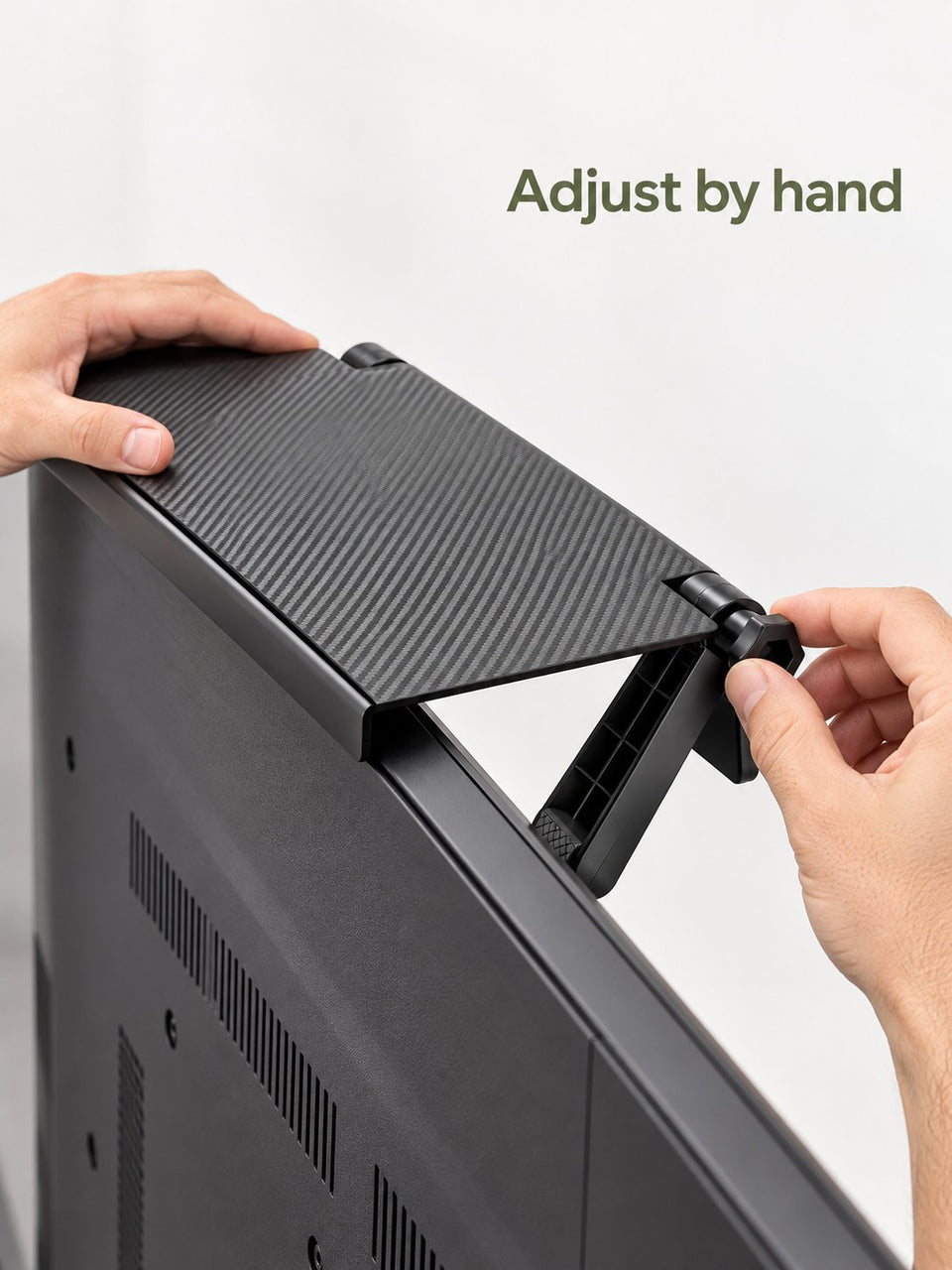
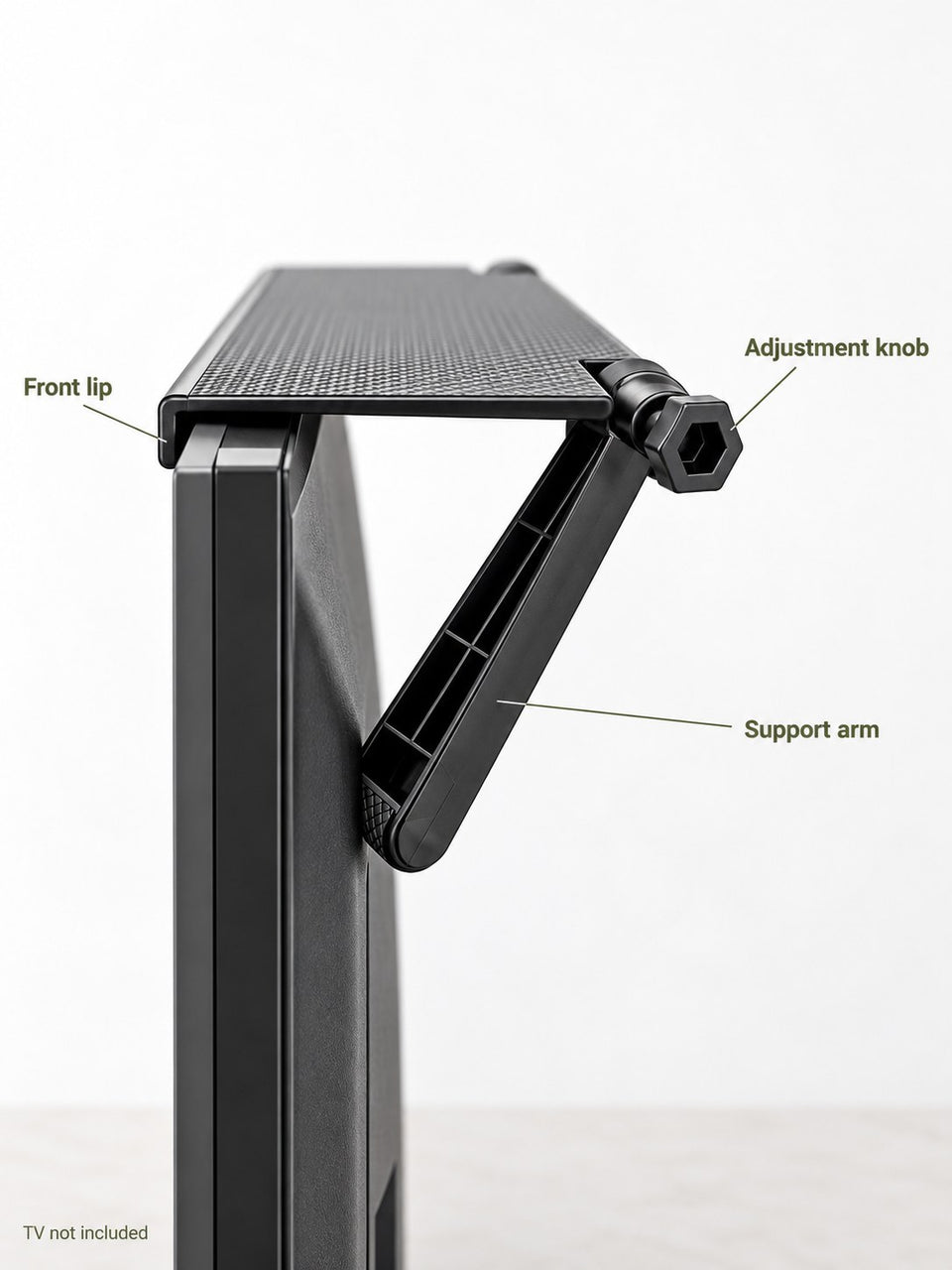
Two hinged legs fold out and hook over the top edge of the display. Nothing gets screwed into the wall or stuck to the glass, which means no marks on the bezel and no holes to patch when you move.

Rubber-style grips sit on the leg ends to keep the shelf in place. Turn the hex knob by hand to change the tilt for a remote or a drive, then tighten it until the shelf holds its angle.
Pull the black plastic legs out from the underside of the shelf until they sit at the width you need.
Slide the legs over the top edge of the TV or monitor so both non-slip grips rest evenly on the edge.
Loosen the hex knob, tilt the shelf to the angle you want, then tighten the knob by hand until the shelf holds.
The legs are adjustable and fold out to fit the top edge of a flat-screen TV or desktop monitor. Check that the top edge is straight and flat before you clip it on. Curved or uneven tops are the main case where it will not sit evenly.
The grip pads on the leg ends are non-slip rubber-style pads that rest on the top edge. Keep the legs seated evenly and tighten the knob by hand. Avoid forcing the legs over a thick bezel.
It is built for light everyday items: a remote, phone, glasses, a small external drive or a notebook. Avoid stacking heavy objects on it, since the plastic hinges are meant for light loads.
Wall shelves need drilling and adhesive hooks tend to fail on glossy panels. This one needs no tools, no adhesive and no wall, and it moves with you. If it saves one remote search a day, the cost is covered quickly, and the matte carbon-fiber build is made to last.


 TV Top Shelf Caddy: Extra Surface for Remotes & Gear