

$179.90
Free delivery · 7–14 days
USB 3.0 Hard Drive Dock for 2.5 and 3.5-inch SATA/SAS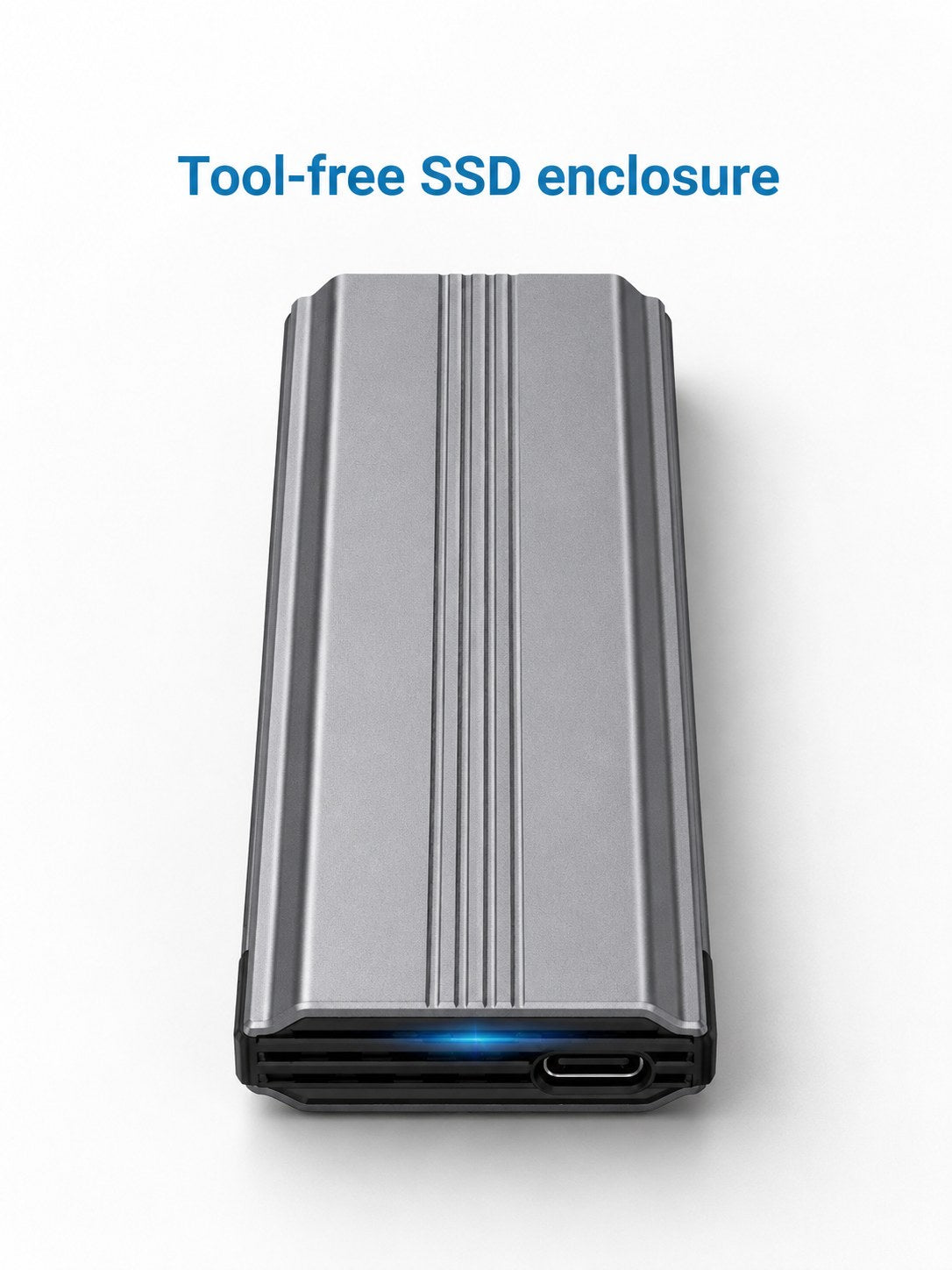
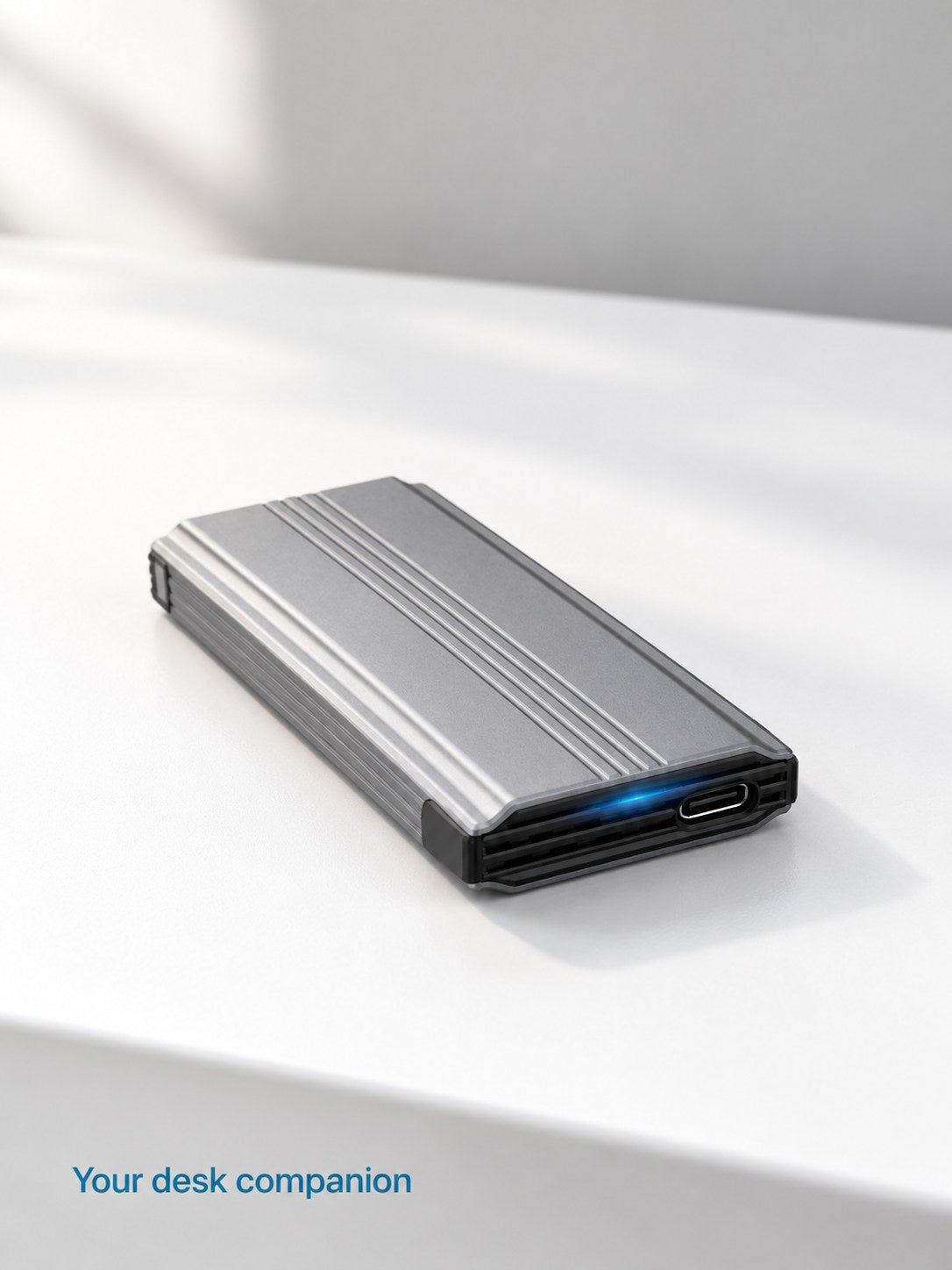
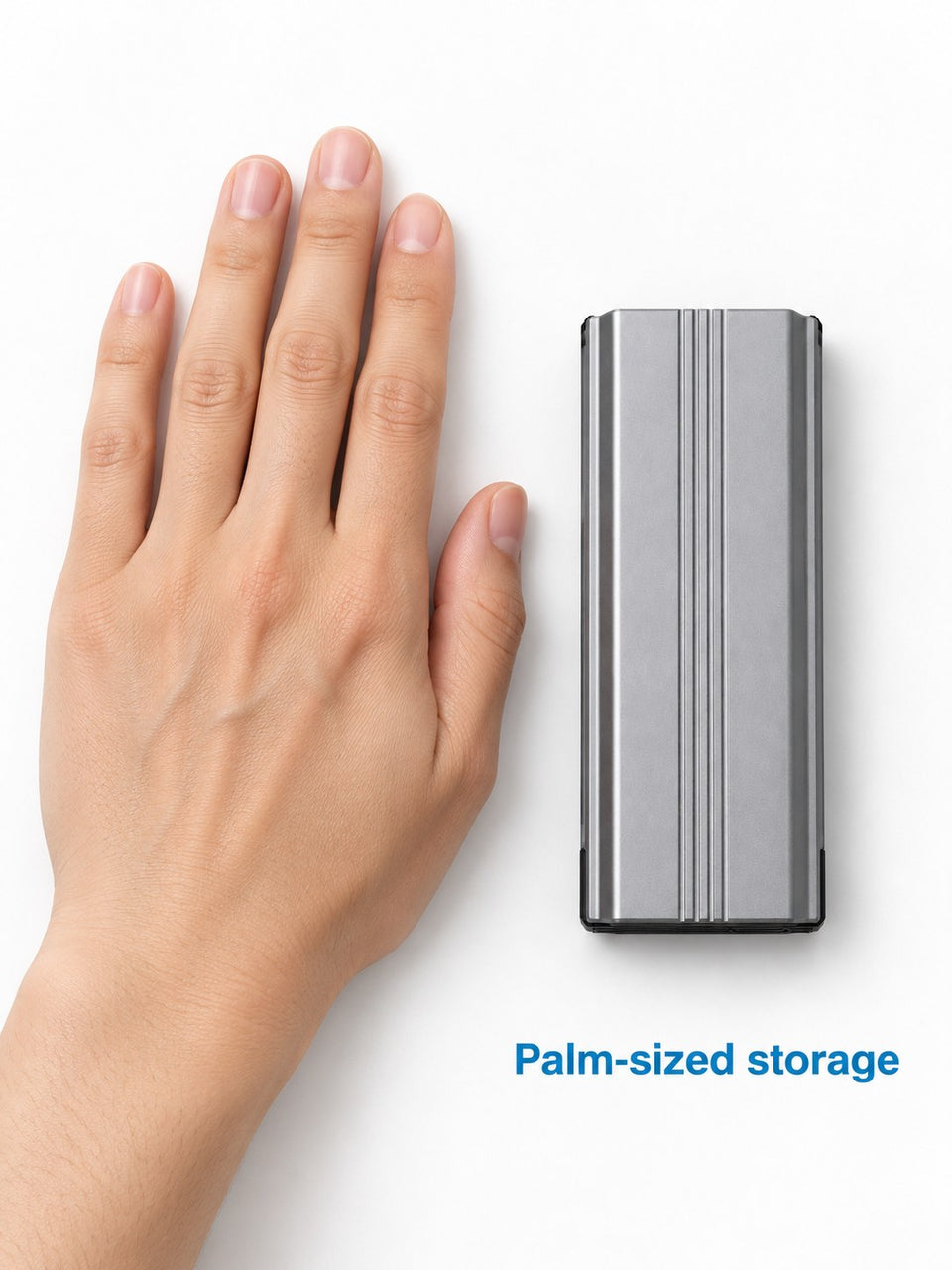
Your spare M.2 drive does not need to stay in the drawer. This aluminum enclosure takes a 2280 NVMe or SATA SSD with no screws, keeps the drive cool, and connects over USB-C at up to 20Gbps. Snap it in, lock the pull-tab, and the drive is ready to carry.
Read the full descriptionYour spare M.2 drive does not need to stay in the drawer. This aluminum enclosure takes a 2280 NVMe or SATA SSD with no screws, keeps the drive cool, and connects over USB-C at up to 20Gbps. Snap it in, lock the pull-tab, and the drive is ready to carry.
Tool-free USB 3.2 20Gbps SSD enclosure: snap in your M.2 drive and go
Your spare drive has been sitting in a drawer. Snap it into this aluminum enclosure and it becomes a 20Gbps USB-C drive you can carry anywhere.

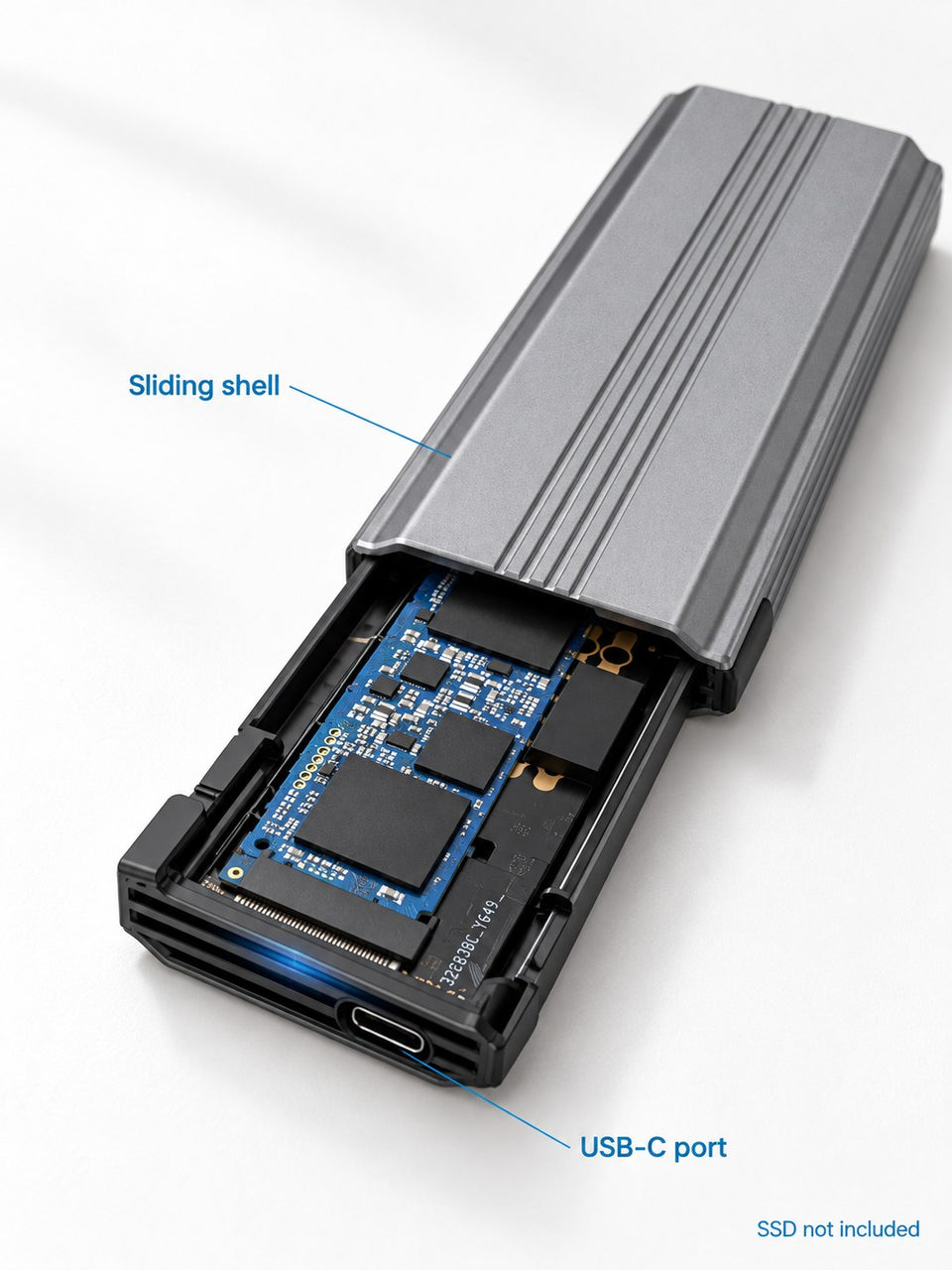
Press the switch and the shell pulls open. The internal tray takes a full 2280 SSD, and a pull-tab locks the drive in place, so a screwdriver never enters the picture. Pull the tab back, lower the drive end, let go, and it sits secure.

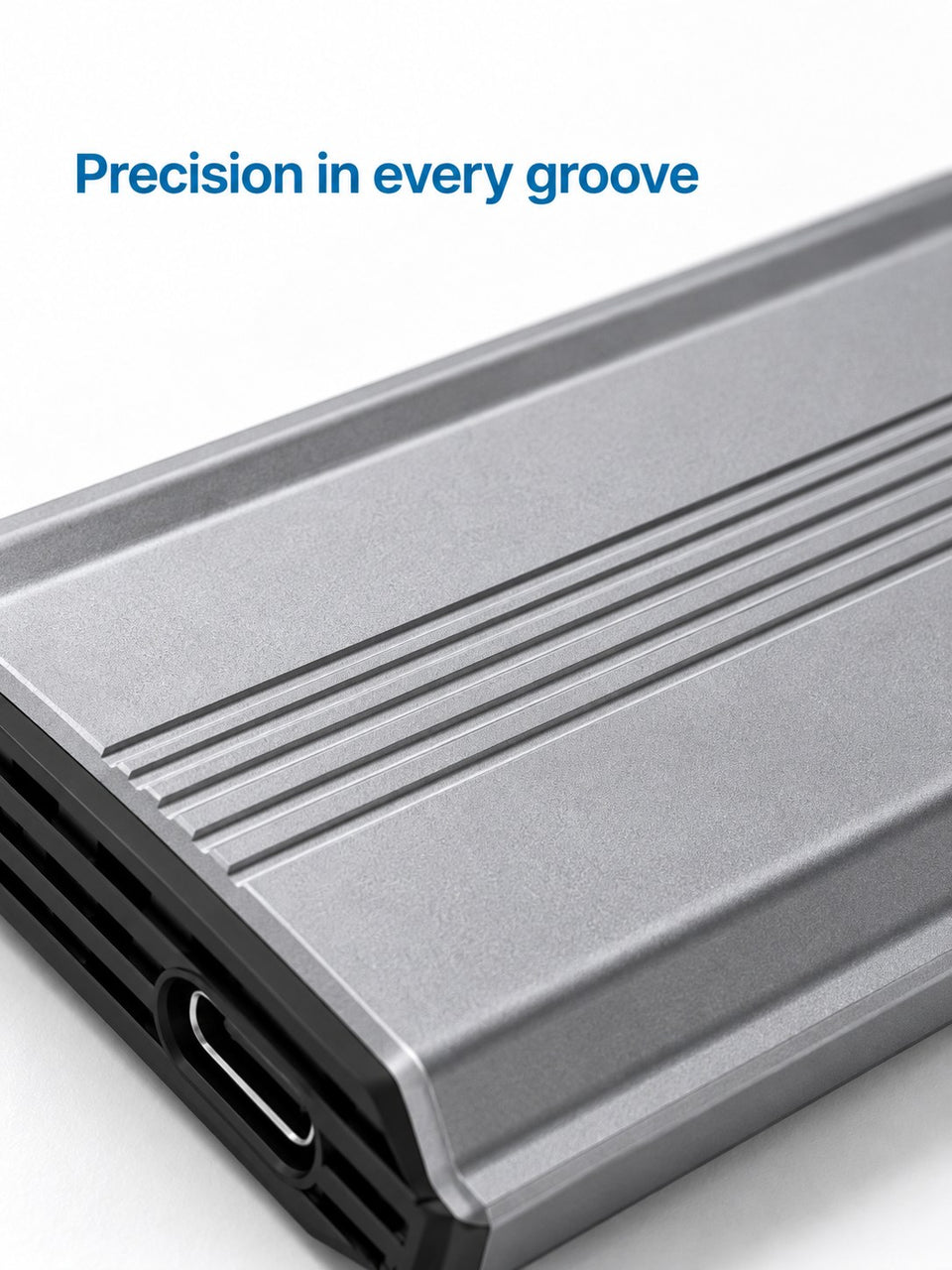
The body is solid aluminum with ribbed grooves that carry heat across the shell instead of trapping it around the drive. Press the thermal pad onto the SSD before you close the case so the chip stays in contact with the metal.

NVMe drives link up to 20Gbps and SATA drives up to 6Gbps over the single USB-C port. Real speed depends on the drive you install and the port on your host device, so a fast laptop port gets you the most out of it.
Press the switch and pull the shell open.
Place the SSD tray and thermal pad in position.
Slide in a full size 2280 SSD.
Hold the pull-tab back, lower the drive end, then let go to secure it in place.
Press the thermal pad firmly onto the drive.
Close the case correctly and lock it, then connect the USB-C cable.
Shell with internal M.2 tray
Marked for 20Gbps and 60W
Goes on the SSD before closing

Somewhere in the house there is an M.2 SSD from an old build or an upgrade. Meanwhile the main drive fills up with game libraries and backup folders, and the spare stays in the drawer doing nothing.
A bare USB adapter runs hot during a long copy, and the transfer slows with it. Plastic cases do little to move heat off the drive, and screw-based enclosures turn every swap into a hunt for the right driver and the right bit.
Press the switch and the shell lifts open. Seat the 2280 SSD, lower the drive end, hold the pull-tab back and let go. Close the case, lock it, and the drive is ready to plug in. No tools, nothing to hunt for.
| This enclosure | Bare USB adapter | Plastic case | |
|---|---|---|---|
| Aluminum heat-sink shell | — | — | |
| Tool-free SSD install | — | — | |
| Two USB-C cables included | — | — | |
| Fits NVMe and SATA 2280 drives | Partial | Partial |
It takes 2280 M.2 drives only. Check the number printed on your SSD, since a longer drive will not seat or lock properly in the tray.
Yes. NVMe drives link up to 20Gbps and SATA drives up to 6Gbps, so one enclosure covers both kinds of spare drive.
The enclosure supports USB 3.2 20Gbps and the cables carry 20Gbps and 60W markings. Your real speed depends on the drive and the port on your laptop or console, so a USB 3.2 port gives the best result.
The packaging lists Windows, iOS, Mac OS, Linux and Android as supported. Plug it in and the drive should show up in your file manager.
A plastic case does little to move heat off the drive. The aluminum shell has ribbed grooves to spread heat, and two USB-C cables are in the box. Instead of buying a new portable drive, you put the spare SSD you already own to work with nothing else to buy.
Portable backups, extra game storage for handhelds and consoles like the Steam Deck, ROG Ally and PS5, and copying large media files between devices. Once the SSD is inside, it works like any external drive.


 Tool-Free USB-C M.2 SSD Enclosure with 20Gbps Speed