
$59.90
Free delivery · 7–14 days
Tool-Free 2.5 Inch SATA HDD Enclosure, USB 3.0 Case




Turn the spare M.2 SSD you already own into a portable drive. The tool-free bay seats a drive by hand, and the clear end cap shows the board inside. Connect over USB-C with the cables included.
Read the full descriptionTurn the spare M.2 SSD you already own into a portable drive. The tool-free bay seats a drive by hand, and the clear end cap shows the board inside. Connect over USB-C with the cables included.
Tool-free external housing that turns a bare M.2 SSD into fast portable storage
Stuck with a full laptop and files you can't carry? Slide in the spare M.2 SSD you already own, close the tool-free bay, and take your library anywhere over USB-C.

Slide the M.2 drive into the slot, press it down and lock it in place by hand. Swapping drives between projects takes seconds, so the enclosure works as a drive you move around rather than a case you leave alone.

The transparent end cap lets you see the circuit board and port inside. You know exactly what you are housing, and the clear panel makes the build look as honest as it is. The body is matte black plastic with an aluminium-look finish.

The Type-C 3.1 port works with the included USB-C cable on modern laptops and desktops. The USB-A and USB-C combo cable covers older ports. Pair it with a set of cable organizers and the desk stays tidy during long copies.
Match your M.2 SSD's notch to the key-type chart. M key and B+M key NVMe drives fit, and SATA B+M drives are listed as compatible.
Open the tool-free bay, slide the drive into the slot at an angle, and press it flat until it locks.
Close the end cap, then plug the enclosure into a USB-C port with the included cable. Use the combo cable for USB-A ports.
If the drive shows as unreadable, initialize and format it in Disk Management on Windows or Disk Utility on macOS before storing files. Eject it before unplugging.
Tool-free bay, transparent end cap, Type-C 3.1 port
Connects to older USB-A ports and newer USB-C ports
For modern laptops and desktops

Your laptop warns you the disk is almost full, and the project folders you need are stuck on one machine. A spare M.2 SSD from an old build or an upgrade is already paid for. It just needs a case that turns it into something you can plug in and carry.

The bay needs no screwdriver, so seating a drive takes a few seconds. The key-type chart covers which M key and B+M key NVMe drives work, and it lists SATA B+M drives as compatible. Check your drive's notch against the chart and the rest is simple.
NVMe drives with an M key or a B+M key notch fit. The key-type chart shown with the product lists both. Check the notch on your drive before you seat it, because an unsupported notch will not sit flush.
Yes. SATA drives with a B+M key work, and the chart lists them as compatible. SATA drives with only an M key are not supported.
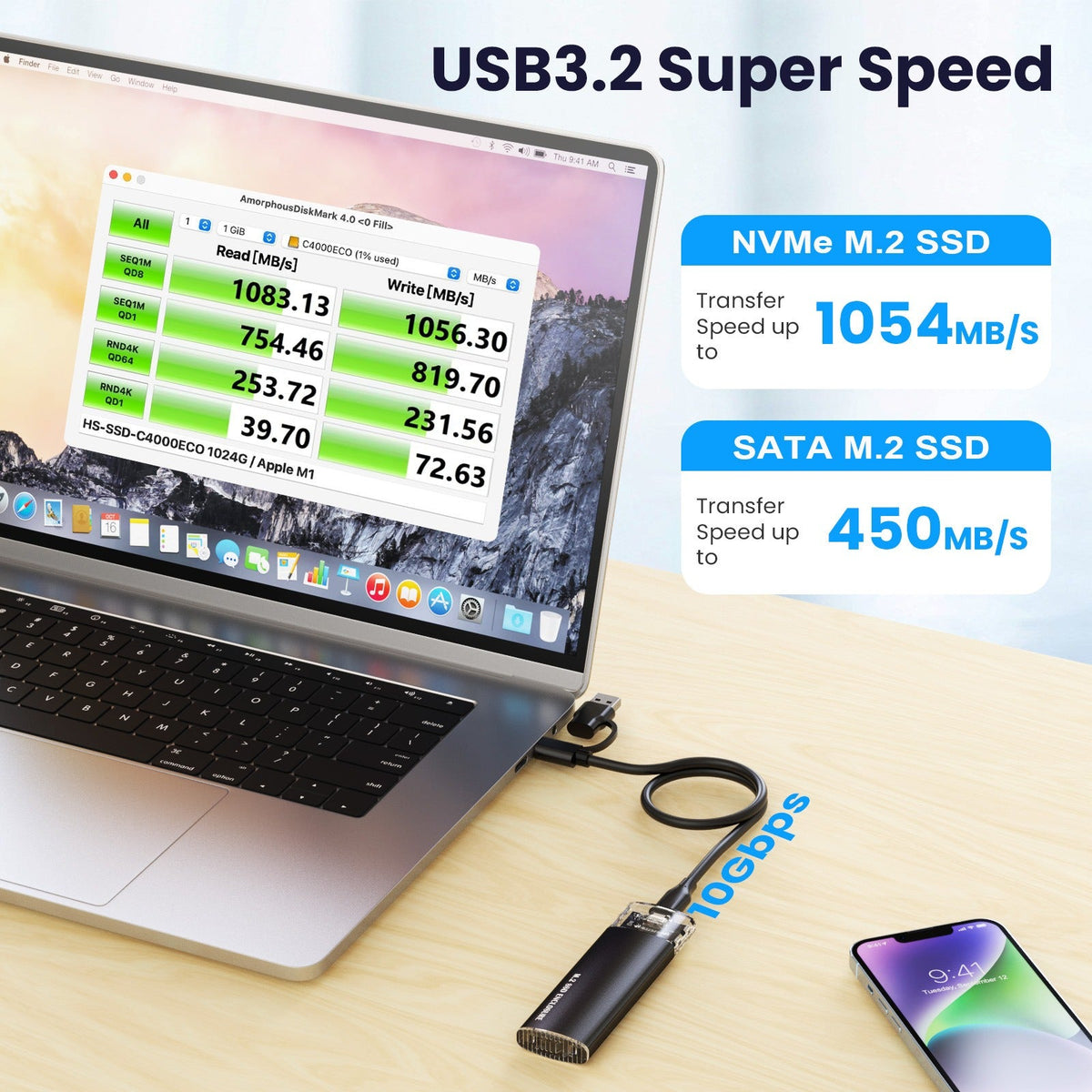
Speed depends on your drive and the port you connect to. The enclosure uses a USB-C 3.1 port, so a fast NVMe drive in a rear USB-C port will move large files quickly. Test with your own library to see the real numbers on your machine.
No tools are needed. The bay is tool-free, so you seat the drive by hand and close the end cap. Your computer case stays closed.
The box includes a USB-A and USB-C combo cable and a USB-C to USB-C cable. Use the USB-C cable for modern laptops and desktops, and the combo cable for older USB-A ports.
The body is matte black plastic with an aluminium-look finish, built for a bag or a desk drawer rather than a metal chassis. Keep it in a sleeve when you carry it, and avoid stacking heavy items on the end cap.


 Tool-Free NVMe M.2 SSD Enclosure USB-C 3.1 Portable