
$47.90
Free delivery · 7–14 days
Wireless Gaming Mouse with 4800 DPI, Bluetooth & 2.4G

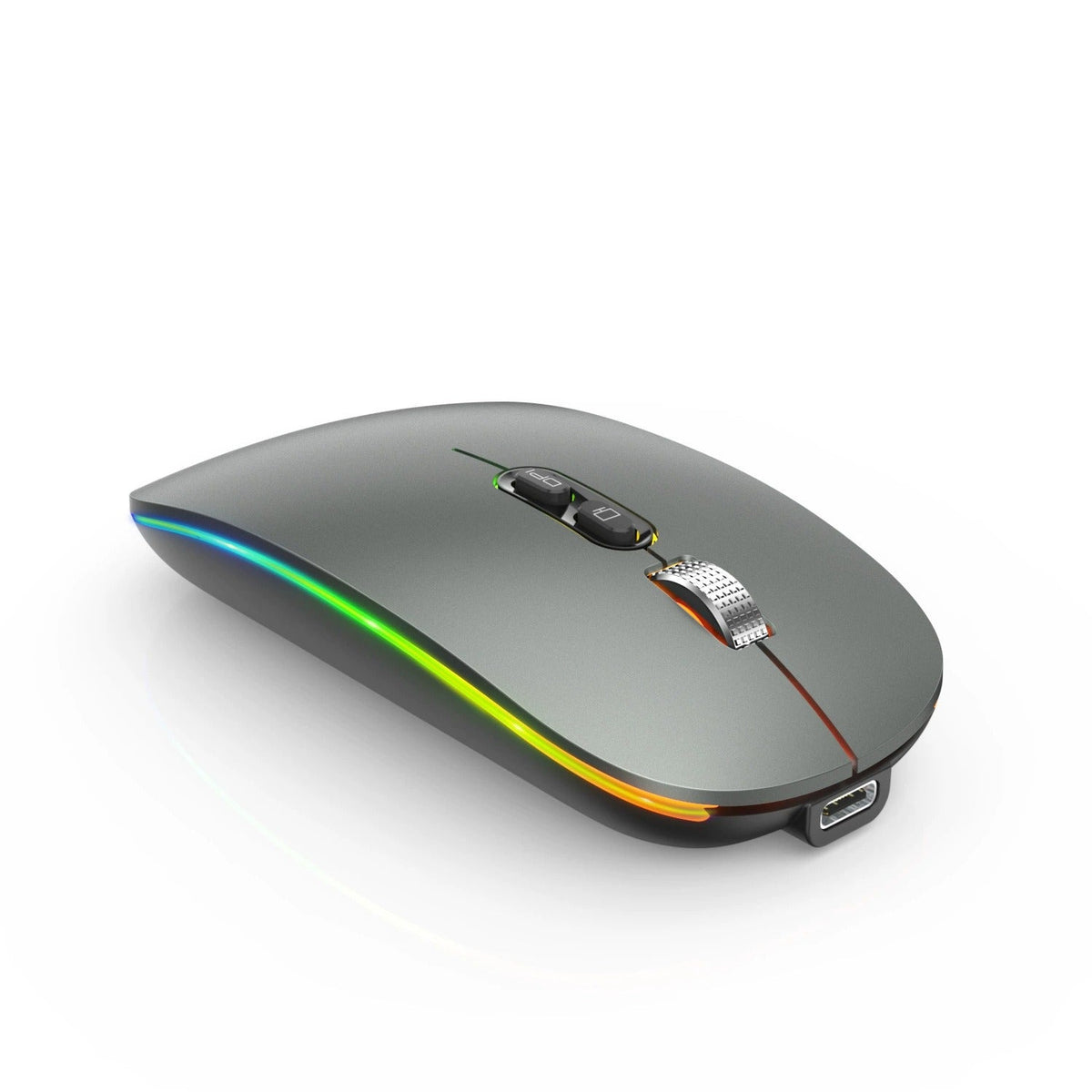


Fumbling for a mouse on a dim desk is a small daily irritation that adds up. This slim wireless mouse charges over USB-C, glows along its side so you can spot it in the dark, and keeps your desk free of cables and spare batteries. The matte grey body sits low in the hand and...
Read the full descriptionFumbling for a mouse on a dim desk is a small daily irritation that adds up. This slim wireless mouse charges over USB-C, glows along its side so you can spot it in the dark, and keeps your desk free of cables and spare batteries. The matte grey body sits low in the hand and packs easily into a bag.
Slim rechargeable wireless mouse with glowing RGB light strip and adjustable DPI
Stop untangling cords and fumbling for a dim mouse. Charge it over USB-C, glow it on in the dark, and keep your desk clear.
The light strip runs along the side edge, so the mouse shows up as a soft line of color on a dark desk or a dim sofa. You see where it sits before you reach for it, and the glow looks sharp against the matte grey body.
The body sits low and flat, with a matte finish that feels calm under your hand. It slides into a bag or a laptop sleeve with little bulk, and the metal-look scroll wheel keeps the top looking finished.
The built-in battery charges through a USB-C port, so a standard USB-C cable does the job. There are no AA cells to buy or swap. The DPI button on the body adjusts pointer sensitivity, so you can slow things down for detailed work and speed up for long documents.
Use the USB-C port on the body. Top up during quiet hours so the battery is ready when you sit down.
Wipe the body with a dry, soft cloth. Skip harsh solvents on the matte plastic.
Keep crumbs and dust out of the metal-look wheel. Compressed air clears debris from around it.
Yes. The strip runs along the side edge, so the mouse shows up as a soft line of light on a dark desk or a dim sofa. You see where it is before you reach for it. In a bright room the glow is a small detail on the edge.
It pairs over Bluetooth, so a laptop or desktop with Bluetooth built in can connect to it. Turn Bluetooth on, pair the mouse, and you are set to work.
Plug a USB-C cable into the port on the body. The battery is built in, so there are no AA cells to replace. Keep a USB-C cable in the desk drawer and top it up whenever the desk is quiet.
The body is slim and low-profile, which suits a relaxed palm or fingertip grip on a laptop or a desk. People with large hands who prefer a tall, full-palm mouse may find it too flat, so this one suits small and average hand sizes best.
Yes. The DPI button on the body adjusts pointer sensitivity. Use a slower setting for detailed design or spreadsheet cells and a faster one for wide-screen navigation.
A basic mouse looks cheap until its batteries die mid-task. This one recharges through USB-C, so you stop buying AA cells and keep the desk clear. The matte body and metal-look scroll wheel give it a premium feel that you will notice every day you sit down to work.


 Slim Rechargeable Wireless Mouse with RGB Light and DPI