

$39.90
Free delivery · 7–14 days
Suction Phone Case for iPhone 7 & 6s That Sticks to Walls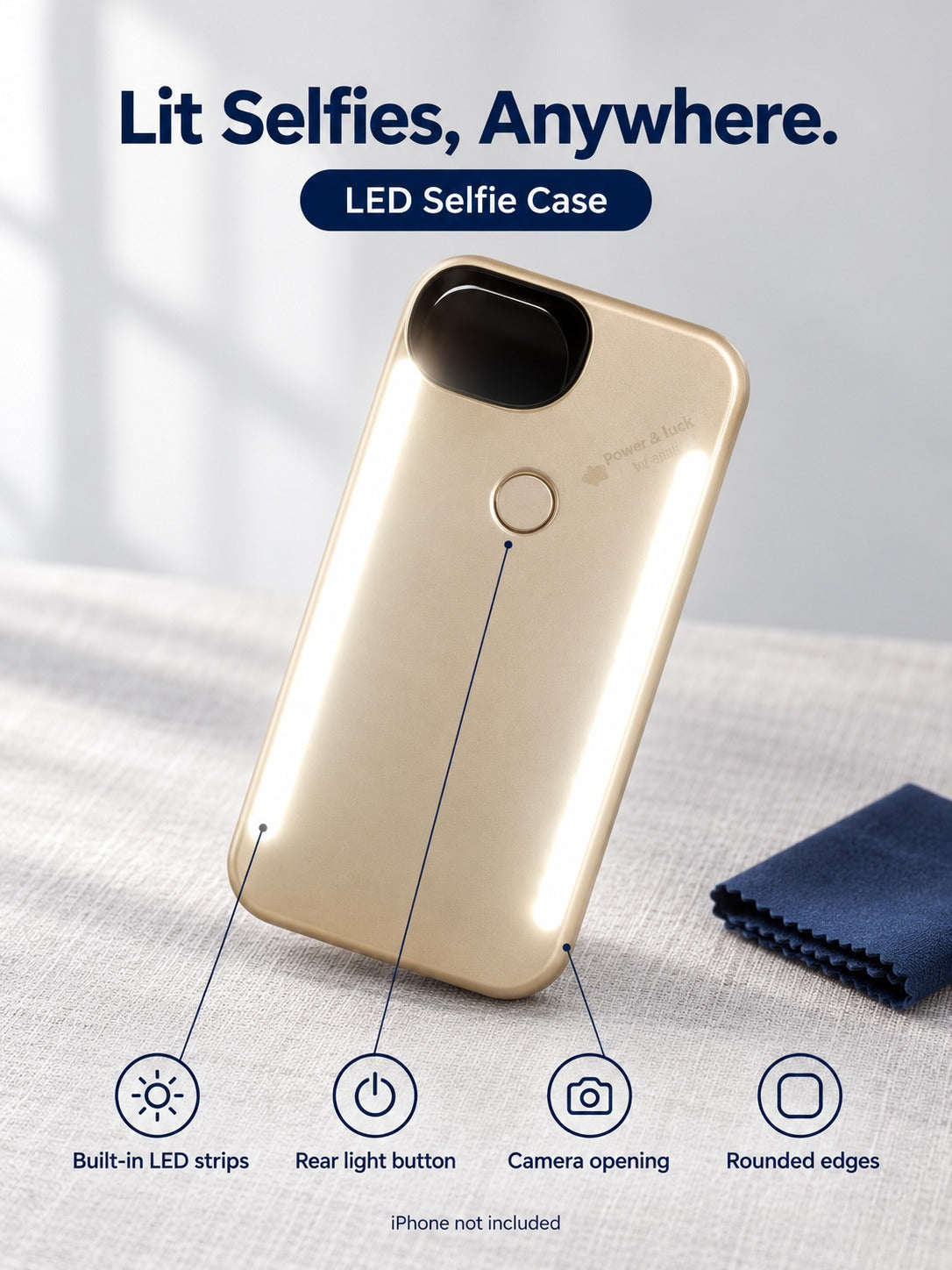
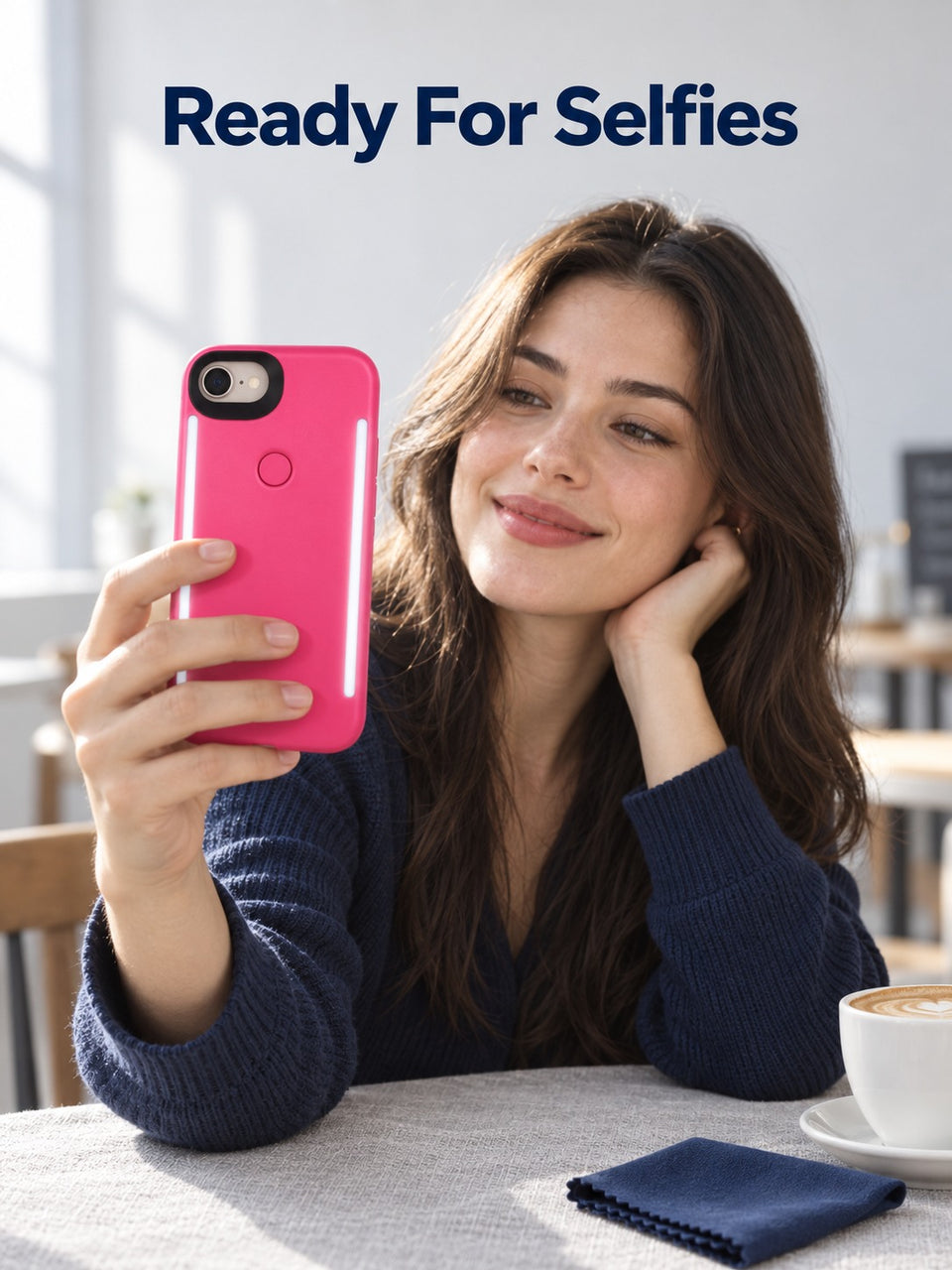
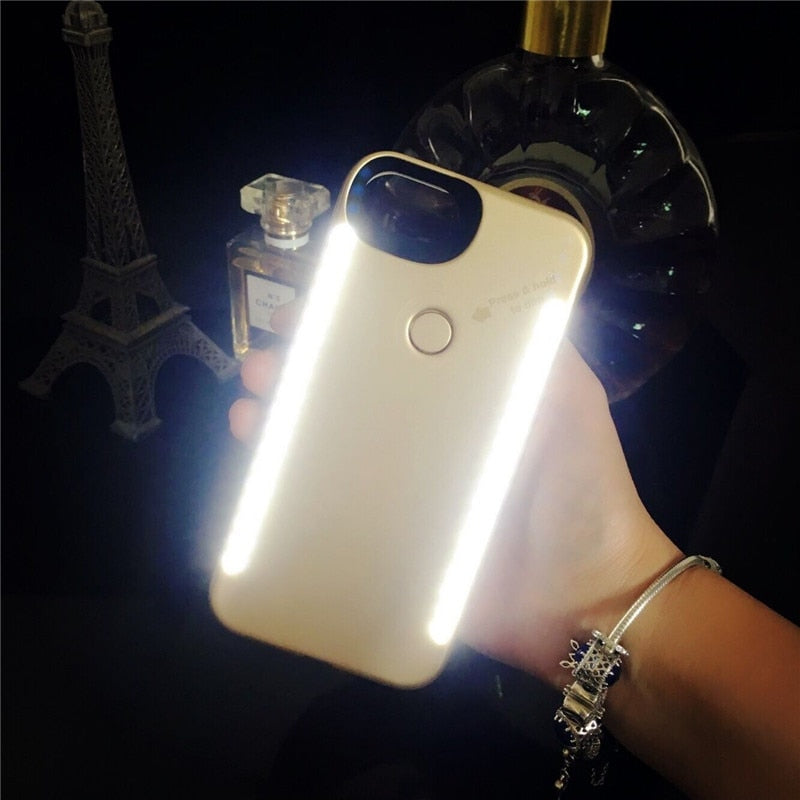
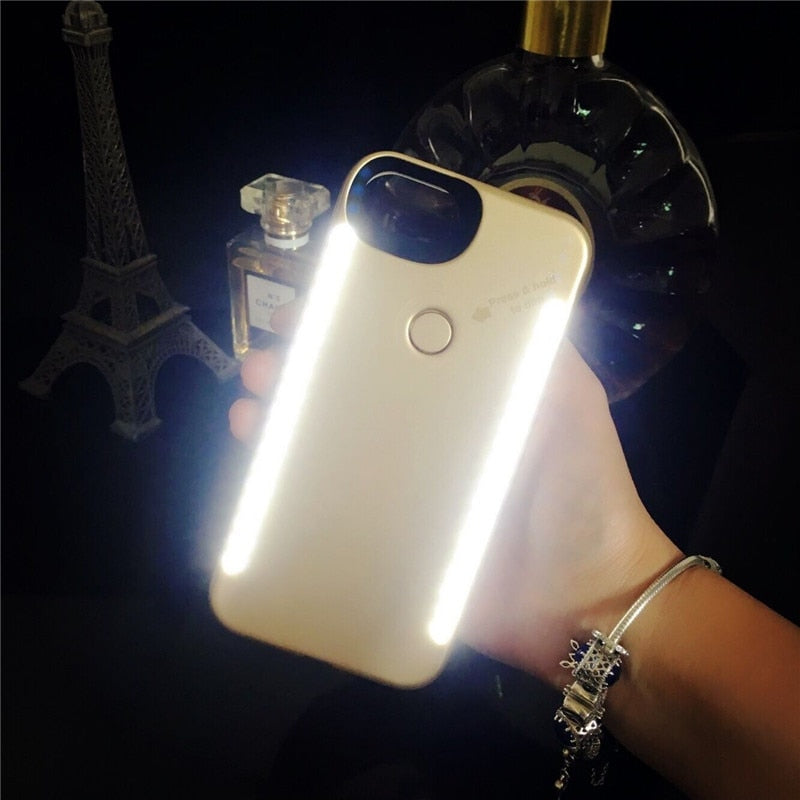
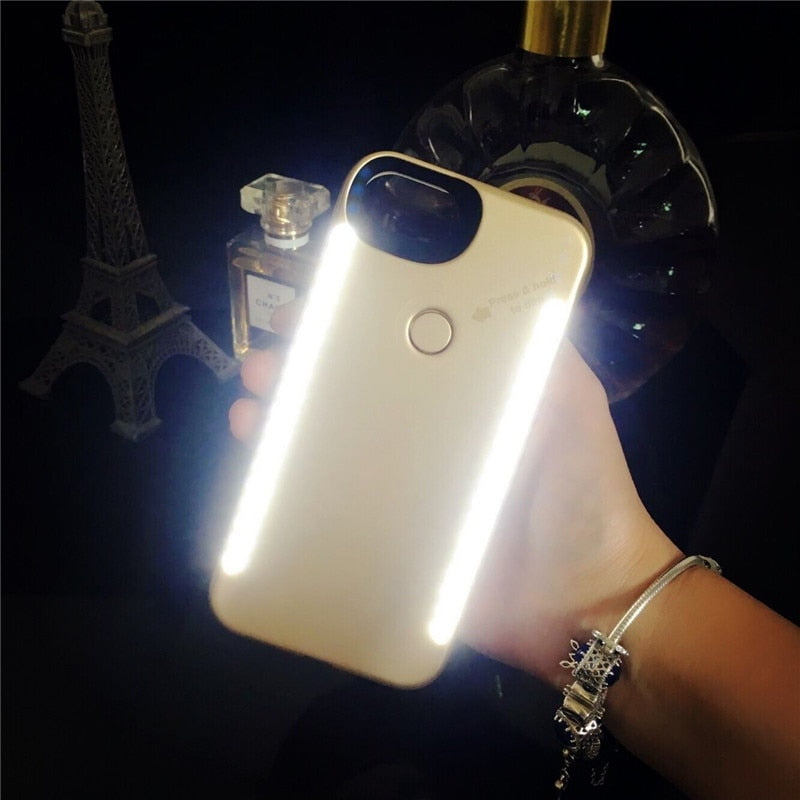
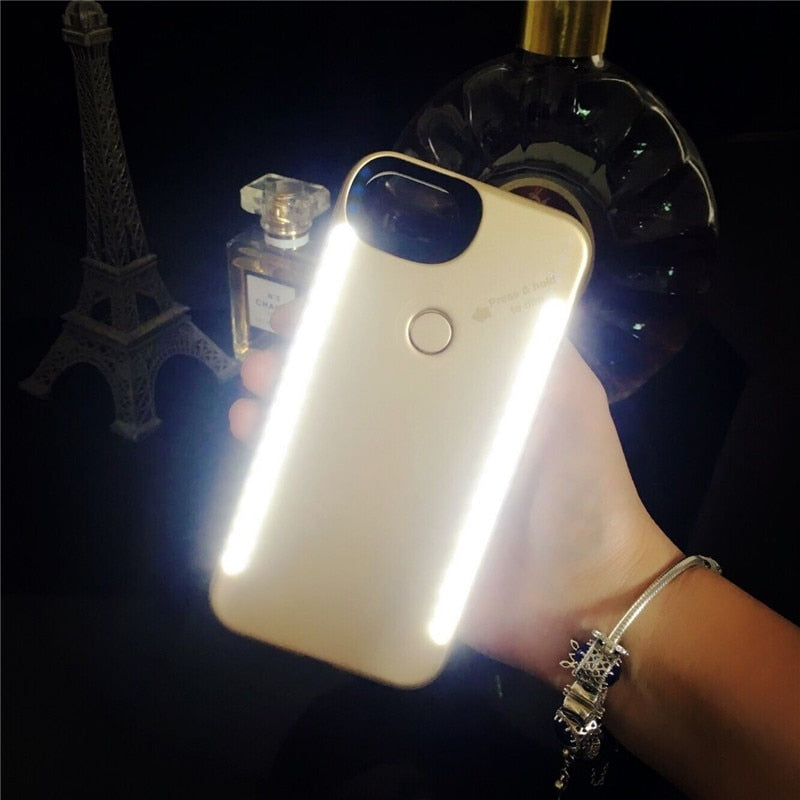
Your face stays lit in dim restaurants, at parties and in late-night mirror checks. Two LED strips and a ring light sit right in the soft-touch matte case, so the light goes wherever your phone goes. Press and hold the rear button, take the shot and release.
Read the full descriptionYour face stays lit in dim restaurants, at parties and in late-night mirror checks. Two LED strips and a ring light sit right in the soft-touch matte case, so the light goes wherever your phone goes. Press and hold the rear button, take the shot and release.
Lights up your selfies anywhere with built-in LED strips
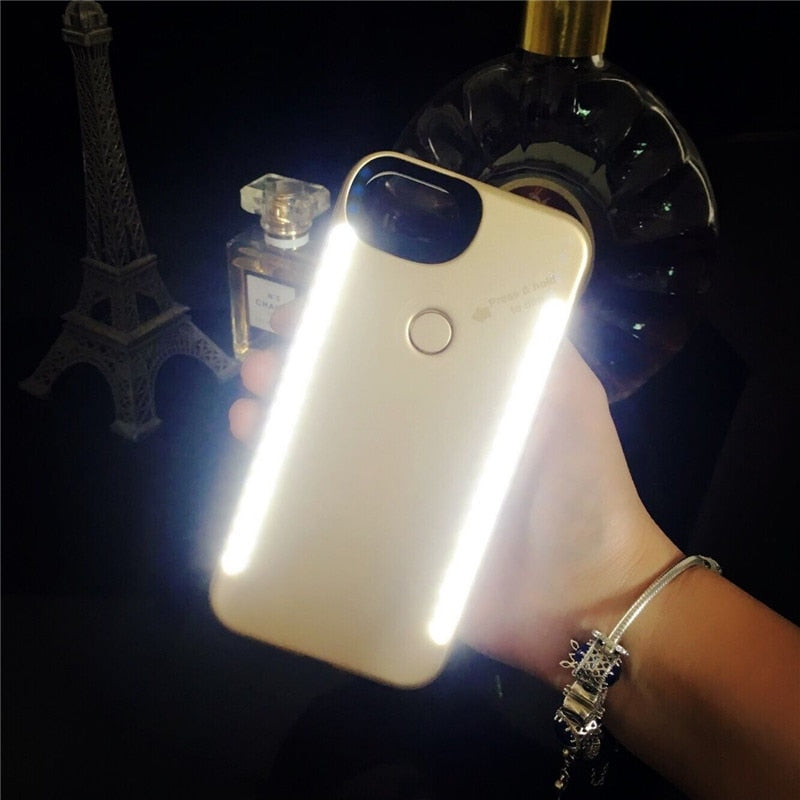
Dim restaurants and dark parties leave you grainy and underlit. With LED strips built into the case, your face gets lit up wherever you are.

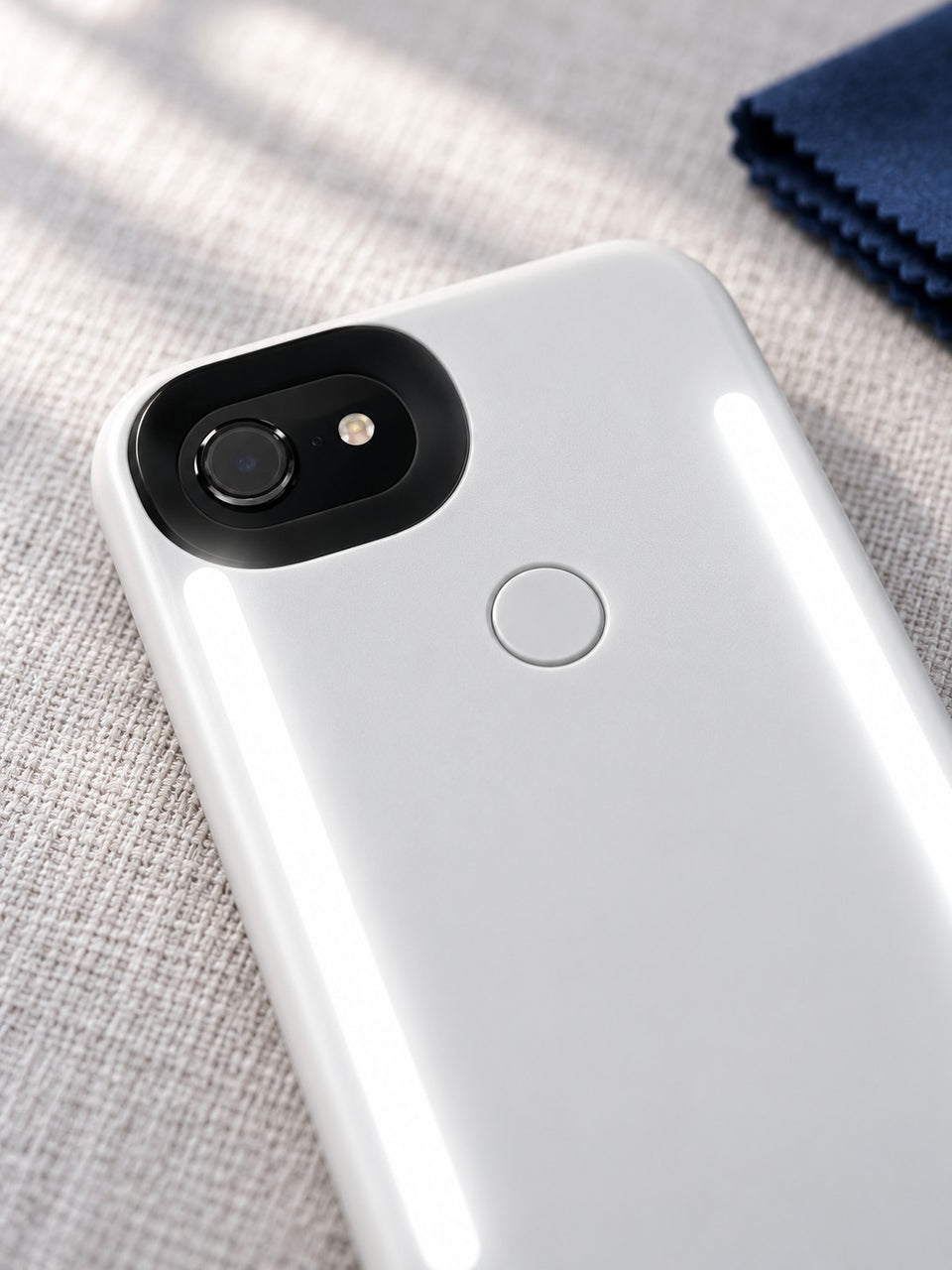
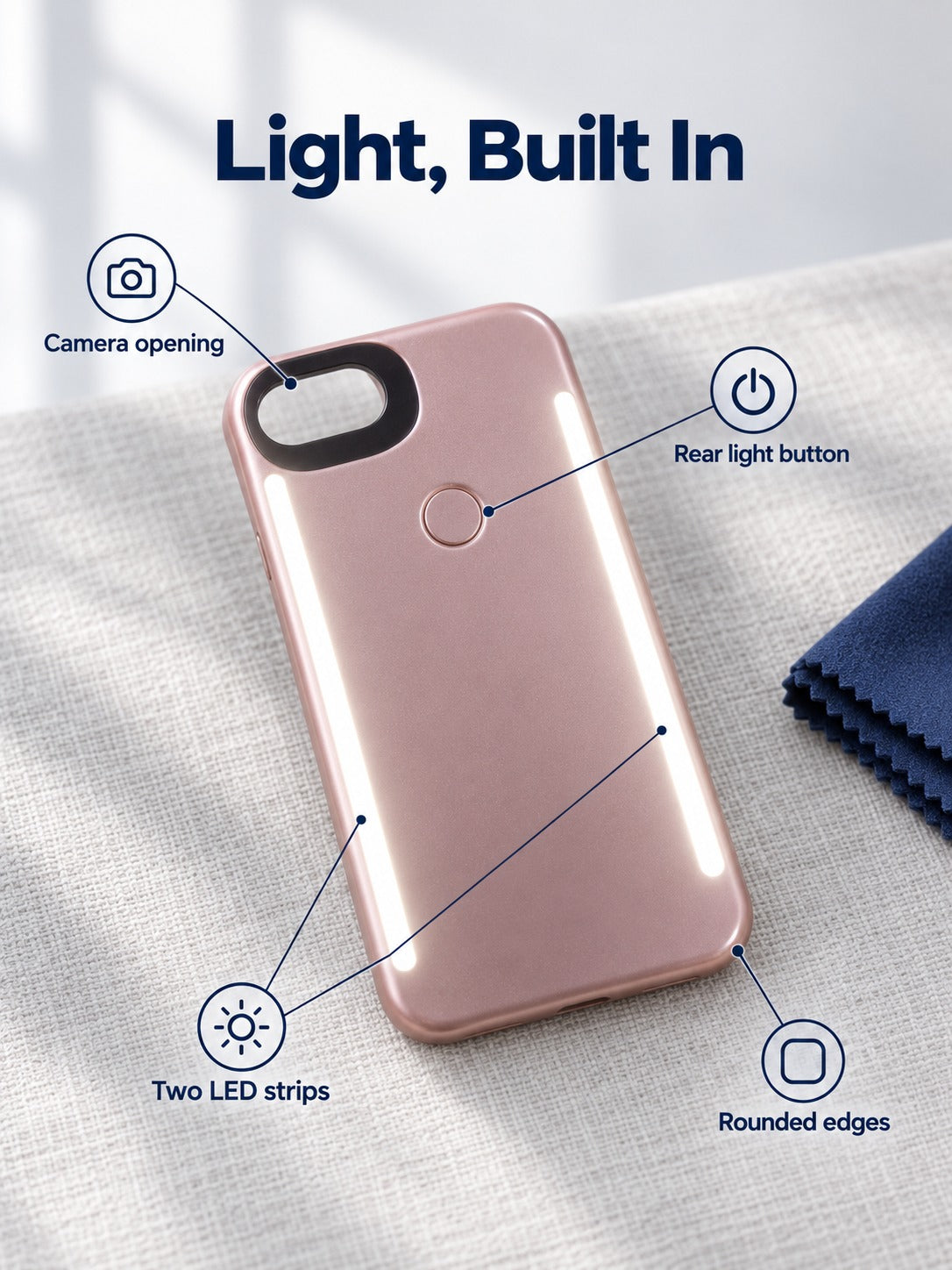
Two vertical LED strips run down the back and a ring light sits around the camera cutout. The white light falls on your face and the space right around it, which is exactly what a dim restaurant table is missing. Hold the phone at arm's length, turn slightly toward the strips and the shot comes out bright instead of muddy.

A rear-facing light button switches the LEDs on while you hold it. Press, take the selfie, release. The built-in selfie mirror on the back also gives you a quick look at your makeup before you shoot.

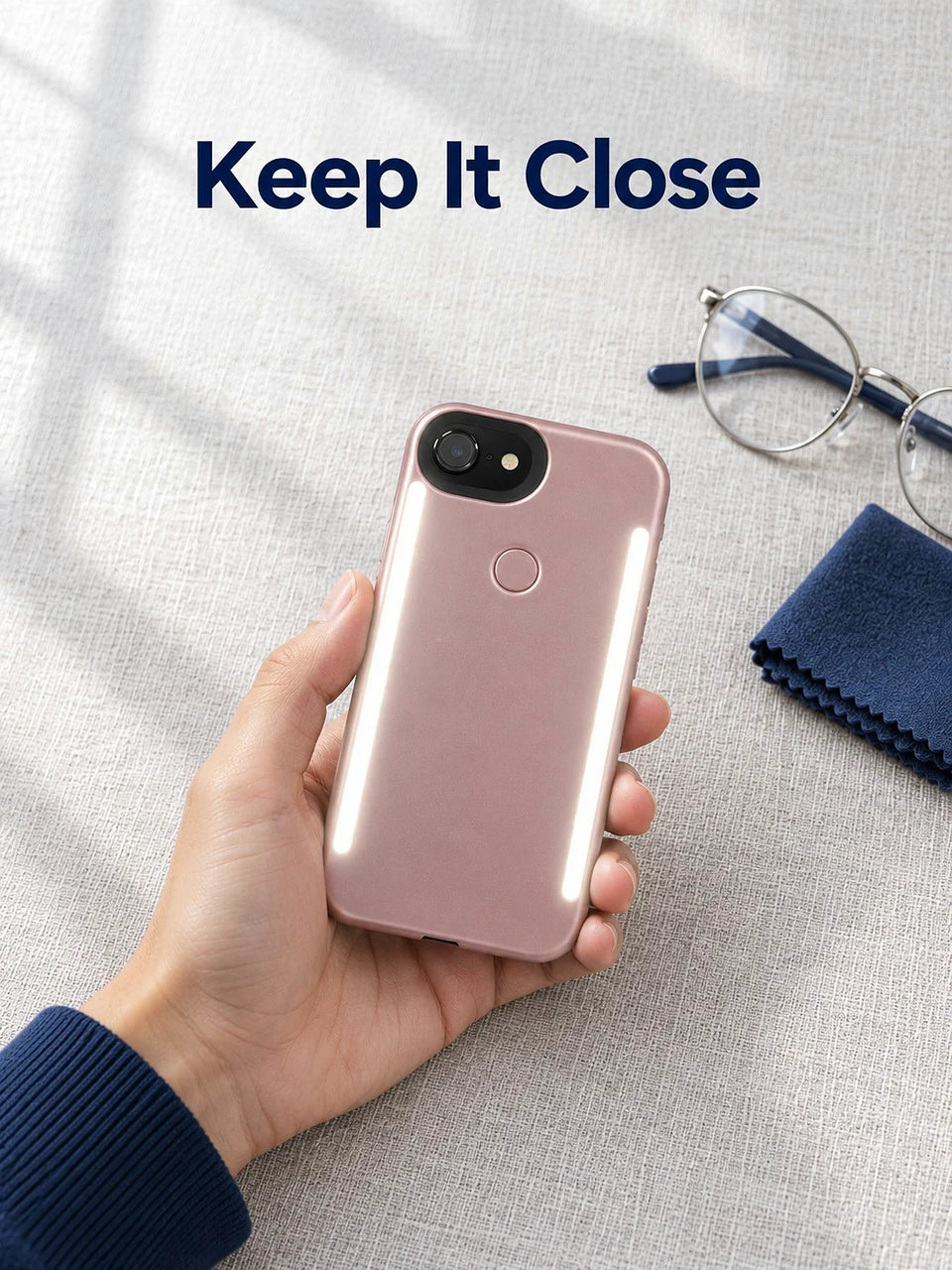
The shell has a soft-touch matte feel with metallic rose gold and champagne tones, a glossy black camera ring and a glowing LED edge. Choose rose gold, champagne gold, matte black, pearl white or hot pink to match the outfit you are wearing that night.
Turn the phone over and feel for the rear-facing light button. The two LED strips sit on either side of the back.
Hold the button and the strips light up with white light. Frame your face with the phone at arm's length and turn slightly toward the light.
Shoot while the light is on, then release the button between photos. Leaving it on drains battery and makes the light feel harsh.
A soft, dry cloth keeps the soft-touch finish clean without marks.
Dust on the ring around the lens can dull the light and the photo.
Hold the button for the shot and release it to save battery.
The case is made for iPhone XS Max, XR, X, 11 Pro, and the 6, 6s, 7, 8 Plus range. Check your exact model against the compatibility list before ordering, since button and camera cutouts differ between models.
The light only runs while you hold the rear button, so battery use depends on how long you keep it on. Press, shoot and release. Holding it between photos is the fastest way to drain the phone.
The strips spread even white light across your face. The phone's screen flash is harsh and uneven at close range, while the case fills in shadows and keeps skin tones natural in dim rooms. It works best up close, not as a replacement for room lighting.
The case adds a soft-touch matte layer around the phone. Wireless charging is not listed in the product details, so confirm it before ordering if you rely on it.
Yes. Wipe it with a soft, dry cloth. The matte surface hides fingerprints better than glossy plastic, and the glossy black camera ring stays clear with a quick wipe.
A clip-on selfie light costs about as much, needs its own charge and still has to be carried. This case puts the light in the case you already use every day, so you are paying once for a light you always have with you.


 Selfie Light Phone Case with Glowing LED Flash for iPhone