
$39.90
Free delivery · 7–14 days
Suction Phone Case for iPhone 7 & 6s That Sticks to Walls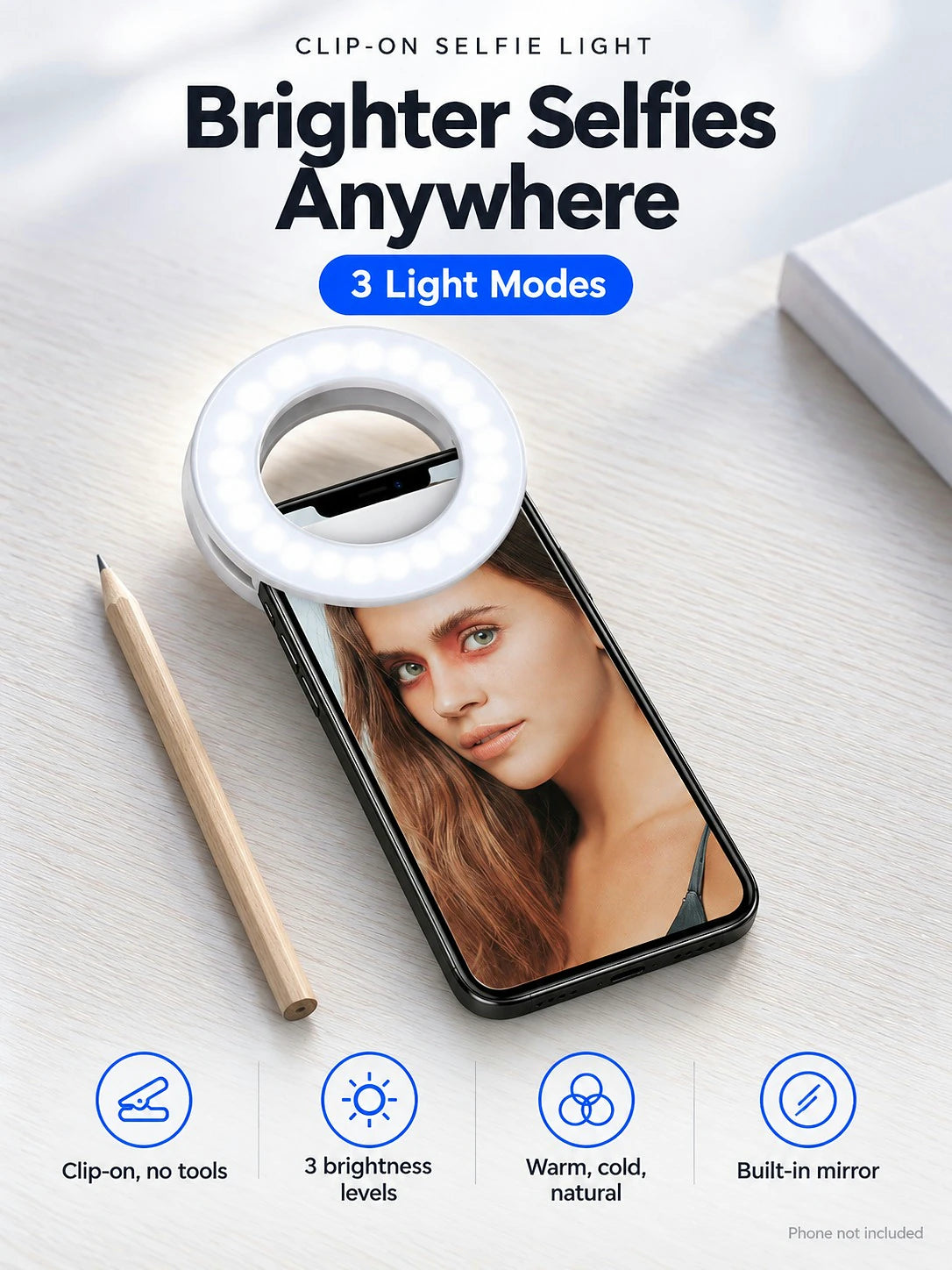
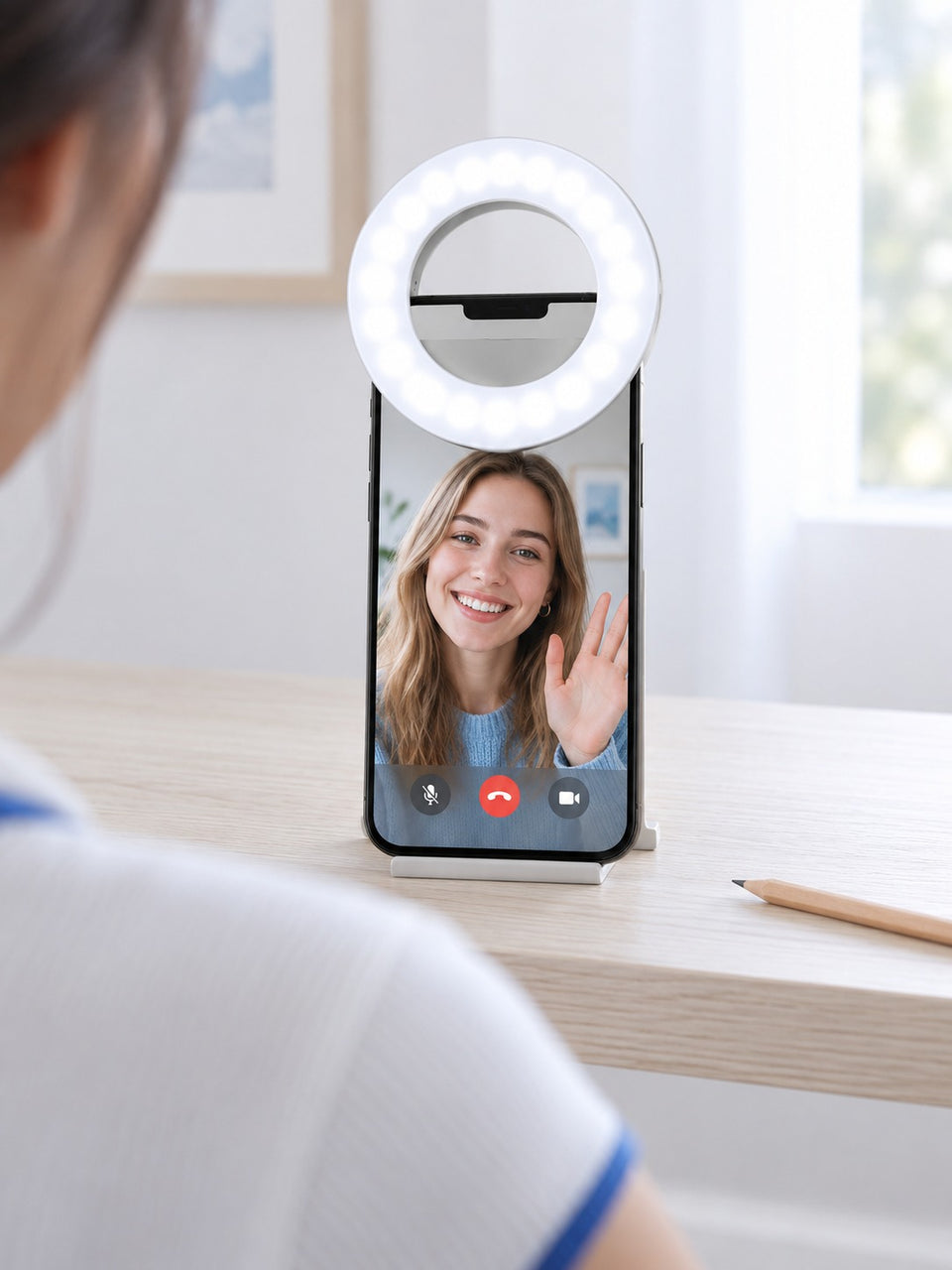
Your face is the one thing on camera you can control. Clip this ring to your phone and every selfie, call and live stream starts with soft, even light that looks like you, only brighter. Three brightness levels and warm, cold or natural modes let you match the room you are in.
Read the full descriptionYour face is the one thing on camera you can control. Clip this ring to your phone and every selfie, call and live stream starts with soft, even light that looks like you, only brighter. Three brightness levels and warm, cold or natural modes let you match the room you are in.
Clip-on LED ring light that brightens selfies and live video on any phone
Dim rooms and harsh flash make you look worse than you are. Clip this ring to your phone and step into soft, even light that makes you look like yourself, only brighter.

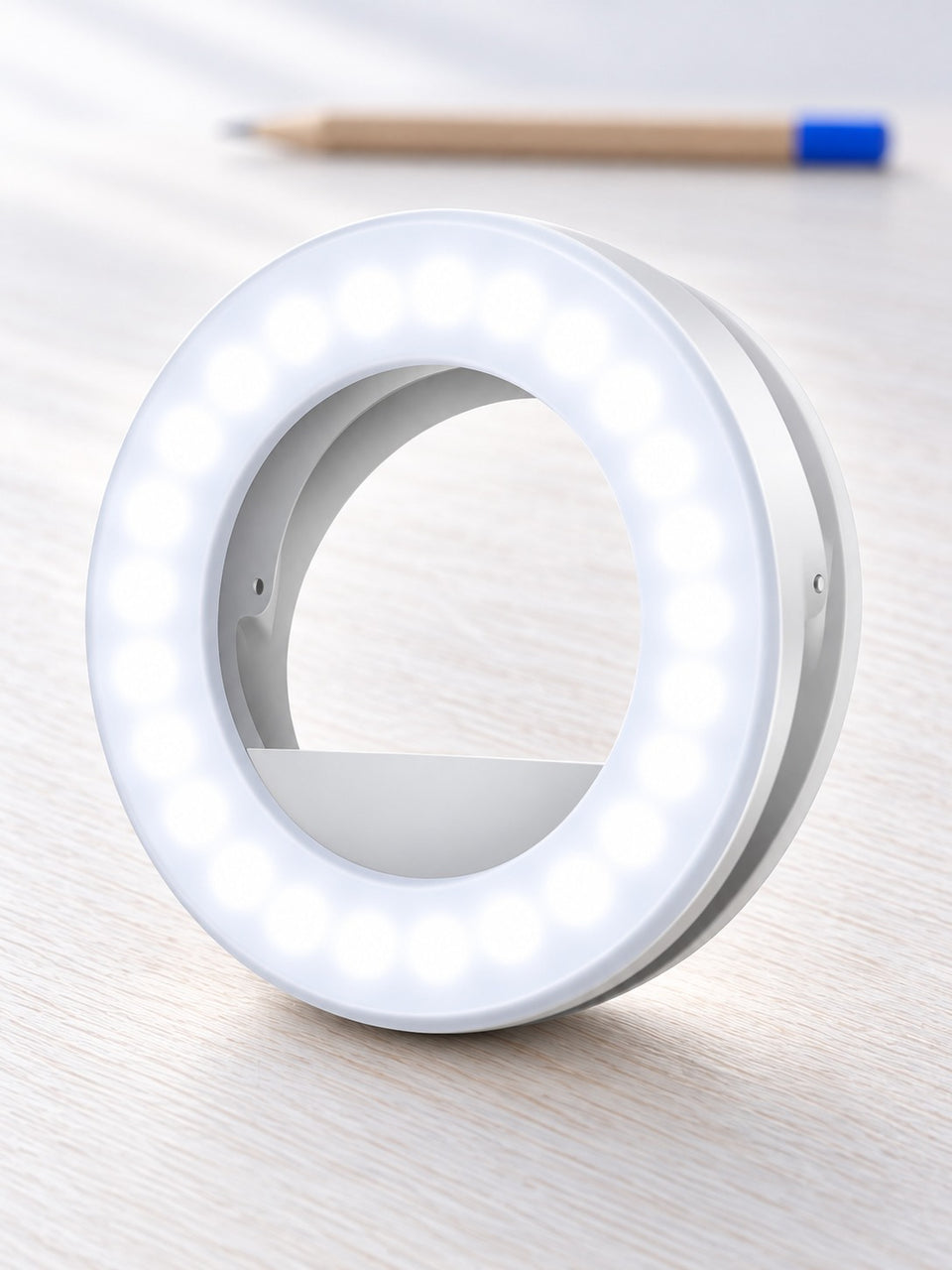
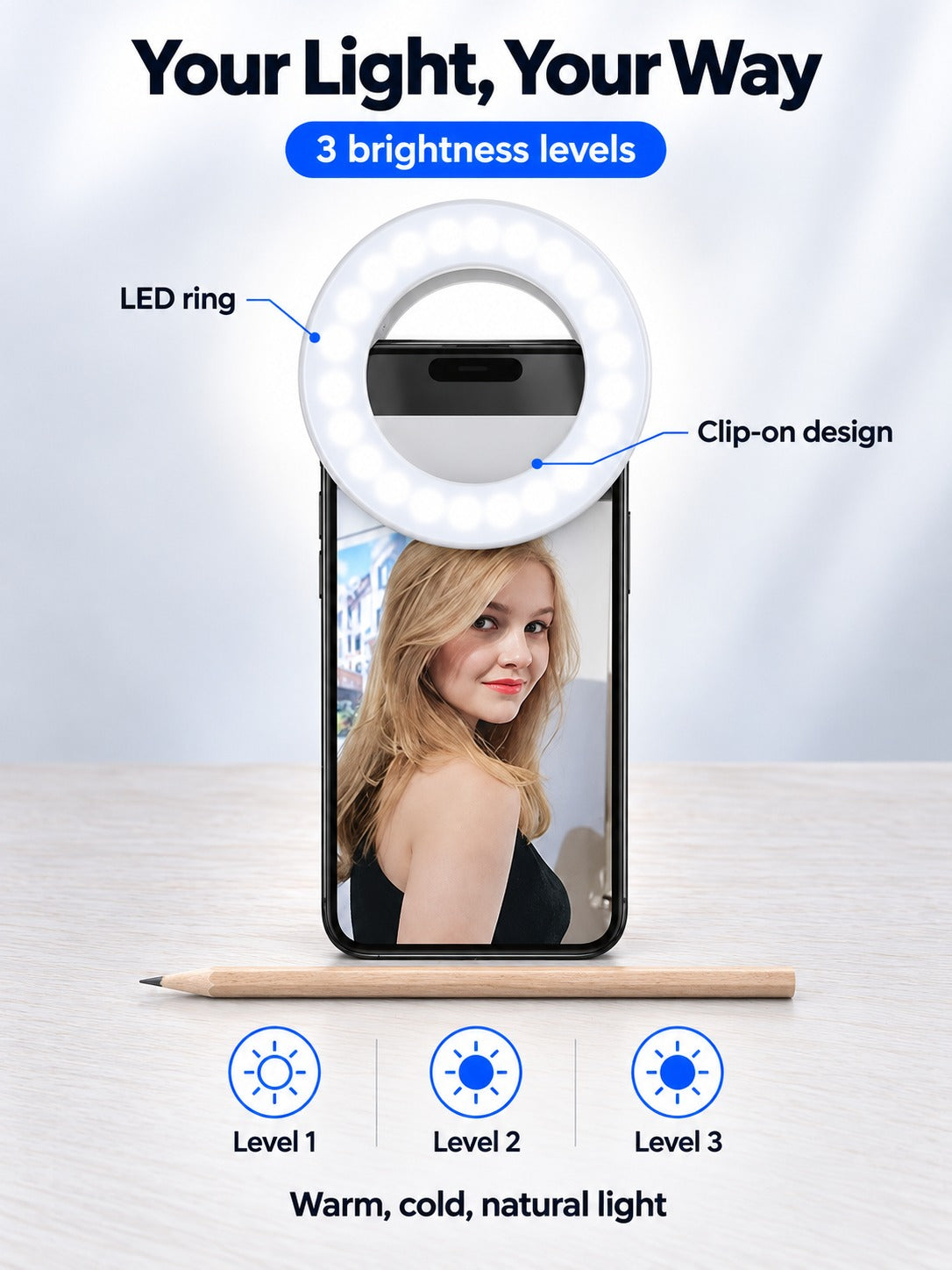
The LEDs sit in a full ring around the lens, so the light lands on your face from the same angle the camera sees. No single hot spot and no flash glare. Step through the three levels and your face gains brightness and clarity against the room.

Warm suits an evening room with lamps on. Natural matches daylight. Cold shows edges sharply, which is the mode to pick for eyeliner, lip lines and brows.

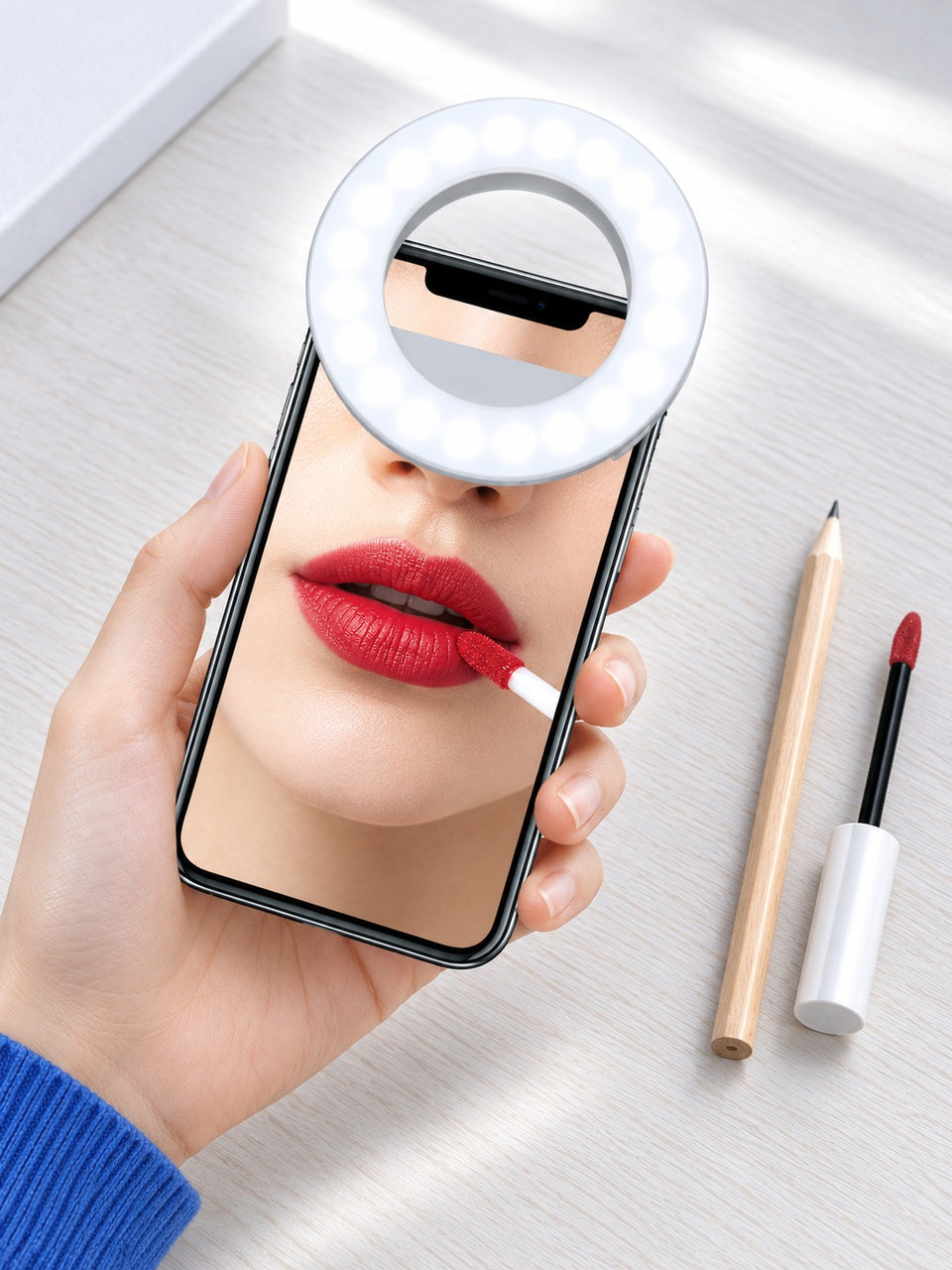
The mirror sits in the ring center, so you check makeup from the same angle the camera uses. Clip on, look, adjust, and you are ready to shoot.
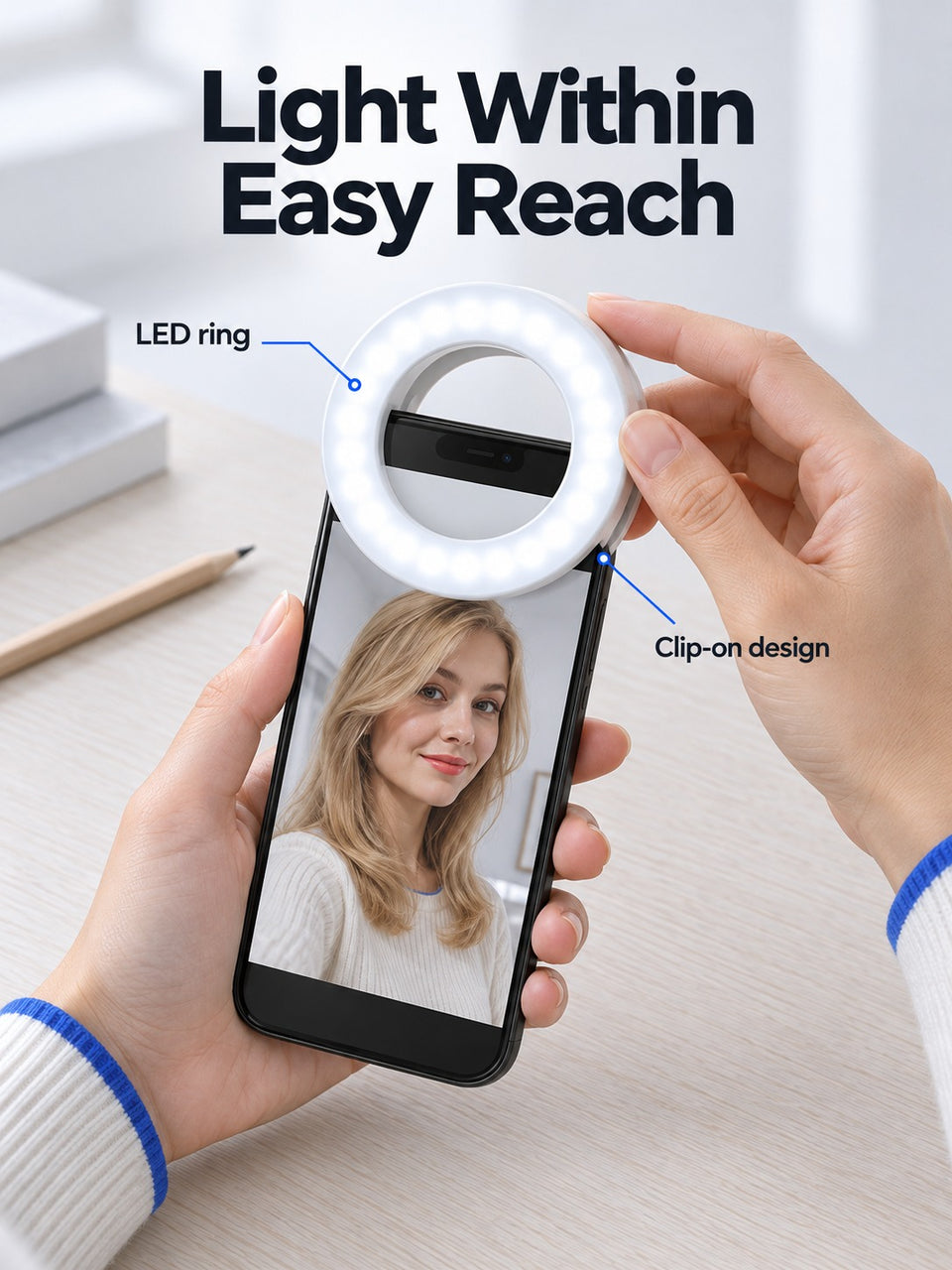
Slide the ring over the top of your phone so the lens sits in the center. Press the clip closed and check that it holds.
Warm for evening rooms with lamps on, natural for daylight, cold for sharp detail checks.
Start at level 1 and step up only if your face still looks dim on screen. Level 3 is the strongest setting.
Look into the ring center for a quick makeup or framing check, then start your call or stream.
The ring slides over the top edge of the phone so the lens shows through the center. Thicker cases are the tricky part, so clip it on with your case before a live stream and check the grip. You can also pair it with a stand from our phone tripods range.
The clip opens with a squeeze and closes with spring tension. It holds firmly on standard cases. If it feels loose on a bulky case, reposition it before you go live rather than trusting the first clip.
In the side-by-side comparison, the face gets brighter and clearer from no light up to level 3. A phone flash fires straight at your face and washes out skin. The ring sits at the lens, so the light falls where the camera looks.
Flash blows out skin and a desk lamp leaves uneven shadows across your face. The ring gives even light at the lens, adjusts in three levels, and fits in a pocket. Full studio ring lights cost far more and take up a desk, so this is the cheaper way to get flattering light for calls and streams.
Cold or natural mode shows edges and blending most clearly. Use the built-in mirror at level 2 to check liner, lips and brows, then switch to warm for evening calls when the room is lit by lamps.


 Clip-On LED Selfie Ring Light with 3 Modes & Mirror