
$43.90
Free delivery · 7–14 days
Rainbow RGB Gaming Mouse, Switchable DPI, Long Cable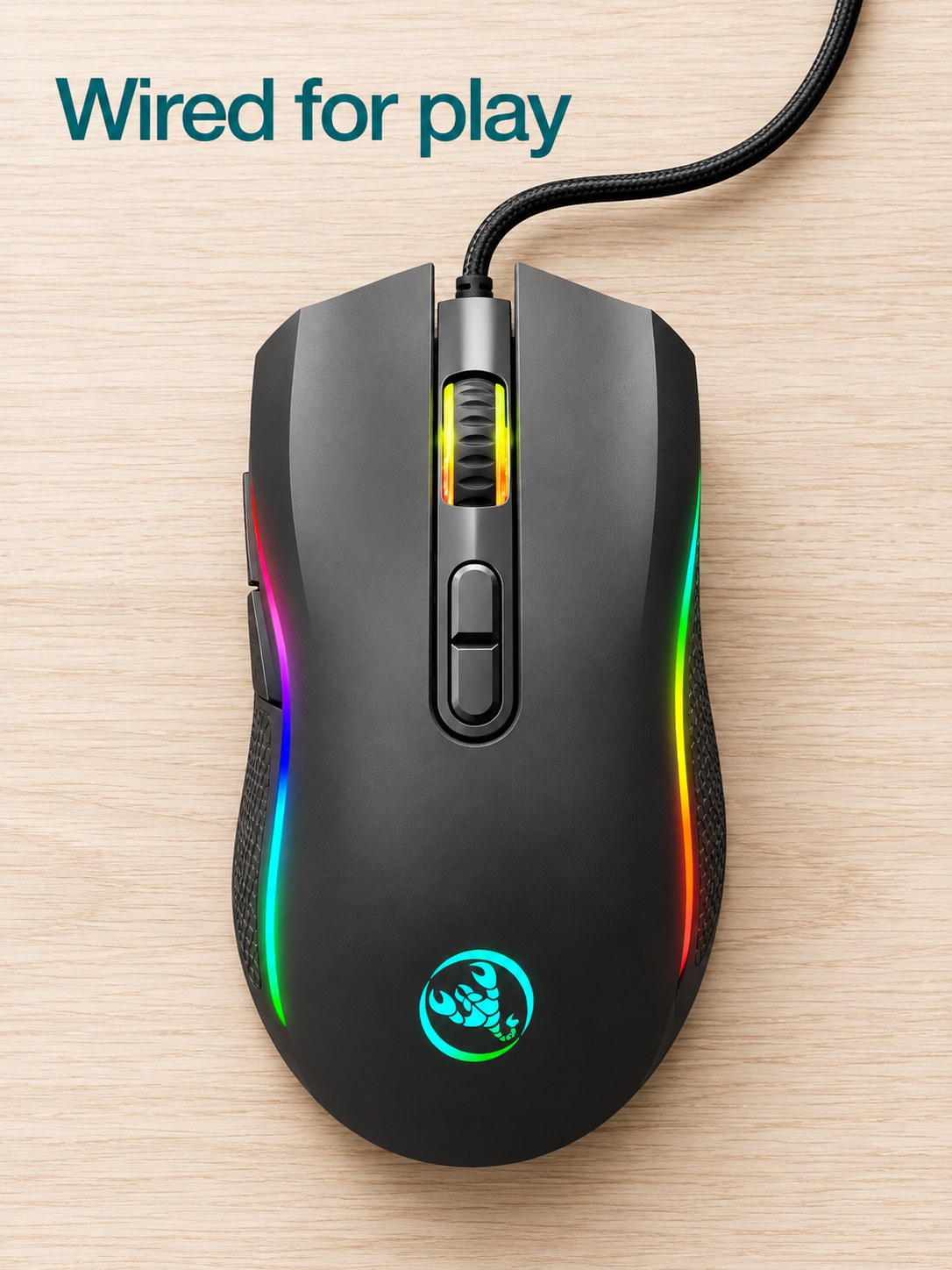
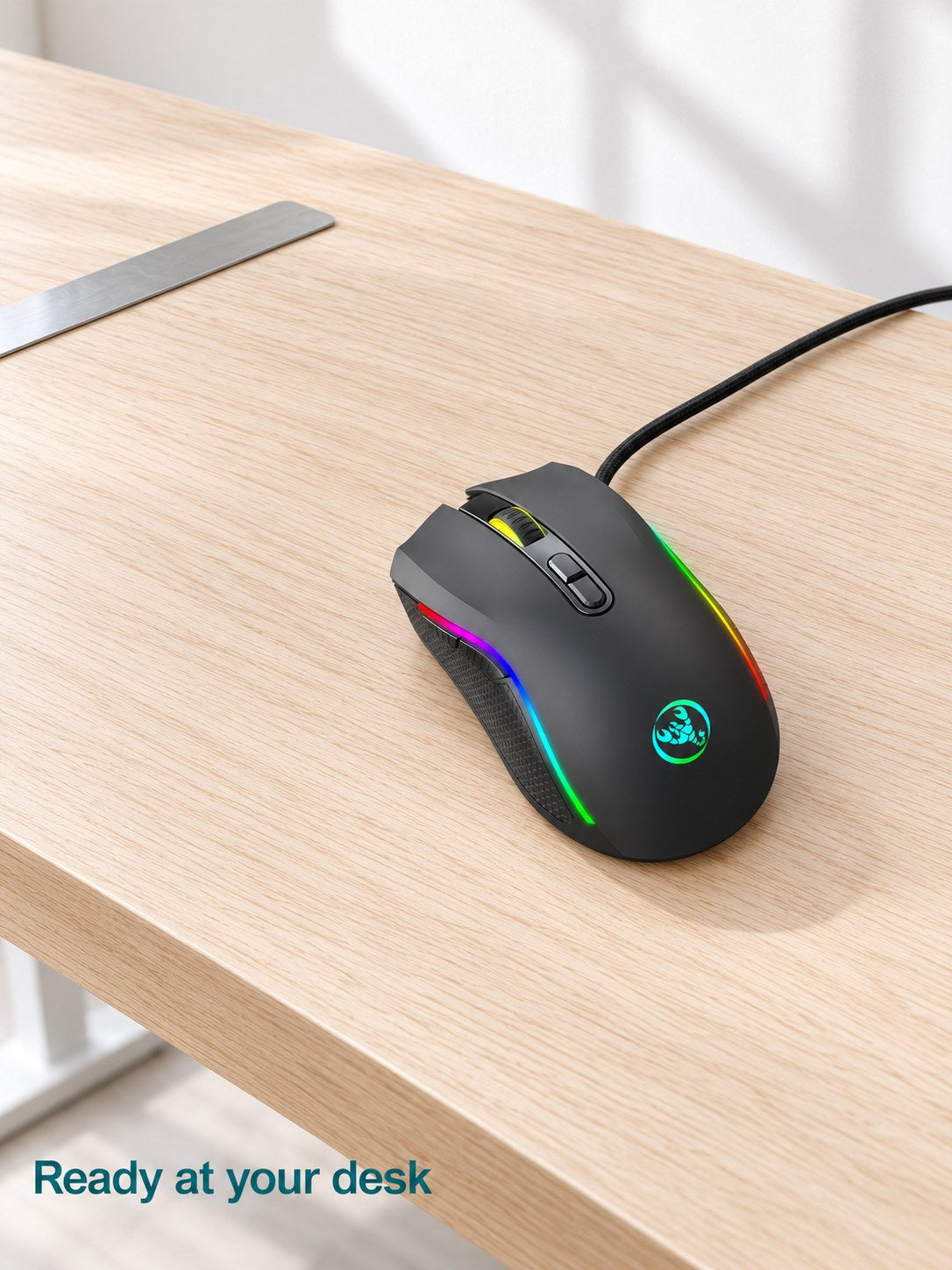
A wired RGB mouse with a honeycomb side grip, soft-touch coating and six DPI levels up to 7200. Seven programmable lighting modes turn your desk into a lit-up setup that stays grippy through long matches.
Read the full descriptionA wired RGB mouse with a honeycomb side grip, soft-touch coating and six DPI levels up to 7200. Seven programmable lighting modes turn your desk into a lit-up setup that stays grippy through long matches.
Glowing RGB gaming mouse with 7 lighting modes and adjustable DPI up to 7200
Sweaty hands, smudged shells and one-size-fits-none sensitivity used to slow you down. Now a wired RGB mouse with honeycomb grip and 6 DPI levels keeps your aim sharp and your setup lit.

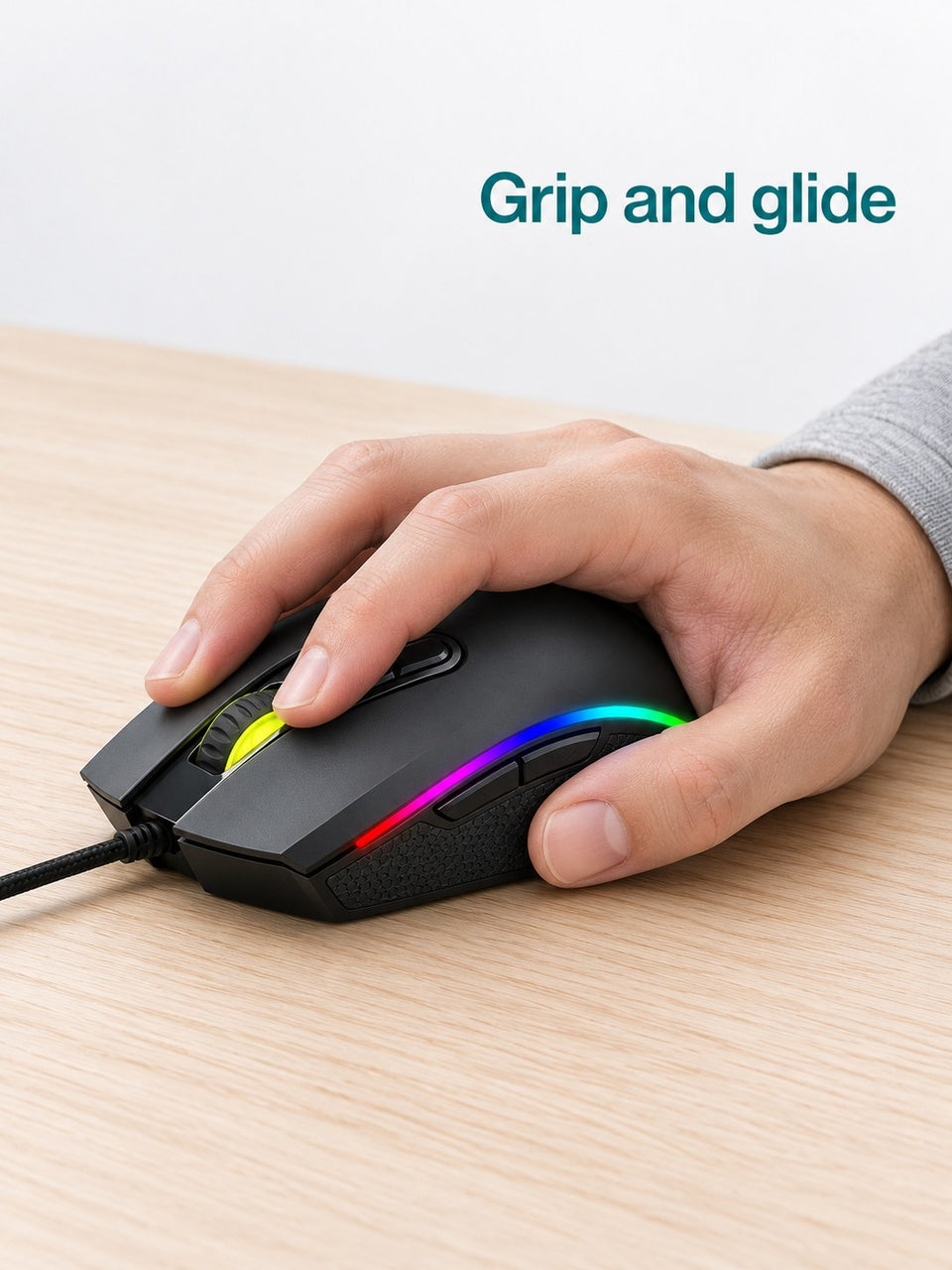
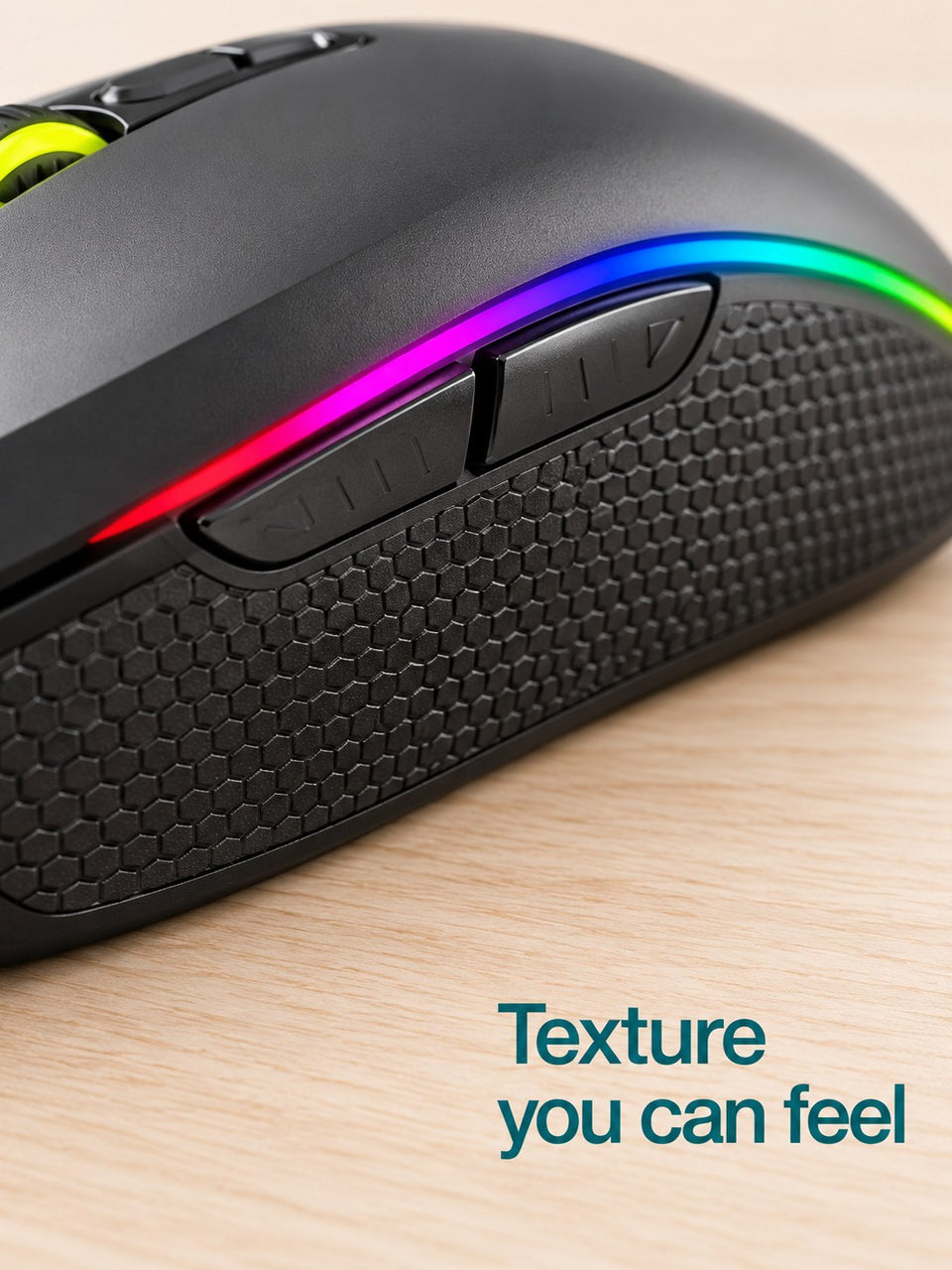
The honeycomb side grip keeps fingers anchored when your palm gets damp. The soft-touch matte coating resists sweat, grease and fingerprints, so the shell looks the same an hour into a ranked queue. The symmetric body suits left and right hands alike. Pair it with a mouse pads surface for even smoother tracking.

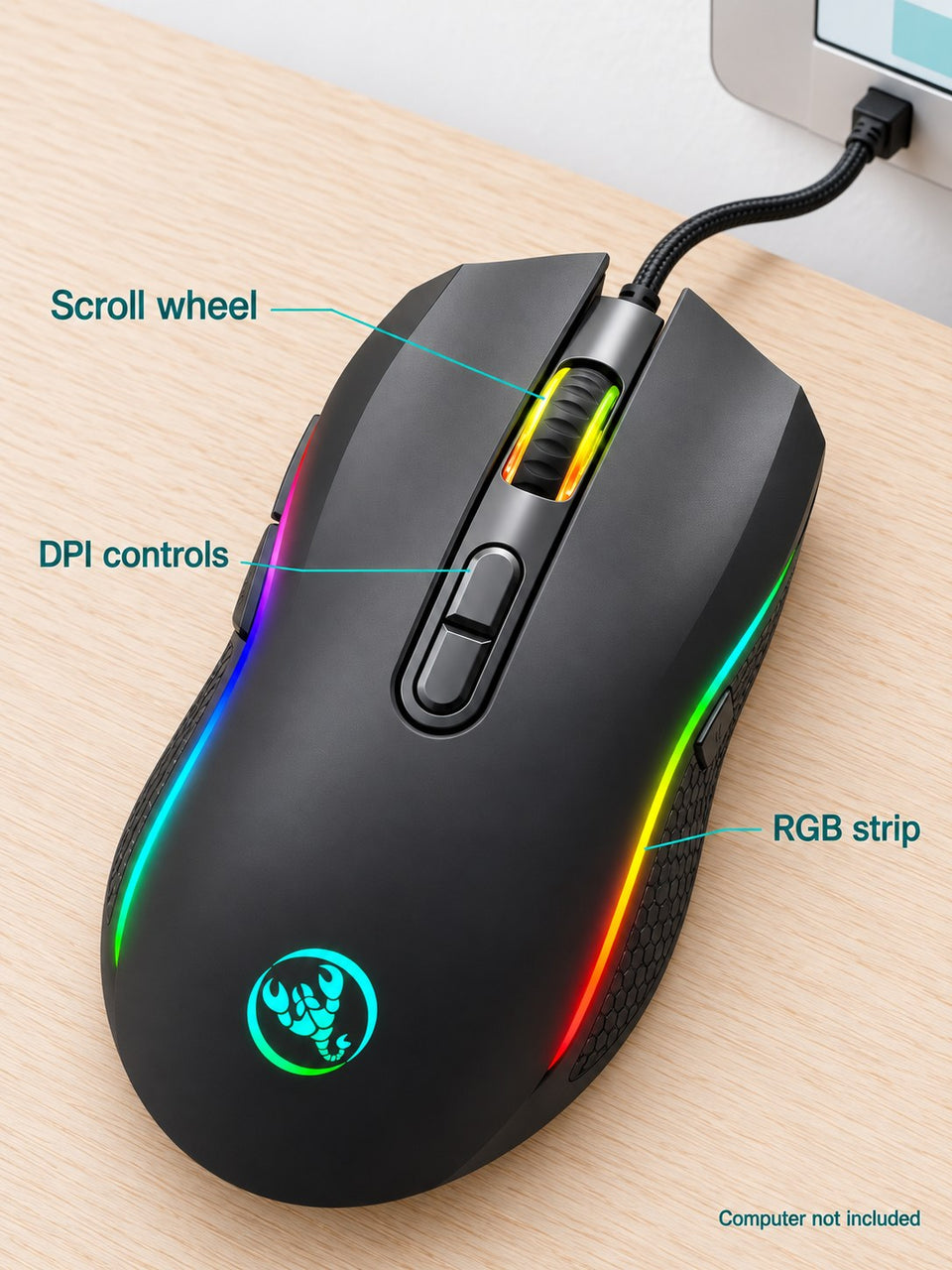
DPI+ and DPI- step through 1000, 1600, 2400, 3200, 4800 and 7200. The indicator light flashes and changes colour at every level, so you can read your current setting without looking away from the screen. Keep a lower level for precise headshots and climb to 7200 for fast flick-heavy titles.

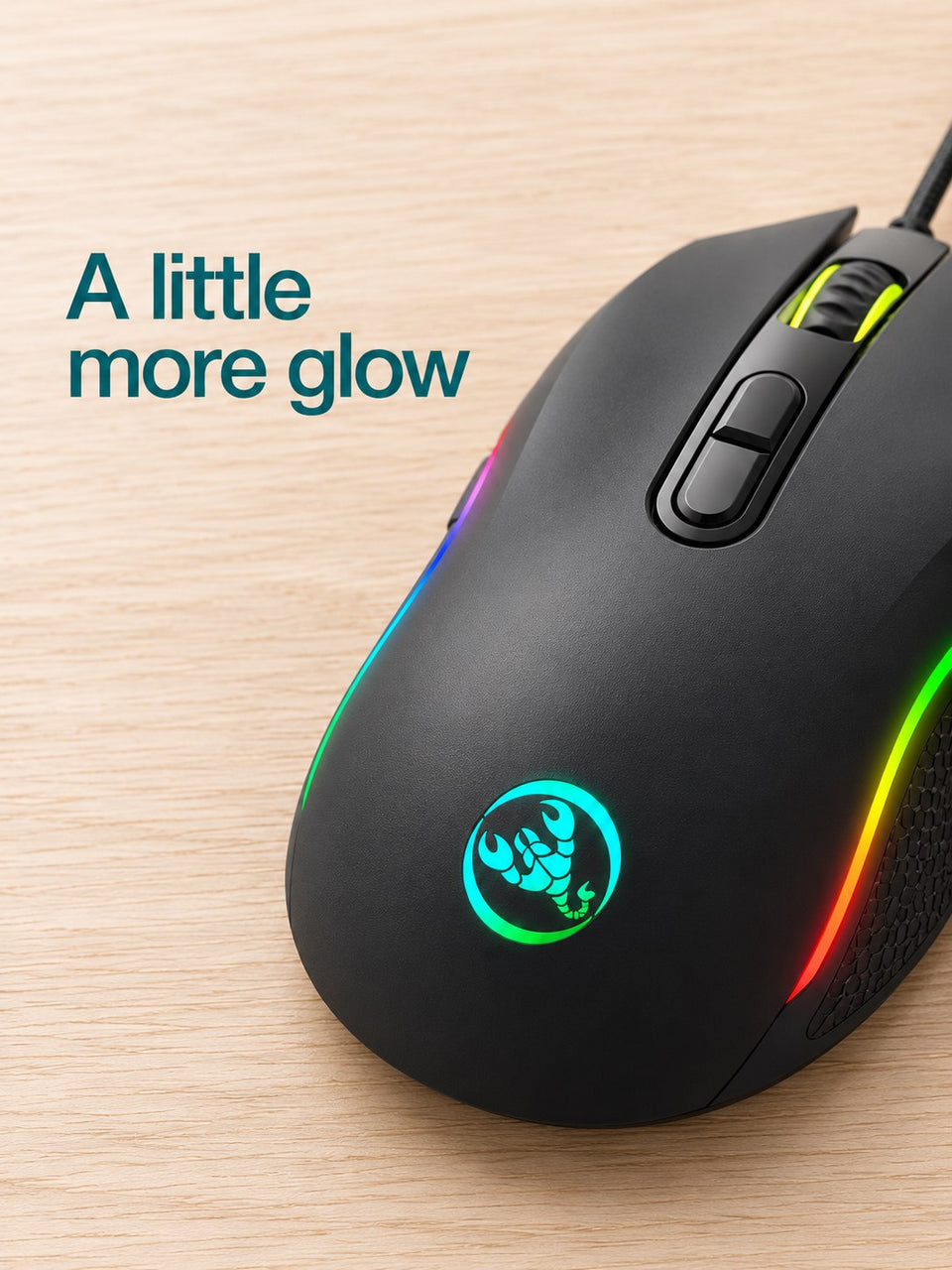
RGB strips run down both sides of the body and the Scorpion logo glows on the palm rest. Seven programmable lighting modes cover everything from a calm glow for ranked play to flashy effects for a Friday night. The running light has six patterns, and the right and back keys switch it on or off in one press.
Connect the wired cable to a direct USB port on your PC. The mouse lights up as soon as it has power, with no software needed to start.
Each press steps up or down through 1000, 1600, 2400, 3200, 4800 and 7200. The indicator light flashes in the colour of the new level so you know where you landed.
Each DPI level has its own indicator colour. Note which level suits each title, then keep it there for ranked matches.
Press the right and back keys together to turn the RGB running light on or off. Use the same combination to move through the running light patterns and find the one that suits your desk.
Black soft-touch body with honeycomb side grip, RGB strips and Scorpion logo
Plugs straight into any USB port on your PC
For most ranked play, yes. A wired connection means no battery and no wireless lag to think about, and the 6 DPI levels from 1000 to 7200 cover the sensitivity range most players use. Serious tournament players often choose a higher-end sensor, but for practice, ladder climbing and nightly matches this mouse does the job without a premium price.
The body is plastic, and you will feel that if you come from a heavier flagship. The soft-touch matte black coating and honeycomb side grip make the surface feel deliberate in the hand, and the finish resists sweat, grease and fingerprints. You get the grip and RGB look for a fraction of what premium rivals cost.
Tap DPI+ to go up and DPI- to go down. The indicator light flashes and changes colour on each step, so you always know which of the six levels you are on. Most players settle on two or three levels, one for each game they play.
Yes. Press the right and back keys together to switch the RGB running light off, and the same combination turns it back on. For competitive rounds, a calm mode with the lights dimmed is an easy choice.
It is built for it. The wired USB connection plugs into any shared PC, the RGB glow stands out on a cafe desk, and two items in the box keep the setup simple. Cafe operators and players both get a grippy, lit-up mouse without a big upfront spend.


 Wired RGB Gaming Mouse with 7 Light Modes & 7200 DPI