
$43.90
Free delivery · 7–14 days
Rainbow RGB Gaming Mouse, Switchable DPI, Long Cable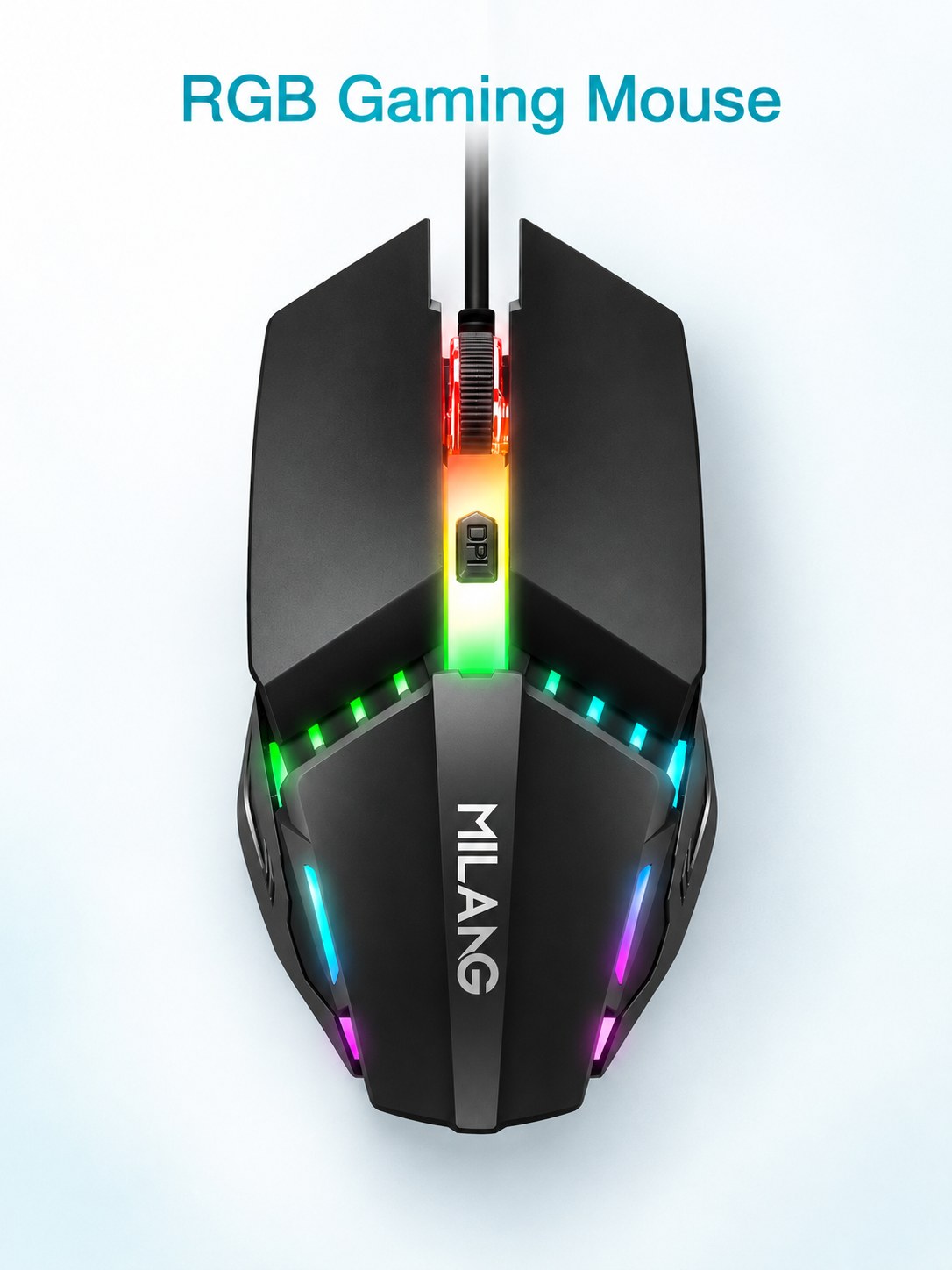
Swap a plain office mouse for one that lights up your desk and switches sensitivity with a single press. The wired USB cable keeps the connection steady from the first match to the last, and the sculpted shell fits a long session. Built for PC and laptop players who want the look and the speed...
Read the full descriptionSwap a plain office mouse for one that lights up your desk and switches sensitivity with a single press. The wired USB cable keeps the connection steady from the first match to the last, and the sculpted shell fits a long session. Built for PC and laptop players who want the look and the speed without a wireless price.
Illuminated wired gaming mouse with RGB lighting for competitive play
Swap a plain, forgettable mouse for one that lights up your desk and switches sensitivity with a single press. Wired, sculpted and ready for your next match.

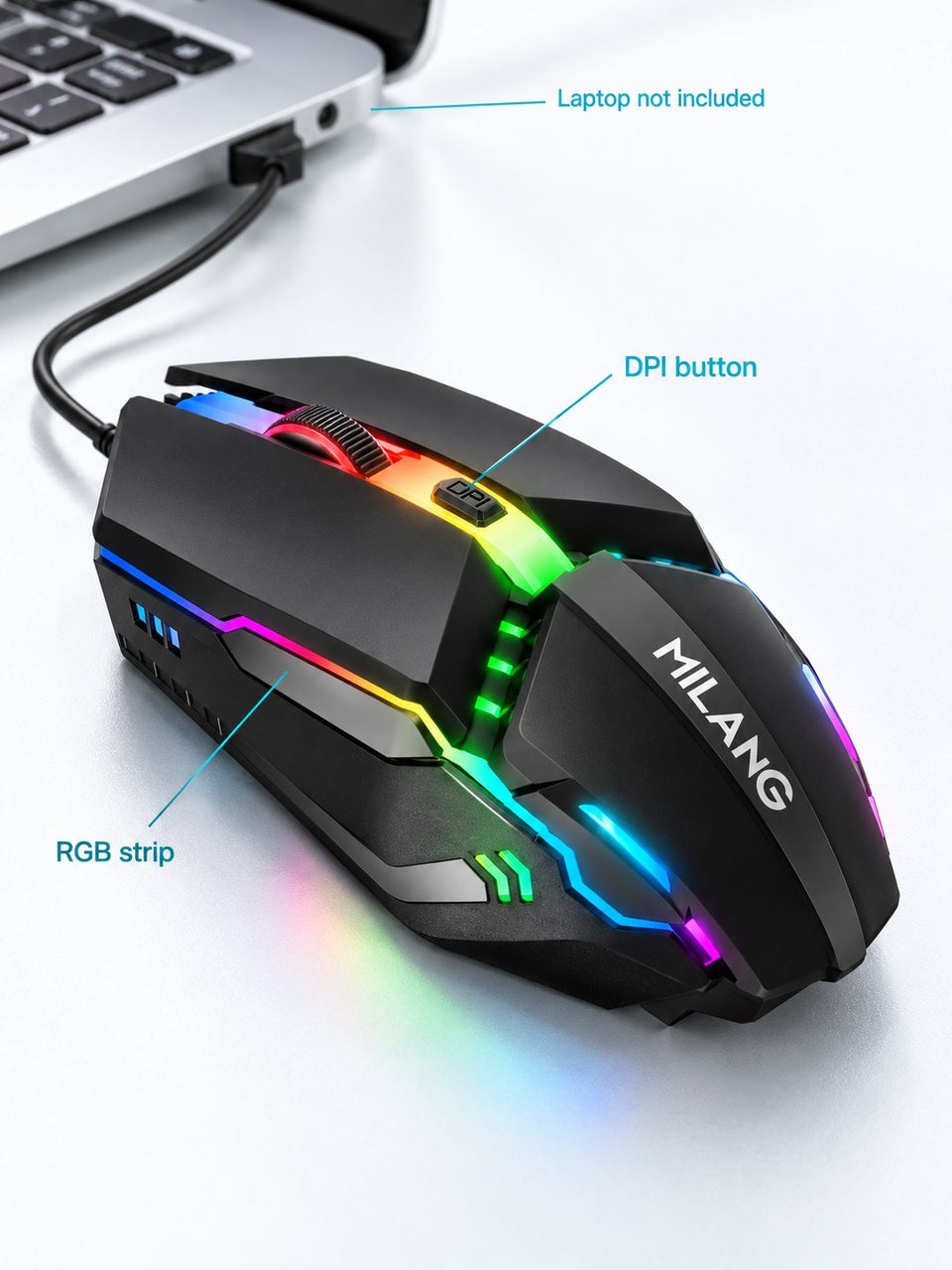
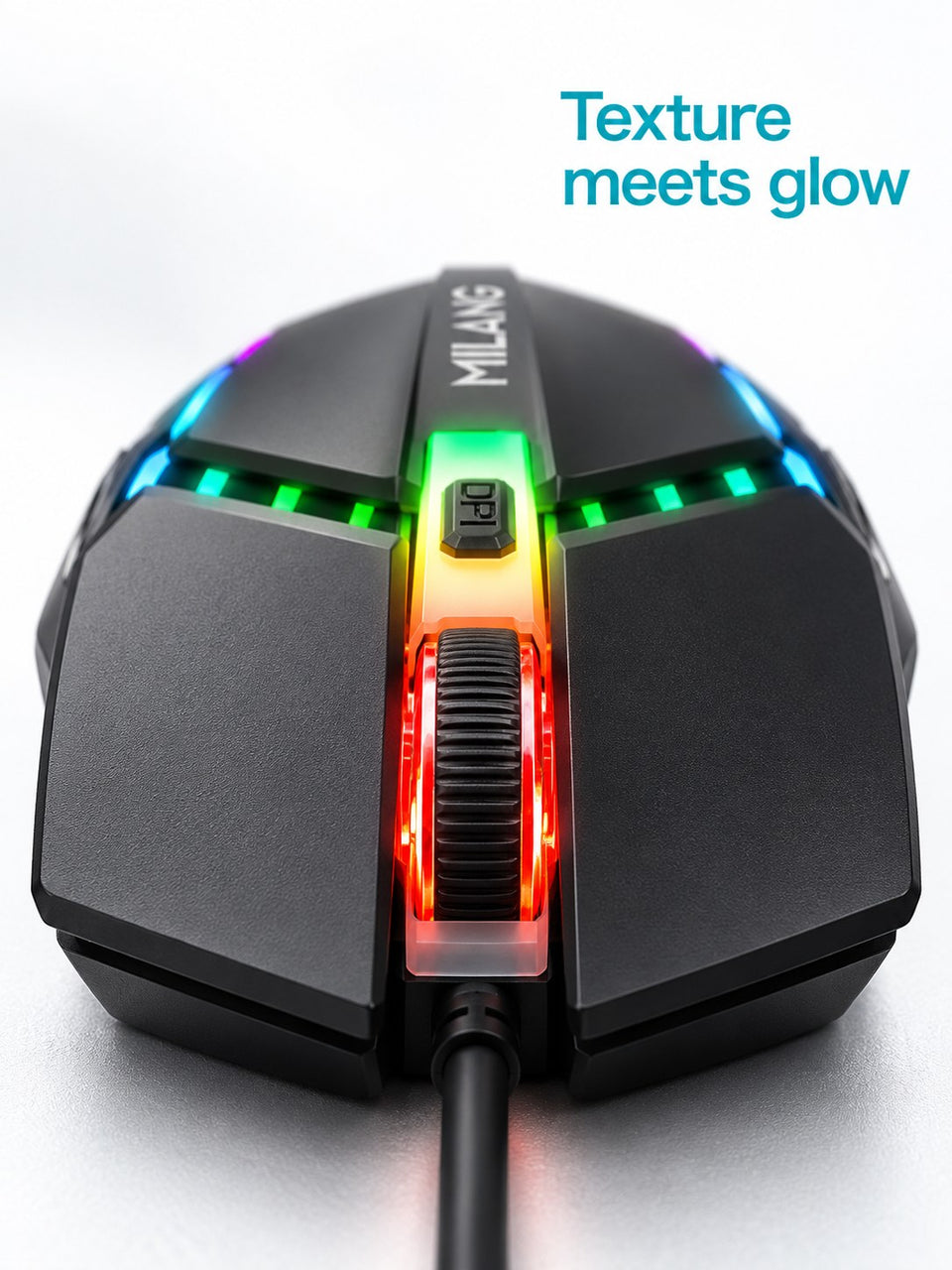
RGB strips run along both sides and across the top, and the translucent scroll wheel glows too. The light reads from across the room and on camera, which is the whole point of a glowing mouse.

The DPI button sits on top, so you change sensitivity between games without opening a settings menu. Slow for a precise sniper scope, quick for a flick fight, one press each time.

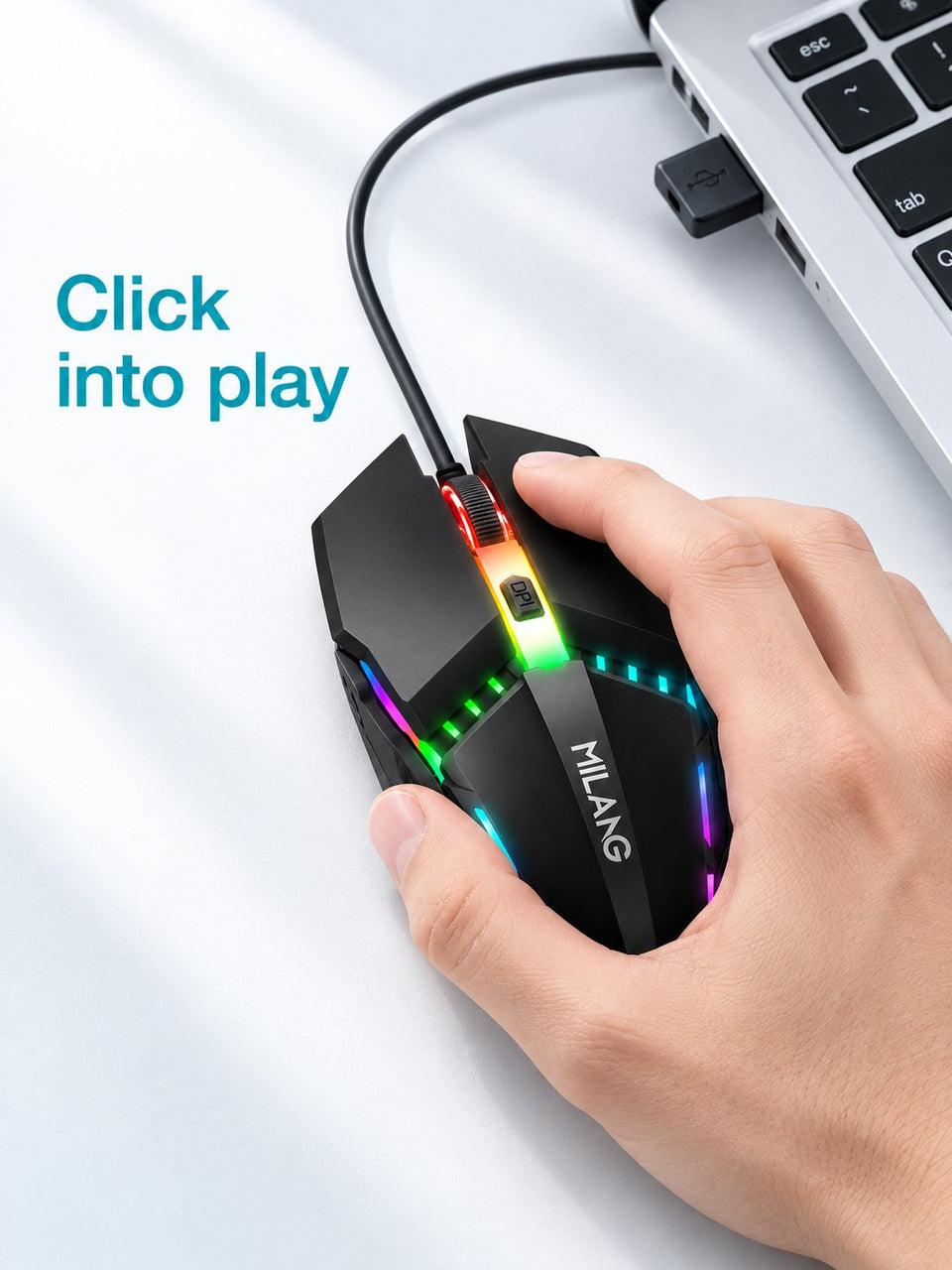
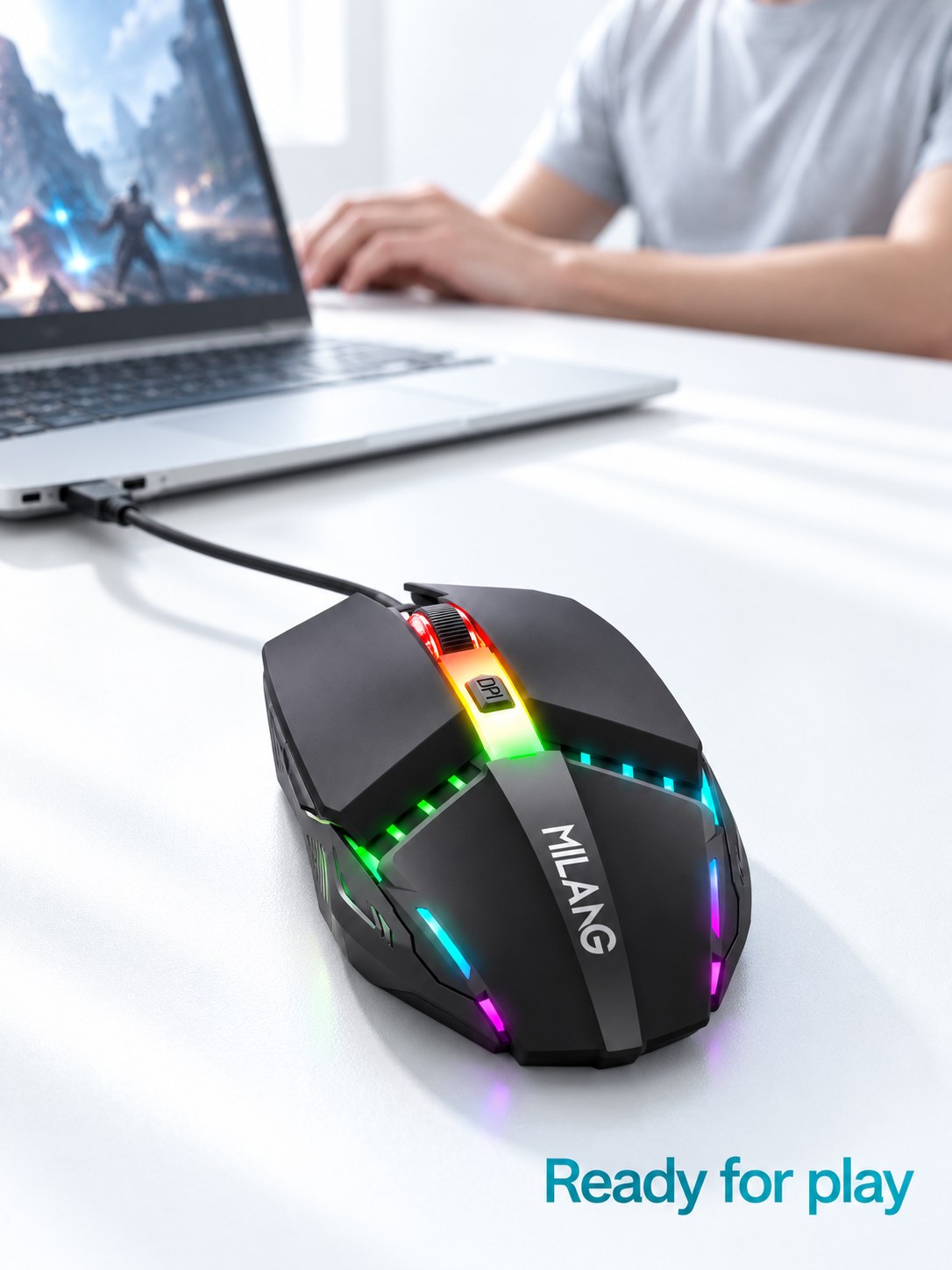
The USB cable carries the signal directly, so there are no batteries to charge and no wireless link to drop mid-match. Plug it into a desktop or a laptop and it works from the first second.
Connect the cable to a rear or front USB port on your PC, or to any free port on your laptop. The RGB lighting comes on right away.
It sits on top of the shell, within easy reach of your index finger without shifting your grip.
Each press moves to the next DPI level. Check the new speed on screen, then keep playing.
Route the cable behind the desk with a little slack near the mouse so it does not pull during quick flicks.
Your desk is plain, your mouse looks like it came from an office supply closet, and it sits there doing its job without a hint of personality. Then a ranked match gets tight and the pointer stutters at the worst possible moment.
This one runs on a wired USB cable, so there is no battery to watch and no pairing to fail halfway through a round. The RGB strips run down the sides and across the top, and the DPI button sits right where your thumb expects it.
Plug it in and the glow comes on by default. Your desk lights up, your sensitivity switches in one tap, and the setup looks as sharp as the way you play.
Plug in the USB cable and the mouse is ready. The RGB lights turn on by default so the glow shows on your desk right away.
After a few sessions, reaching for the top DPI button between games becomes second nature. You stop pausing to dig through settings menus.
The mouse becomes the everyday pointer for gaming and work. The wired connection and sculpted shape keep it comfortable through regular use.
| This mouse | Wireless gaming mouse | Plain office mouse | |
|---|---|---|---|
| Wired USB connection | Yes | No | Yes |
| RGB lighting | Yes | Varies | No |
| DPI button on top | Yes | Varies | No |
| No battery to charge | Yes | No | Yes |
| Gamer styling | Yes | Yes | No |
Yes. A USB cable carries the signal directly, so there is no battery to run out and no wireless link to drop during a round. For most players the input difference is nothing next to a dependable cable.
Press the button on top to cycle through the sensitivity levels. Check the new speed on screen, then keep playing. It takes one press and no software menu.
Yes. Plug the USB cable into a laptop or desktop port and the mouse works right away. It suits a work day on a laptop and a ranked session at the desk.
The lighting is on by default when you plug it in. Check the mode options that come with the mouse to change the colors and effects.
A wired build skips the battery, the charging and the wireless receiver. That spend goes into the lighting, the DPI button and a sculpted shell, so you get the look and the switch without the wireless price.


 Wired RGB Gaming Mouse with DPI Button for Competitive Play