
$38.90
Free delivery · 7–14 days
Samsung TV Voice Remote Replacement with Netflix Keys


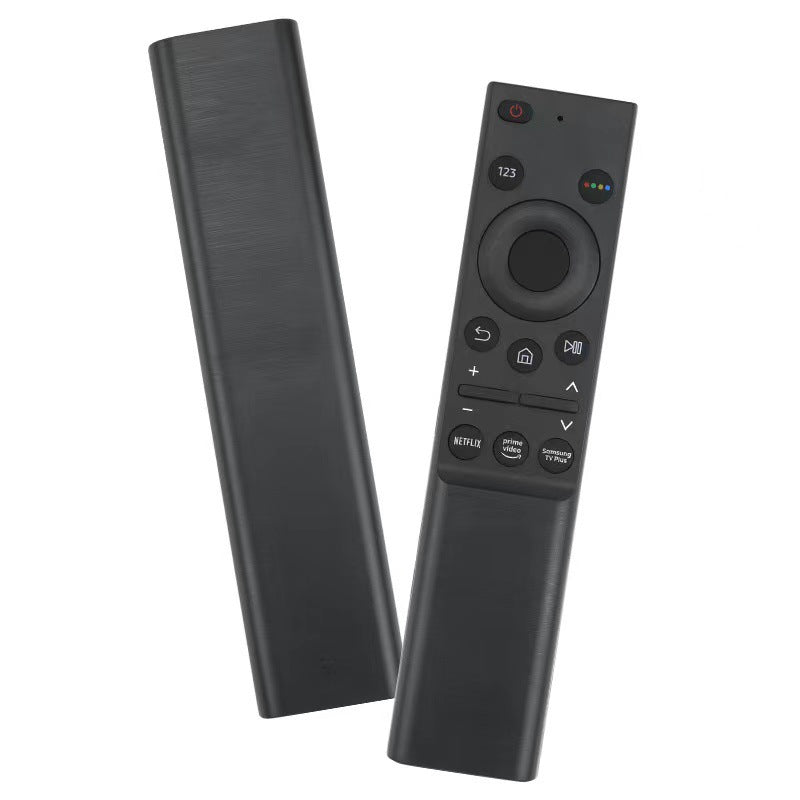
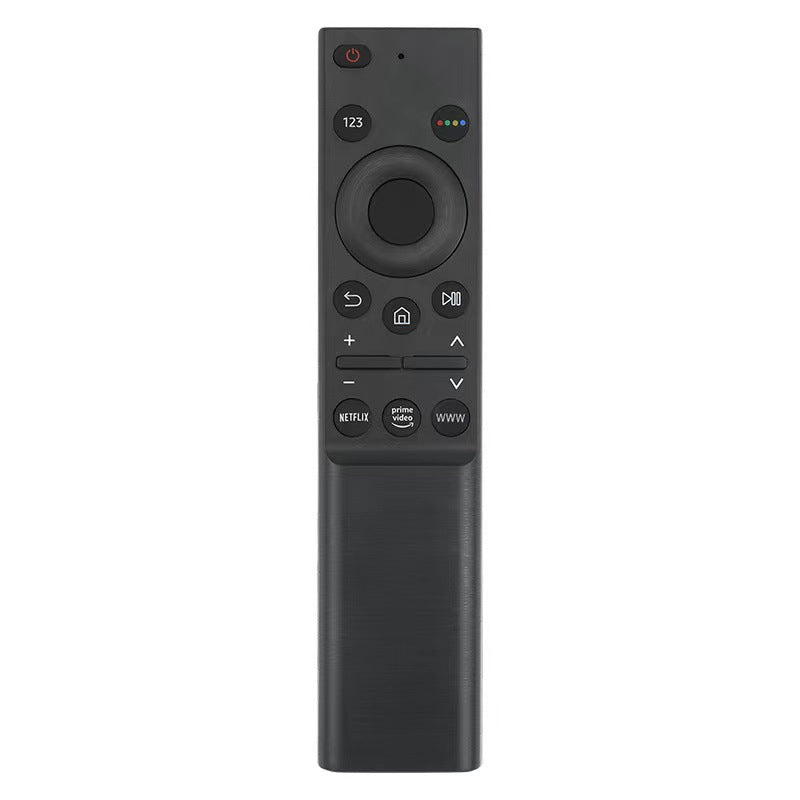

A replacement Samsung TV voice remote that brings voice search and Netflix, Prime Video and Samsung TV Plus keys back to your couch. The matte charcoal body and soft-touch navigation pad feel steady in hand for everyday viewing. Built for Samsung smart TV owners who need a spare that works from the first press.
Read the full descriptionA replacement Samsung TV voice remote that brings voice search and Netflix, Prime Video and Samsung TV Plus keys back to your couch. The matte charcoal body and soft-touch navigation pad feel steady in hand for everyday viewing. Built for Samsung smart TV owners who need a spare that works from the first press.
Replacement voice-enabled remote designed to work with Samsung smart TVs, with one-touch streaming shortcuts
When the original remote goes missing, the evening stalls. This replacement brings voice search and Netflix, Prime Video and Samsung TV Plus keys back to the couch.

The dedicated microphone button sits at the top of the remote. Say the title or the app name instead of typing letter by letter with the arrow keys. A search for an actor or a film takes a few seconds, not a few minutes of scrolling.

Netflix, Prime Video and Samsung TV Plus each get their own button. Press one and the app opens, so you skip the menu hunt that eats up the first twenty minutes of movie night.

The charcoal plastic body has a matte finish with a textured back, and the soft-touch navigation pad gives a steady grip. It is slim and tall, so it sits easily in one hand for long evenings on the sofa.
Confirm your Samsung smart TV model against the compatibility details in the listing before you pair anything.
Follow your TV's pairing prompts so the remote connects to the set. Keep the remote close to the TV while it pairs.
Let the TV finish booting and show its home screen. Pressing the microphone button too early can make the remote look broken.
Press the microphone button, say the title or app name once, then confirm the result with the center select key.
It is built as a voice-enabled replacement for Samsung smart TVs. Check your model against the compatibility details in the listing before ordering, since remotes are matched to specific TV families. If the model matches, pairing takes a few minutes and you can start using voice search right away.
It is a third-party replacement, not an original Samsung part. It covers the core job of the original: navigation, volume, power, and a voice button. What it adds is a dedicated Netflix, Prime Video and Samsung TV Plus set, which many original remotes do not have.
Each one launches its app directly from the remote. Press Netflix and the app opens, then you pick the title with the navigation pad. It saves the menu steps you would otherwise take to find the app.
A remote is cheap insurance for a TV that gets used every night. When the only remote disappears under a cushion or cracks, the whole TV routine stops. A replacement costs less than one evening of searching for a lost remote or typing titles with the arrow keys.
This remote is built for Samsung smart TVs, and its voice and streaming keys are set up for that platform. For a different brand, check the compatibility details in the listing first, or see the remote holder range if you want a place to keep your current remote close.


 Samsung TV Voice Remote Replacement with Streaming Keys