
$34.90
Free delivery · 7–14 days
Samsung TV Voice Remote Replacement with Streaming Keys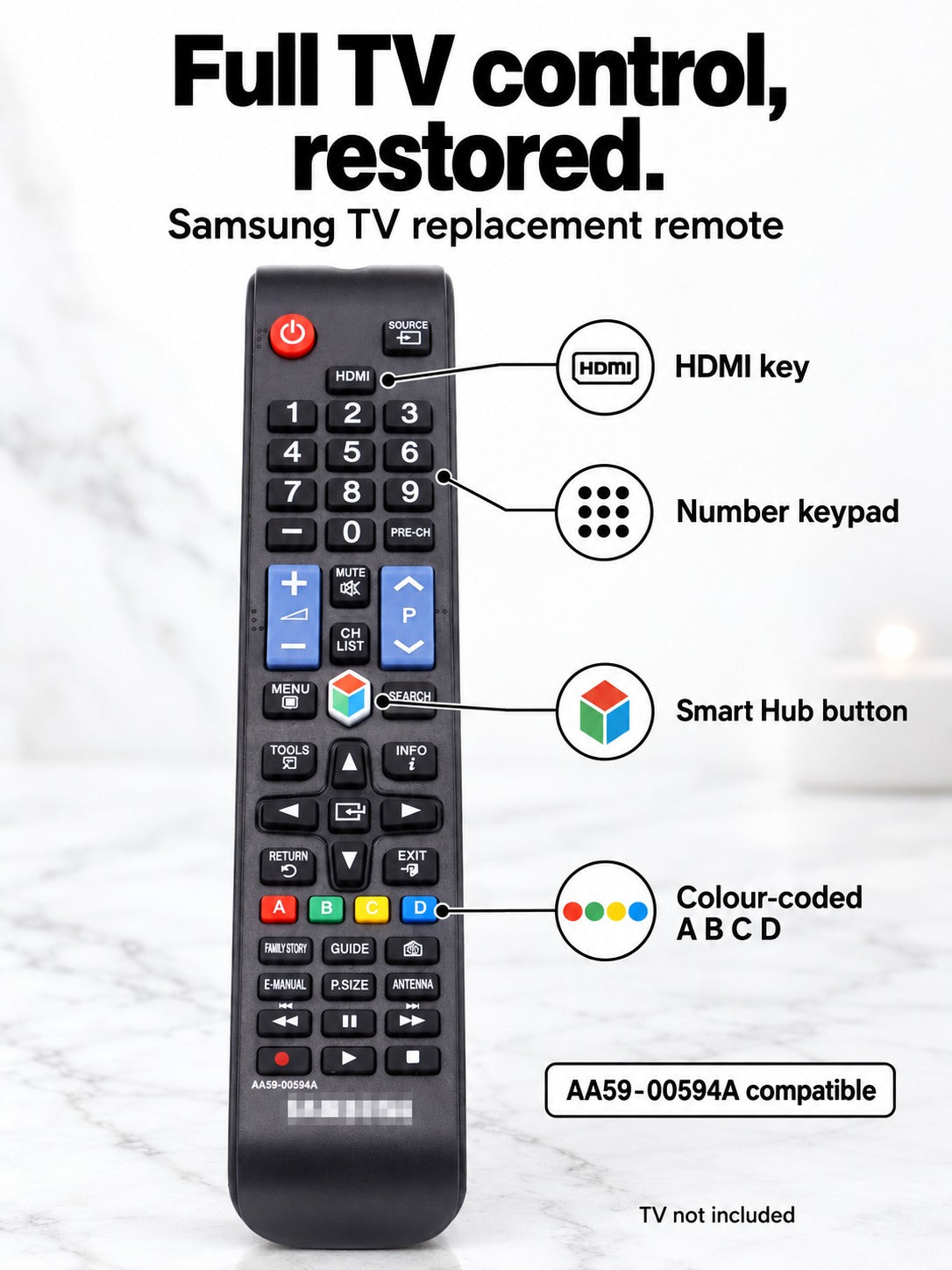


Power on, change the input, and move through channels from the couch again. This universal replacement follows the familiar Samsung key layout, with dedicated SOURCE, HDMI, and Smart Hub keys in the places you expect. Check your model number against the compatible list before you order.
Read the full descriptionPower on, change the input, and move through channels from the couch again. This universal replacement follows the familiar Samsung key layout, with dedicated SOURCE, HDMI, and Smart Hub keys in the places you expect. Check your model number against the compatible list before you order.
Direct replacement remote for compatible Samsung LCD/LED Smart TVs, restoring full functionality
Lost or worn-out remote, and the TV is stuck on whatever channel is already on. This replacement matches the familiar Samsung layout so you're back to power, source, and channels in seconds.

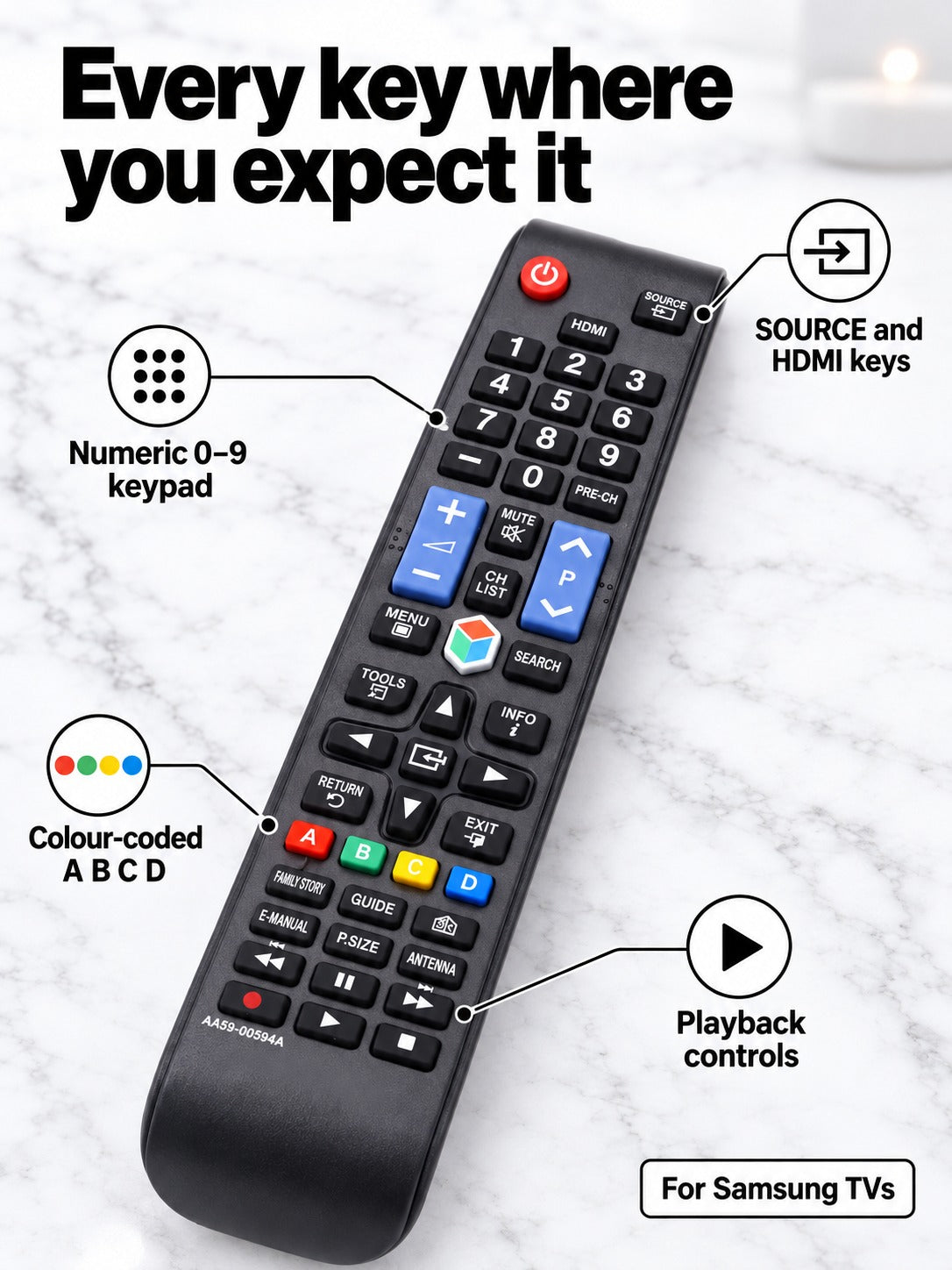
Power sits at the top in red, with the numeric pad, SOURCE and HDMI keys in their usual places. Samsung owners will find the layout already in their hands, so there is no learning curve. Switch to a game console or streaming stick without a menu hunt.

The colour-coded A B C D keys sit in a row, large enough to find without looking. The blue volume and channel rockers stand out against the matte black body, so you can adjust the sound from across the room.

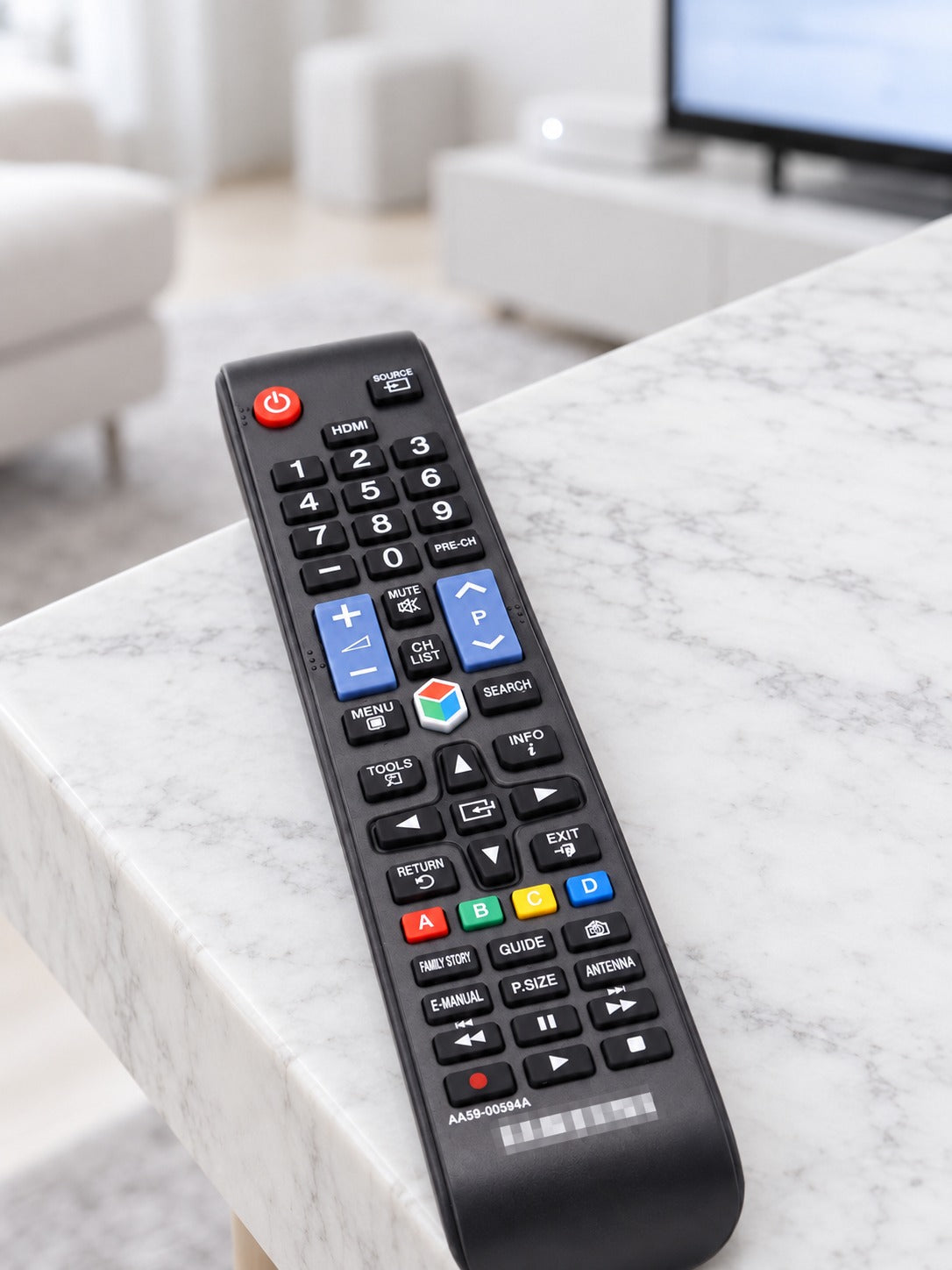
The matte plastic body has a curved tail that rests comfortably in the palm for regular living-room use. Keep it in a remote holder on the TV stand so it stays put between sessions.
Read the model number on the back of your Samsung TV and match it against the compatible list. Only order if it matches.
Aim the top of the remote at the TV and press the red power key. The TV should respond straight away.
Use SOURCE to pick the input, HDMI for connected devices, and the numeric pad to select channels. Smart Hub opens apps from the same remote.
It is built for Samsung LCD and LED Smart TVs, and the listed compatible models are UE43NU7400U, UE32M5500AU and UE40F8000. It also matches remote numbers AA59-00594A, AA59-00581A and AA59-00582A. Find your TV model on the back of the set or on the label, and order only if it matches the list.
No pairing step is needed. Point the remote at the TV and press power. If the model matches, the TV should respond right away.
It is a universal replacement, not a Samsung-branded original. It follows the familiar Samsung key layout, so the buttons work the way you expect. For a TV that came with no remote or a lost one, that makes it a budget-friendly fix compared with replacing the TV or hunting for an original.
Yes. The remote includes a Smart Hub button, an E-MANUAL key, P.SIZE, and playback controls for rewind, play, pause, fast forward, record and stop, alongside the numeric keypad and volume and channel rockers.
Then this remote is not the right fit, and it is better to skip the order than to guess. Compare the model number on the back of your TV with the compatible list on this page before you buy.


 Samsung TV Replacement Remote for AA59-00594A Models