
$69.90
Free delivery · 7–14 days
RGB Gaming Headset Stand with USB Ports and 3.5mm AUX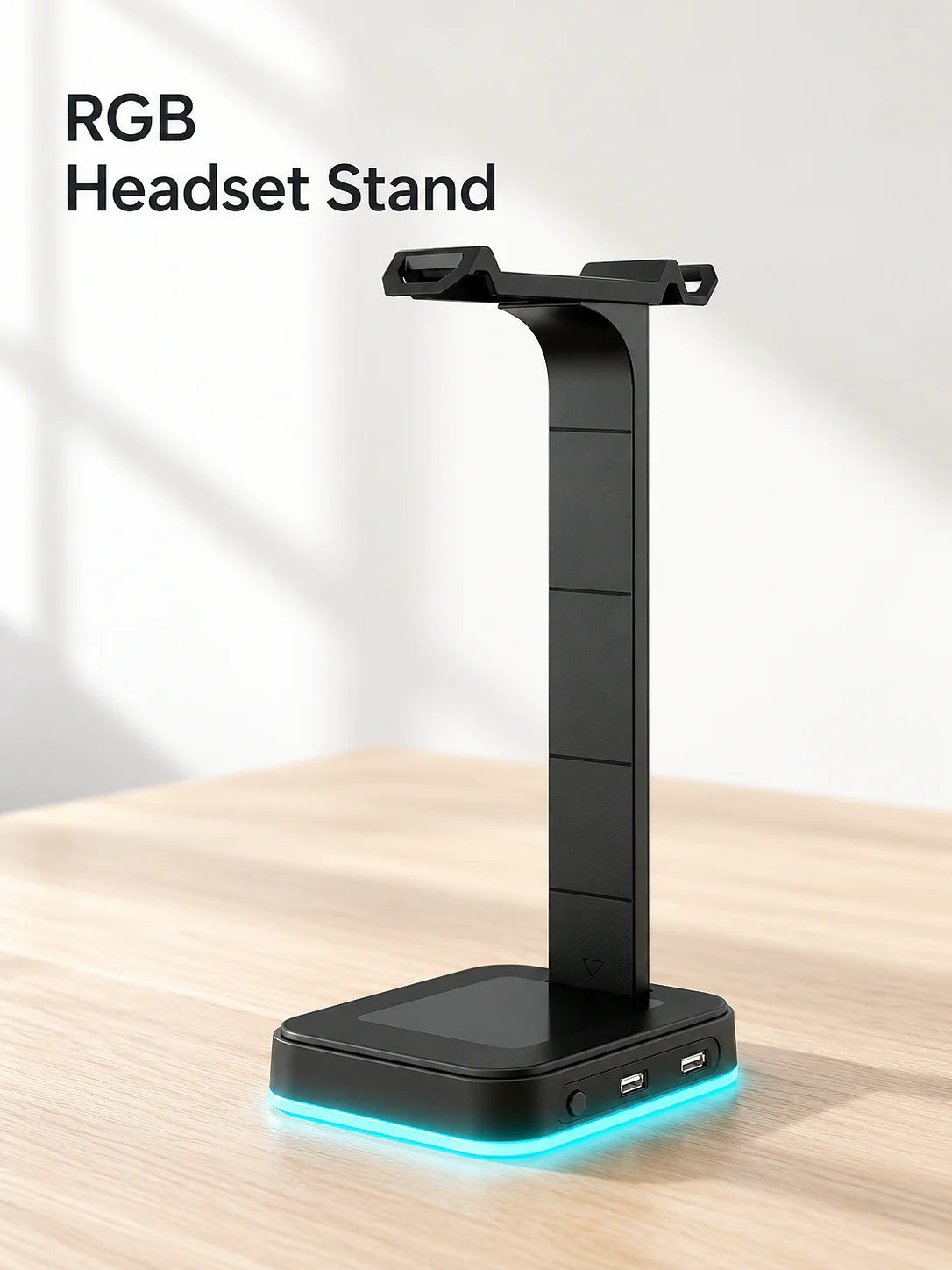
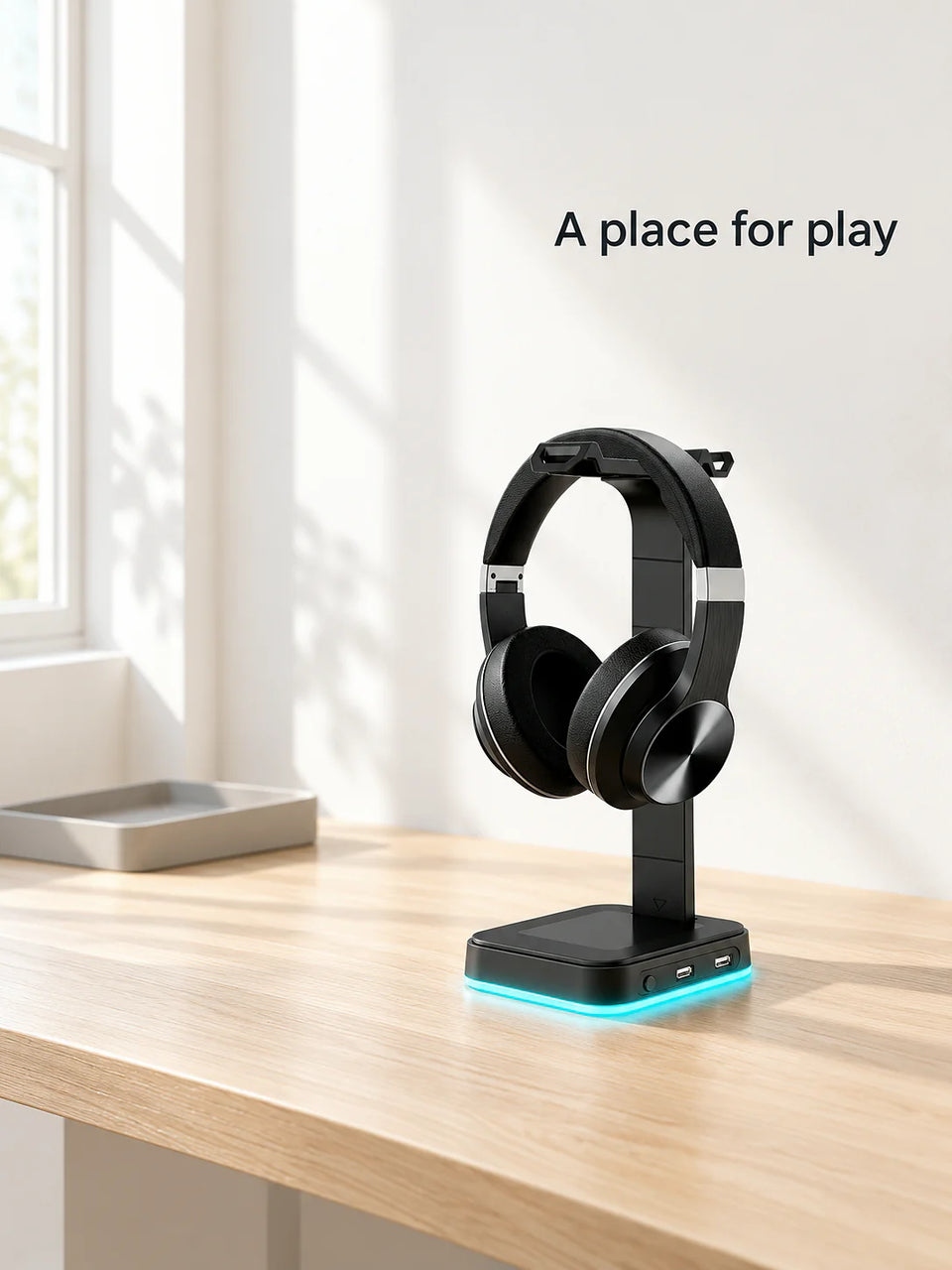
Your headset gets a proper home, your phone gets a charging port, and the desk starts to glow when you sit down. One compact RGB stand covers all three without taking up more desk space. Pick a colour, plug in, and get back to the game.
Read the full descriptionYour headset gets a proper home, your phone gets a charging port, and the desk starts to glow when you sit down. One compact RGB stand covers all three without taking up more desk space. Pick a colour, plug in, and get back to the game.
4-in-1 RGB headset stand that lights up your desk and charges your devices
Headphones tangled on the monitor and a phone dying on the desk. Now a compact RGB stand holds your headset, charges your devices, and glows in the colour you pick.

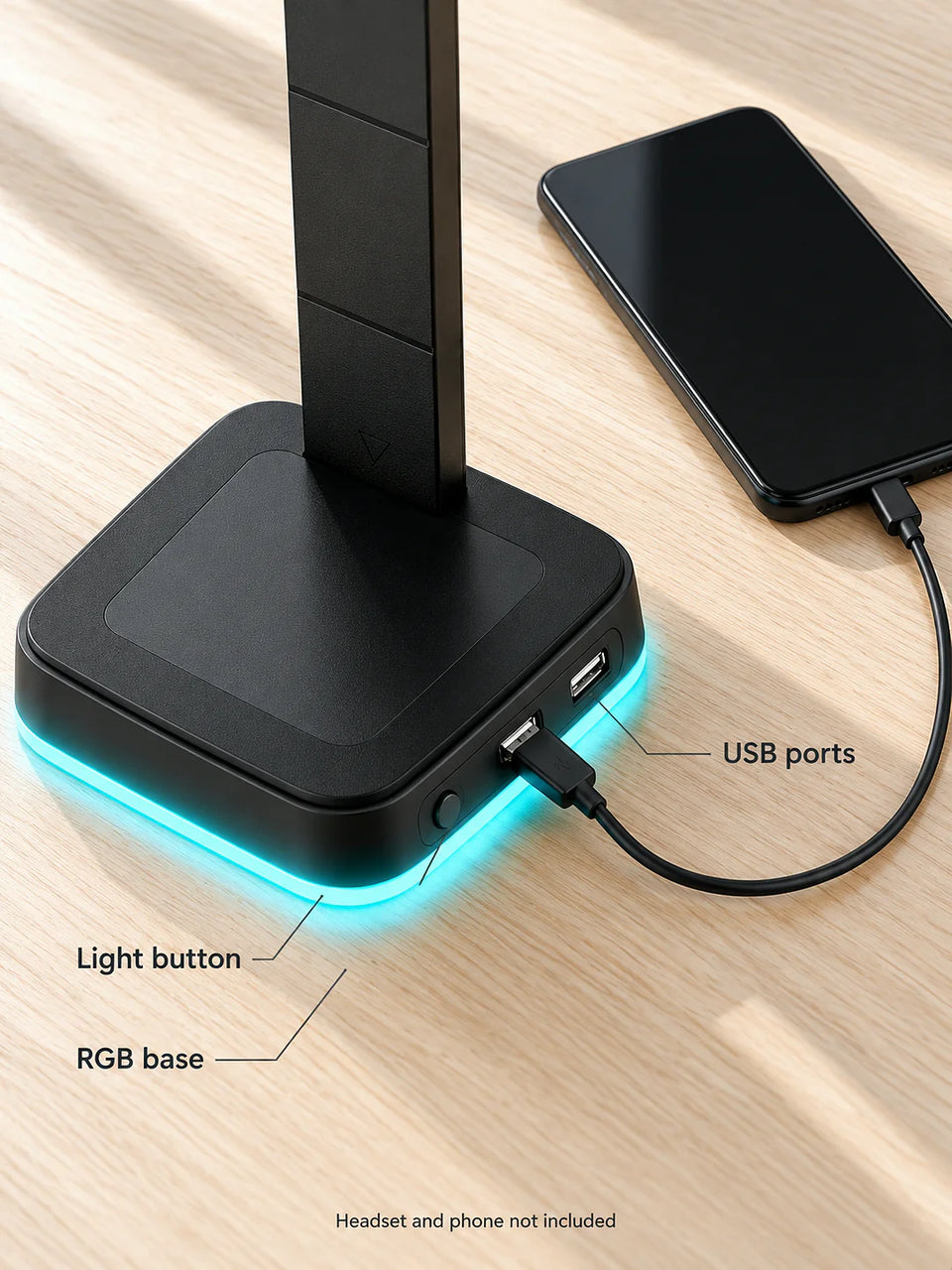
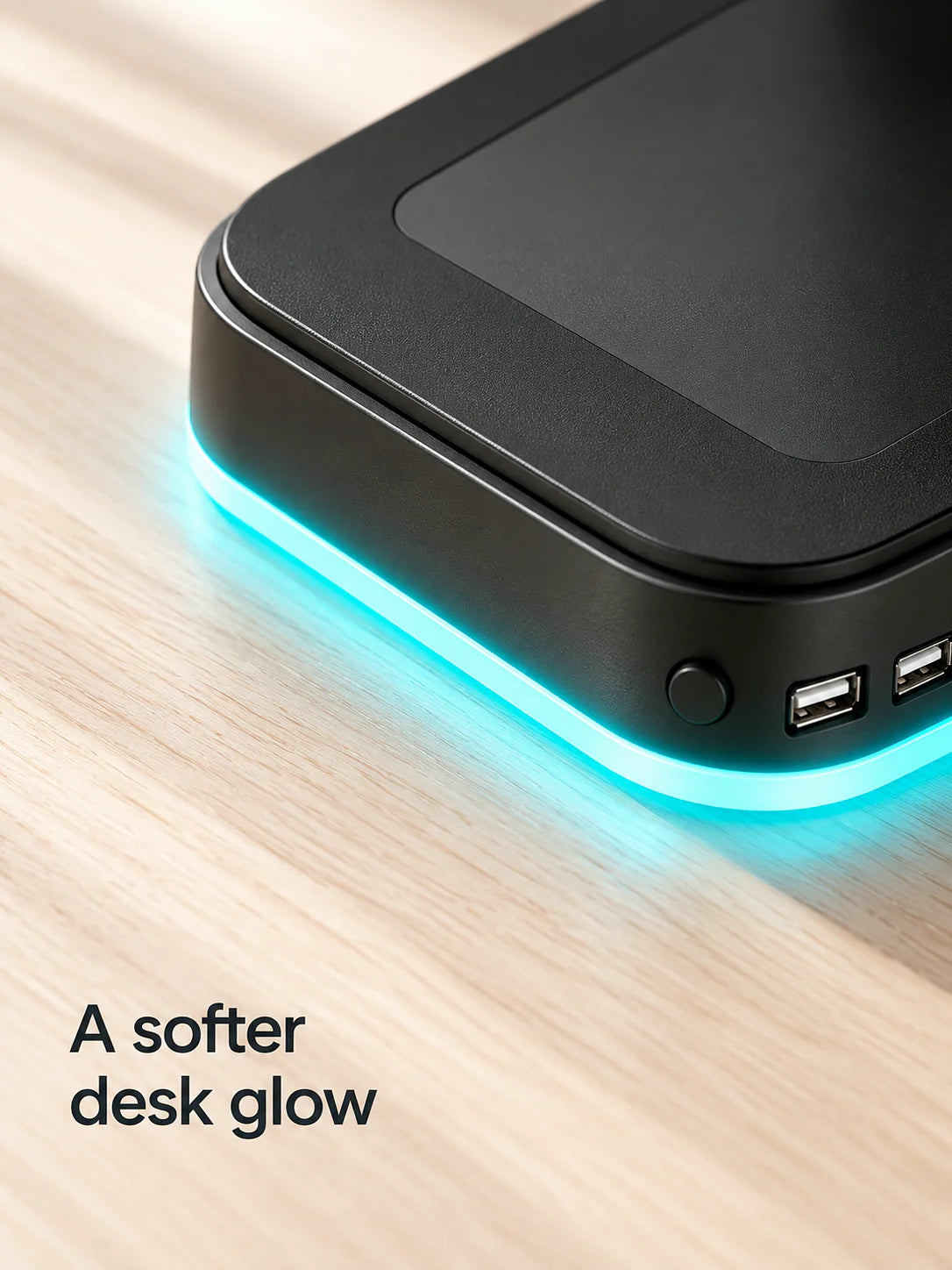
The base runs a flowing multi-colour mode, plus six single colours: red, green, blue, yellow, purple and light blue. Pick a colour that matches your team, your room or the mood of the session. A touch control switches between them without reaching for the PC.

Two USB-A ports sit on the stand, so your phone charges beside your headset instead of fighting the PC for a free port. It is the fix for the mid-match low-battery moment. Use a sturdy cable that matches your phone for the best charge.

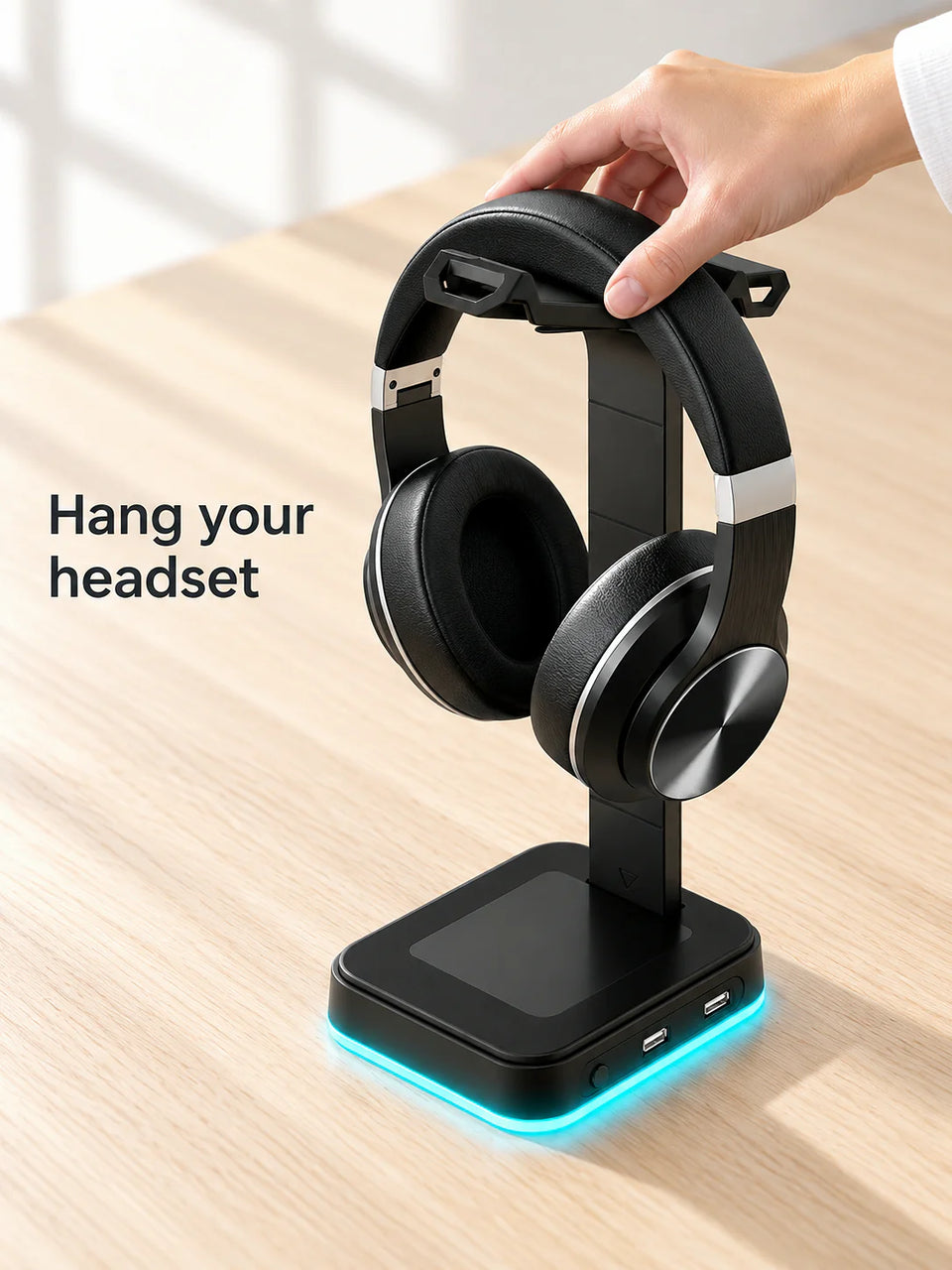
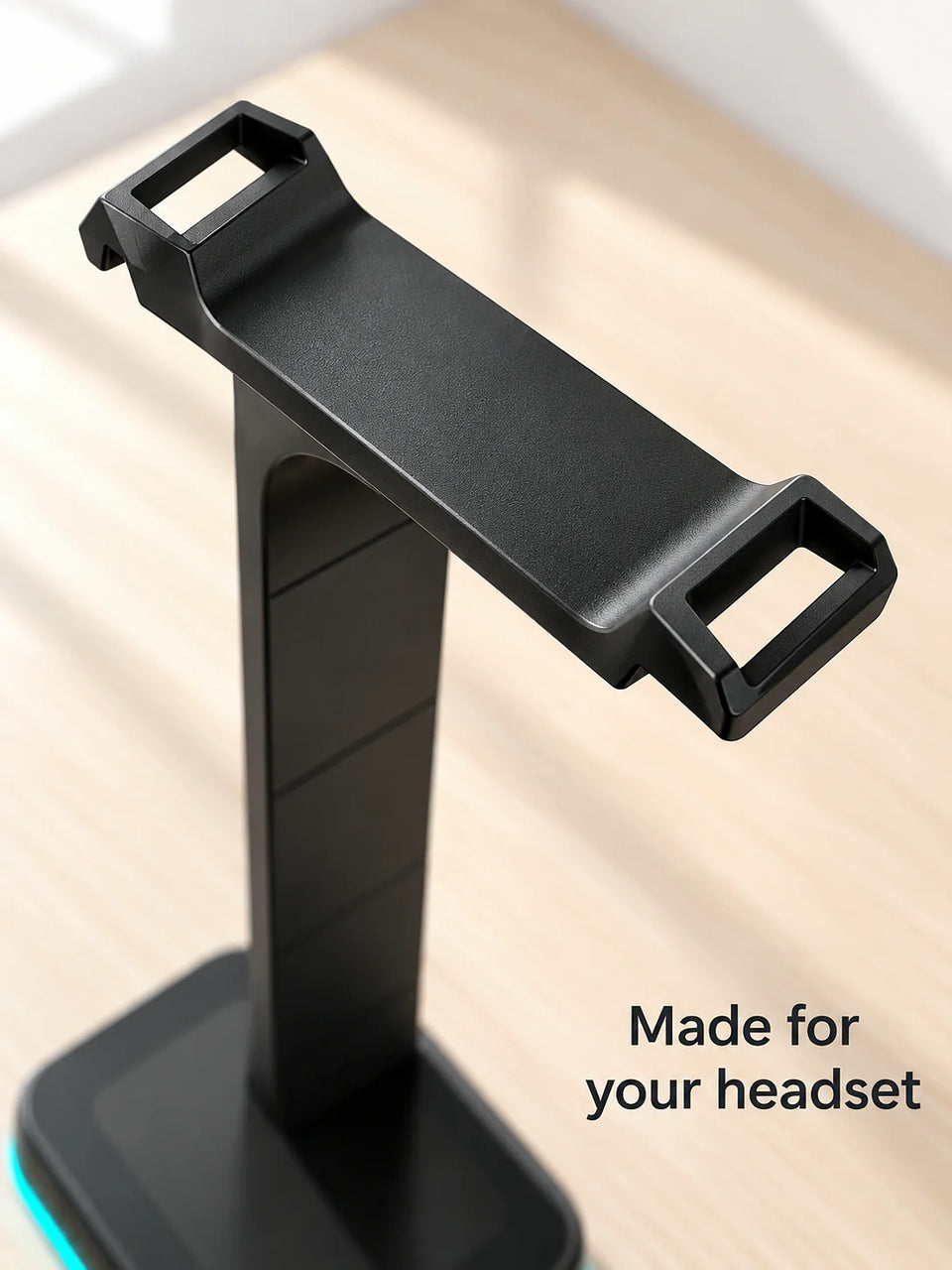
The top hook holds the headset by its band, so it stops sliding onto the keyboard or dangling off the monitor edge. The rear hook takes a loose cable or accessory, which keeps the desk clear without clipping anything to the screen.
Set the wide non-slip base on a clean, flat surface. Keep it away from the edge so the cable can run behind it.
Hook the headset band over the top hook. Let the cable hang loose behind the stand instead of pulling on it.
Connect your phone or small device to one of the two USB-A ports. Use a sturdy cable that matches your phone.
Tap the touch control to move through the flowing mode and the six single colours until the base matches your setup.
The base throws an even wash of colour rather than a harsh beam. For a calmer room, switch to a single colour like blue or purple and keep the flowing mode for the session start. The light is easy to dial back with the touch control.
The top hook is built to hold a headset by its band. Hang it by the band rather than the cable, because the cable is the weak point under a heavy headset. The wide non-slip base keeps the stand steady when you pull the cord.
They are real charging ports, so a phone plugged in beside the headset charges while you play. Speed depends on the cable and the charger you connect, so use a sturdy cable that matches your phone. A single stand replaces a separate hub and a second cable on the desk. For the cost of one stand, you lose the desk clutter and the dead-phone moments in one go.
Yes. The base is wide and has a non-slip underside, so it sits firmly on a flat desk. Keep it off rough or slanted surfaces, where the headset can slide.
Yes. The base has the flowing multi-colour mode and six single-colour modes, and the touch control moves you through them. Pick one colour and leave it, or switch the glow off when you need a darker room.


 RGB Gaming Headset Stand with 2 USB Ports & Lighting