
$69.90
Free delivery · 7–14 days
RGB Gaming Headset Stand with USB Ports and 3.5mm AUX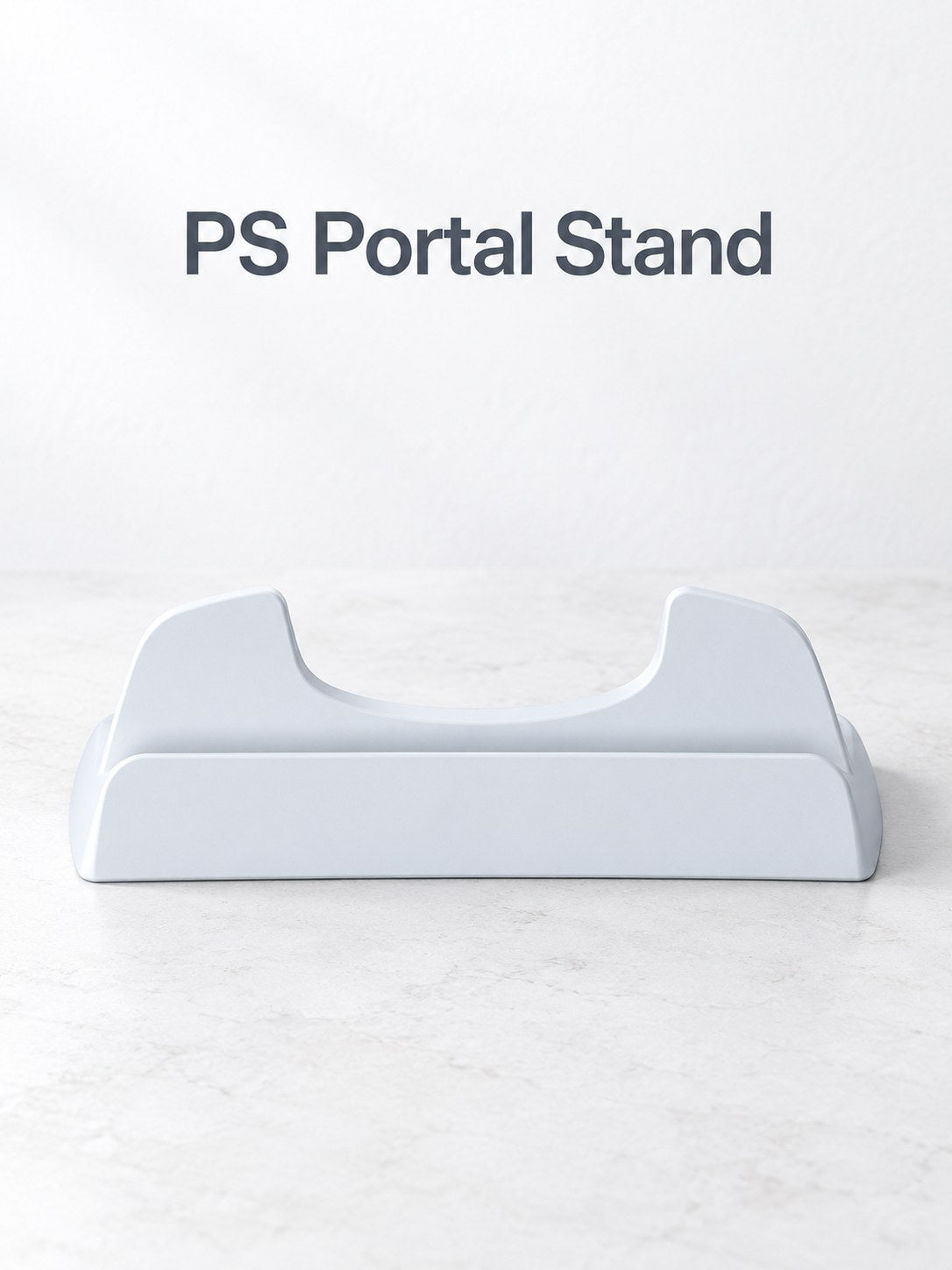
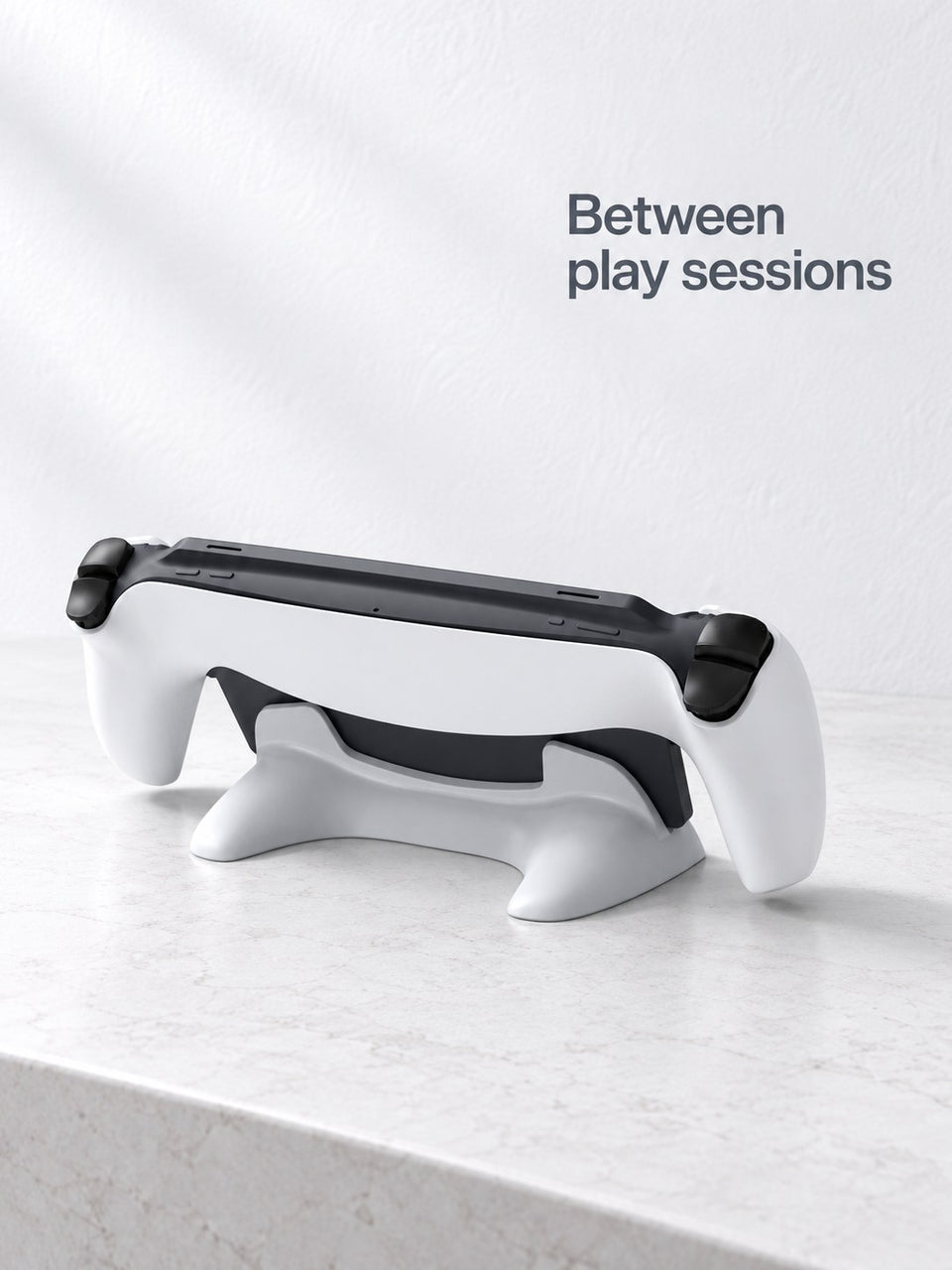
Your PS Portal stops sliding off the desk. This matte white cradle holds the handheld upright with its grips clear, so the screen stays in view between sessions and the desk stays tidy.
Read the full descriptionYour PS Portal stops sliding off the desk. This matte white cradle holds the handheld upright with its grips clear, so the screen stays in view between sessions and the desk stays tidy.
Upright, stable display stand that holds a PS Portal-style handheld while charging or resting
Between sessions it no longer slides, tips, or hides under cables. It rests steady on a matte cradle, screen in view, controllers clear.

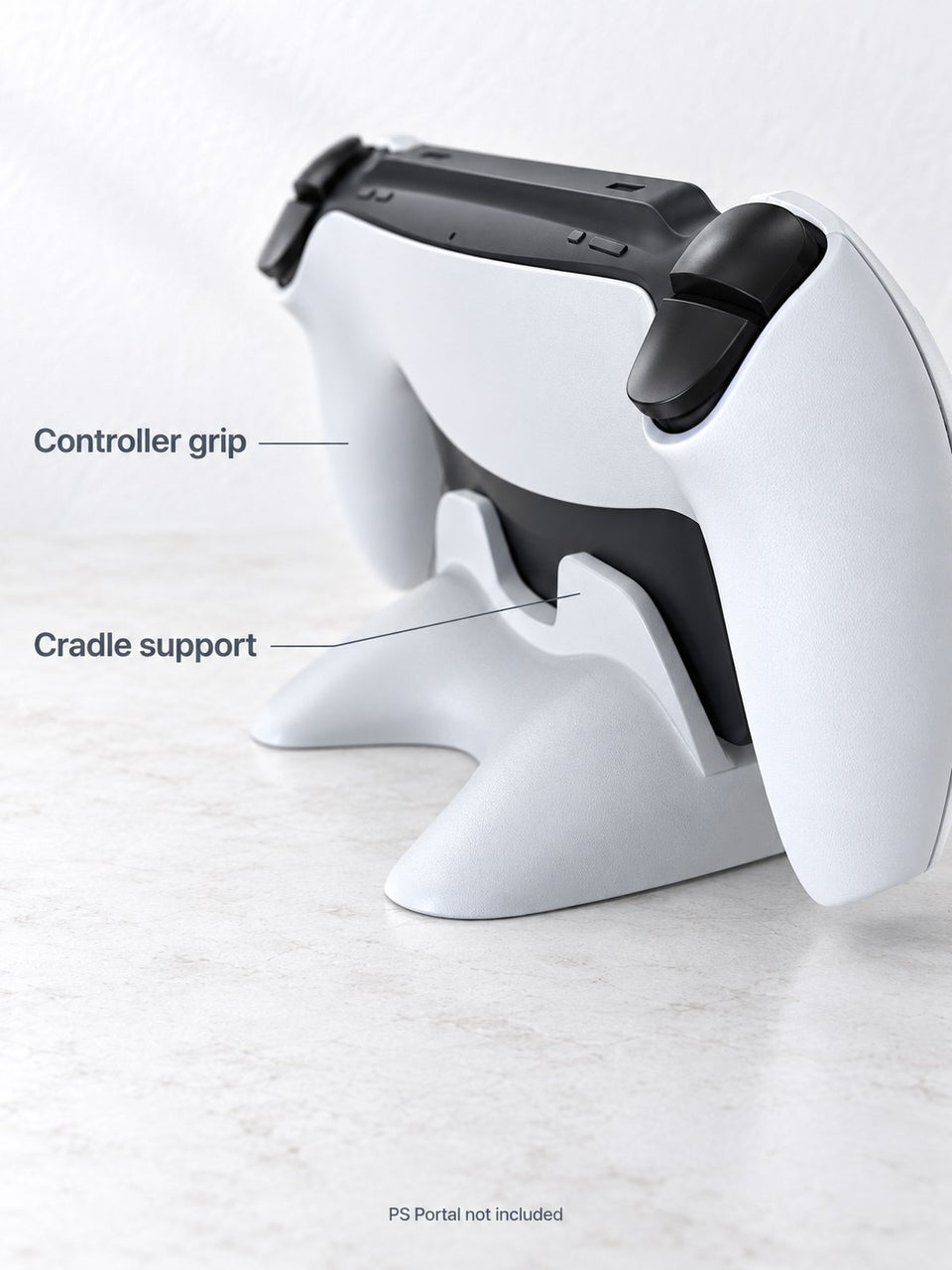
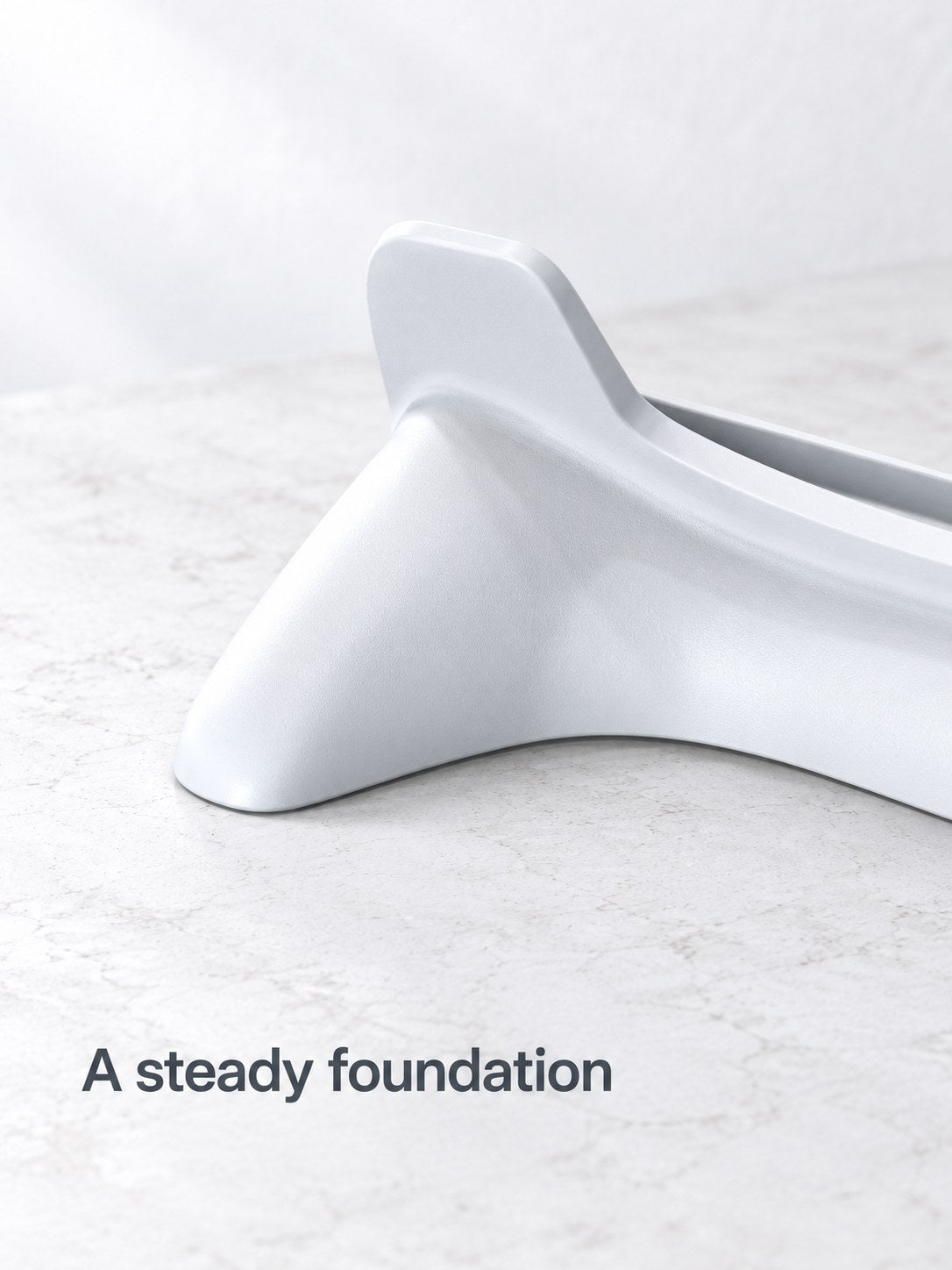
The cradle seats the handheld upright on a wide, weighted base. Side supports hold the device in place, so it stays put when you step away to grab a drink or take a call. No propping against a charger, no book under the edge.

Cutouts clear the handheld grips and controllers, so nothing sits on the base. The open front gives direct access to the device, so you can lift it out mid-session without fighting the stand. The screen stays visible from the chair.
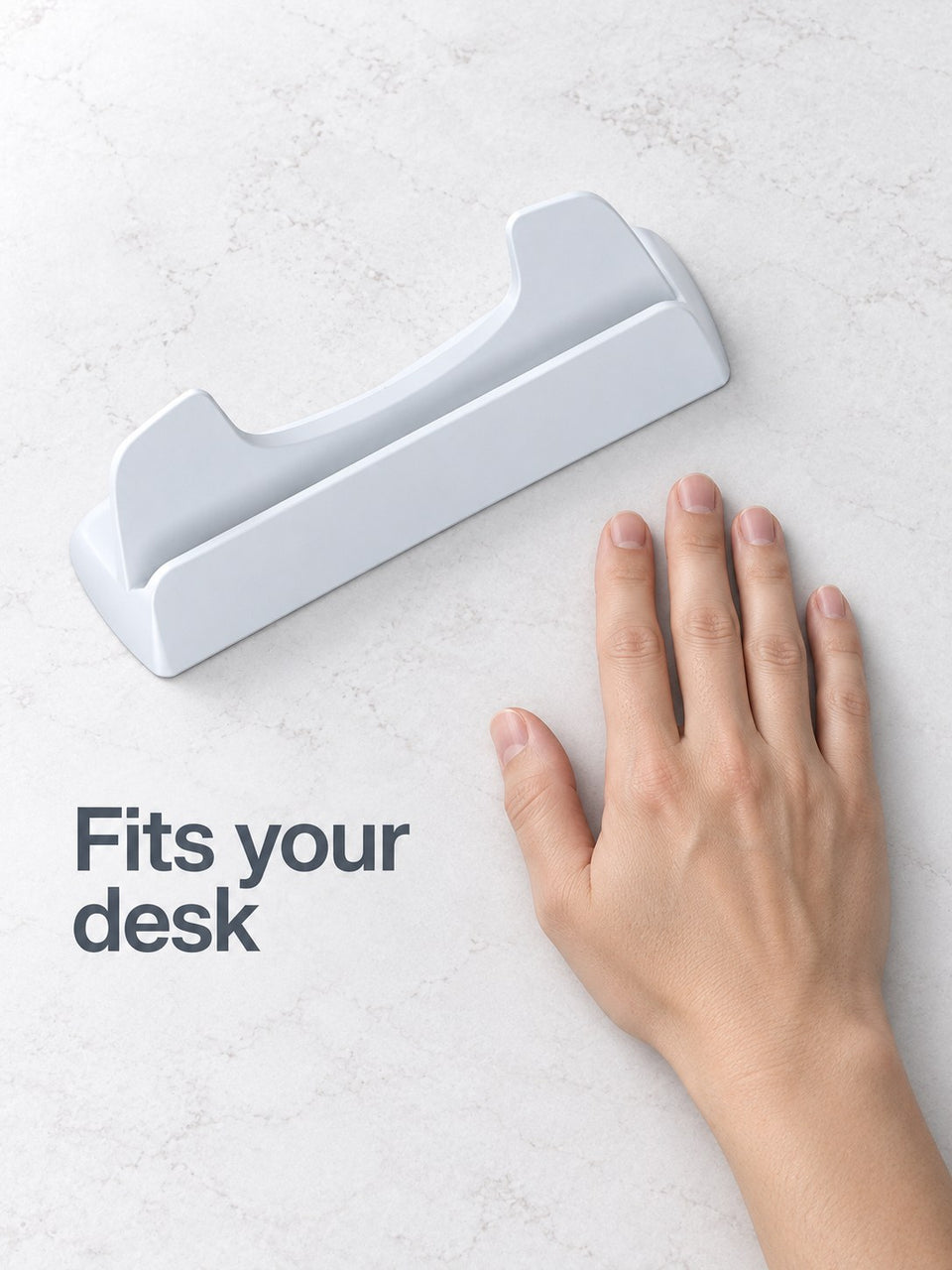
The compact matte white silhouette sits quietly beside a monitor or on a shelf. A handheld that rests in one fixed spot keeps cables and clutter off the desk, and the stand does not compete with the rest of the setup.
Put the stand on a firm, level desk or shelf. The wide footprint sits firm with no rocking once it is down.
Line the device up with the cradle and lower it without angling. Check that the grips sit clear of the base before you let go.
Run your charging cable behind the stand, not against the grips. Loose cables can shift the handheld and throw off the balance. A few cable organizers keep the back of the desk tidy.
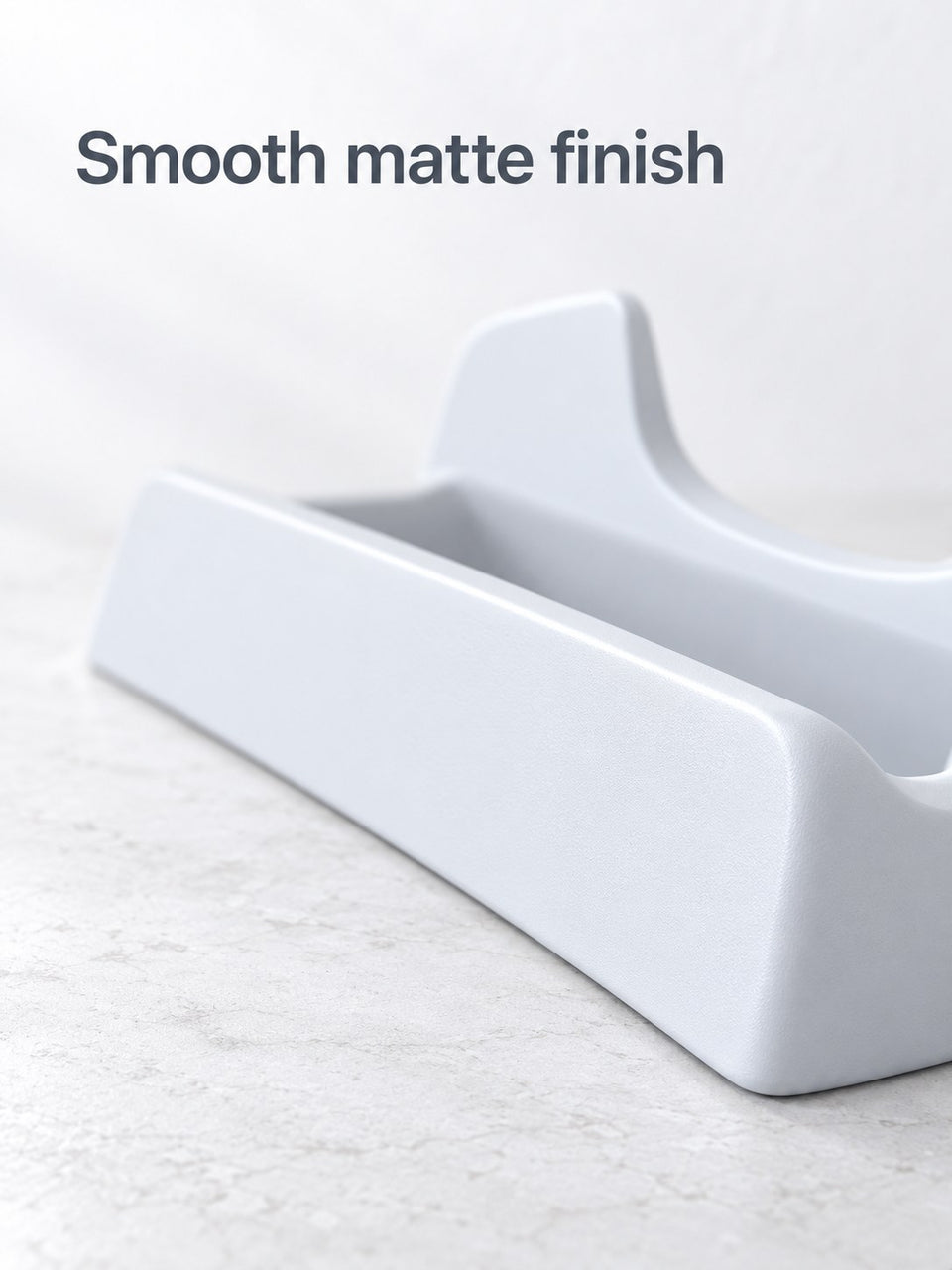
A quick wipe after each session keeps the matte surface clear of fingerprints.
Pushing at an angle can scrape the finish and strain the cradle edges.
Cables wedged against the grips can mark the finish and unbalance the stand.
The cradle is built for a PS Portal-style handheld, and its cutouts clear the grips so the controllers sit outside the base. Lower the device straight in and it stays upright. Bulky cases can sit tight in the cradle, so check your case thickness before you buy.
Yes. The base is wide and weighted, so it sits flat and does not rock on a firm, level surface. Soft cushions and sloped shelves are the only setups that will cause it to lean.
It holds the handheld upright while it charges or rests. Route your own charging cable behind the stand so it does not pull on the grips or shift the device.
The matte white body is solid, with a weighted base and finished edges. One knocked-off handheld can mean a cracked screen, which costs far more than a stand. Used every day between sessions, the stand pays for itself in a few weeks of keeping the device safe.
Matte plastic handles everyday use well. Wipe it with a dry or lightly damp cloth, and lower the handheld straight in rather than pushing it at an angle, which is the most likely way to scuff the surface.


 PS Portal Stand: Upright, Stable Hands-Free Desk Display