
$54.90
Free delivery · 7–14 days
Wall-Climbing Gecko Robot Remote Control Toy for Kids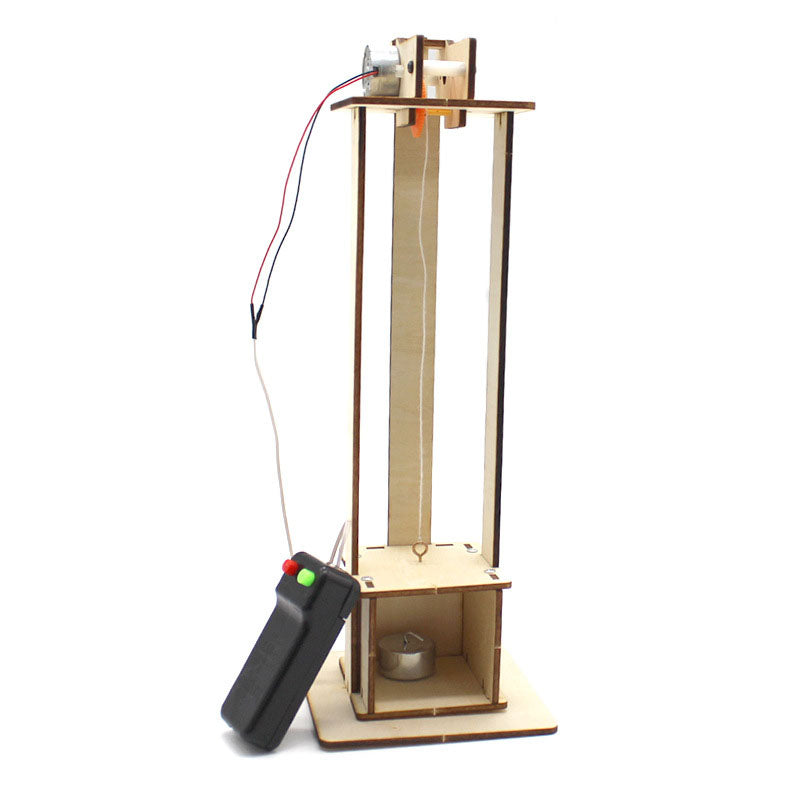
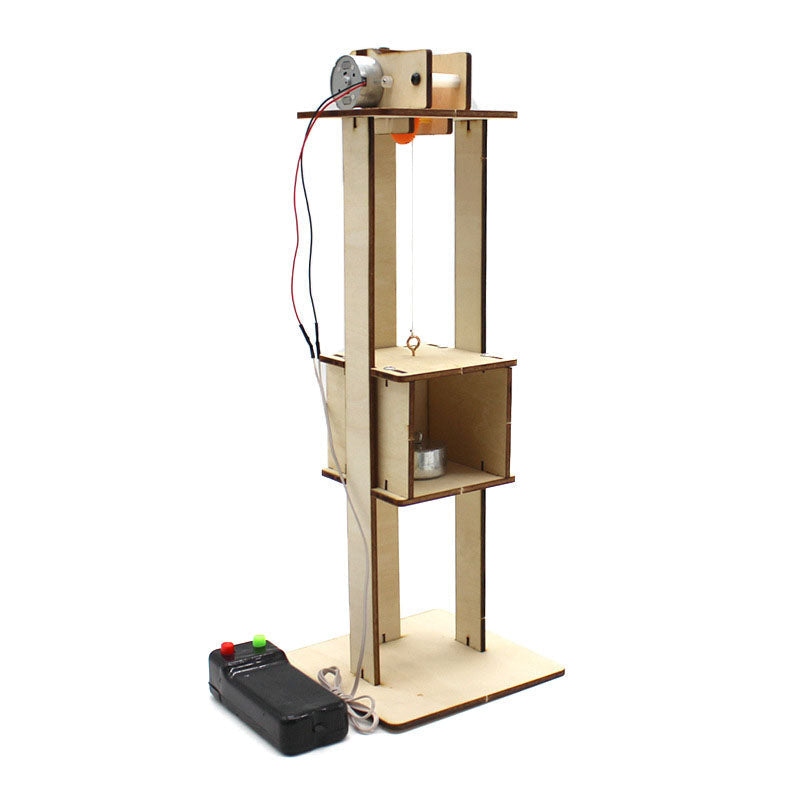
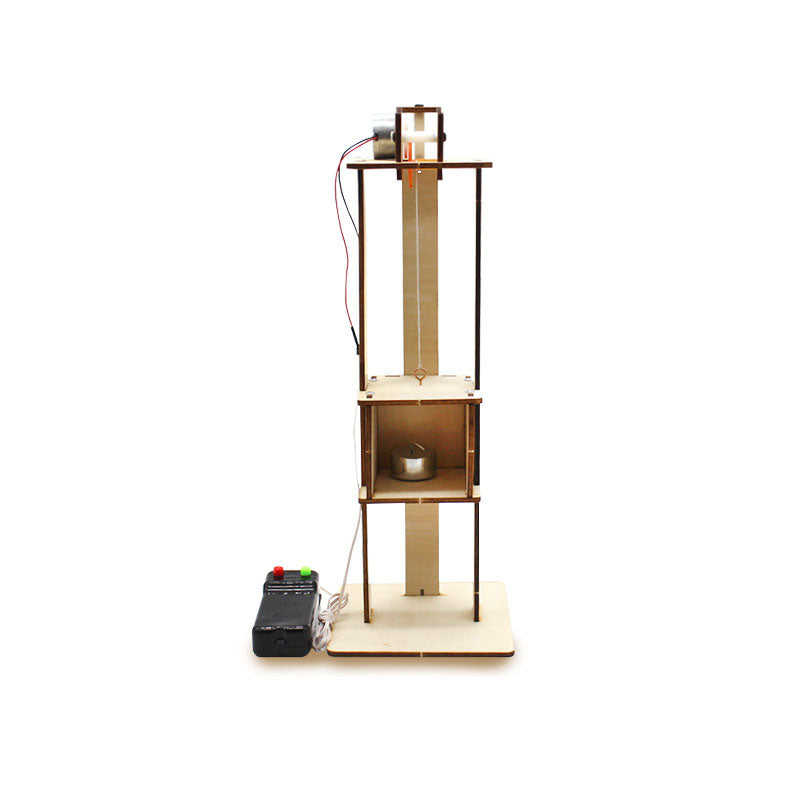
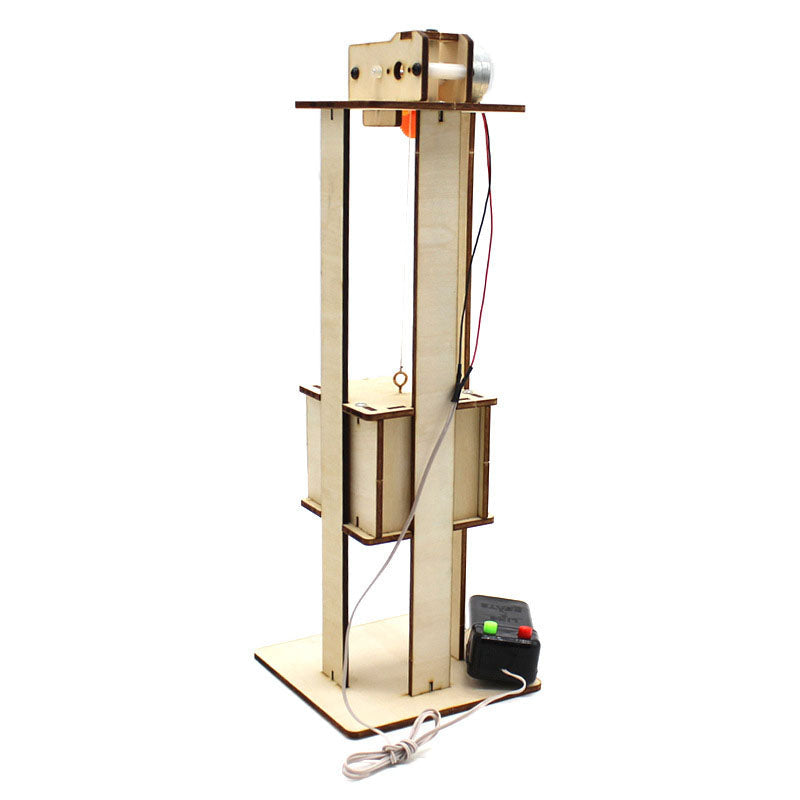
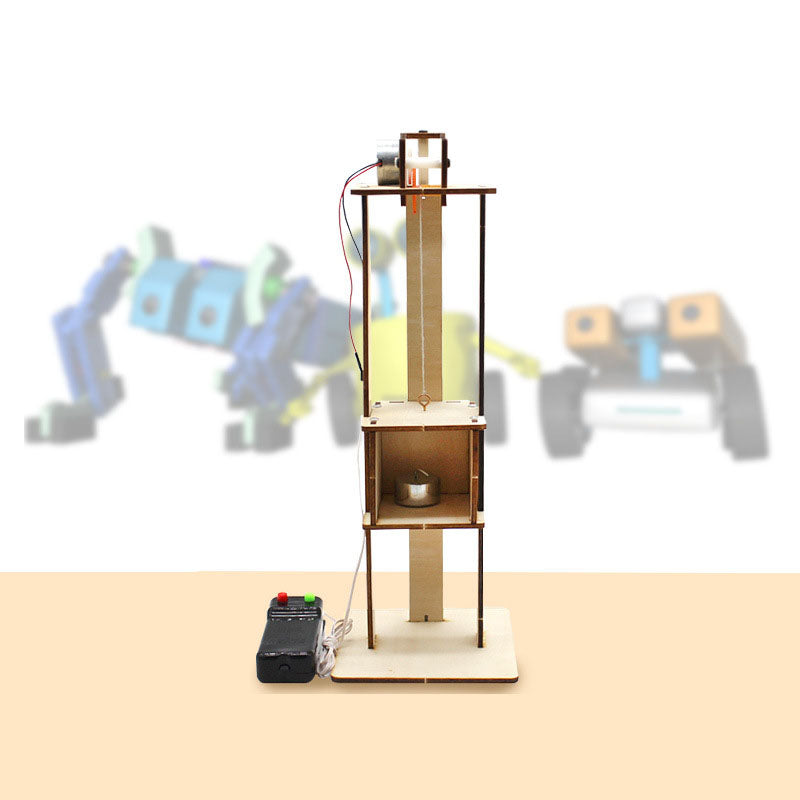
Turn elevator mechanics into a lesson learners can see and control. This assembled remote control elevator model makes motors, pulleys, wiring, cabins, platforms, and counterweights tangible for…
Read the full descriptionTurn elevator mechanics into a lesson learners can see and control. This assembled remote control elevator model makes motors, pulleys, wiring, cabins, platforms, and counterweights tangible for…
Hands-on remote-controlled elevator model for learning mechanical and electrical principles
Replace screen-only explanations with a working elevator students can control, observe, and discuss. The visible motor, pulley, wiring, platform, and counterweight make complex principles easier to see.
The open shaft and exposed motor, pulley, wiring, platform, cabin, and counterweight let learners connect individual parts to vertical movement.
The wired handheld remote creates a clear action-response loop. Press a control, observe the elevator move, then discuss why the platform and cabin respond.
The natural unfinished plywood frame and dark edge details give the model a clear structure for inspection. Its exposed parts make it a practical visual aid for repeated demonstrations.
Point out the cabin, platform, motor, pulley, and counterweight. Ask learners what they expect to happen before anyone touches the remote.
Use the wired remote to activate the elevator. Watch the platform and cabin move through the open shaft.
Follow the visible wiring and mechanical parts. Invite learners to identify what supplied power and what guided the movement.
Have learners describe the action in their own words, then repeat the demonstration with a new prediction. It also fits naturally beside other kids toys educational activities.
Open-frame wooden model with visible lift mechanism
Red and green buttons for operating the model
Included for the powered demonstration
Students can repeat words like motor, pulley, and counterweight while the relationship between those parts stays abstract. A diagram shows the idea, but it does not show the system responding to a real control.
Press a red or green button and the lesson changes immediately. The motor and pulley activate, the platform and cabin move, and learners can watch cause and effect unfold in front of them.
Ask learners to predict what will happen, operate the remote, and inspect the visible parts afterward. They can trace the wiring, follow the guide rails, and connect the counterweight to the movement they just caused.
The assembled model is ready for another demonstration at home, in class, or at a maker table. Curiosity becomes a repeatable activity built around observation, prediction, and explanation.
| Elevator model | Video or diagram | |
|---|---|---|
| Learner can control the movement | Yes | No |
| Working parts stay open to inspection | Yes | No |
| Shows immediate cause and effect | Yes | Partial |
| Arrives ready for demonstration | Yes | Yes |
| Replaces a full engineering curriculum | No | No |
It is an assembled elevator model. It is made for demonstration, observation, remote operation, and guided engineering discussion rather than a long build session.
The set includes the assembled elevator model, one wired handheld remote control, and one power cable.
Yes. The open shaft keeps the motor, pulley, wiring, platform, cabin, guide structure, and counterweight visible for group explanation and observation.
Children should use it with adult supervision. Keep fingers, hair, and loose objects away from the moving mechanism, and place the tall wooden model on a stable surface.
Students can observe powered vertical movement, motor and pulley action, cable routing, guide rails, platform and cabin structure, and the role of a counterweight.
The power cable is included. The wired remote connects the learner's action with the model's powered movement.


 Remote Control Elevator Model Toy for STEM Learning