
$59.90
Free delivery · 7–14 days
480P USB Webcam with Built-in Mic for Online Classes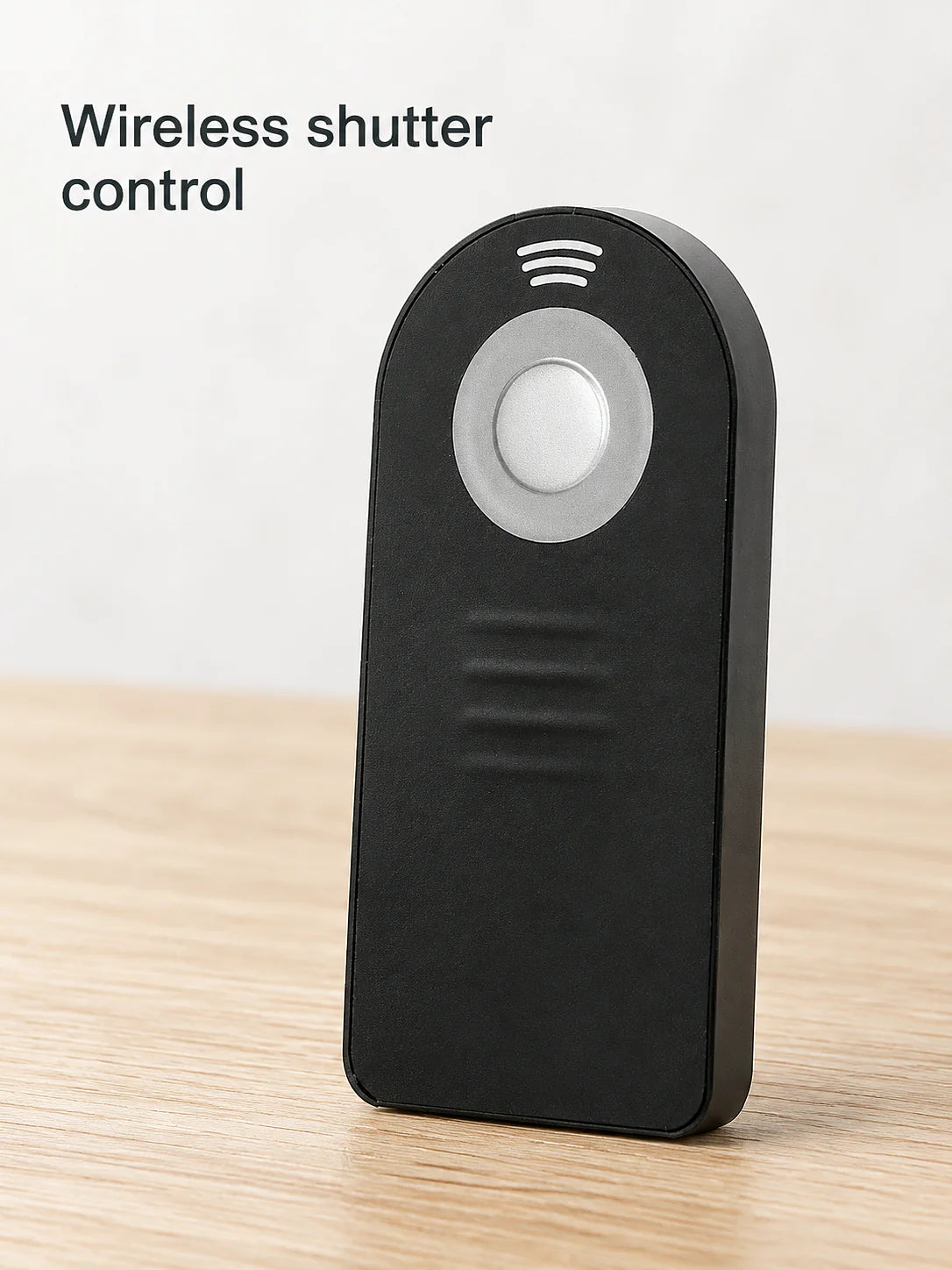
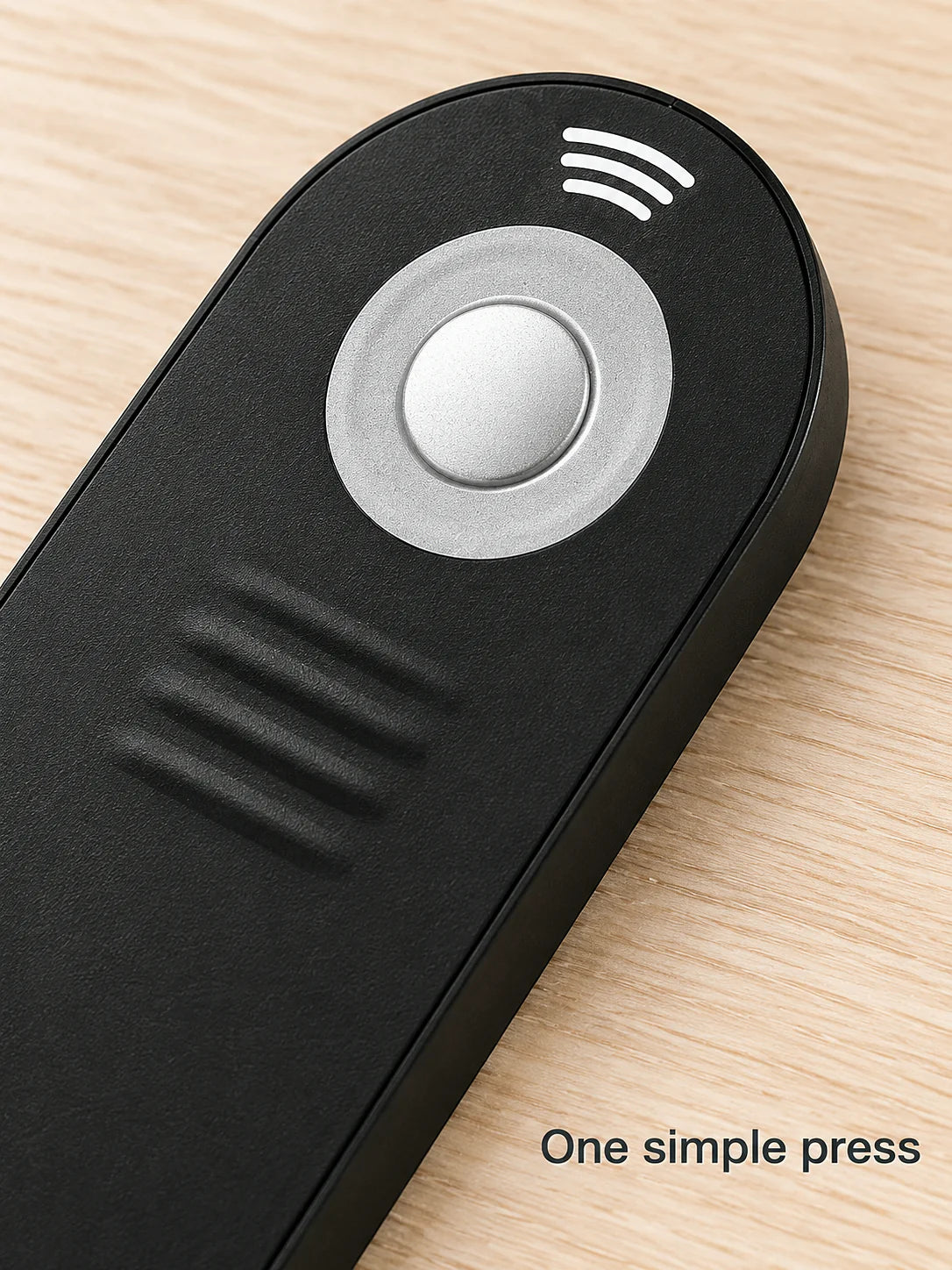
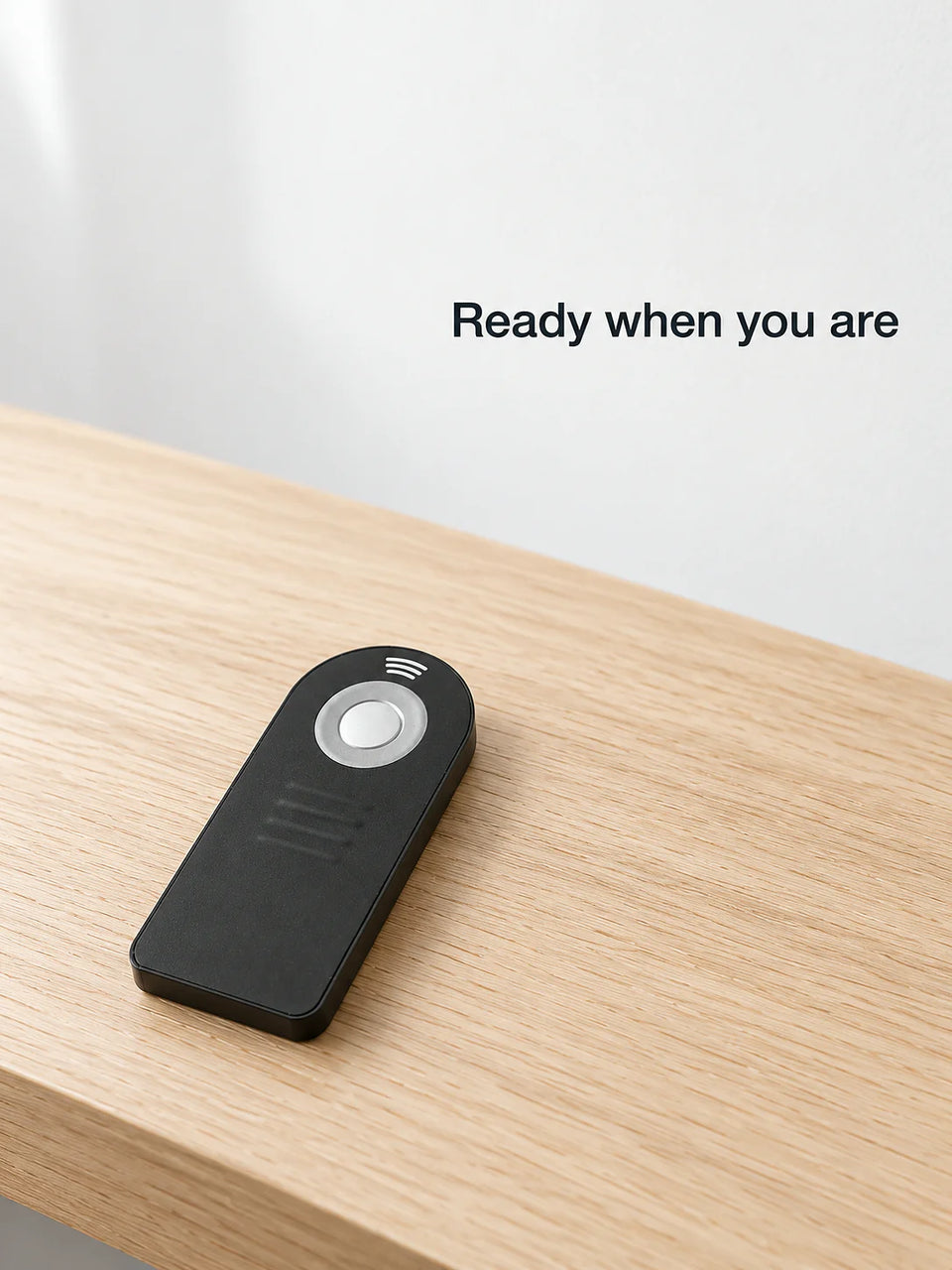
The ML-L3 lets you fire a Nikon DSLR from across the frame, so the shot you planned stays sharp. It is a small matte black infrared remote with a silver shutter button that fits in a pocket or camera bag. Check your body against the compatibility list, then aim the window at the sensor.
Read the full descriptionThe ML-L3 lets you fire a Nikon DSLR from across the frame, so the shot you planned stays sharp. It is a small matte black infrared remote with a silver shutter button that fits in a pocket or camera bag. Check your body against the compatibility list, then aim the window at the sensor.
Wireless shutter release for compatible Nikon DSLRs: trigger without touching the camera
Stop jolting the camera with your finger on the shutter. Trigger your Nikon wirelessly from your hand, and step into the shot without ruining it.

The infrared emitter sends the shutter signal, so you press the remote instead of the body. The frame stays undisturbed at the exact moment of exposure, which is where tripod and long-exposure shots get ruined.

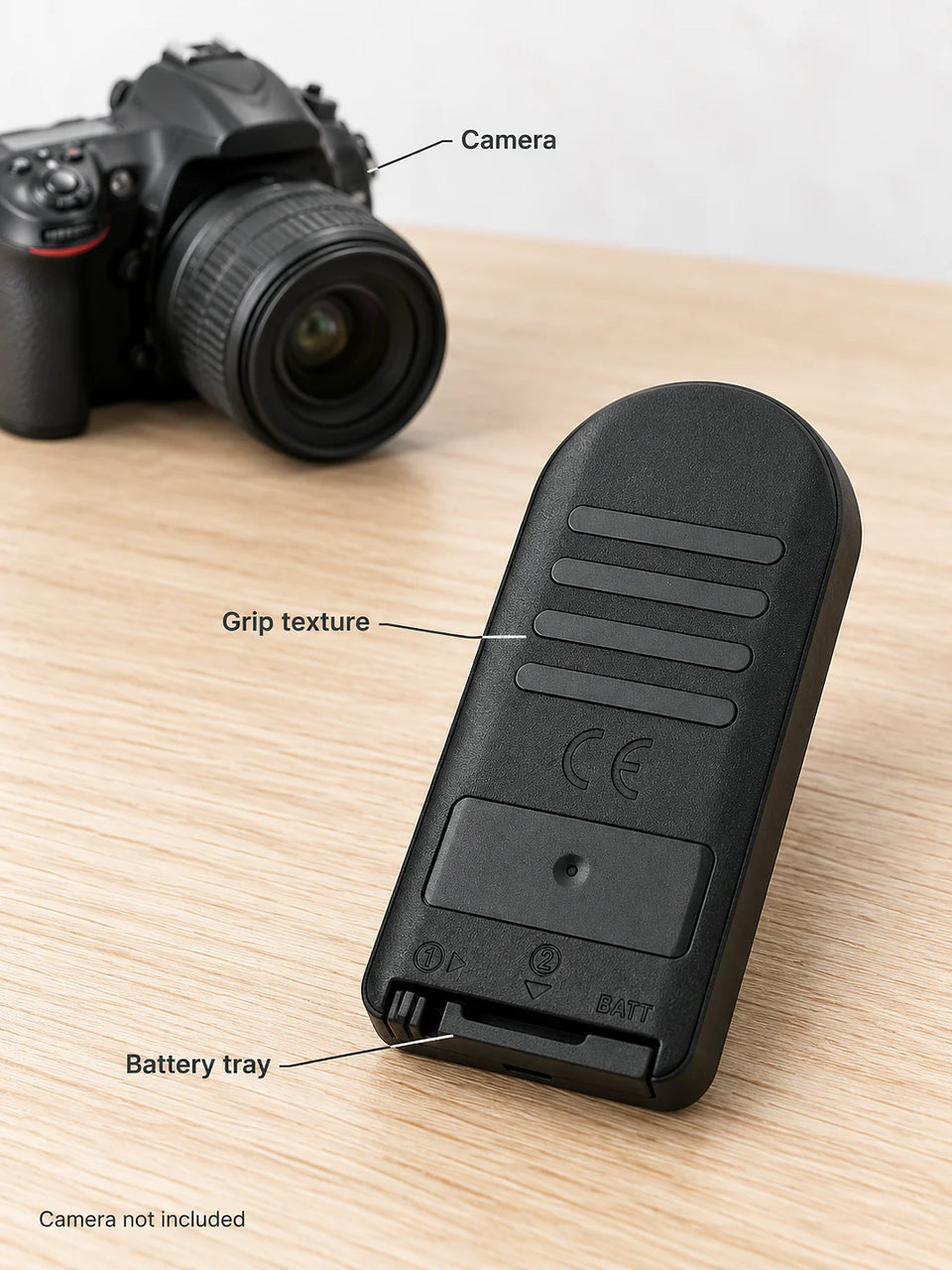
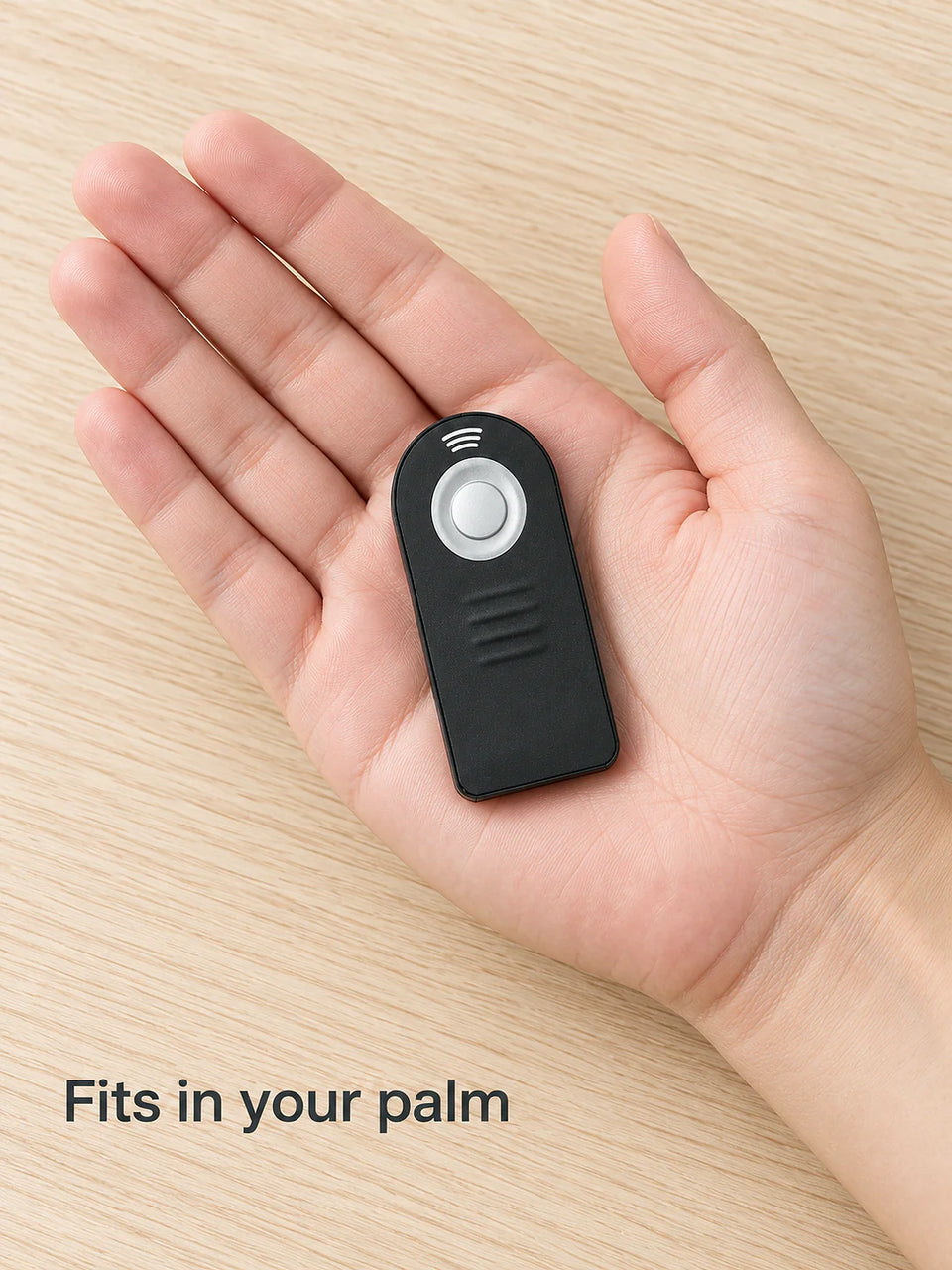
The rounded matte black body has a ribbed grip on the back, and it slips into a jacket pocket or a camera bag pouch. It stays with the kit, so it is there for the next sunrise or the next group photo.

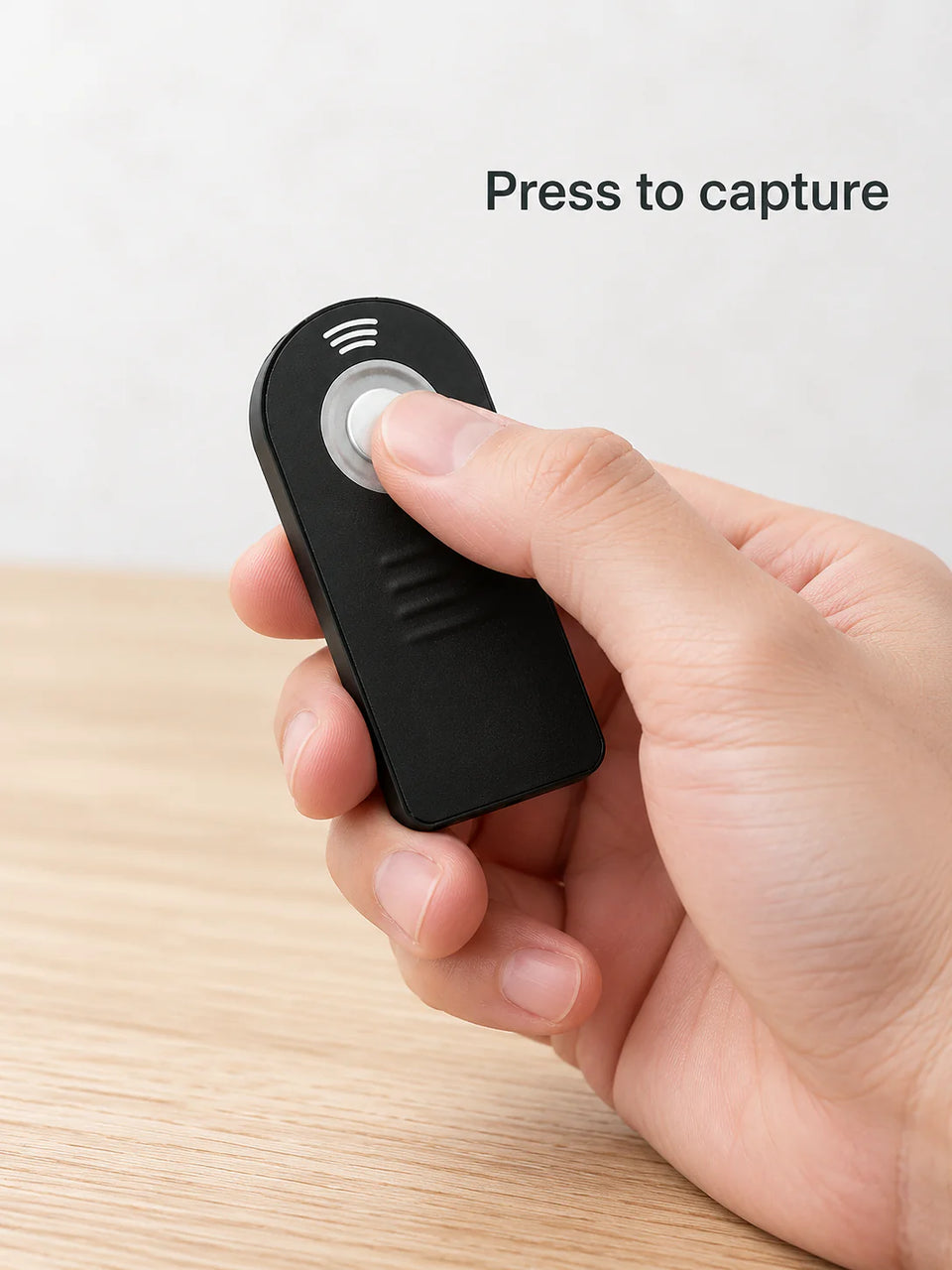
The IR window sits at the front with its signal arcs. Aim it at the camera's remote sensor, keep the path clear, and one press fires the shutter.
Turn the remote over and open the compartment on the back. Seat the battery with the contacts lined up, then close the cover.
Switch your Nikon's release mode to the remote setting. The exact menu path depends on your body, so check your camera manual if you are unsure.
Point the front emitter at the camera's remote sensor. Keep your hand and any strap clear of the path.
Step back, press the silver button, and confirm the shutter fires. Do this before the shoot, not during it.
Frame the shot, walk into position, and press. The camera stays still while the exposure runs.
The ML-L3 is made for the Nikon bodies named in its listing: D3200, D3300, D3400, D5100, D5300, D5500, D600, D610, D7000, D7100, D750, D800 and D90. Check your exact body against that list before you order, because an unlisted model may not respond.
Yes. Point the front IR window at the camera's remote sensor and keep the path clear. A hand, a strap or a bag in front of the sensor will stop the shutter from firing.
The body is matte black plastic with a ribbed grip and a silver shutter button. It feels light in the hand and is priced as a budget accessory, so keep it in a pocket or a bag pouch rather than loose with keys and coins.
The remote fires the shutter on command, which covers self-portraits and group shots without a countdown. For how the remote setting interacts with mirror-up on your body, check the camera manual.
The self-timer counts down while you run into the frame, and you lose the moment. The remote fires when you press it, from where you stand. Compared with a cabled release, there is no cable to tangle or tug the camera. One ruined long exposure costs more than the remote, so the trade is easy.


 Nikon ML-L3 Wireless Shutter Remote: Shake-Free Shots