

$84.90
Free delivery · 7–14 days
1080P Webcam with Autofocus and Built-in Mic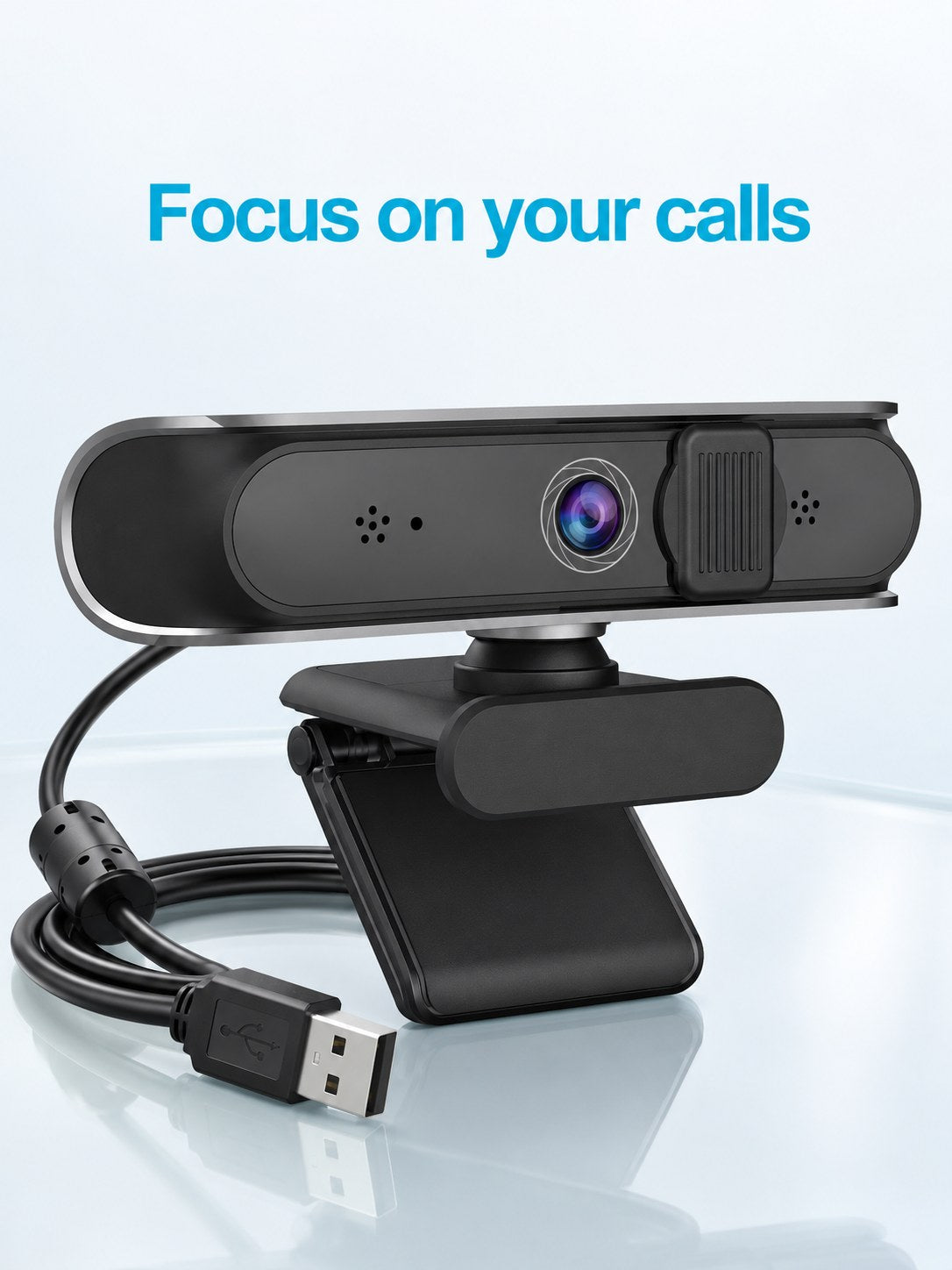
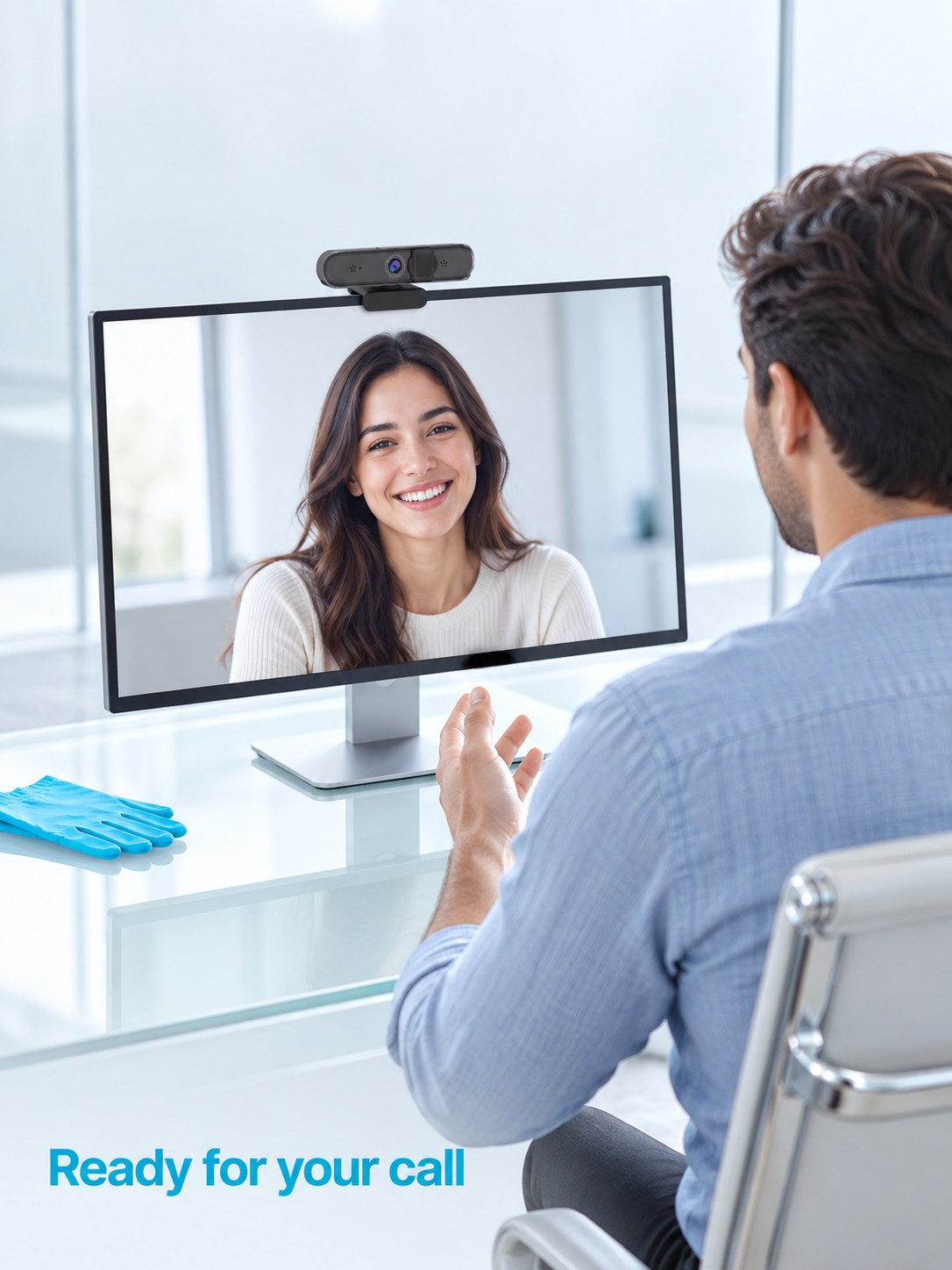
Sharp video and clear voice for every work call, class, and stream. The 5MP autofocus lens and dual built-in mics do the heavy lifting, and the sliding shutter keeps the lens covered when you are off camera. Clip it on, plug it in, and you are ready for the next meeting.
Read the full descriptionSharp video and clear voice for every work call, class, and stream. The 5MP autofocus lens and dual built-in mics do the heavy lifting, and the sliding shutter keeps the lens covered when you are off camera. Clip it on, plug it in, and you are ready for the next meeting.
5MP auto-focus 1080P webcam with built-in mic for clear video calls and online courses
Tired of blurry faces and muffled voices from your laptop? This clip-on webcam gives you crisp 1080P video, autofocus, and clear mic pickup for work, class, and streaming.

The 5MP autofocus lens adjusts to keep your face sharp in normal home-office light. Output is 1080P, the standard for video calls and online classes, so the picture on your end matches what others see. Browse more options in web camera 1080p.

Two microphones sit behind a mesh grille and pick up speech from up to 10 meters away. You can sit back from the screen and still be heard. A laptop mic sits at the bottom of the lid and catches keyboard clatter. This one sits at eye level, close to your voice.
A sliding shutter covers the lens when the camera is not in use. Slide it open before a call and shut it when you log off. Nothing to attach, nothing to remove, and the lens stays covered when nobody is supposed to see it.
Lift out the matte black webcam with brushed silver-grey trim. The glossy blue-violet lens sits at the front, and the body feels light in your hand.
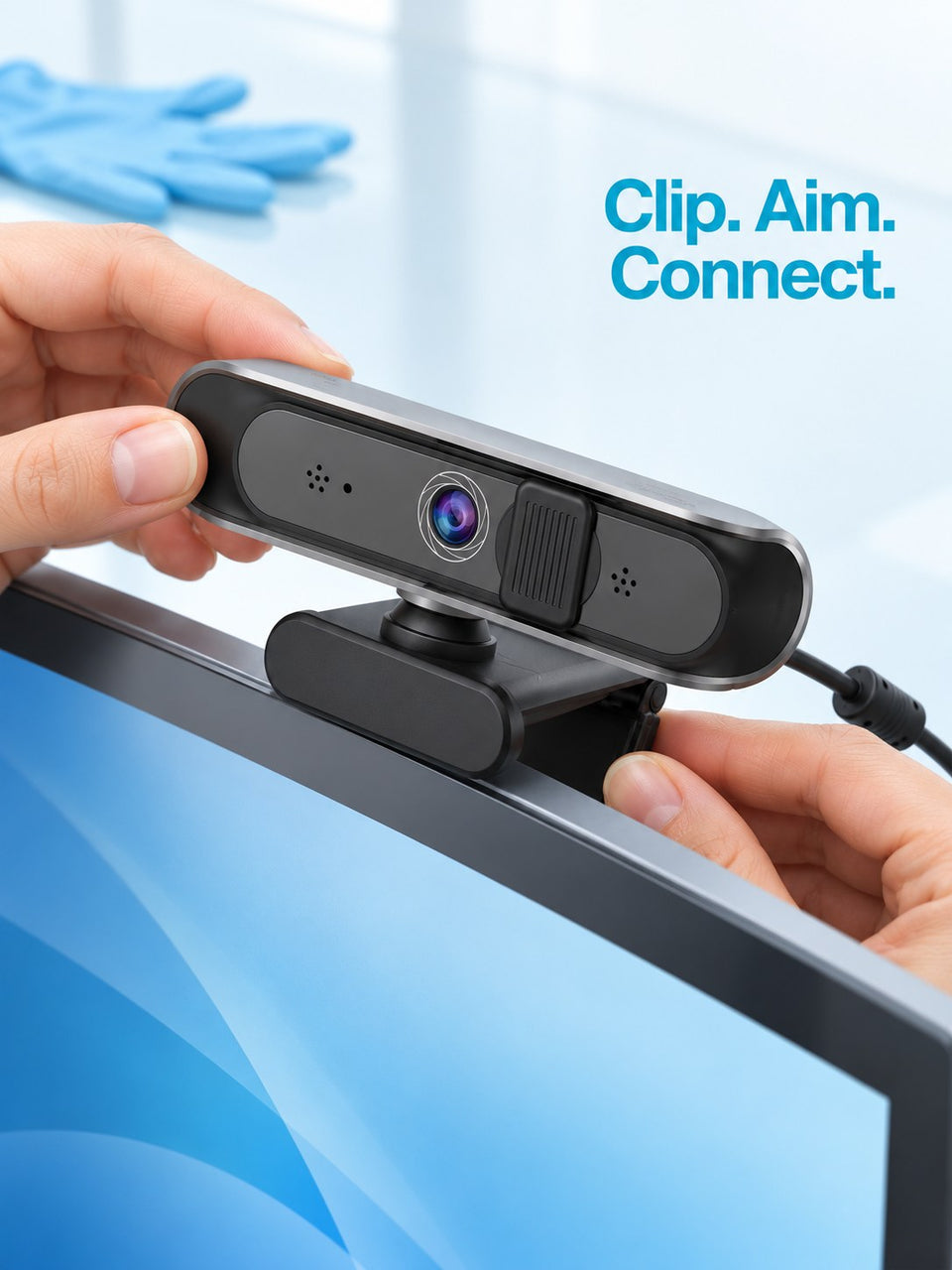
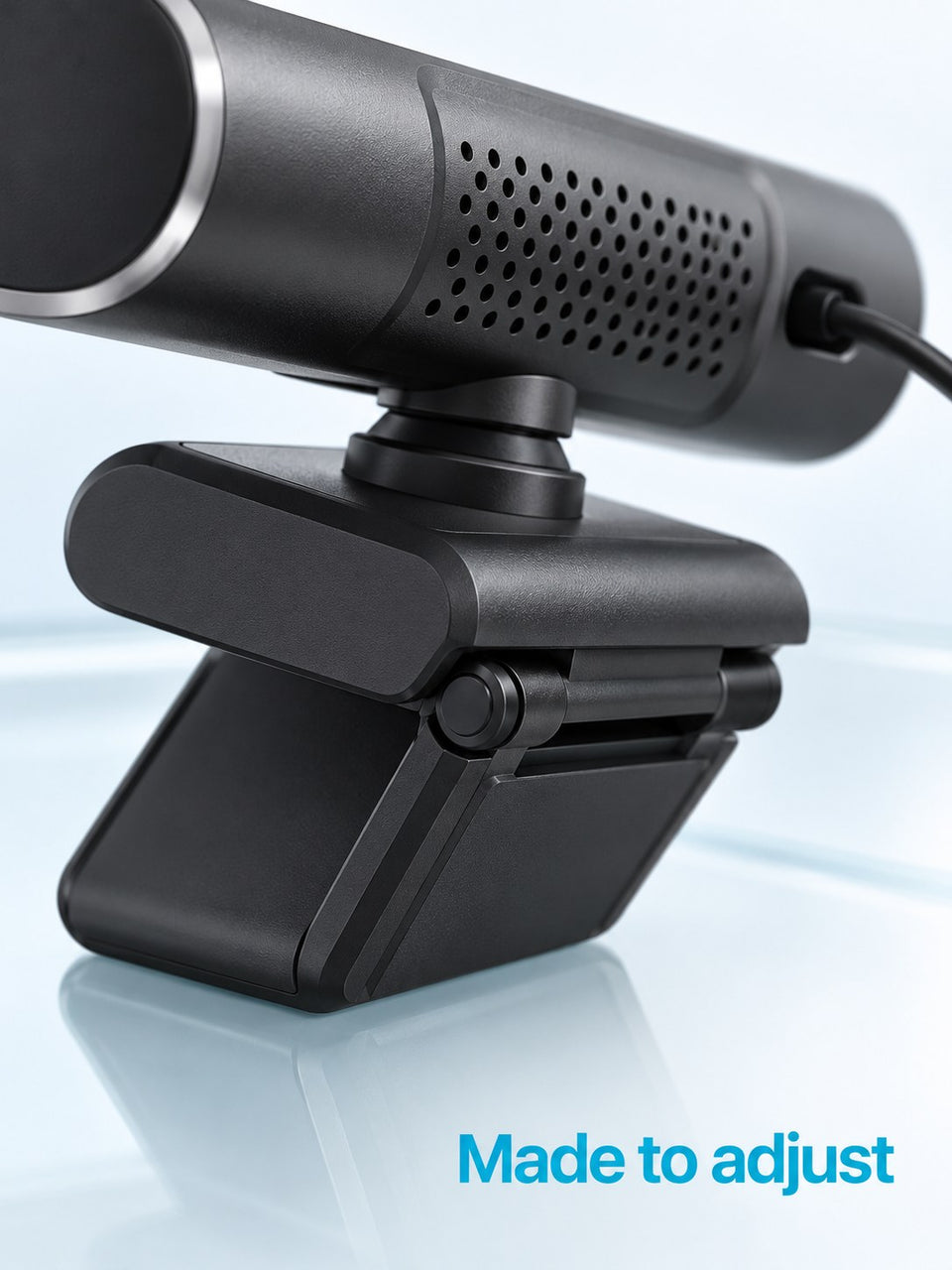
Flip the stand out to 180° and clip it over your monitor or laptop lid. The clamp grips with a firm click, and the base rotates 360° to point the lens at your face.
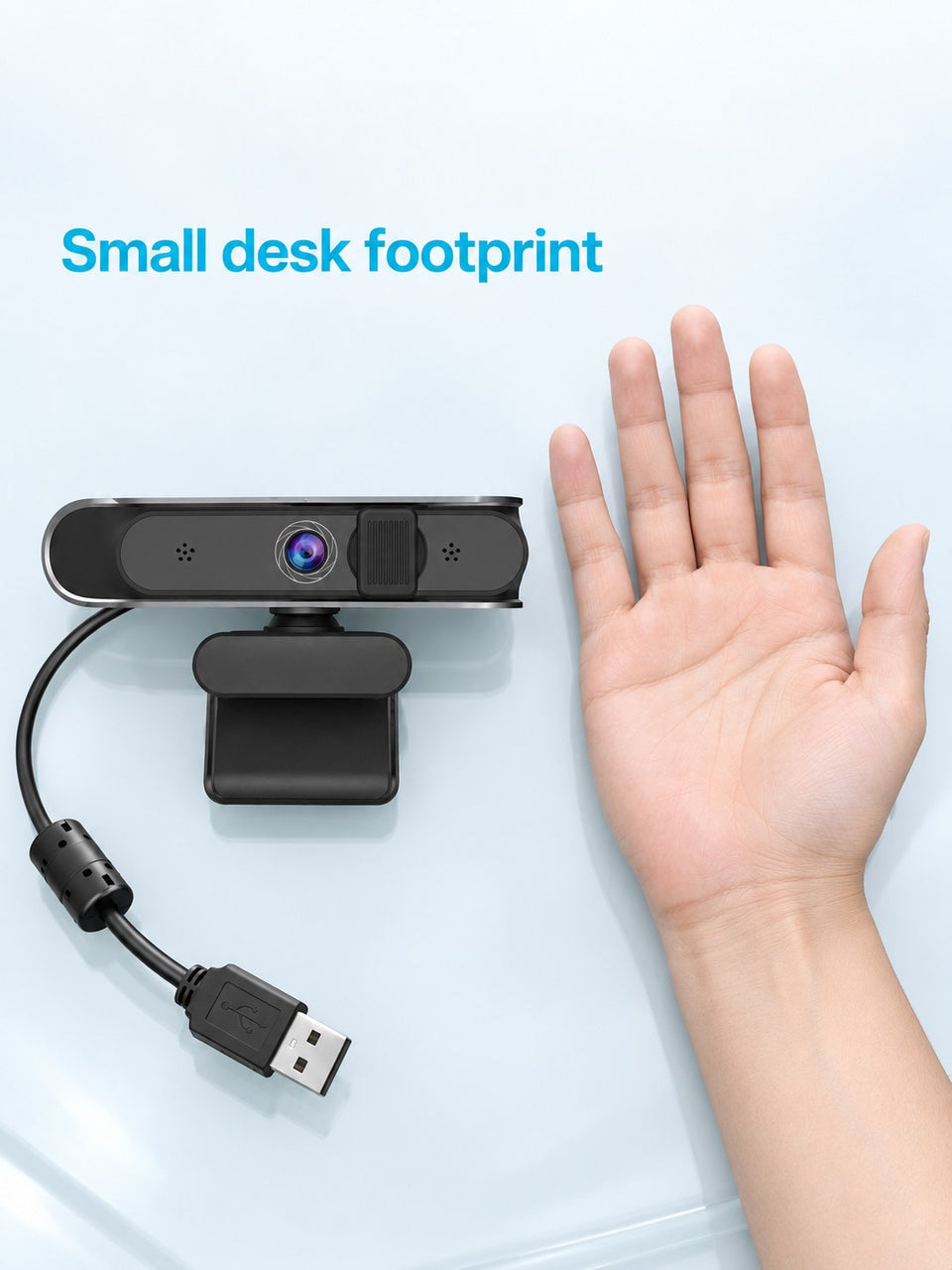
Connect the USB-A plug to your computer. The 1.58 m cable has a ferrite choke near the plug to help cut interference. Open the shutter, select the camera in your video app, and check the framing.
5MP autofocus lens, dual mics, sliding privacy shutter
1.58 m (61 in) with ferrite choke near the plug
Your laptop camera sits low, the lens is fixed, and your face goes soft the moment you lean back. The mic on the bottom bezel picks up the fan and the keyboard before it picks up you. Every meeting starts with the same question: can you hear me?

The camera clips over your monitor or laptop lid, the stand flips out to 180°, and the base turns 360° to aim at your face. Autofocus locks onto you and the dual mics take your voice from across the desk. Plug in the USB-A cable and it runs in your video app.
Your face is sharp on screen and your voice carries. When the call ends, the lens slides behind the privacy shutter and your desk stays clear. Your next meeting starts on your terms.
Plug in and select the camera in your video app. Adjust the clip and base so your face sits near the center of the frame.
After a few calls you know the best angle and spot for the mic. Autofocus settles quickly as you move.
The camera becomes a routine part of your desk, with the privacy shutter closed whenever you are not in a call or class.
Slim enough to clip onto a monitor bezel without crowding the desk
| This webcam | Built-in laptop camera | Desk camera with headset | |
|---|---|---|---|
| Autofocus | — | ||
| Built-in mics | Partial | — | |
| Privacy shutter | — | — | |
| Clips onto monitor or lid | — | — |
The clamp opens wide enough for most desktop monitor bezels and laptop lids. Very thick or curved edges can leave it loose, so test the fit on your screen first and adjust the base to frame your face. The stand flips out to 180°, which helps the lens sit level.
Yes, in daily use. The 5MP autofocus lens keeps the image sharp at your working distance, and 1080P is the standard resolution for video calls and online classes. A fixed-focus laptop camera goes soft when you lean back. This one refocuses as you move.
Yes. Slide it across the lens and nothing gets through, so the feed shows black. Slide it open before a call. It is the simplest way to know the camera is off.
The body is matte plastic with brushed silver-grey trim and a glossy lens. It feels solid and light in the hand, and it is built for a desk and a clip. Keep the cable from pulling on the plug and the mount will hold steady through daily calls.
It is a standard USB camera, so it appears as a camera option in Zoom, Teams, and most game streaming software. Pick it in your app's camera settings and choose the same microphone in the audio settings for the cleanest sound.
Usually, yes. Autofocus, a 5MP sensor, and dual mics cost far less than a new laptop, and the camera works with the machine you already own. One plug-in part gives you a sharper picture and clearer voice on every call.


 1080P Webcam with Autofocus & Mic for Video Calls