

$84.90
Free delivery · 7–14 days
1080P Webcam with Autofocus and Built-in Mic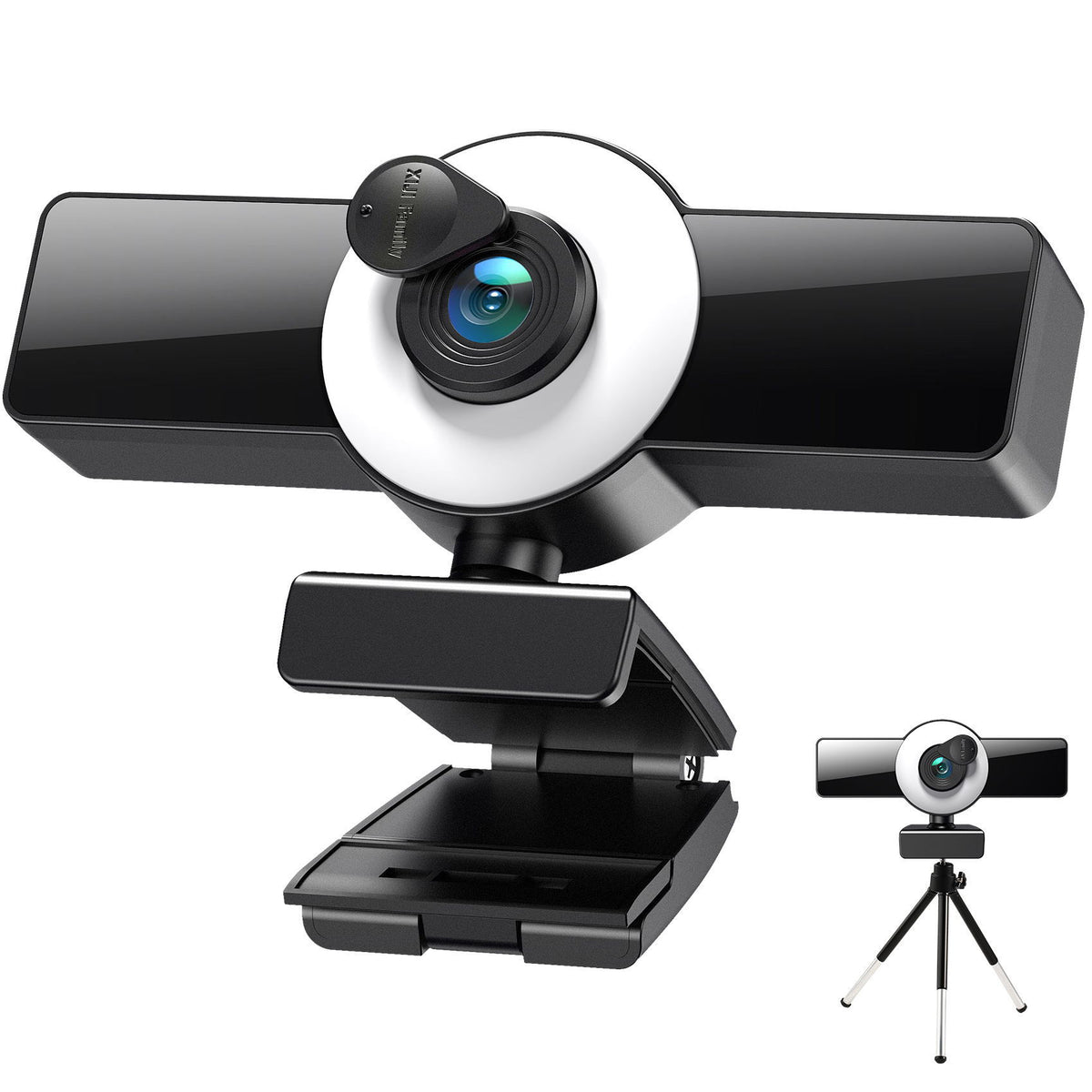
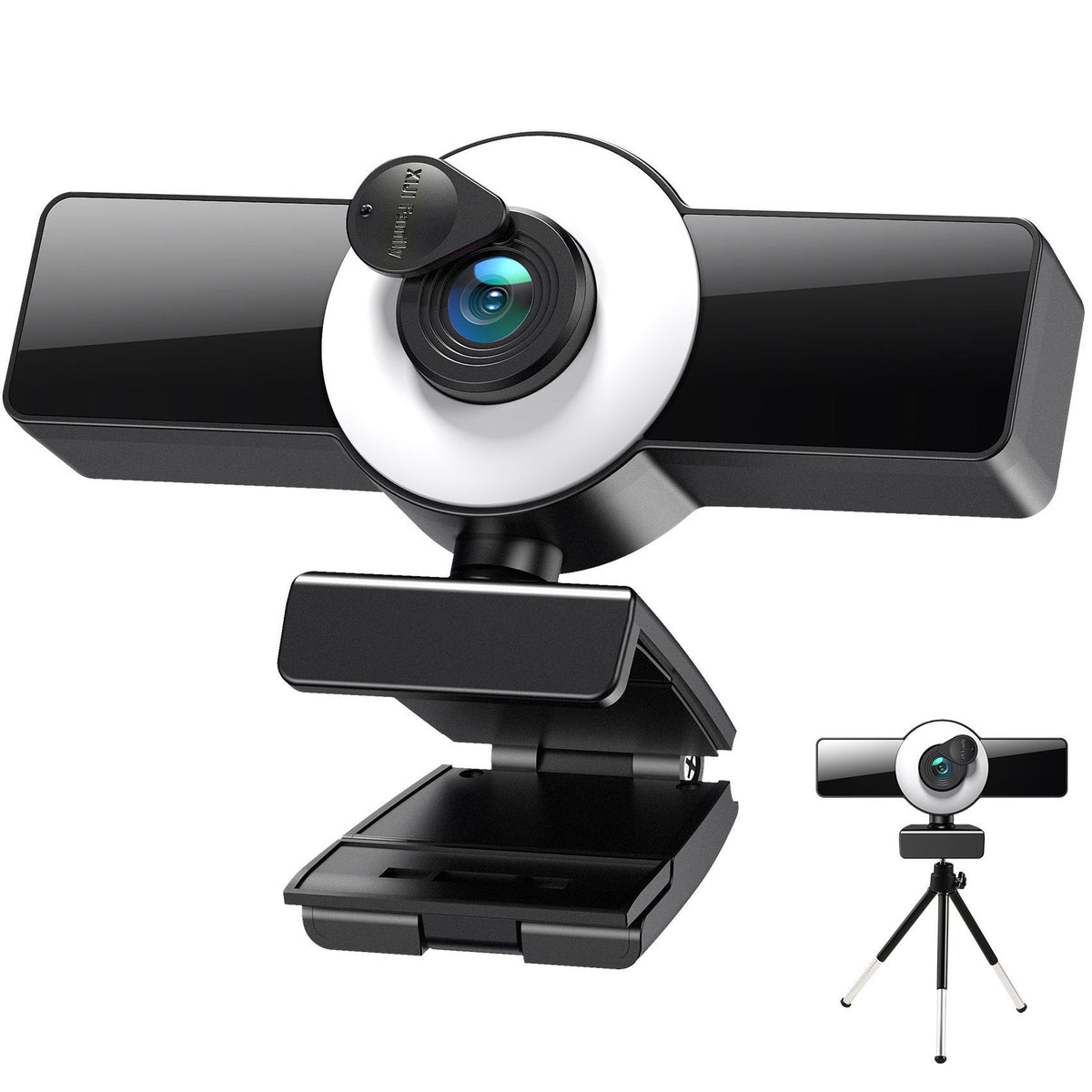
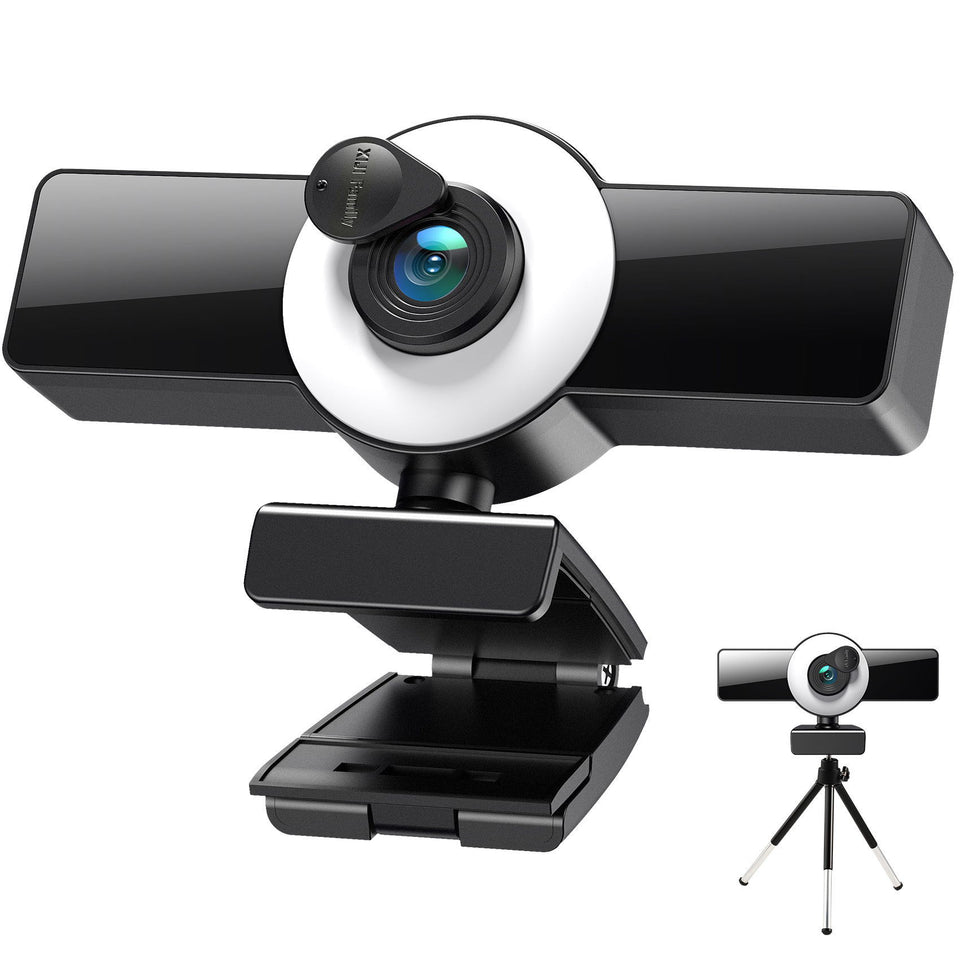
Your face looks bright, sharp and ready on every call and live stream. This compact USB webcam clips to your laptop or monitor with a ring light, autofocus and a privacy paddle built in. Plug it in and you are on camera in seconds.
Read the full descriptionYour face looks bright, sharp and ready on every call and live stream. This compact USB webcam clips to your laptop or monitor with a ring light, autofocus and a privacy paddle built in. Plug it in and you are on camera in seconds.
Bright, sharp, streaming-ready video with a built-in ring light and autofocus
Dim, soft webcam video makes every meeting and stream feel like an afterthought. Clip on one compact camera with a built-in ring light and autofocus, and your face stays bright and in focus.

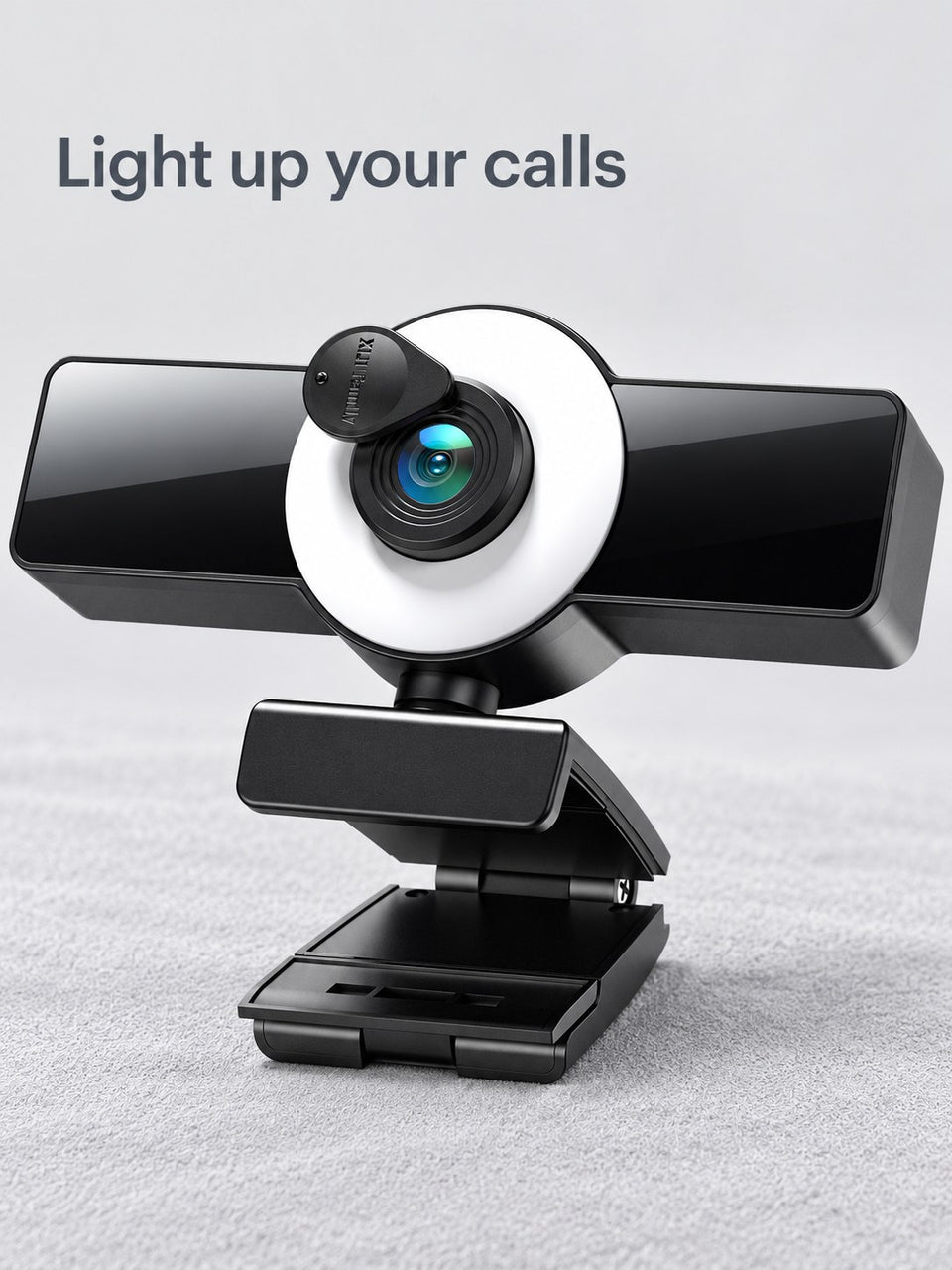
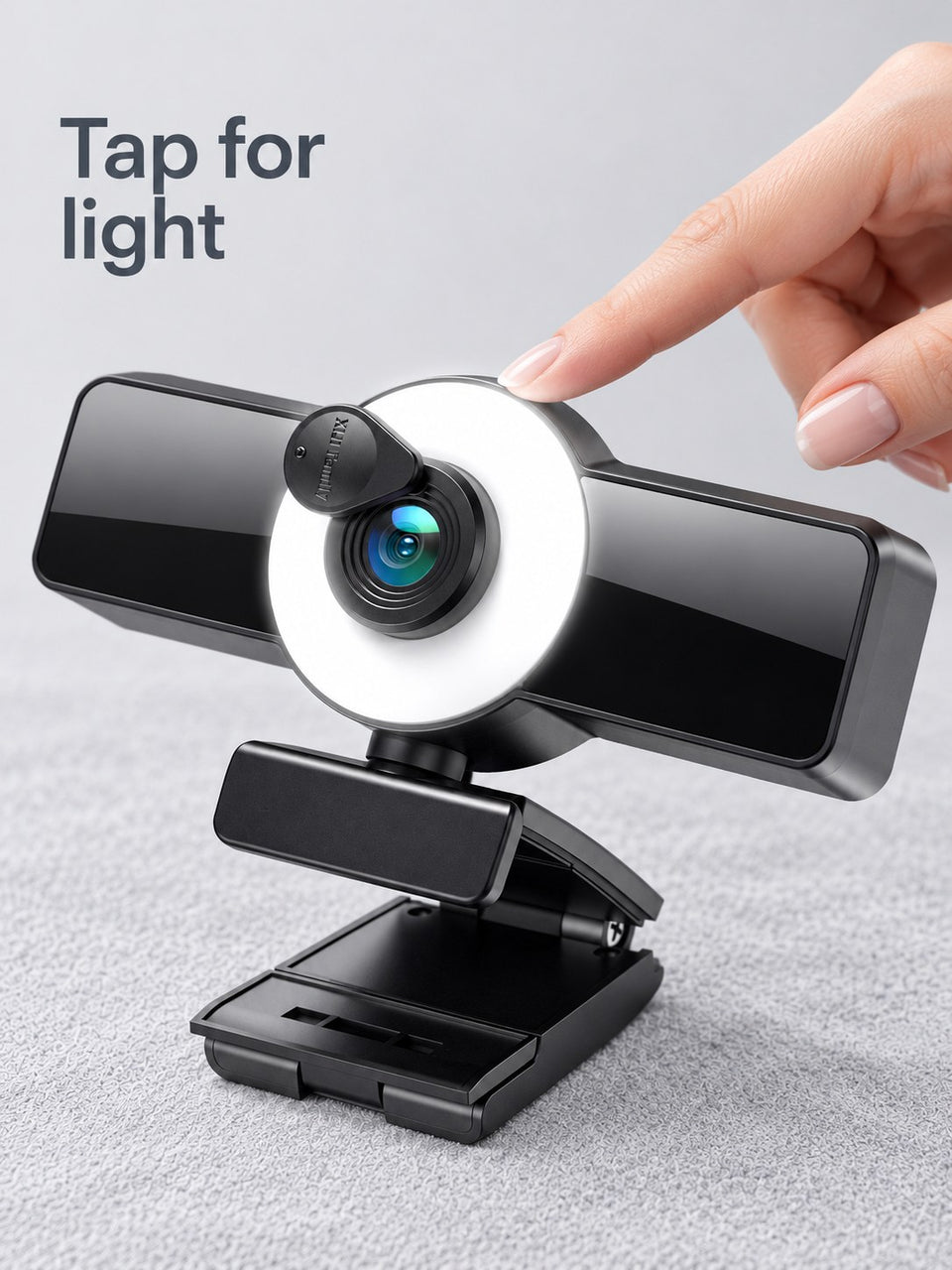
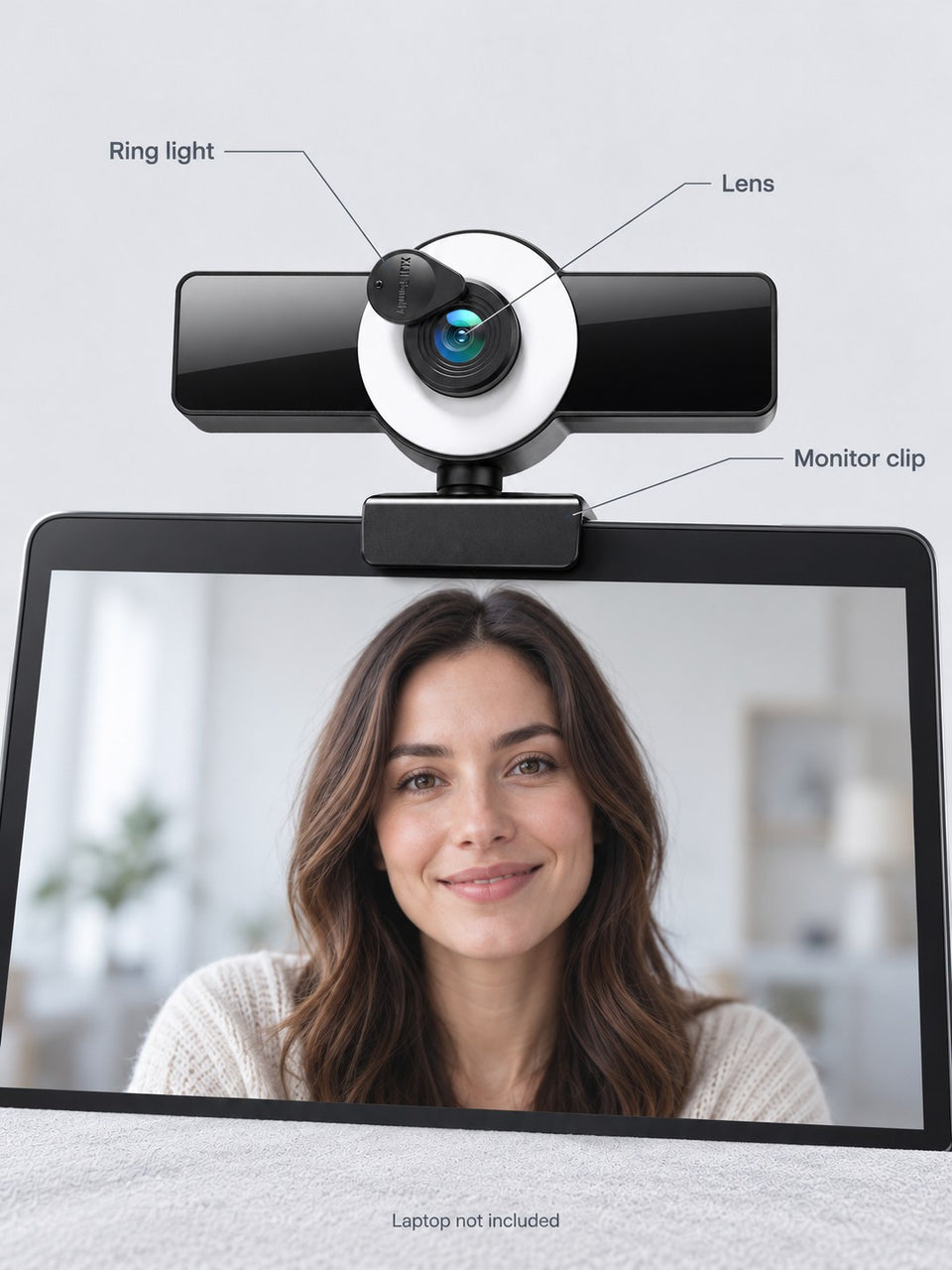
The ring light sits around the lens and throws even fill across your face. Touch the fingerprint sensor under the lens to cycle through cold, natural and warm light. Bright daytime desk, neutral video call or a warm evening stream, you pick the look in one tap.

The autofocus lens locks onto your face and holds it in frame when you lean back, shift in your chair or reach for a coffee. You stop chasing the sharp spot on the screen and stay on the subject.
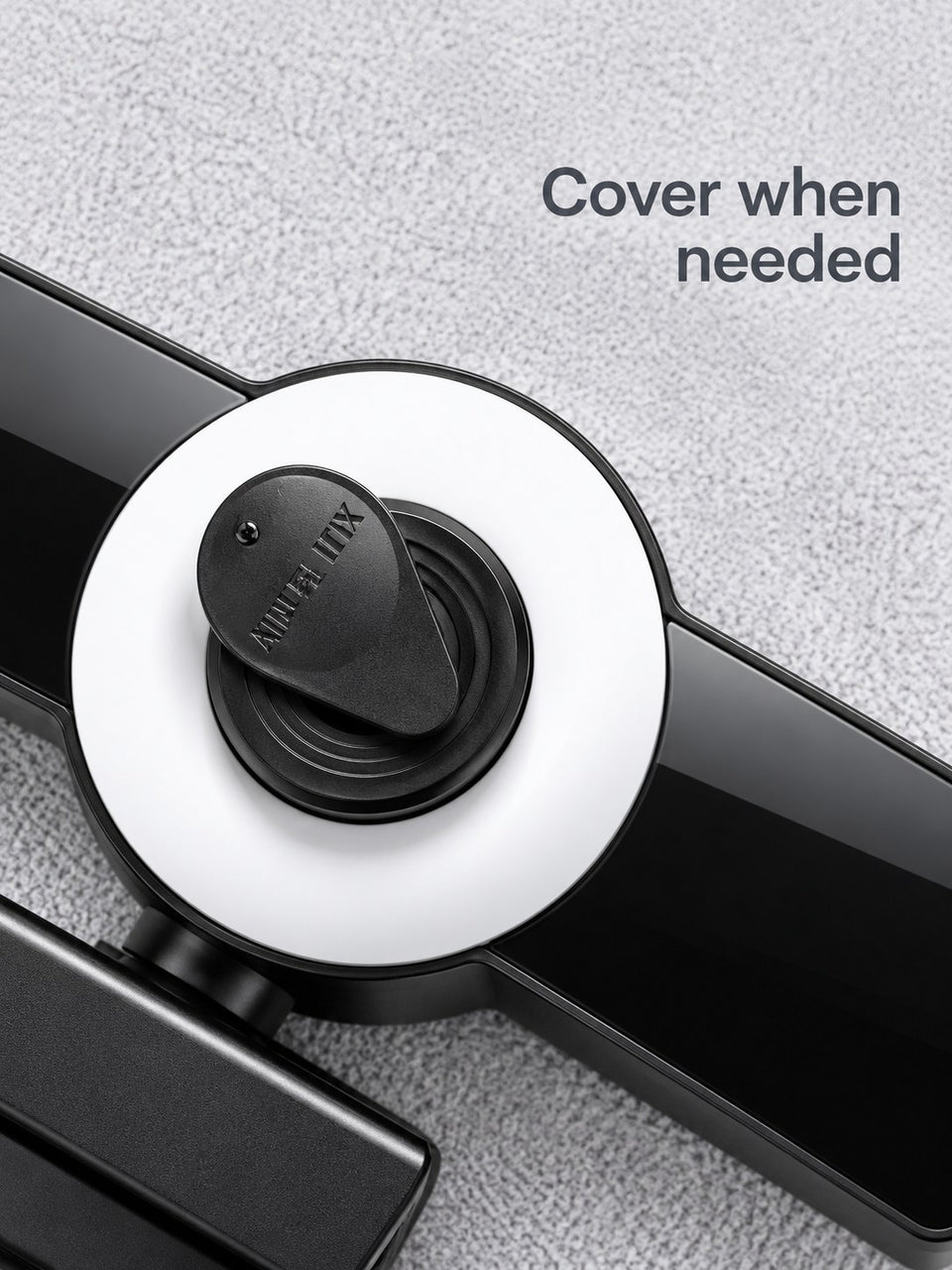
The rotating anti-peep paddle swings over the lens when you are not on camera. Turn it back before a live stream and the lens is clear. You decide when the camera can see you, not the other way round.
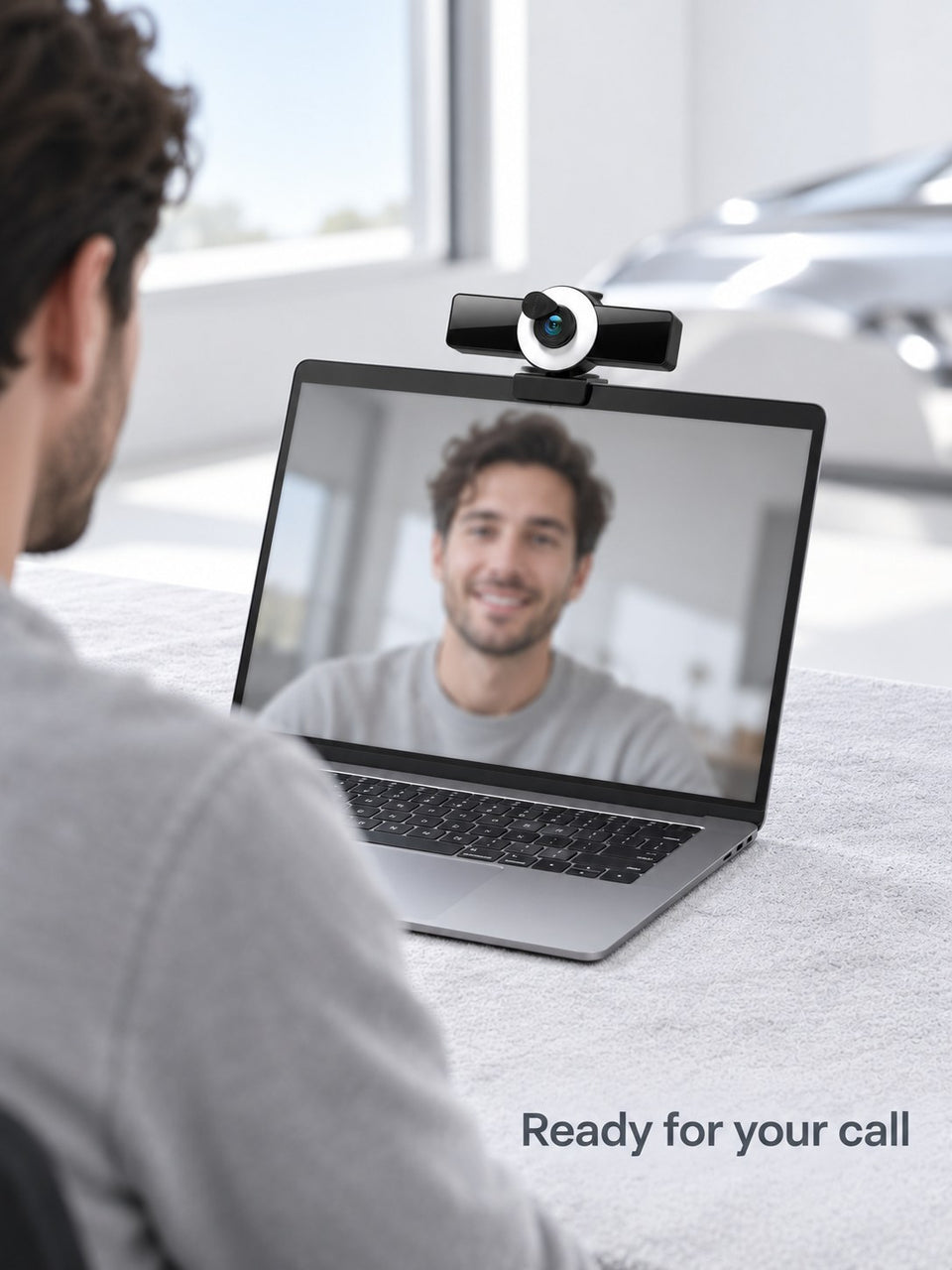
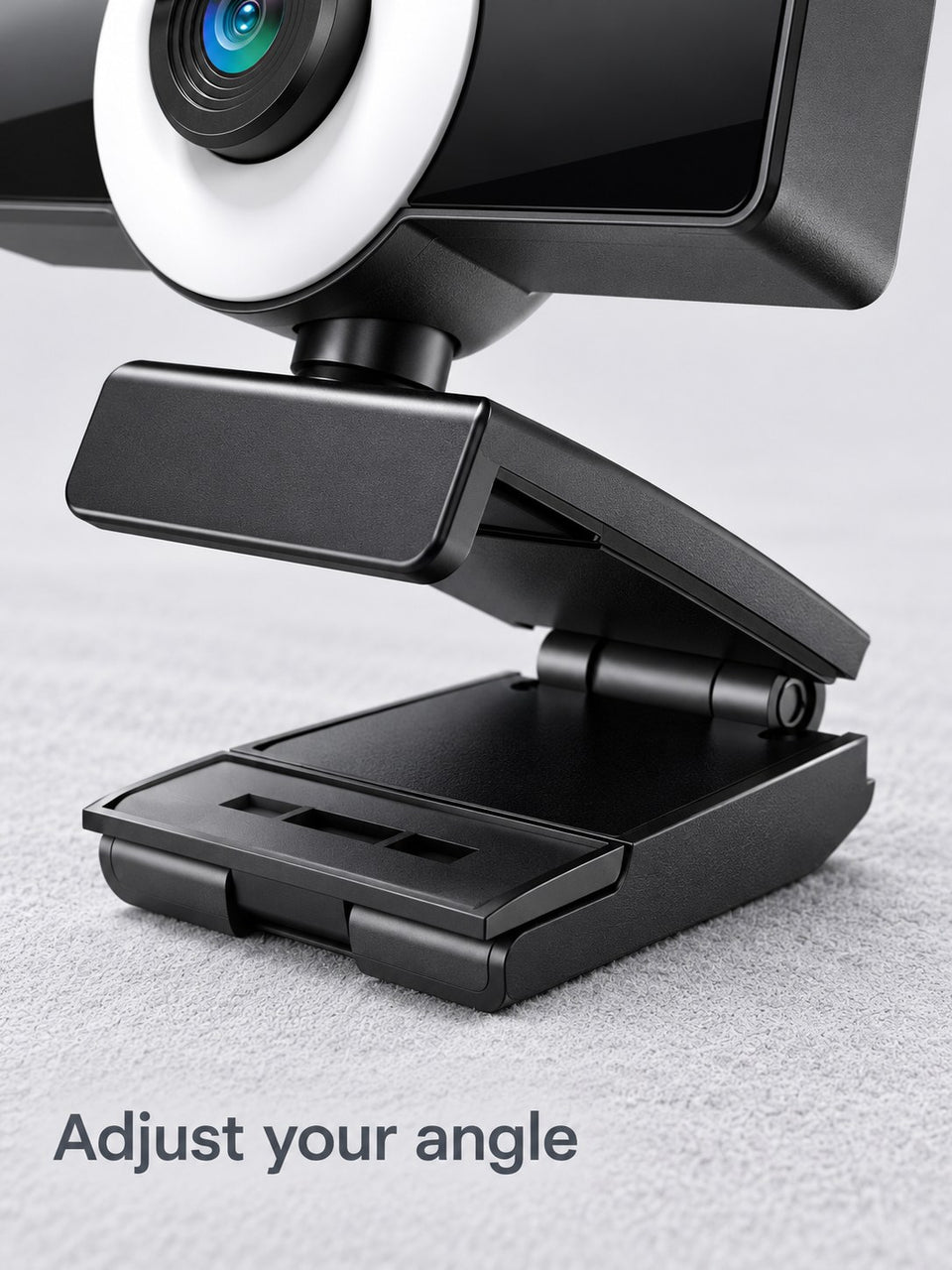
Open the folding clip base and set the tilt-adjustable mount on your laptop lid or the top edge of a monitor. Angle the lens so your face sits near the centre of the frame.
Touch the fingerprint sensor under the lens to cycle between cold, natural and warm light. The autofocus locks onto your face as soon as you sit in front of it.
Rotate the paddle away from the lens to go live or join a call. Turn it back across the lens when you step away from the desk.
1080p camera with autofocus, 3 light modes, dual speakers and built-in microphone
Sits the camera on a desk when you do not want to clip it on
Tilt-adjustable clip mount for laptop lids and monitor edges
Yes. The tilt-adjustable clip mount grips a laptop lid or the top edge of an external monitor. Thin lids take a little fiddling to get the angle right, so set the tilt before you tighten. If you would rather keep it on the desk, the mini tripod stand holds it upright. For a steadier setup, pair it with tracking stand options.
1080p gives a clean, sharp picture for streams, calls and close-up tutorials. Most of how sharp you look comes from the autofocus holding your face in frame and the ring light filling shadows, so the picture stays crisp when you move. If your streaming platform tops out at 1080p, you get the full quality it can show.
For calls, class meetings and casual streams, yes. The dual speakers are clear for conversation, and the built-in microphone picks up your voice at a desk. Expect a thinner sound than a headset mic, and some keyboard noise if you type while you talk. If you narrate or game with friends, add a headset for those sessions.
Touch the fingerprint sensor under the lens to cycle through cold, natural and warm light. Cold suits a bright daytime desk, natural works for most calls, and warm looks good on evening streams or in a cosy room.
Yes. Rotate the privacy paddle across the lens and the camera has no view. It is a physical cover, so it works without any software setting. Turn it back when you go live or join a call.
A basic USB webcam leaves out the two things that make video look good: light and focus. A separate desk lamp and a privacy cover add cost and clutter to the desk. This unit puts a ring light, autofocus, dual speakers and a privacy paddle into one clip, so you buy one thing and skip the fixes. If you are comparing it with a plain usb web camera, the difference is the light and the focus.


 1080p Streaming Webcam with Ring Light and Autofocus