
$84.90
Free delivery · 7–14 days
1080P Webcam with Autofocus and Built-in Mic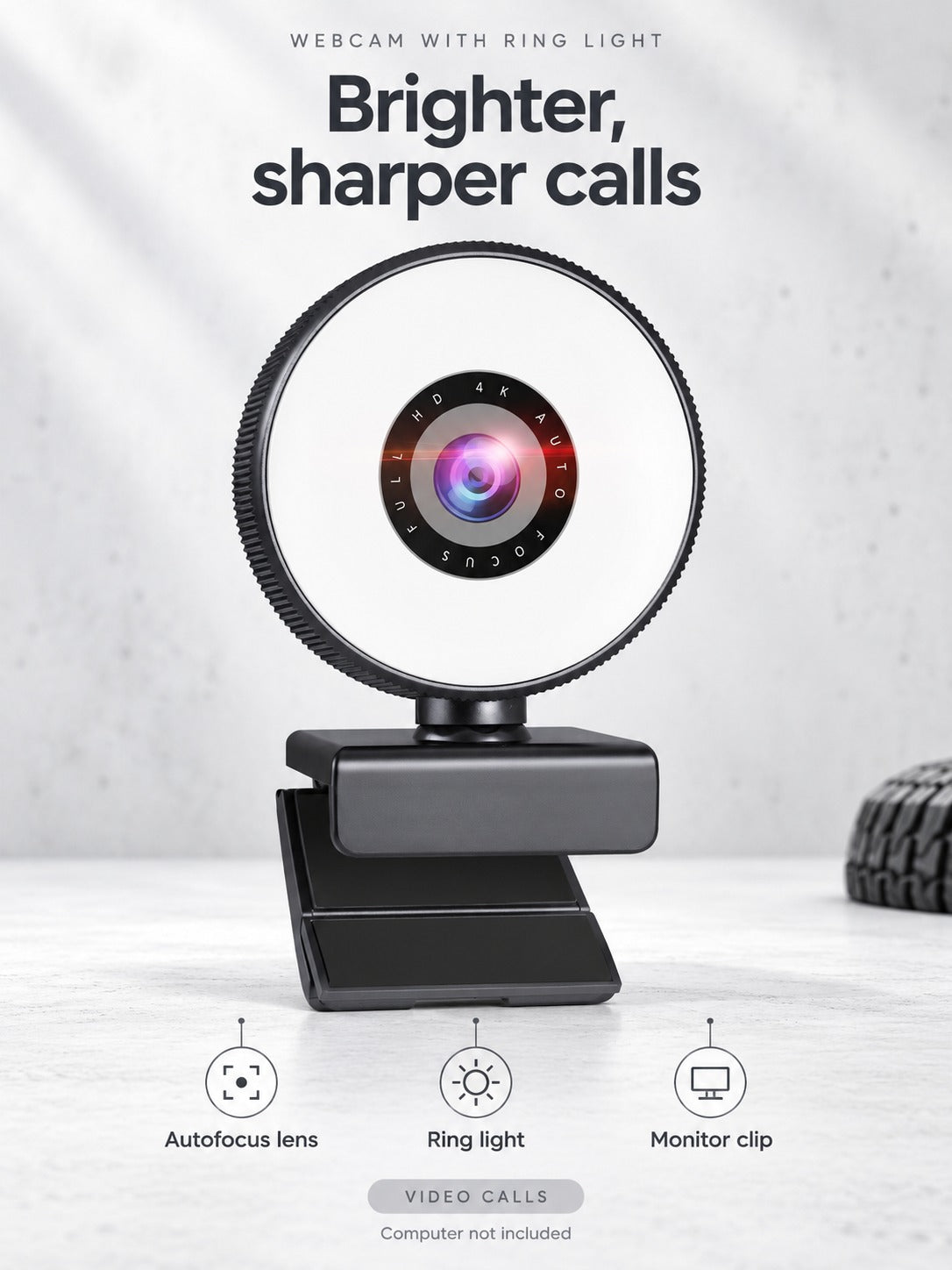
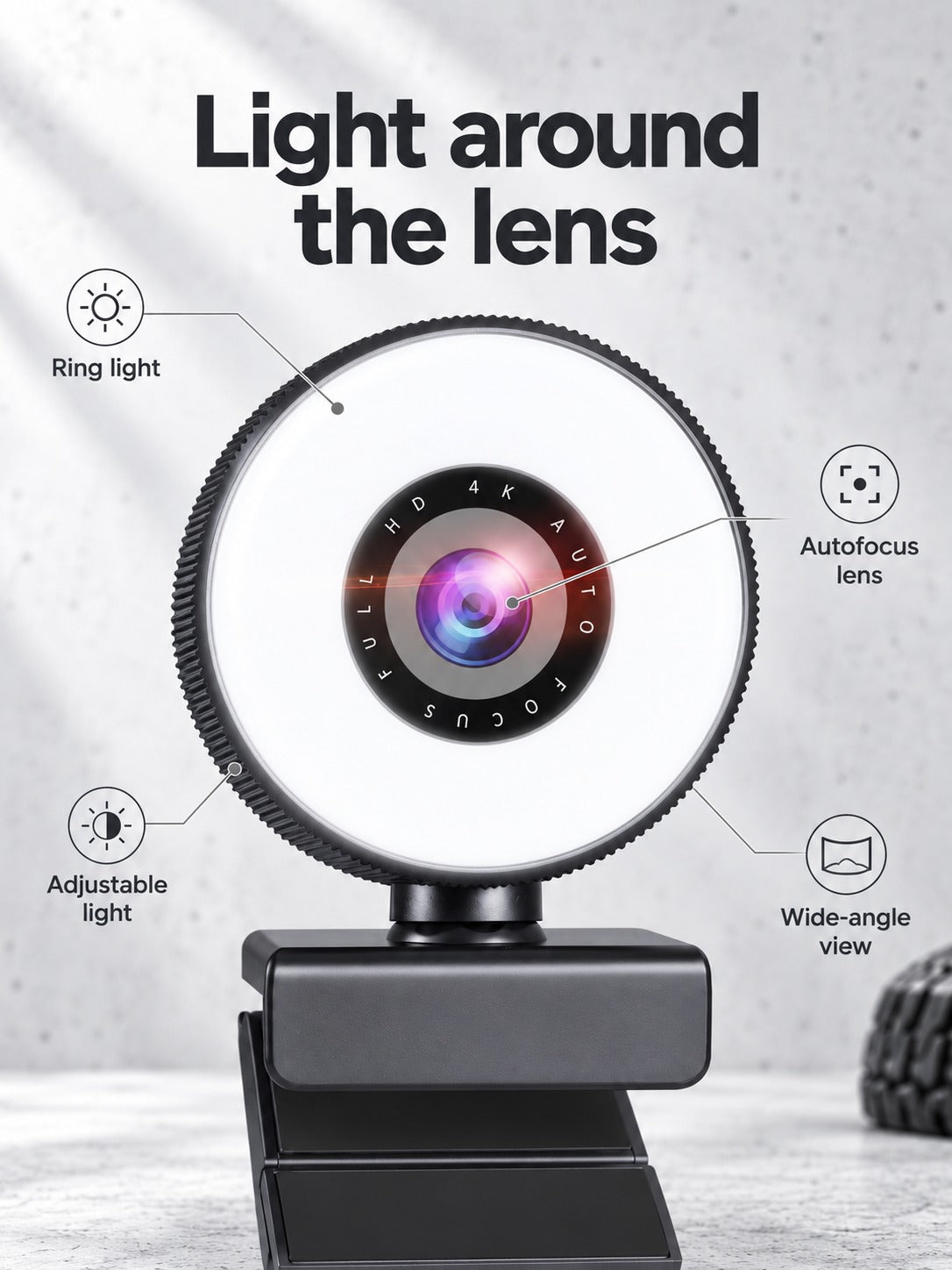
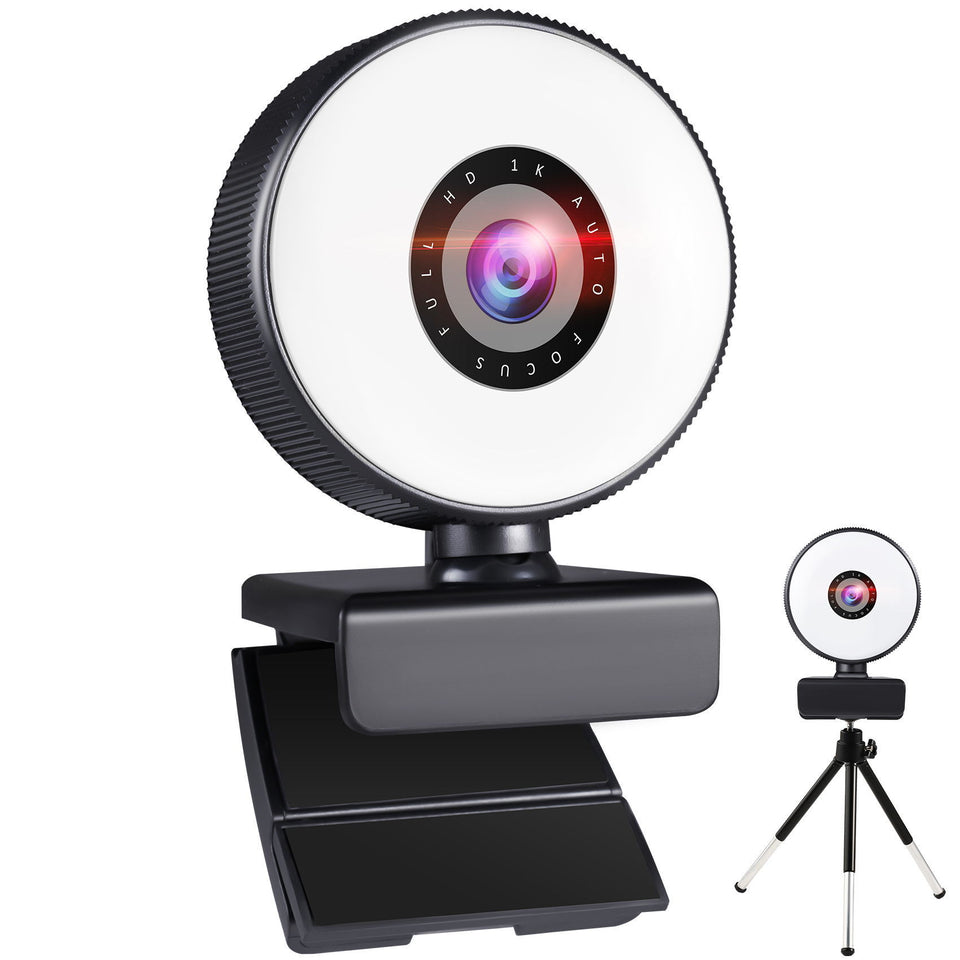
Your calls look polished when the light lands on your face and the picture stays sharp. This 4K webcam clips to your monitor with a built-in 3-level ring light and an autofocus lens, so one camera handles the lighting and framing you used to piece together. Plug in USB, tap the light, and start the...
Read the full descriptionYour calls look polished when the light lands on your face and the picture stays sharp. This 4K webcam clips to your monitor with a built-in 3-level ring light and an autofocus lens, so one camera handles the lighting and framing you used to piece together. Plug in USB, tap the light, and start the meeting.
Beauty touch light webcam with 4K HD video and autofocus for flattering live video
Dim, blurry faces make you look less sharp than you are. Clip on one webcam with a built-in ring light and autofocus, and your video looks even and in focus from the first meeting.

The autofocus lens follows you when you lean in or shift in your chair. The packaging lists both optical and AI focusing, so sharpness stays put through the call instead of drifting each time you move.

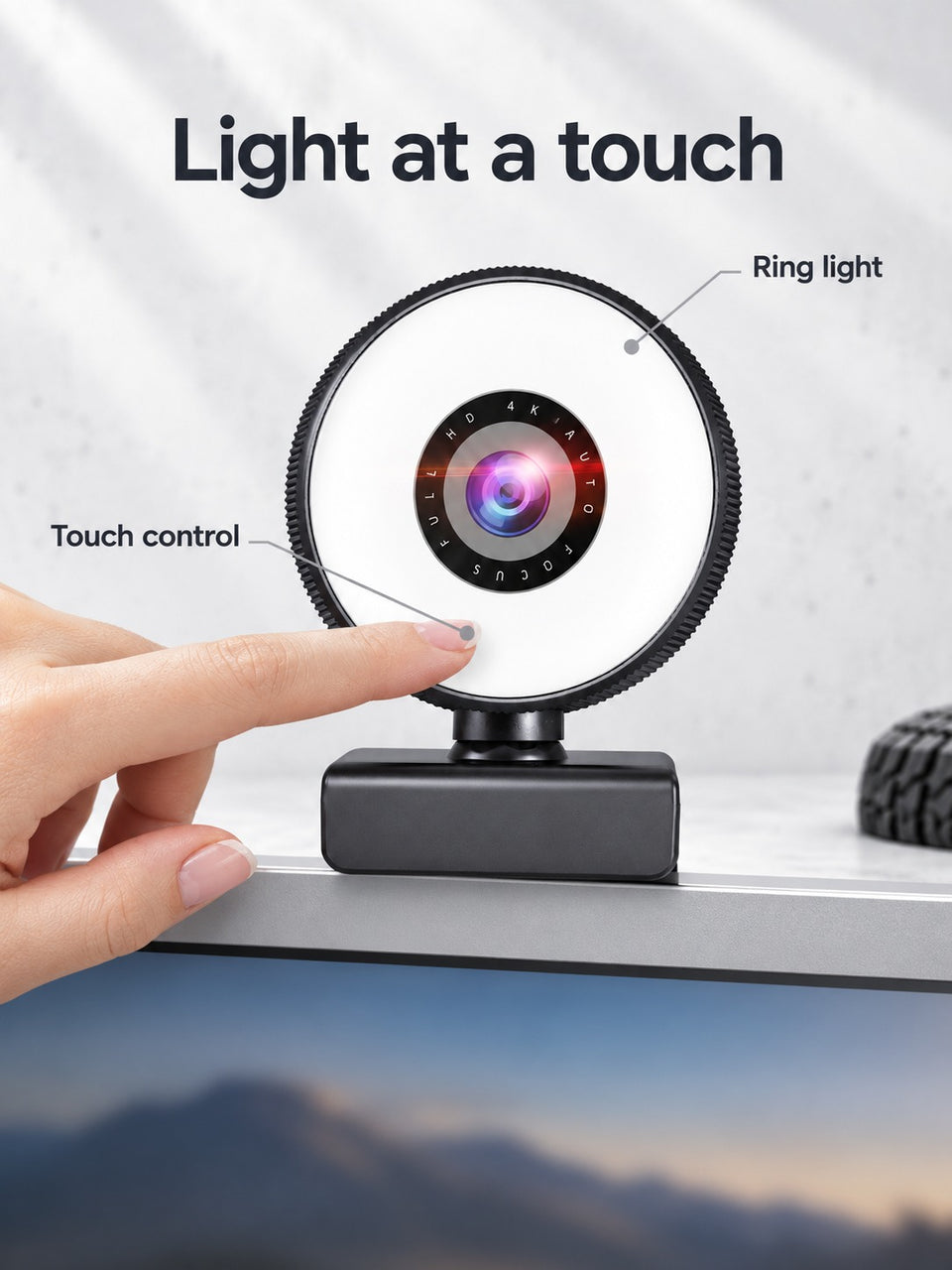
One tap on the touch control cycles Low, Middle and High. The ring light spreads even illumination across your face, which softens the shadows that overhead lamps leave under your eyes. Start on Middle and adjust to suit your room.

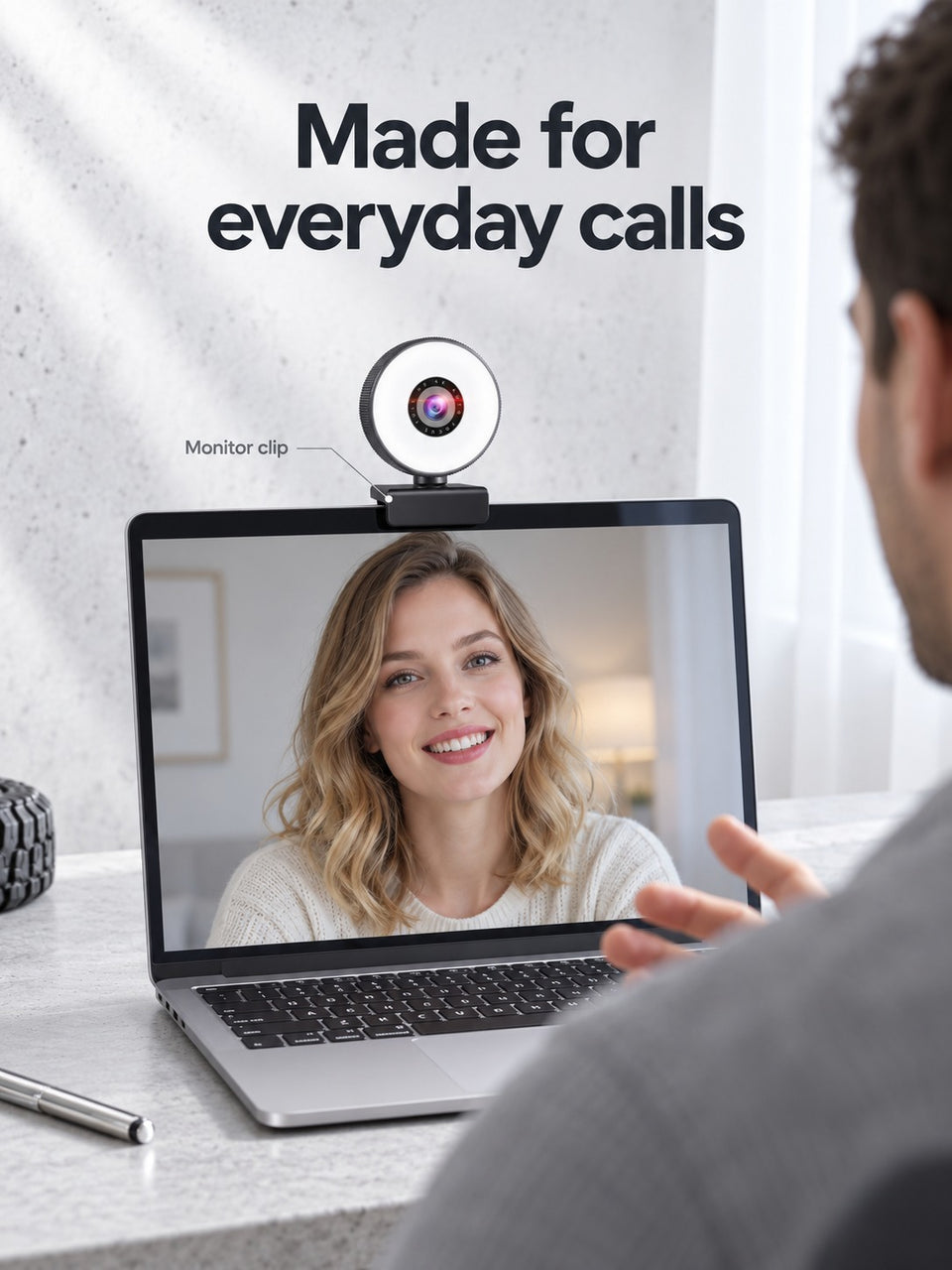
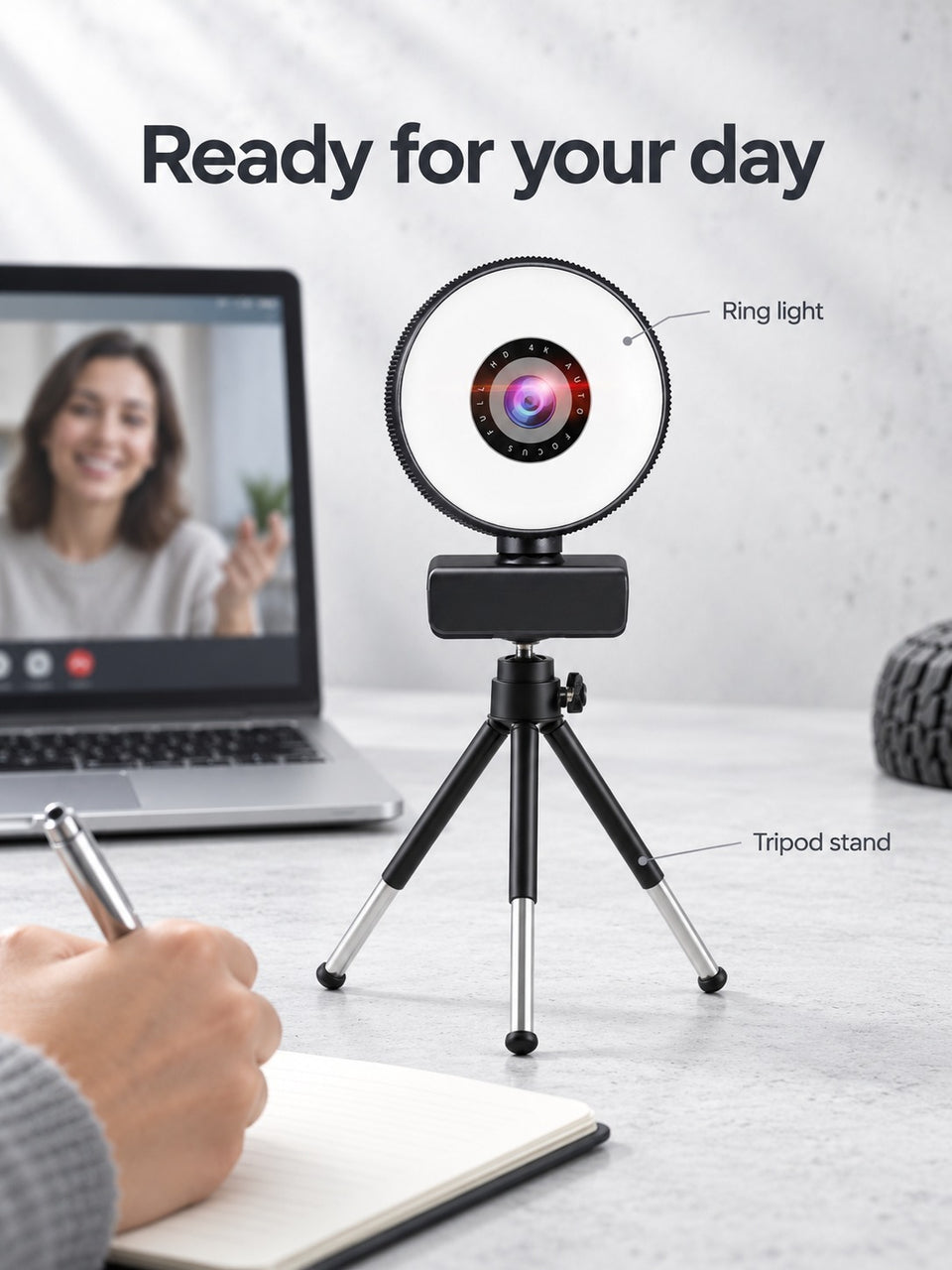
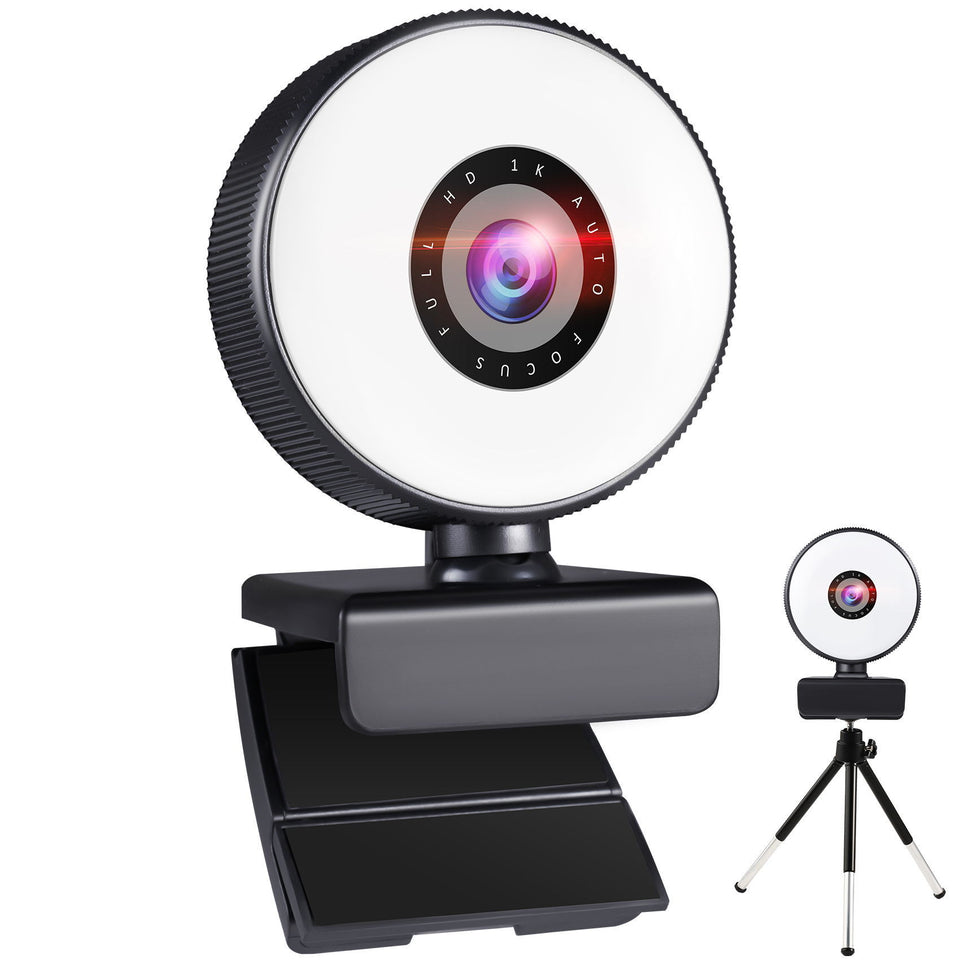
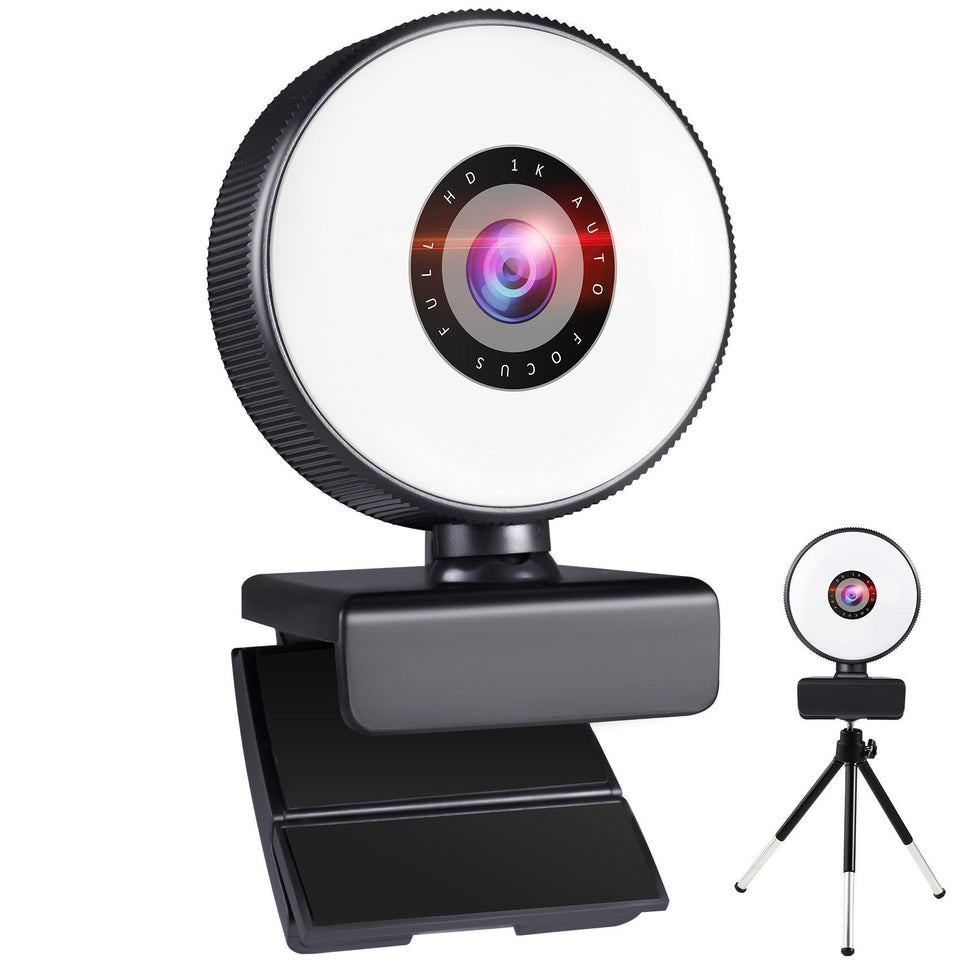
The rotatable clip grips laptop lids and monitor edges, and multi-angle adjustment sets your tilt. When a lid is too thick to clip, the mini tripod sits flat on the desk or a shelf. The 110 degree wide angle keeps your face and the room in one frame.
Attach the clip to a monitor edge, or set the mini tripod on your desk. Angle the lens to eye level.
Connect the USB cable and select the camera in your video app or streaming software.
Touch the light control to cycle Low, Middle and High. Start on Middle and adjust until your face looks natural.
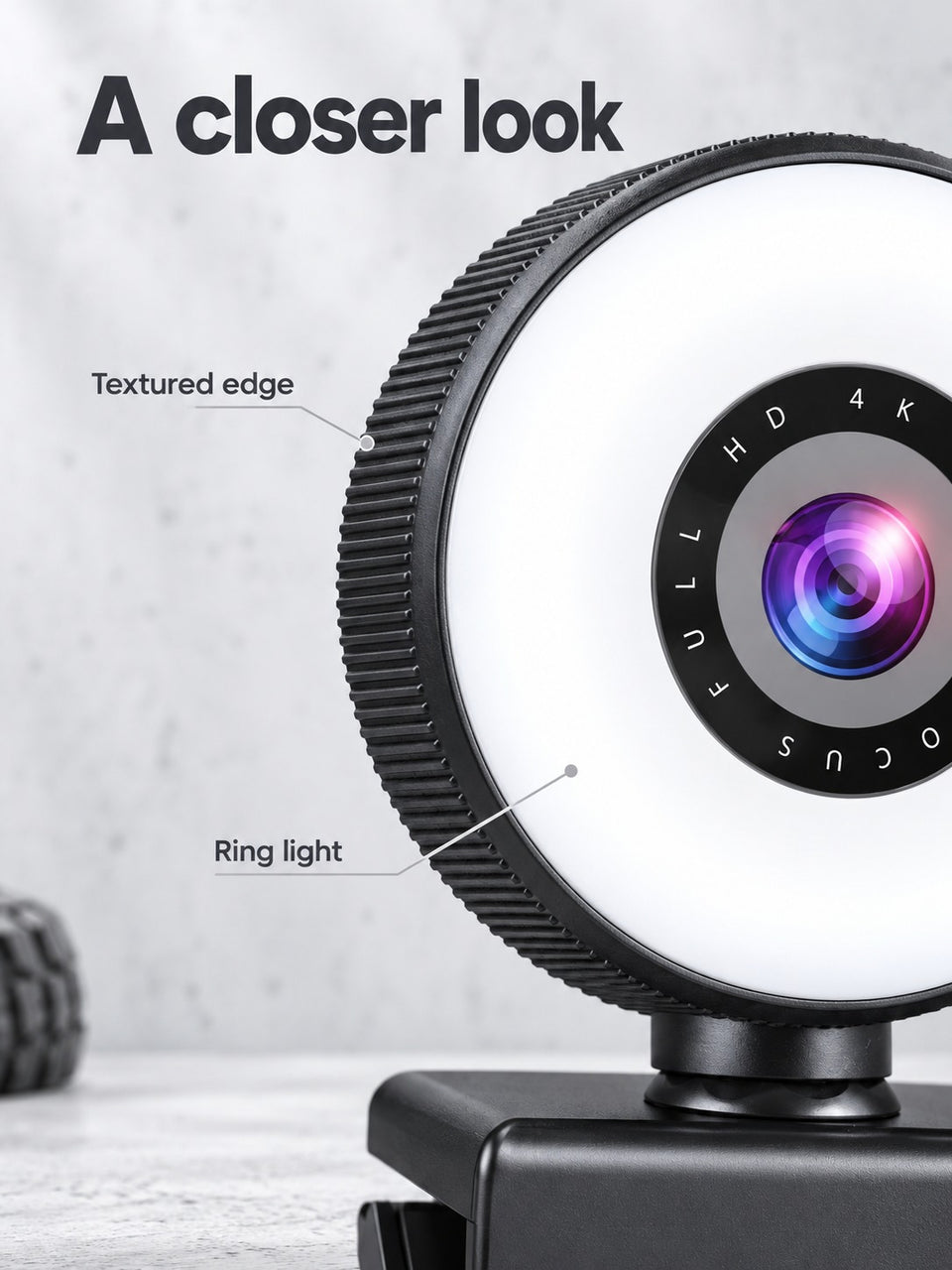
Matte black body with a glowing white ring light
Rotatable, for laptop lids and monitor edges
Sits flat on a desk or shelf
Connects the camera to your computer

Overhead lamps and window glare turn a work call into a dim, soft-focus frame. Half the meeting you are squinting at yourself, and the picture hunts for focus every time you lean in to make a point.

The fix is one unit. The ring light sits around the lens, so the light lands exactly where the camera looks. Clip it to your monitor or stand it on the desk with the mini tripod, then tap the touch control to step through Low, Middle and High. If you like a steadier desk setup, a tracking stand is a good companion.

The autofocus lens keeps you sharp through the 110 degree field of view, so you stay in focus when you lean back or shift in your chair. Your face reads evenly lit, and the frame is wide enough to show the desk behind you. You stop thinking about the camera and get back to the conversation.
Plug in the USB cable, pick the camera in your app, and tap the light through all three levels to see which suits your room.
After a few calls you will know the clip position and tilt that frame your face and desk. The multi-angle adjustment makes repositioning quick.
Clipping it on becomes a habit before each meeting. The camera stays in place, and you spend less time adjusting light or framing.
| This camera | Laptop webcam | |
|---|---|---|
| Built-in fill light | — | |
| Touch brightness control | — | |
| Autofocus lens | — | |
| Clip and mini tripod in the box | — |
The camera records in 4K HD, but your call app decides what reaches the other side. Most video apps let you set a video quality, and a slow upload speed drops it further. Check the quality setting in your app and your upload speed before you judge the focus.
The rotatable clip grips laptop lids and monitor edges. A thick or soft lid can slip, so in that case set the mini tripod on the desk or a shelf and keep the lens at eye level. One unit covers the clip, the stand and the light, so you skip buying a separate ring light and stand.
No driver install is listed. Plug the USB cable into your computer, then choose the camera as the video source in your app.
Start on Middle. Low suits a room with daylight coming in, and High works for dark corners. The touch control cycles the levels in one tap, so you can adjust during the call.
Yes. The camera connects over USB as a standard webcam, so you can select it as a video source in OBS or any streaming app that reads webcams.


 4K Webcam with Ring Light and Autofocus for Video Calls