
$64.90
Free delivery · 7–14 days
Xiaomi Mijia Clip-On Fill Light for Flattering Selfies


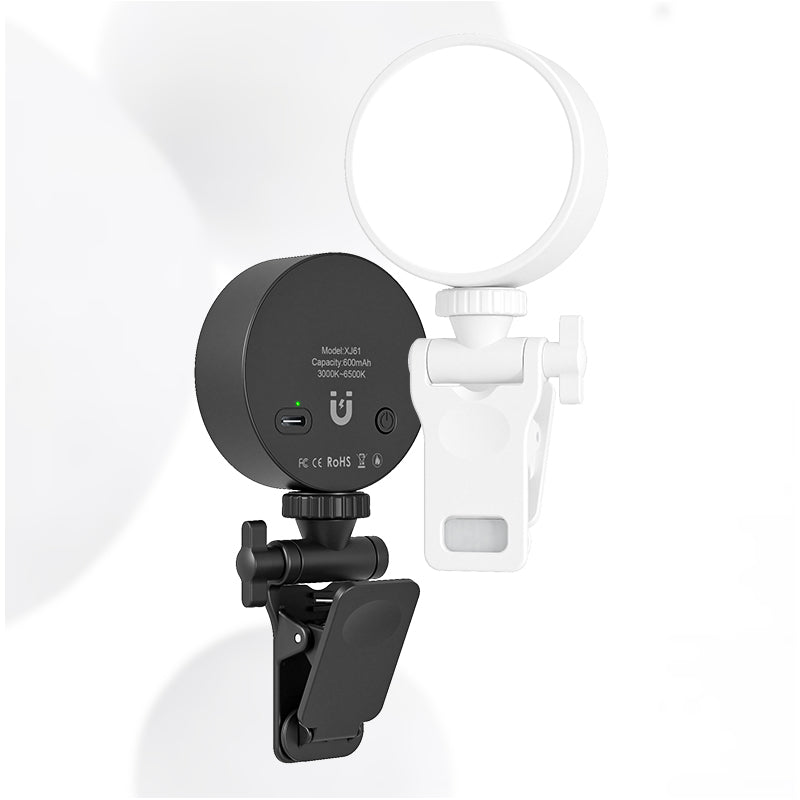


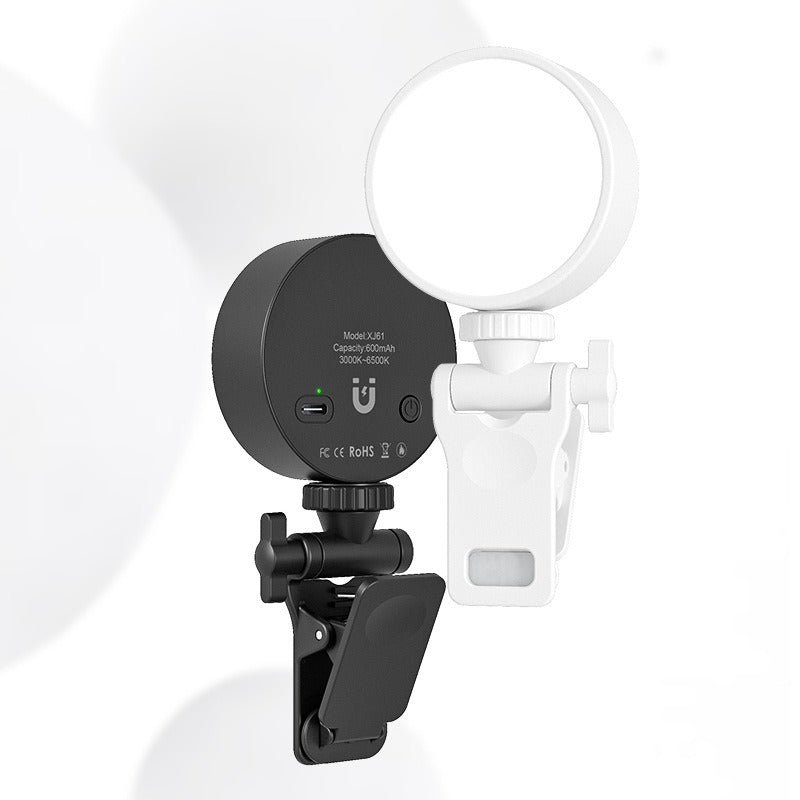
Clip a compact full-screen LED panel onto your phone or stick it to metal, and walk into every call with even, soft light across your face. Tune it from warm 3000K to cool 6500K until your skin tone looks right in your room. The 600mAh battery is rated for about 120 minutes, so it covers...
Read the full descriptionClip a compact full-screen LED panel onto your phone or stick it to metal, and walk into every call with even, soft light across your face. Tune it from warm 3000K to cool 6500K until your skin tone looks right in your room. The 600mAh battery is rated for about 120 minutes, so it covers a typical call or stream.
Full-screen LED fill light that clips or magnetically attaches for flattering selfies and video calls anywhere
Tired of looking dim or shadowy on camera? Clip on a compact full-screen LED panel and walk into every call with even, soft light on your face.

The light is a full round panel, not a single hot spot in the middle. That spreads the glow across the face, so your cheeks, forehead, and eyes look lit at the same level. Most of the difference shows up in the preview before you even dial in.

The rotating ball-joint clip grips a phone, laptop lid, or desk lamp edge. Flip the light over and the magnetic back holds it to any metal surface. Pair it with an adjustable phone stand for a steady desk setup.

The color temperature runs from 3000K for warm room light to 6500K for cool daylight. Pick the setting that matches your lamp or window, and the skin tone on camera stays natural. The 600mAh battery is rated for about 120 minutes, and the USB-C port handles charging.
Open the clip and slide your phone in so the panel sits level beside the lens. For a laptop or desk lamp, use the clip on the edge, or flip the light and attach the magnetic back to a metal surface.
Press the power button to turn on the panel, then cycle through the color temperature from warm (3000K) to cool (6500K). Choose the setting that matches your room light.
Look at your own screen before the call starts. Angle the panel slightly off-axis if the glare sits on your lens. For long sessions, run it at a lower setting to stretch the 120 minute runtime.
The clip grips a phone and works on the edge of a laptop lid or a desk lamp. The rotating ball joint lets you angle the panel toward your face. Thick phone cases can make the clip stiff, so test the fit on your case first and clip at the top edge of the phone.
The magnet works on metal surfaces such as a laptop frame, a filing cabinet, or a metal desk lamp arm. Phone cases with a metal plate or magnetic ring may hold it. Thick plastic cases can weaken the hold, so the clip is the safer choice for a phone.
The panel covers the full face instead of throwing one hot spot, and that is what makes the image look finished. It is built for a desk, a bedroom, or a hotel room where overhead light is the problem, not for a film set. Most people see the change in the first preview.
The rated runtime is about 120 minutes on a full charge. Lower the brightness to stretch it through a longer session. Charge it before a long stream, since the battery is built in and does not swap out.
The USB-C port is for charging the built-in 600mAh battery. Plug it in before a long session so it starts full. Keep a USB-C cable in your bag for hotel rooms and travel days.
A softbox kit needs a stand, a corner of the room, and a set of bulbs or panels. This unit clips to the phone you already use and fits in a pocket. For most desks and small rooms, that makes a compact fill light the better value per use, since you actually grab it for every call.


 Mini Clip-On LED Fill Light for Selfies & Video Calls