
$99.90
Free delivery · 7–14 days
RGB LED Fill Light Stick with 3200K-5600K Color Temp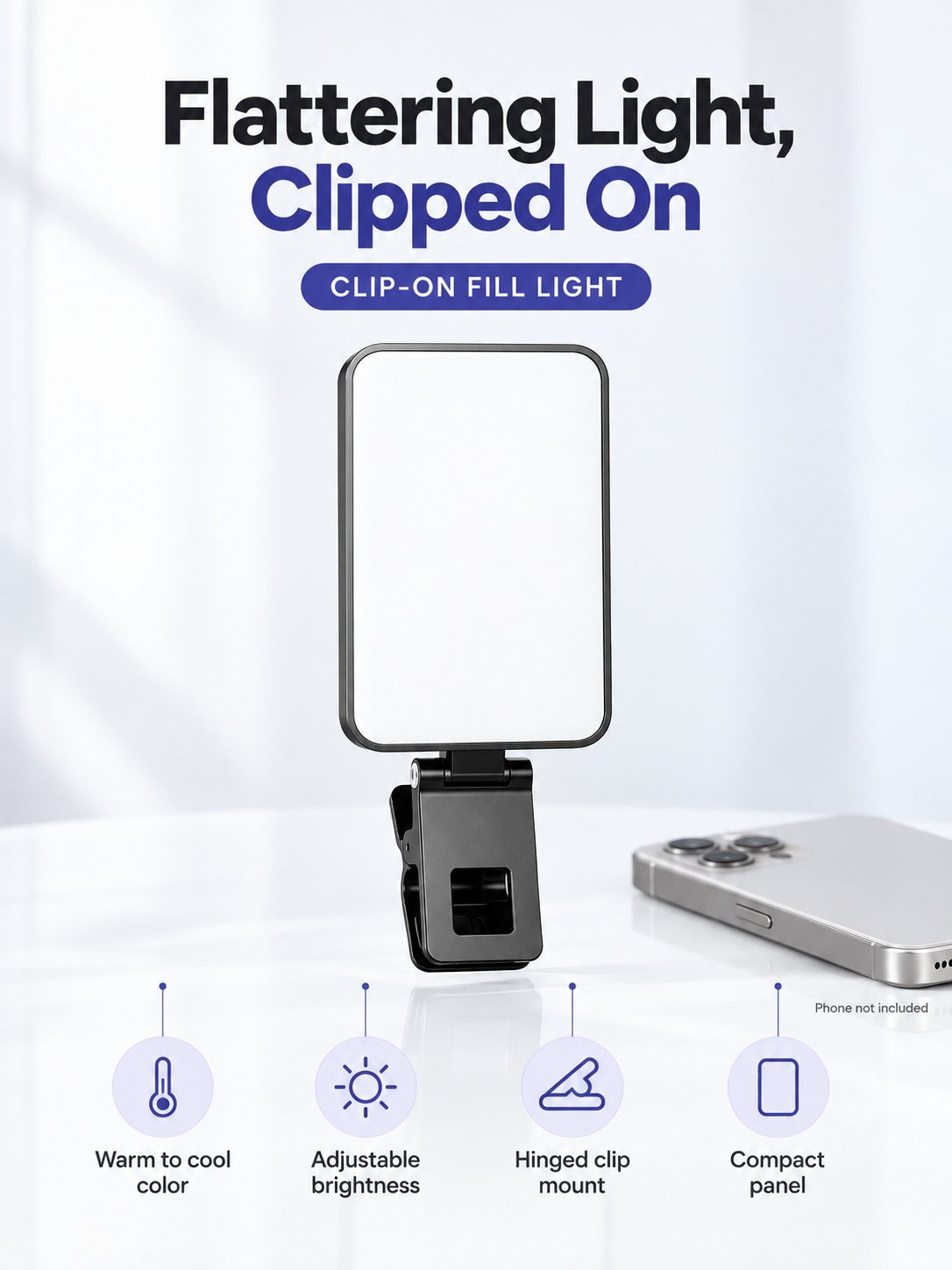
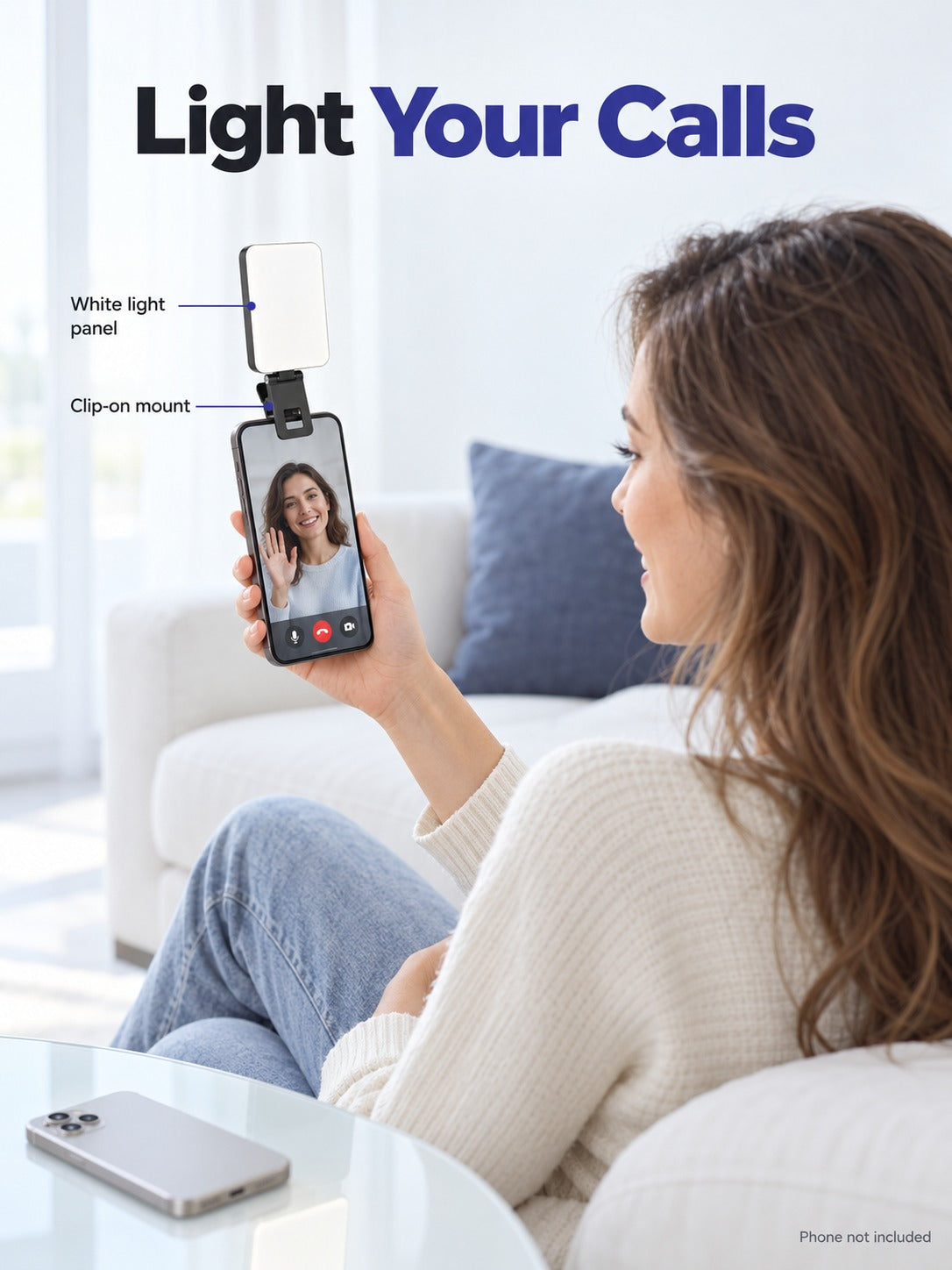
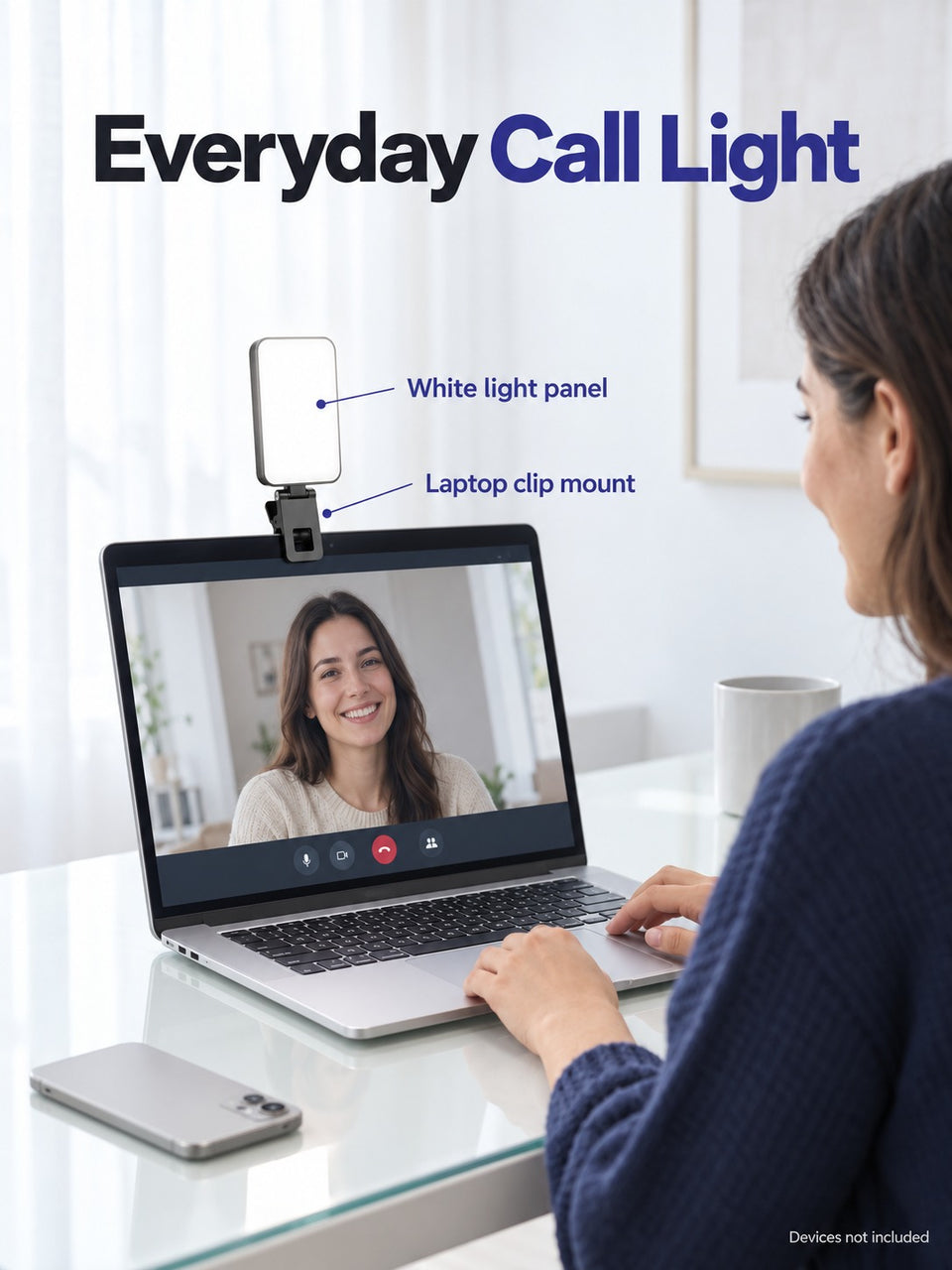
Clip the light to your phone or laptop and your face stays even on every call, whatever the room looks like. The panel moves from 3000K warm to 6500K cool, so you match the lamp or daylight already around you. It is small enough to leave on the desk.
Read the full descriptionClip the light to your phone or laptop and your face stays even on every call, whatever the room looks like. The panel moves from 3000K warm to 6500K cool, so you match the lamp or daylight already around you. It is small enough to leave on the desk.
Clip-on mini fill light with 3000-6500K adjustable color temperature for flattering video calls and live streams
Dim desk lamps leave you grey or orange on every call. Clip on a mini fill light, tune it from 3000K warm to 6500K cool, and show up looking prepared.

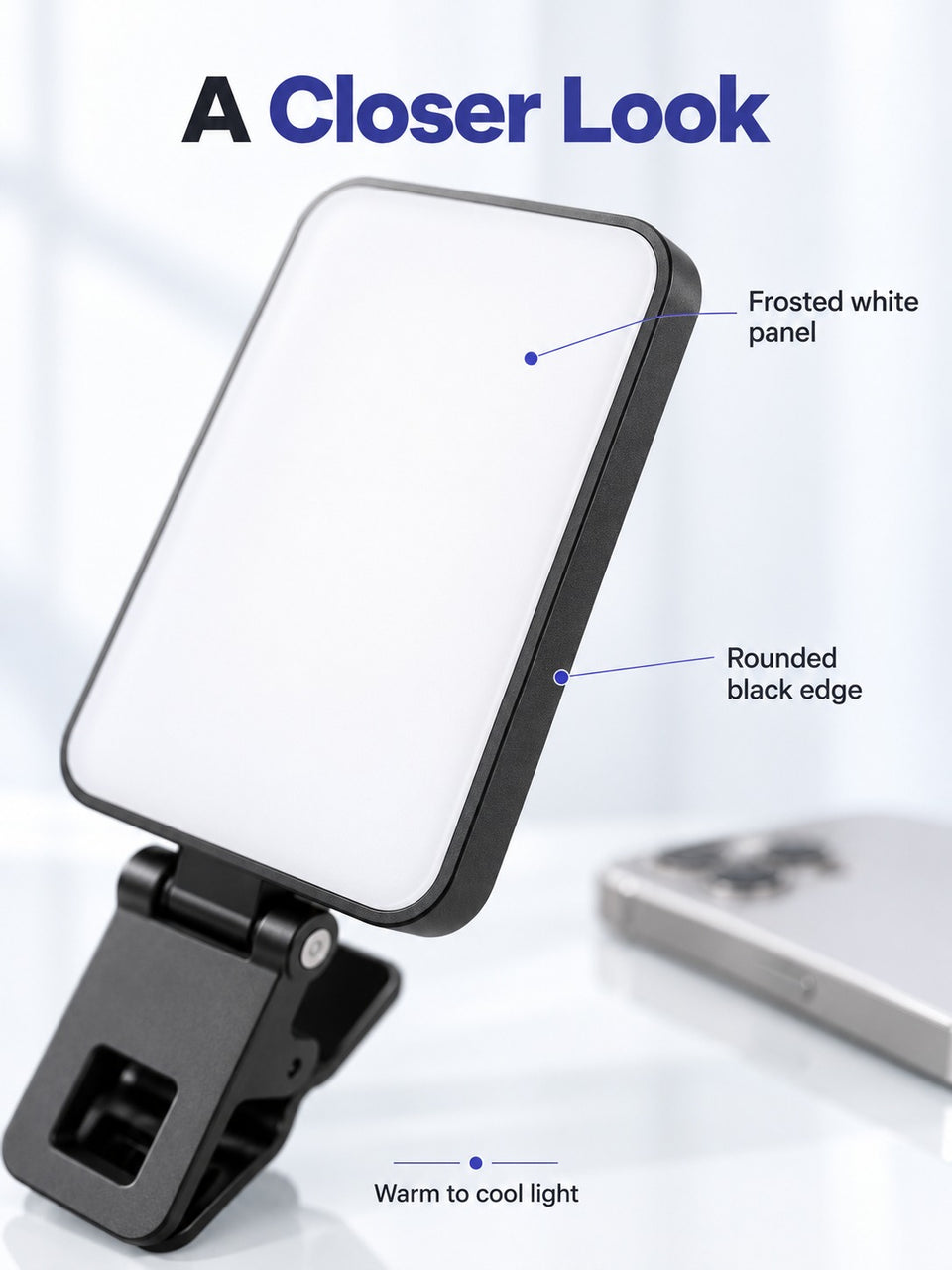
The panel moves from 3000K warm to 6500K cool. Set it close to your desk lamp for a warm room, or push it toward daylight when the window is the main source. Your skin reads as natural instead of grey or orange, and the color stays the same from one call to the next.

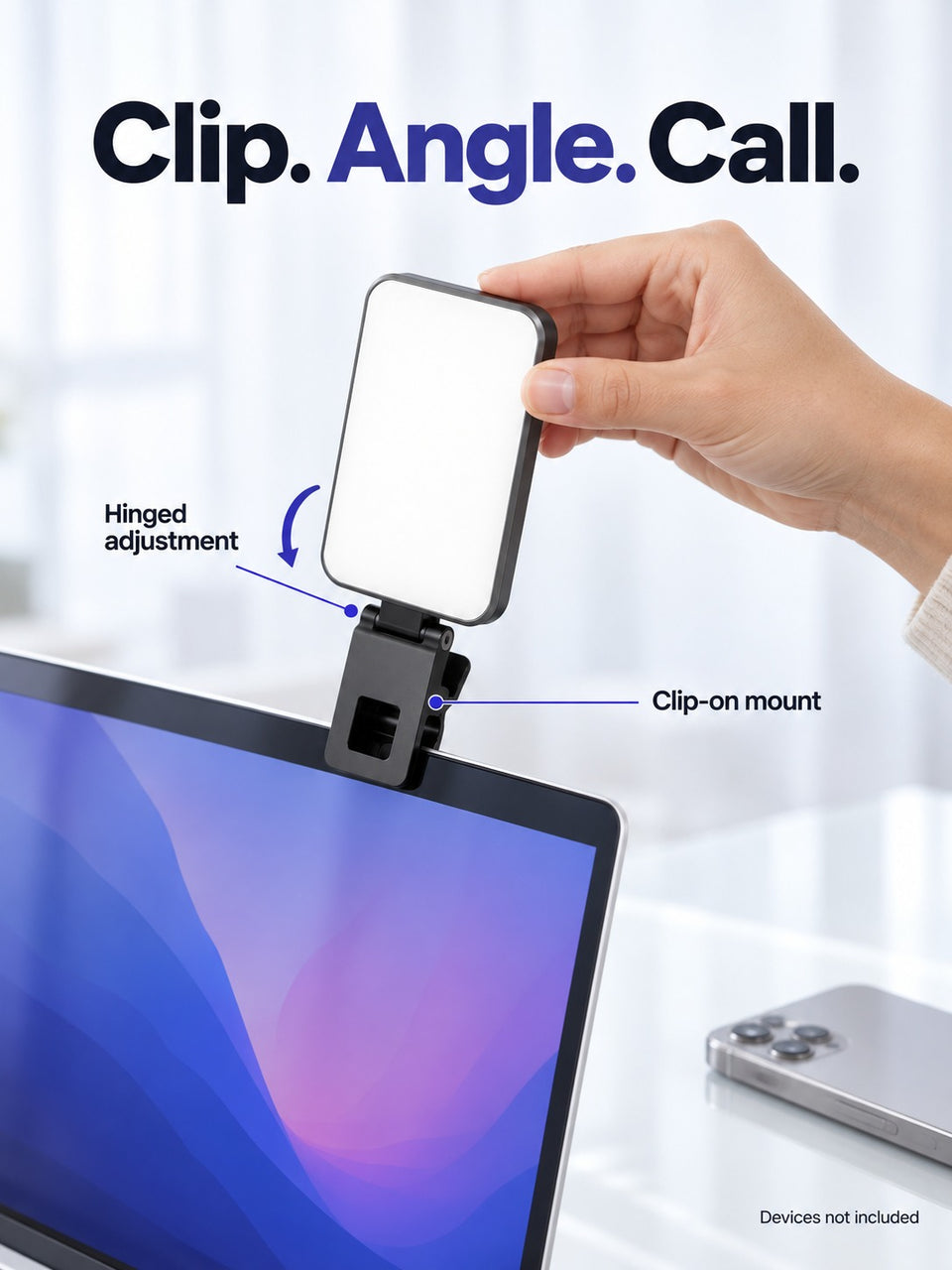
The rotating clip grips a phone or laptop lid and holds the panel in place. Nothing sits on your desk, and you can turn the light toward your face without moving your device. Thick cases and thick lids can take a moment to seat, so test the grip before your first meeting.

Five brightness levels, from 20% to 100%, let you dial down for a calm room or up for a dim corner. Start at a middle level and adjust until your face looks even on screen. Harsh light at full strength can wash out skin, so most calls need less than you expect.
Open the swivel clip and seat it on the edge of your phone or laptop lid. Press until it grips, then rotate the panel toward your face.
Turn the temperature control from warm toward cool until your face looks natural against your desk lamp or window light.
Start at a middle brightness level. Step up or down across the five levels until your face looks even, then choose one of five modes for the call.
The clip works with phones and laptop lids, and most standard cases fit under it. Very thick rugged cases are the exception. Clip it on once before a meeting to confirm the grip.
Yes, on most laptop lids and desk edges. The matte black clip seats firmly, and the head rotates so you can aim the panel without loosening the grip. Thicker lids can need a few extra seconds to seat.
A desk lamp throws light from one fixed spot, usually at a different color than your overhead light. This panel sits at your camera line and matches color to the room, so your face is lit evenly on screen.
Yes. The color runs from 3000K warm to 6500K cool. Move toward warm to match a lamp, or toward cool for daylight from a window.
It works for phone and laptop live streams, selfies, and close product shots at a desk. Five modes and five brightness levels give you room to adjust during a session.
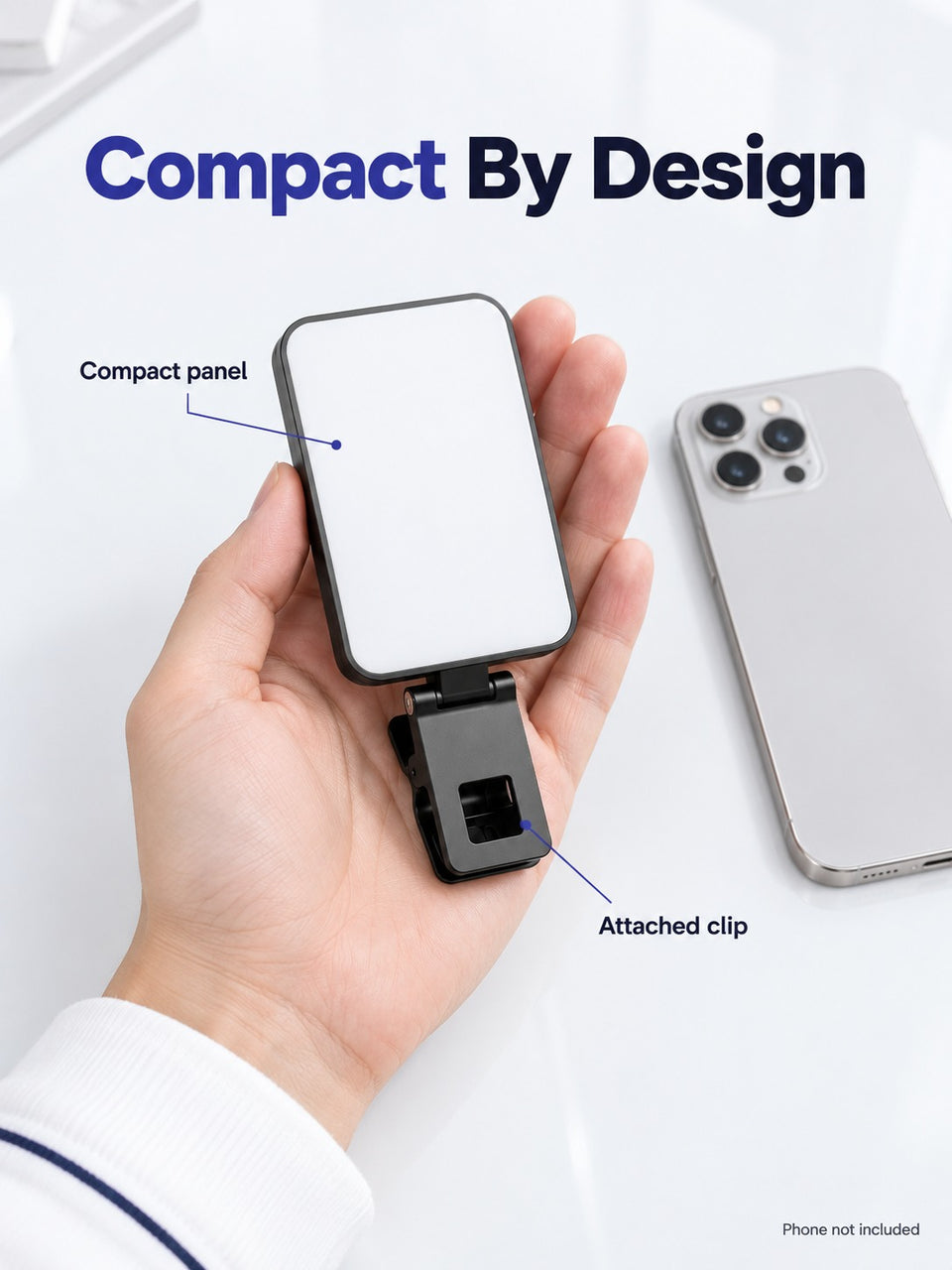
A full ring light needs a stand and a footprint on your desk. This panel clips to the device you already use, packs into a bag, and sets up in seconds. For most people working from a desk, that is the difference between using a light every day and leaving it in a cupboard.


 Clip-On Phone Fill Light for Flattering Video Calls