
$64.90
Free delivery · 7–14 days
Bone Conduction Headphones for Running and Workouts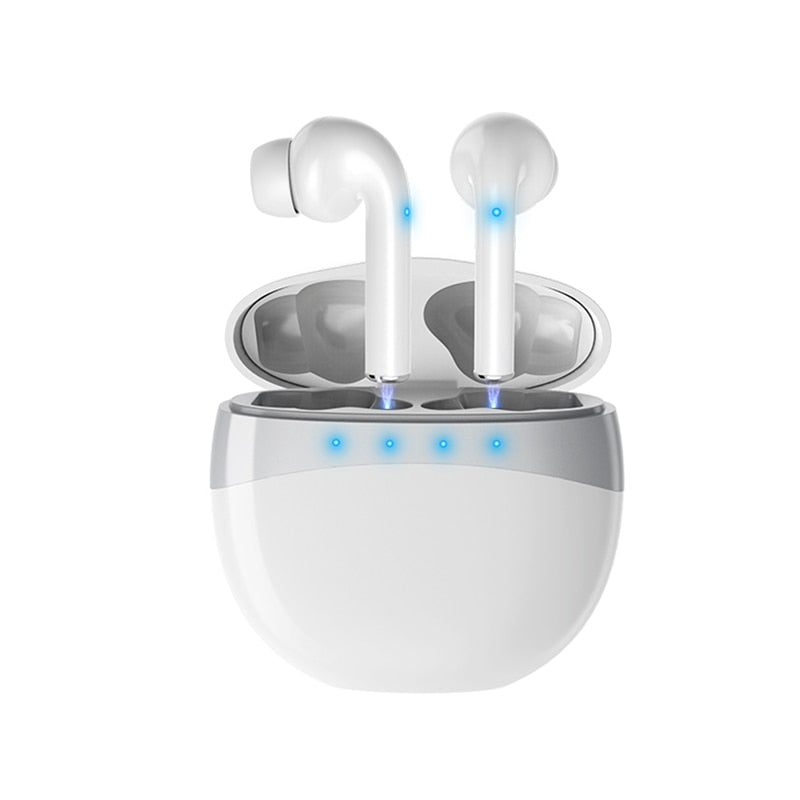
Music and calls, one tap away. The M19 puts play, pause, skip, answer, and reject right on the earbud stem, so the phone stays where it is. A simple pair with a compact charging case for commutes, runs, and everyday calls.
Read the full descriptionMusic and calls, one tap away. The M19 puts play, pause, skip, answer, and reject right on the earbud stem, so the phone stays where it is. A simple pair with a compact charging case for commutes, runs, and everyday calls.
One-touch control for music and calls, with good sound in a compact wireless earbud set
Stop digging through pockets for your phone every time a song skips or a call comes in. Tap the stem and you are back in your day, with compact wireless earbuds that work with Android and iPhone.

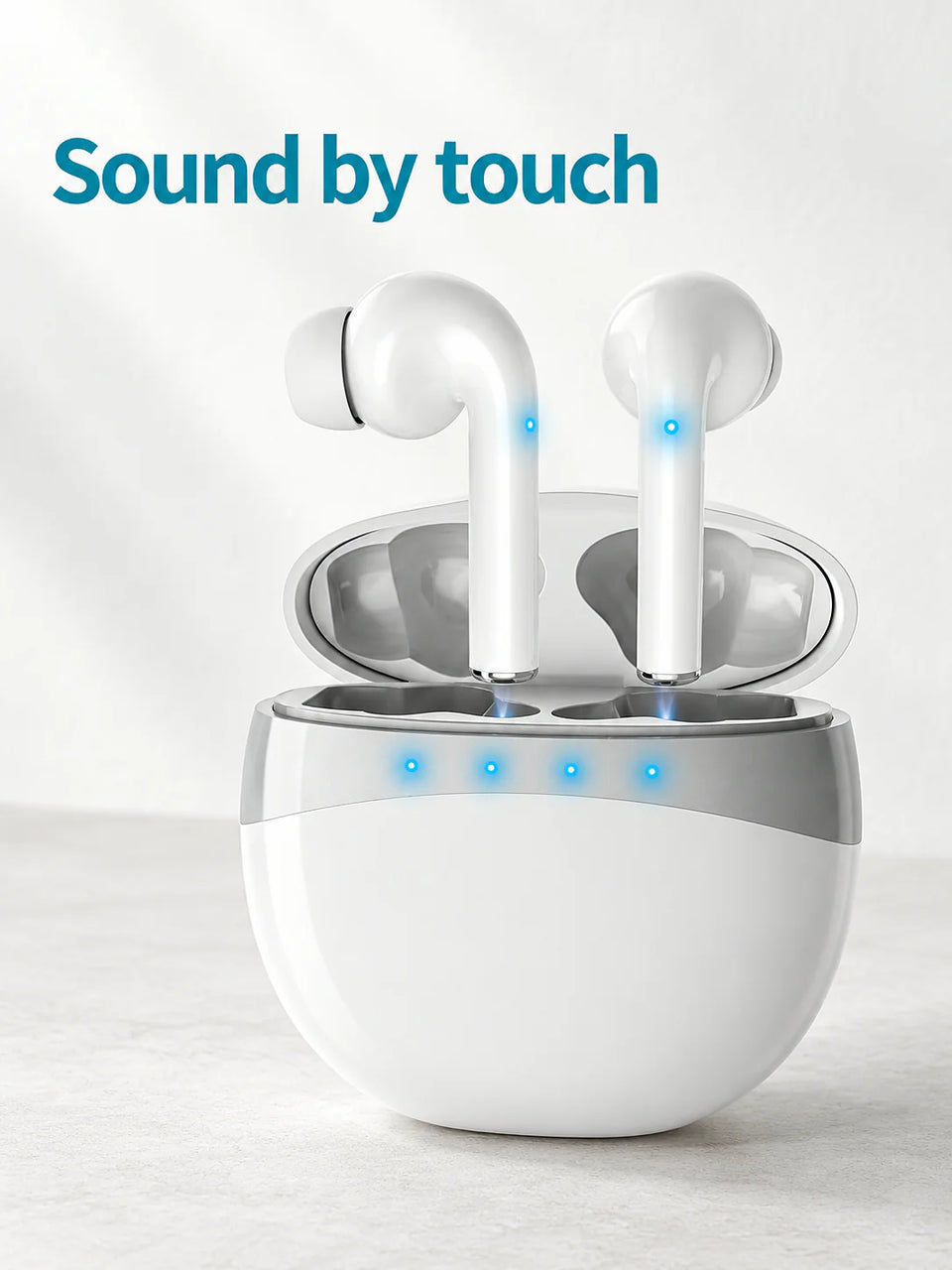
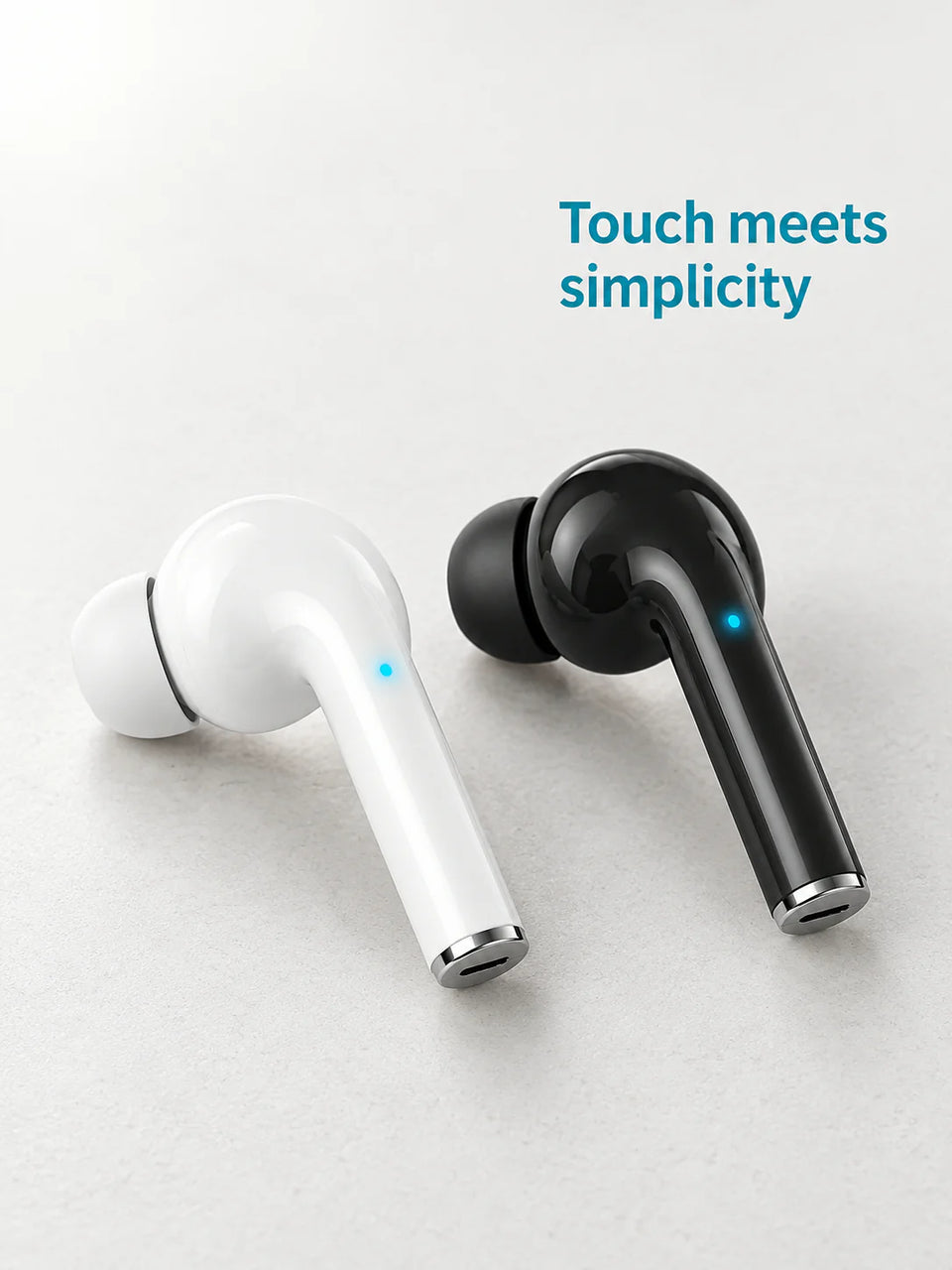
Play, pause, skip, answer, reject, and Siri all run from the stem. A long press of two seconds rejects a call and summons Siri, so the screen never has to light up. Learn the patterns once with the earbuds in your ears and they start to feel automatic.

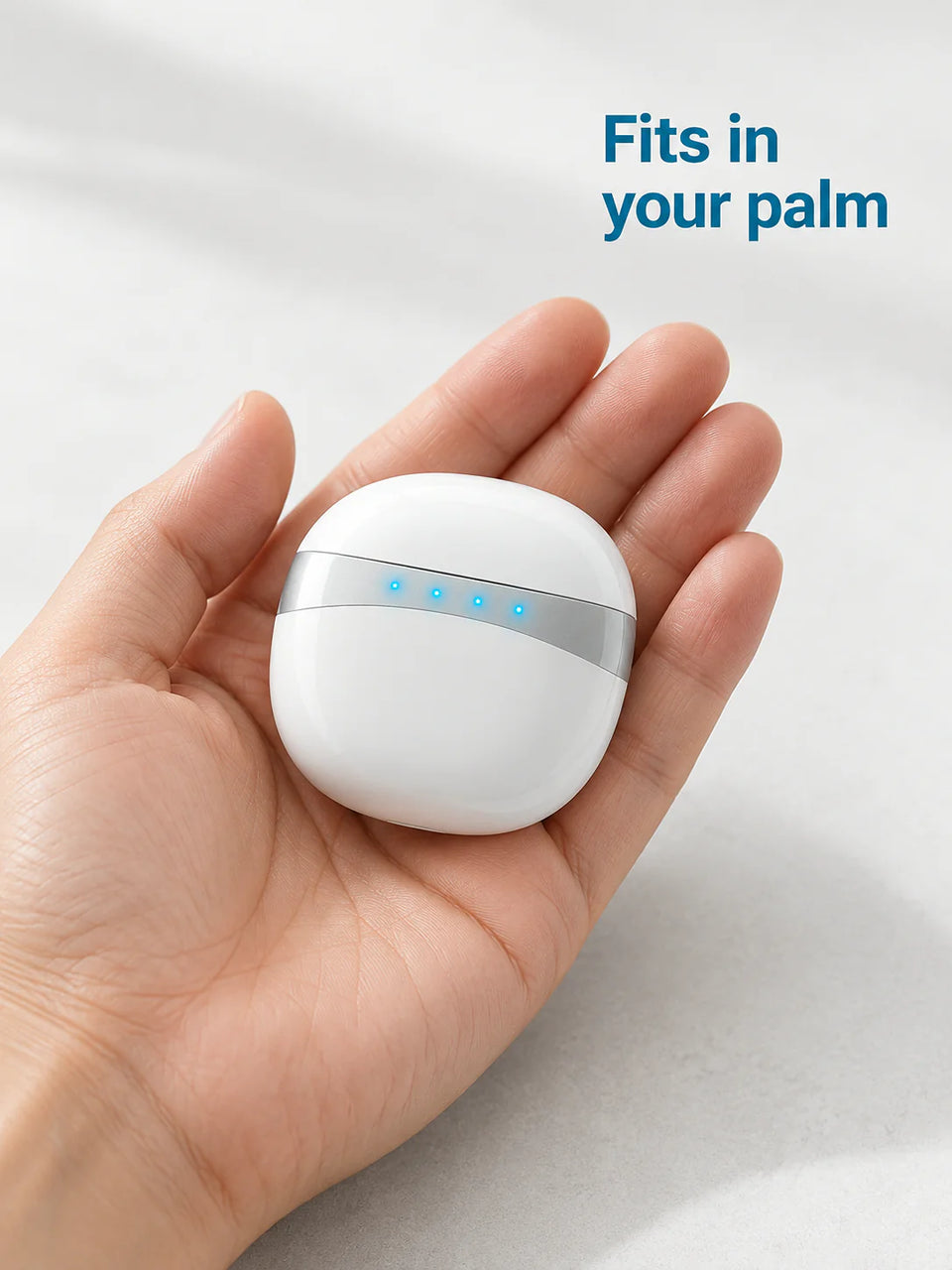
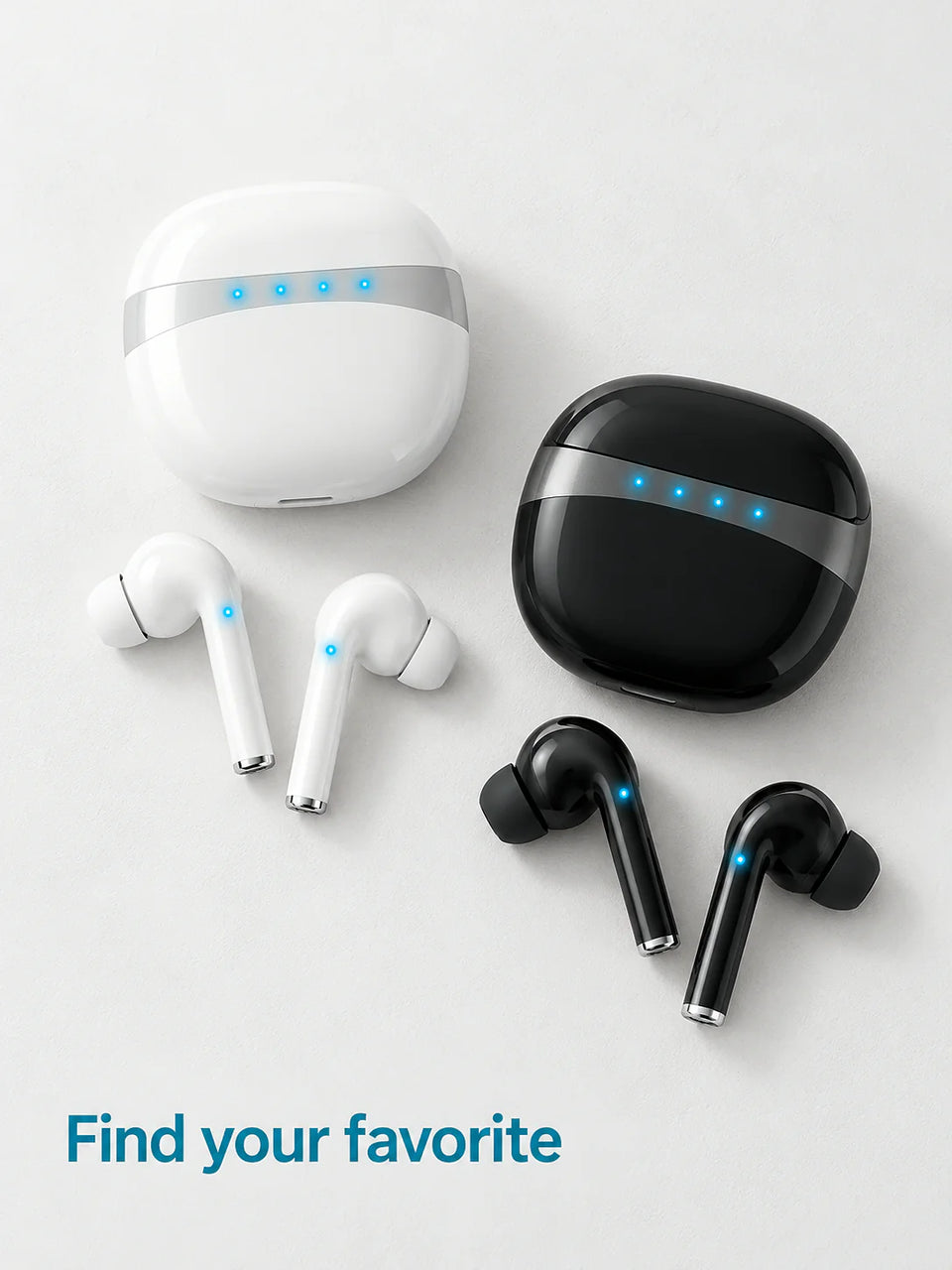
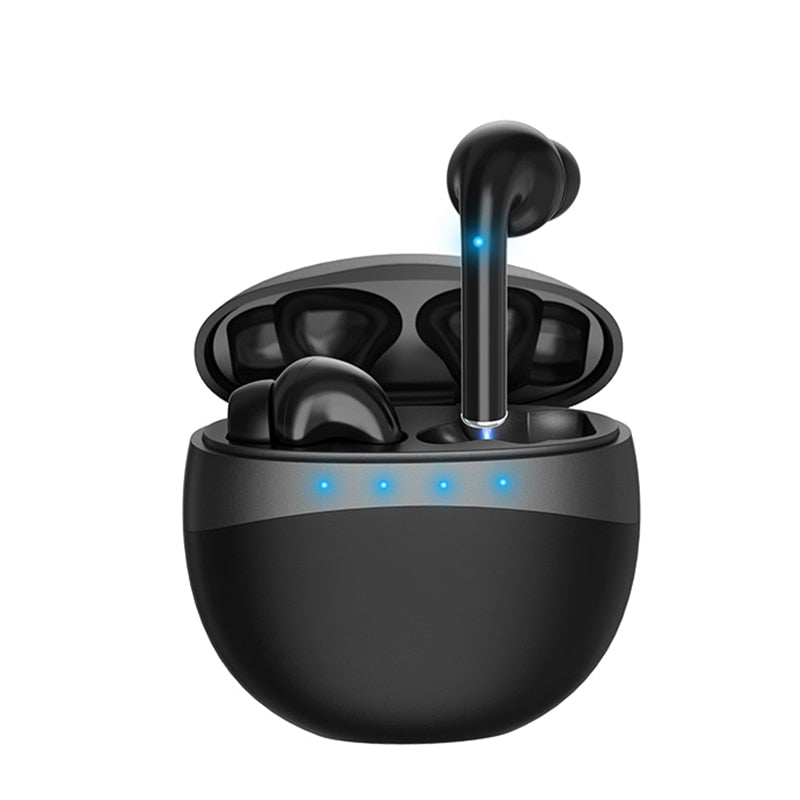
Each earbud is a slim stem with a fingerprint-style touch zone, and the rounded charging case with lid slides into a jacket pocket or gym bag without extra bulk. No cords means nothing snags on a bag strap or a handrail on the bus.

Bluetooth 5.0 connects through the standard Bluetooth menu on Huawei, iPhone, Xiaomi, and Samsung phones. The composite aluminum ring horn diaphragm is built for a clear, immersive sound that holds up on commutes and workouts.
Turn on Bluetooth on your phone and select the earbuds from the device list. The blue LEDs show when pairing is active.
Double tap the touch surface on either earbud to pause or resume a track.
Triple tap the left or right earbud to play the previous song.
Double tap to answer an incoming call, and double tap again to end it.
Press and hold for two seconds to reject a call. Hold the same way for two seconds with no call to summon Siri.
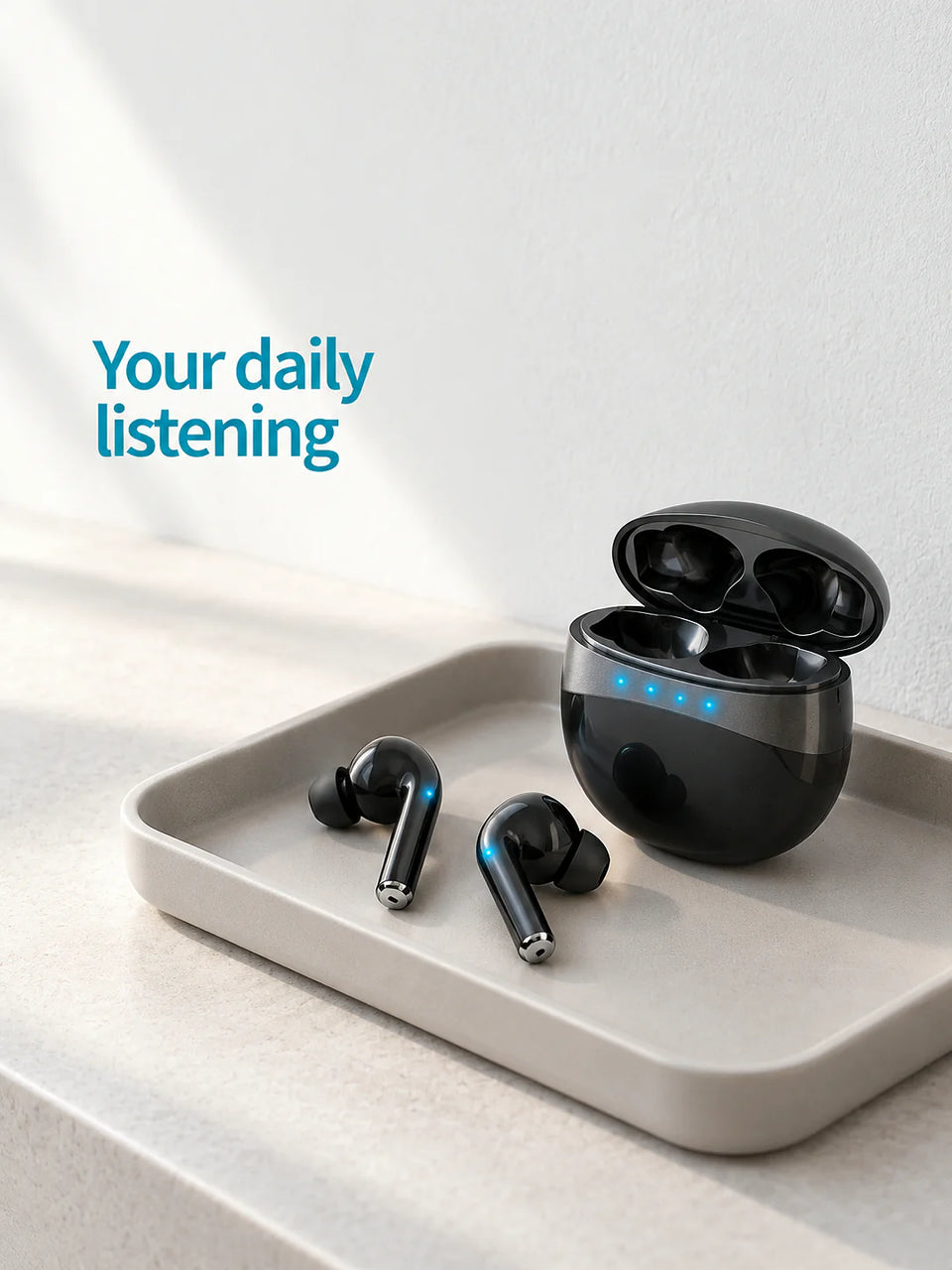
Stem-style earbuds with touch control and blue LED status lights
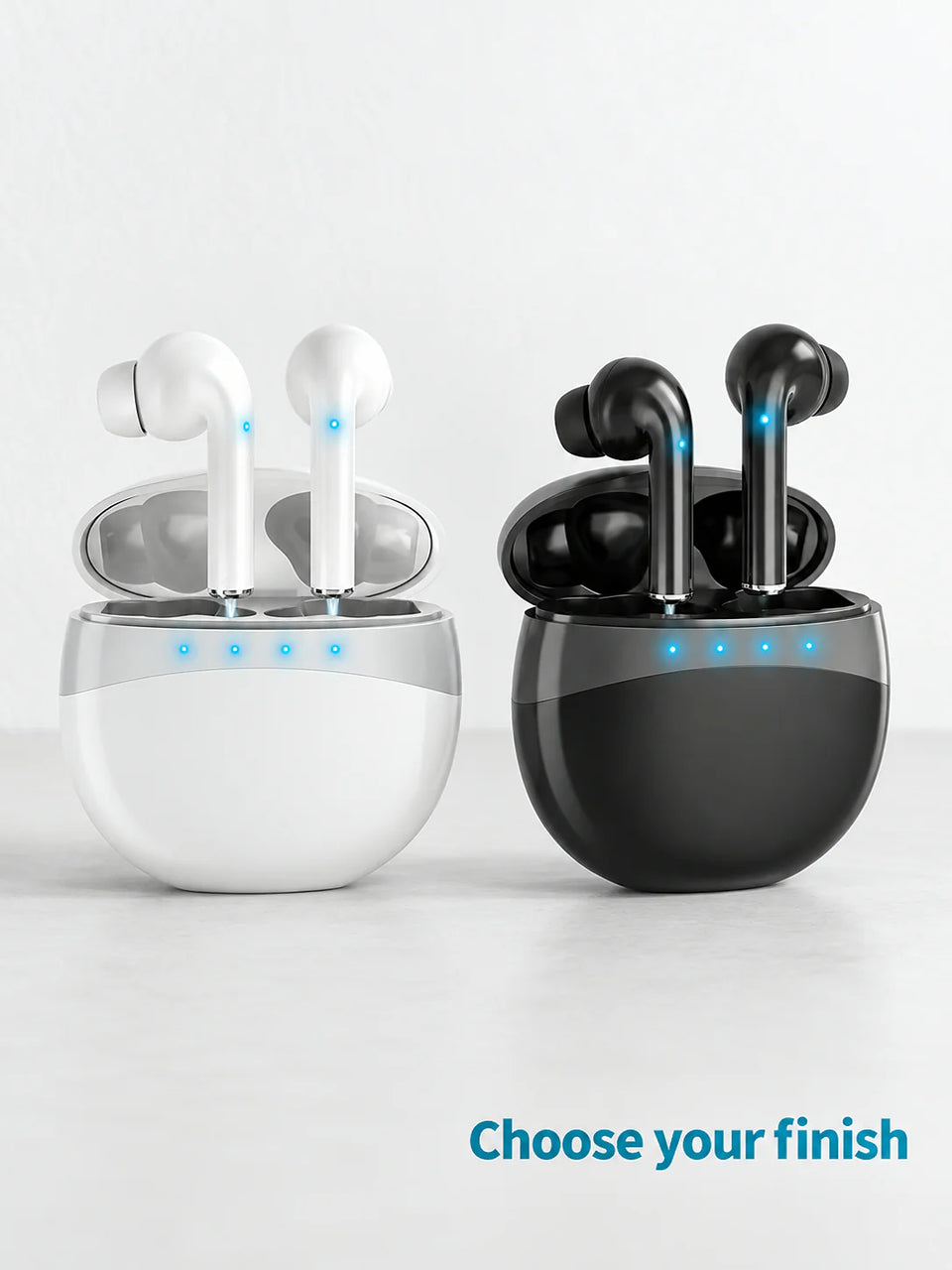
Rounded case with lid and silver accent band
The controls respond to deliberate taps on the touch surface marked with a fingerprint-style icon. Practice the patterns with the earbuds in your ears and the difference between a tap and a press becomes obvious within a few sessions.
Yes. The M19 pairs over Bluetooth 5.0 with iPhone, Android, Huawei, Xiaomi, and Samsung phones through the standard Bluetooth settings menu. Long press for two seconds to summon Siri on an iPhone.
For everyday commutes, calls, and music, the M19 covers the core jobs: stem controls, a compact case, and clear sound. Name-brand sets cost several times more. If you lose or outgrow a pair, you replace a budget set without the same sting, so it is an easy first step into wireless.
A pair of wireless earbuds and a charging case. Nothing else is included, so you do not pay for accessories you will never use.


 Wireless Earbuds with Touch Control & Bluetooth 5.0