
$54.90
Free delivery · 7–14 days
Foldable Bluetooth Keyboard for Tablet, Phone & Laptop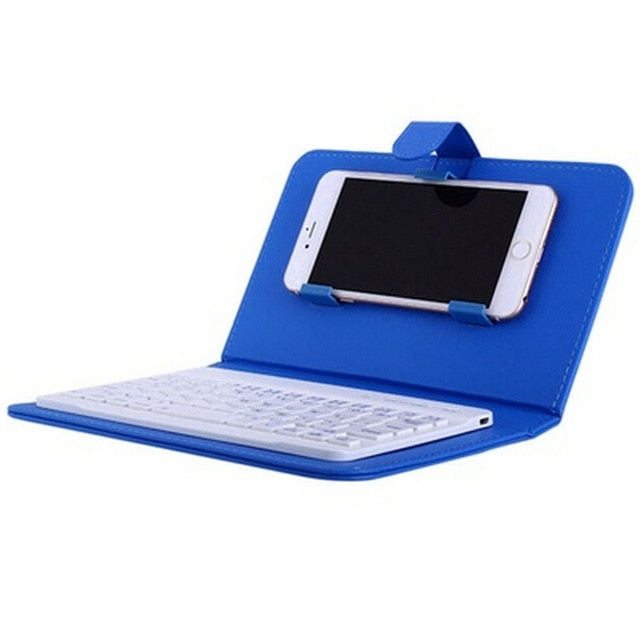
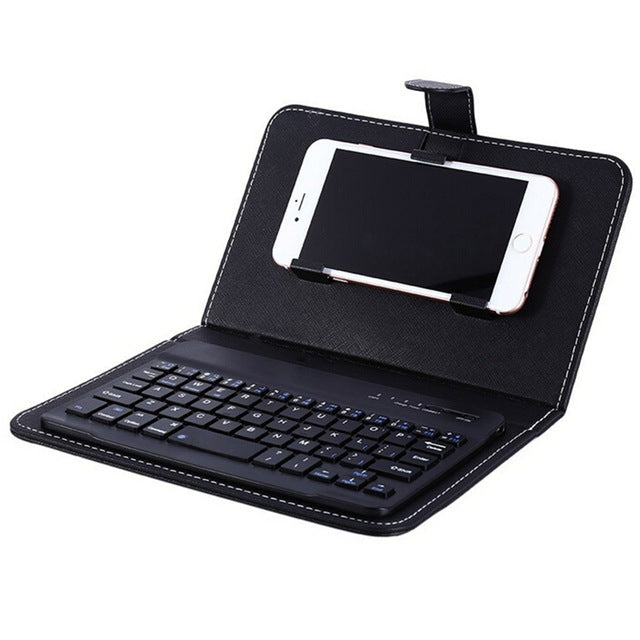
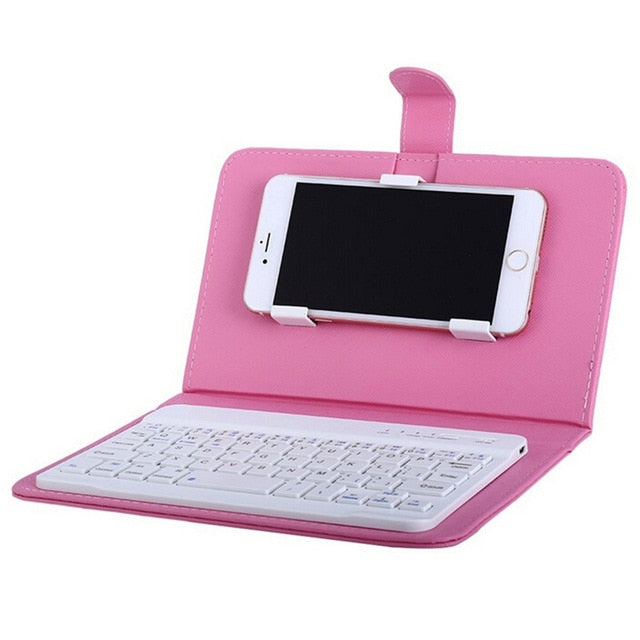
Type a full message on a real keyboard instead of glass. This PU leather folio holds your iPhone 7 upright while a detachable Bluetooth keyboard sits in front, so long replies and notes get finished on the bus, in class, or at a desk. One slim case replaces a separate keyboard and stand.
Read the full descriptionType a full message on a real keyboard instead of glass. This PU leather folio holds your iPhone 7 upright while a detachable Bluetooth keyboard sits in front, so long replies and notes get finished on the bus, in class, or at a desk. One slim case replaces a separate keyboard and stand.
Turn your iPhone into a laptop-style workstation with a full Bluetooth keyboard in a slim PU leather folio
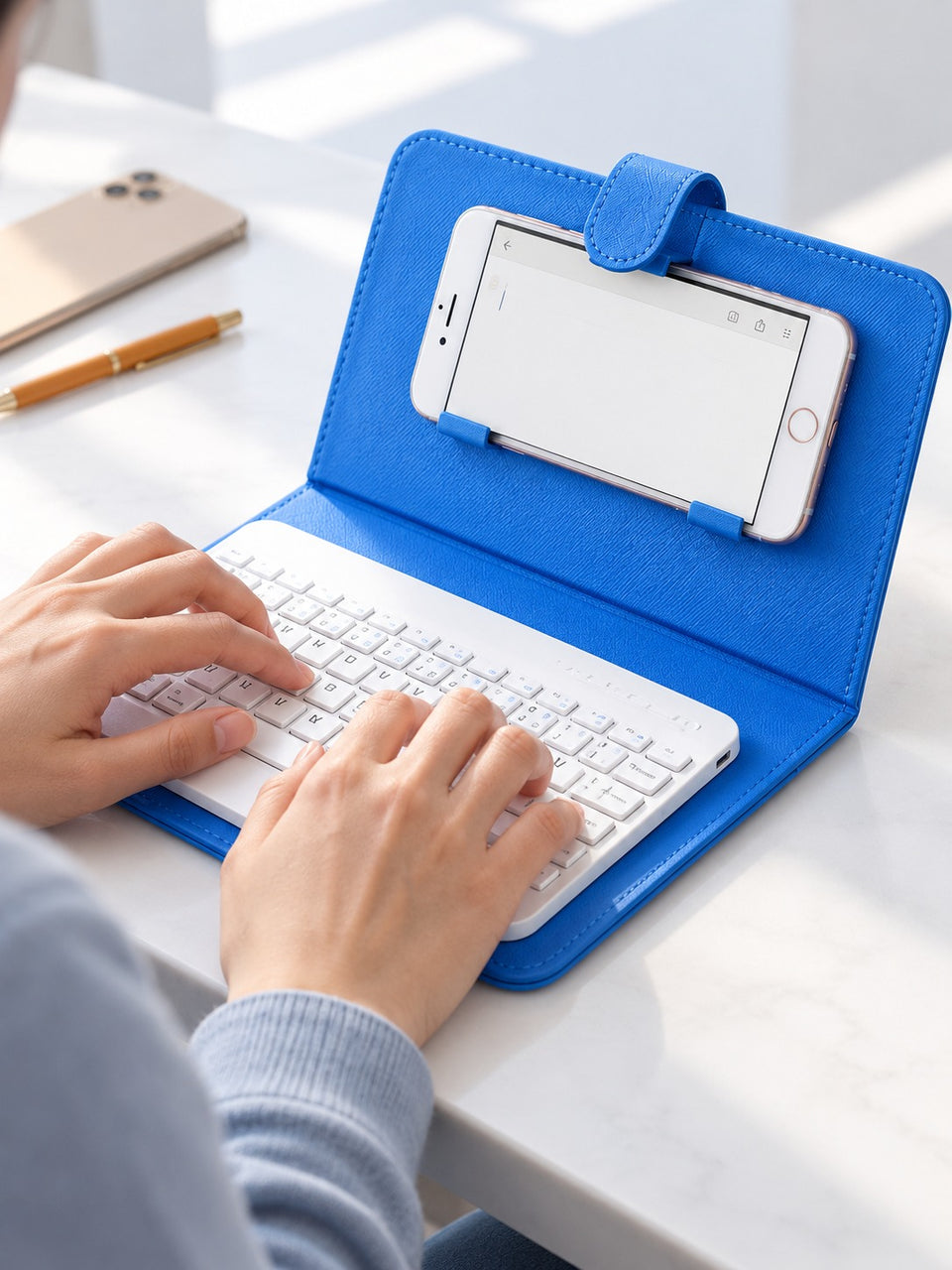
Stop thumb-typing long replies on glass. Flip open the folio, pair the keyboard, and type at full speed with your phone standing upright.

The keyboard is full-size, so a long message or set of study notes takes far less time than thumb-typing on glass. Your fingers find the keys by feel, and your eyes stay on the screen. Errors drop off as soon as your hands stop hunting for letters.

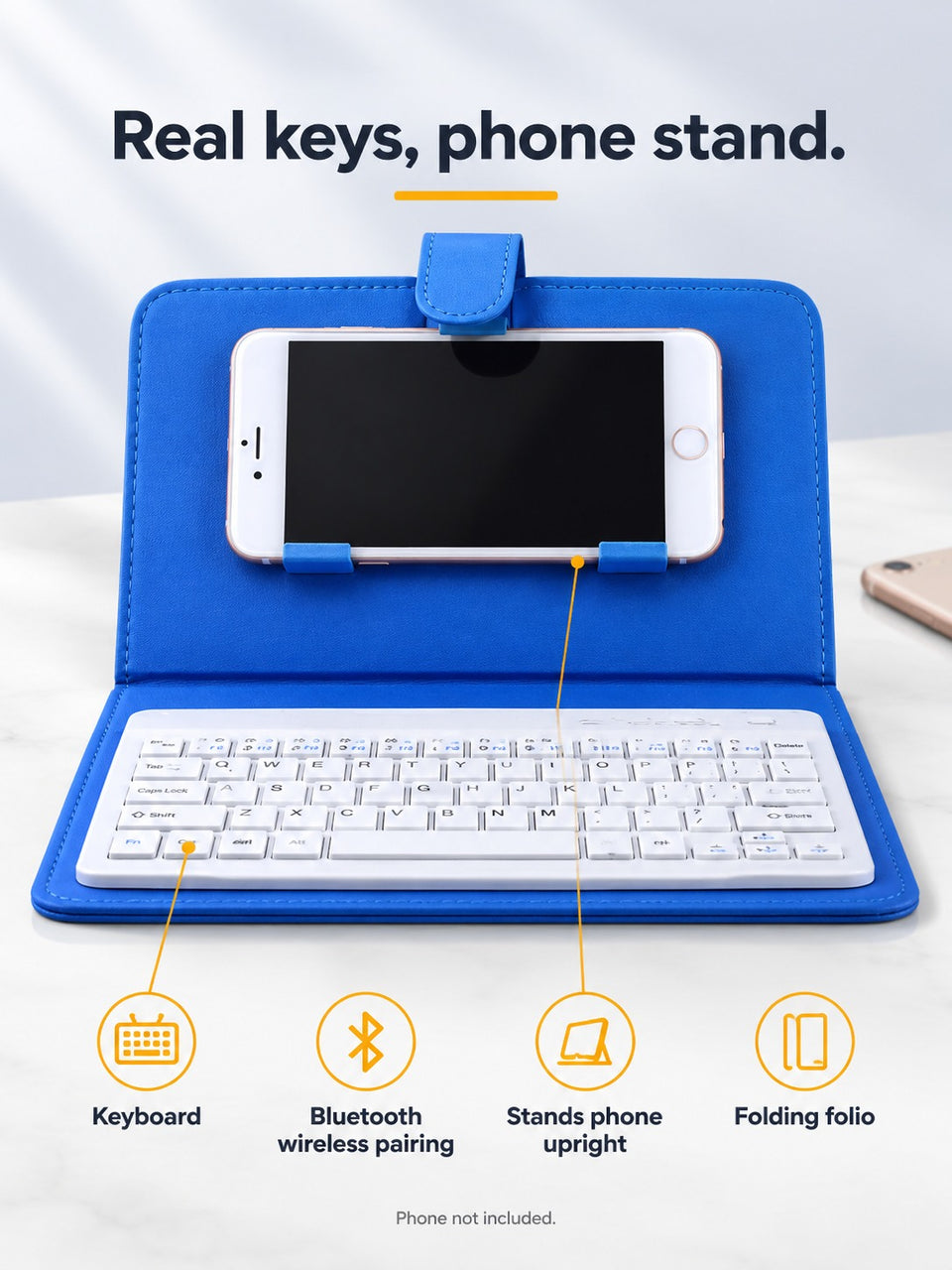
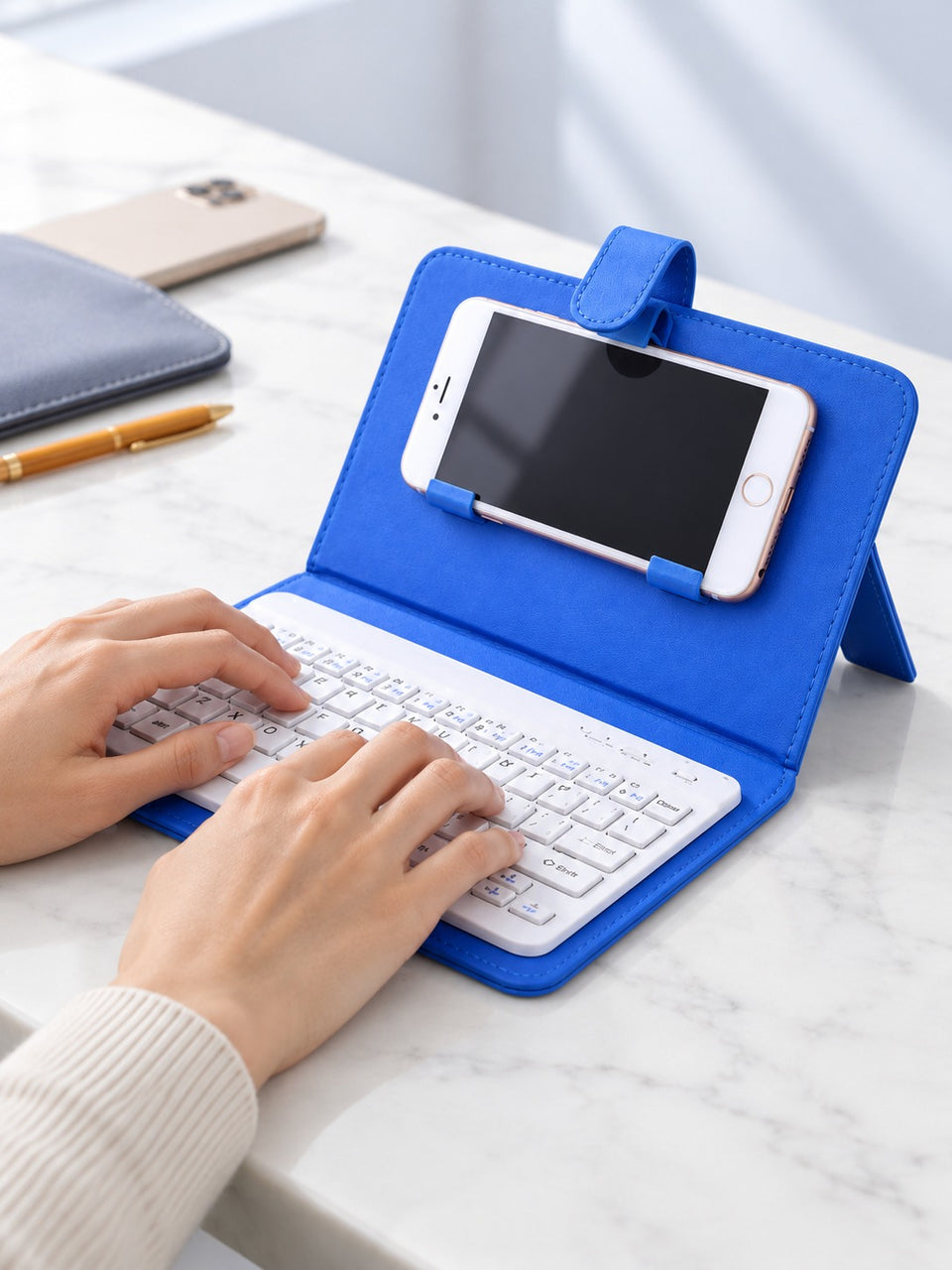
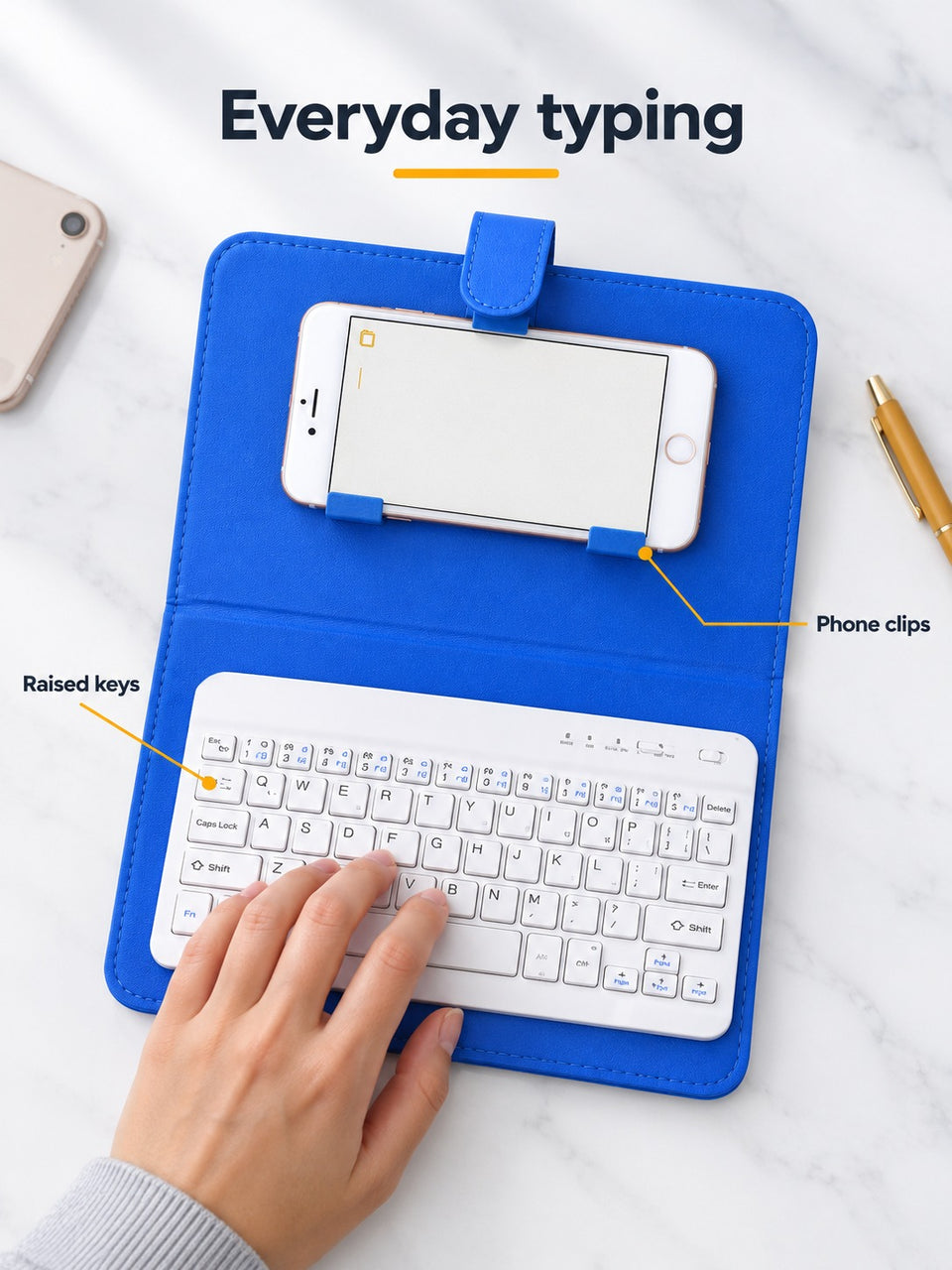
The adjustable clamp has blue grip tabs that hold the iPhone at the edges. The fold-out kickstand strap sets the viewing angle, so the screen sits where you can read it while you type. Nothing needs to be propped against a bag or a book.

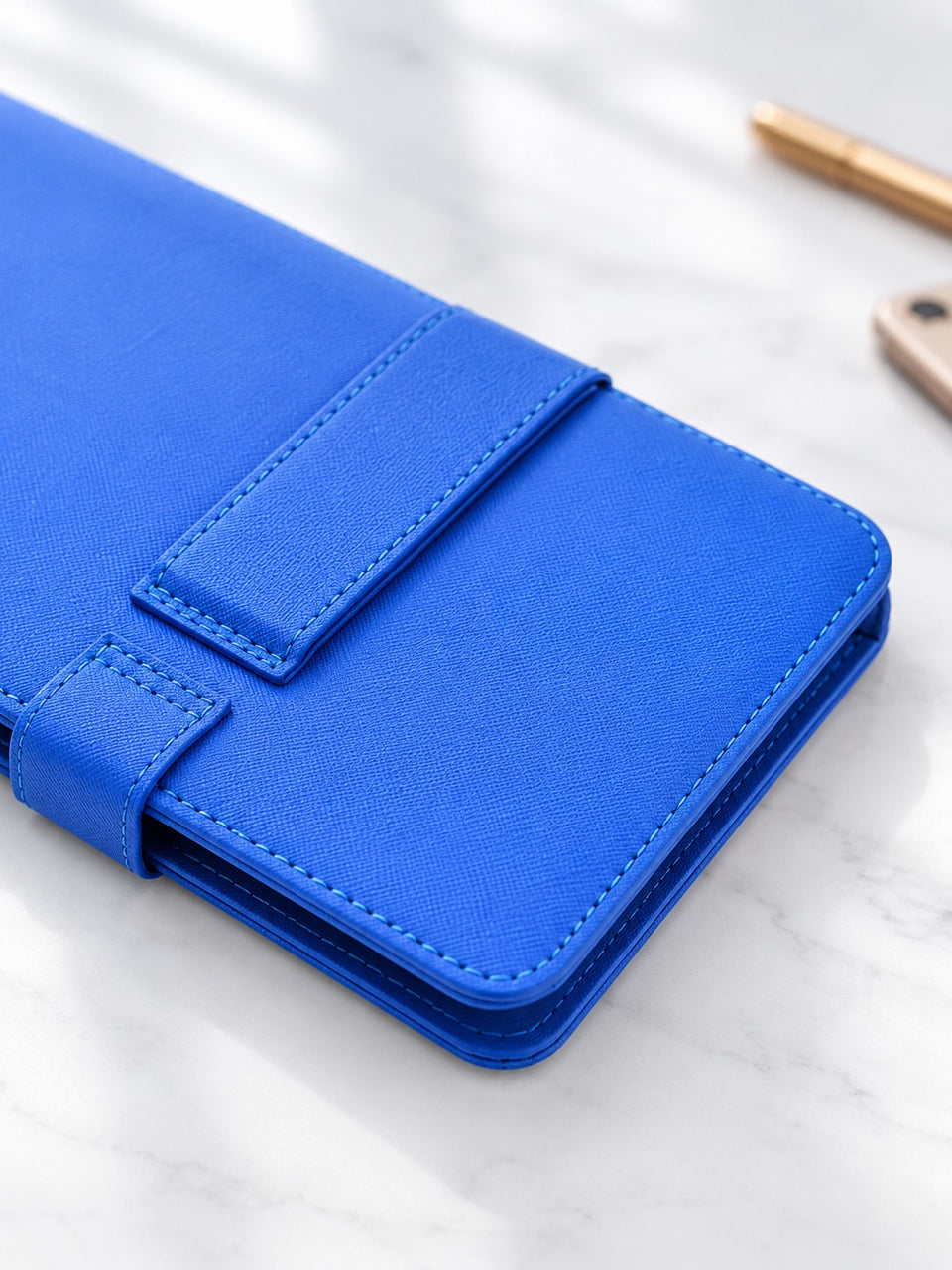
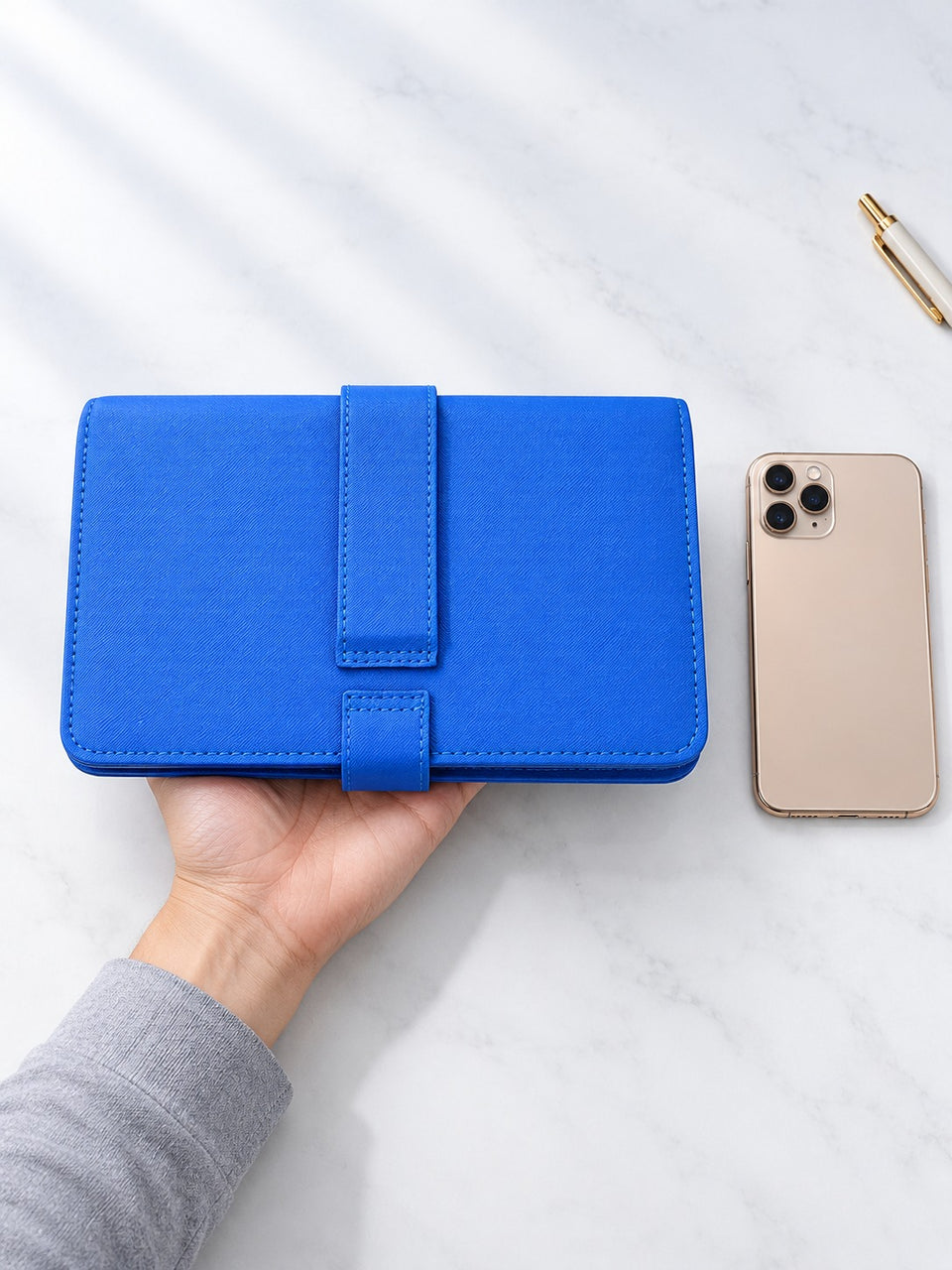
The cross-grain PU leather has a matte finish and stitched edges. The flap closes over the keyboard and the phone, which keeps the setup slim enough for a jacket pocket or a tote. It looks clean on a desk and does not look like a gadget when you close it.
Connect the micro-USB cable to the port on the keyboard edge. Watch the status indicator lights while it charges.
Switch the keyboard on and pair it with your iPhone from the Bluetooth settings. The indicator lights show when the connection is ready.
Adjust the clamp to the width of your iPhone 7, slide the phone in, and check that the blue grip tabs hold both edges.
Open the fold-out kickstand strap to a comfortable viewing angle, then start typing on the keys.
Folio with adjustable phone clamp and kickstand strap
Detachable, with status indicator lights
Charges the keyboard through its edge port

A long email on glass means one thumb hunting for letters, autocorrect rewriting half your sentences, and a reply that sits unsent. Nothing holds the phone steady while you work, so you end up typing with the phone in one hand and a mug in the other.

The folio takes the place of two separate purchases. A detachable Bluetooth keyboard sits in front of the phone, and the clamp and kickstand strap hold the iPhone upright at a viewing angle. You get a typing surface and a stand in one slim cover.

Pair it once, clamp the phone, and the bus ride becomes a writing session. The reply that used to take ten minutes of thumbing takes a few, and you hit send before your stop.
A soft dry cloth removes dust and fingerprints from the matte surface.
Leave it out of a hot dashboard or a sunny windowsill.
A moderate angle protects the stitching over time.
A charged keyboard connects faster and keeps the lights readable.
Pairing takes one step over Bluetooth from the iPhone settings. Keep the phone and keyboard close together and charge the keyboard before a long session, and the connection stays steady.
The keyboard is full-size, so your fingers work the keys the same way they would on a laptop. Long notes and emails are the main job it was built for, and most readers find their speed picks up within a few sessions.
The cover has a matte cross-grain PU leather with stitched edges. Keep it out of heat, wipe it with a dry cloth, and fold the kickstand gently, and it holds its shape through daily carry.
The keyboard charges over micro-USB. The cable is in the box, and the port sits on the keyboard edge, so plug it in there before first use.
A loose Bluetooth keyboard and a phone stand cost you two items to carry and two things to keep charged. This folio combines the keyboard, the clamp, and the case in one slim piece, so you carry less and set up in seconds.
Yes. The keyboard detaches and the folio still protects the phone. If you later want a desk stand without the keyboard, browse phone tripods.


 iPhone 7 Bluetooth Keyboard Case, Laptop-Style Typing