
$44.90
Free delivery · 7–14 days
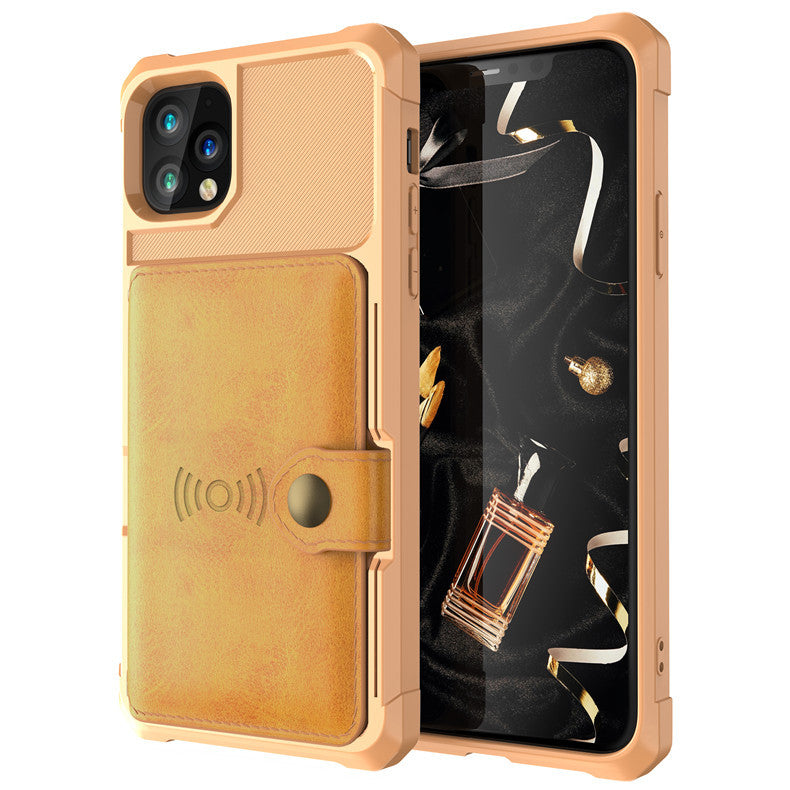
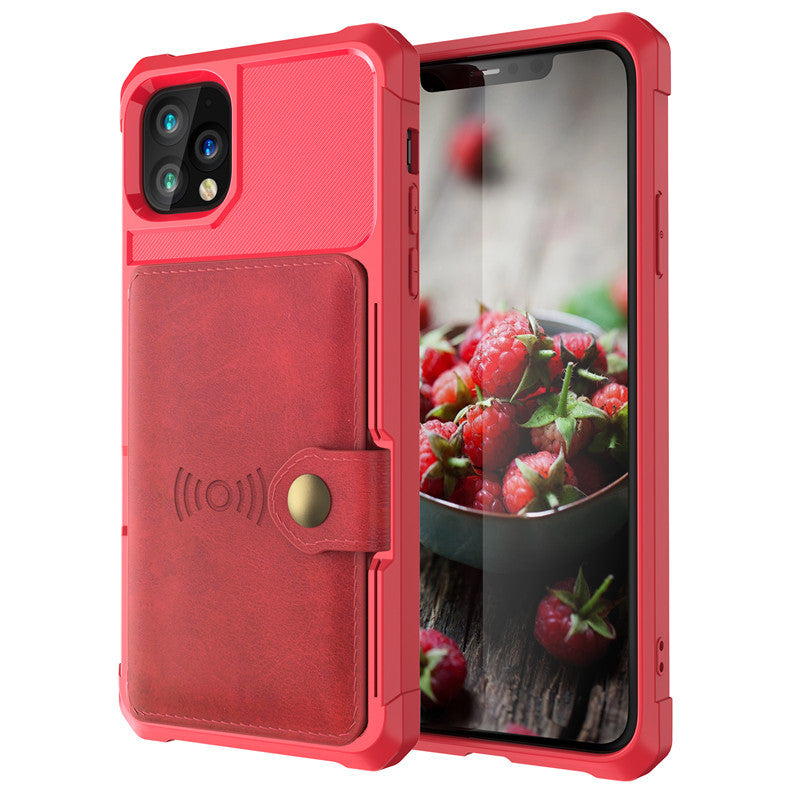
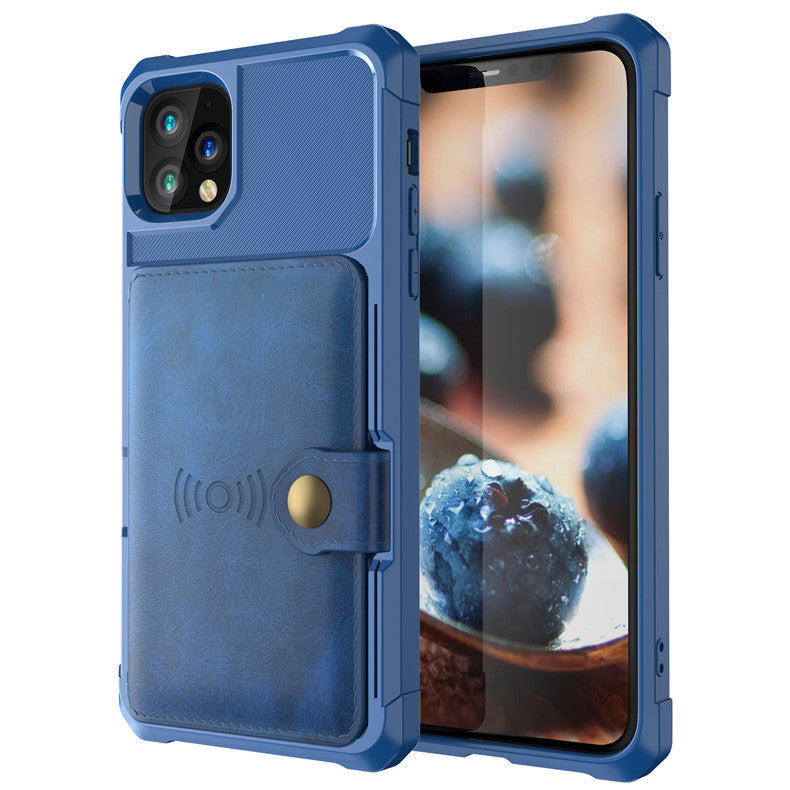
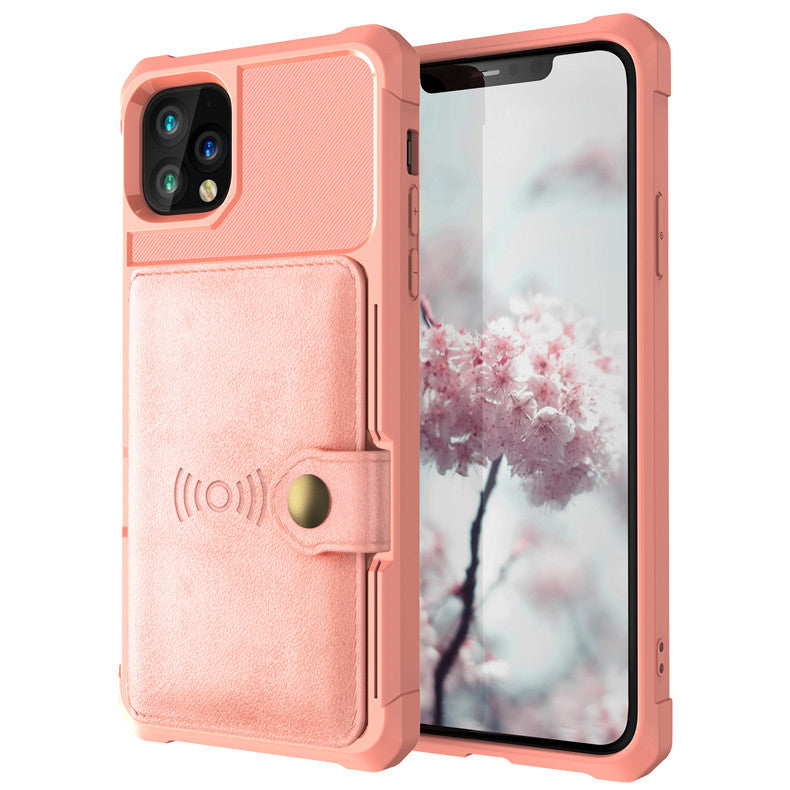
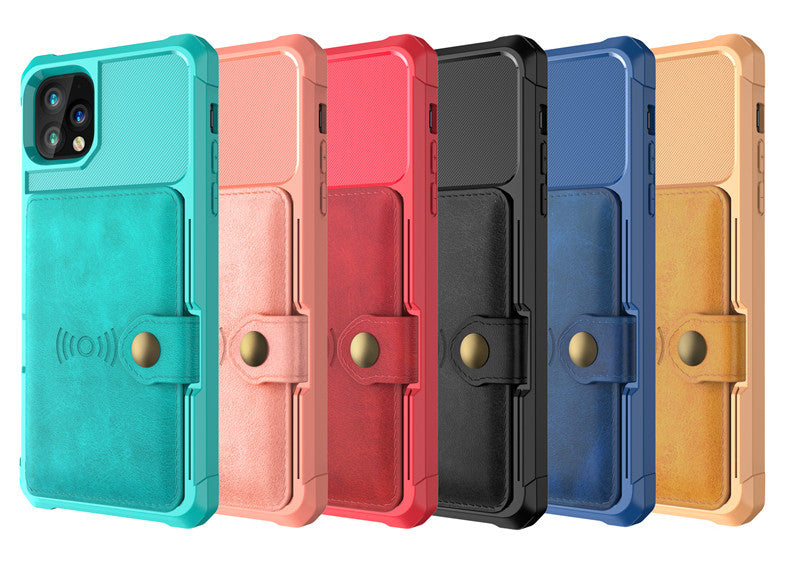
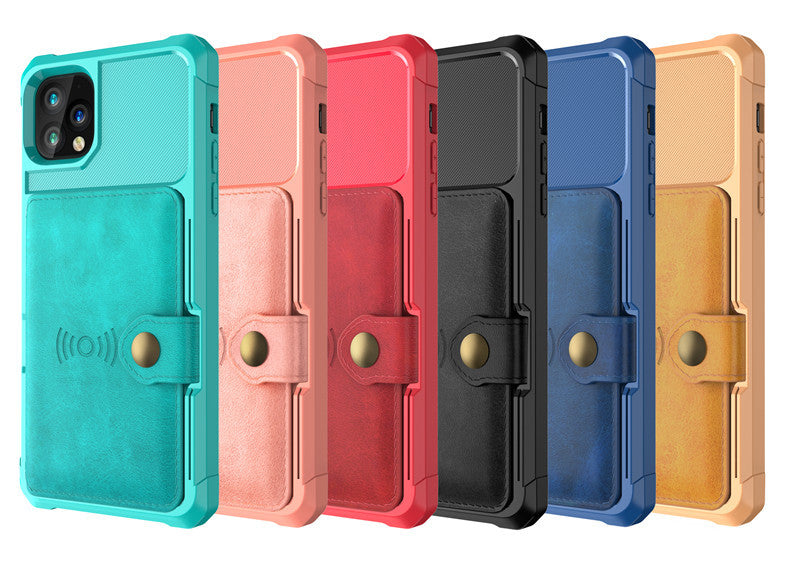
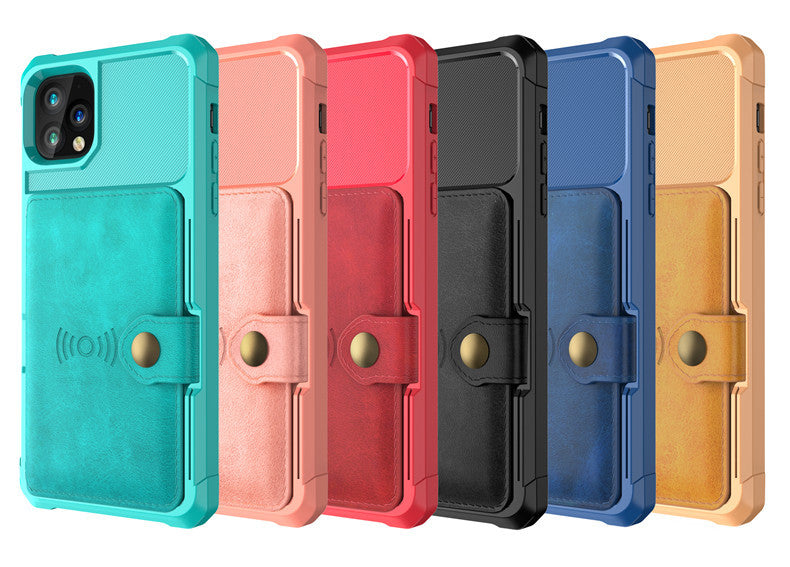
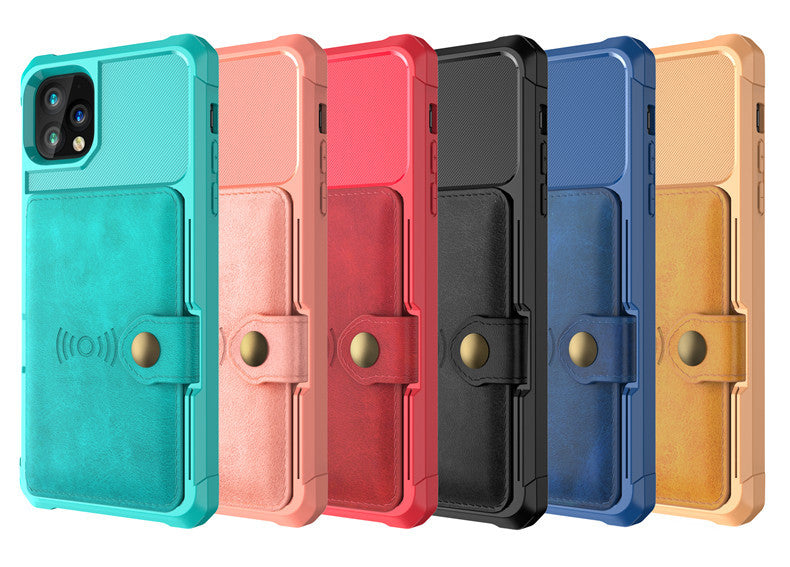
Wallet Phone Case for iPhone 13 Pro Max with Card Slots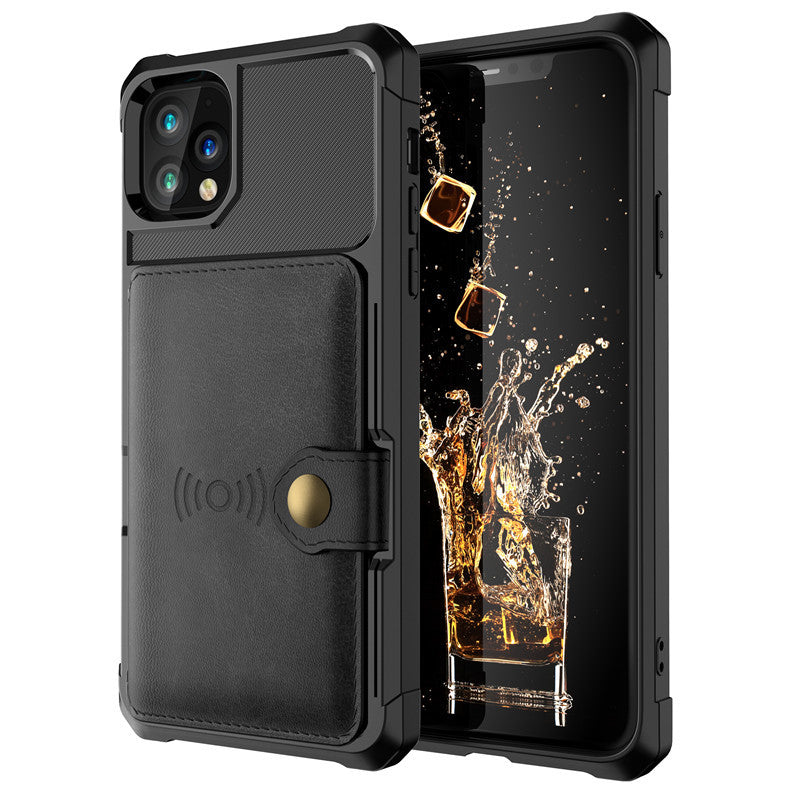
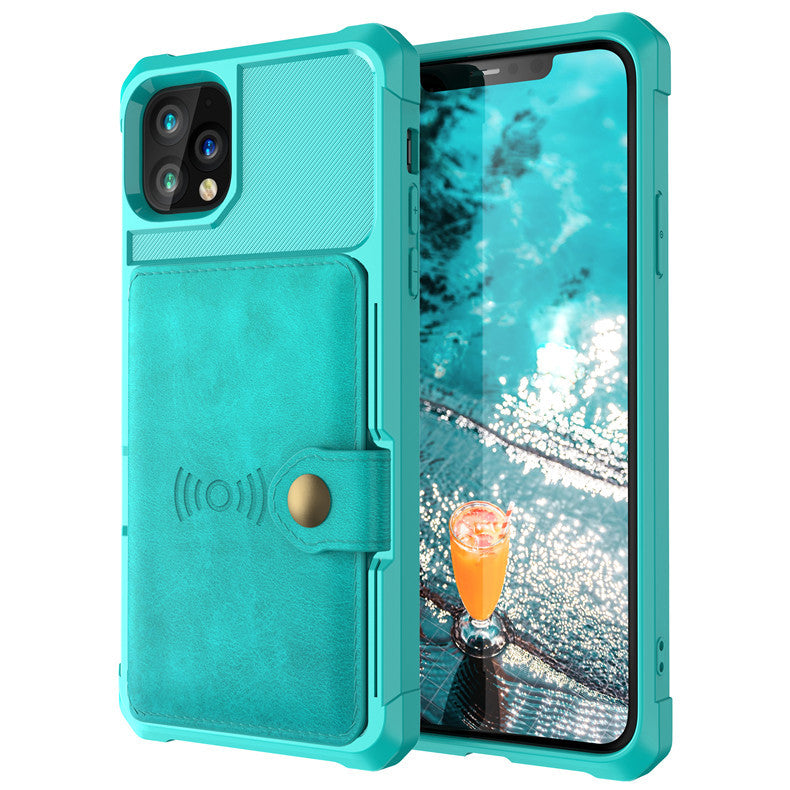
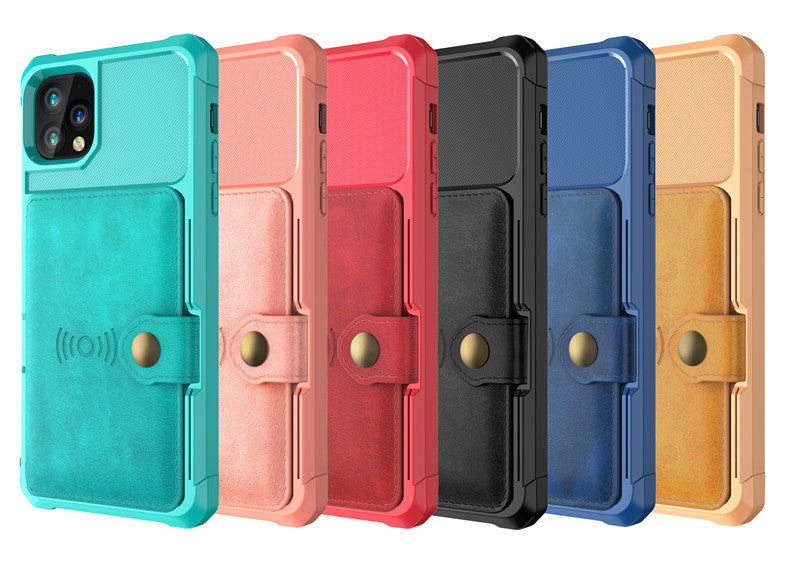
Your phone already goes everywhere with you, so let it carry your cards too. This slim iPhone 13 case adds a card slot on the back, a snap closure and raised edges around the camera and screen. Leave the bulky wallet home for commutes, errands and workouts.
Read the full descriptionYour phone already goes everywhere with you, so let it carry your cards too. This slim iPhone 13 case adds a card slot on the back, a snap closure and raised edges around the camera and screen. Leave the bulky wallet home for commutes, errands and workouts.
Phone case and card wallet in one slim, protective design
Tired of patting your pockets for the wallet, the phone, and the cards? This slim iPhone 13 case carries your essentials on the back and guards the corners you hit first.

A slot on the back holds a few cards behind the phone, so your transit card and debit card travel with the device you already check ten times a day. Two or three cards sit flat and add only a thin layer to the pocket.

Reinforced corner bumpers sit under a raised camera lip and screen bezel. When the phone lands on a sidewalk or a gym floor, the edges and the lens touch down before the glass does.

The brass snap button closes the card area, so the cards stay put while you walk, ride, or lift. The matte back has the same wallet feel as a leather goods piece, without the weight of a full wallet.
Start with the corner opposite the camera, then press the other side evenly into the frame. Do not push on the raised camera lip.
Tuck your daily cards into the back slot. Two or three cards sit flat. A full wallet's worth strains the snap.
Press the brass snap shut before you pocket the phone, then check that the cards sit flat against the back.
A dry or lightly damp microfiber cloth keeps the matte back looking even.
Alcohol and strong cleaners can dull or stain the faux-leather finish. Use "screen cleaning wipes" only on the glass, not the back.
Shake out lint or grit from the back slot now and then so the cards sit flat.
It is built for the iPhone 13 outline. A raised camera lip and screen bezel stand the lens and glass off a flat surface. Seat the phone from one corner, then press the far side evenly so the camera lip does not bend.
The brass snap closes the card area, so cards stay flat through a normal day of walking, sitting and riding. Carry two or three cards you use every day. A packed slot pushes against the snap and cards start to work loose.
The cards sit behind the phone, so you carry one slim item instead of a bifold. Two or three cards add a thin layer that slides into jeans or gym shorts without the lump a full wallet makes.
A wallet is one more thing to track and replace, and a bare phone cracks at the corners. This case handles both jobs in one item. Over a year of commutes and errands, you stop buying a second accessory to carry the cards you actually use.
No, the back is a matte faux-leather finish with an embossed wireless-charging icon. It looks and feels like a wallet back and wipes clean with a dry cloth.


 iPhone 13 Wallet Case with Card Holder and Snap Pocket