
$44.90
Free delivery · 7–14 days
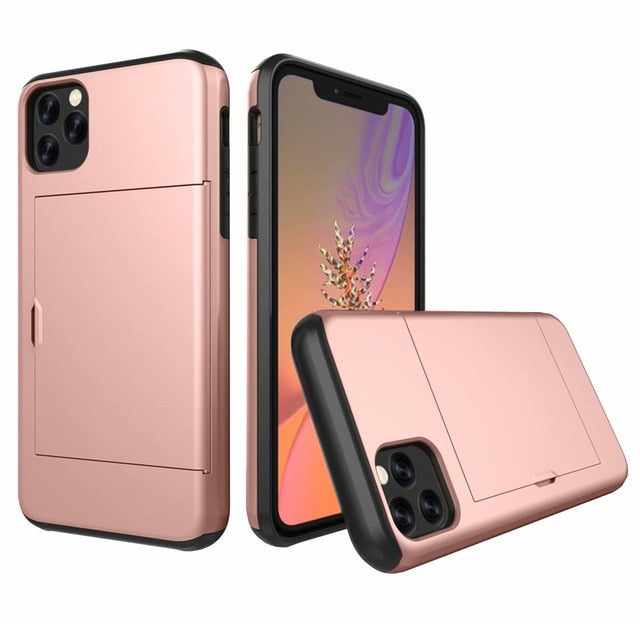
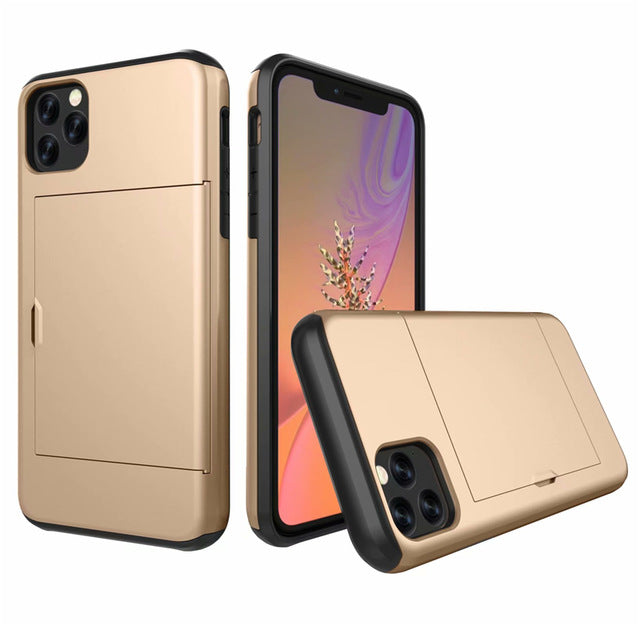
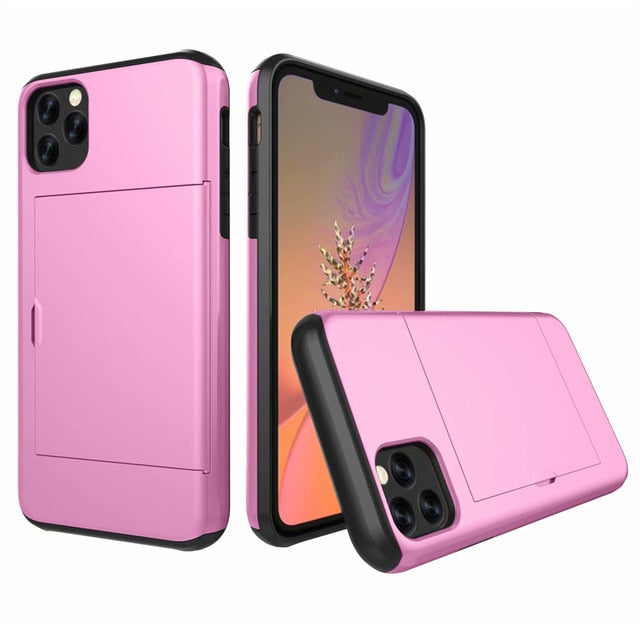
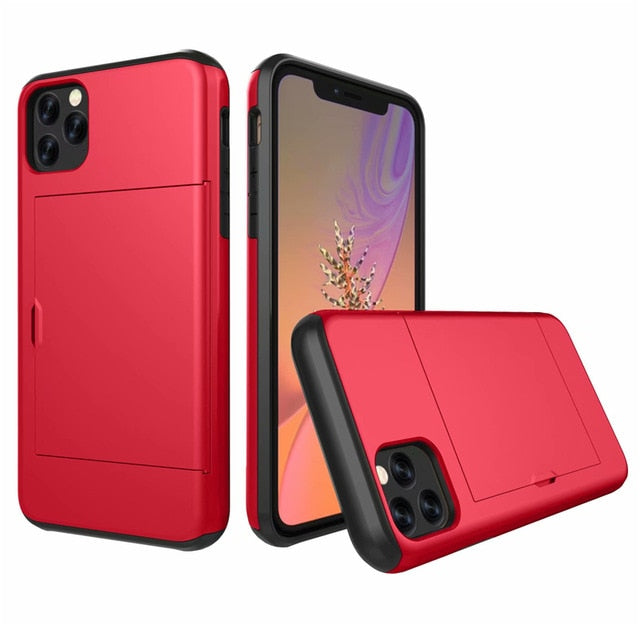
Wallet Phone Case for iPhone 13 Pro Max with Card Slots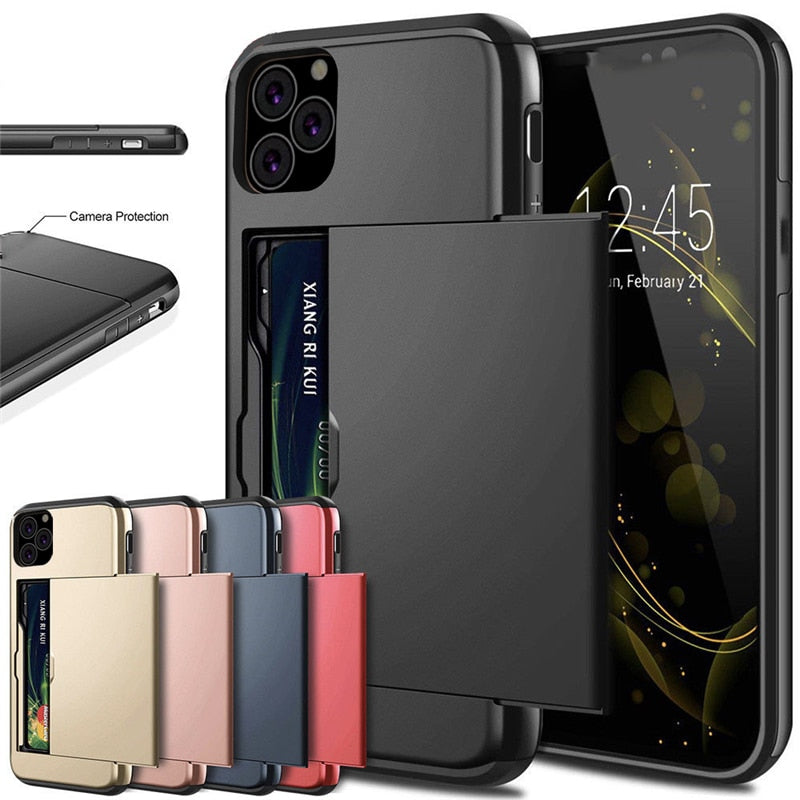
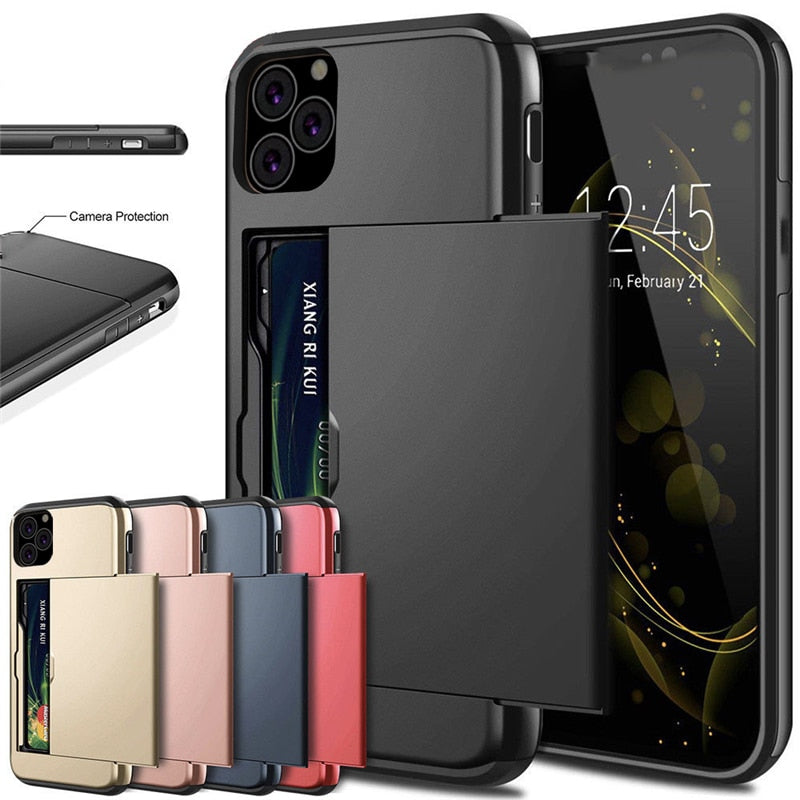
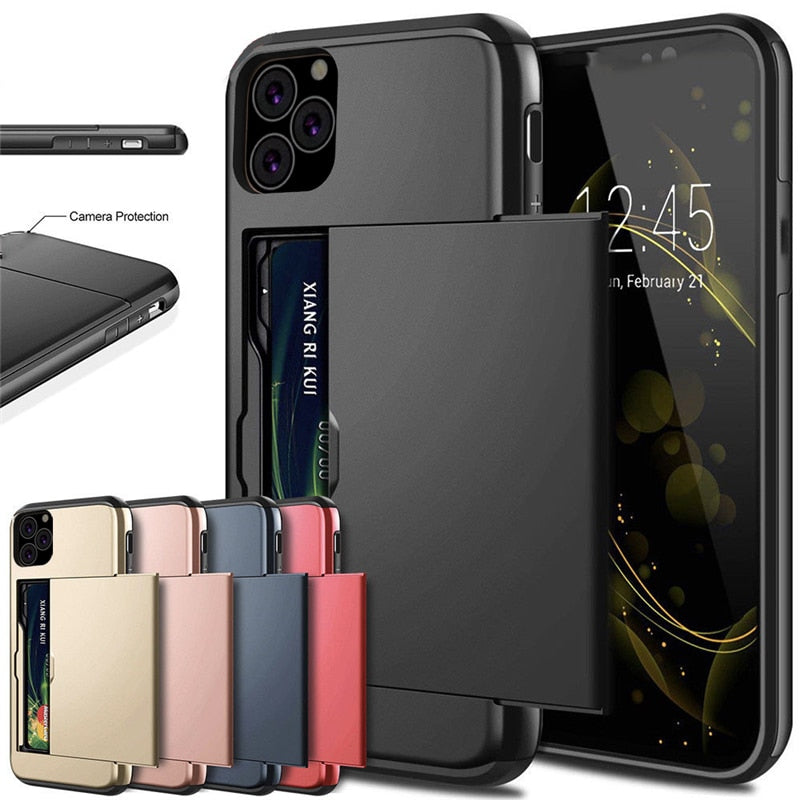
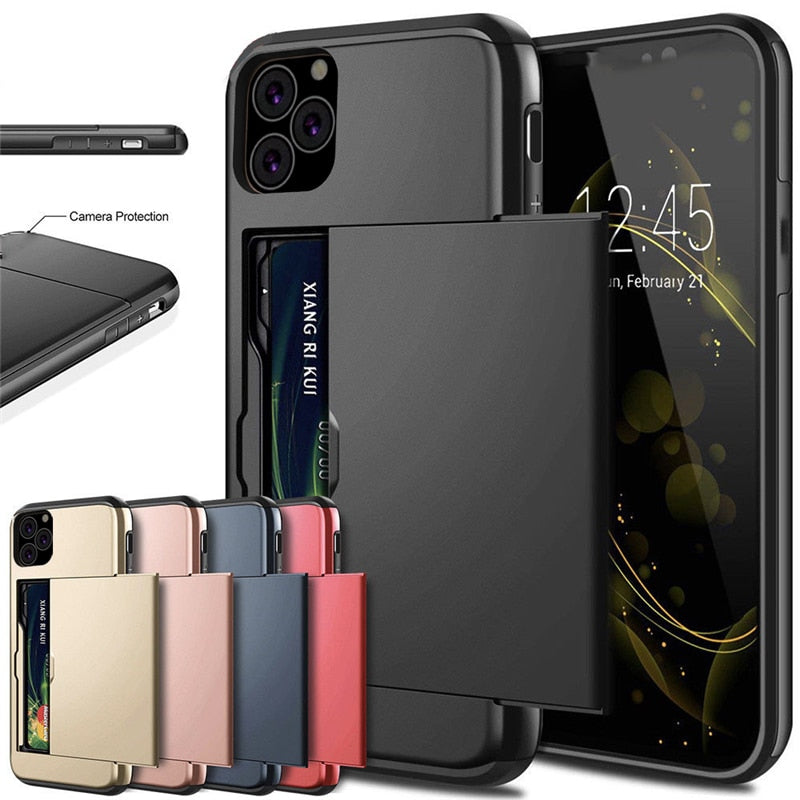
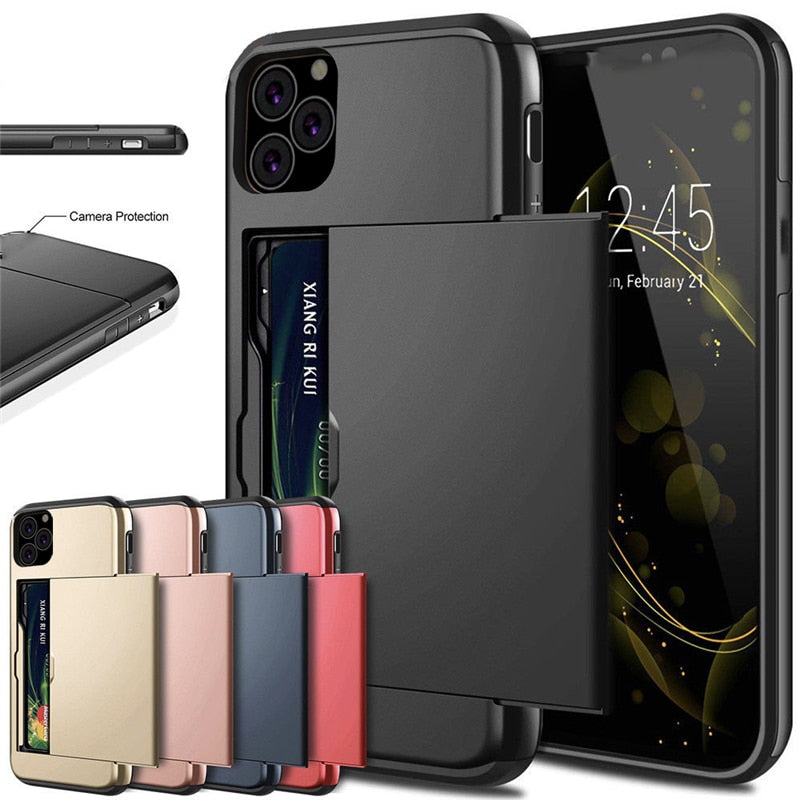
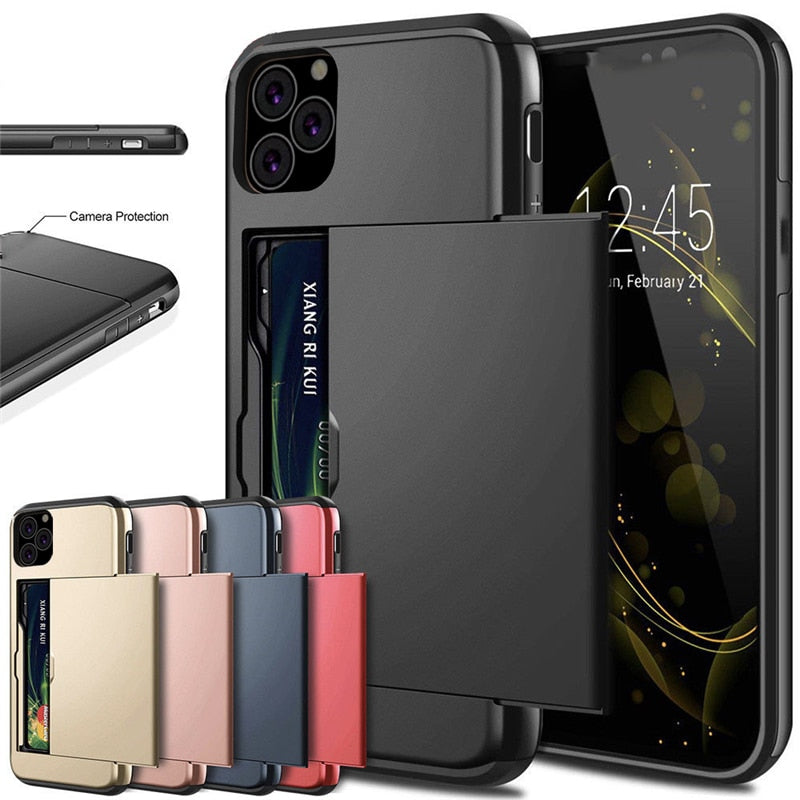
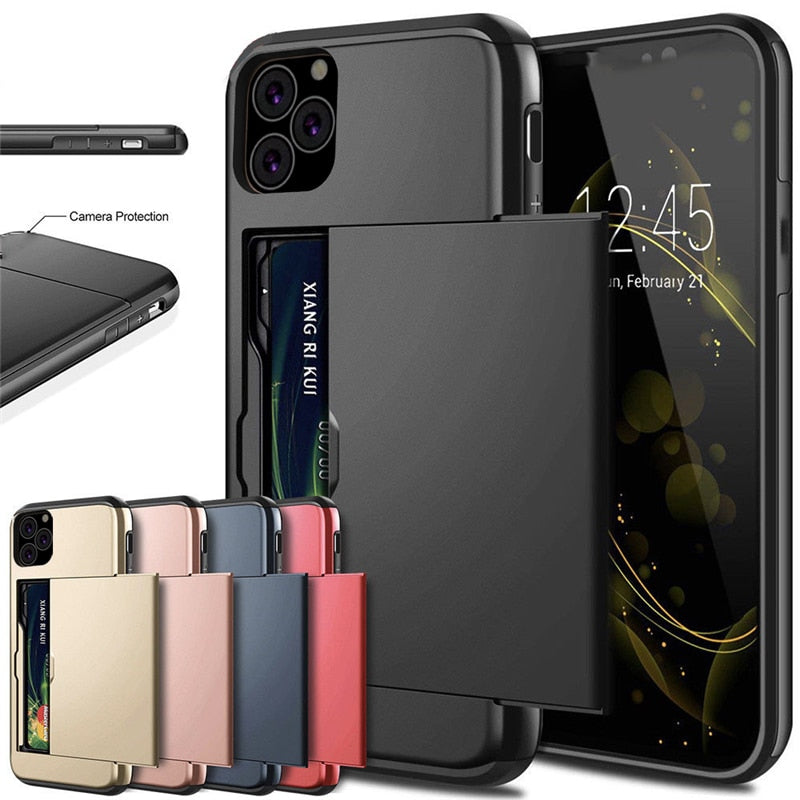
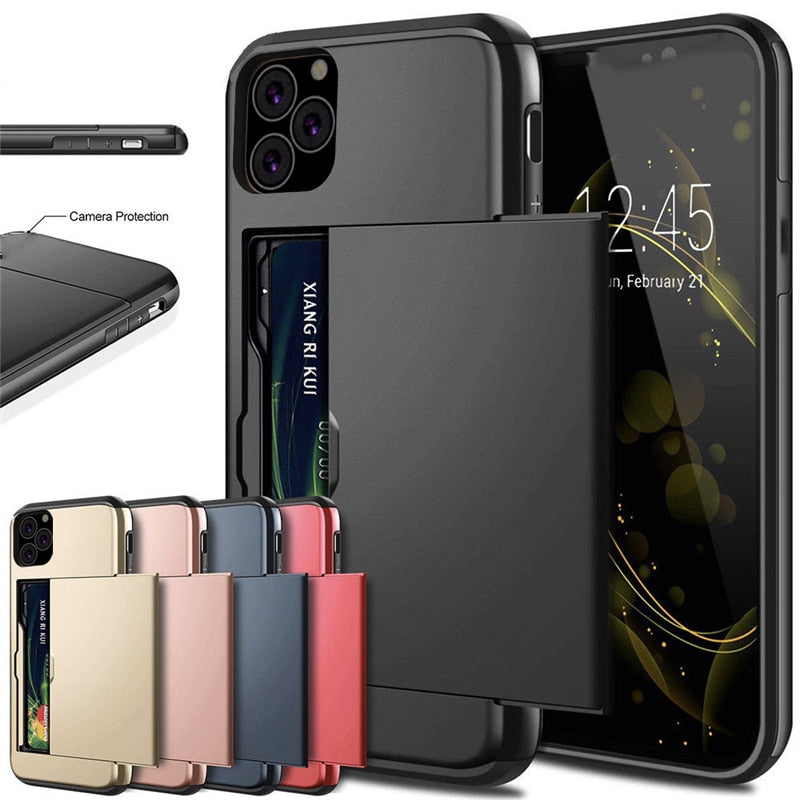
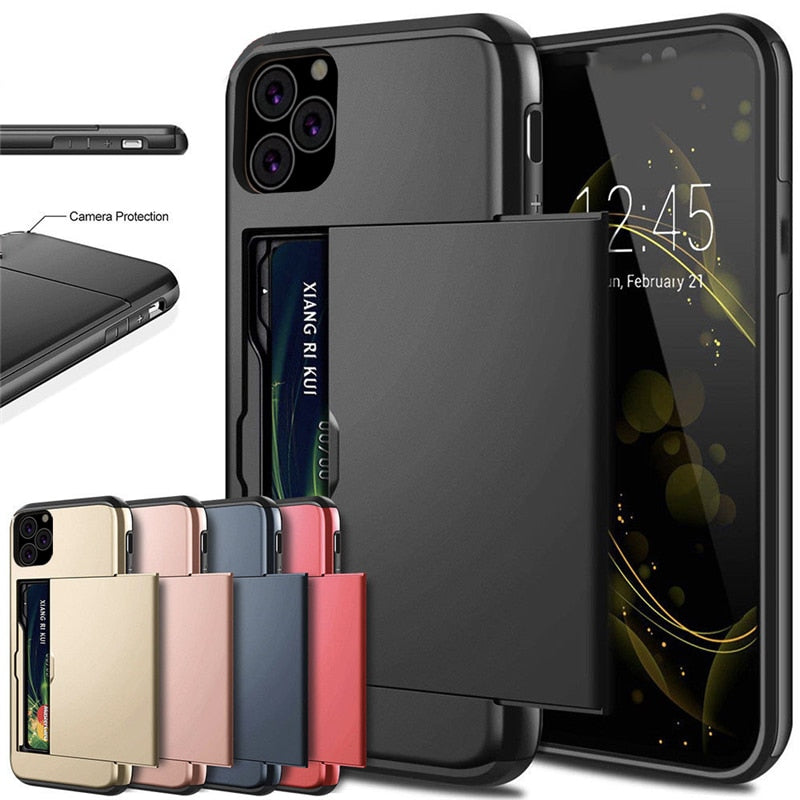
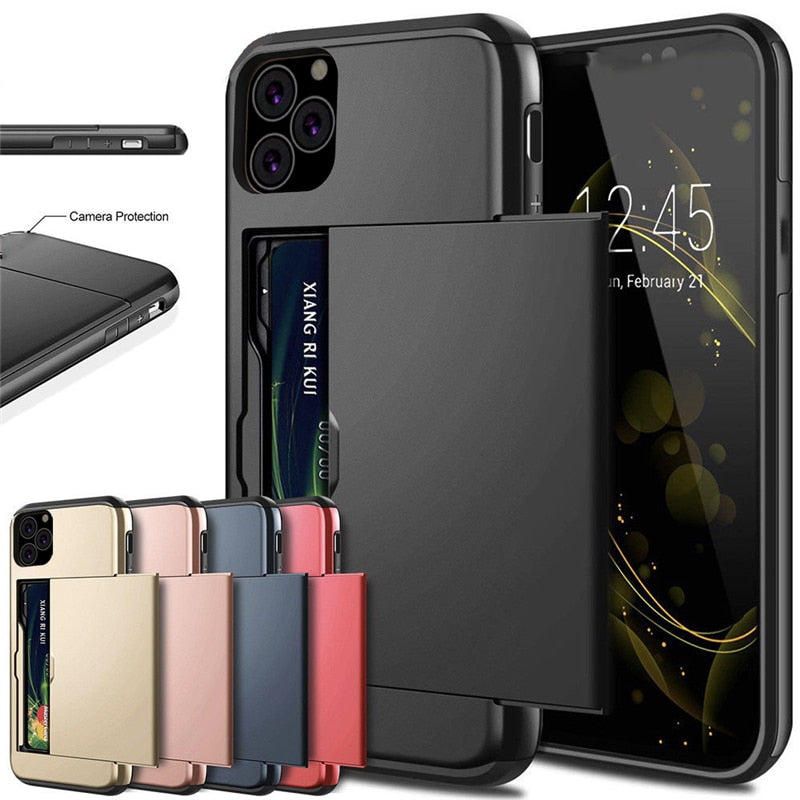
Carry your phone and one or two cards without the wallet. The sliding card panel sits on the back of a slim two-layer case, and the cutouts keep ports and buttons in reach. Built for commutes, errands, and nights out.
Read the full descriptionCarry your phone and one or two cards without the wallet. The sliding card panel sits on the back of a slim two-layer case, and the cutouts keep ports and buttons in reach. Built for commutes, errands, and nights out.
Slim shockproof case with a hidden card slot so you can leave the wallet at home
Stop digging through a bulky wallet for one card and cash. Slide a card behind the panel, and your phone carries the rest, with armor that handles daily drops.

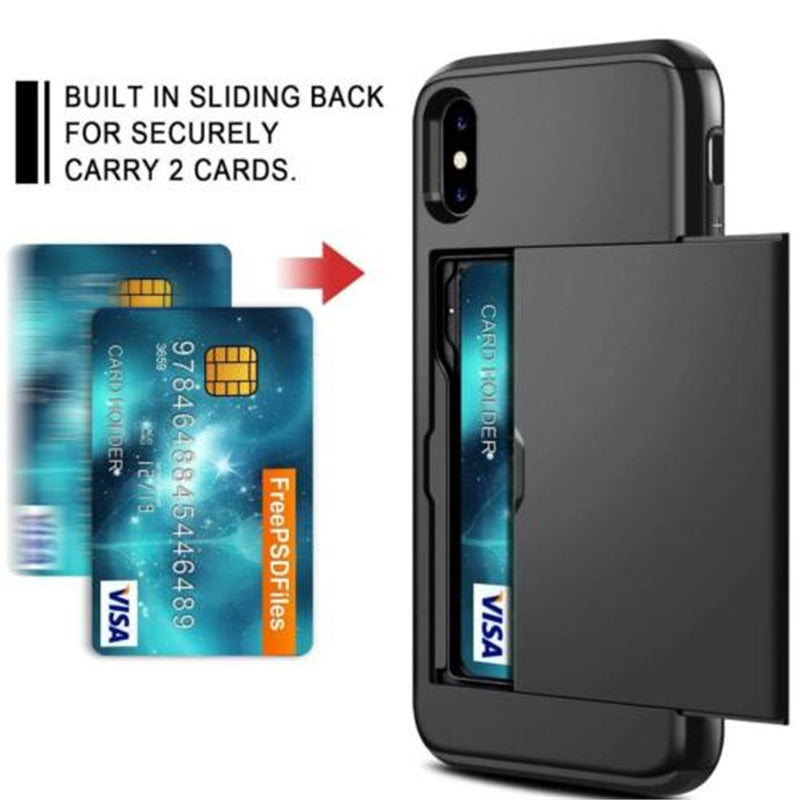
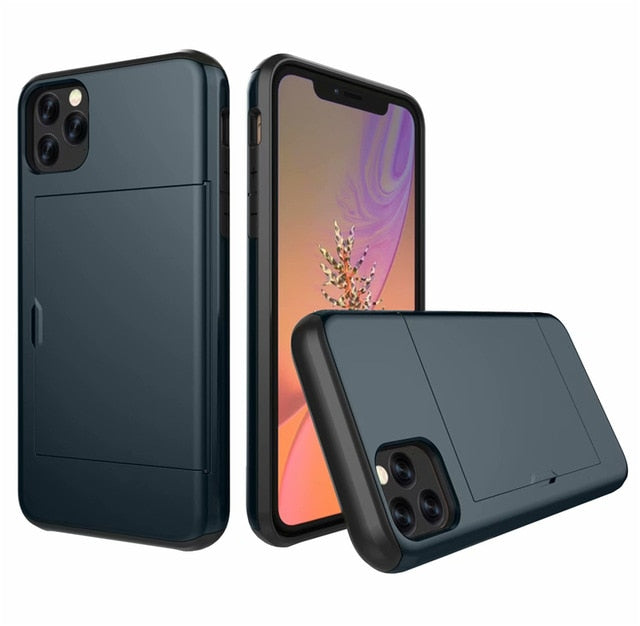
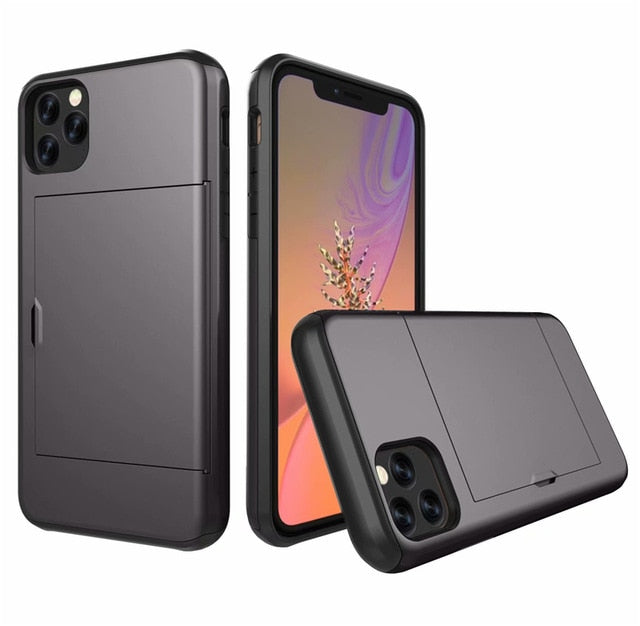
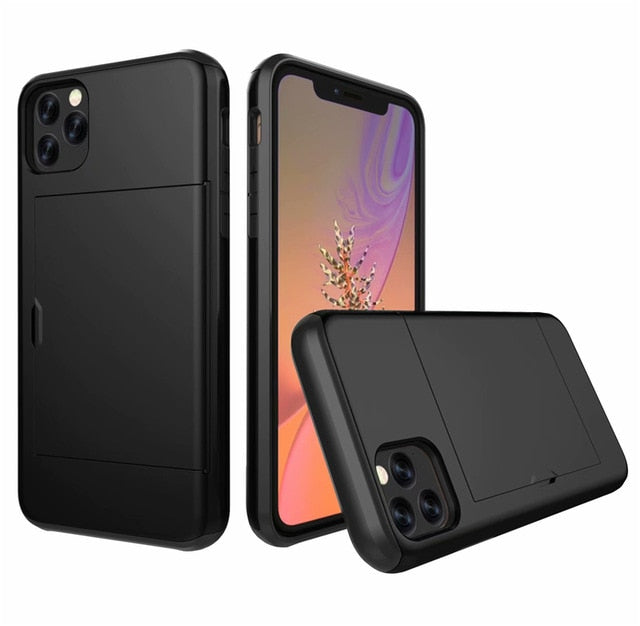
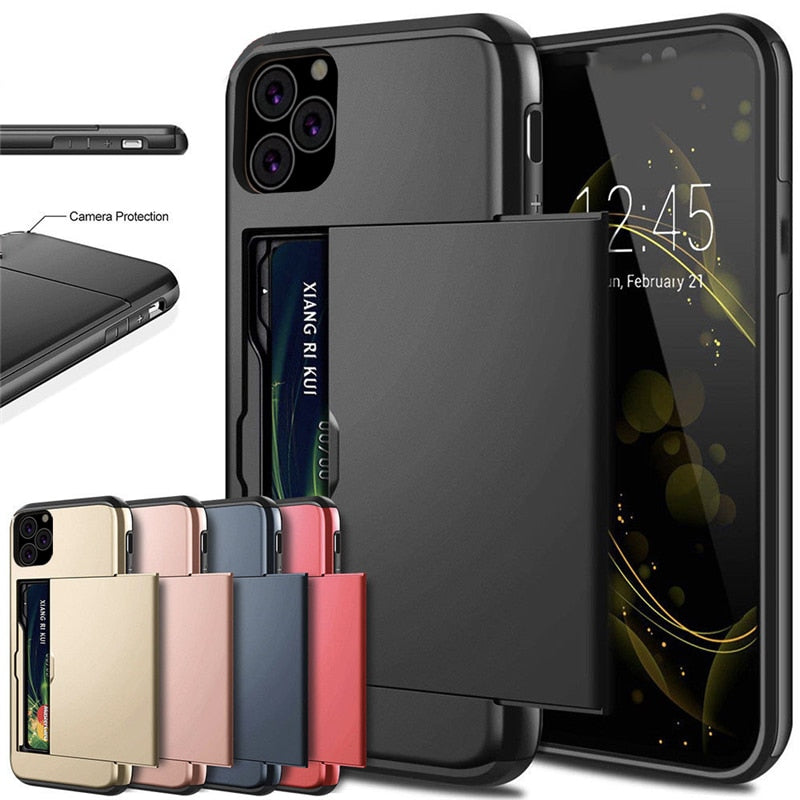
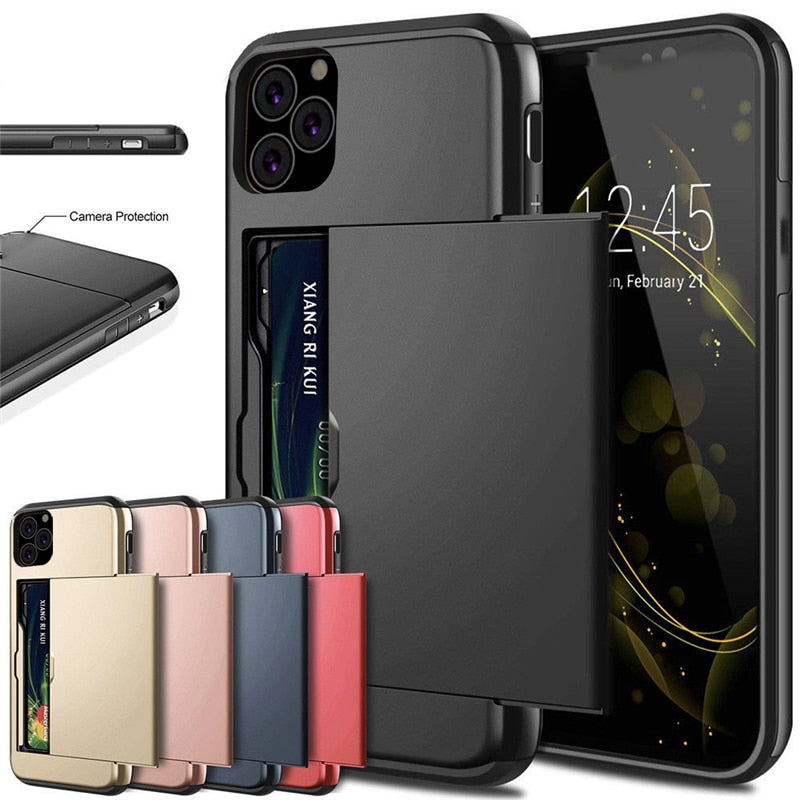
The sliding PC panel covers a card compartment on the back, so a transit card or debit card rides with the phone instead of in a wallet. The panel runs on its own track. Slide it with your thumb, slip the card in, and the front of the case stays flat against your palm.

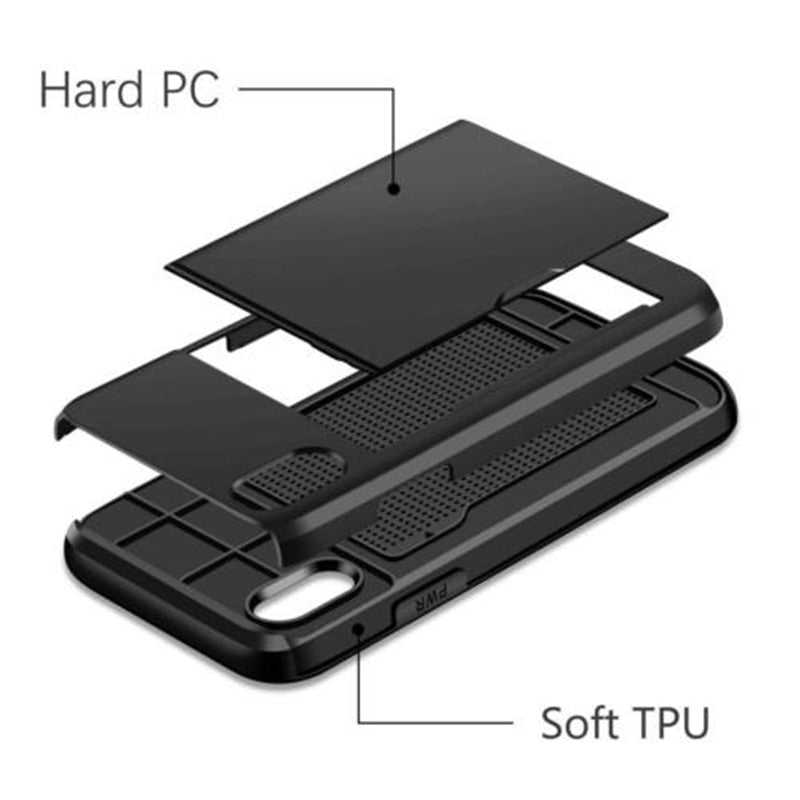
A hard PC shell sits over a soft TPU bumper. The bumper takes the impact along the sides, and the raised lip around the camera keeps the lens from touching a table when you set the phone face down. It stays thin enough to slide into a jacket pocket.

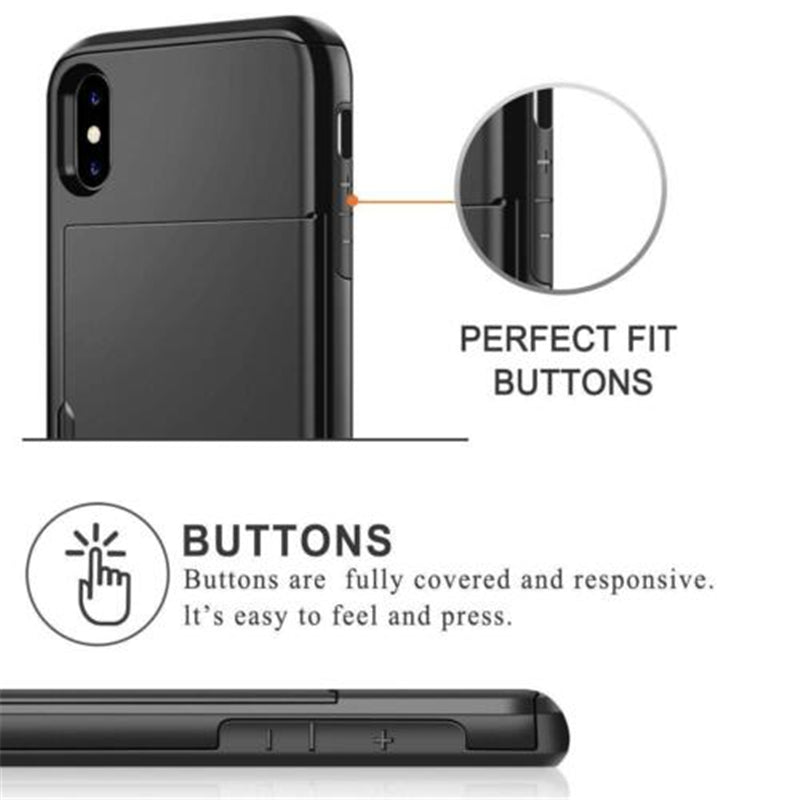
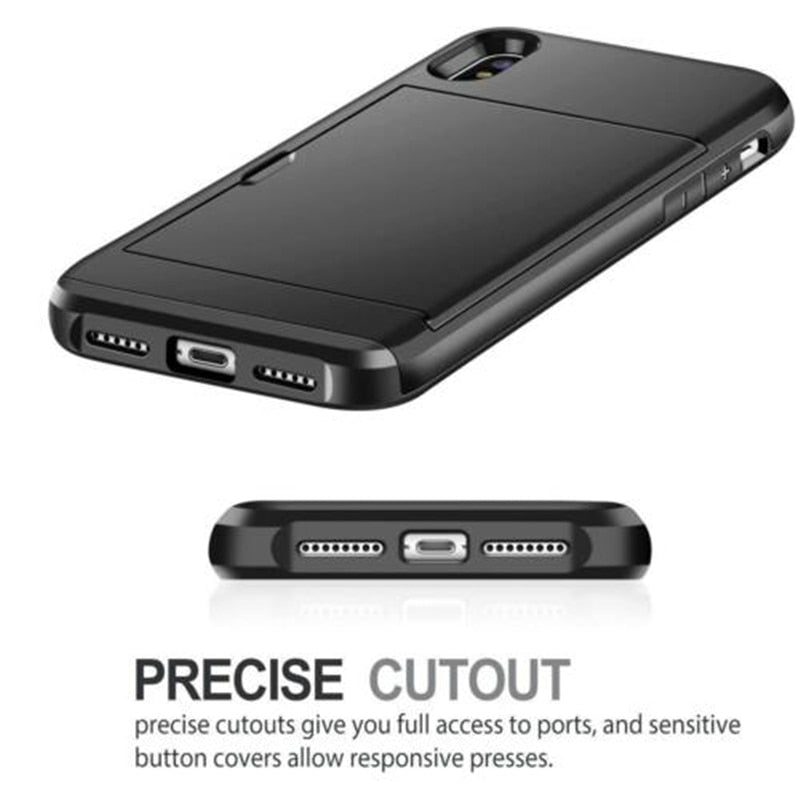
The port opening lines up with the charging connector, and the button covers sit over the volume and power keys with a firm, responsive press. You charge the phone without taking the case off, and the cutouts do not lift the edges of the case.
Confirm your exact iPhone model against the listing. The port and button cutouts only line up on the matching model.
Press the corners in first, then work the edges down over the sides. The fit should feel snug with the camera lip sitting clear of the lens.
Push the sliding panel along its track with your thumb. It should glide smoothly. Give it a few slides the first time so the action feels right.
Slip one or two cards behind the panel and close it. To take a card out, slide the panel open and lift the card straight up, not at an angle.
Dust and skin oil build up on matte plastic. A soft dry microfiber cloth keeps the finish even.
Lint can gather along the slide track. Brush it out now and then so the panel keeps its smooth action.
Strong cleaners can dull the matte finish. Use mild soap and water, then dry the case fully before you fit it.
If the case drifts out of place, press it back on so the port and button cutouts line up again.
The listing names the iPhone 11 Pro Max, XS, X and XR, along with older models in the 7, 8, 6 and 5 series. Match your exact model before you order. The port and button cutouts are cut to line up with the phone, so charging and presses work with the case on.
The panel is a rigid PC piece that rides on its own track, so a card stays snug while you carry it. Keep one or two cards behind it and slide the panel open with your thumb to take a card out. Packing in a thick stack is what makes the panel bind.
One or two cards is the right load. That covers a transit card and a debit card, with cash folded into a pocket or a money clip. A full stack pushes the panel out of its track and makes the case bulge.
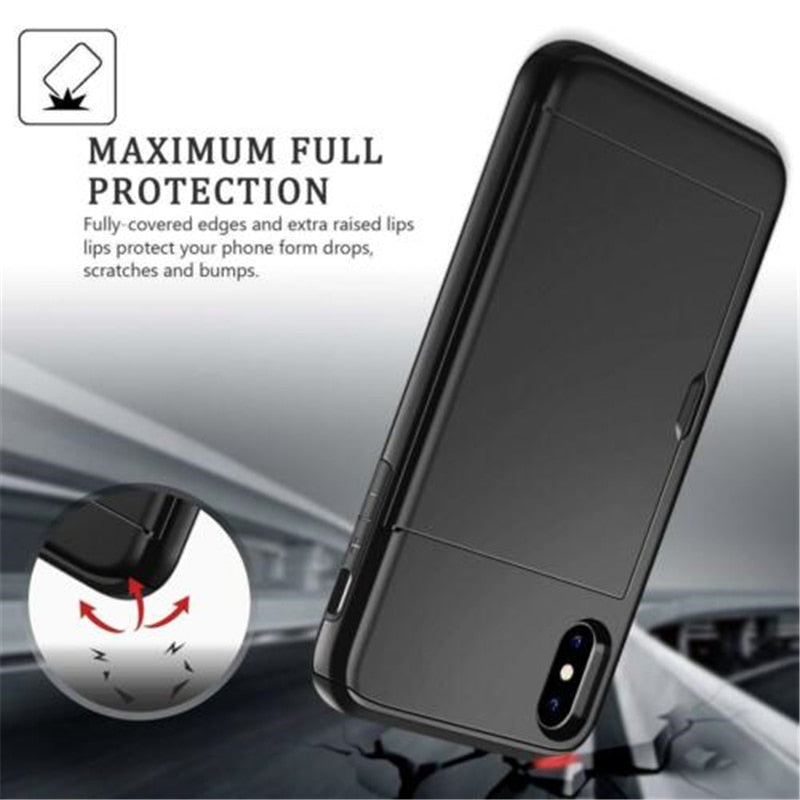
The hard PC back sits over a soft TPU bumper, and the camera area has a raised lip that keeps the lens off the surface. It handles everyday drops from pocket height and hand slips. It is not armor for falls onto concrete from a height.
Yes, it is thicker than a bare phone, but it stays slim next to a fat leather wallet or a bulky card case. The slot sits on the back, so the screen side stays flat and the case slides into a jacket or front pocket without a lump.
One purchase covers the case and the card slot. You skip buying a separate card holder or a larger wallet, and the phone gets armor at the same time. Over a year of daily carry, one item handles protection and card storage that would otherwise take two.


 Slim iPhone Wallet Case with Hidden Card Slot and Armor