

$94.90
Free delivery · 7–14 days
Foldable Aluminum Laptop Stand for Eye-Level Screens
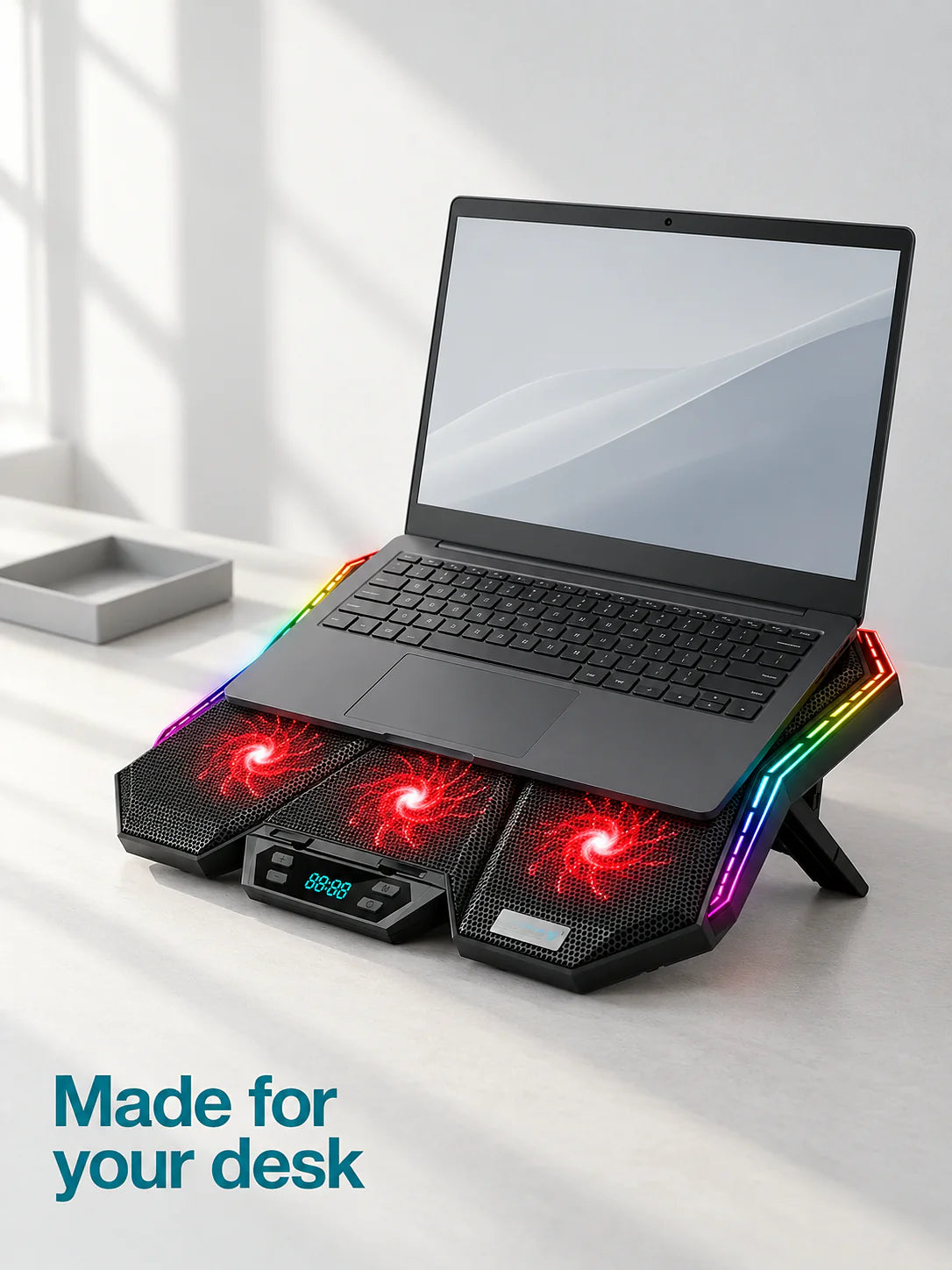
Long matches are where laptops run hot and slow down. This six-fan RGB cooler sits under the chassis, pulls air across the underside, and lets you set the speed from a digital panel. It fits 12-17 inch laptops and keeps the desk looking the way you wanted.
Read the full descriptionLong matches are where laptops run hot and slow down. This six-fan RGB cooler sits under the chassis, pulls air across the underside, and lets you set the speed from a digital panel. It fits 12-17 inch laptops and keeps the desk looking the way you wanted.
Six-fan RGB gaming cooler that keeps laptops cool under heavy load
Long matches leave your laptop hot, loud, and slowing down. Six fans under the chassis pull heat away so your session stays steady from first round to last.

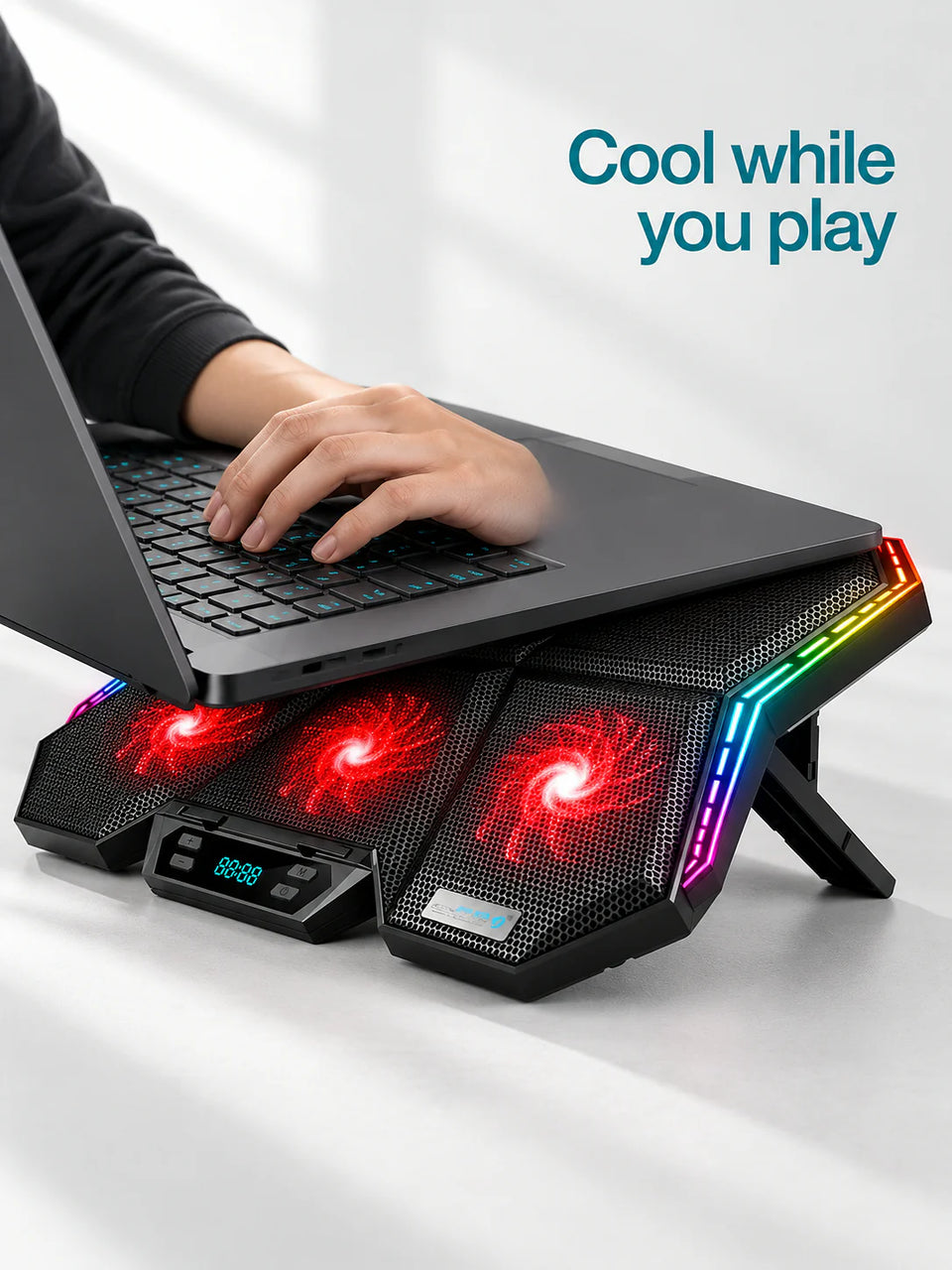
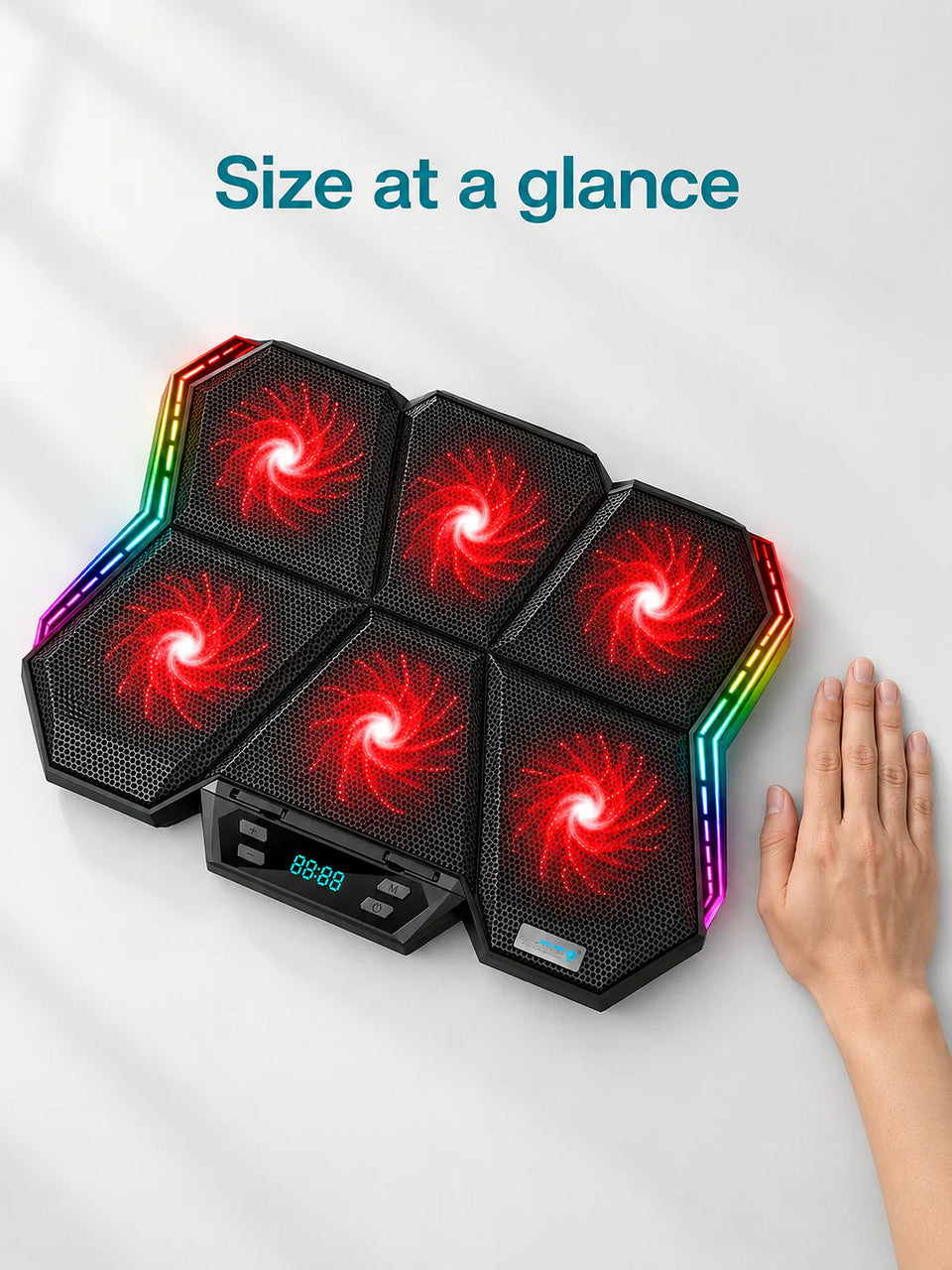
Six fans on a honeycomb mesh surface move air across the underside, where the laptop vents sit. More fans spread the airflow wider, so the cooling reaches more of the chassis than a single fan in the middle would.

The LCD display and the +/- buttons set fan speed in a few taps. Run the fans hard for a ranked match, then bring them down for typing and calls. The M button sits on the same panel.

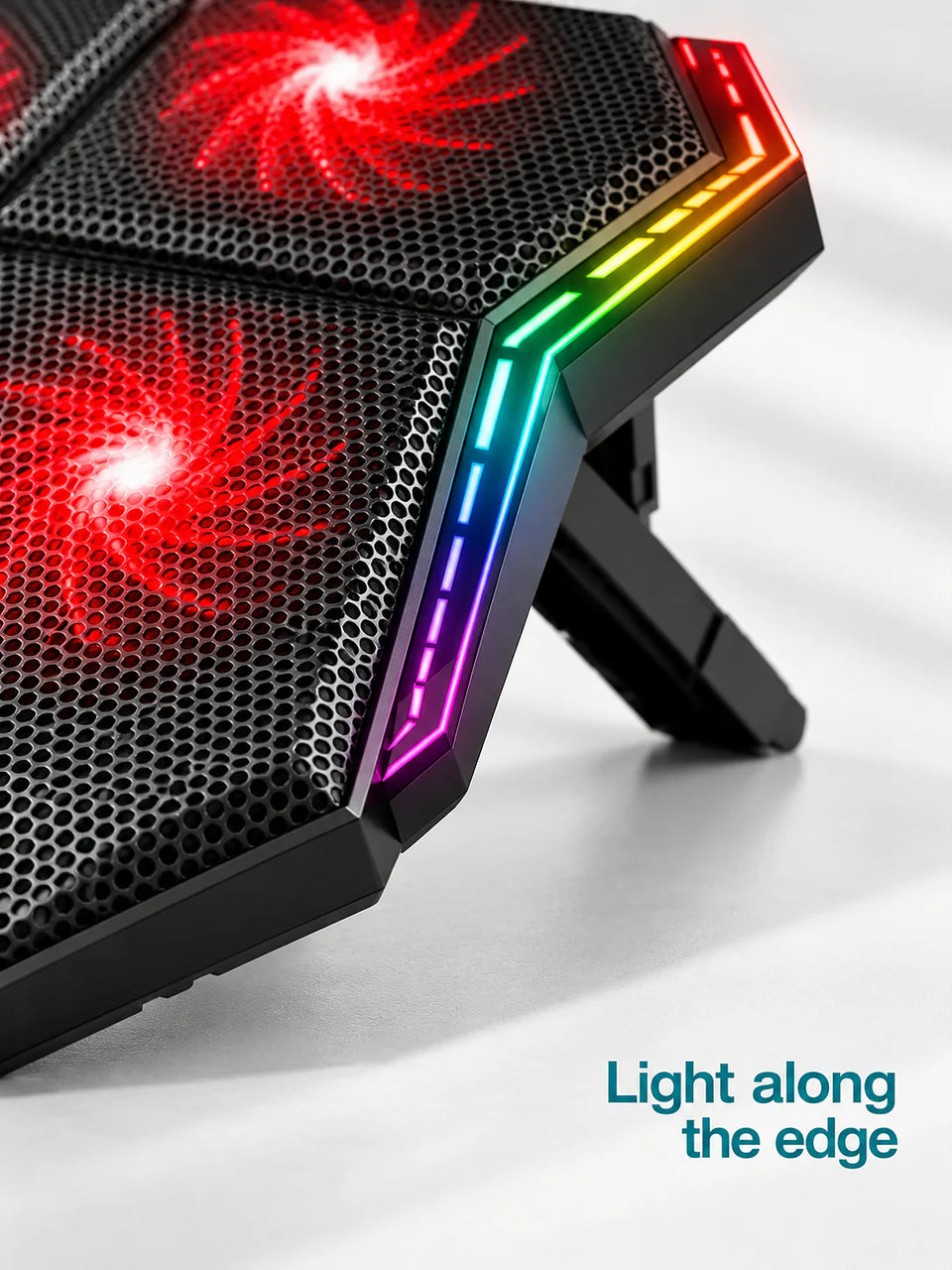
An RGB edge strip and red-glow fans give the desk a gaming look with no extra setup. The light runs along the edge of the pad, so it shows on camera and in the room at night. Pair it with a headset stand to finish the desk.
Place the cooler on a hard, flat desk and open the adjustable stand to the angle you type at.
Plug the USB cable into the base of the cooler. The LCD lights up when it is powered.
Use the +/- buttons to set the speed. Start high for a ranked match, then lower it for everyday work.
Center the laptop over the fan area and keep the vents uncovered so air reaches them.

Mid-match the fan starts to roar, the keyboard turns warm under your palms, and the frame rate begins to stutter. The chassis traps heat with nowhere to go. A book under the laptop only blocks the vents further.

The pad sits under the laptop and pulls air across the underside, where the heat actually builds. The honeycomb mesh lets air through, and the stand holds the laptop at an angle you can type from.

The next match runs with the fans on and the desk lit in red and RGB. Long raids feel steadier, and the setup looks the way you wanted it to.
Place the laptop on the stand, connect USB, and check that the fans spin. Confirm the fit and that the vents are not covered.
Try a few speeds during games and workloads. Note which setting keeps the keyboard comfortable and how loud it sounds to you.
Use it on long sessions and watch whether the laptop feels cooler and steadier. Results depend on the laptop, the room, and the workload.
| Six-fan RGB cooler | Single-fan pad | |
|---|---|---|
| Fans spread across the base | — | |
| Adjustable fan speed | — | |
| RGB edge lighting | — | |
| Digital speed display | — | |
| Adjustable multi-angle stand | Partial |
It is made for laptops from 12 to 17 inches. Check your screen size against that range, then make sure the vents on the underside line up with the fan area once the laptop sits on the stand.
The listing does not publish temperature readings, so there is no number to quote. Six fans move air across more of the underside than a single-fan pad, and the speed is adjustable. Run one long session with the pad and one without, then compare how the keyboard and base feel.
The fans are audible at top speed, especially in a quiet room. Drop the speed with the minus button for typing, calls, or late sessions, and raise it only when the load is heavy.
The +/- buttons step the fan speed up or down on the digital display, so you can see the setting before a match starts. The M button sits on the same panel.
Six fans cover more of the underside, and you adjust all of them from one panel. A basic single-fan pad costs less, but it gives you no speed control and less airflow coverage. You are paying for the fan count and the control.
The body is plastic with matte black mesh panels, so it is light and easy to move between desks. It is built for desk use, not rough handling. Keep it on a flat surface and keep the mesh clear of dust.


 Gaming Laptop Cooling Pad, Six Fans and RGB Lighting