
$119.90
Free delivery · 7–14 days
Gaming Laptop Cooling Pad, Six Fans and RGB Lighting
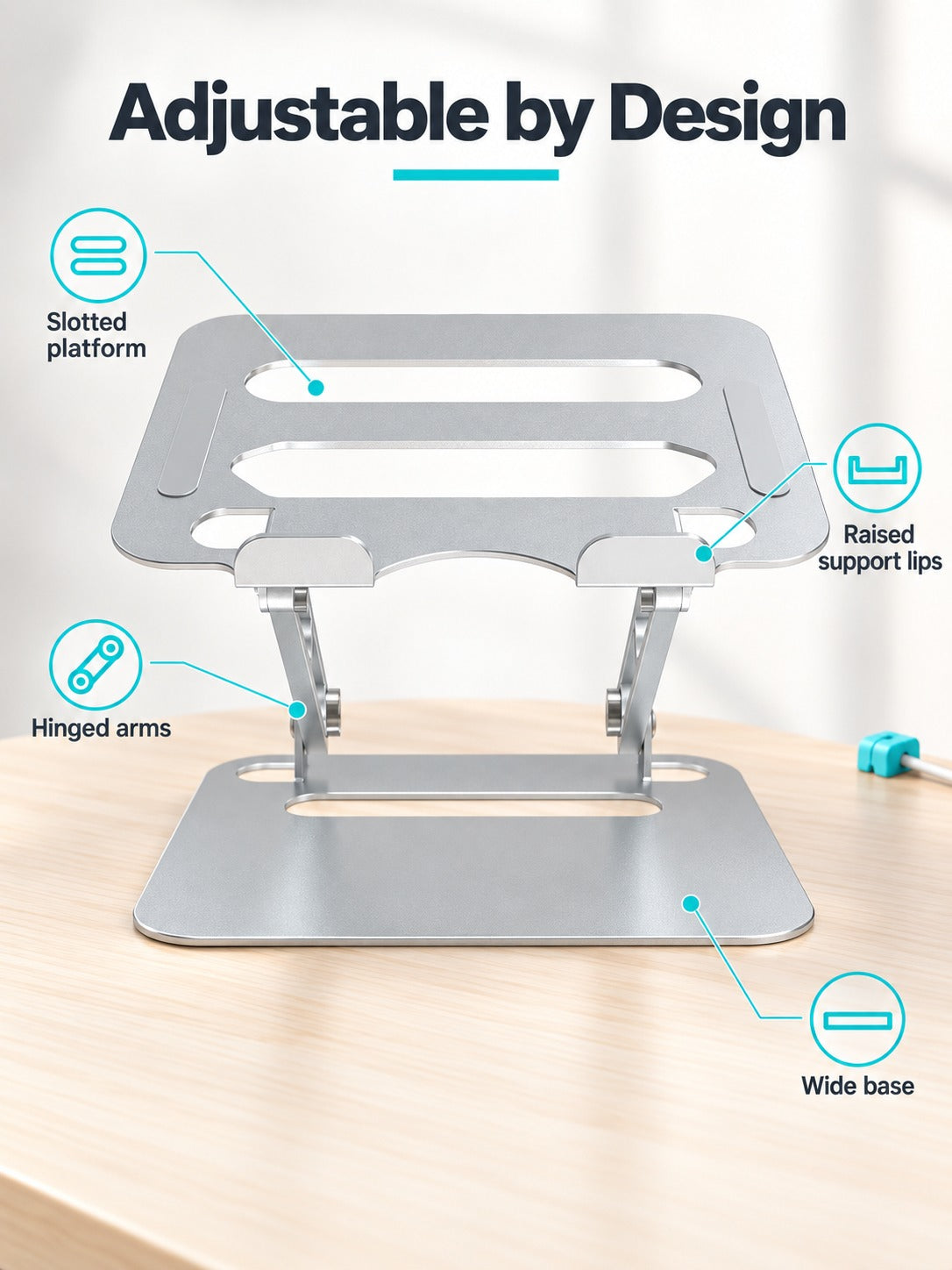
Lift the screen to eye level and let the neck stop paying for the desk. This foldable aluminum stand gives the laptop a steady, ventilated base, and it folds flat for cafes and travel.
Read the full descriptionLift the screen to eye level and let the neck stop paying for the desk. This foldable aluminum stand gives the laptop a steady, ventilated base, and it folds flat for cafes and travel.
Foldable aluminum laptop stand that raises your screen to eye level and keeps the laptop cooler
Stop craning your neck over a flat laptop screen. Lift it to eye level on a sturdy aluminum stand that folds flat and frees up your desk.

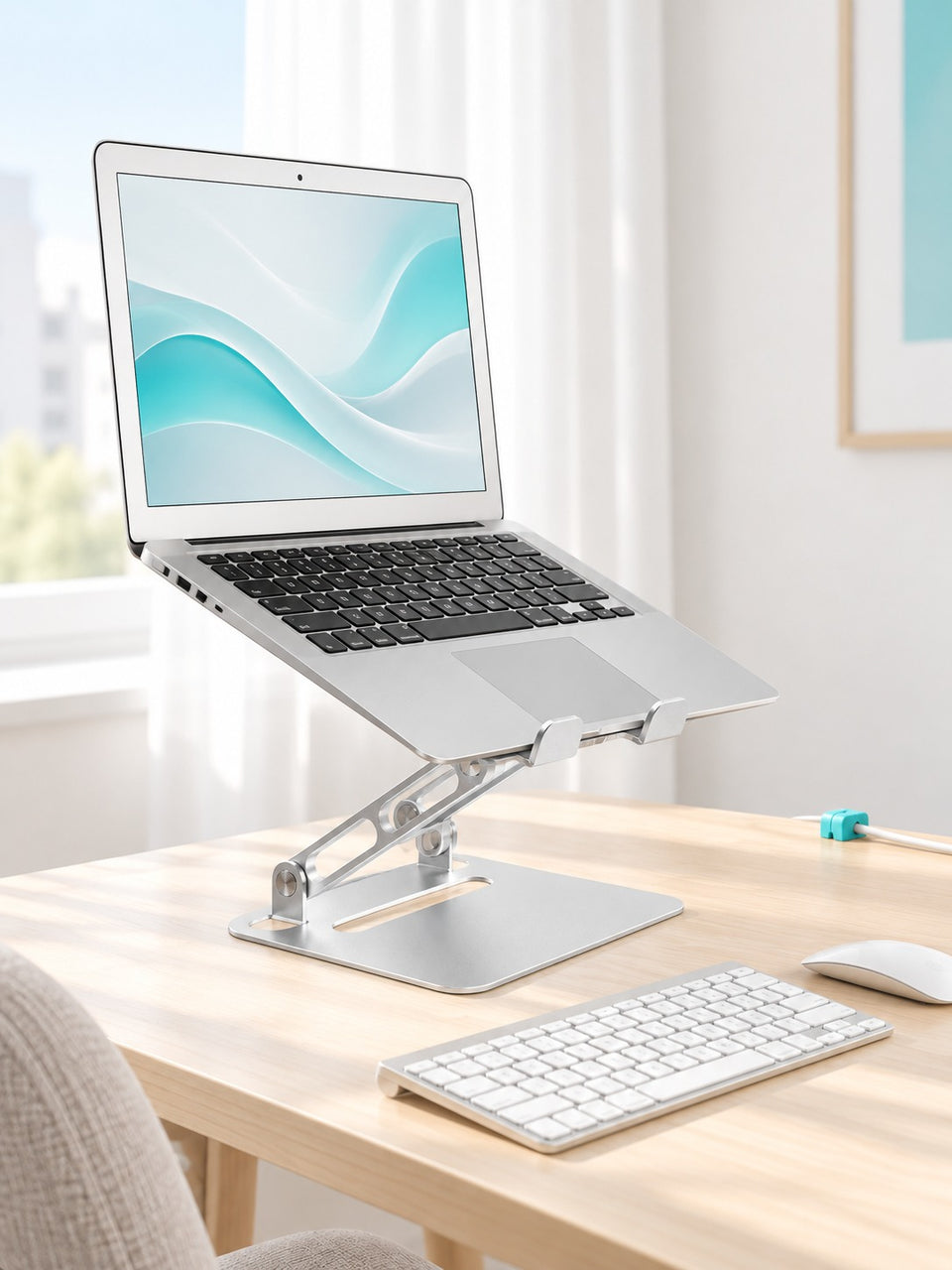
Scissor-style arms and an adjustable tilt raise the screen to eye level, so you stop looking down at the keyboard. Set it once and the angle holds through a full day of calls and documents. The stand is compact enough to sit on a crowded desk without pushing the monitor out of reach. lap stands risers

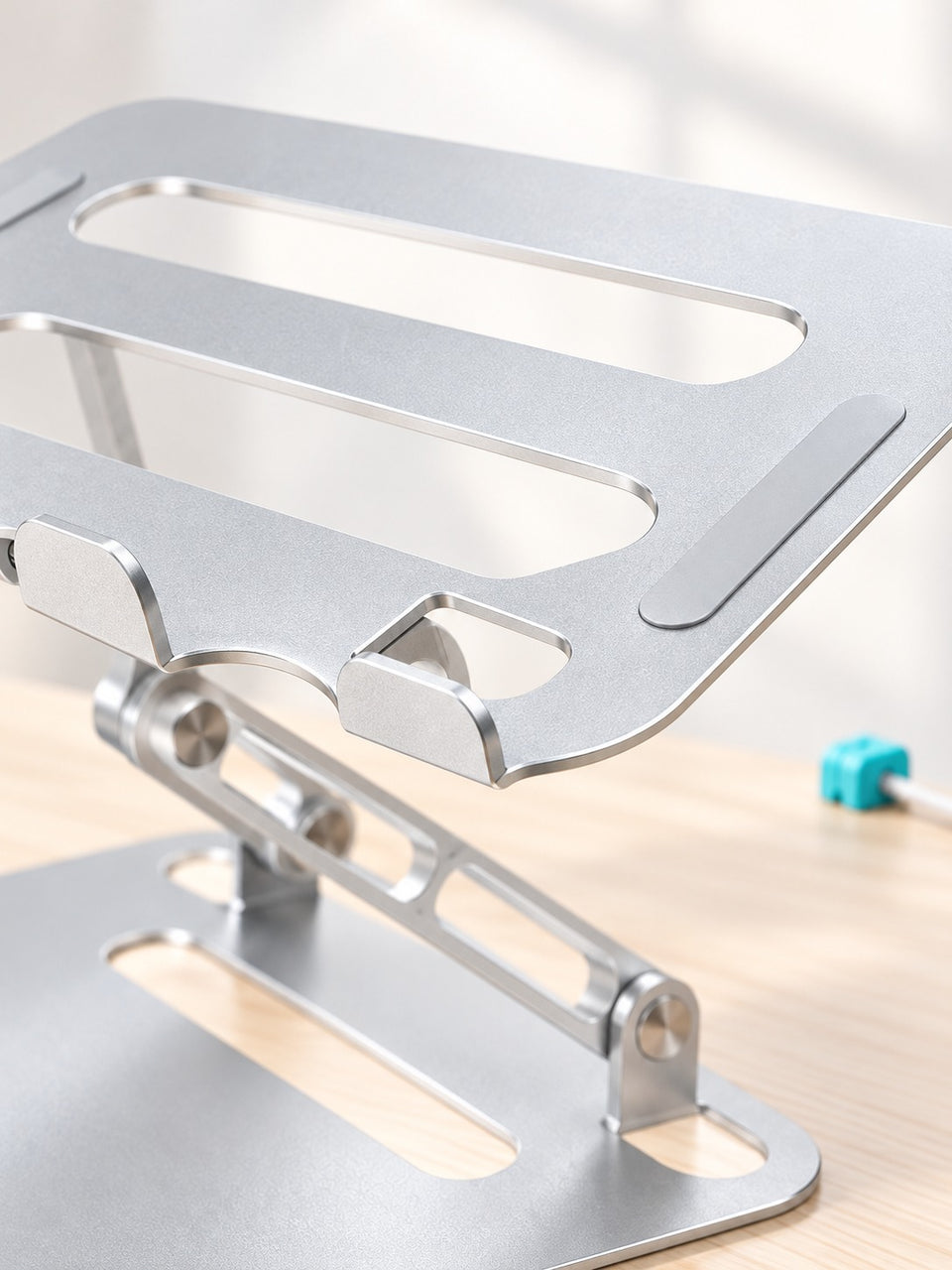
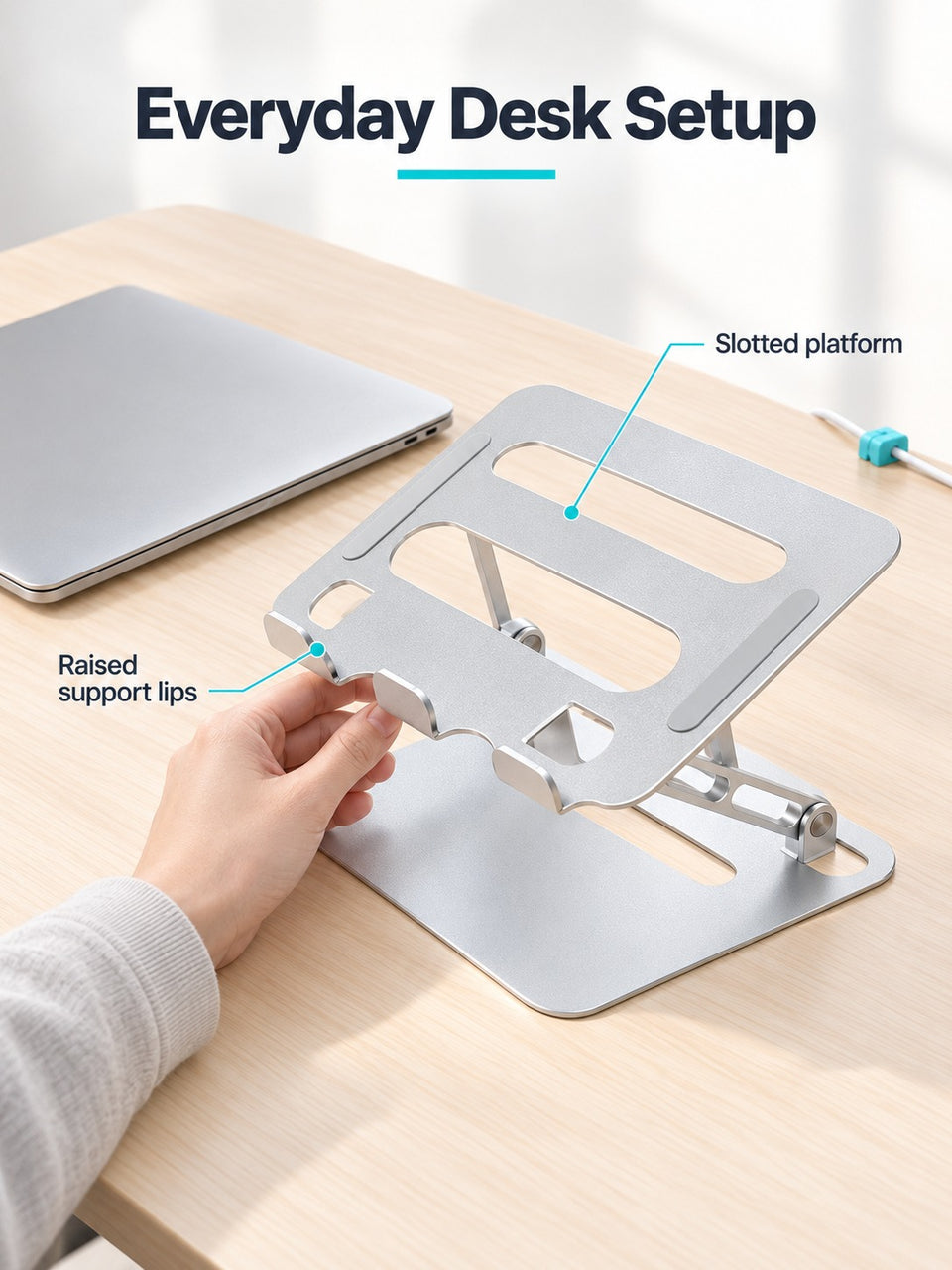
The slotted platform opens a channel of air under the laptop instead of trapping heat against a flat surface. Rubber-style lip supports along the front edge grip the base, so the laptop does not slide when you type or reach for a cable. The brushed aluminum frame feels solid under the hand.

The scissor-style frame folds flat in one motion and slides into a laptop bag pocket. Unfold it on a café table or a hotel desk and the stance stays wide and stable. The same stand that lives on your home desk travels with you, so the setup does not change when the location does.
Pull the scissor-style arms apart. The hinges lock with a firm click and the frame opens evenly without wobble.
Lay the slotted platform flat on the desk and check that the rubber-style lip supports sit along the front edge.
Place the laptop on the lips, adjust the height and tilt until the top of the screen sits near eye level, and keep the wrists relaxed.

A flat laptop puts the screen far below eye level, so the head tips forward for hours. By mid-afternoon the neck is stiff and the shoulders climb toward the ears. The laptop itself runs hot, sitting on a closed surface with no air moving underneath.

Stacked books wobble and a cheap plastic riser blocks the vents. This stand replaces both with a single frame. The scissor-style arms set the height in seconds, and the tilt adjusts so the top of the screen sits near eye level without bending your neck.

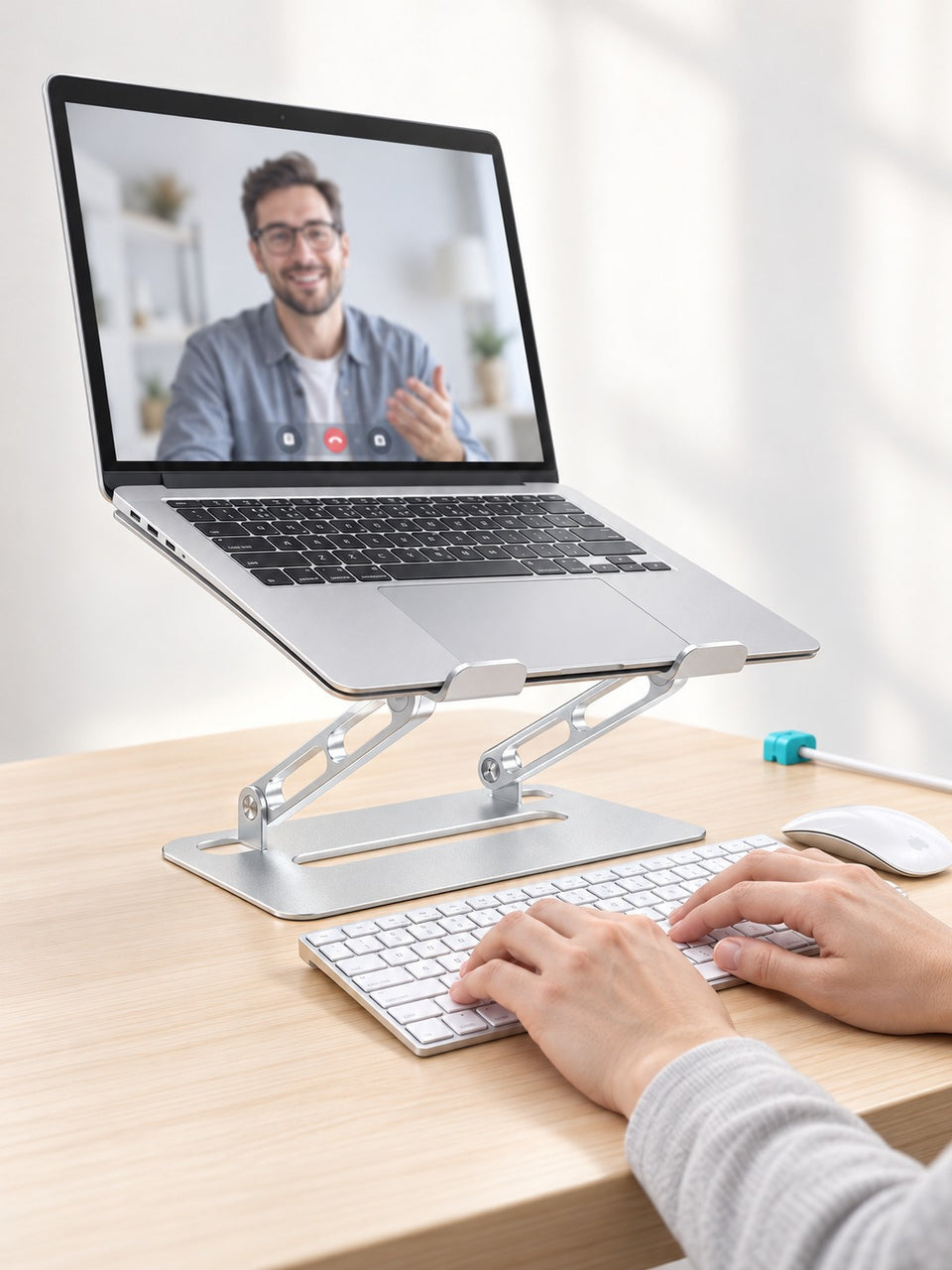
The keyboard and mouse slide underneath the raised laptop, so the desk clears up. The open slotted platform lets air move beneath the machine, and the laptop stays steadier on its rubber-style lip supports. When the day is done, the stand folds flat and goes in the bag.
Set the height and tilt once so the top of the screen sits near eye level. Comfort also depends on your chair and desk height, so adjust those too.
Typing with an external keyboard and mouse underneath becomes routine. The desk looks tidier and the laptop stays steady through daily work.
Keeping the screen raised becomes the default during long sessions. Pair the stand with regular breaks and a supportive chair for the most comfort.
| This stand | Stacked books | Plastic riser | |
|---|---|---|---|
| Adjustable height and tilt | — | Partial | |
| Open airflow under laptop | — | — | |
| Stable base | — | Partial | |
| Non-slip laptop supports | — | Partial | |
| Folds flat for travel | — | — |
Yes. The laptop rests on non-slip rubber-style lip supports along the front edge, and the wide flat base keeps the frame planted on the desk. Set the stand on a flat surface, seat the laptop on the lips, and it stays put while you type.
The frame is brushed aluminum alloy with a wide base, and the hinge arms lock firmly when opened. It holds steady under a standard laptop during typing and video calls. Aluminum keeps its shape over months of daily opening and folding.
A plastic riser flexes under the laptop, blocks the vents, and usually lacks height adjustment. Books cost nothing but take up desk space and slide around. One aluminum stand replaces both, lasts through repeated folding, and leaves the vents open.
The slots open a channel of air under the laptop, which a flat desk surface blocks. Keep the slots clear of papers and cloth so air can move freely. The gain is most noticeable during long sessions on a warm desk.
Yes. Raise the screen on the stand, then slide a compact keyboard and mouse onto the desk underneath. Many people with a laptop keyboard use an external one at the same height, which keeps wrists level and the screen at eye level.


 Foldable Aluminum Laptop Stand for Eye-Level Screens