
$59.90
Free delivery · 7–14 days
RGB Wired Gaming Mouse, 6400 DPI & Synced RGB Lights


Full-size RGB mechanical gaming keyboard with a 104-key layout, numeric keypad and blue switches. Rainbow backlight with six brightness levels and five effect speeds gives every key a clear glow, from a late-night match to a daily spreadsheet.
Read the full descriptionFull-size RGB mechanical gaming keyboard with a 104-key layout, numeric keypad and blue switches. Rainbow backlight with six brightness levels and five effect speeds gives every key a clear glow, from a late-night match to a daily spreadsheet.
Full-size RGB mechanical gaming keyboard with customizable rainbow backlight and ergonomic floating keycaps
Tired of squinting at dim keys and cramped layouts? This 104-key mechanical keyboard lights every key in a rainbow gradient, so your setup feels as sharp as your aim.

The numeric keypad sits on the right, with dedicated media and Fn keys around it. Spreadsheets, number entry and in-game shortcuts all stay within reach, and you never have to shift your hand to find a key.

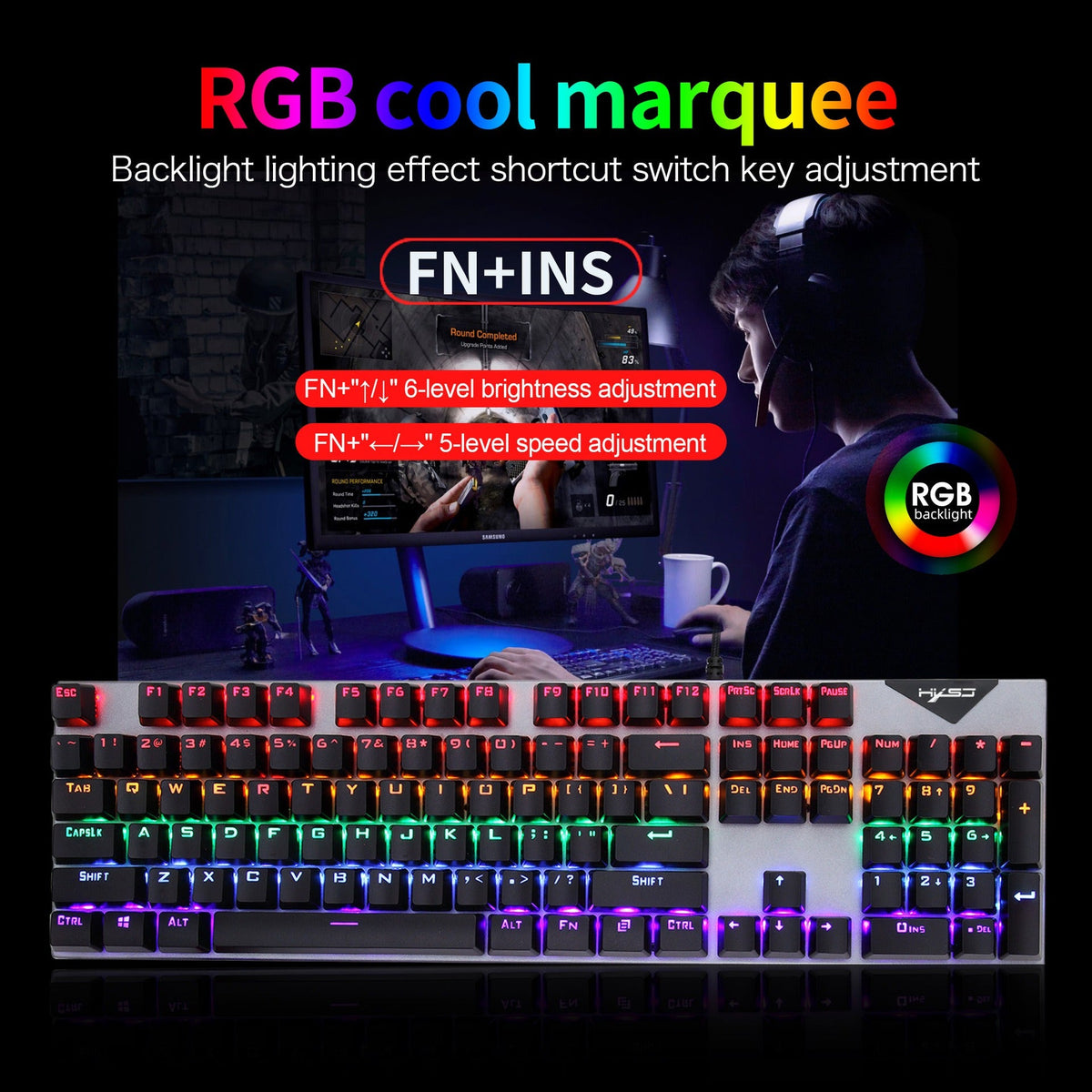
Six brightness levels and five speed levels cover everything from a faint glow for an office desk to a fast rainbow for a stream. FN+INS opens the backlight mode, and the arrow keys do the rest.

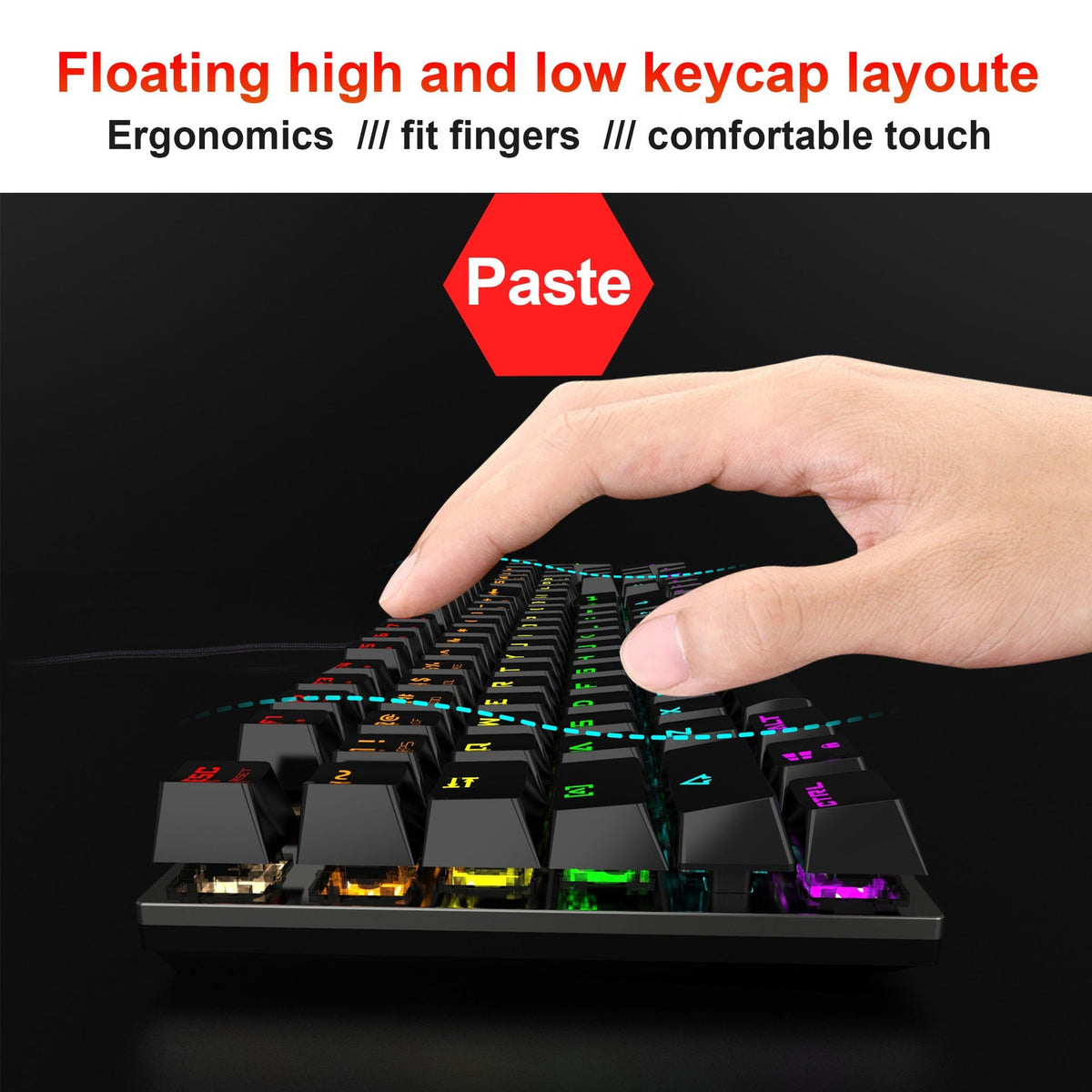
The floating keycap layout sets high and low keys at different heights, so each finger rests on a shaped surface. Long sessions feel easier on the hands than on a flat board.
Connect the braided USB cable straight to a rear port on your PC. The rainbow backlight starts cycling as soon as the board powers up.
Press FN+INS to switch into backlight shortcut mode. From here the arrow keys control the lighting.
Press FN+up or FN+down to move through six brightness levels. Go low for a calm office desk, high for a dark room.
Press FN+left or FN+right to move through five effect speeds. Slow keeps the glow relaxed, fast makes the rainbow race across the keys.

Mid-match, you glance down and the keys disappear into the desk. A laptop board squeezes the hands, and a budget membrane board gives you no light to find anything by. Every late night turns into a guessing game.

The 104-key layout brings the numeric keypad back. Shortcuts, media keys and numbers sit where your hand expects them, so you stop reaching across the board for the one key you need.
Rainbow light runs across every key, and you decide how strong it gets. Six brightness levels and five effect speeds let the board look calm at your desk or loud on stream.
| This keyboard | Laptop keyboard | Budget membrane board | |
|---|---|---|---|
| Numeric keypad | — | Partial | |
| Mechanical switches | — | — | |
| Adjustable RGB brightness and speed | — | Partial | |
| Floating keycap layout | — | — | |
| Wired USB connection |
Yes, blue switches are clicky by design. Each keypress makes an audible click, so this board suits a room where you play or type alone. In a shared office or a bedroom with someone sleeping, a quieter switch will be the kinder choice.
The floating keycaps sit at high and low heights, so each finger finds its own resting spot. Most people who move from a laptop keyboard notice the difference in the first long session. The full layout also stops you from stretching the hand toward a separate numpad.
The body is plastic. The top plate has a dark gunmetal grey finish that looks like metal, and it is the part you see every time you sit down. Expect a board that looks premium and feels solid, not one machined from aluminium.
Press FN+INS to enter backlight shortcut mode. Then use FN+up or FN+down to move through six brightness levels, and FN+left or FN+right to move through five effect speeds.
It connects by a braided wired USB cable, so you plug it into the PC and it starts working. The lighting modes run from the keyboard itself, so you can change the glow without installing anything.
A full-size mechanical board replaces two purchases: a keyboard that types well and a numpad you would otherwise add later. Mechanical switches and metal-look construction hold up to daily play far longer than a budget membrane board, so the cost per season of use stays low.


 Full-Size RGB Mechanical Gaming Keyboard with Blue Switches