
$69.90
Free delivery · 7–14 days
Ultra-Thin Portable Laptop Stand for Desk and Cafe Use



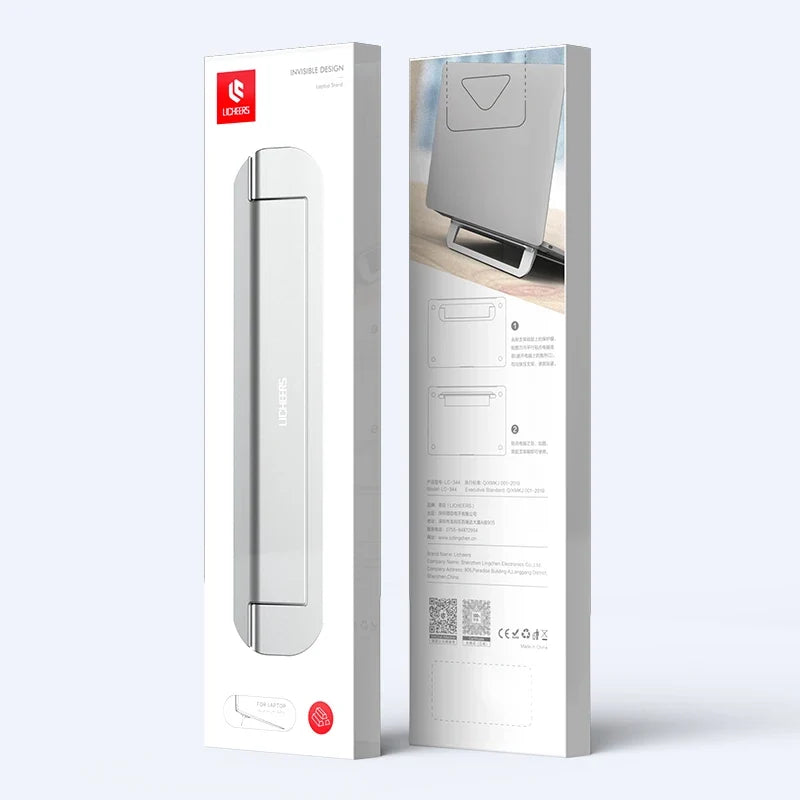


A slim aluminum stand that lifts your screen to an 8° angle, so you stop craning forward through the workday. It folds flat in seconds and slides into a laptop bag. Silicone pads hold the notebook steady and protect the lid.
Read the full descriptionA slim aluminum stand that lifts your screen to an 8° angle, so you stop craning forward through the workday. It folds flat in seconds and slides into a laptop bag. Silicone pads hold the notebook steady and protect the lid.
Slim, portable aluminum laptop stand for a healthier 8° viewing angle
Tired of hunching over a flat screen? This slim aluminum base adds an 8° tilt, stays put with silicone pads, and folds flat for your next desk or trip.

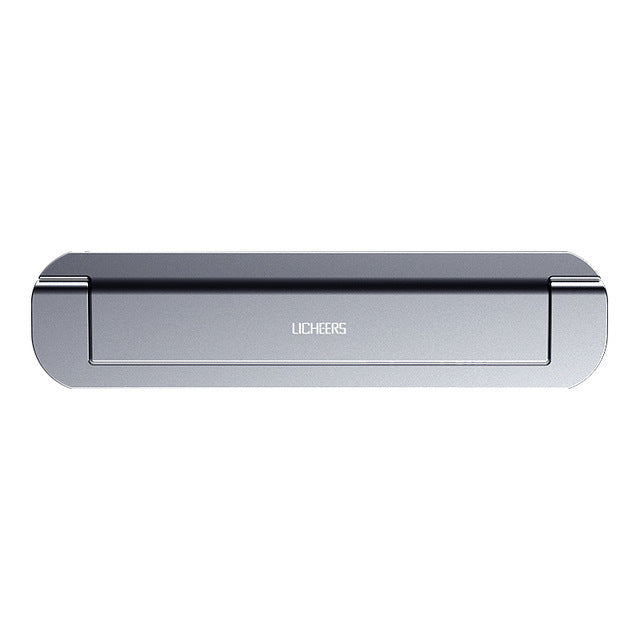
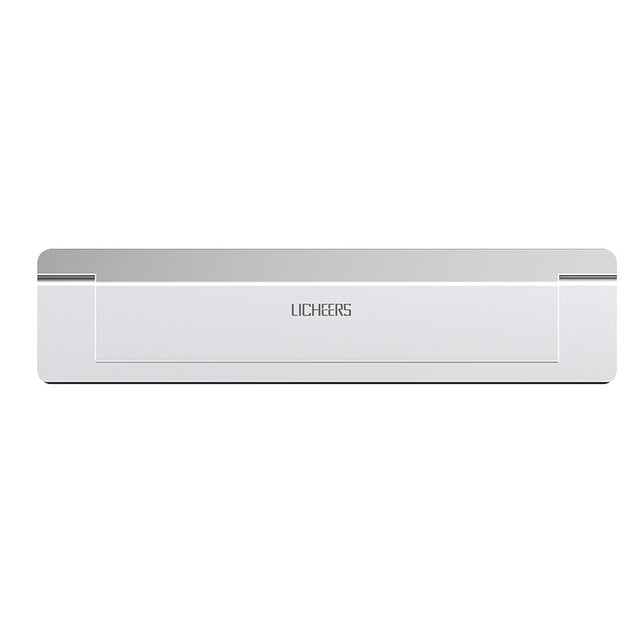
The brushed aluminum body is thin enough to slide into a laptop sleeve or the front pocket of a backpack. It folds in seconds and unfolds with a smooth, even motion. The nano adhesive pad on the base sits flat on the desk and lifts cleanly when you are done, without leaving a film behind.

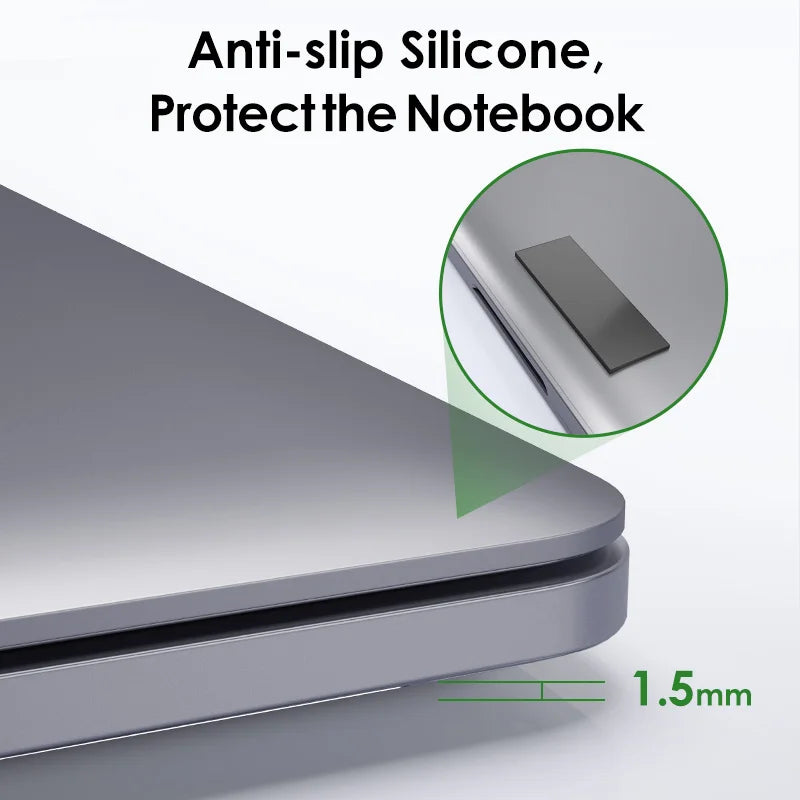
Black silicone pads sit at the contact points and hold the notebook in place. The lid stays free of scratches, and the laptop does not slide when you type. Wipe the pads with a dry cloth now and then to keep the grip sharp.

The 8° lift brings the top of the screen up toward eye level. It is a modest change from a flat desk, and it is enough to ease the downward tilt of your head over a long workday.
Wipe the desk and the base with a dry cloth. Dust and oil weaken the nano adhesive, so a clean surface gives the best grip.
Open the base until it locks at its 8° angle. Lift the laptop straight up and set it down squarely on the black silicone pads.
Adjust the laptop so the top of the screen sits at a comfortable height. Pair it with an external keyboard and mouse for the best posture.
Lift the notebook off first, then fold the base flat. It slides into a bag or tote and sets up again on any table.
Use a dry or lightly damp cloth on the silicone pads to lift dust and oil.
Wipe the base before each placement so the nano adhesive sticks well.
Keep the stand folded flat in a bag or drawer to protect the finish.
The base is a compact riser sized for standard notebooks. It holds the laptop on its silicone pads, so place the notebook squarely on the pads and check that the edges sit inside the grip zone before you type.
The adhesive sits on the base, not on the notebook. It sticks to a desk surface and lifts off without residue after repeated use. Keep the desk dry and dust free so the pad holds its grip.
Yes, though it is a modest lift, not a steep riser. Most people notice the screen sitting closer to eye level after a few sessions. Pair it with an external keyboard and mouse for the largest difference in posture.
The aluminum base and silicone pads keep the notebook steady for everyday typing. Set the laptop squarely in the middle of the pads and avoid dragging it across the base, which can shift the pads out of position.
Yes. The 1.5mm profile folds flat and slides into a laptop bag, tote or backpack pocket without adding bulk, so the same setup works at a hotel desk or airport table.
A cheap riser costs less, but it tends to scratch the lid or slide off the desk, and sticky pads leave residue behind. This stand uses brushed aluminum, silicone grip and a clean adhesive base, so the cost is spread across years of daily desk use rather than replaced after a few months.


 Foldable Aluminum Laptop Stand: 8° Tilt, Portable Design