

$43.90
Free delivery · 7–14 days
Rainbow RGB Gaming Mouse, Switchable DPI, Long Cable
Your basic mouse gives you two side buttons and no way to bind the moves that win fights. This one adds seven programmable buttons, 6400 DPI switching and glowing RGB at a budget price. Bind your abilities to your thumb and get back to the match.
Read the full descriptionYour basic mouse gives you two side buttons and no way to bind the moves that win fights. This one adds seven programmable buttons, 6400 DPI switching and glowing RGB at a budget price. Bind your abilities to your thumb and get back to the match.
Seven-button, 6400 DPI RGB gaming mouse with programmable macros at an accessible price
Stop fumbling binds on a two-button mouse. Get seven programmable buttons, macro support and glowing RGB at a budget price.

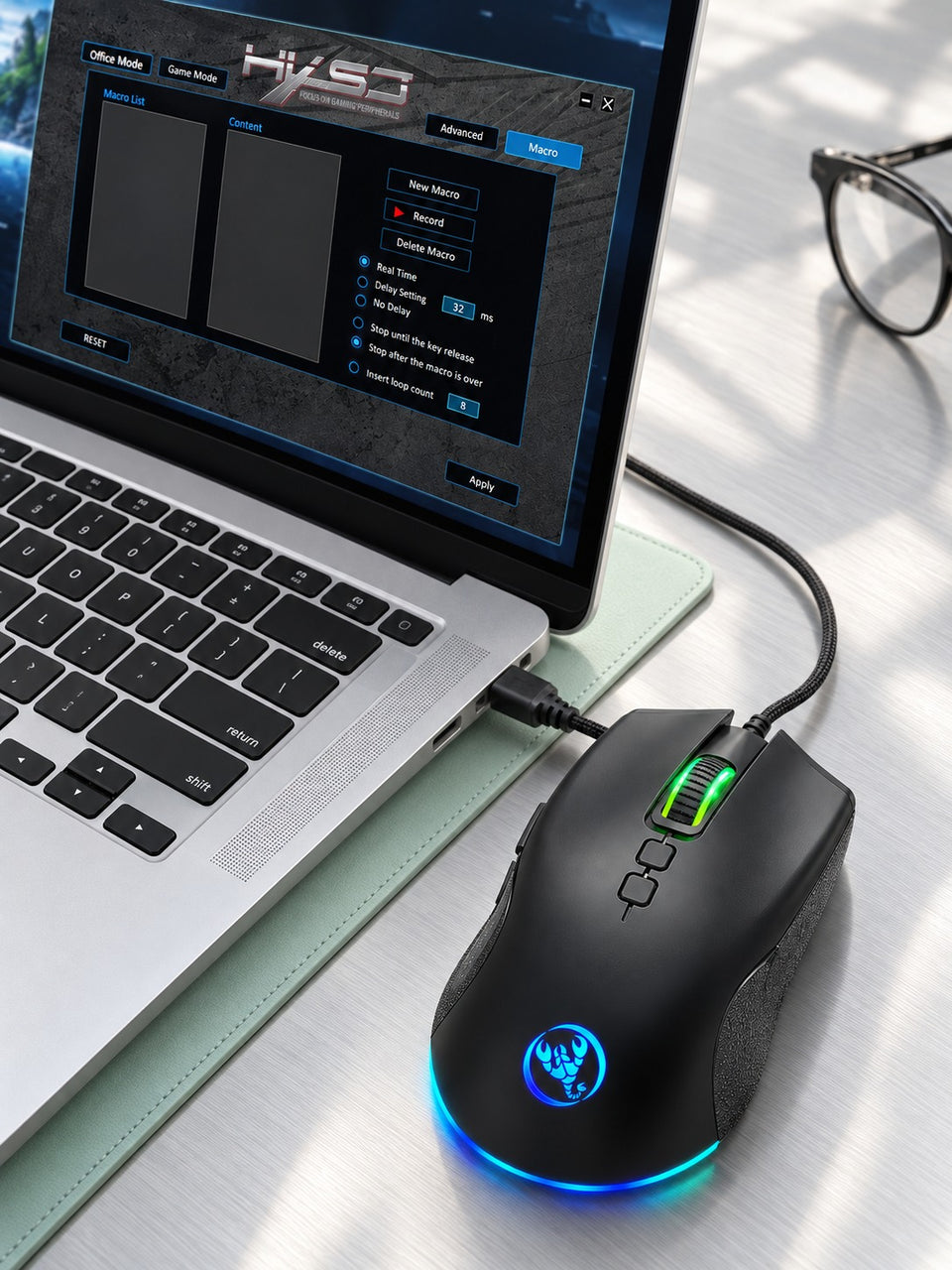
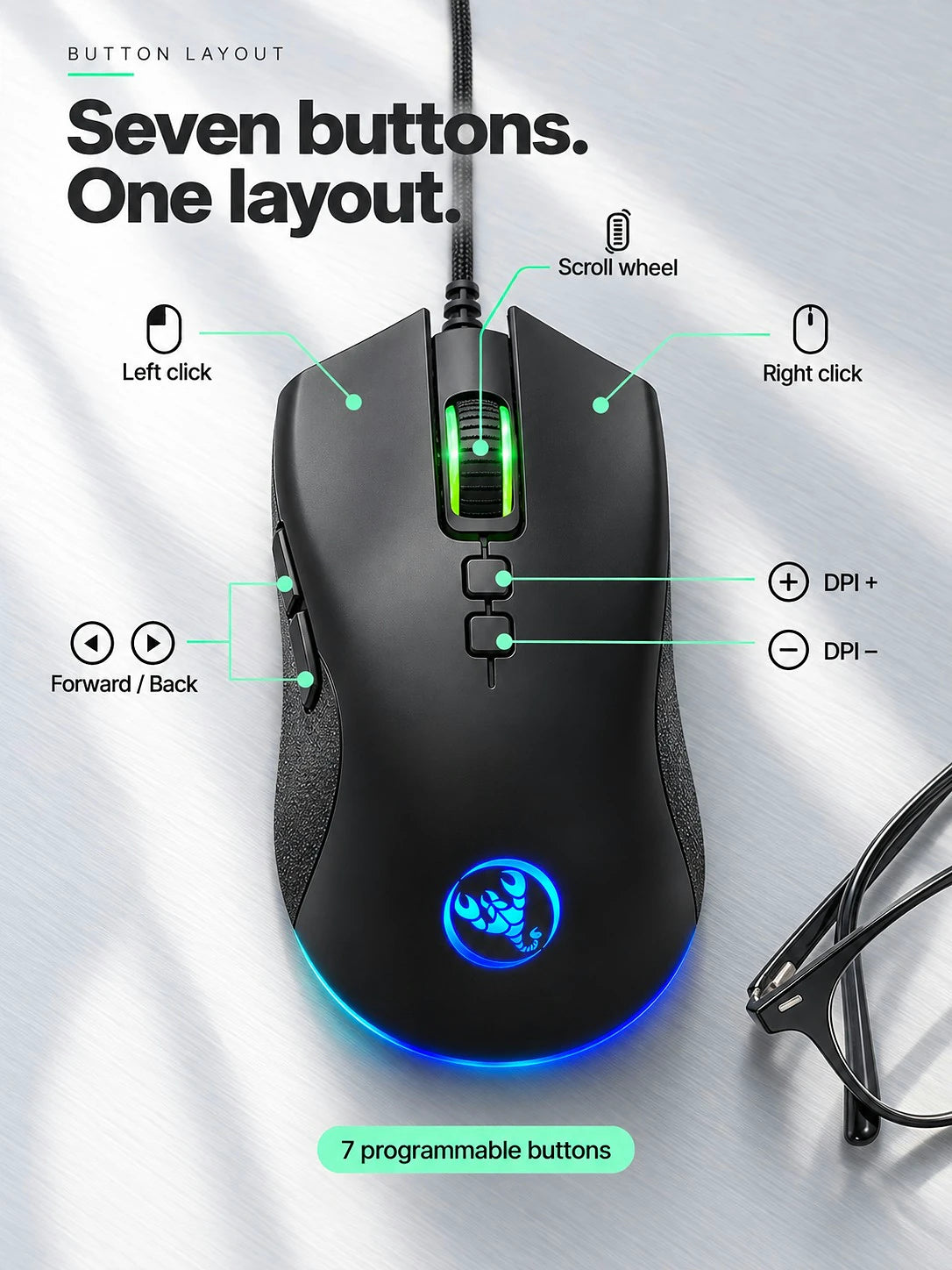
Left, right, middle, DPI+, DPI-, forward and back each have a job. Macro programming through the companion software lets you bind ability combos to the side buttons and fingers. Start with two or three core binds and build from there. Pair it with one of our mouse pads for room to move.

The 6400 DPI optical sensor covers fast flicks and slow aim. DPI+ and DPI- are separate buttons, so you drop sensitivity for a scope and raise it again without opening a menu. Keep one setting for open play and another for close fights.

The logo, scroll wheel and base strip glow violet, amber, green and blue. Breathing modes shift slowly, so the desk looks lit on purpose. It is a small touch that makes a plain setup feel like yours.
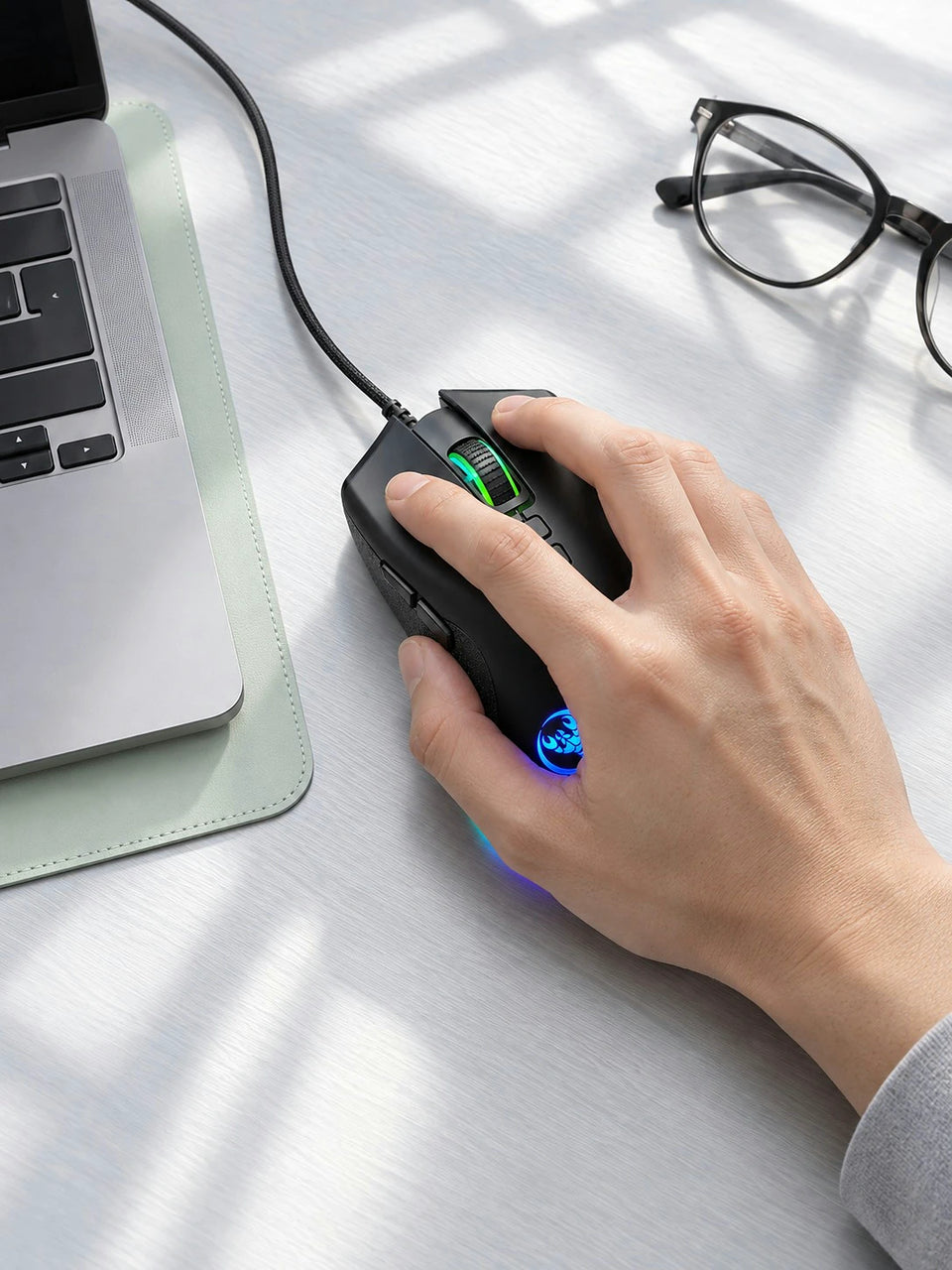
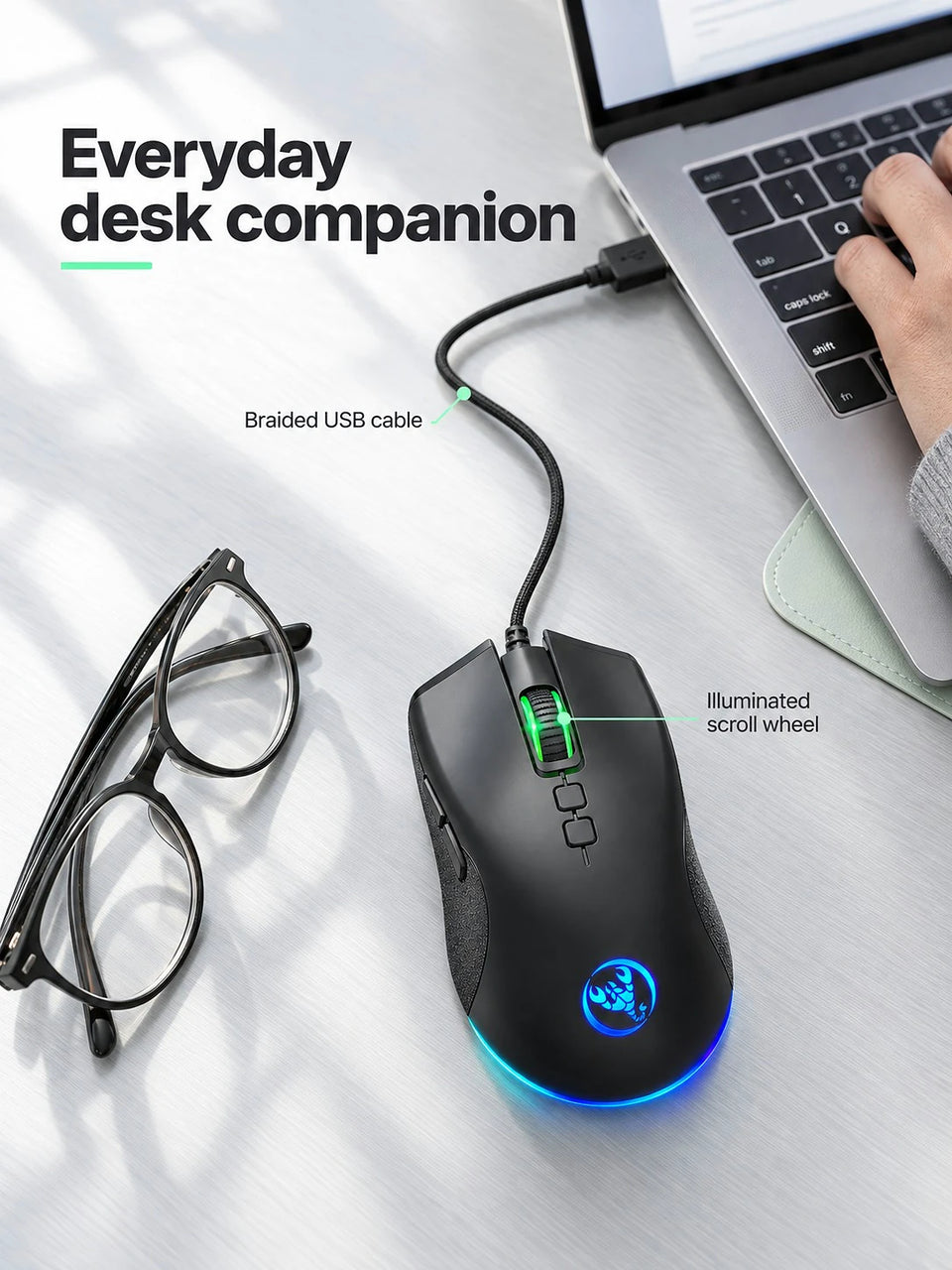
Connect the USB cable to any free port on your desktop or laptop. The mouse and lighting power up right away.
Open the companion software to see the button layout and the macro options for all seven buttons.
Pick the abilities or actions you use most, and map them to the side buttons. Test them in a practice match before ranked.
Choose a comfortable DPI for open play, then set a second level for close fights and use DPI+ and DPI- to move between them.
Seven buttons, 6400 DPI optical sensor, RGB lighting
Ferrite choke near the plug
Instruction card for buttons and lighting

Mid-fight, the ability you need sits on a keyboard key you have to hunt for, or it is not bound at all. A two-button mouse gives you nowhere to put it. The fight is gone by the time your hand finds the key.

The layout moves the extra actions under your thumb and fingers. Macros go on the side buttons, and DPI+ and DPI- sit within easy reach for sensitivity changes mid-match. Your keyboard hand stays on movement.

The logo, scroll wheel and base strip light up in violet, amber, green and blue. Your desk starts to look like you planned it, and your inputs finally match the way you play.
Plug it into a USB port and the mouse works on desktop or laptop. The RGB lighting turns on and the pointer is ready.
After a few sessions your thumb finds the side buttons without looking. DPI+ and DPI- become easy to switch mid-match.
With regular play, your macros feel automatic. The layout you set up becomes part of how you game.
Matte texture on the shell with a plastic build.
Textured sides keep your hand in place through long sessions.
Hold the plug, not the cable, when you unplug.
Lighting runs along the base strip, logo and scroll wheel.
The body is matte plastic with rubberized side grips, and the cable is braided with a ferrite choke near the plug. Those are the parts that take the most wear. Keep the cable clear of the desk edge and avoid yanking it out of the port, and it will hold up through a lot of queues.
The mouse works as a standard mouse as soon as you plug it in. To record macros and reassign buttons, you use the companion software. Set up two or three binds first, then add more once they feel automatic.
Yes. It plugs into any USB port on a desktop or laptop and works right away. Use it for ranked matches at night and for browsing or office work during the day.
The lighting runs breathing modes across violet, amber, green and blue, and the logo, scroll wheel and base strip all light up together. The glow is there for the desk, and the seven buttons are there for the game.
A basic two-button mouse does one job well and nothing more. This one adds seven buttons, DPI switching and macro control for a budget price. If it saves one lost fight a week, the upgrade pays for itself in a single ranked season. Anyone who wants more binds without a premium price tag will get the most from it. For wired desk use, you can also browse our wired mouse computer options.


 Gaming Mouse with 6400 DPI and 7 Programmable Buttons