
$49.90
Free delivery · 7–14 days
PS4 Dual Controller Charger Dock That Keeps You Playing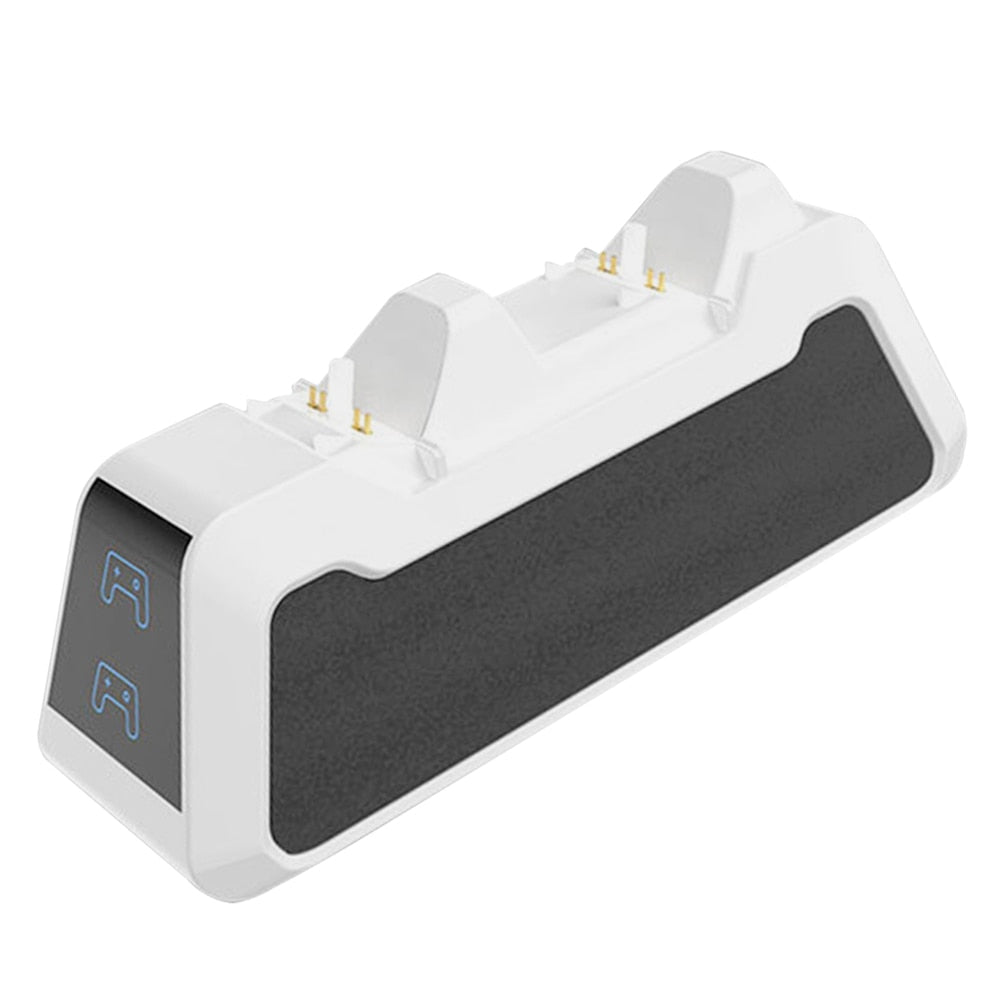


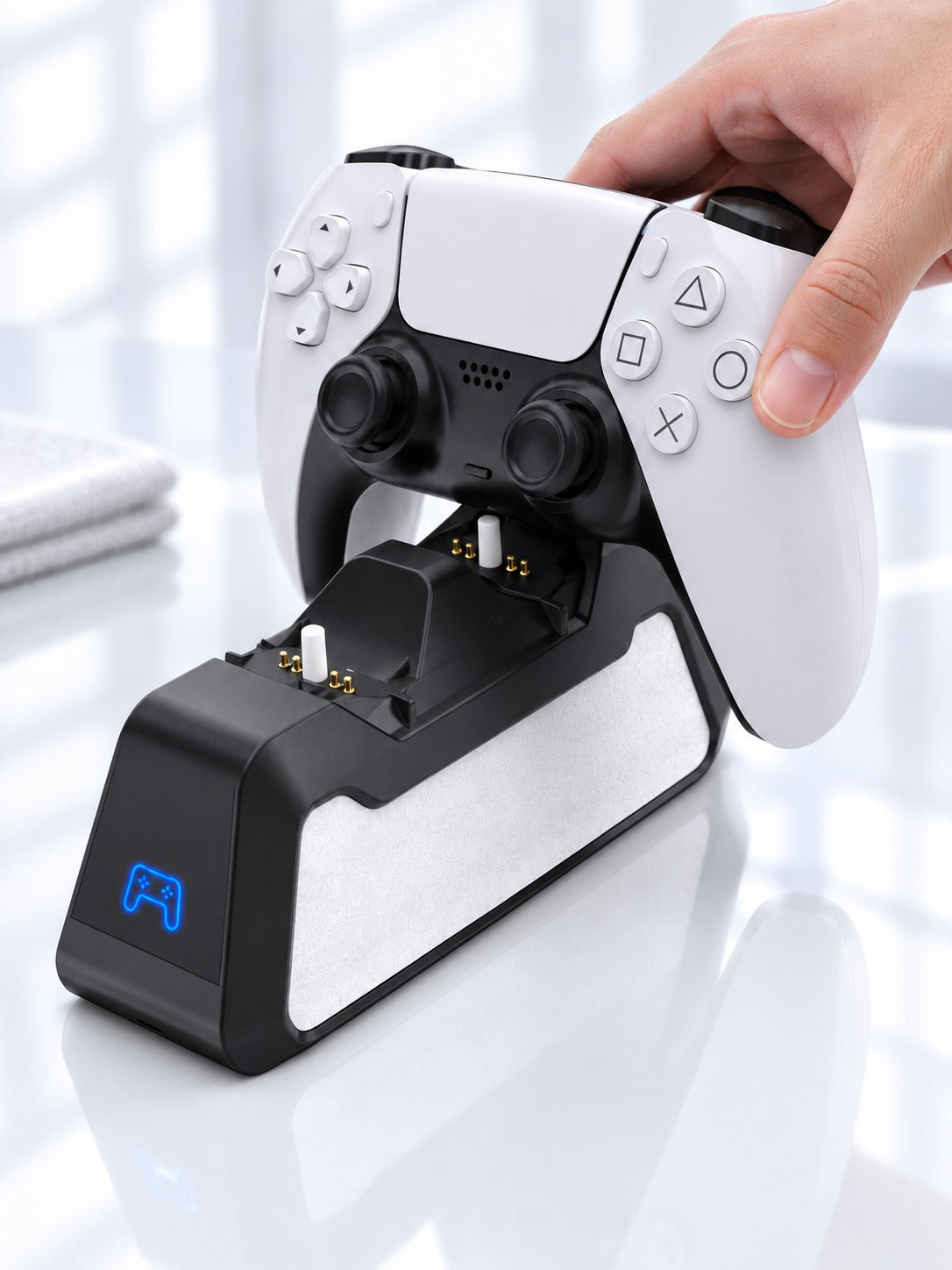


Two PS5 controllers charged and waiting on one compact matte dock beside the console. Blue lights show which pad is charging, so the cables leave the floor and the next session starts on time.
Read the full descriptionTwo PS5 controllers charged and waiting on one compact matte dock beside the console. Blue lights show which pad is charging, so the cables leave the floor and the next session starts on time.
Charge two PS5 controllers at once on a compact dock
Before: a dead pad halfway through the match and a cable tangle across the living room. After: both controllers seated on one compact dock, blue lights showing each one charging.

Each cradle takes one PS5 controller, so both pads sit on the dock and charge together. Nobody waits for a turn on a single cable, and the second pad stops sitting across the room.

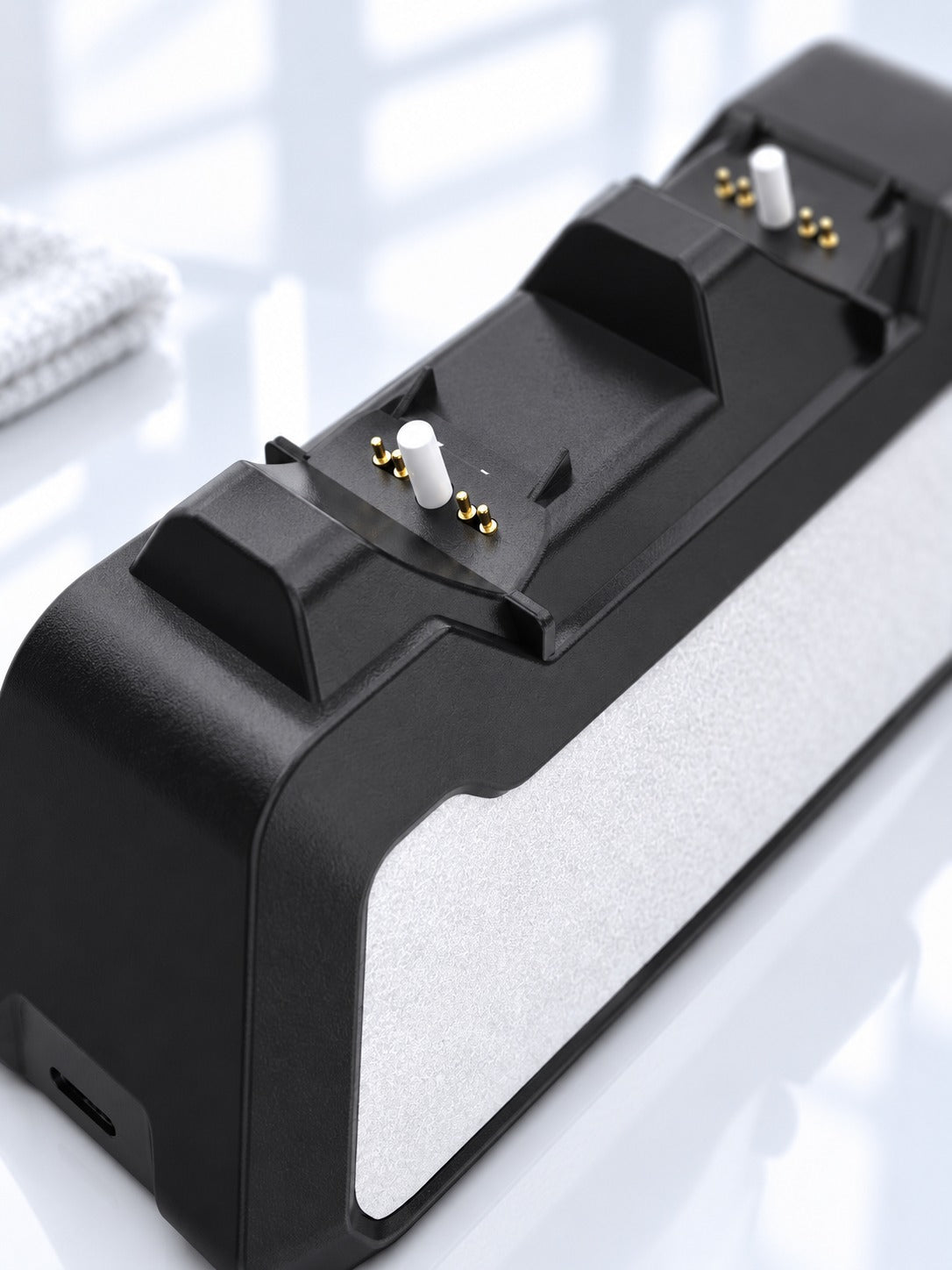
Gold-plated contact pins sit inside each cradle and meet the controller when it is seated. Line the pad up with the cradle shape, set it down, and the connection holds. The white textured grip panel keeps the base from sliding on the desk.

A blue indicator for each controller slot shows which pad is charging. Glance at the front of the dock and you know both pads are on before you sit down.
Plug a USB Type-C cable into the charging port on the back of the base, then connect it to a stable power source.
Line each PS5 controller up with its cradle and set it down gently so the gold contact pins meet the pad.
The blue indicator on the front lights up for each controller that is charging. If a slot stays dark, lift the pad and seat it again.
Each cradle is shaped for a PS5 controller, and the base is compact enough to sit on a TV stand or a desk next to the console. Leave a few inches of clear space around the dock so you can lift each pad with one hand.
The product information does not list a charge time, so use the blue light as your check. Seat each pad until its slot shows charging. Overnight is the simplest window for a pad that is fully drained. A fast charger usbc works well as the power source for steady charging.
A single cable charges one pad at a time, and the other player waits. The dock holds both pads in one spot with a status light on each slot, so the cable clutter goes away and the next session starts with two charged controllers. One purchase replaces the drawer of cables and the wait between rounds.
You are paying for gold-plated contact pins, a matte finish, and a grip base that stays put. A dead controller ends a session for everyone, and a dock that keeps both pads ready on every game night costs less than the time you lose waiting for one pad to charge.


 Dual PS5 Controller Charging Dock for Two Controllers